-
-
Hunger Crush app icon (1024 × 1024)
-
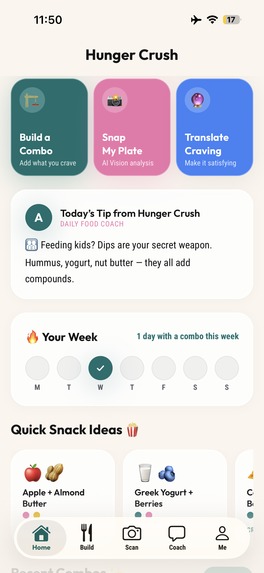
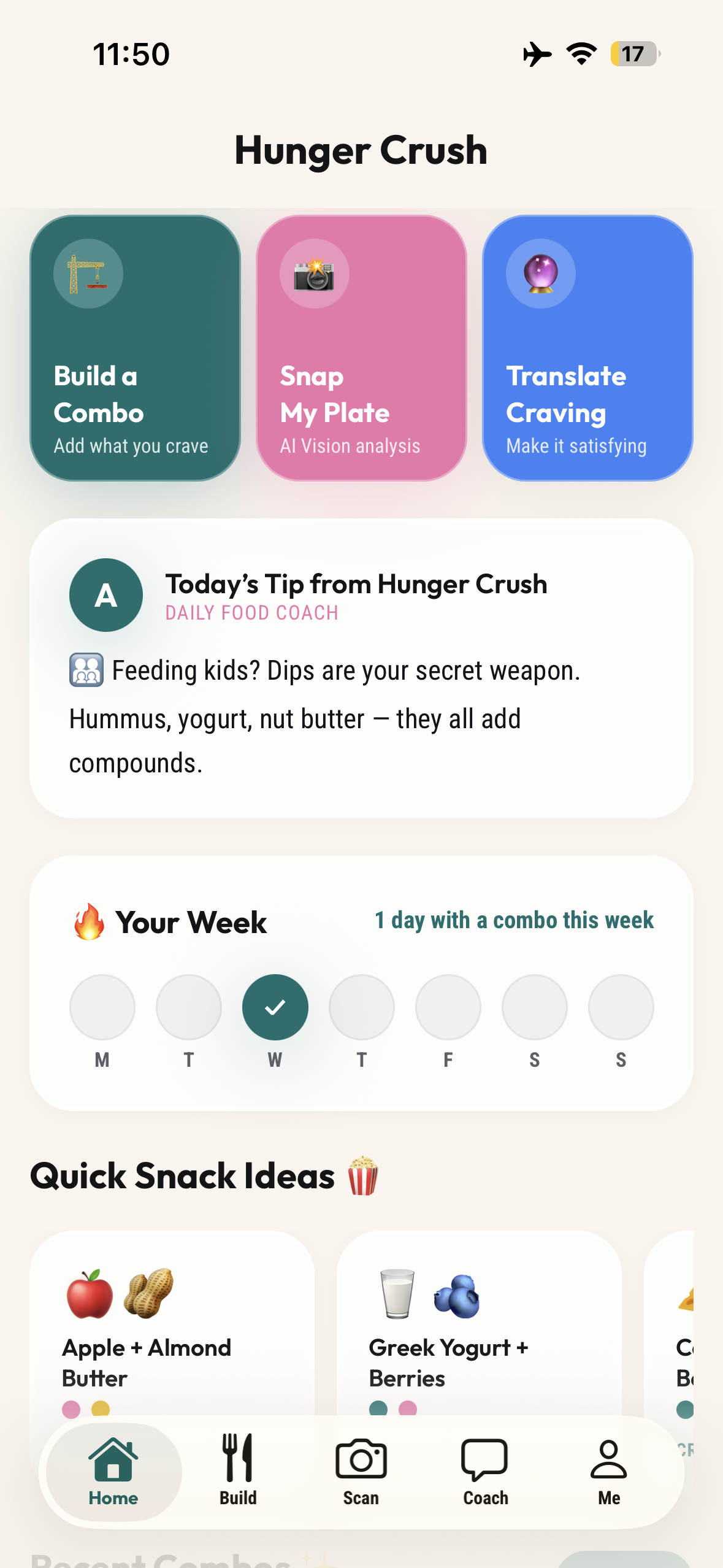
Home Screen (Daily Tips + Weekly Streak)
-
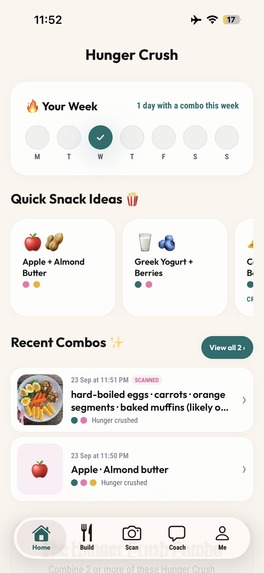
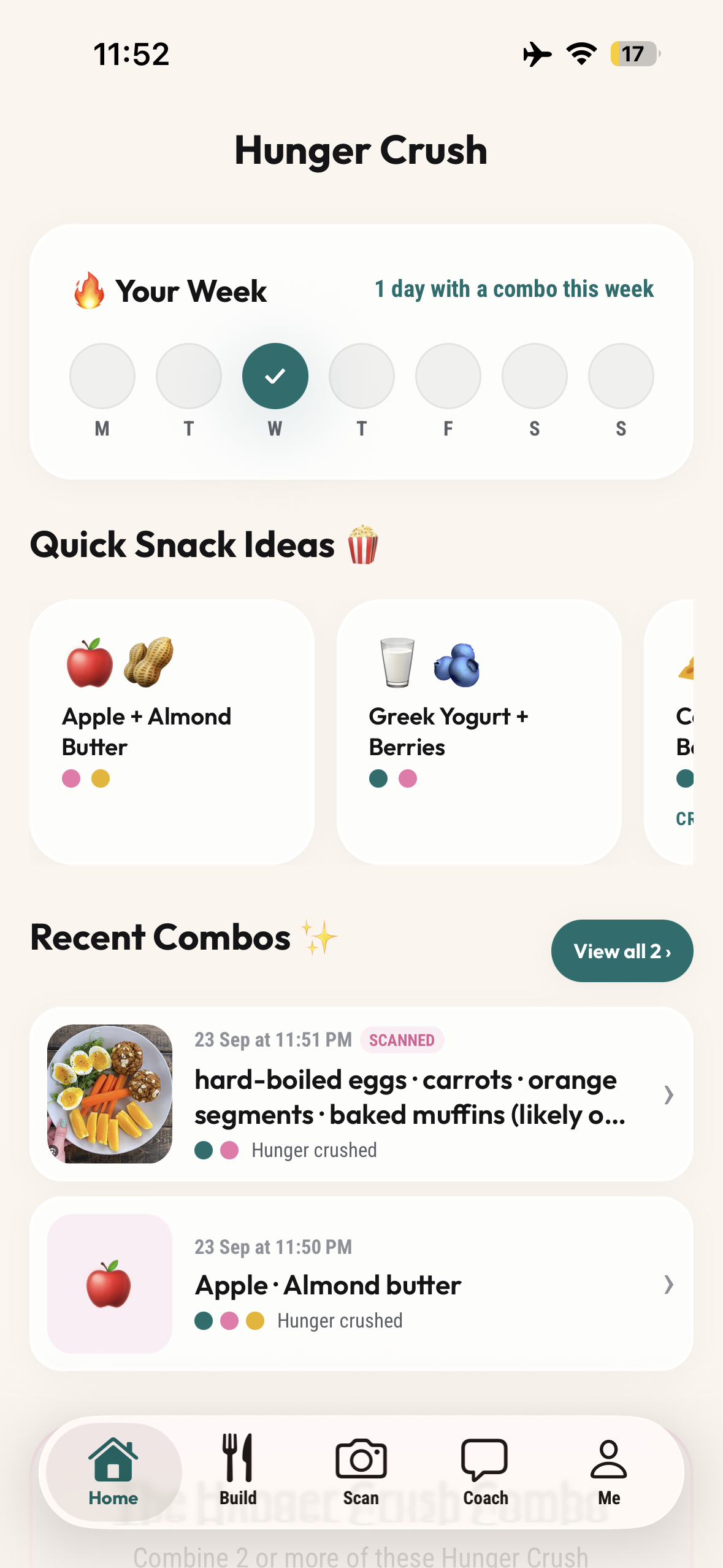
Home with (Quick Snack Ideas + Recent Combos)
-
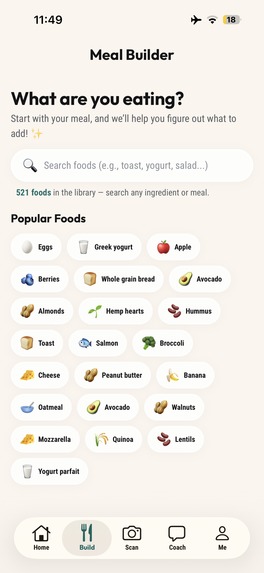
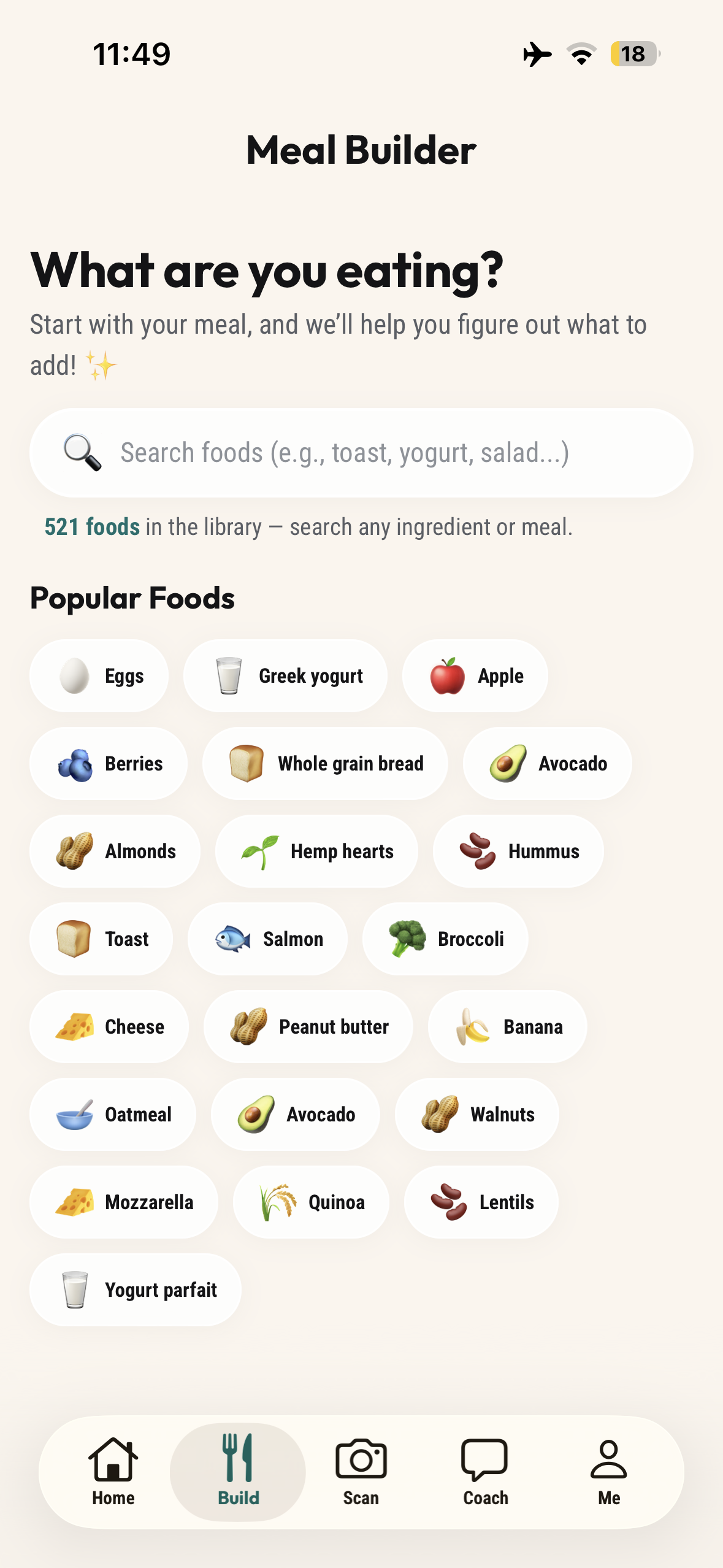
Meal Builder (Search from Food Library and Build your Meal)
-
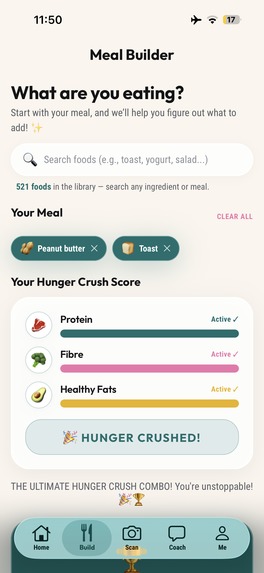
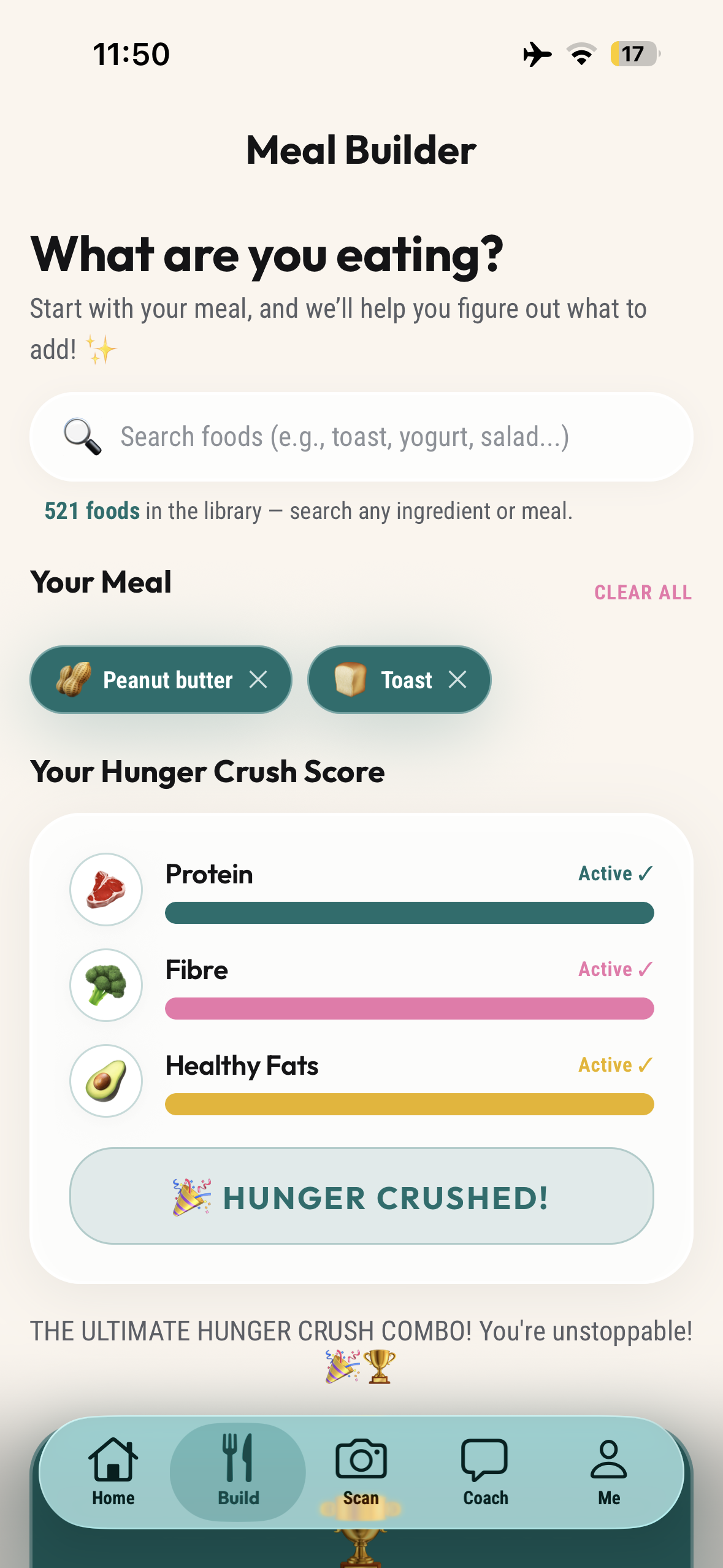
Meal Builder Hunger Crushing Combo (Scorecard)
-
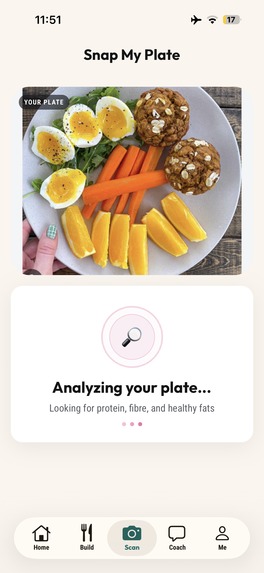
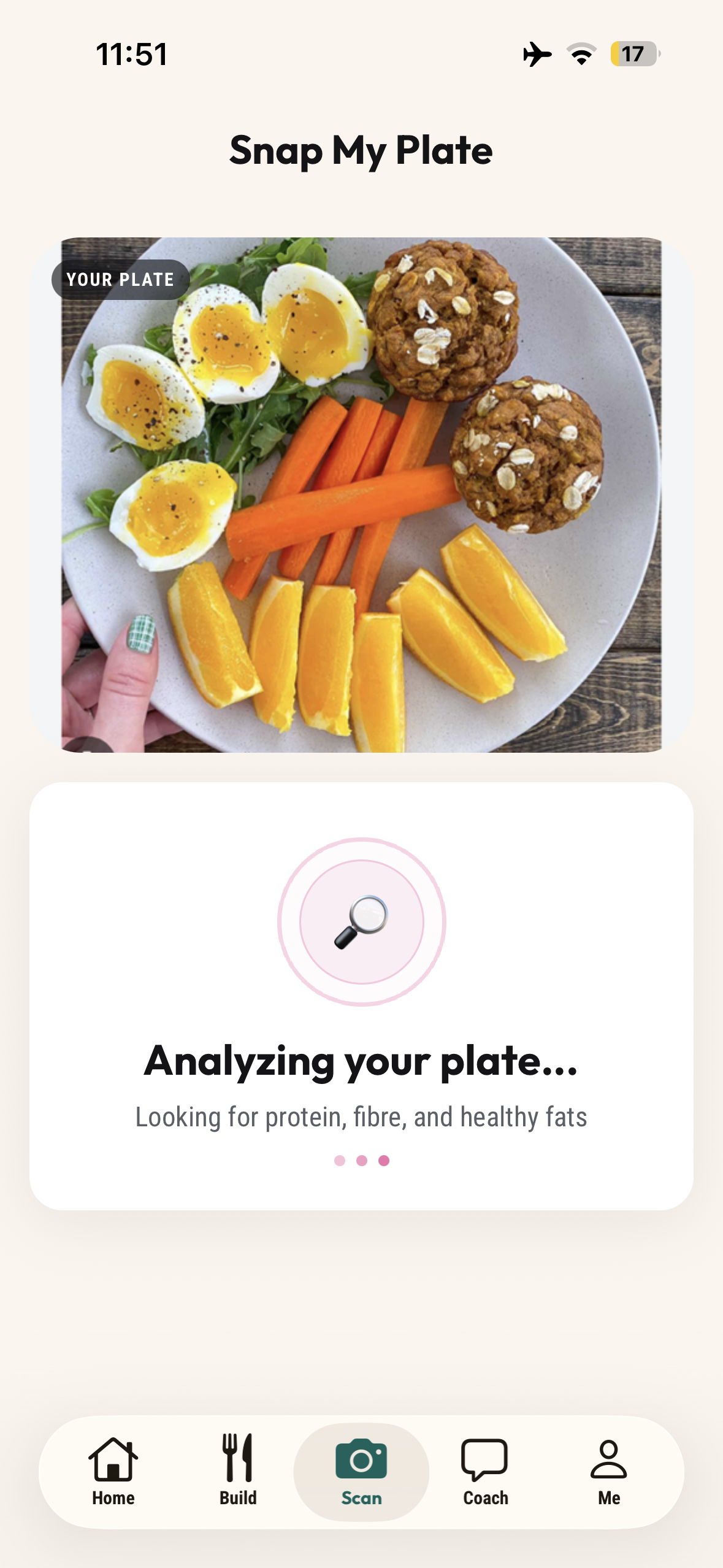
Plate Scan in Progress
-
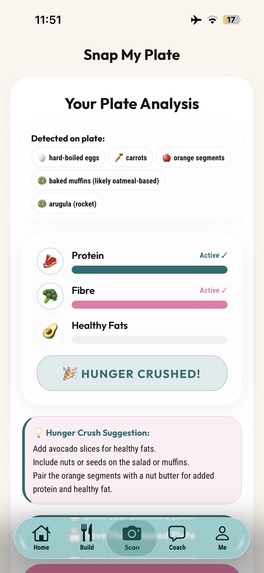
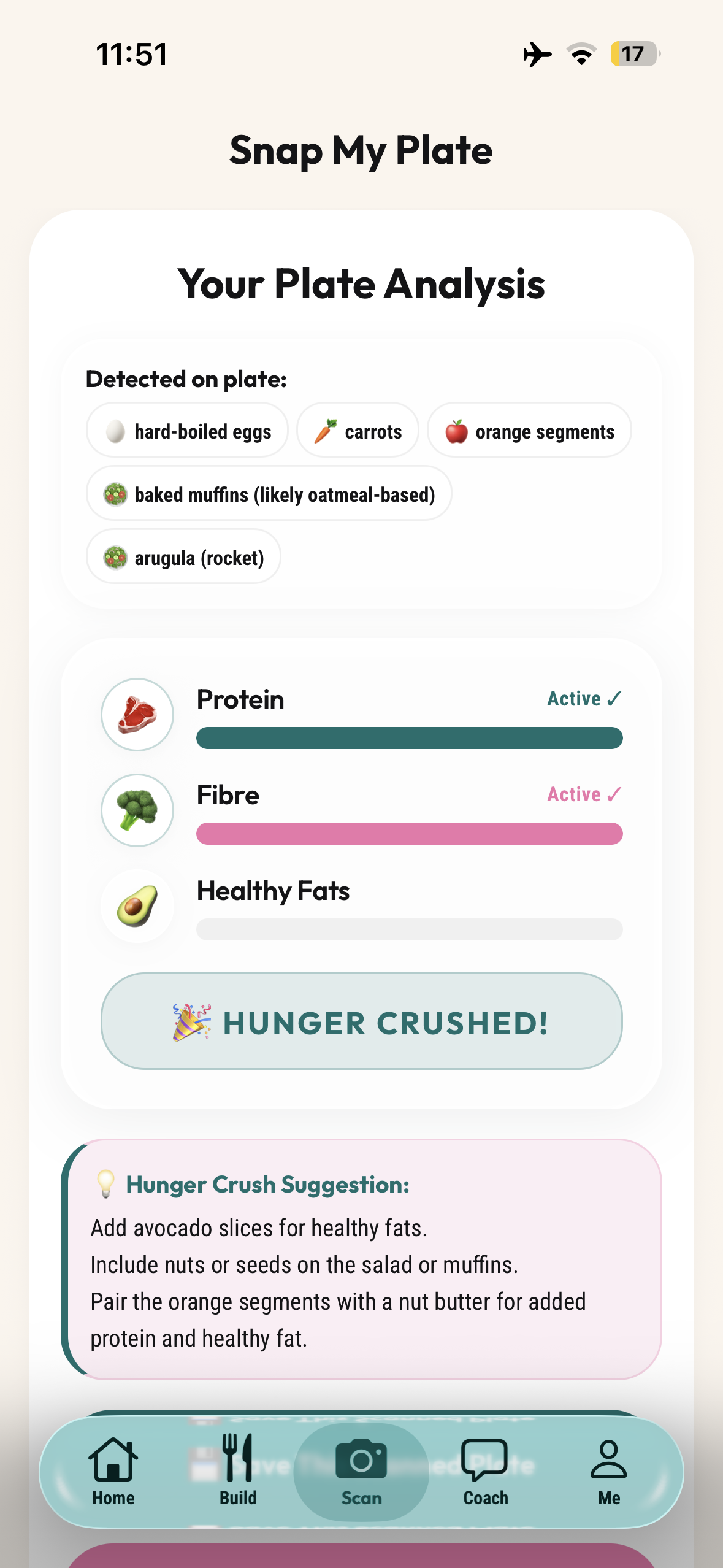
AI Plate Analysis (Hunger Crushing Combo Analysis + Suggestions)
-
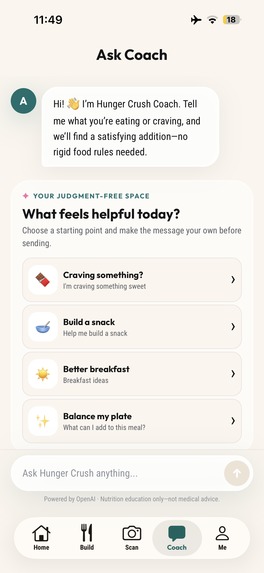
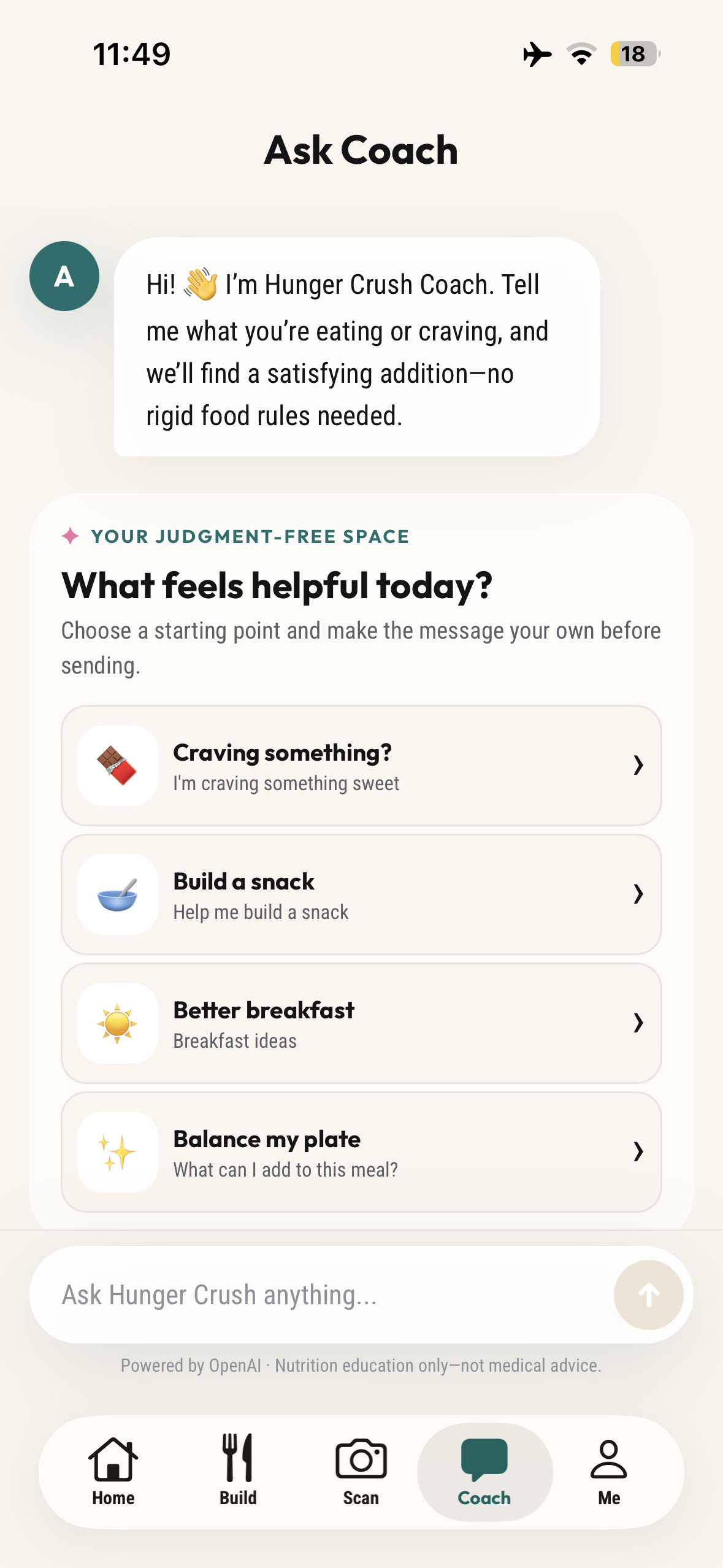
Ask Coach Prompts
-
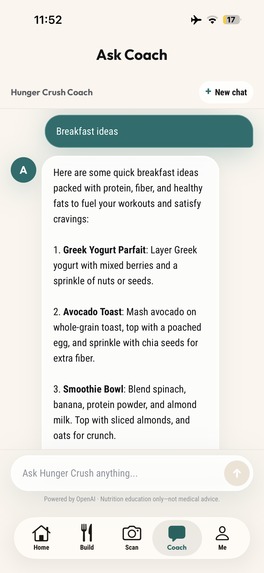
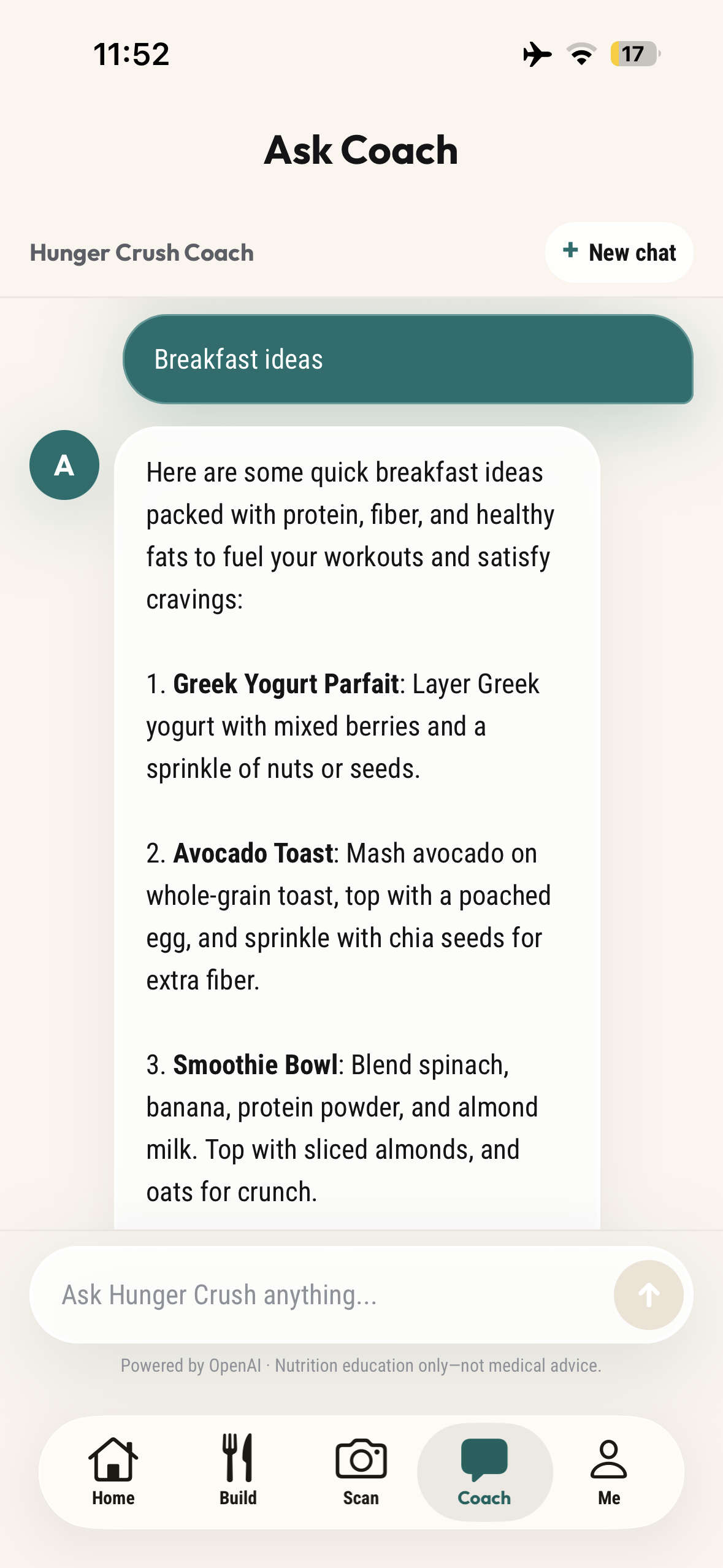
Coach response with Meal Ideas
-
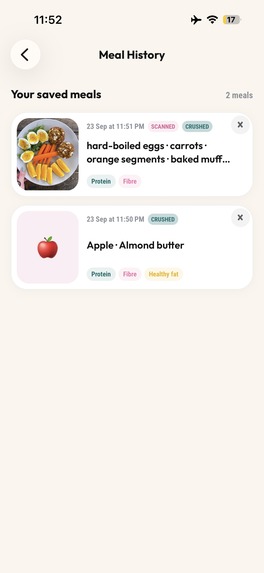
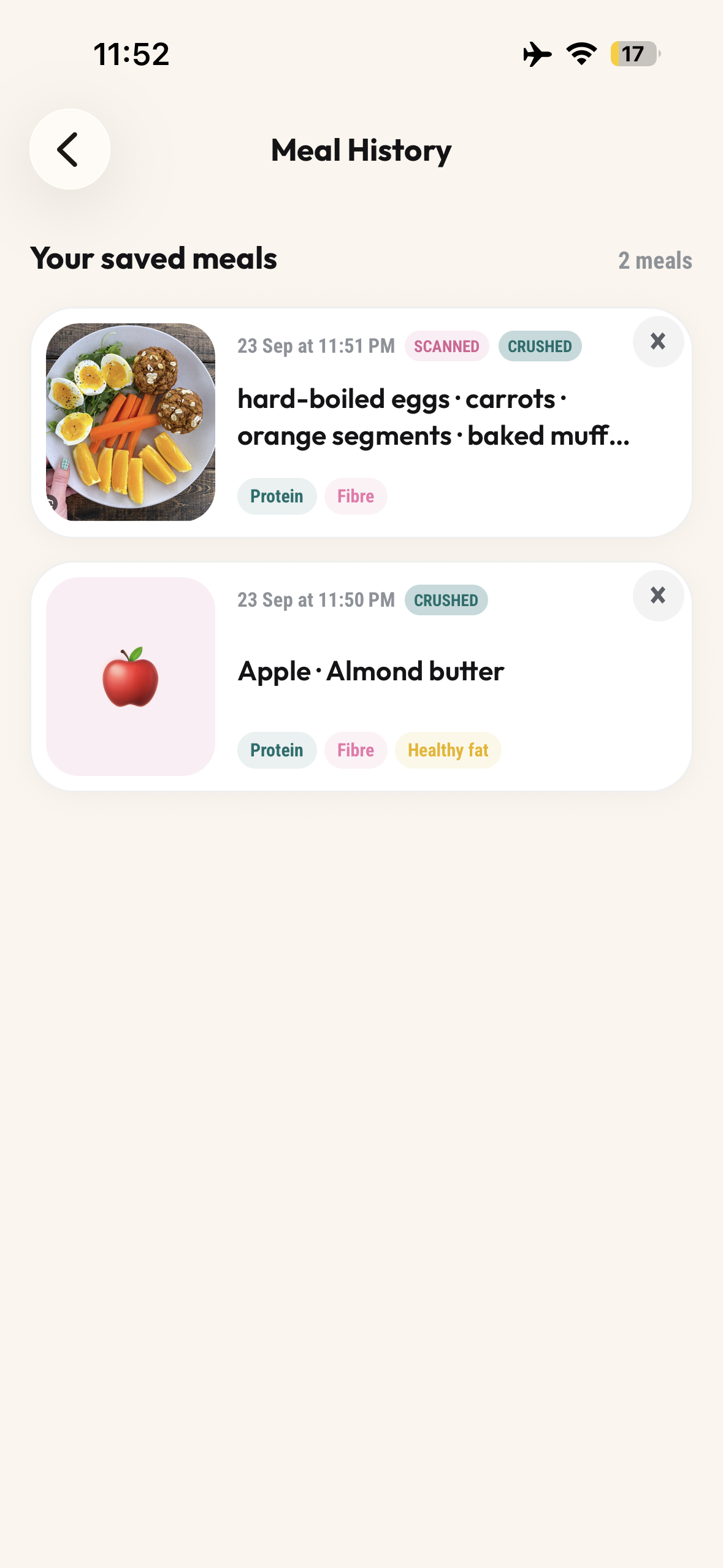
Meal History of Saved Combos
-
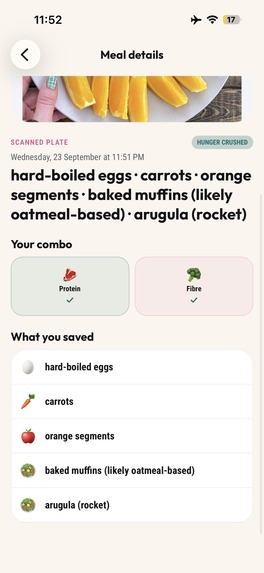
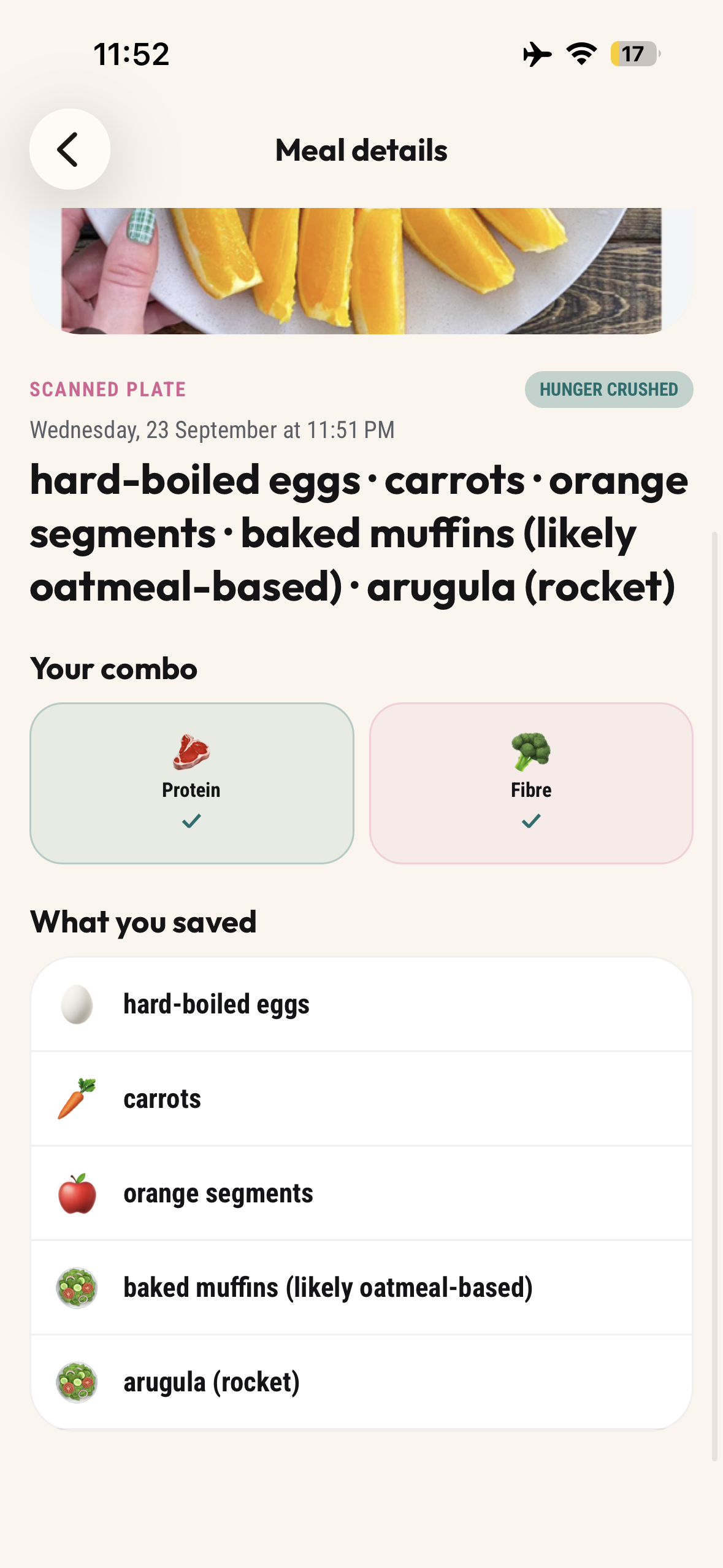
Saved Meal Detail (from AI Plate Analysis)
-
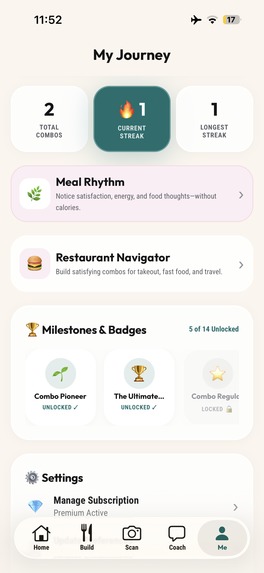
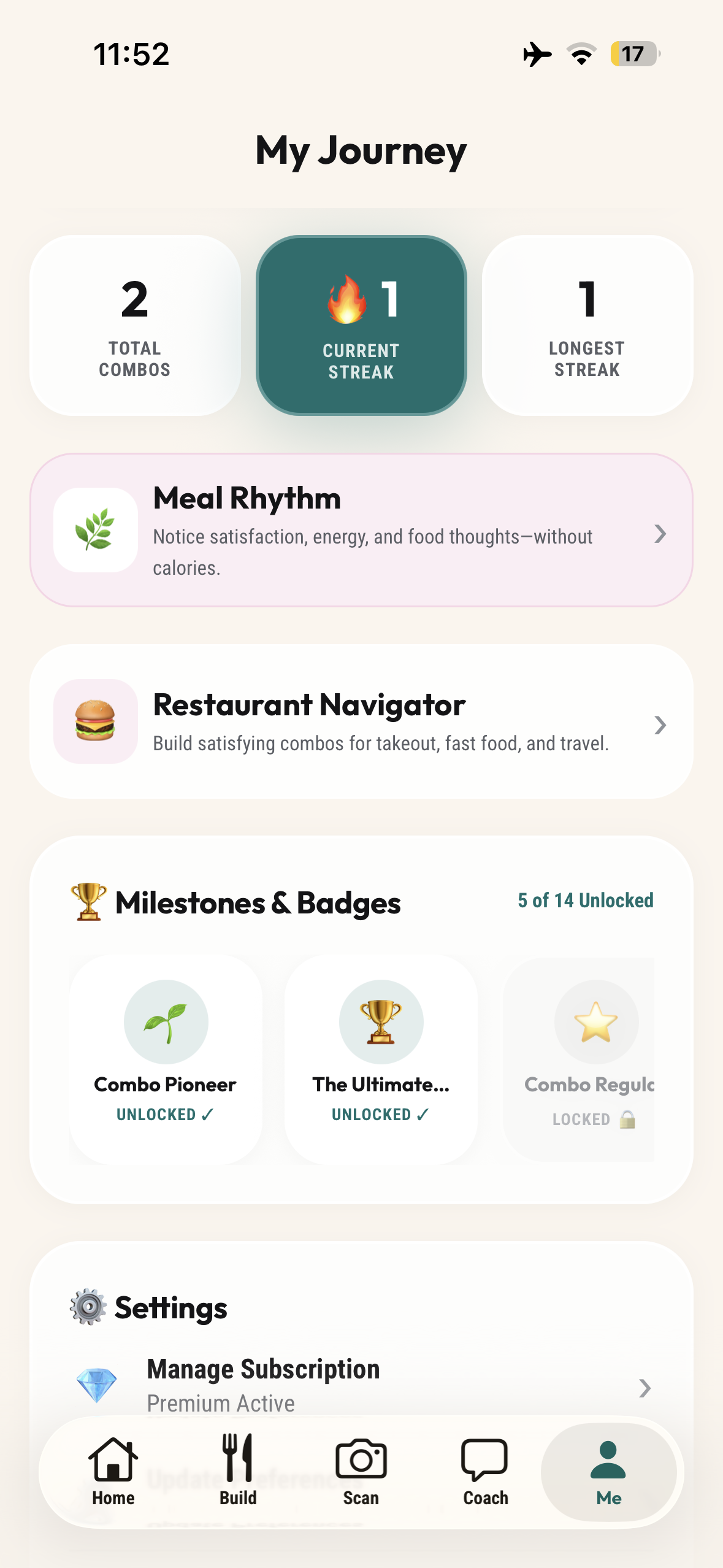
My Journey Overview
-
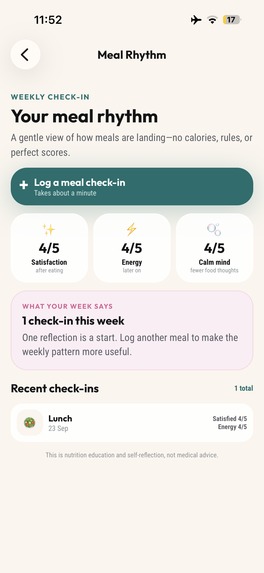
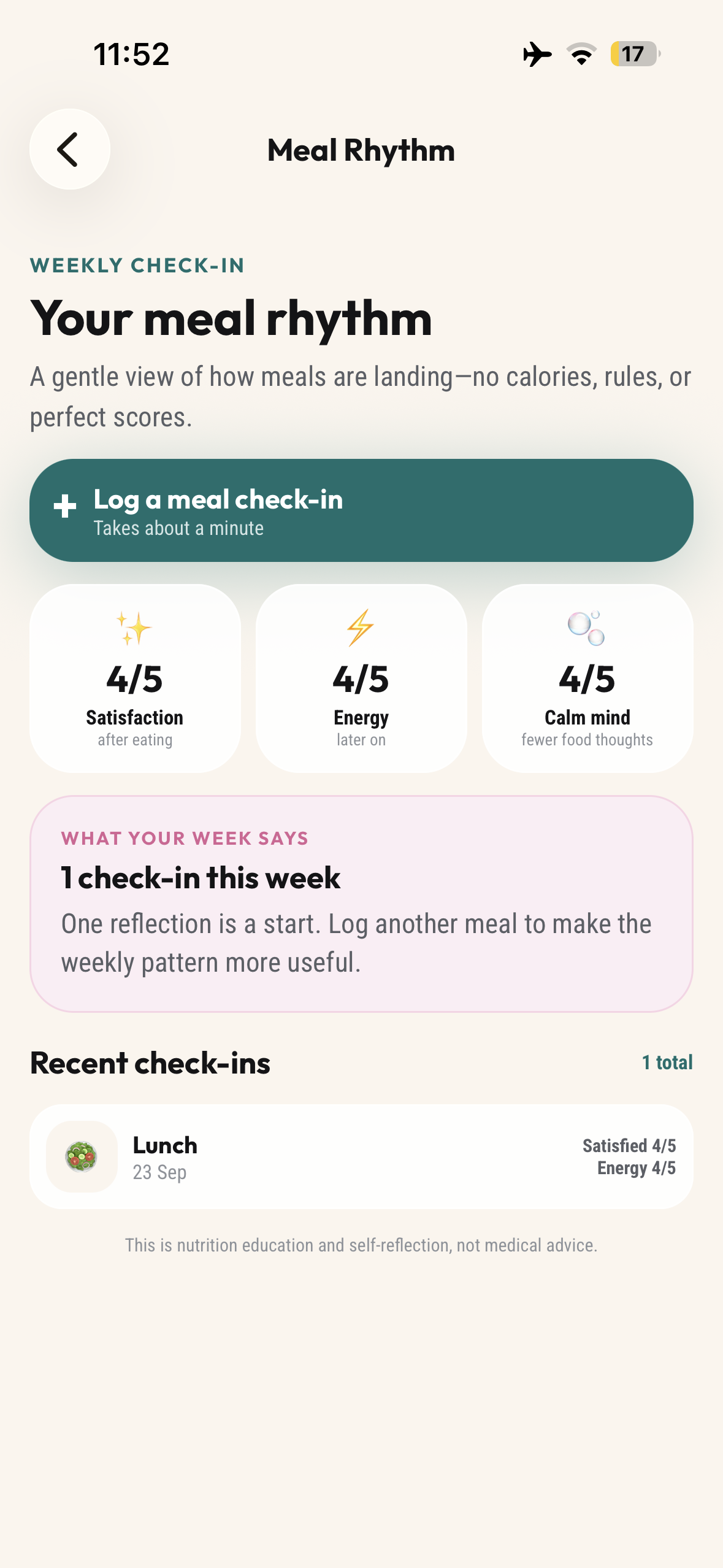
Meal Rhythm reflections (Log your Meal Satisfaction)
-
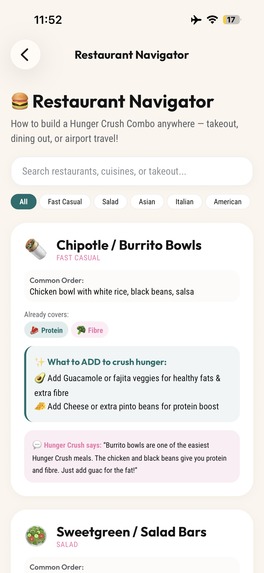
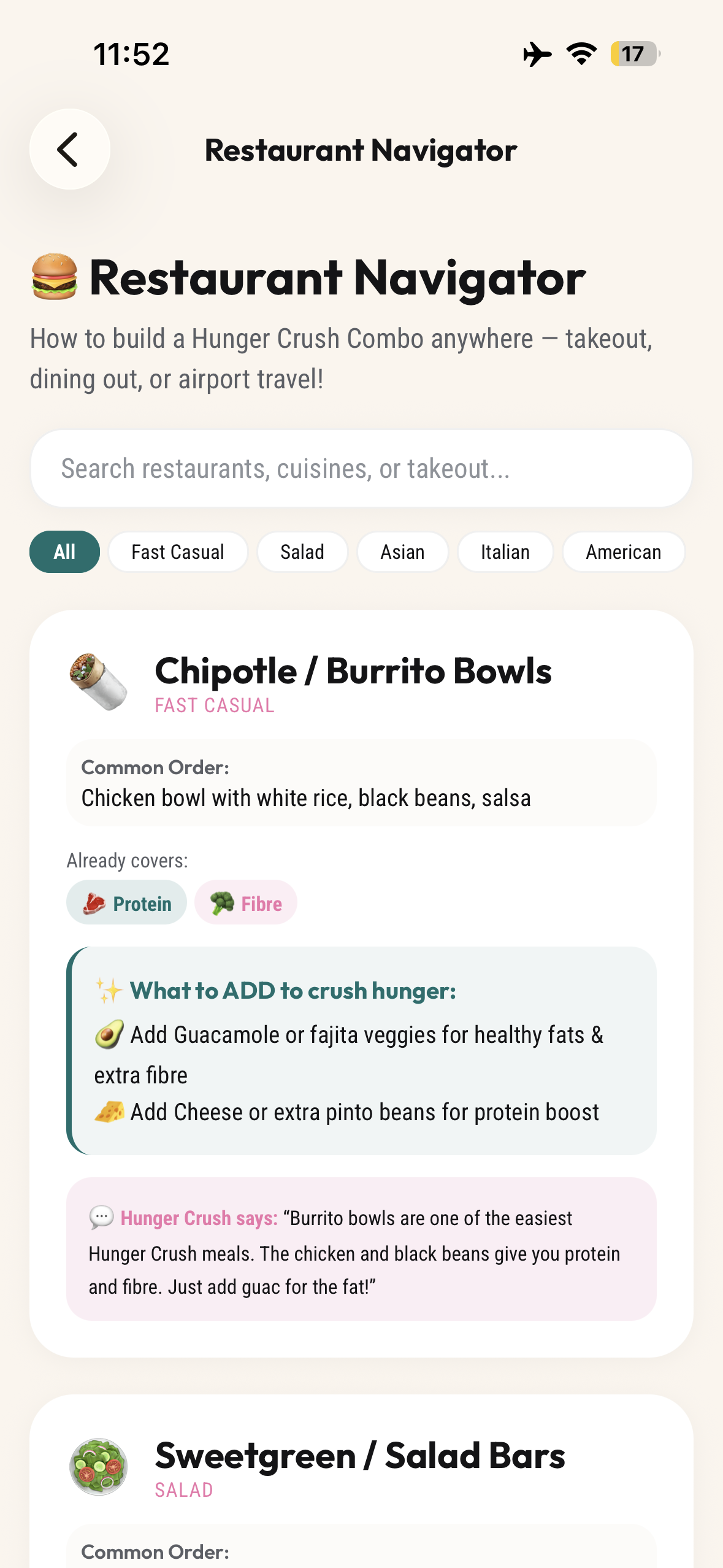
Restaurant Navigator
-
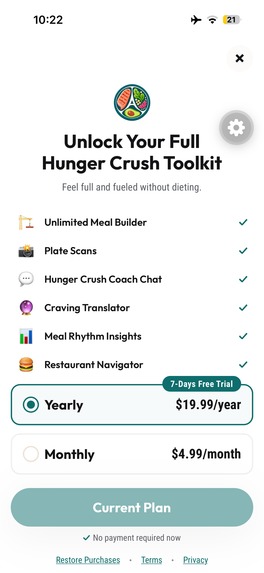
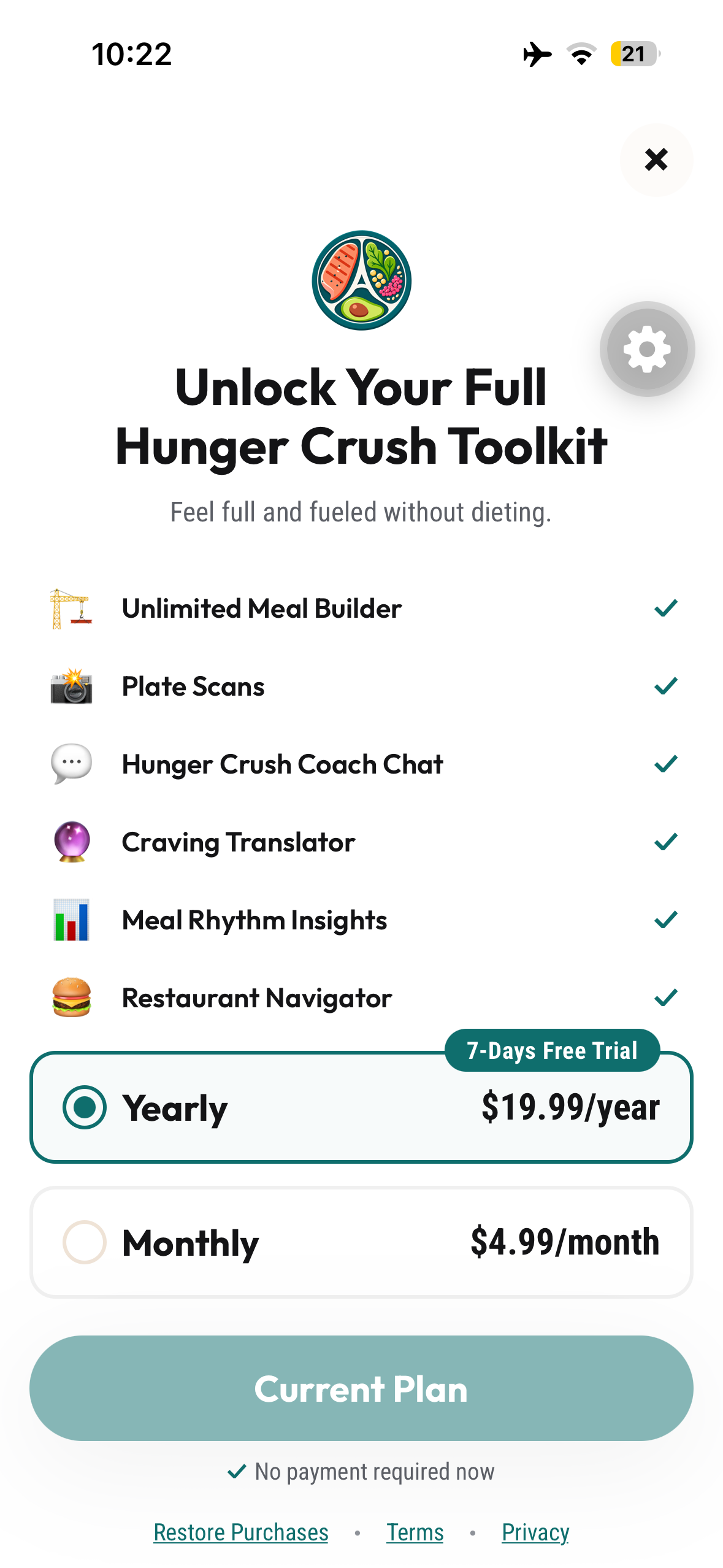
Paywall
Inspiration
It is lunchtime. You have something you want to eat, a few minutes before your next task, and one question: what could make this meal more satisfying?
That everyday moment became the starting point for Hunger Crush.
Abbey Sharp’s Hunger Crushing Combo framework offered a practical foundation: bring together protein, fibre, and healthy fats while keeping the foods you enjoy. I wanted to turn that idea into something people could use while assembling lunch, choosing a snack, or ordering at a restaurant.
Hunger Crush helps people start with the meal already in front of them, explore useful additions, and reflect on how they feel afterward. The aim is to make everyday eating easier without calorie counting, macro tracking, or forbidden foods.
What it does
Hunger Crush brings meal building, practical guidance, and personal reflection into one experience.
Build a meal you want to eat. Search the food library, combine foods, and see how they contribute protein, fibre, and healthy fats. The Meal Builder provides a Hunger Crush scorecard and suggestions, and lets you save favourite combinations for another day.
Start with the plate you already have. Snap My Plate uses AI to analyze a photographed meal and suggest ways to round it out. It gives people another way to explore a meal when manually entering foods would be inconvenient.
Get help in everyday situations. Hunger Crush Coach answers questions about meals and cravings. Restaurant Navigator extends that support to eating out, where the available choices differ from what someone can prepare at home.
Notice what feels satisfying. Meal Rhythm lets people reflect on how meals leave them feeling. Saved combinations and meal history make it easier to revisit meals they enjoyed.
The journey is straightforward: build or photograph a meal, consider the suggestions, save a useful combination, and reflect afterward.
How I built it
I built the mobile app with React Native, Expo Router, and TypeScript.
OpenAI powers the optional plate analysis and Coach through a server-side proxy. Locally saved meals support the meal history and let people keep combinations they want to revisit.
RevenueCat manages monthly and yearly Premium subscriptions, entitlement checks, purchases, and restoration. The free tier includes limited daily meal building. Premium unlocks unlimited building and the additional tools.
This structure gives people a way to try the core meal-building experience before choosing whether the broader toolkit is useful to them.
Challenges I ran into
The central design challenge was making nutrition guidance useful without making it rigid or judgmental.
Showing information about protein, fibre, and healthy fats is only part of the job. The experience also needs to help someone decide what to do with that information while respecting the meal they want to eat.
On the technical side, I brought photo analysis, subscription access, and locally saved meals together into a clear mobile flow. I also learned how important it is to preserve a useful experience when AI services are unavailable. Meal building needs to remain valuable on its own.
Accomplishments I’m proud of
I brought the Hunger Crushing Combo idea into a working mobile experience that supports several everyday situations: assembling meals, exploring a photographed plate, asking about cravings, and eating out.
I’m particularly proud of including Meal Rhythm alongside those tools. It gives people space to reflect on their own experience after eating, alongside the suggestions they received beforehand.
I also connected free meal building and Premium tools through RevenueCat, including purchase restoration.
What I learned
A useful nutrition app needs to connect information to a practical decision.
The most valuable question became: what can someone do with this guidance at their next meal?
I also learned that reflection deserves a place in the experience. Suggestions can offer ideas; Meal Rhythm lets people record how the meal actually felt to them.
What’s next
I want to expand the food library, make suggestions more personal, and refine the experience through feedback from people using Hunger Crush in everyday life.
My priority is to learn which combinations people return to, where suggestions are difficult to use, and how meal building and reflection can become more helpful together.
Built With
- expo-router
- expo.io
- openai
- react-native
- revenuecat
- supabase
- typescript

Log in or sign up for Devpost to join the conversation.