-
-
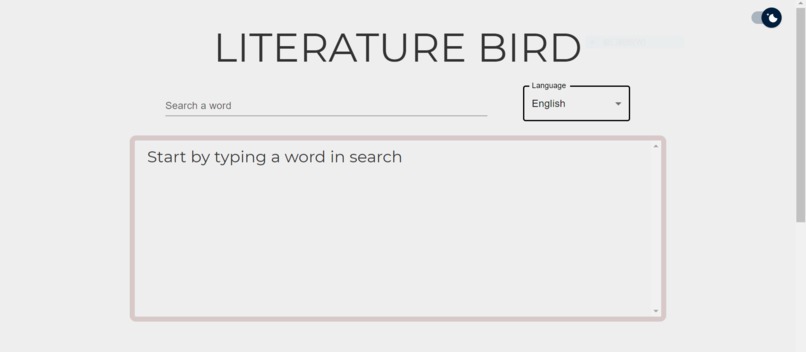
Search Engine
-
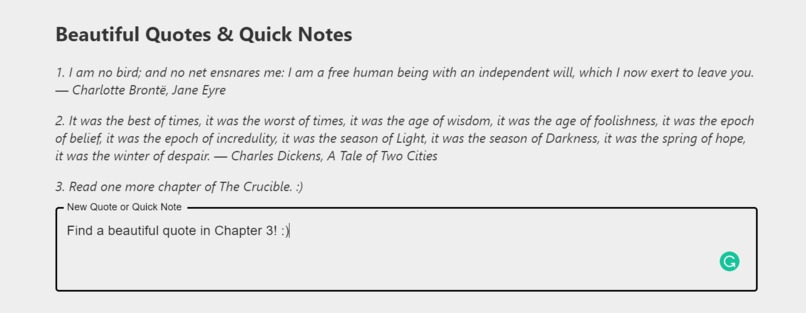
Quotes & Notes Area
Inspiration
As an international student, reading literature in another language can be one of the most terrible nightmares I can think of. The feeling of not being able to understand the words and metaphors in a piece of literature always makes me disappointed with myself. Besides, even though I spent much time searching for words while reading, I cannot remember them just after a few moments.
During Covid-19, the stress became heavier due to online learning. I lost many opportunities to share my thoughts on the pieces of literature with my classmates, which prevents me from gaining more insights and deeper understandings of the books. Literature circles do not work well during this particular time. As a result, I had to figure out what each word and characters’ actions imply on my own, as well as take notes for everything rather than divide the work up with my group mates.
I hope to help international students like me feel less overwhelmed when learning in another language, especially when being isolated because of remote learning. The app might help students who are not good at literature search meanings of words and collect them in one place for future review. It might also help students to take quick notes, such as their reading progress. It can even be used to extract beautiful quotes from literature, and students’ insights as well.
What it does
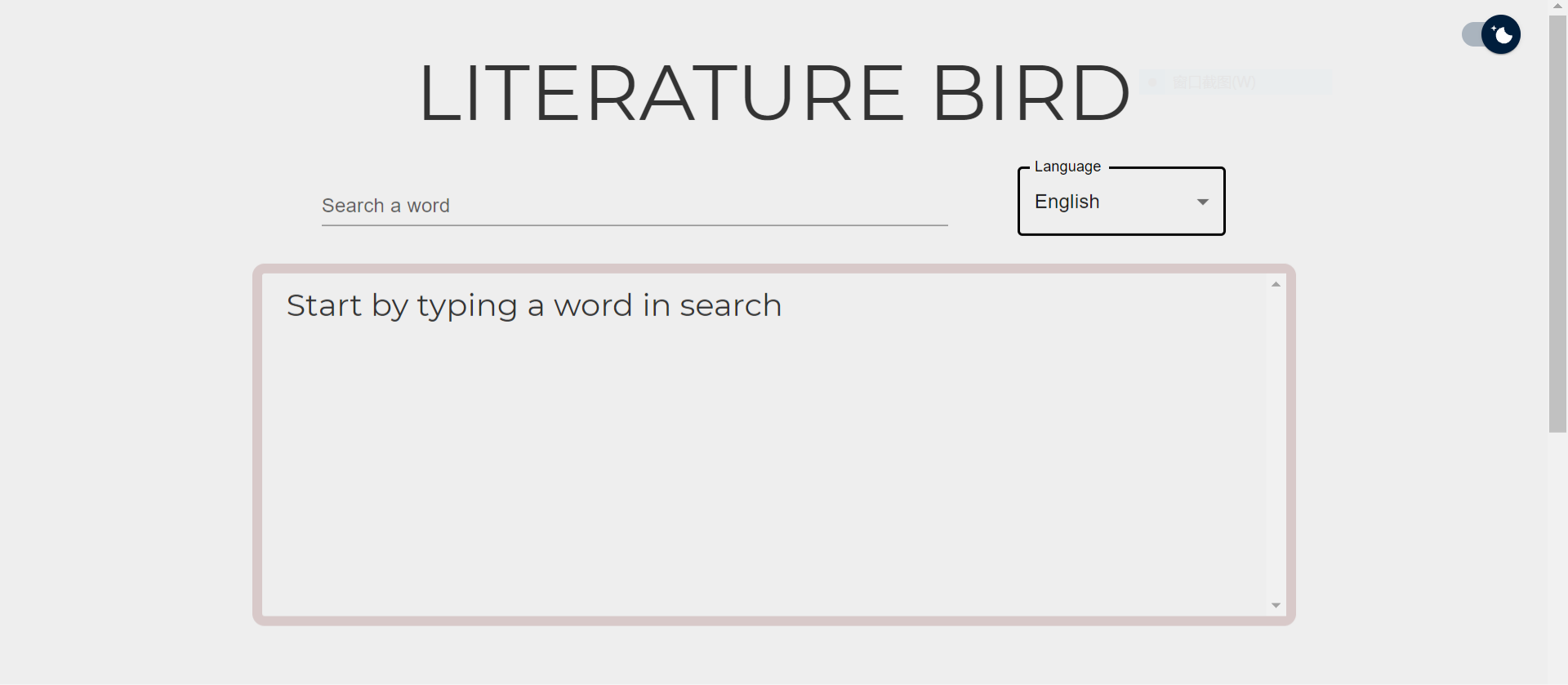
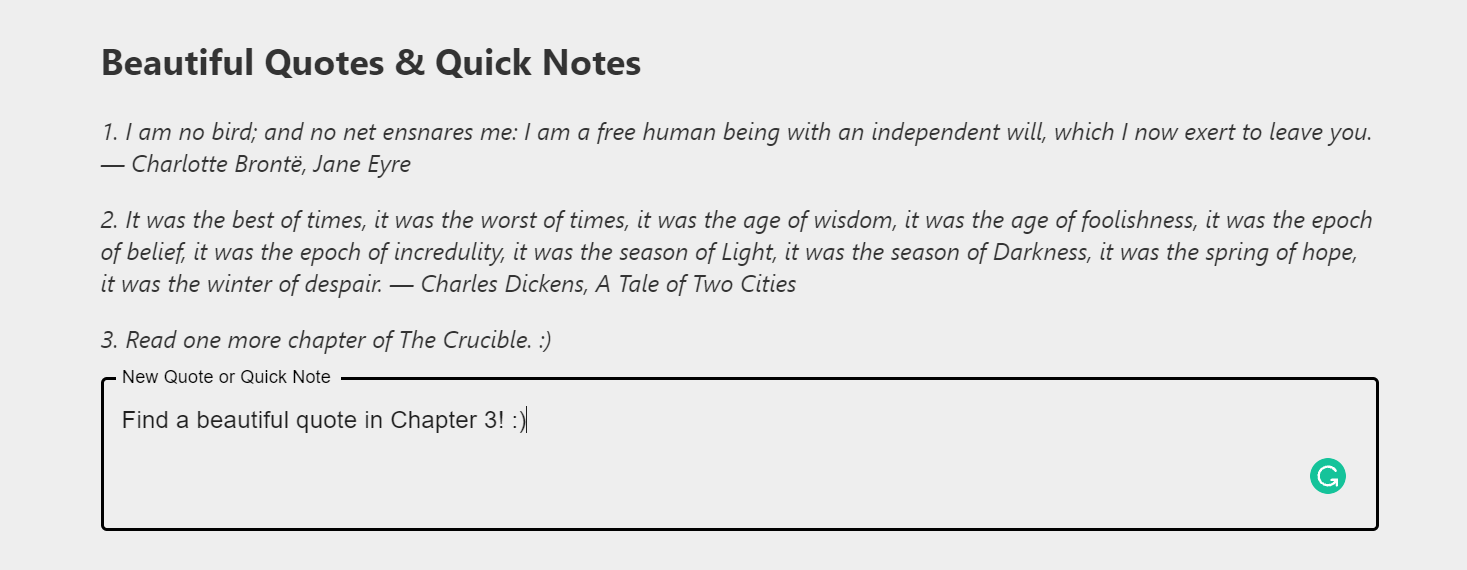
One of the main features of this web application is searching meanings of words in various languages, including English, Hindi, French and so on. The big title at the top of the app reflects your typing in real-time. The searching outcome would include the word’s audio, definitions, examples and synonyms. Under the searching window, there is a place for you to take note of your quotes, keywords (Probably accompanied by the definitions, examples and synonyms searched before), thoughts and insights while reading. This can be done by filling the text area under the previous notes and pressing enter. You can also keep a record of your reading progress and learning outcomes here. If you want to delete something from the list, just click on it. (When you hover on it, there is a line crossing the words.)
I have also implemented a feature that allows the app to switch between light mode and dark mode. Considering reading for a long time might be tiring, I hope this feature can help you relax to some extent. The functionality of downloading the app and using it on your PC as a native app is also implemented.
How I built it
I used React library as the app’s web framework, which makes it convenient for me to create interactive UIs and encapsulated components that manage their state. Besides, Material-UI is also imported for creating more customizable React components, including the text areas, select box and search result container. I also implemented a word search engine for many languages using dictionary API to fetch words’ definitions, examples, synonyms and audios. Lastly, this app is an installable and responsively designed Progressive Web App (PWAs), which uses service workers, manifests, and other web-platform features in combination with progressive enhancement, to give users an experience with native apps.
Challenges I ran into
- To change the state of the search engine, I used this. keyword to pass props and functions; however, this was confusing to me. Eventually, I used React hook instead, which helped me solve this problem.
- I used the .map function to iterate the data fetch from dictionary API, however, certain parts of some words are missed (e.g. examples, synonyms). As a result, the “Example: ” and “Synonym: ” parts are sometimes empty in the app, which may affect user experience. I may create a more logical program for the component in the future.
Accomplishments that I'm proud of
- Successfully implemented the feature of word searching engine
- Managed to create interactive UI components and customizable themes to improve user-experience
What I learned
- Use React and Material-UI to create interactive components
- Understand how React components communicate with each other via props and state, as well as use - - React hook to initialize the state and create a function to change the state
- Use an API to access data, server software or other applications
- Create a progressive web app that is installable and frees up the screen entirely
What's next for Literature Bird
- Instead of an entire frontend app, Literature Bird may store users’ data into a database for future access and add authentication to the app, which is necessary for a learning app since users always expect to keep their notes and see their learning progress.
- Another idea was to add a forum for the app that can connect people who are into reading and literature to discuss their ideas for specific books, which may inspire other users’ interest in reading different things.
- I may also use Google book API that can make the application perform full-text searches and retrieve book information, viewability and eBook availability. Besides, it can also help users manage their bookshelves.
Built With
- css3
- dictionary-api
- html5
- javascript
- material-ui
- pwa
- react


Log in or sign up for Devpost to join the conversation.