-
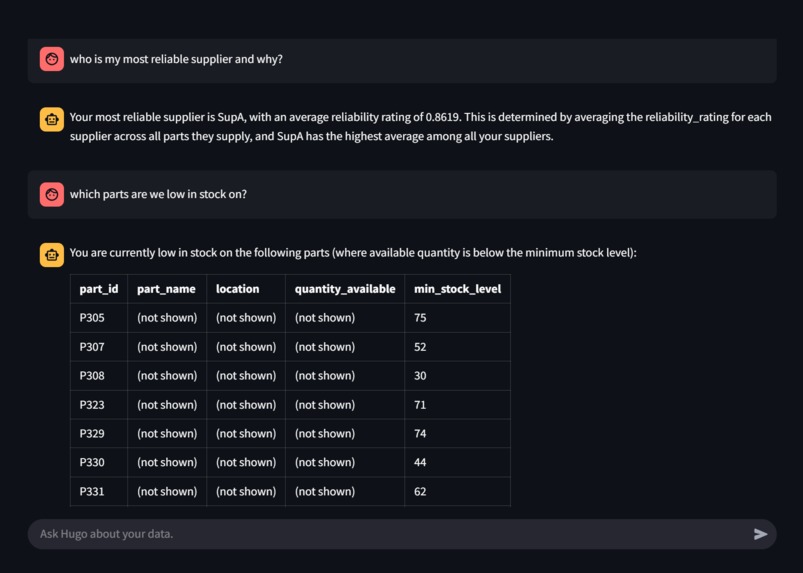
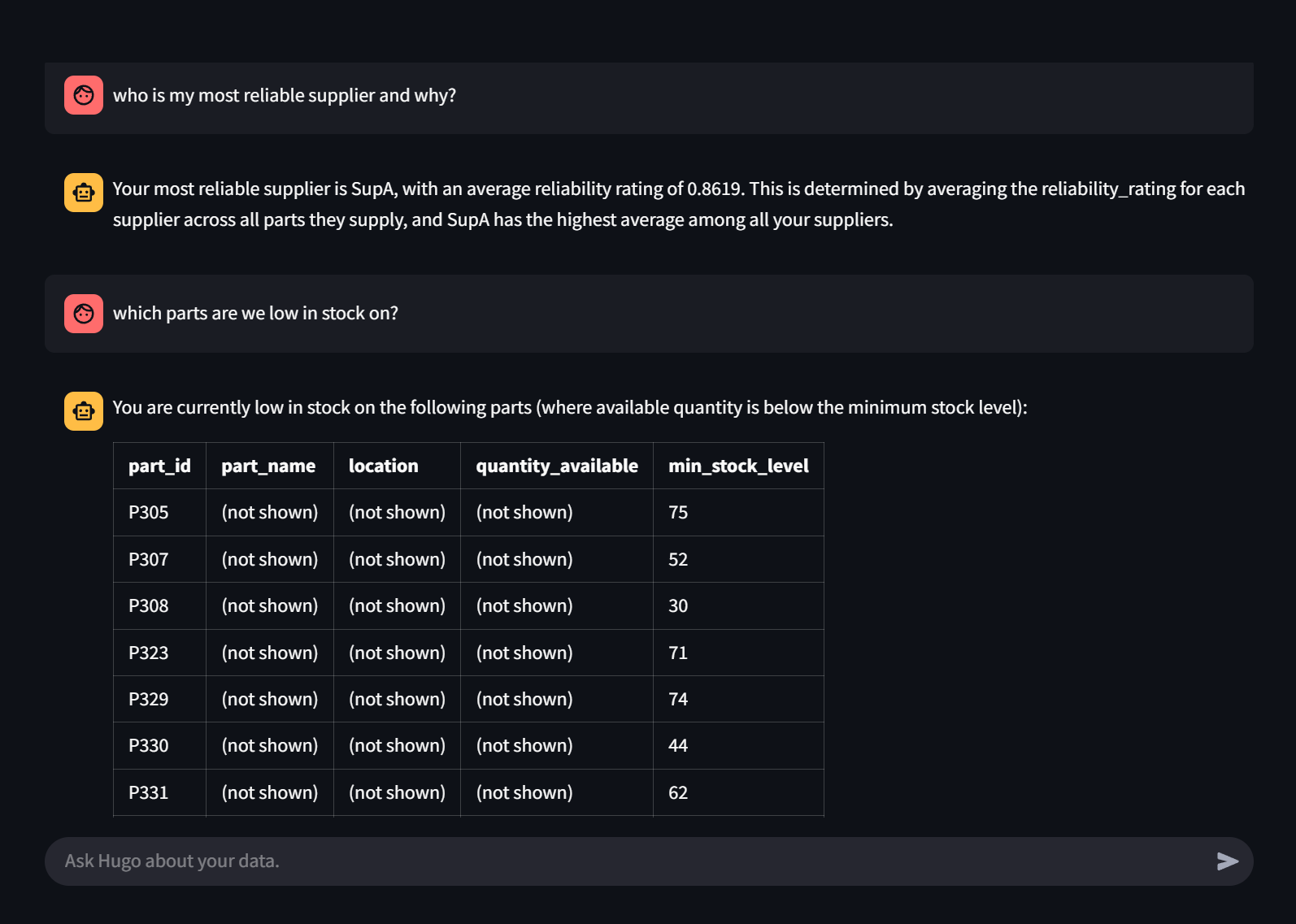
Ask Hugo about your database
-
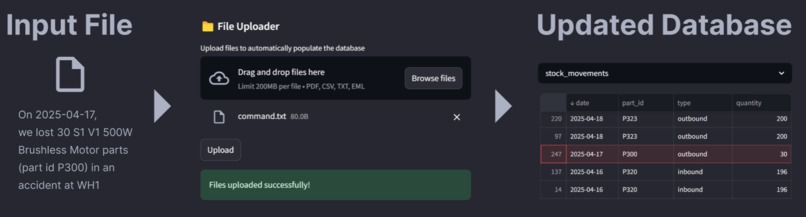
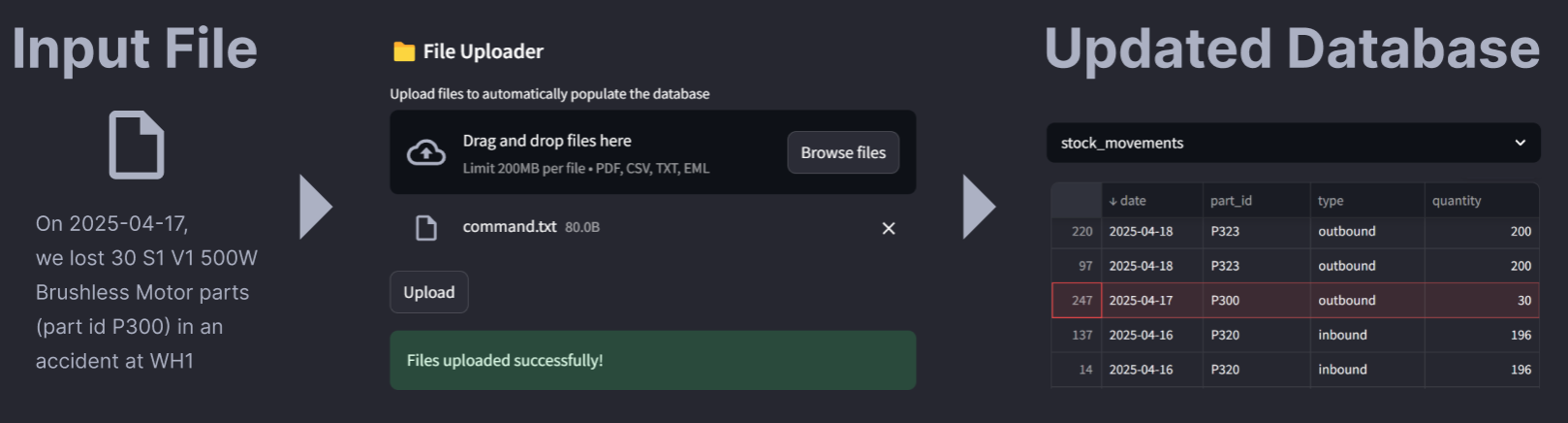
Convert files to structured data
Inspiration
When you order something online and get it delivered in days—or even hours—it feels effortless. But behind the scenes, it’s powered by a complex network of supply chains, inventory management, and logistics coordination. We wanted to see how much of this complexity could be streamlined and automated using LLM agents!
What it does
Our app provides an interface to upload data documents, such as emails, order records, and inventory files. Once uploaded, the data is unified into an internal knowledge base. From there, users can interact with a chat agent that answers complex operational questions, surfaces actionable insights, and interact with the database.
How we built it
We built a lightweight backend with Flask and a UI using Streamlit. The user’s uploaded documents are stored in Supabase’s Postgres database. The chat makes OpenAI API function calls under the hood to answer questions. We used LangChain to handle document retrieval and Pydantic for data validation and processing. Finally, we hosted our frontend and server on DigitalOcean.
Challenges we ran into
It was difficult to perform OCR on PDFs with a tabular structure. Another challenge was ensuring reliable data integration. For example, the LLM could sometimes hallucinate random fields and values when querying the database. To address this, we implemented type checking and enforced more structured outputs from the LLM. Additionally, there was a bit of overhead in trying to learn how to use Supabase, since none of us had worked with it before. Lastly, deploying the services online turned out to have a lot of challenges with build.
Accomplishments that we're proud of
We’re proud to have achieved integrated data and implemented analytical reasoning in our final app, especially since these were some of the main challenges we ran into during our hacking.
What we learned
We learned a lot about using agents to automate tasks, as well as exploring new tools and technologies like Streamlit (UI), Flask (server), Supabase (database), and DigitalOcean (deployment). This project allowed us to learn not only how to use these components, but also how to connect them to create a seamless frontend and backend.
Built With
- digitalocean
- docker
- flask
- langchain
- openai-api
- postgresql
- python
- streamlit
- supabase


Log in or sign up for Devpost to join the conversation.