Inspiration
We (Diego and Broc) were inspired by the challenges presented by AMD (Best Use of AMD Technologies) and Hugging Face (Best Use of Open Source AI) tracks. Before the hackathon even started, we had a vision for making AI video generation something people could explore and interact with.
What it does
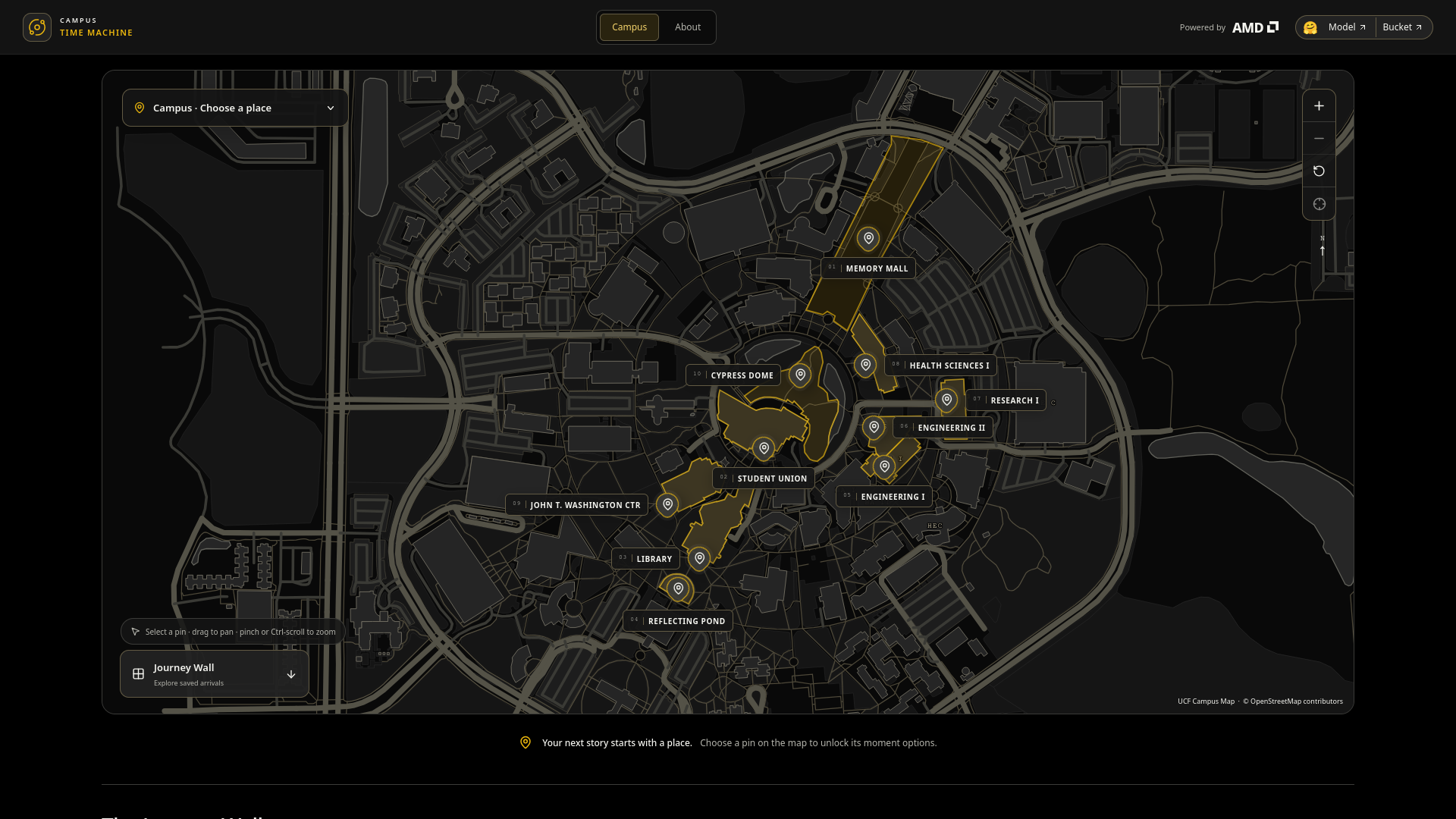
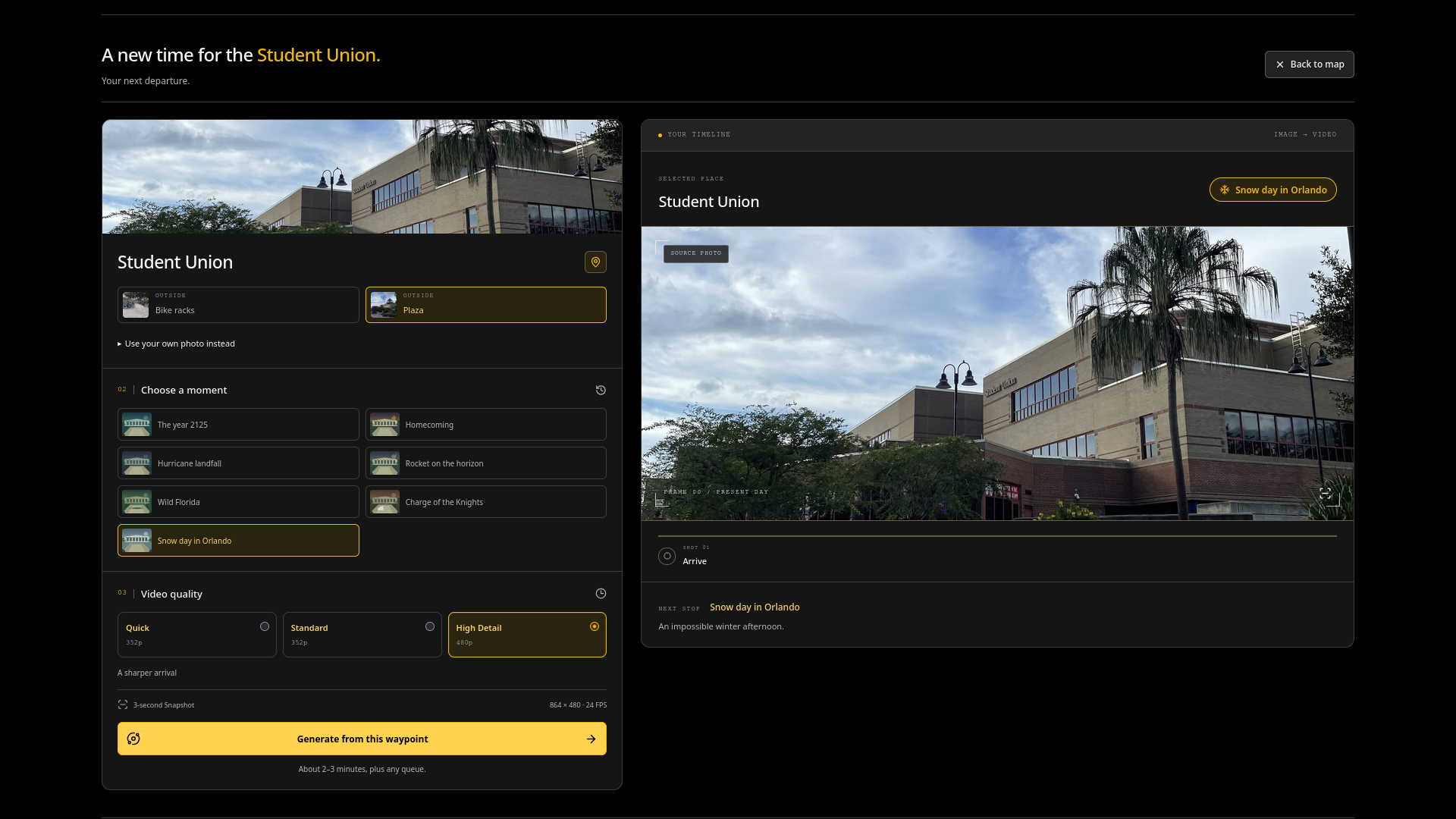
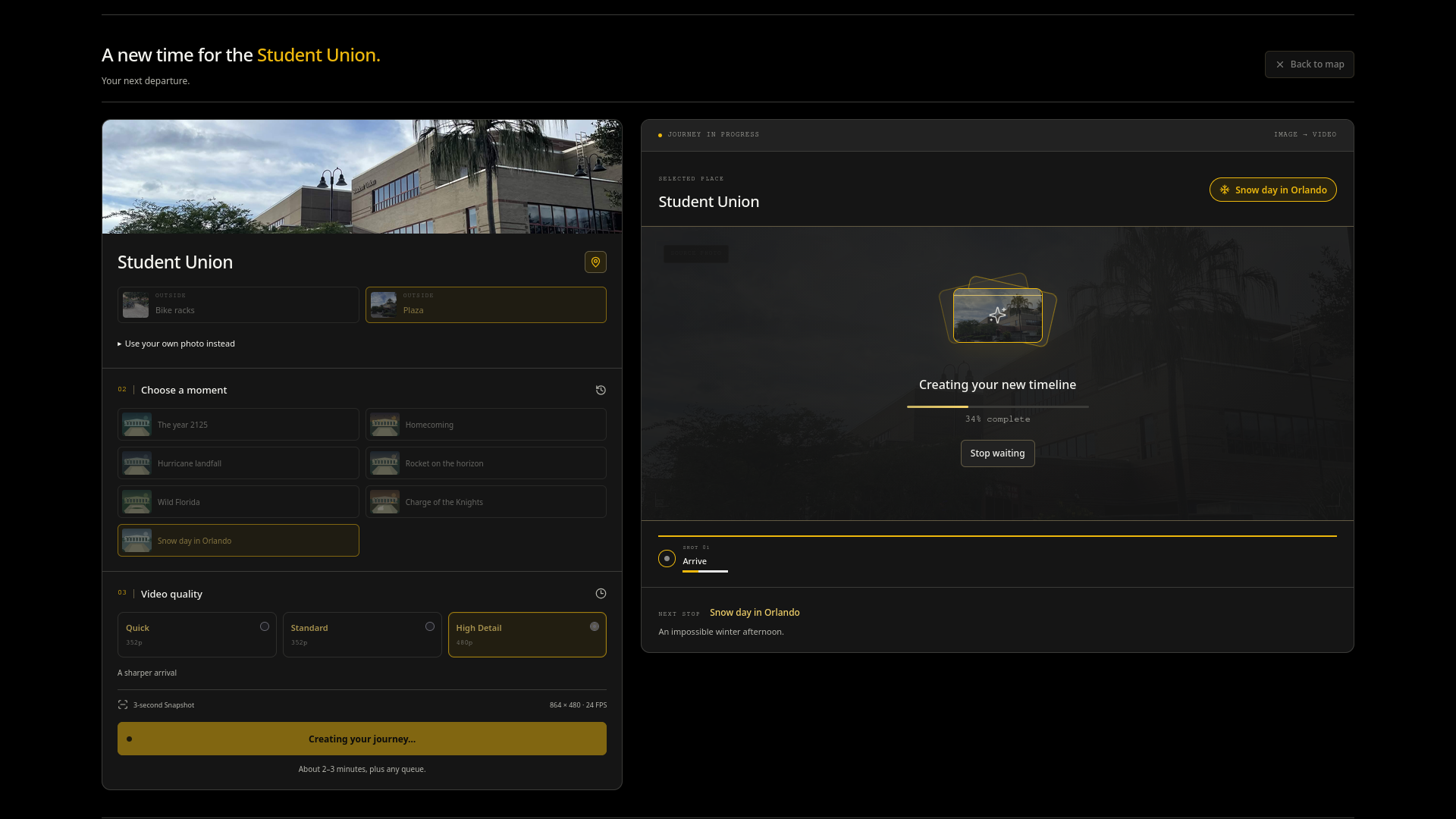
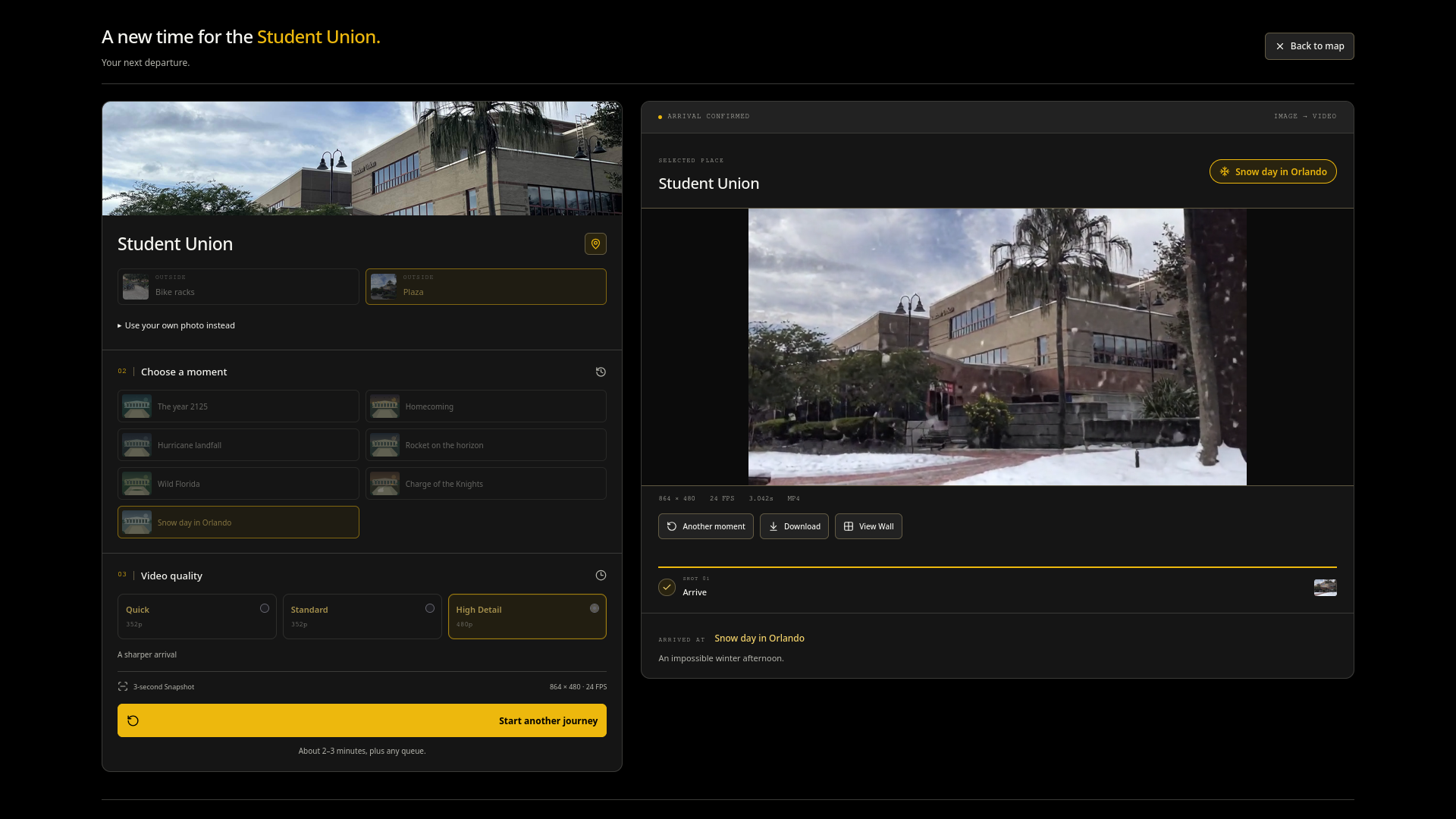
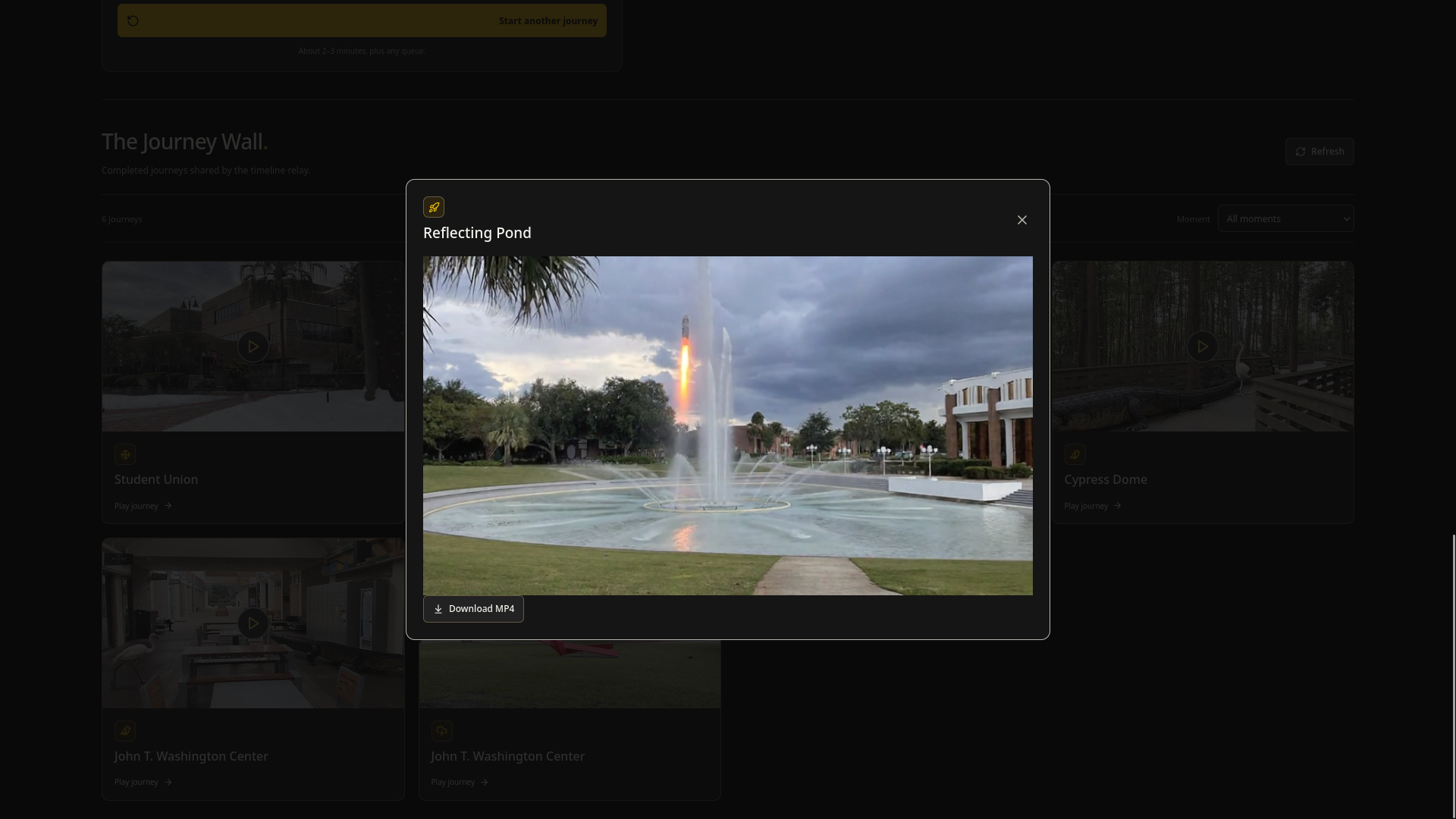
Campus Time Machine turns familiar University of Central Florida locations into imagined video moments. Choose a waypoint on the campus map, pick a photo and a moment, and generate a short video with synchronized audio. See snow in Orlando, a rocket beyond campus, or black-and-gold balloons drifting through a plaza; then compare the arrival with the original photo and explore the shared Journey Wall.
How we built it
Our generation worker runs Kandinsky 6.0 Video Lite, an open-weight world model available on Hugging Face. We run the model on an AMD Radeon Pro W7900D with 48 GB VRAM, using PyTorch with ROCm on AMD Radeon Cloud. The model is on the GPU and serves jobs from a file queue through the Jupyter notebook gateway. Once the jobs are finished, they are uploaded to a Hugging Face bucket for remote storage.
Challenges we ran into
We had a number of issues on the backend:
- After LTX-2.5 exceeded the instance's host-memory budget, we switched to Kandinsky Lite (an easy transition thanks to Hugging Face) and kept the pipeline on the GPU, avoiding repeated model loads and CPU-offload copies.
- We pinned masked attention in the text encoder and video VAE to PyTorch's math SDPA backend after getting NaNs on the ROCm stack. Transformer attention keeps its native path.
- Tiled VAE decoding and a source-image size limit control peak memory; failed jobs report an error while the worker continues serving the queue.
Accomplishments that we're proud of
- Building a complete experience from campus selection and photo input to live generation, playback, comparison, and download.
- Running an open AI video model with synchronized audio on AMD Radeon hardware using ROCm.
- Connecting Hugging Face storage to a shared Journey Wall so finished videos remain accessible beyond the generation session.
- Recovering from memory and attention issues while keeping the frontend and backend connected throughout development.
What we learned
- We learned that running a large generative model requires understanding more than its VRAM requirements. Host memory, attention implementations, image dimensions, and video decoding all affected whether our pipeline produced usable results.
- We also learned how much prompt design matters for image-to-video generation. Describing something moving through an existing scene worked better than asking the model to completely restyle a location within a short clip.
What's next for Campus Time Machine
The video generation, due to being compute and time-limited for the presentations, only renders at a maximum resolution of 864x480. We would like to expand the resolution by taking advantage of the in-built Super-Resolution of the world model, which we did not have time to test.
We would like to transfer the backend away from a Jupyter notebook based solution to a proper server, running the worker Python file and using a normal server and API-based solution.
Built With
- amd
- huggingface
- javascript
- python
- react
- rocm
- tailwind
- typescript
- vite


Log in or sign up for Devpost to join the conversation.