-
-
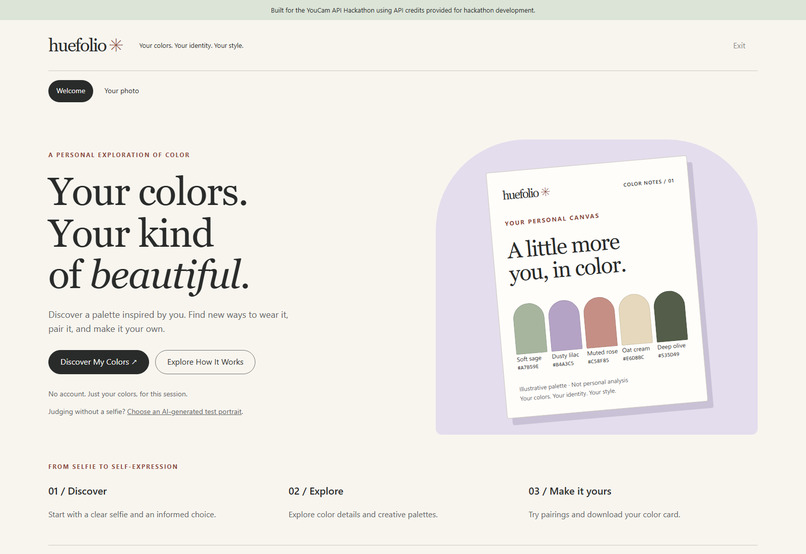
Pallete
-
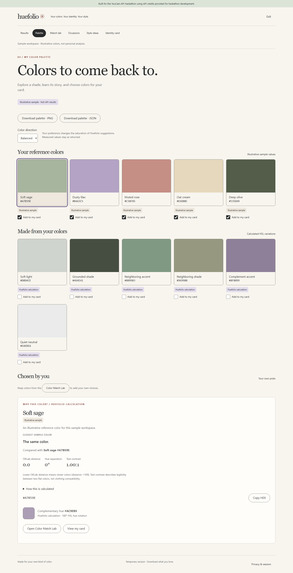
Home
-
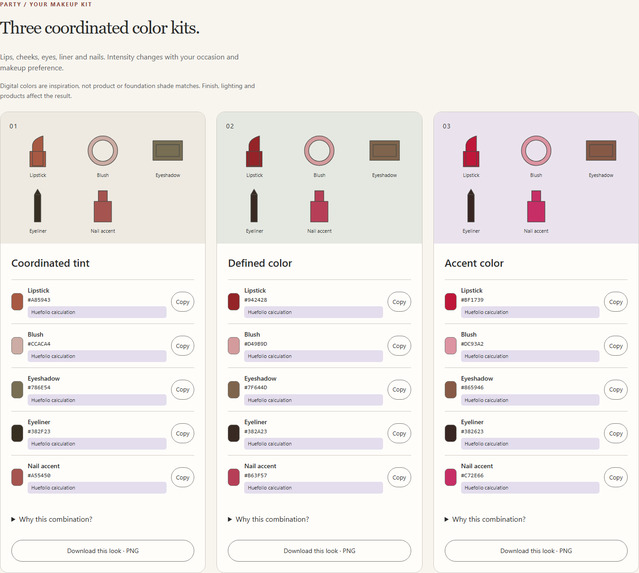
Makeup
-
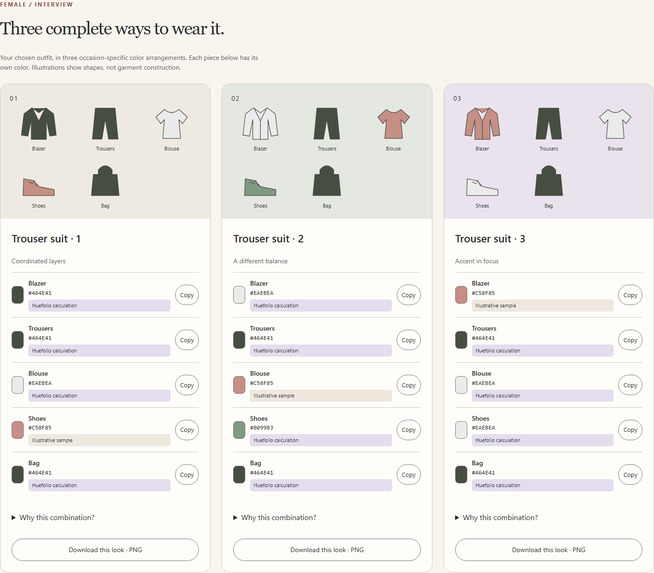
Identity Card
-
Outfits
Inspiration
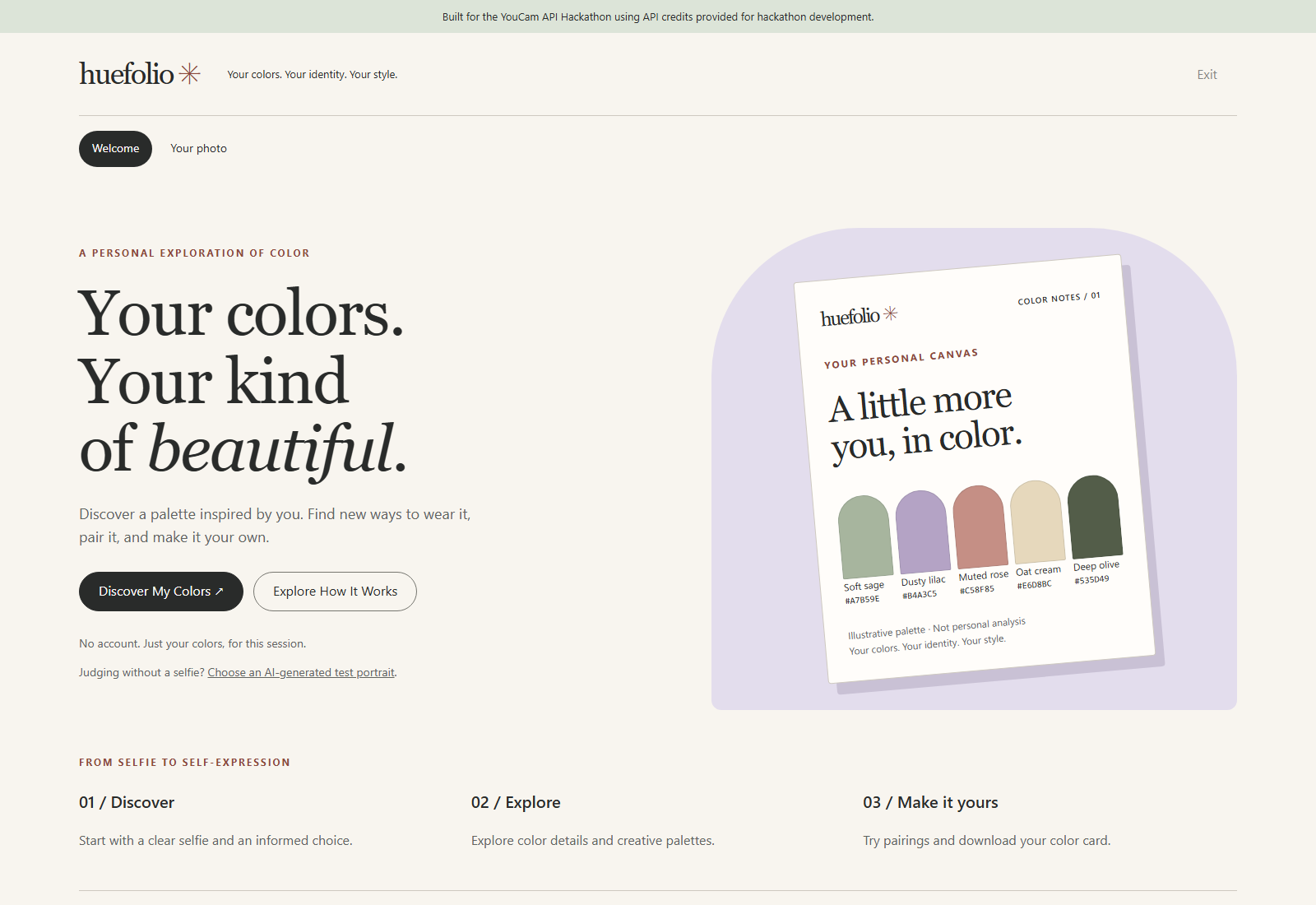
Choosing colors becomes difficult when we need to combine them. Someone might like a shirt, lipstick or accessory but still wonder what goes with it. I wanted to turn color analysis into something practical: a visual starting point for an outfit, an occasion or a makeup combination.
Huefolio grew from a simple observation: a palette should explain what someone can do with its colors.
What it does
Huefolio integrates YouCam’s AI Facial Color Tones Analyzer. After explicit consent, a photo is processed through the backend, and available API color values form a temporary color profile.
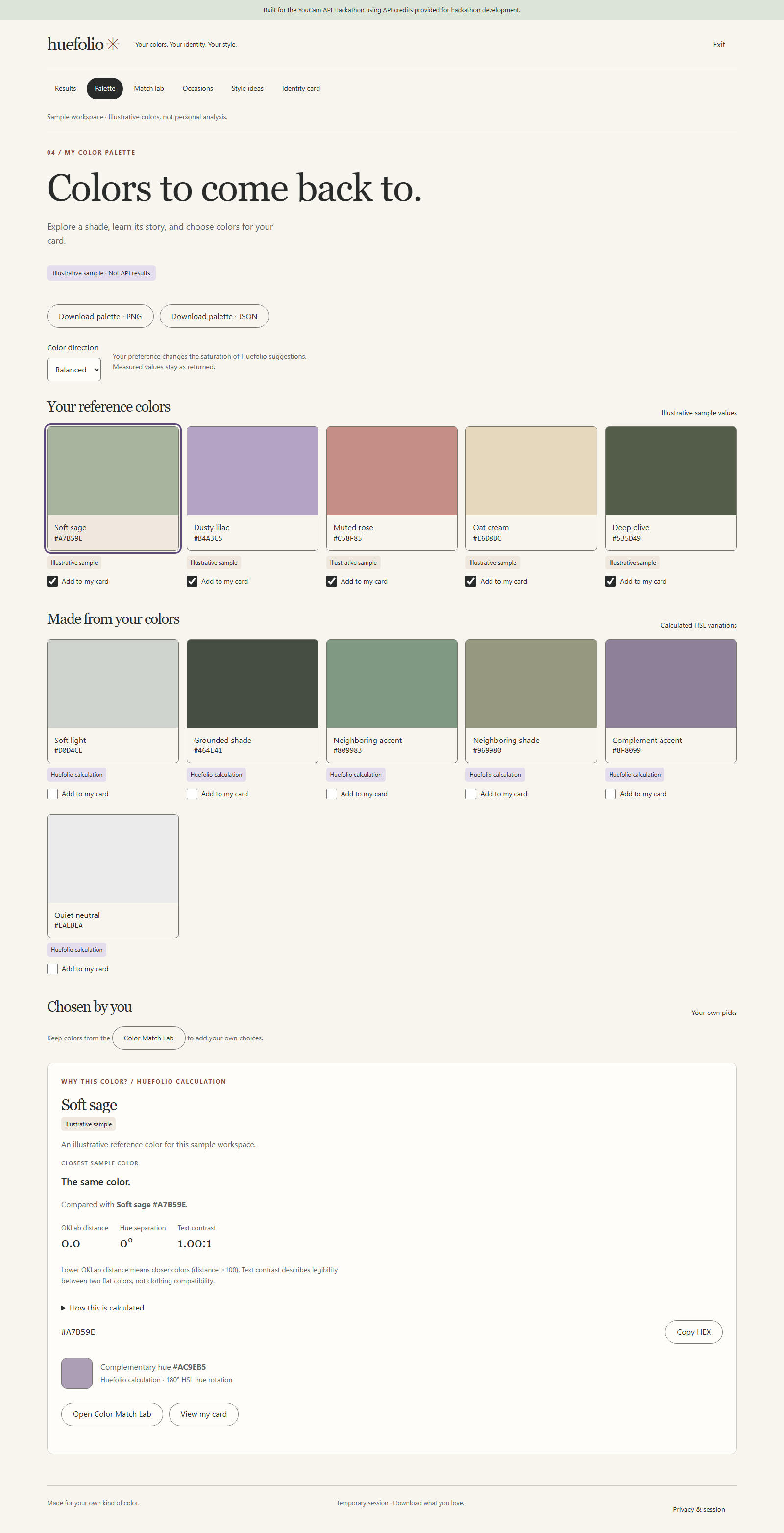
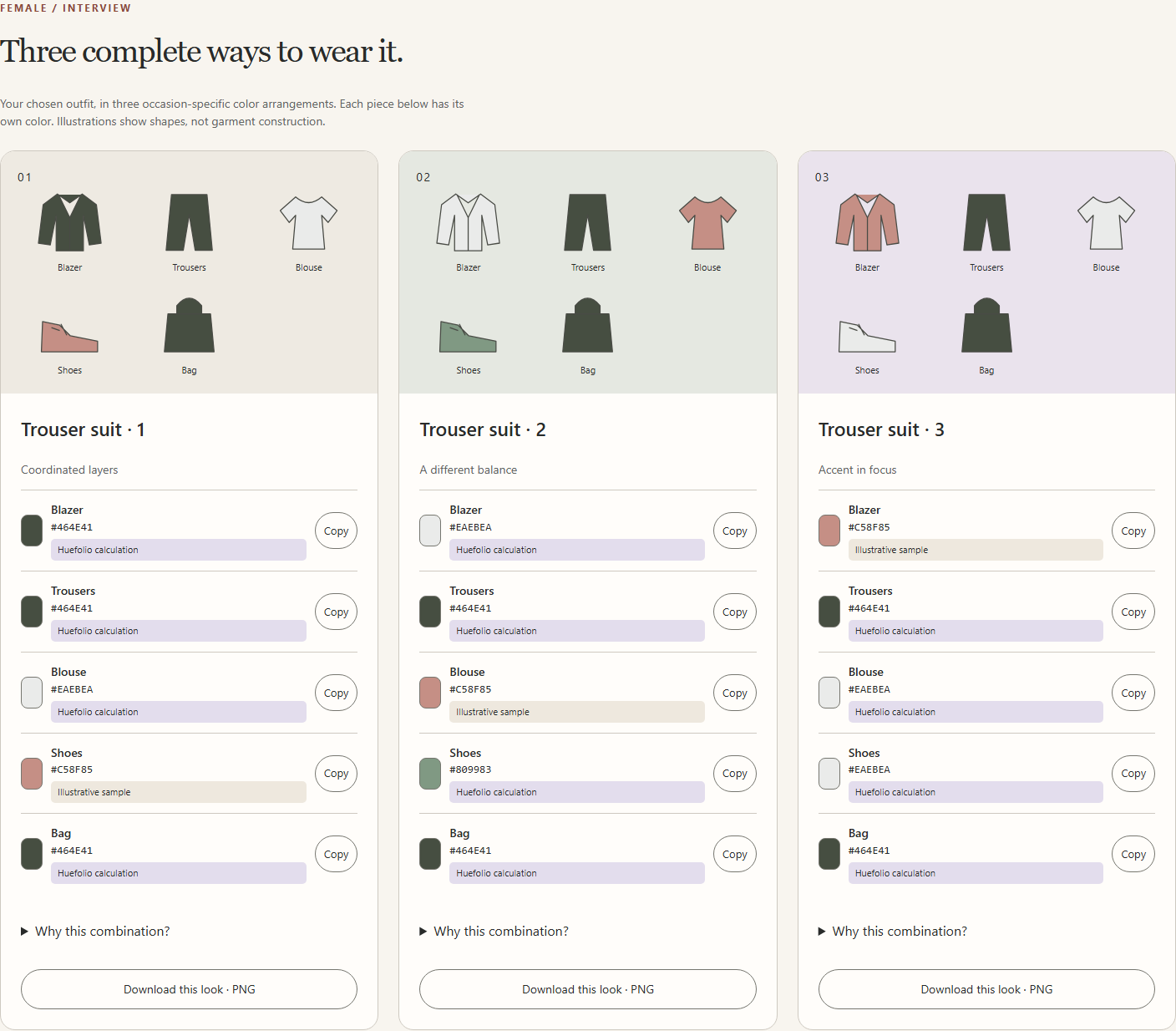
Users can explore palettes, compare their own colors and understand relationships between shades. Style Ideas connects those colors to three visual outfit combinations, with a color assigned to each garment. Users choose their style profile, occasion and clothing preferences.
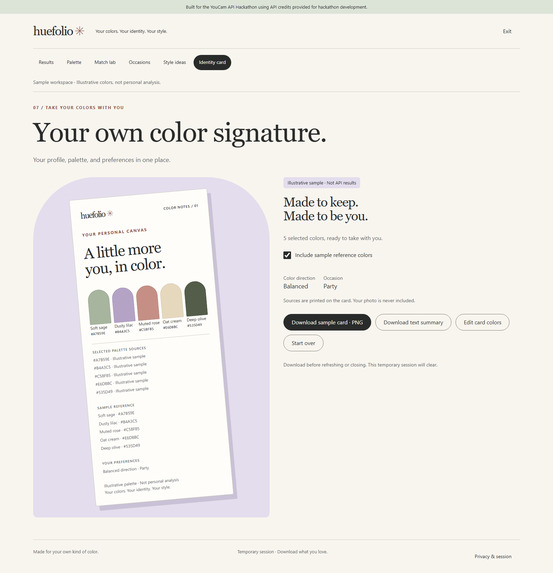
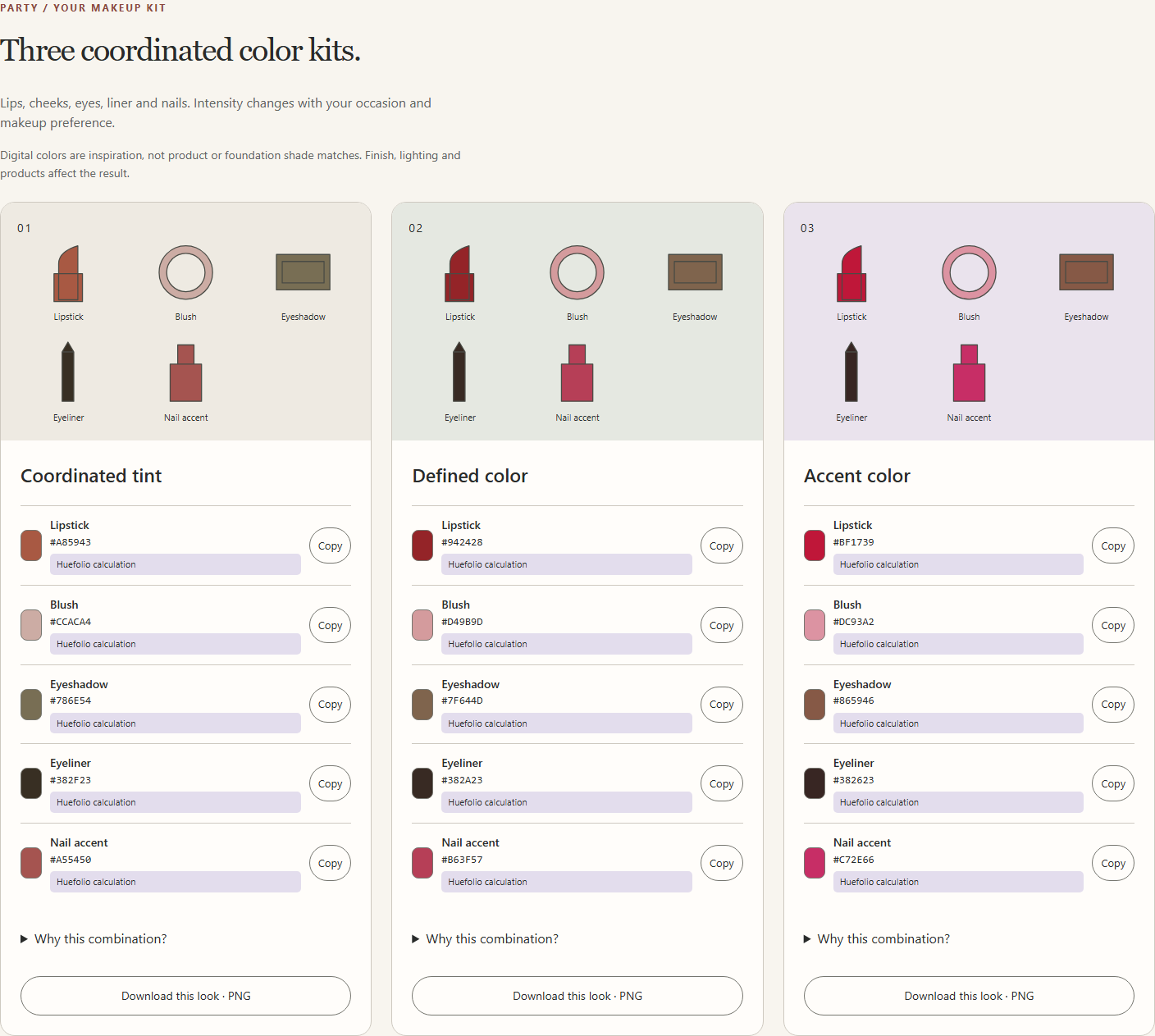
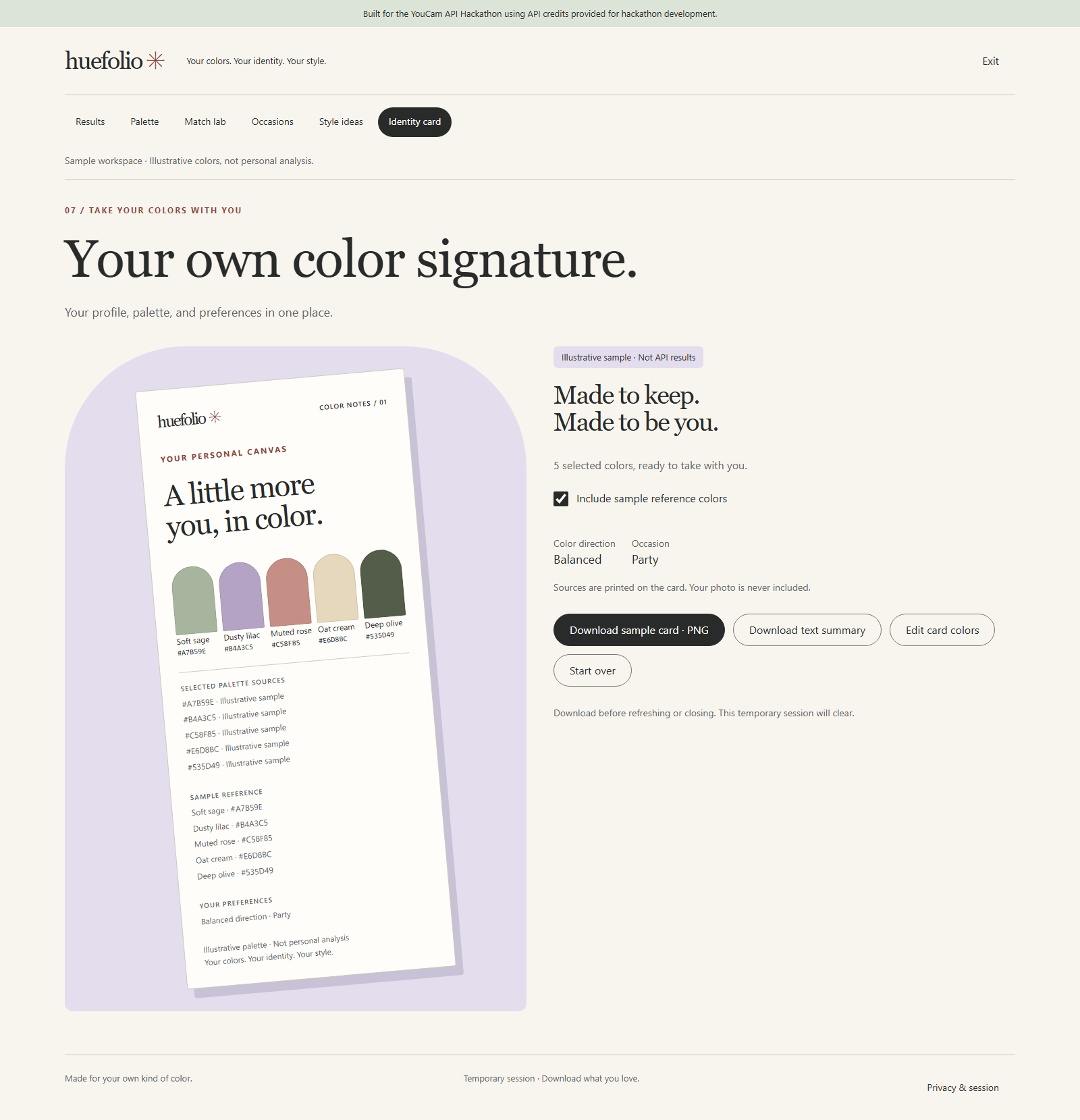
Optional makeup boards coordinate lip color, blush, eyeshadow, eyeliner and nails. Users can copy HEX values and download palettes, look color boards and a personal identity card.
Measured values, application calculations and user choices are labeled separately. Styling suggestions are creative ideas rather than guaranteed appearance outcomes.
How we built it
I built the frontend with HTML, CSS and JavaScript, using reusable components and responsive layouts. A Node.js backend validates images, uses Sharp to re-encode them in memory, and handles YouCam’s upload, task creation, polling and cleanup workflow.
Huefolio’s color logic uses HSL variations, hue relationships and OKLab distance. Downloads are generated locally in the browser. The frontend is deployed on Vercel and the backend on Render, with the API key kept exclusively on the server.
Challenges we ran into
The biggest product challenge was making color results useful. Attractive swatches alone did not tell users what to wear, so I added garment-level color assignments, occasion-specific combinations and makeup preferences.
Technical challenges included response parsing, asynchronous processing, missing fields, rate limits and deployment configuration. One particularly frustrating issue was a successful build followed by a missing-output error caused by a mismatch between Vercel’s selected root directory and the build output location.
Accomplishments that we're proud of
I built a connected experience from photo consent to color exploration, practical styling and local downloads.
I am especially proud of separating measured data from creative suggestions, making occasion changes affect the actual combinations, and providing the experience without requiring accounts or permanent photo storage by Huefolio.
What we learned
An API response becomes valuable when the interface helps someone make a decision. I learned to treat upload, processing, error and reset states as part of the product experience.
I also learned the importance of explaining data sources: a measured facial color, a calculated complement and a suggested lipstick color are different things.
What's next for Huefolio.
I want to expand the researched regional clothing examples, gather feedback on the usefulness of styling suggestions, and improve accessibility and mobile exploration.
Future work could connect user-selected palettes with verified retailer color catalogs, helping people find relevant products while preserving transparent explanations and user control
Built With
- accessibility
- artificial-intelligence
- beauty-tech
- color-analysis
- color-palettes
- computer-vision
- css3
- ecommerce
- fashion-tech
- github
- html5
- javascript
- makeup
- node.js
- occasion-styling
- perfect-corp
- personal-styling
- personalization
- privacy
- render
- rest-api
- sharp
- vercel
- wardrobe
- youcam-api
