-
-

Effects of different color
-
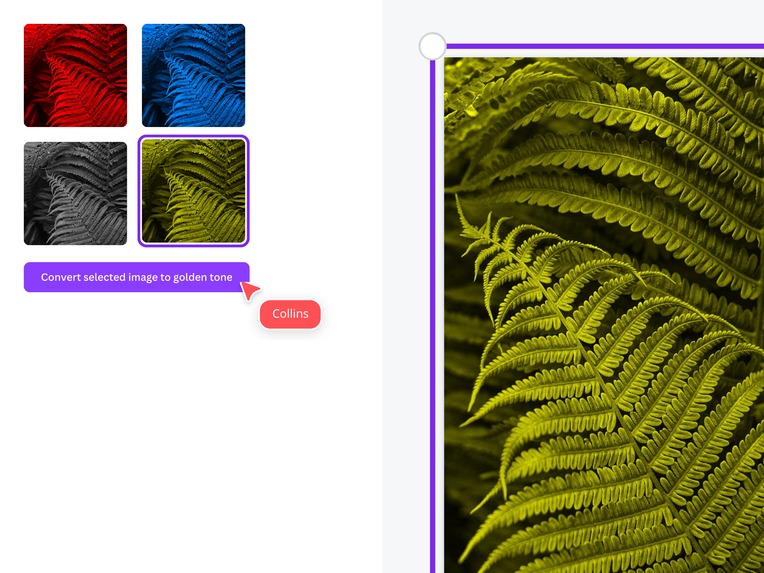
Choosing from available effects

Inspiration
- The complexity of the current Canva temperature change feature inspired us to explore how we could simplify and enhance the user experience.
- We also drew inspiration from example ideas available in the resources, particularly the intriguing possibilities offered by the Halftone Effect.
What it does
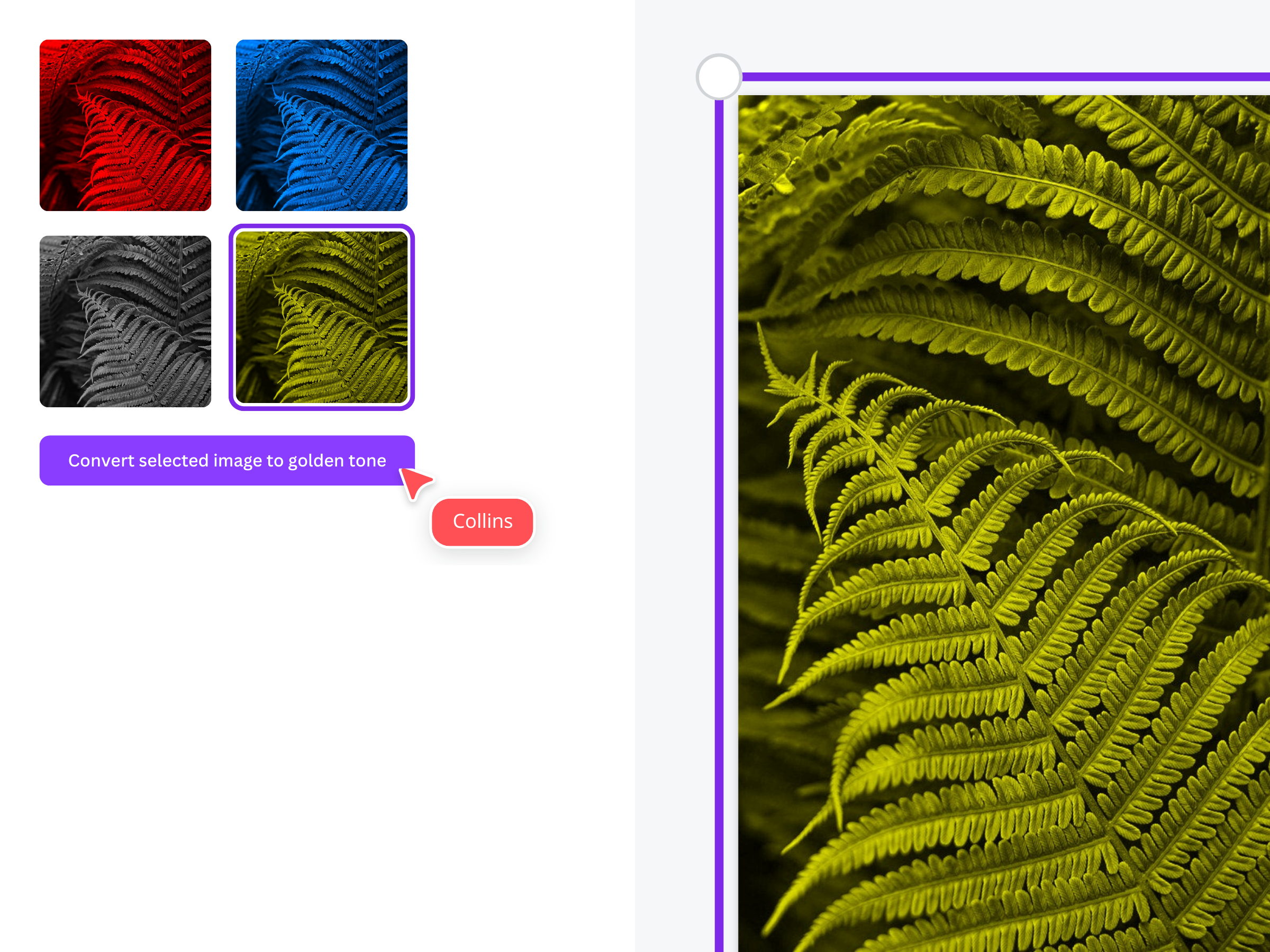
- Our app allows users to effortlessly change the hue color of images to red, blue, green, or golden. This can be applied to any selected image or during the image upload process, providing flexibility and creative control.
How we built it
- We built the app using TypeScript and HTML canvas, which handles all the image manipulations seamlessly and integrates the modified images back into the Canva Design Board with ease.
Challenges we ran into
- Initially, we encountered difficulties in converting the color change functions without relying on the HTML canvas. Synchronizing the canvas with our color change functionality was a challenge, as was ensuring the app's UI was as visually appealing and intuitive as possible.
Accomplishments that we're proud of
- We are proud to have gained a deep understanding of Canva Apps and successfully built our own. Achieving the image hue manipulation with just a few simple clicks is a significant accomplishment for us.
What we learned
- We learned a great deal about Canva App Creation, especially since it was our first time working with this platform.
- We strengthened our understanding of TypeScript fundamentals through practical application.
- We gained insight into how the Canva Sidebar is intricately connected to the Design Platform, and how modular the codebase is structured within the Canva ecosystem.
What's next for Hue-Wizard
- Our next step is to introduce custom hue colors, allowing users to explore an even wider range of creative possibilities.
- We also plan to implement a feature that adjusts the intensity of each hue, giving users more precise control over their image transformations.


Log in or sign up for Devpost to join the conversation.