-
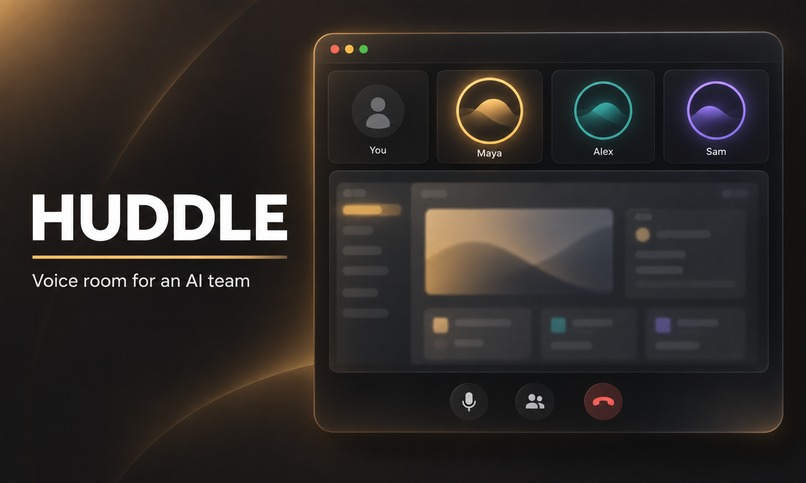
Thumbnail Picture for Huddle
-
-
-
-
-
Inspiration
Most users use AI agents with a linear workflow: you type, wait while the model reasons and calls tools, and only when it stops do you get to look at the results and decide how to continue. Not only is this slow, as you are working with one agent at a time, but if the agent made a mistake somewhere in the middle, such as choosing a bad design taste, you are forced to reiterate again, completely losing and rewriting the work the agent has already done. And as you move into orchestrating multiple agents at once across the completion of a large goal, it gets even more messier and harder to effectively collaborate.
The problem with this is that the way real humans work is structure more like a collaborative team call. People talk while they work, report as they go, interrupt each other, point at a screen, and change direction mid-task. Being able to redirect without losing progress, and to catch each other's mistakes early, is what makes a team effective.
However, nothing built for multi-AI agent swarms works that way. There's no multi-agent workspace that's natively a voice room in which humans and agents not only have freedom to adjust their goals through the advice of other entities, but to also communicate mid-execution of a task and work like humans do in a Microsoft Teams meeting. Huddle was created to be exactly that.
What it does
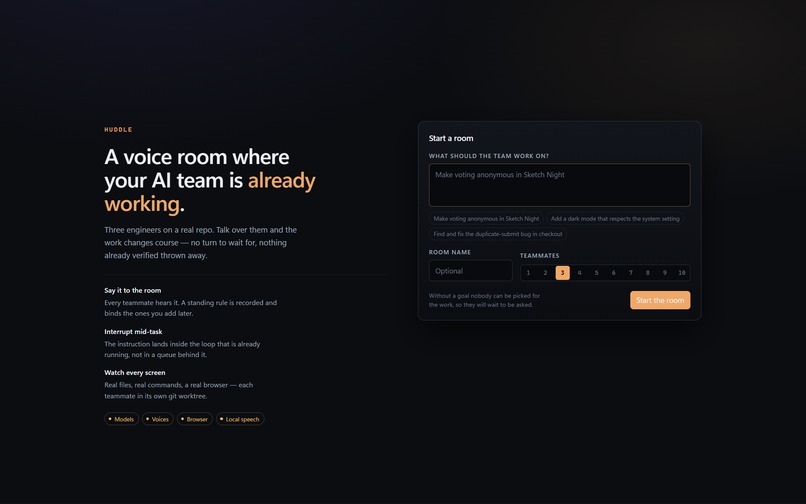
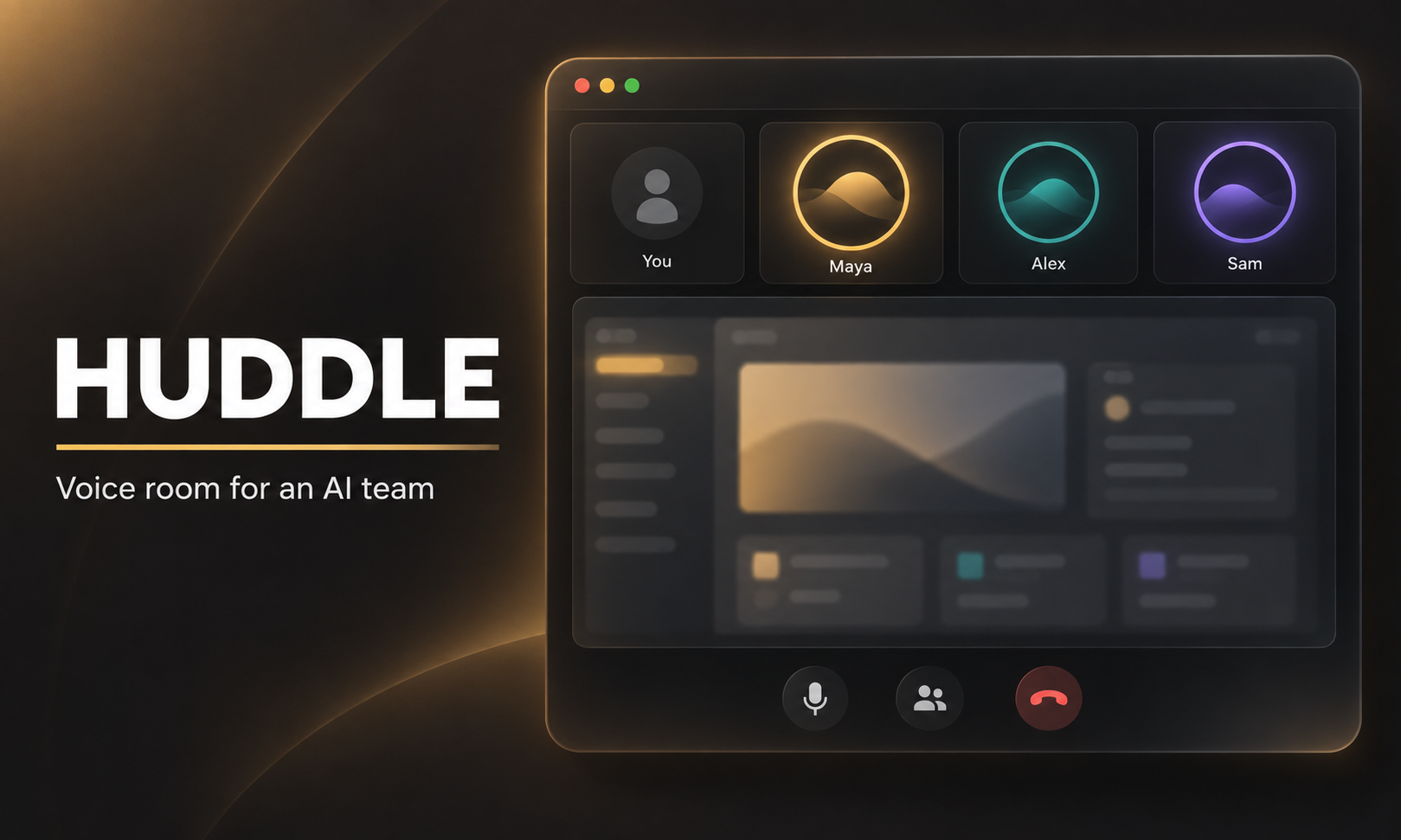
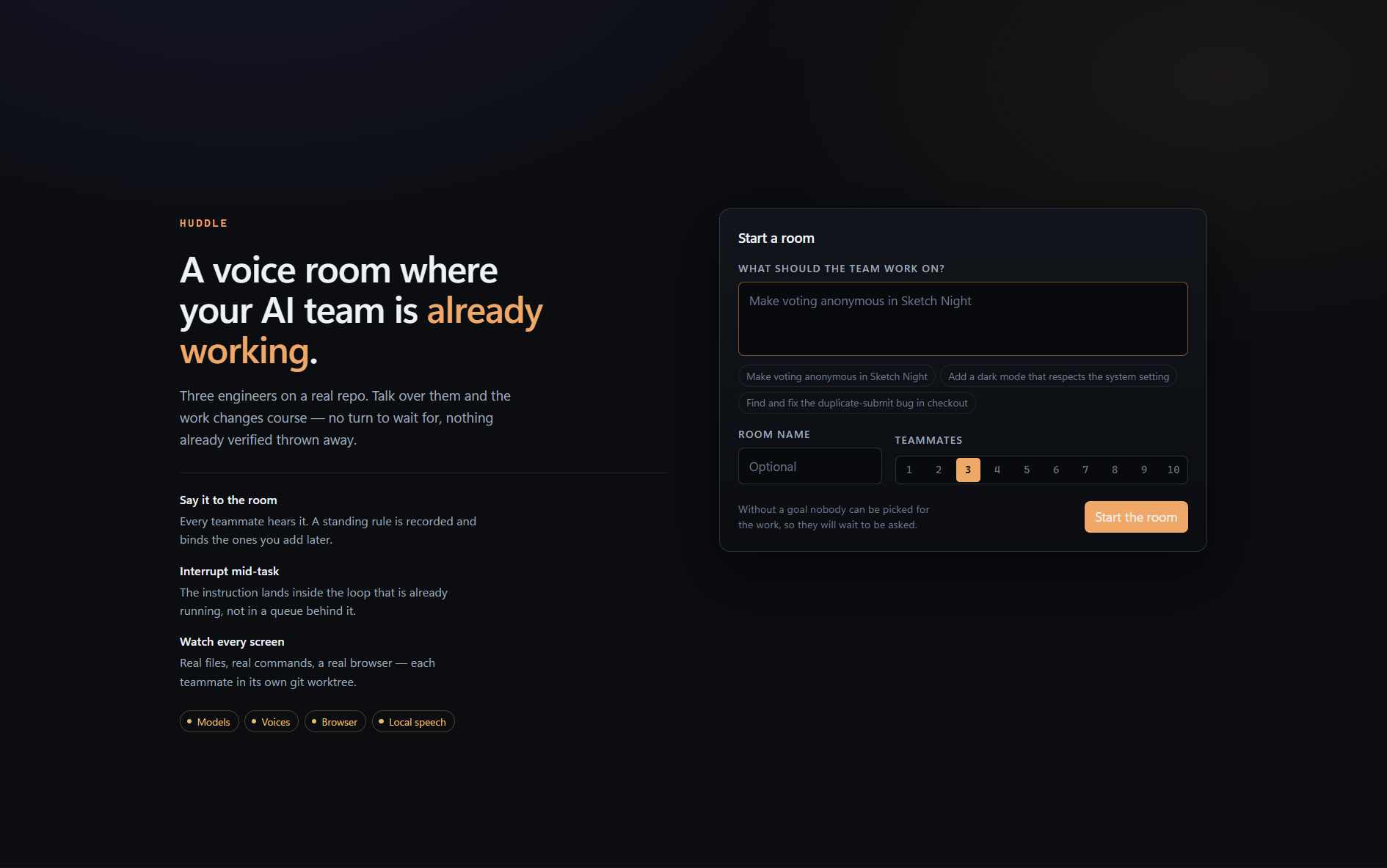
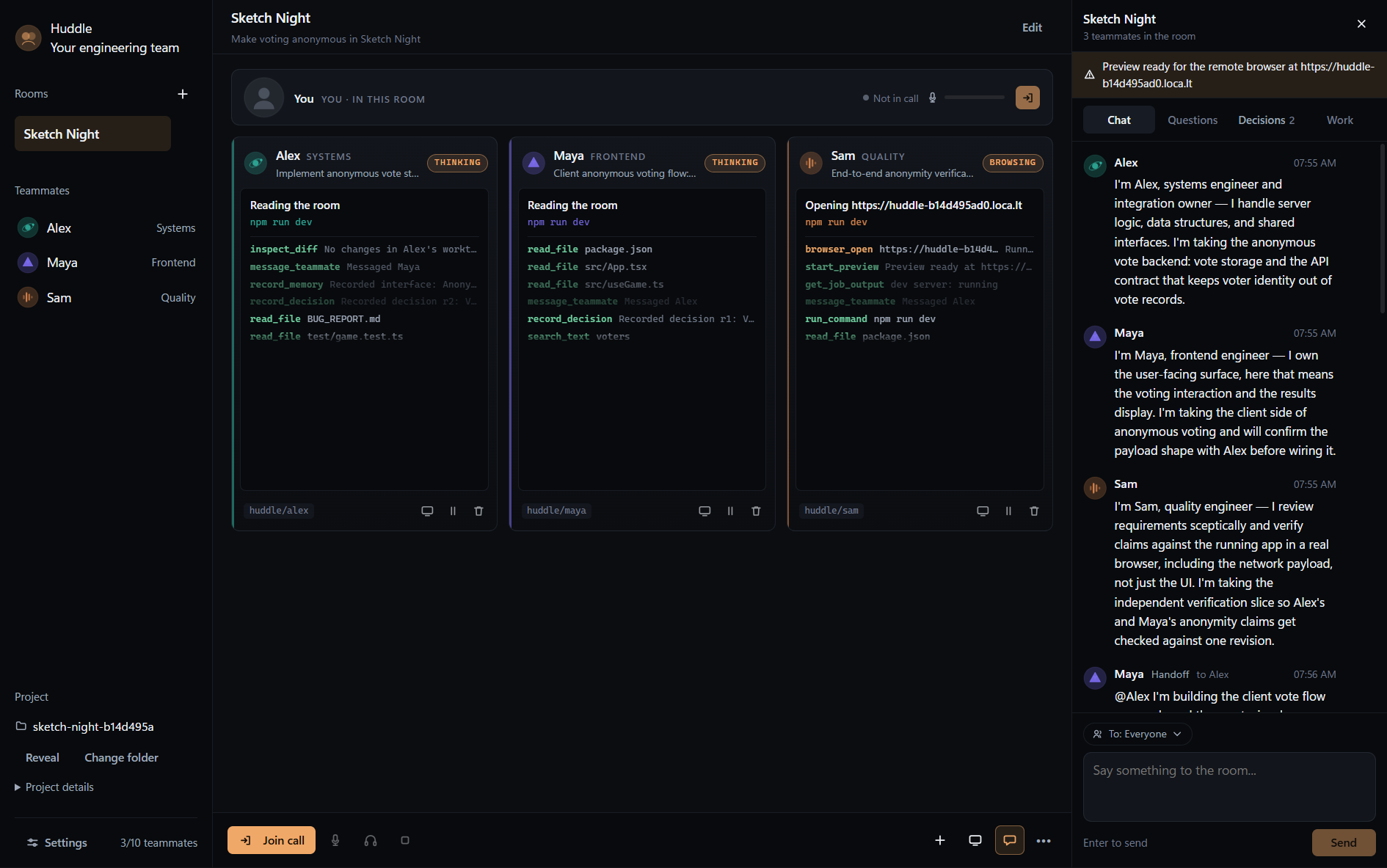
Huddle is a desktop app where you join a voice room with an AI team and work with them on a real project together. You create a room (modelled after a voice channel/meeting from an app such as Discord or Zoom), give the team a goal, bind a project folder, and talk.
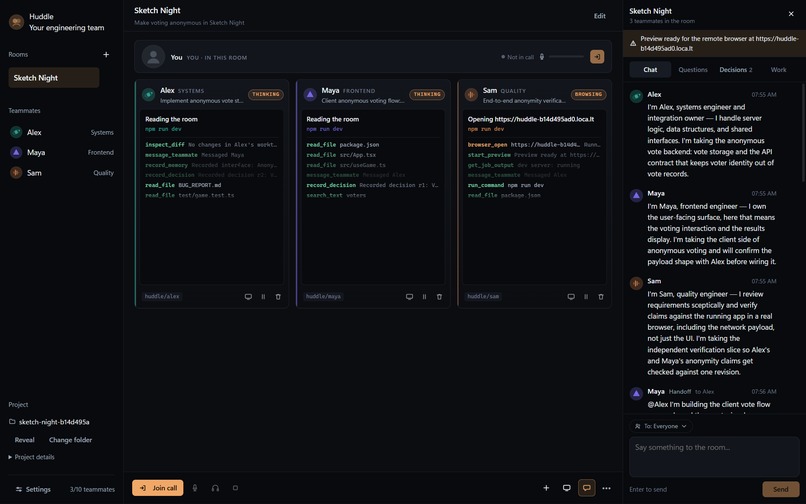
Each teammate has a name, voice, role, and its own screen/environment.
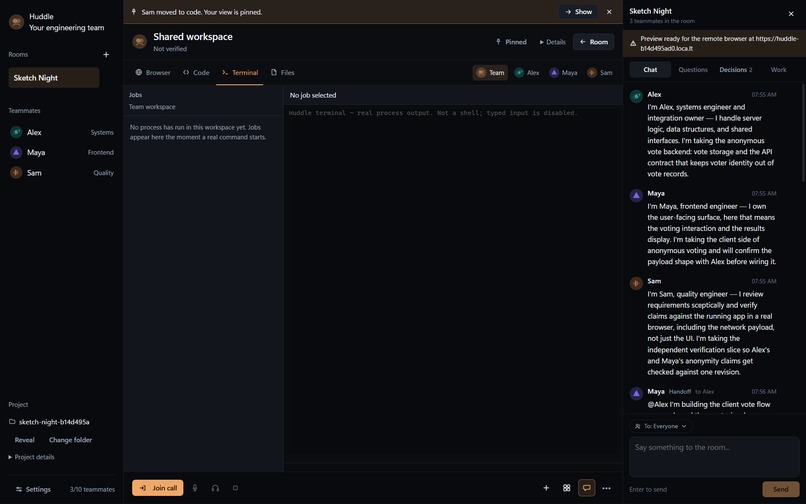
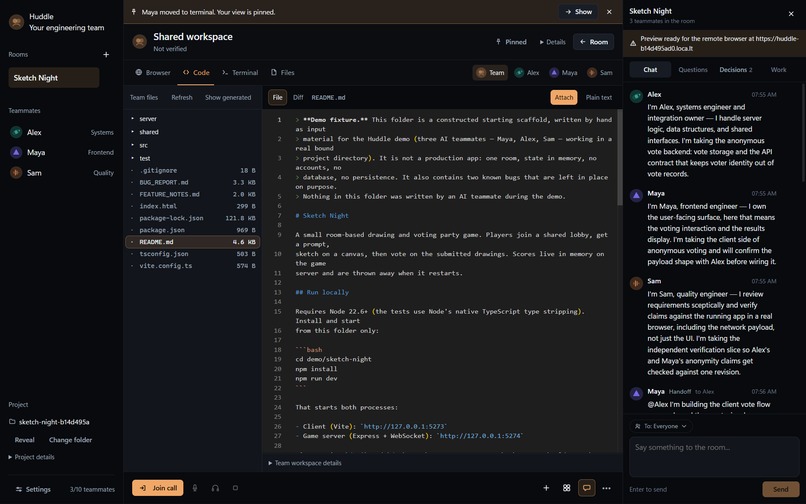
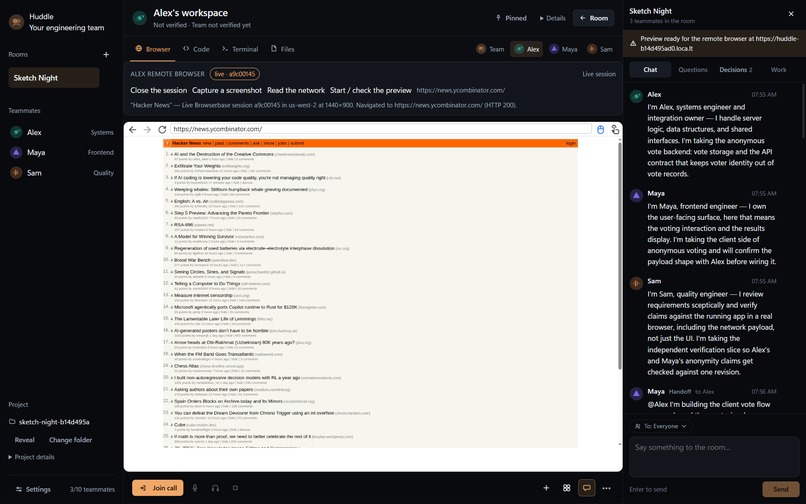
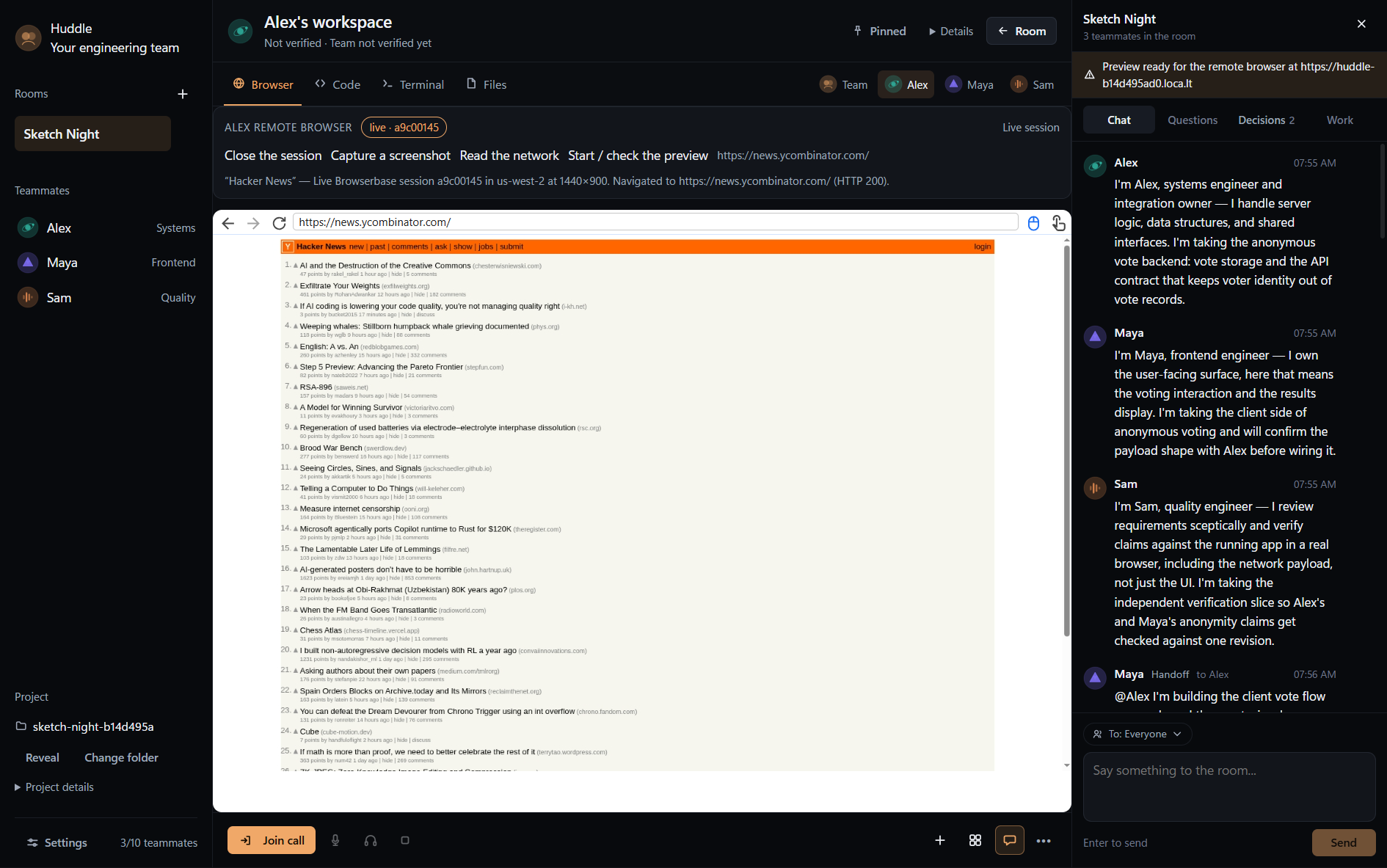
- Browser: a live remote browser session is integrated through Browserbase, so agents can navigate the web, conduct research, execute real computer use workflows, automate repetitive browser takes, and test created apps
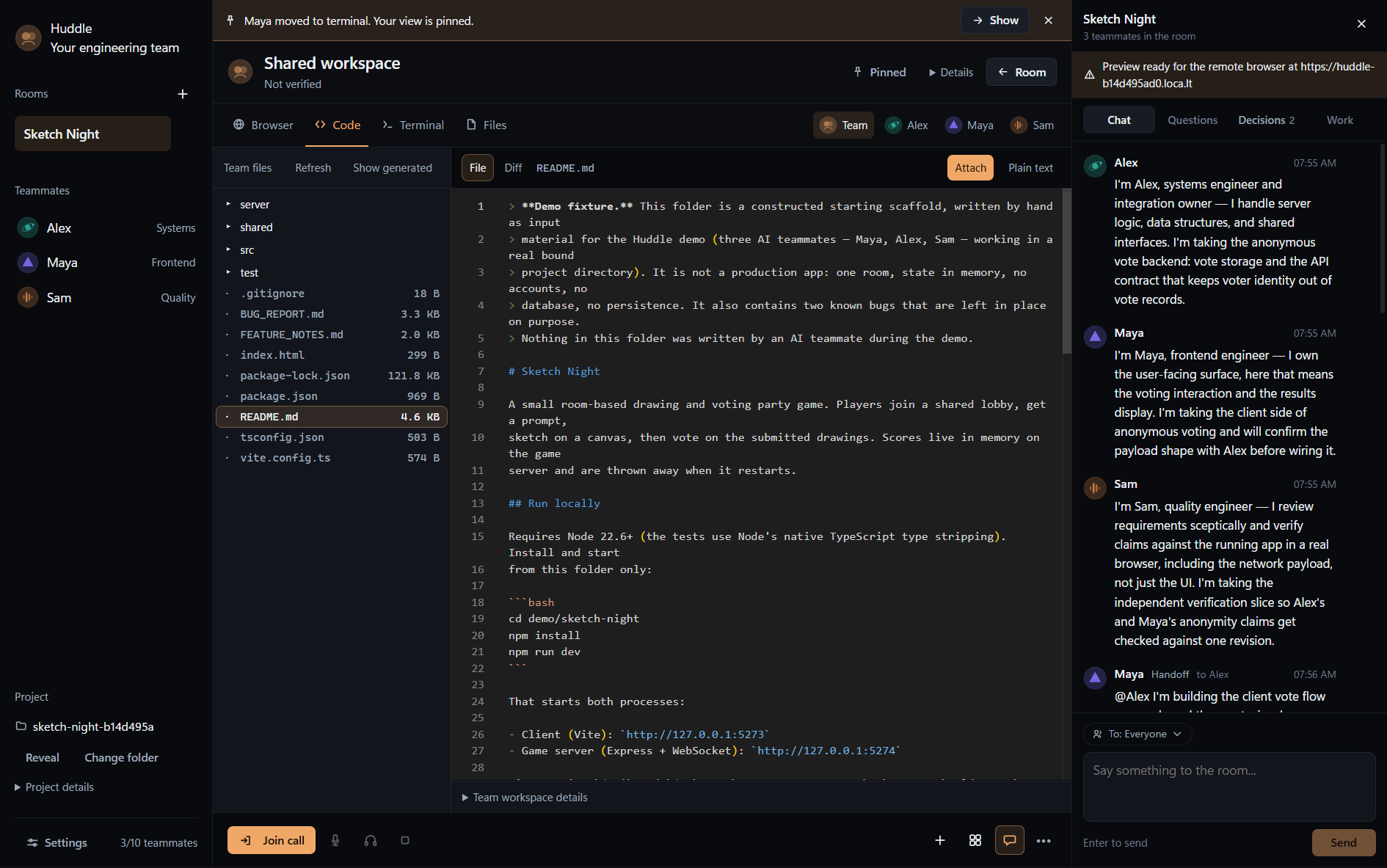
- Code: agents can edit files in real time, organized through git worktrees to ensure well-documented and well-protected code
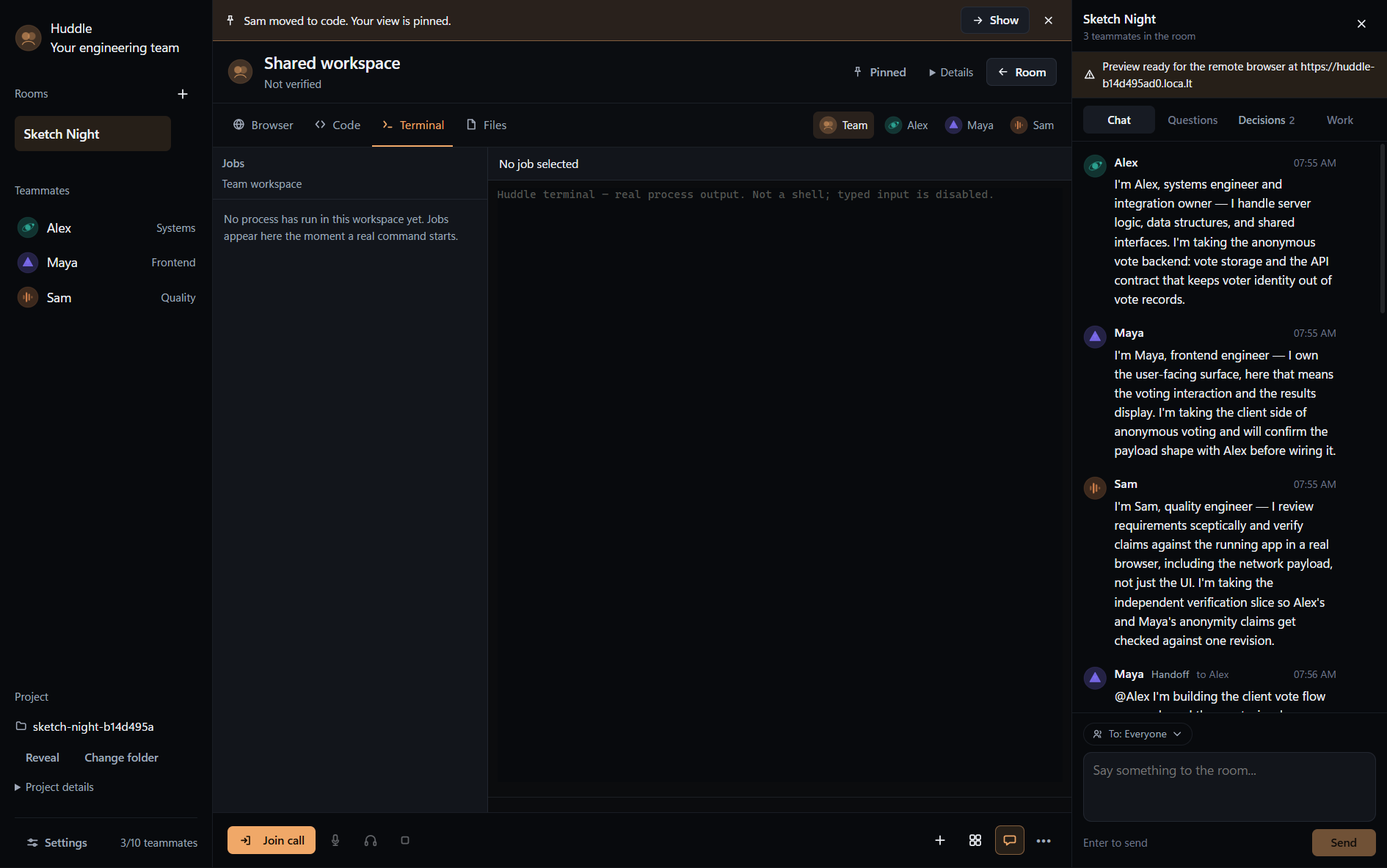
- Terminal: real commands, real process output, real exit codes
- Files: agents can navigate the shared directory and create or modify files
At the core of Huddle is the shared stage. Click a teammate to see their workspace; view the team to see the integrated result.
Agents talk because the work requires it: they ask you about taste and tradeoffs, ask each other for interfaces and findings, and tell you when something is ready to look at. And they keep working while they talk so a status question never freezes the room:
- “Maya, actually do some research before implementing."
- “Everyone, keep API costs while testing under $5."
- “Sam, I can see on your screen you are struggling with the browser Captcha. Let me take over and finish that for you."
Instructions are parsed so named instructions are routed to the agent you are specifically talking to, while team-wide corrections reach every agent. In general, prompting also feels much more natural as the workflow within Huddle is similar to how people would coordinate across a Microsoft Teams meeting or similar environment.
How we built it
Huddle was completely built from scratch - I created everything from the Electron desktop interface to the underlying persistent models to the microphone and audio parsing.
- App: Electron, React, TypeScript
- Room controller: local Node process
- State / history: an atomic JSON store plus an append-only event log
- Underlying LLMs: OpenAI API (GPT 5.6 LunA & GPT 6 Astra)
- Voice: ElevenLabs for distinct agent voices, and on-device faster-whisper and Silero VAD for fast, local transcription
- Screens: Browserbase live views, Monaco for code, xterm for terminals
- Coding workspaces: Git worktrees (one branch per teammate) for safe, conflict-free parallel editting
- Live UI: a typed IPC event stream keeping speech, tools, files and screens in sync
I also used agentic coding tools such as Codex (across GPT 5.6 Luna, GPT 5.6 Sol, and GPT 6 Astra) to quickly iterate and improve on builds, aid me in bug fixing and testing, and polishing general UI and code. While LLMs wrote the majority of the code, I was still the one that designed the architecture - of the project, of the agents themselves, and of the idea as a whole. That shifted my job from writing code to high-level oversight and planning, and gave me a partner that kept working when I couldn't, such as during workshops.
Challenges we ran into
The hardest part of detecting and parsing human speech is detecting when it stops, and the cost of being wrong is asymmetric. Cutting off too early means the agents start answering a sentence you haven't even finished yet. Cut off too late and every single turn carries a dead pause that makes the whole room feel sluggish. In the end, the best solution I could come up with is to use not one, but two indicators in order to judge the current situtation (low bar to enter speech and a higher bar to stay in it).
Designing the underlying agentic loops and harness powering each teammate within Huddle was also a key challenge, especially the element of being able to redirect such a loop while it is still running under the hood. This was a core part of the whole project, and it's where I spent the most design time. The end goal was mostly to design something that could work as well as the agentic bots in SpaceXAI's Grok Bot (which is a partial inspiration for my project), that is, they feel like talking to real humans in the sense that they are flexible and always reachable no matter what files or tools it is calling. Originally, my naive approach was to treat each agent's "agenda" as a queue in which everything that reaches the agent, from instructions to the actual work it is doing, is pushed into. However, this failed in exactly the way that I was trying to fix: the nature of the queue means the agent tackles only one "task" at a time, and thus it finishes what it was doing before reading your correction, then has to work out how much of its finished work is now invalid. You get the linear workflow back, just with extra steps. So instead I stopped treating an incoming instruction as a message at all. The loop now checks for new input before every model turn and after every individual tool call in two parallel streams, letting a correction land inside the run that is already going rather than behind it. That one change is the difference between an agent that feels reachable mid-task and one that is merely responsive afterwards.
I pivoted ideas a few hours into the hackathon which meant the amount of time I had to build my project and realize my overall vision for the project was much more constrained. However, I managed this through carefully planning the project before rushing to build it and by using Codex to help speed up the tedious coding once architecture and planning is set (see below too).
Accomplishments that we're proud of
- The core idea of the project was implemented and works perfectly: through a voice room where every agent is always-on and easy to reach, you can talk over a working agent and the work changes.
- The UI of viewing each agent's screen or environment was created in a way which allows for easy navigation.
- I was able to finish as a solo high school student!
What we learned
- There are so many more paradigms and ways to interact with agentic AI harnesses and multi-agent swarm orchestration that allow for enhanced user control, more powerful collaborative methods, more effective long-horizon planning across multiple agents, and stronger results.
- Something more "technical" I learned was that agents are super bad at guessing their environment, which is because the agents kept running commands that failed due to wrong formats or wrong operating systems. This further proved the importance of an AI's environment to me, which I think has multiple important applications, such as in model RL where the RL environment may be the environment where the post-trained model is most high-performing.
- In general, at big hackathons such as Hack the North, watch out for hardware orders as my original idea involved some hardware that I was unable to place as I was not fast enough to reserve it early.
What's next for Huddle
- Teammates that can interrupt each other: currently, a human can redirect a running agent, but another agent cannot. The interjection channel already exists and is the same mechanism, and the only reason it isn't wired between teammates is that I haven't yet worked out how to stop three agents derailing each other in a loop.
- Persistent or "cloneable" agents across sessions: for example, imagine being able to create and finetune an agent that is god-tier at competitor research, then being able to spawn that same agent in other voice rooms when you may need it.
- Let the team run even when the user is not there: this is by far the easiest improvement/next step for Huddle but the reason this was not implemented is because a core part of Huddle is that a human is involved. The situation where the human is gone makes the application much more general and reduces the benefits of some of Huddle's important core features.
Credit to HTN's Sponsors (Thanks!)
I utilized the APIs and services of many of Hack the North's sponsors through free promotions and promo codes, and I feel it is important to acknowledge them as they truly made my hacking experience much easier and provided me with the tools and resources to make my project and vision come to life!
- OpenAI: I was able to use OpenAI's free $50 Codex + $50 API promotion to get extra credits to build my project and use their SOTA models as the underlying LLMs powering the intelligence within Huddle and its agents. Another benefit that OpenAI's models gave me was their fast output speed, which I was able to utilize well in order to minimize delay and make the user experience feel much more responsive and fast.
- ElevenLabs: I was able to redeem a free ElevenLabs Creator plan through a free deal offered by them through Major League Hacking, and was able to effectively use ElevenLabs's TTS as the underlying technology that made the agents in Huddle work the way they do. Without ElevenLabs, I would not have been able to create AI agents that feel interactable the way actual humans are, and the realisticness of ElevenLabs's AI voices made the using of Huddle way more enjoyable (compared to generic monotonic robotic voices).
- Browserbase: I was able to redeem a free Developer Plan through a gift card promo code, and was able to get access to 100 hours of browser use. Browserbase played a big role in my project because it was the part that made the agents feel like they had their own working environment and system. While I did originally consider creating separate virtual machines for each teammate within Huddle, I ended up deciding against that as it would be too resource consumptive. Instead, I ended up using Browserbase browsers as a sort of "operating system" for the agents, as the only thing a virtual machine really provides an agent is easy computer use and browser automation, which can be completely done through Browserbase. Additionally, the efficiency and ease of management of Browserbase's services made it much easier to use as a developer. I will definitely be using Browserbase again in the future in more AI projects!
Built With
- browserbase
- electron
- elevenlabs
- monaco
- node.js
- openai
- playwright
- react
- typescript
- xterm


Log in or sign up for Devpost to join the conversation.