-
-
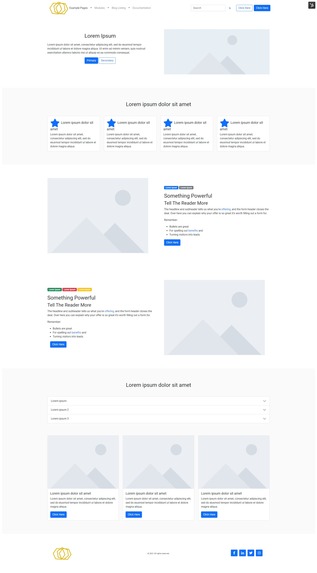
Home Page
-
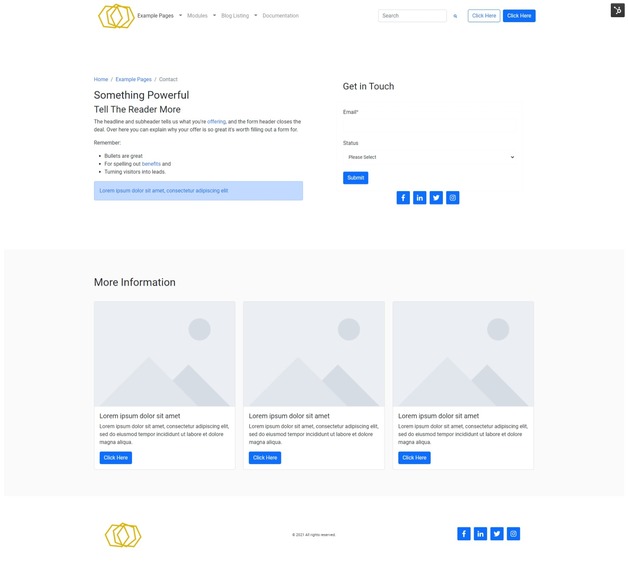
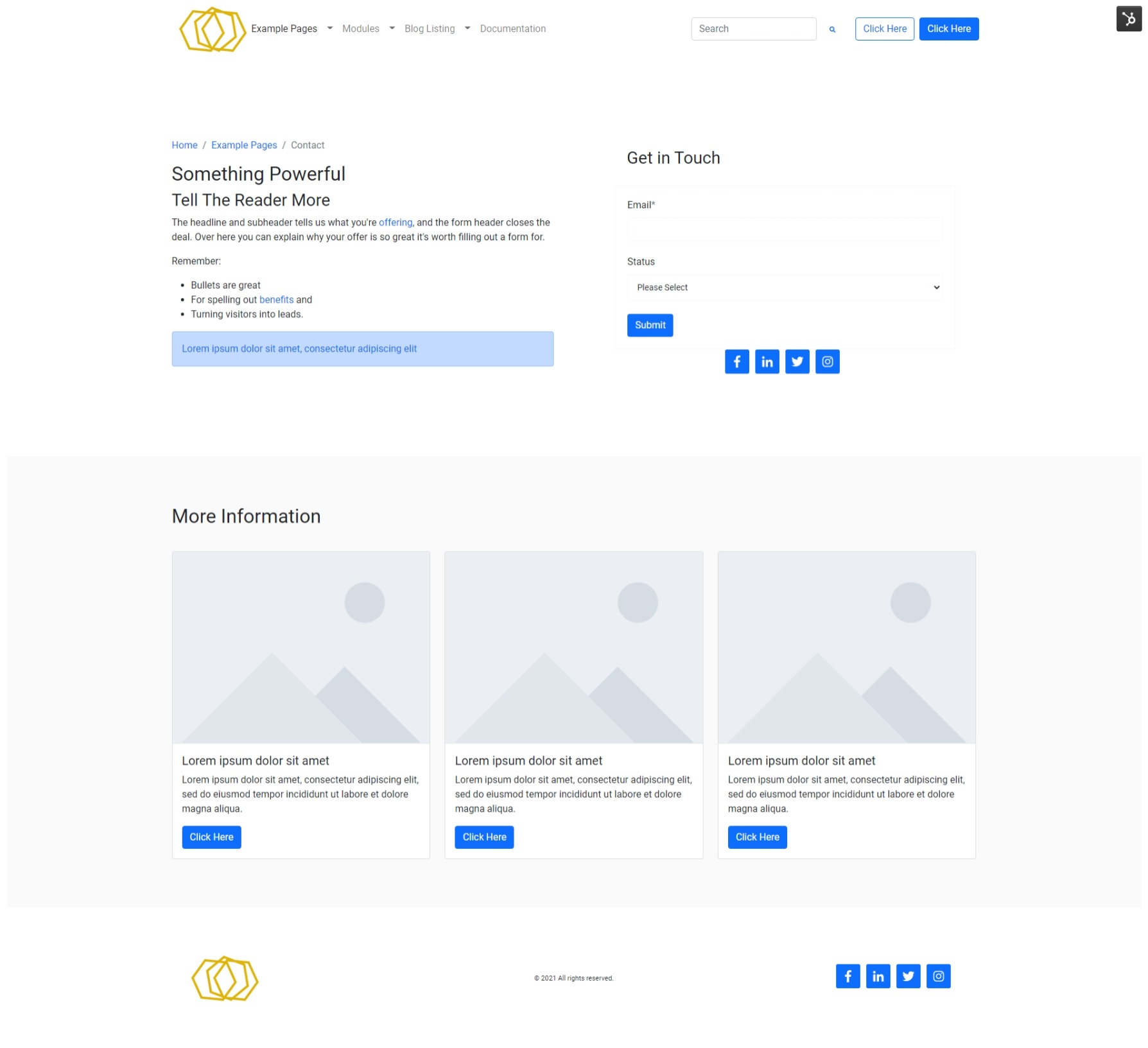
Contact Page
-
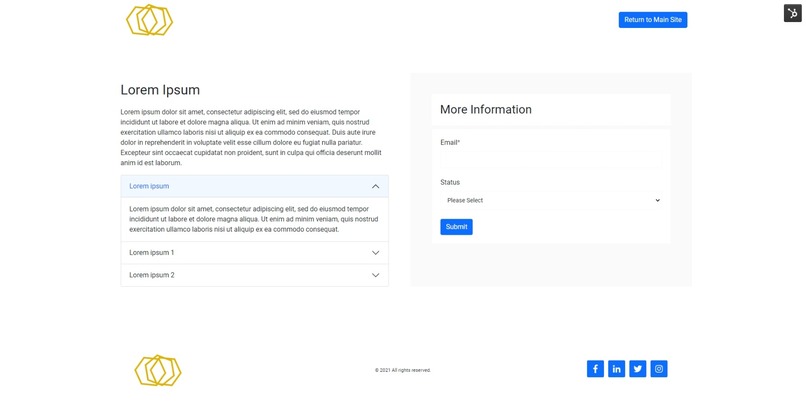
Landing Page
-
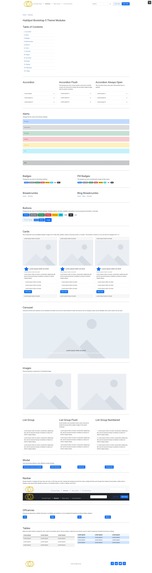
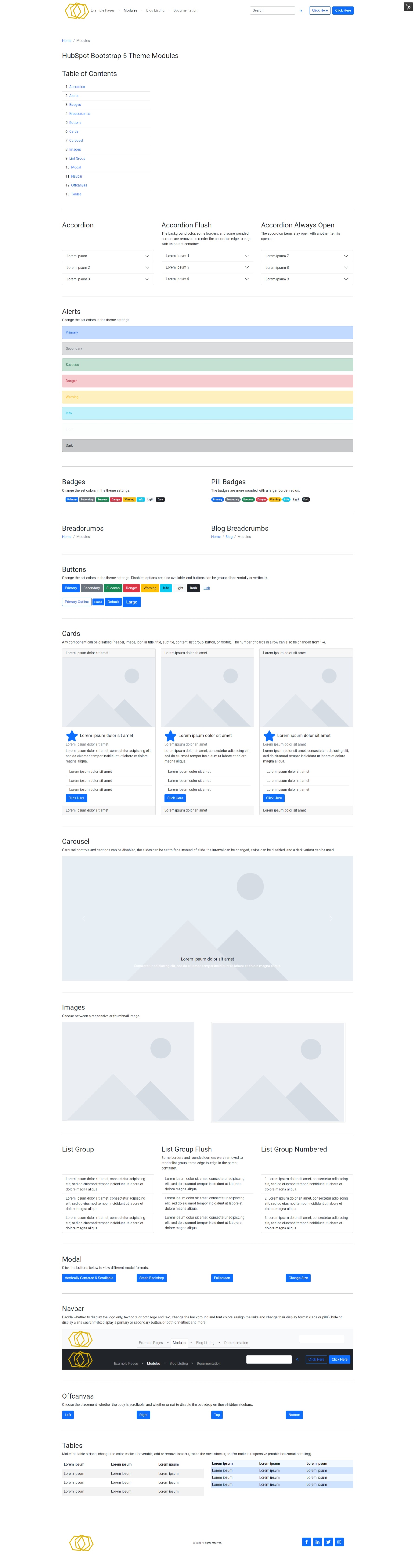
Modules
-
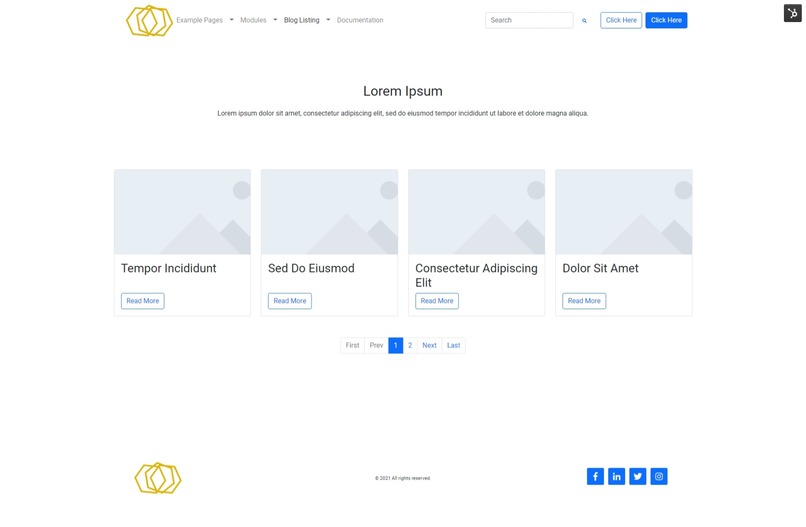
Blog Listing
-

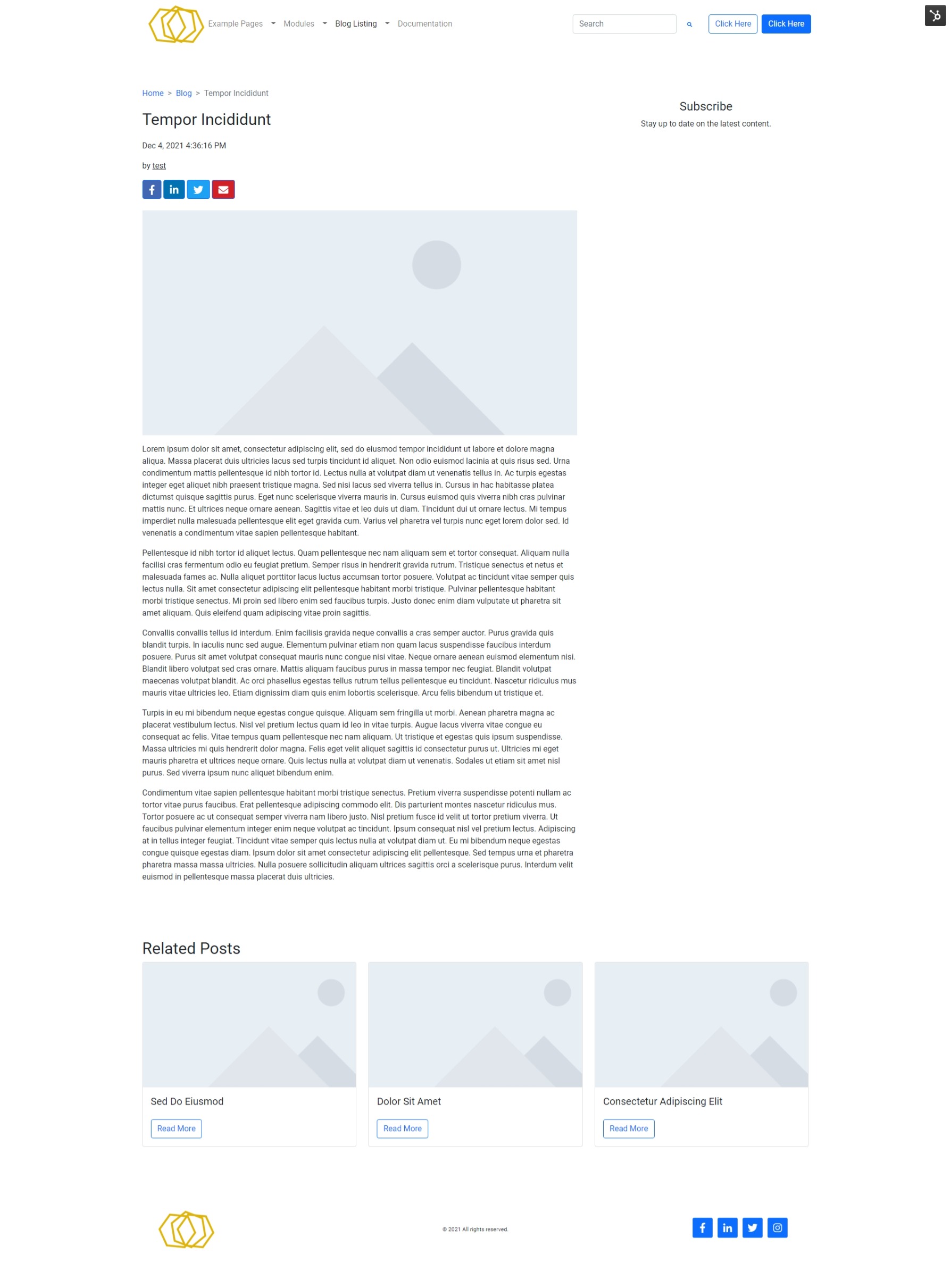
Blog Post
-
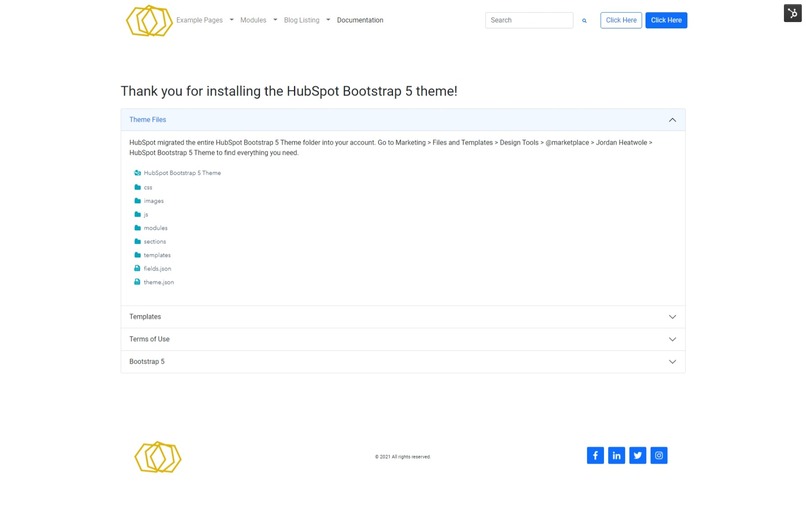
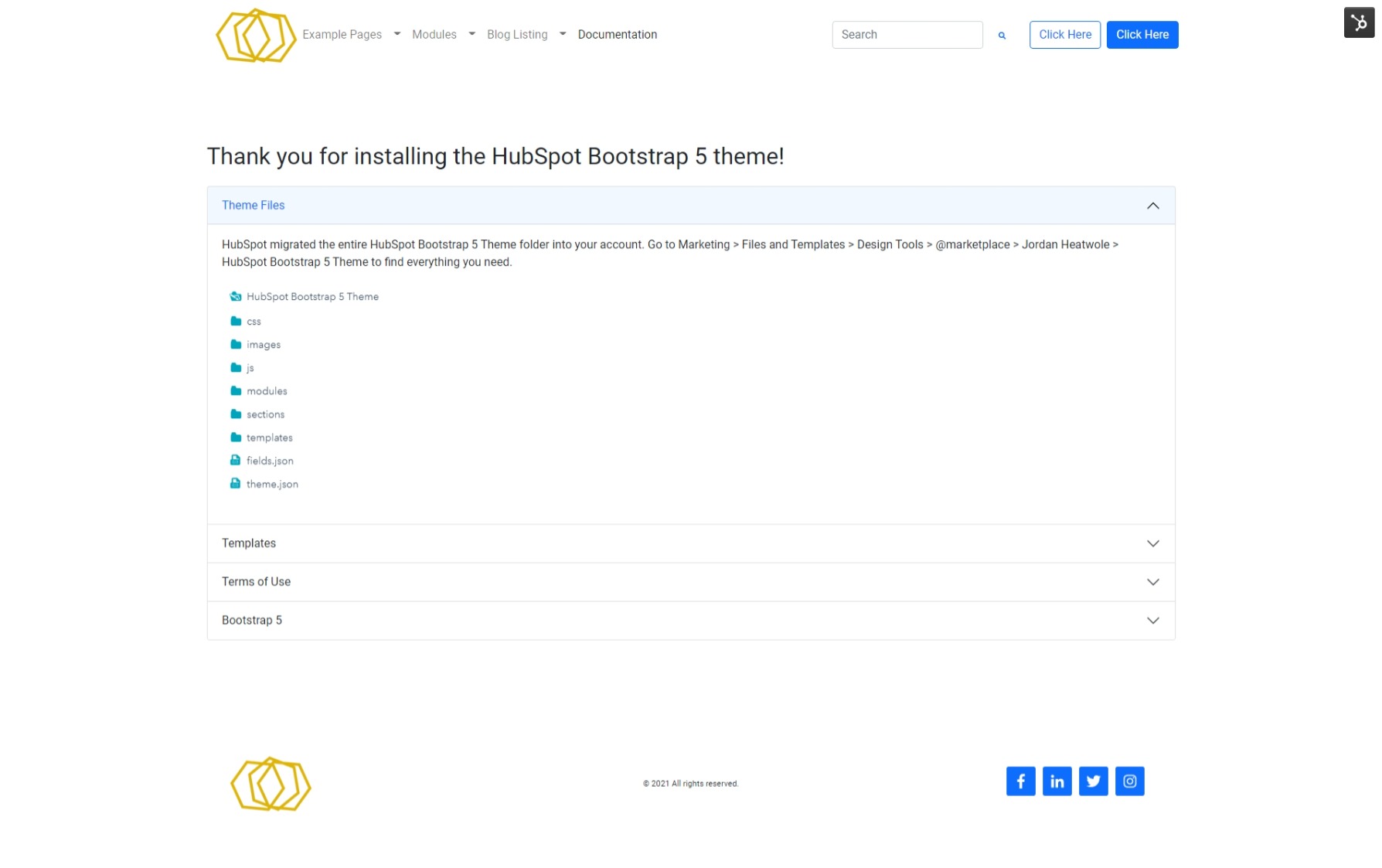
Documentation
-
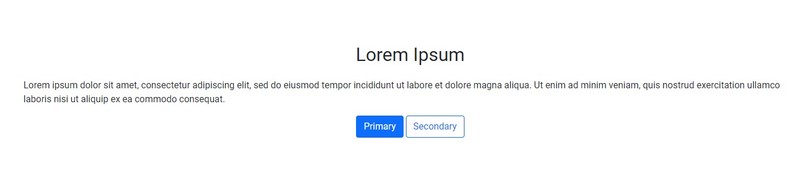
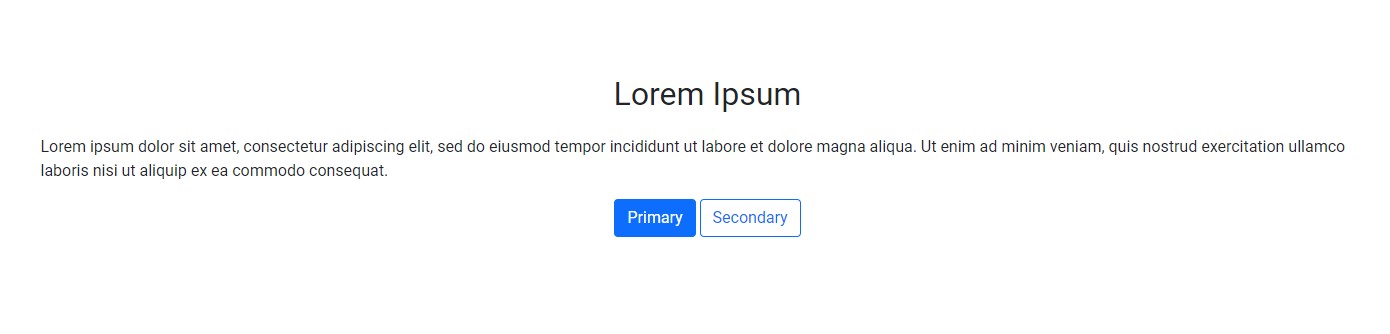
Hero Section 1
-
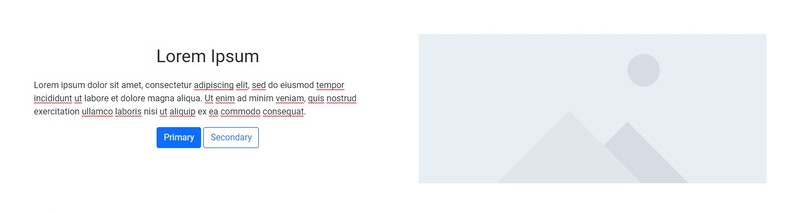
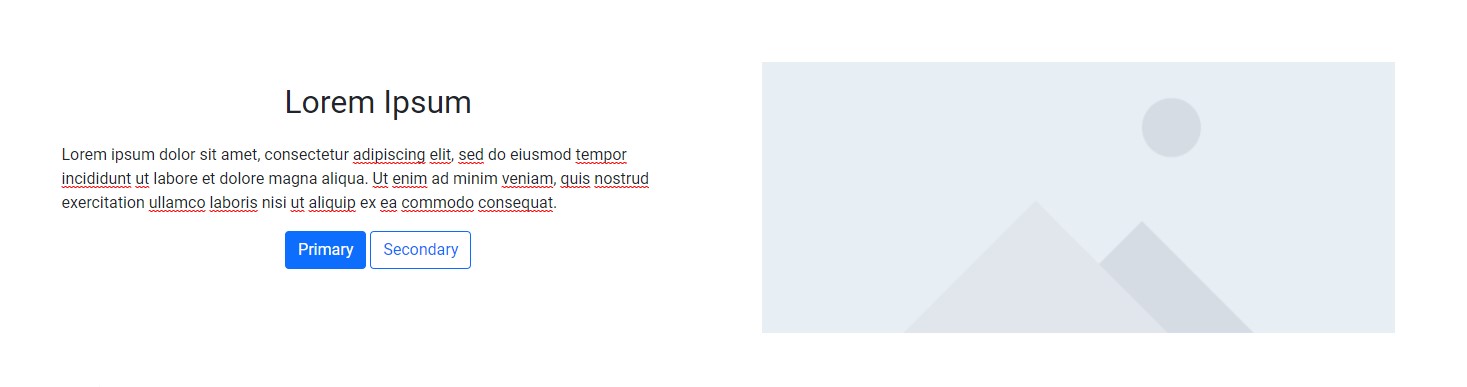
Hero Section 2
-

Navigation Section 1
-

Navigation Section 2
-

Navigation Section 3
-

Navigation Section 4
-
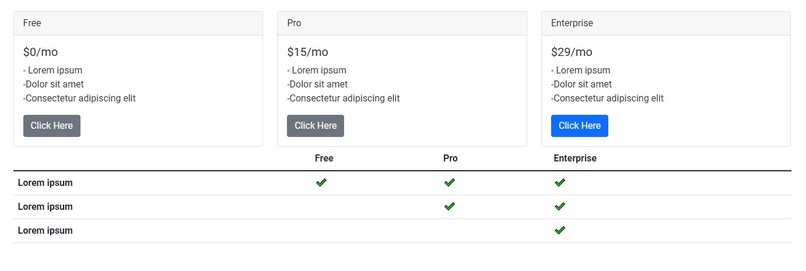
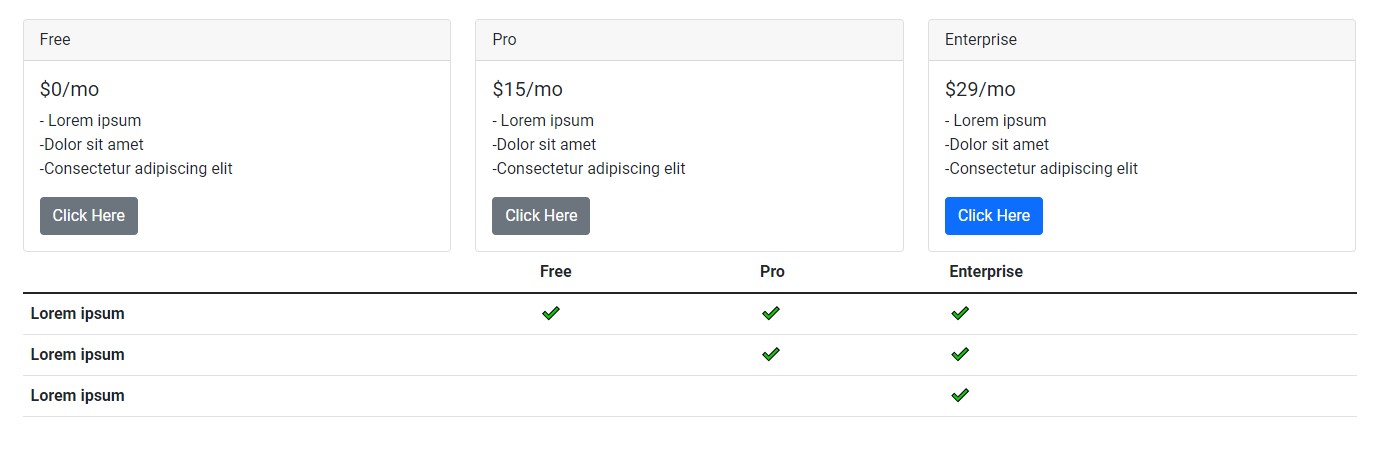
Pricing Section
-
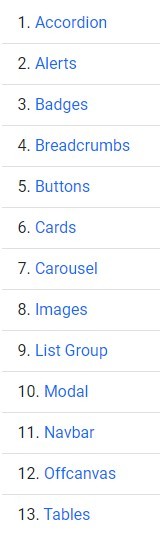
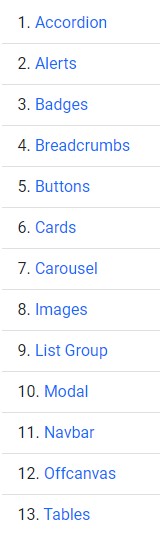
Module List
-
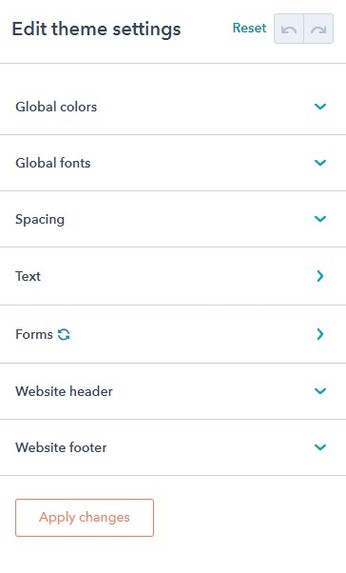
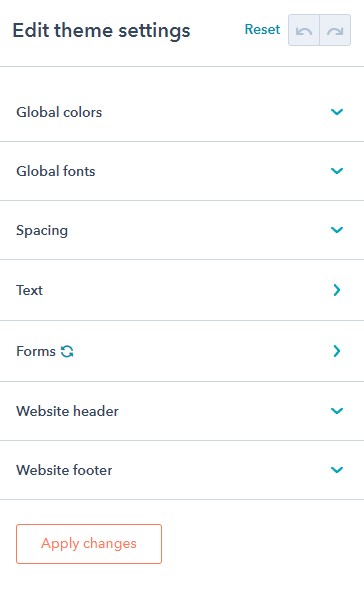
Theme Settings
-
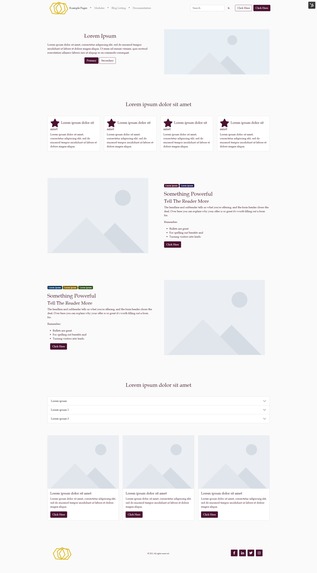
Customized Theme Settings Example
-
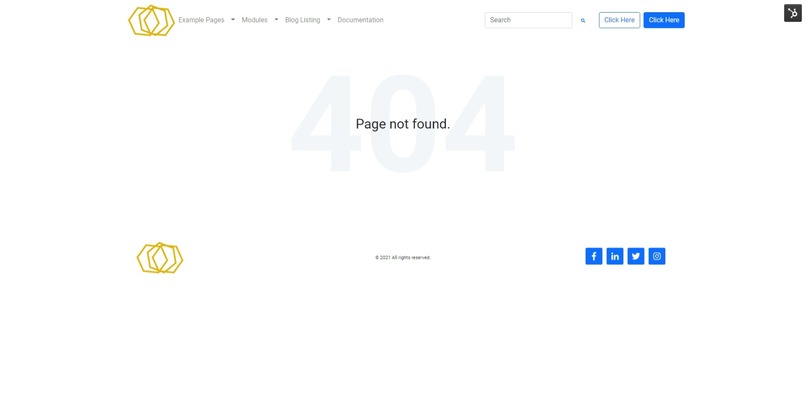
404
-
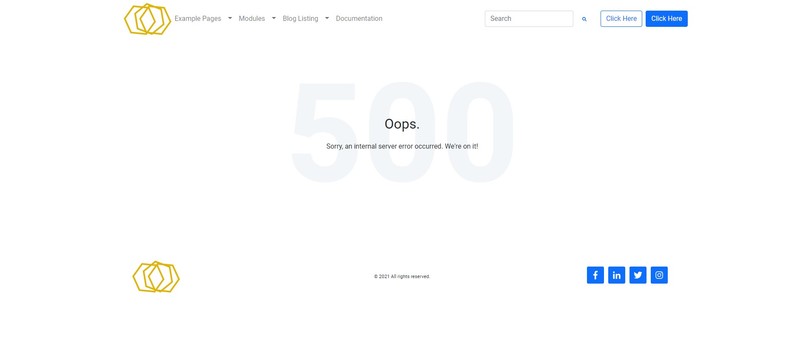
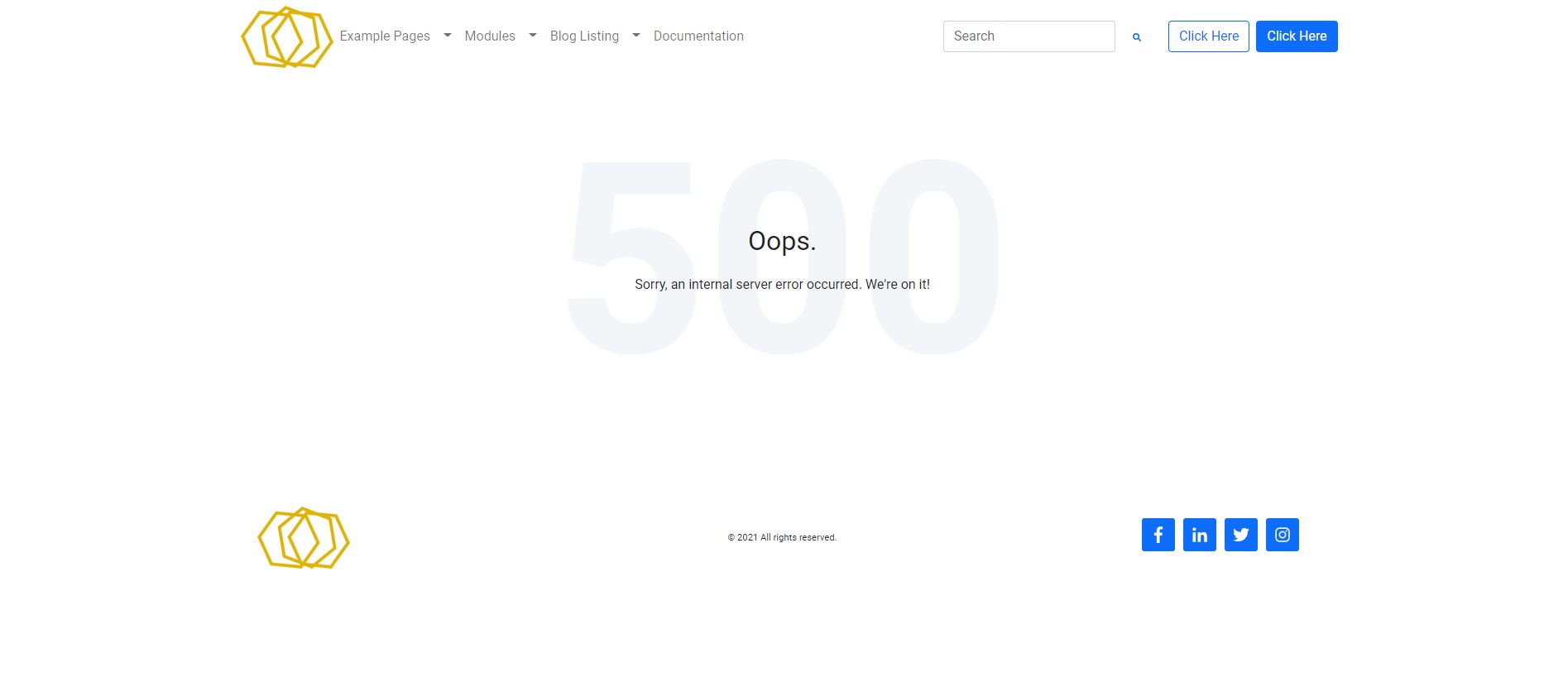
500
-
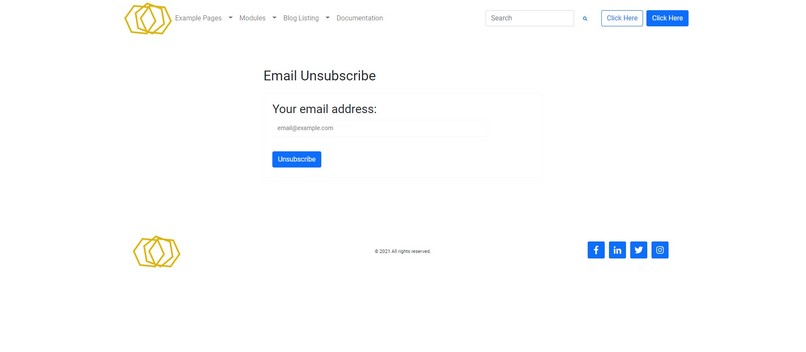
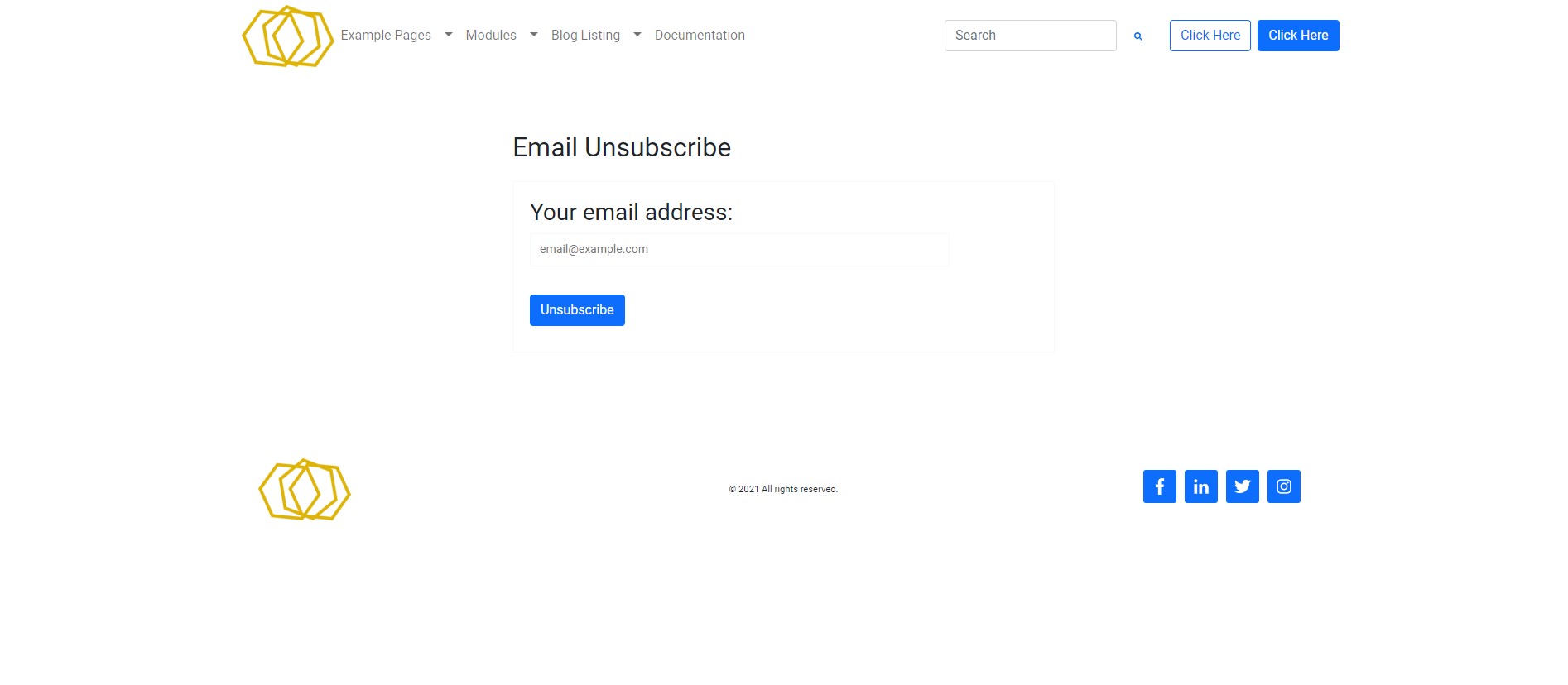
Backup Unsubscribe
-
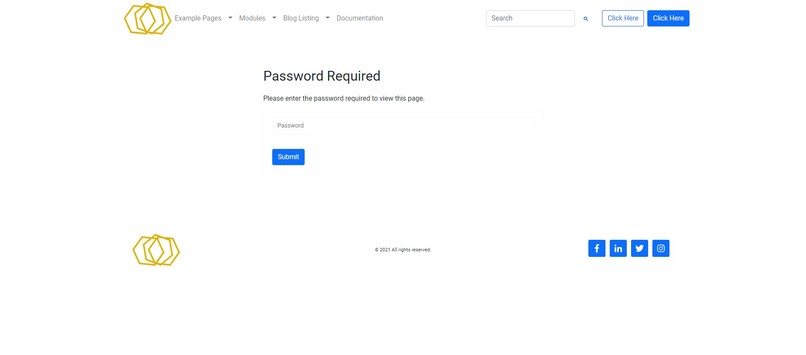
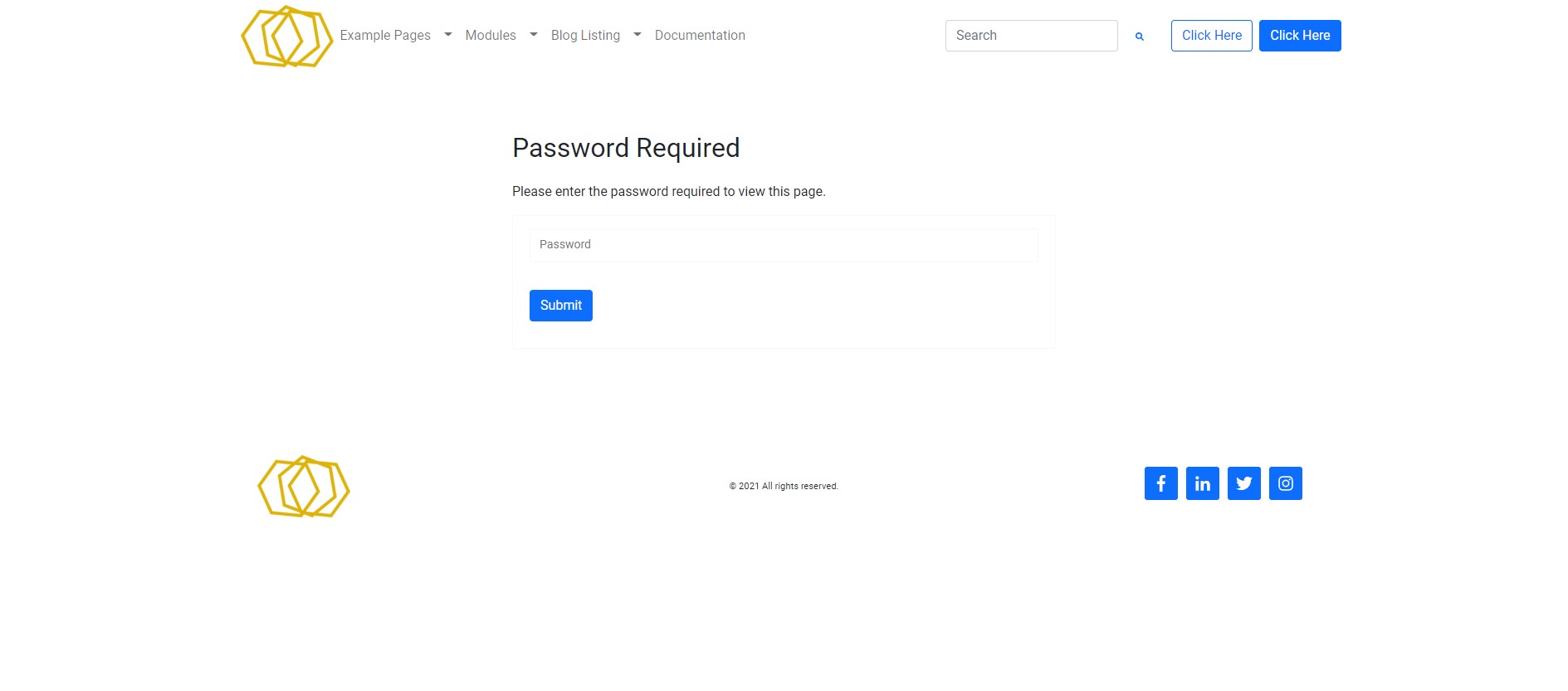
Password Prompt
-
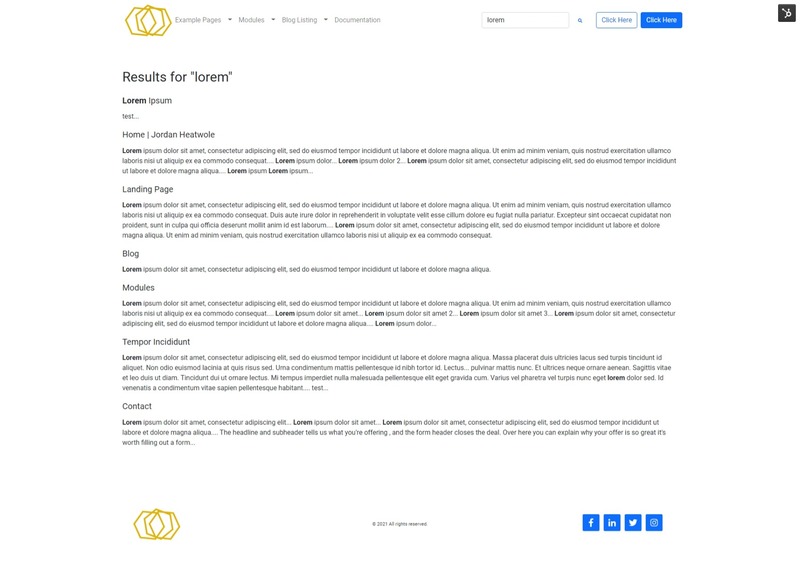
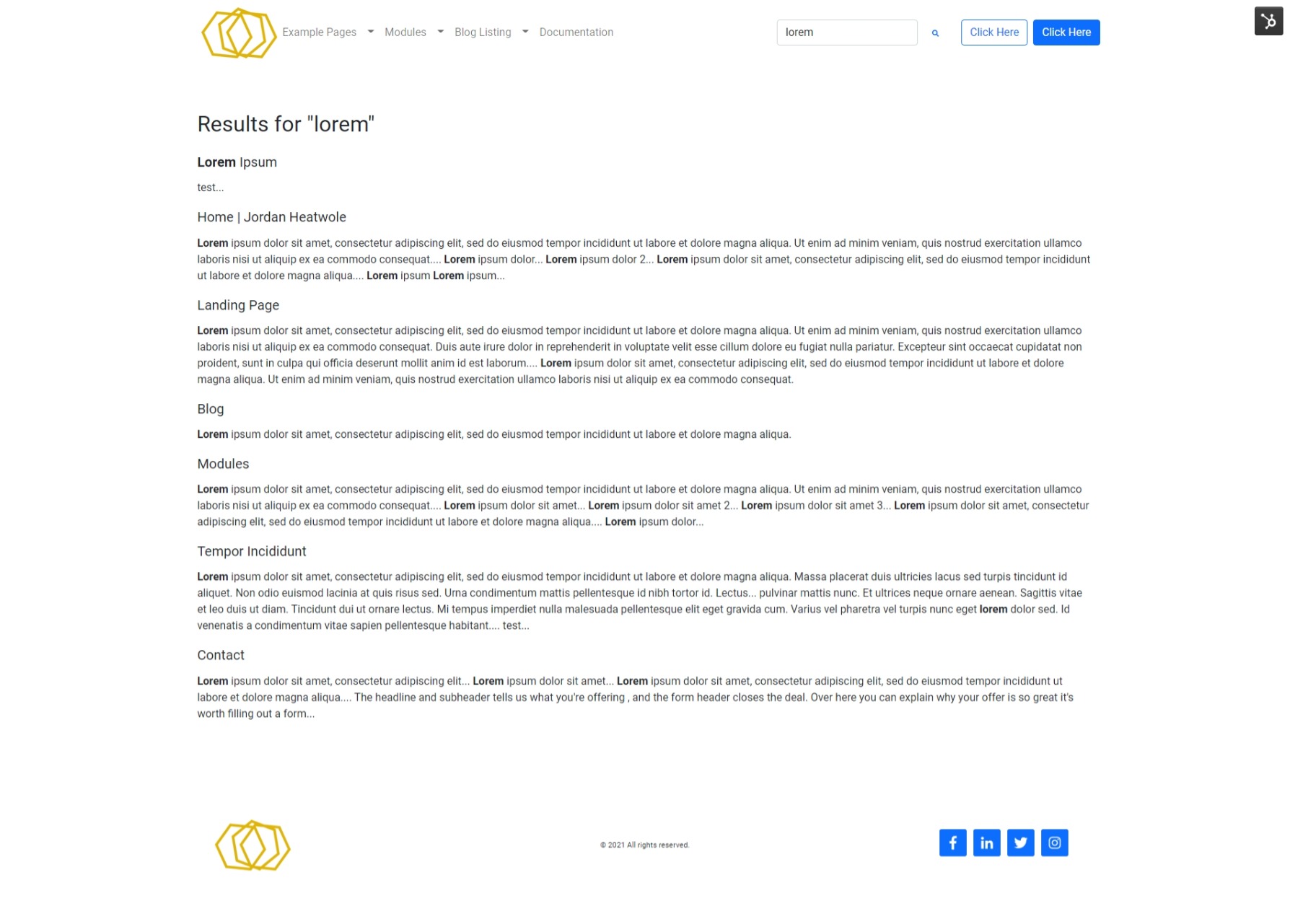
Search Results
-
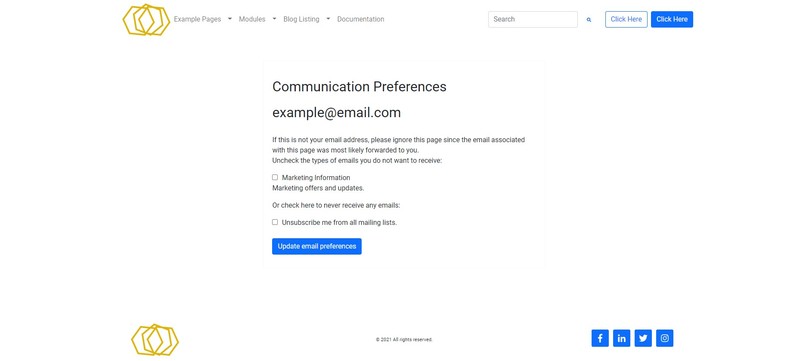
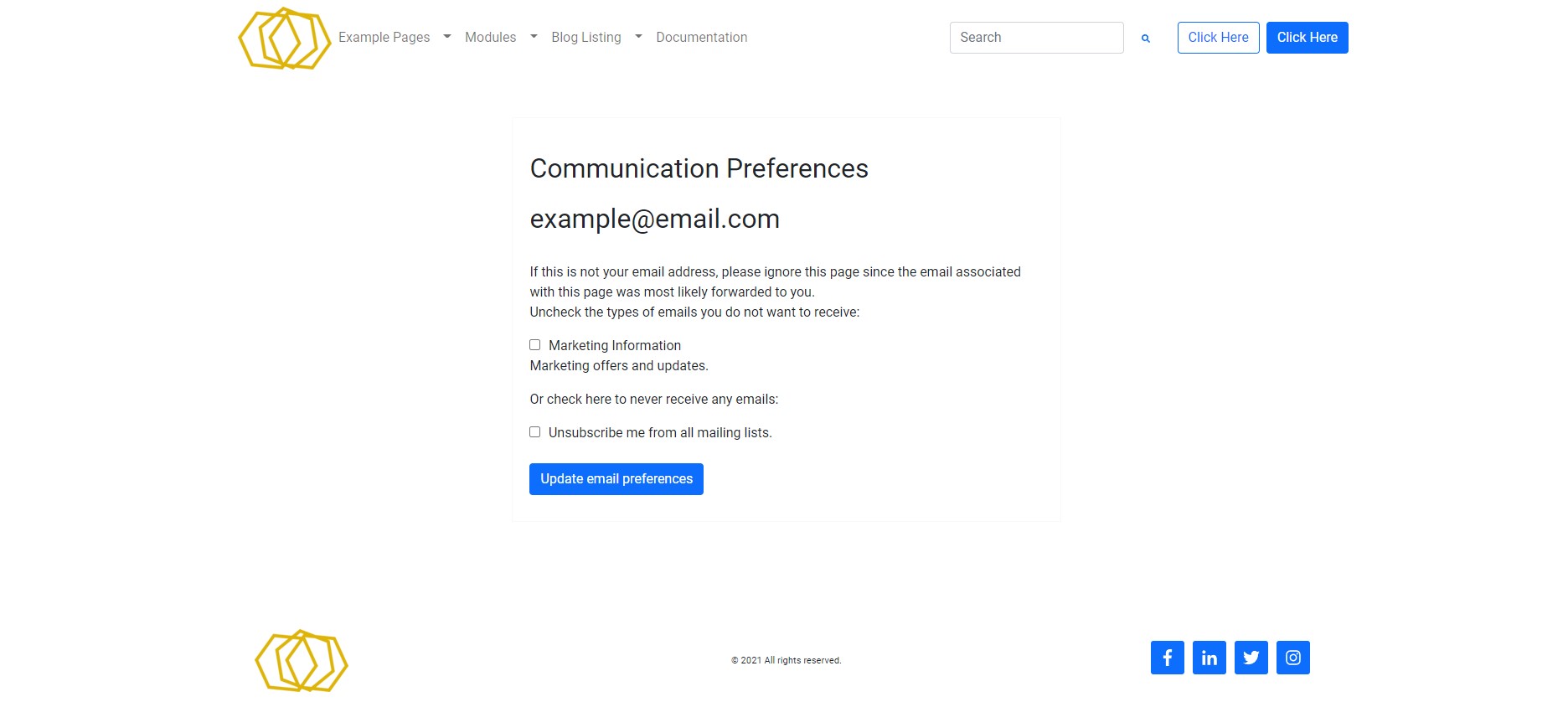
Subscription Preferences
-
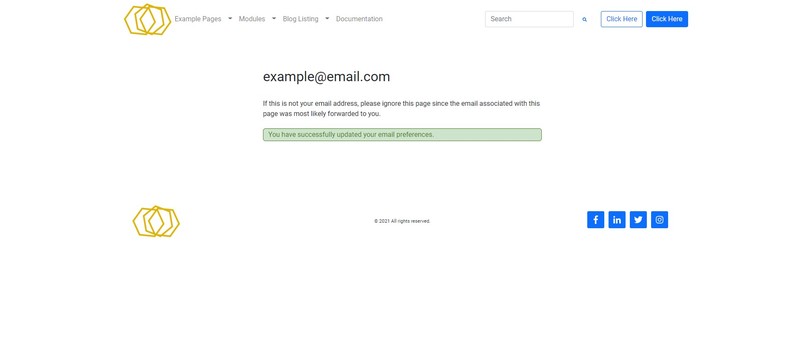
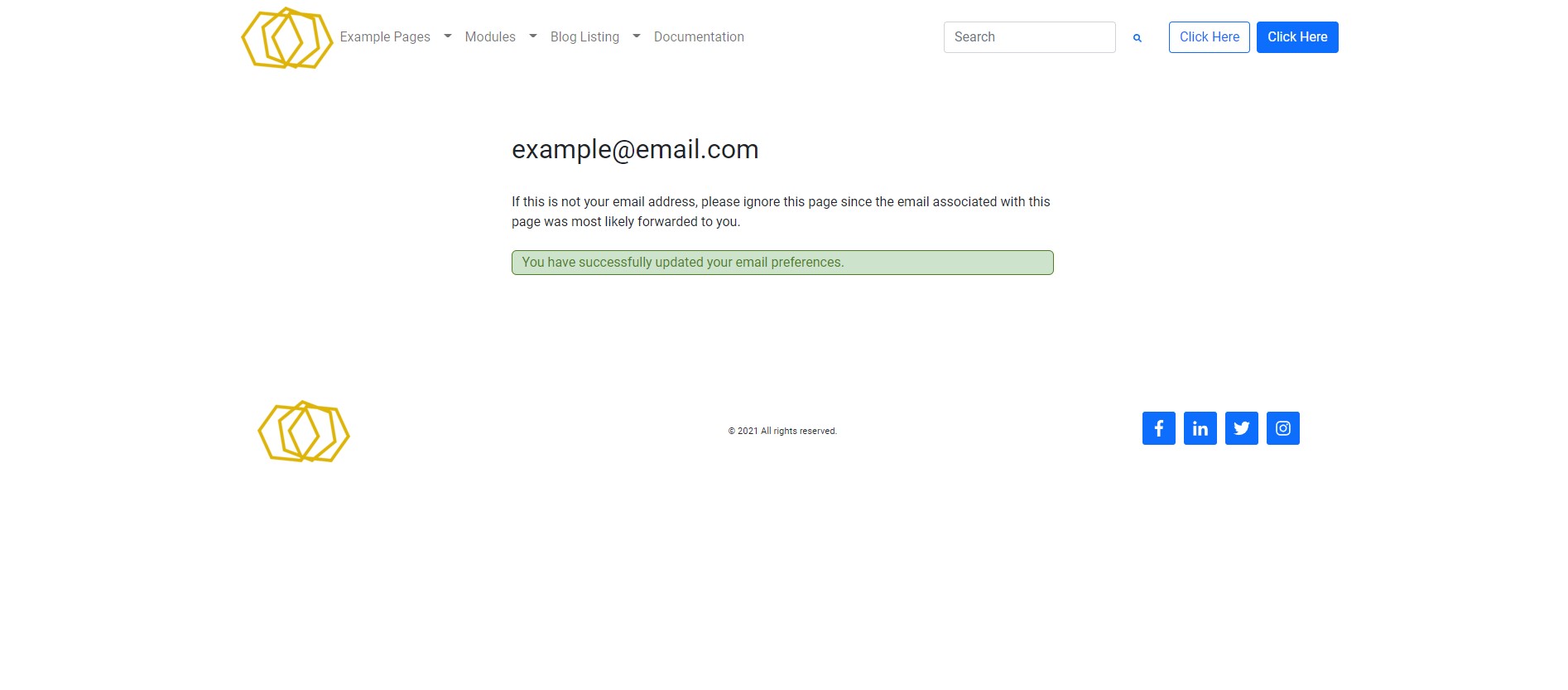
Subscription Confirmation








Inspiration
I was inspired to create this theme because it's the theme I want to use! I love Bootstrap and was surprised at the lack of Bootstrap 5-based templates available in the HubSpot marketplace. I thought it would be great to be able to drag-and-drop the various Bootstrap components and have options for the variations (like striped tables, success badges, flush accordions, etc.).
What It Does
This theme merges the standard Bootstrap components and HubSpot's easy-to-use interface. It's a great way to get the most out of both platforms without having to dabble in the backend.
How I Built It
I started with the HubSpot boilerplate theme, locally installed the Bootstrap CSS and JS bundles, then began building custom modules to match the available Bootstrap components. I then adjusted the theme settings to be able to override some Bootstrap defaults and created a Bootstrap override file to merge the theme settings into the CSS. I then went through and cleaned up everything I didn't need, captured screenshots, created templates, and was ready to publish!
Challenges I Ran Into
The biggest challenge I faced was trying to make all the Bootstrap variations available for each component module. In the end, I had to leave a few things out, like indicators on carousels because I didn't have a way to auto-number the slides, but for the most part, everything I would use is readily available.
Accomplishments I'm Proud Of
I'm very proud of the final product. It allows for sleek designs right out of the box, and with some clever theme setting adjustments, can create super unique, beautiful, and responsive sites quickly and easily.
What I Learned & What's Next for the HubSpot Bootstrap 5 Theme
I learned a ton throughout this project. I became much more familiar with both Bootstrap and HubSpot along the way. I know there will be future iterations of this project that streamline the code and add more options for the end user, and I'm excited to keep building on the success of this theme!


Log in or sign up for Devpost to join the conversation.