-
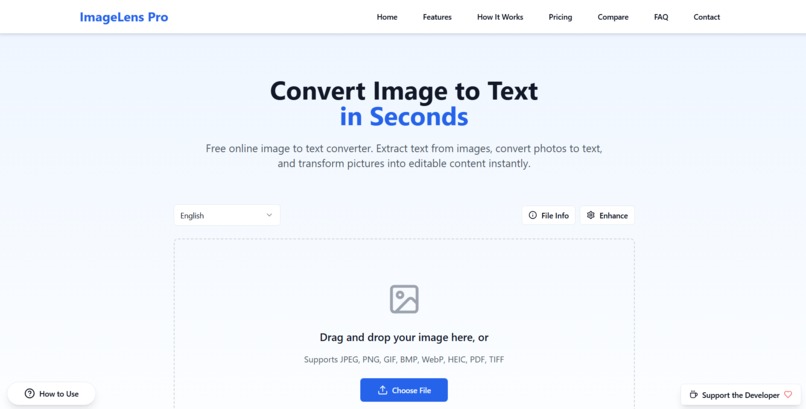
Image Lens Pro - ImageLensPro.com
💡 Inspiration As a developer and content creator, I often came across images with important text that I needed to extract—whether it was from a screenshot, infographic, or scanned document. Using desktop tools or downloading heavy apps just for one quick task felt inefficient. That’s when I realized the need for a fast, clean, and completely browser-based solution: Image Lens Pro.
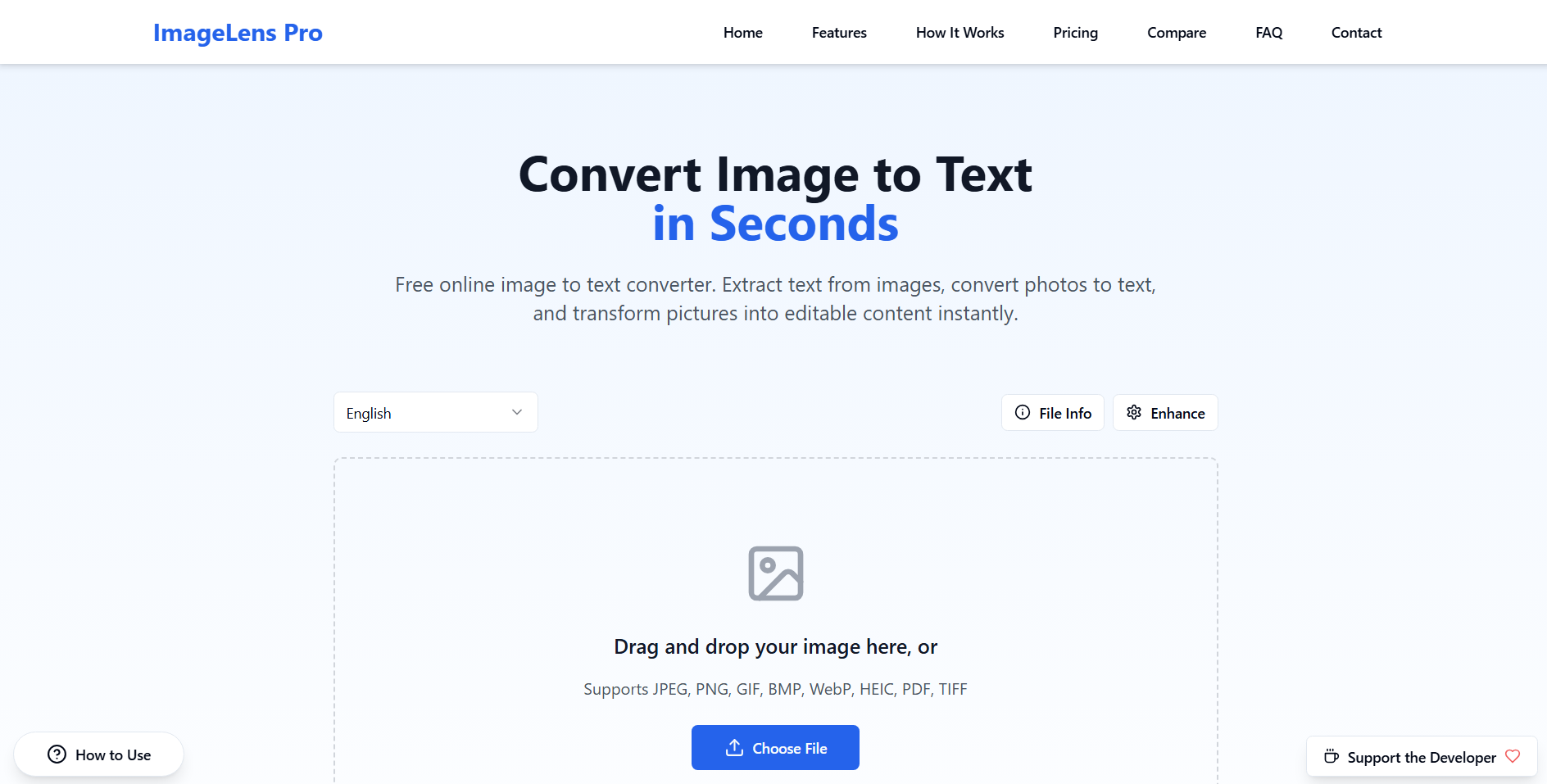
🧠 What it does Image Lens Pro allows users to: Upload any image (JPG, PNG, or WebP) Instantly extract the text present in that image using AI-powered OCR Copy the extracted text with a single click No sign-ups, no data saved – just a super intuitive, privacy-respecting tool.
🛠️ How I built it I used Tesseract.js, a powerful JavaScript OCR engine, to handle the core text recognition. The UI/UX is built with Tailwind CSS for speed and responsiveness. I designed the front-end in Figma and polished assets in Canva to ensure a visually clean and brand-aligned experience. Hosted using Vercel for global CDN support and quick loading. The domain was set up using GoDaddy and is connected to both imagelenspro.com and imagelens.pro. Using Hostinger Horizons AI
🧗♂️ Challenges I ran into Accuracy of OCR: Handling multiple languages and low-quality images was tricky. I had to experiment with image pre-processing techniques to improve results. Mobile optimization: Ensuring OCR performance on mobile browsers while keeping the interface simple was a bit of a balancing act. Speed: Running OCR in-browser can be demanding, so I optimized it using lazy-loading and asynchronous processing.
🏆 Accomplishments that I'm proud of Fully functional, fast-loading tool without requiring any backend or database. Users from over 10+ countries have already used it organically within days of launch. Clean, professional branding and a memorable domain setup: imagelenspro.com and imagelens.pro
📚 What I learned Learned how to integrate Tesseract.js efficiently in real-world applications. Gained experience in designing minimal and user-friendly web apps with a purpose. Enhanced my skills in frontend optimization and mobile-first development.
🚀 What's next for Image Lens Pro Add multi-language support (starting with Hindi, Spanish, and French). Integrate drag & drop and paste-from-clipboard features for faster uploads. Create a Chrome Extension for one-click image text extraction from webpages. Possibly release a Pro version with features like batch image uploads and export to Word or PDF.
Built With
- assets)
- branding
- canva
- css-frameworks/libraries:-tailwind-css
- figma-(for-ui-planning)
- for
- hostinger-horizons-ai
- html
- languages:-javascript
- mobile-friendly)-hosting:-vercel-other-tools:-github
- tesseract.js-(ocr)-technologies:-ai-&-ocr-(optical-character-recognition)-platforms:-web-(fully-browser-based


Log in or sign up for Devpost to join the conversation.