-
-
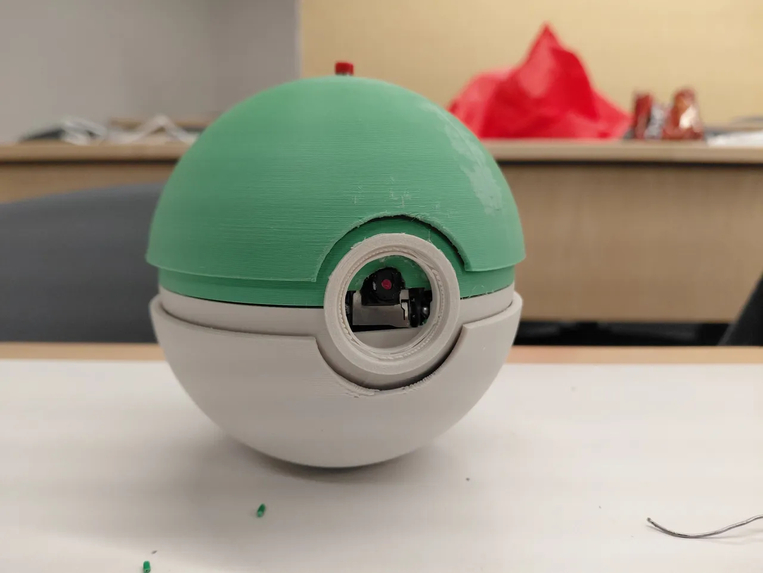
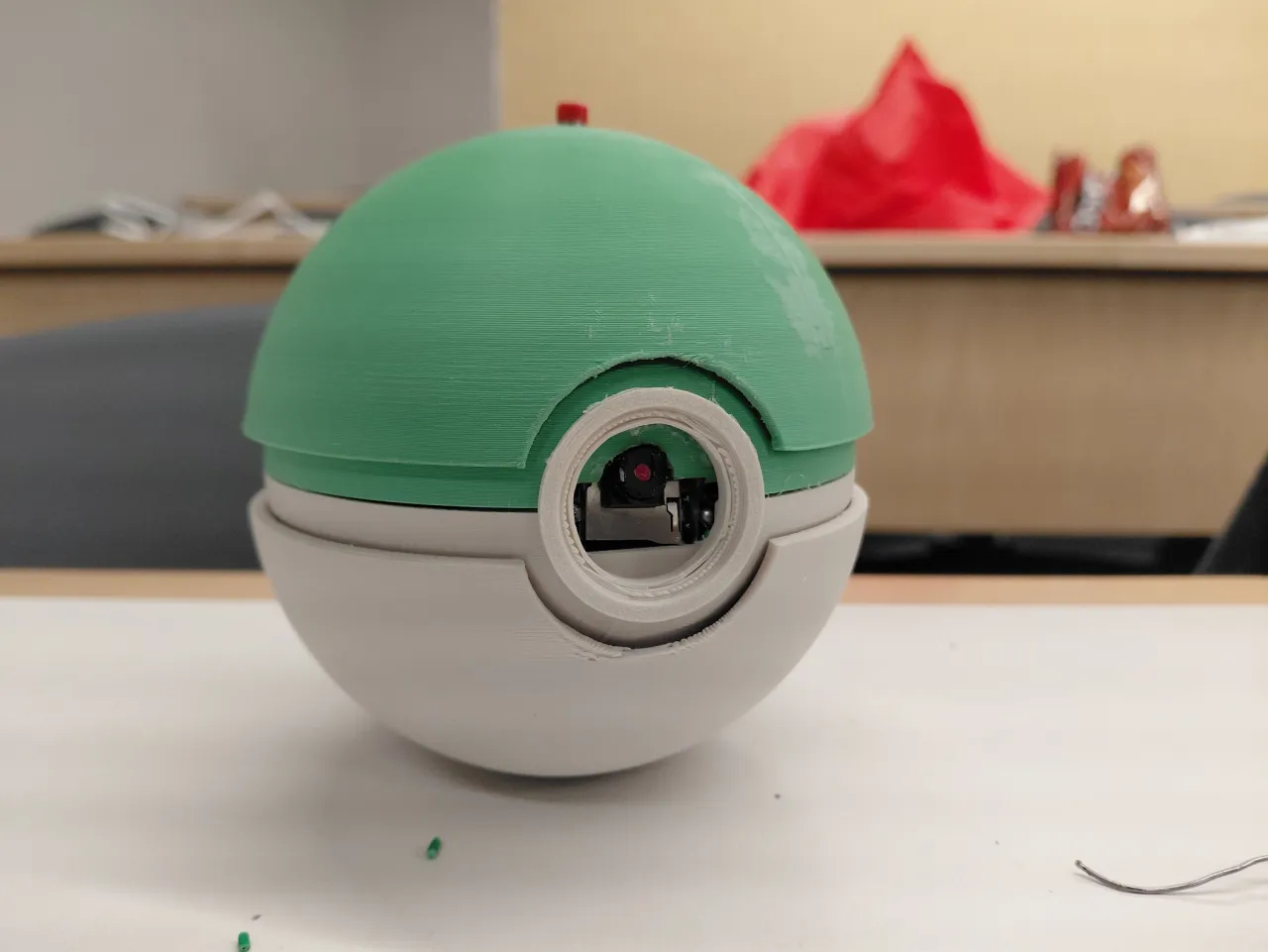
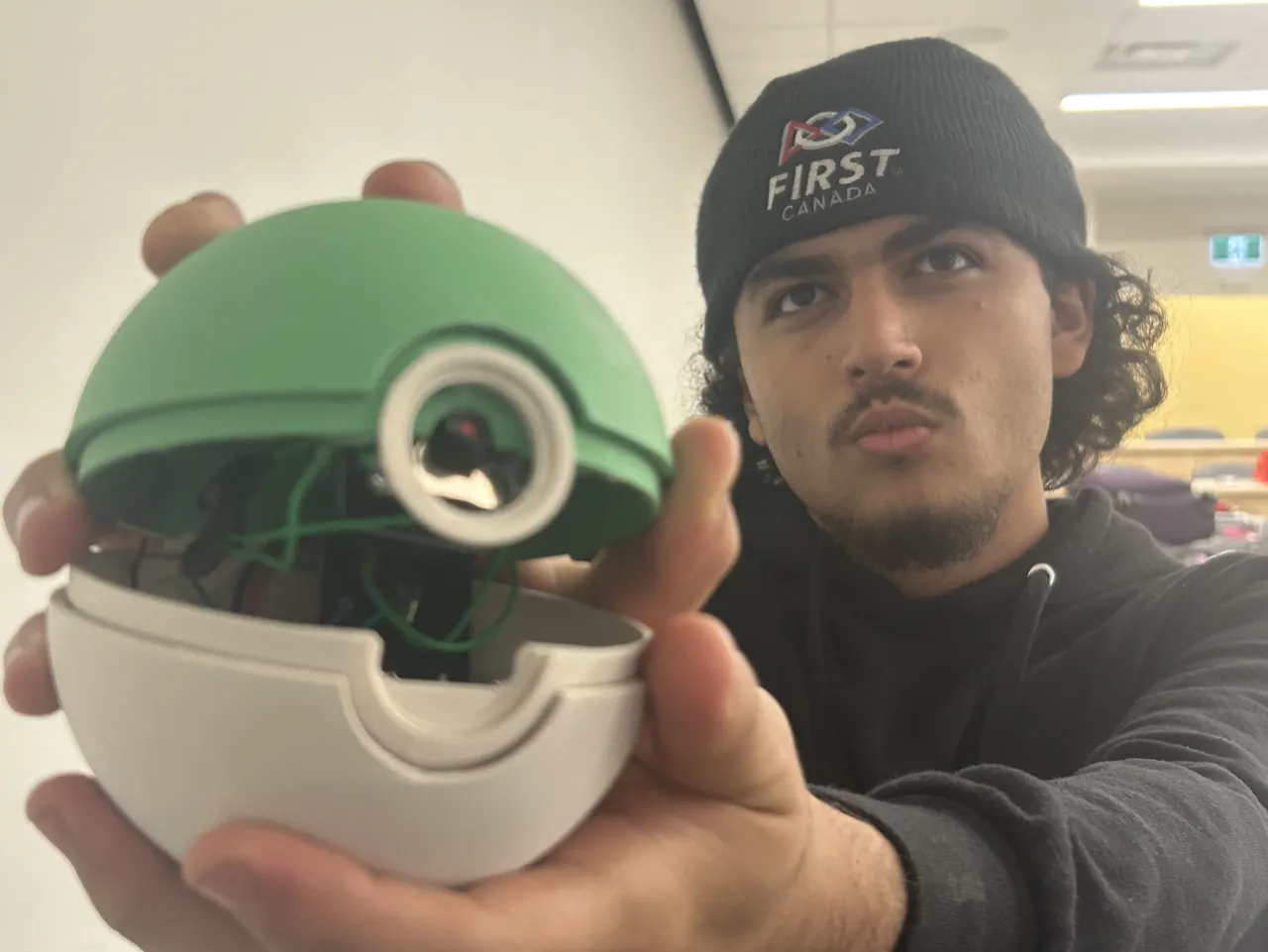
The ShutterBall itself
-
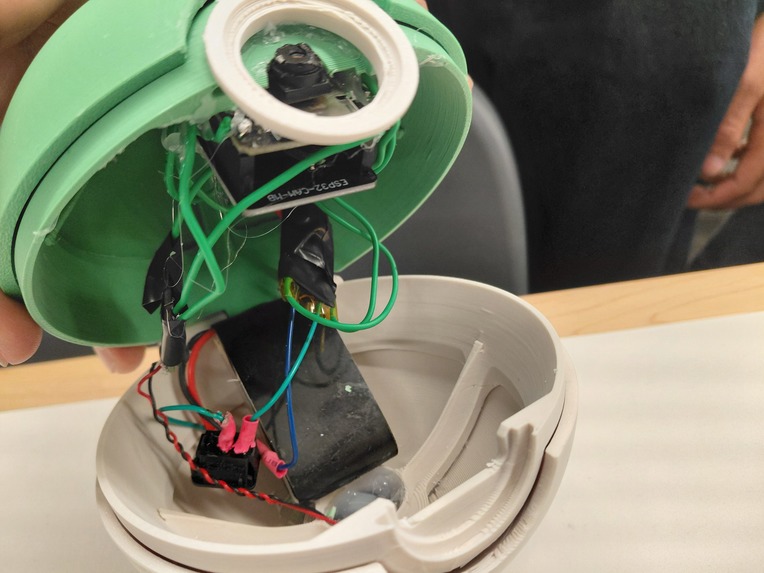
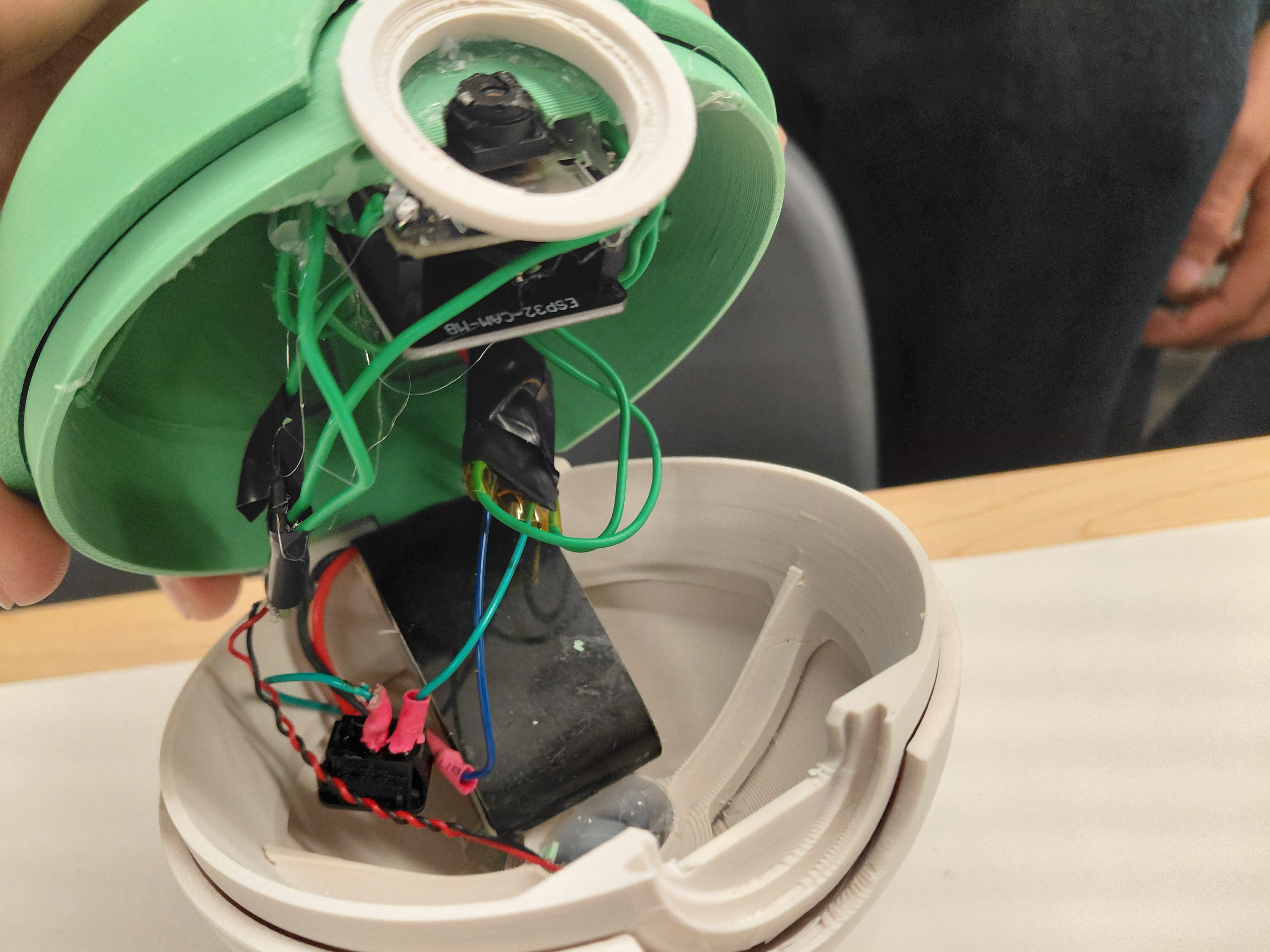
ShutterBall internals
-
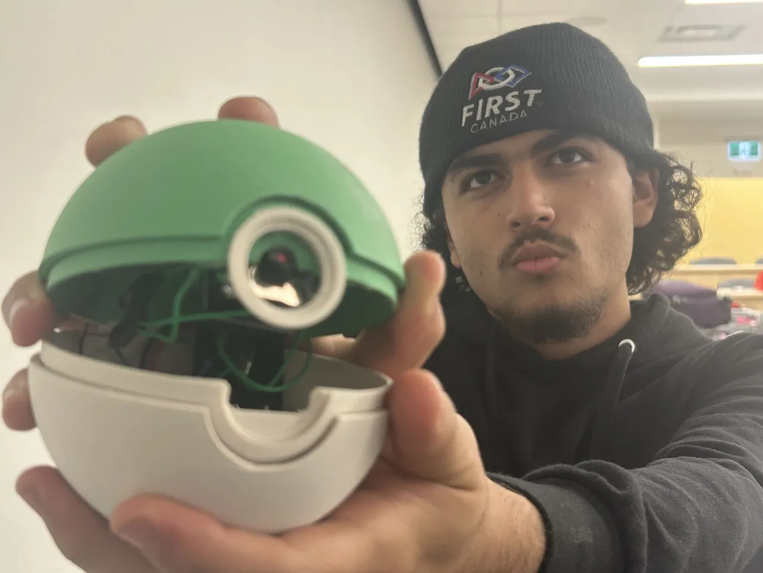
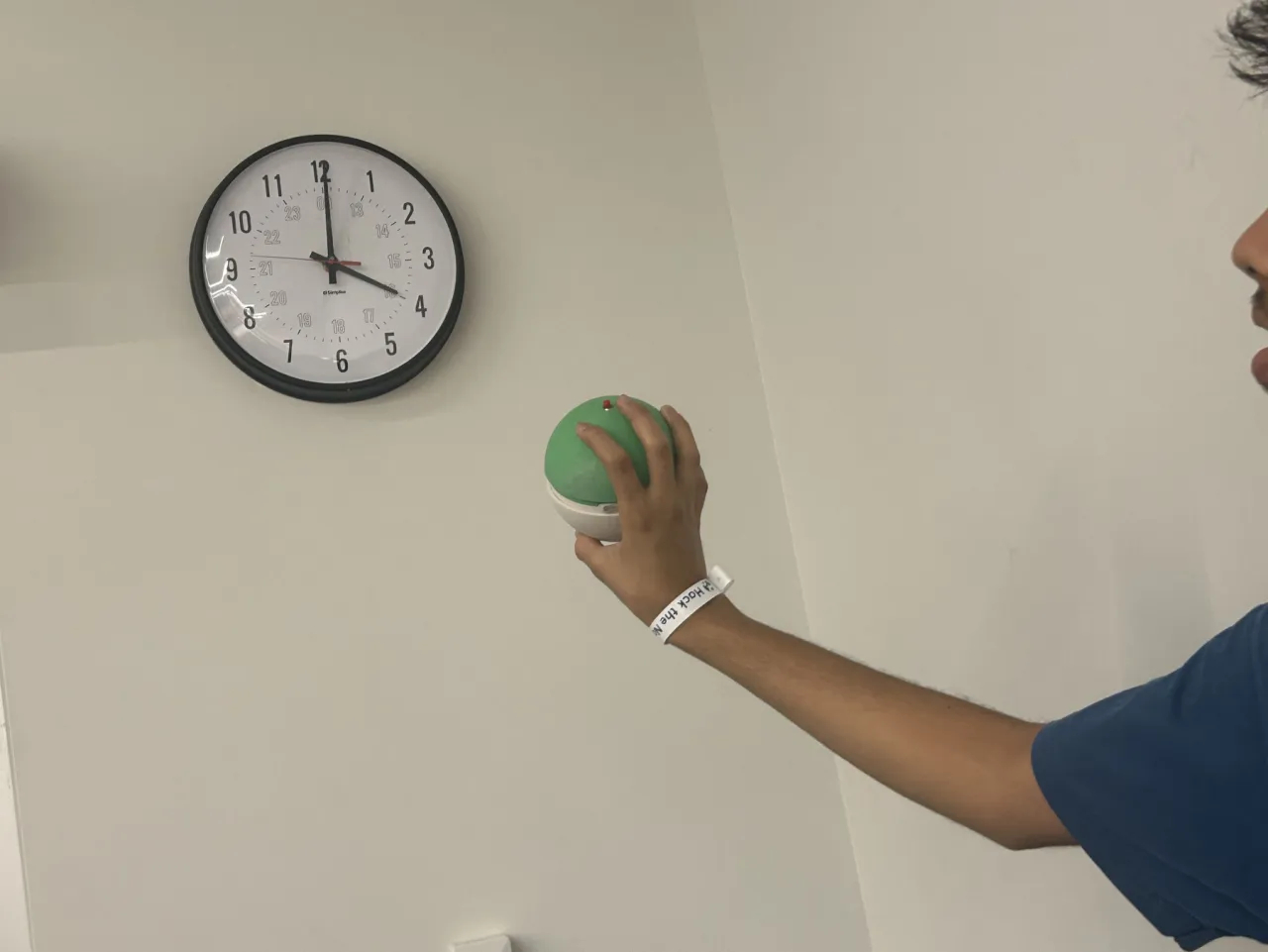
A demonstration of a capture using a ShutterBall
-
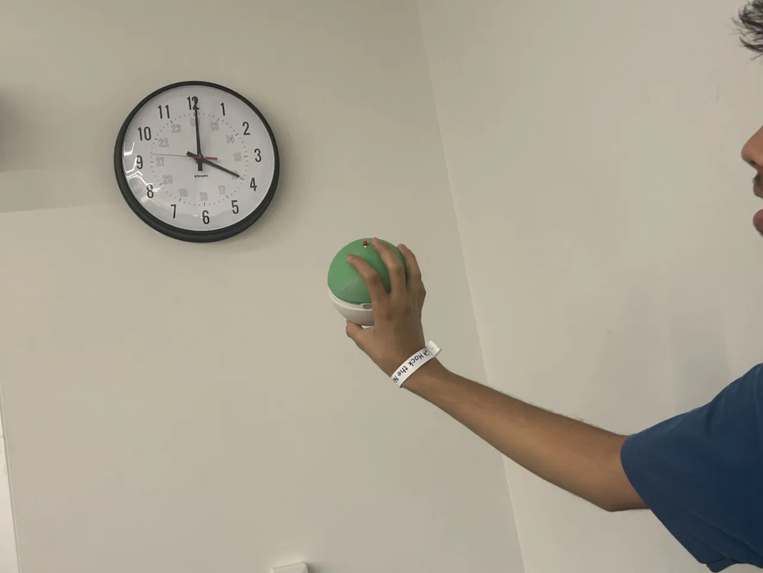
Capture ball pointed at an object
-
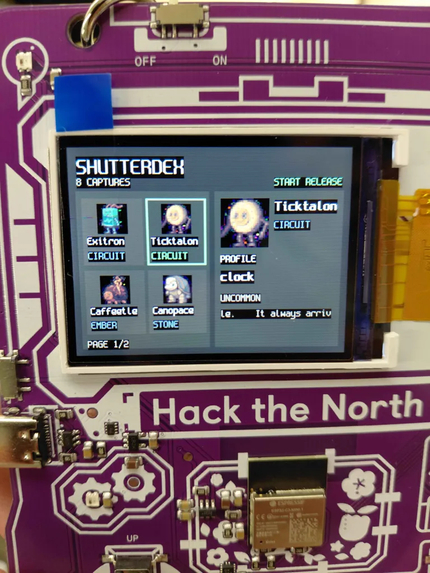
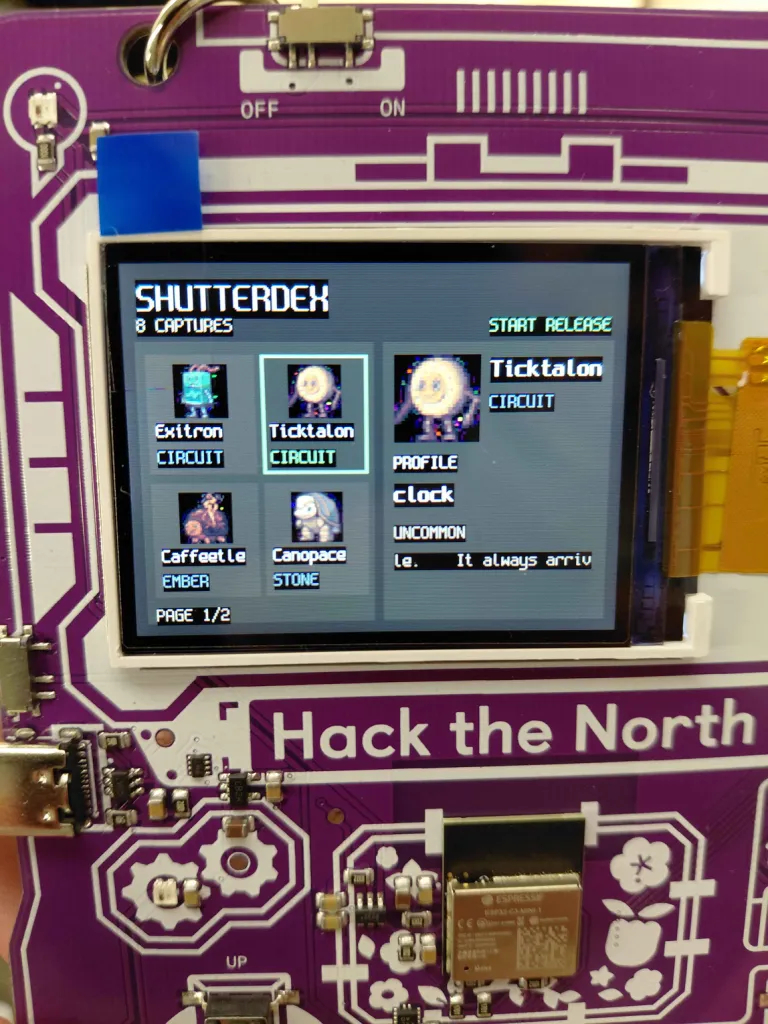
Dex
-
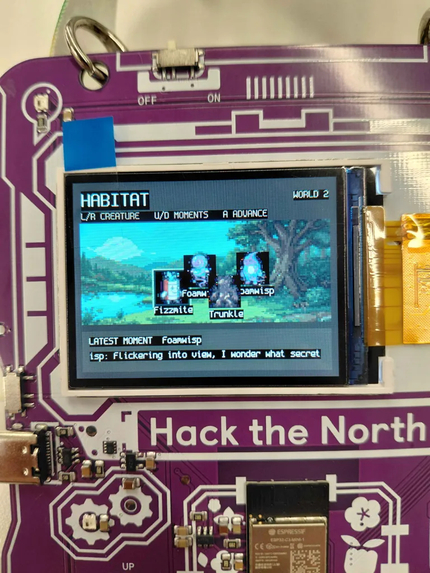
Habitat
-
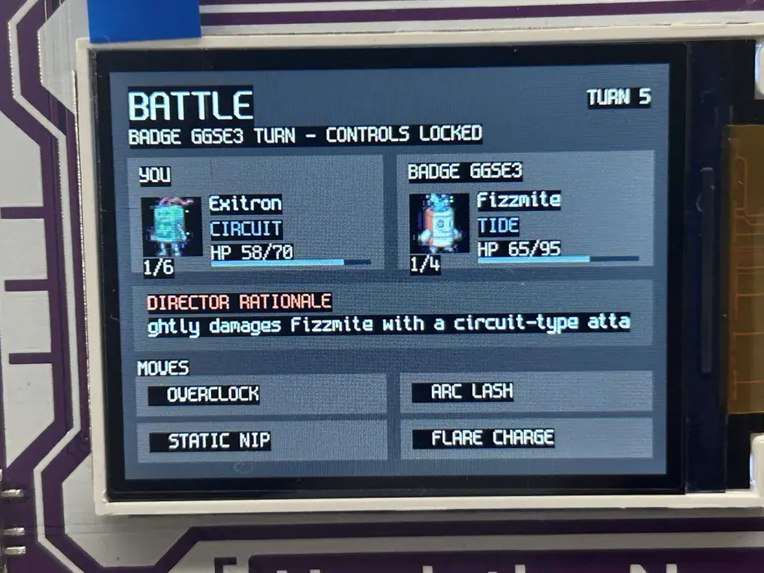
Battle

Inspiration
Everyone who grew up with a creature-collecting game has had the same daydream: point something at a coffee mug and have it become something. The mug has stats. The mug has a name. The mug is yours.
We didn't want a web app with an upload button. We wanted something you could hand to a stranger in a hallway without explaining it. You press the button. It takes a photo and something appears on your badge.
What it does
Shutterdex turns real objects into collectible creatures.
There's a physical ball with a camera inside it. Press the button and it photographs whatever you're pointing at. About twelve seconds later, a pixel-art creature gets generated from that specific photo, with a name, a type, four moves and a stat line, inside your badge.
The badge/client consists of three main parts:
- Dex: a grid of everything you've caught, with sprites, flavour text, stats and move lists. Scroll with the D-pad, press A to flip between stat and move pages.
- Habitat: your creatures living on a small map with a day/night cycle that runs through eight painted backgrounds. They wander, meet each other, and generate events and dialogue.
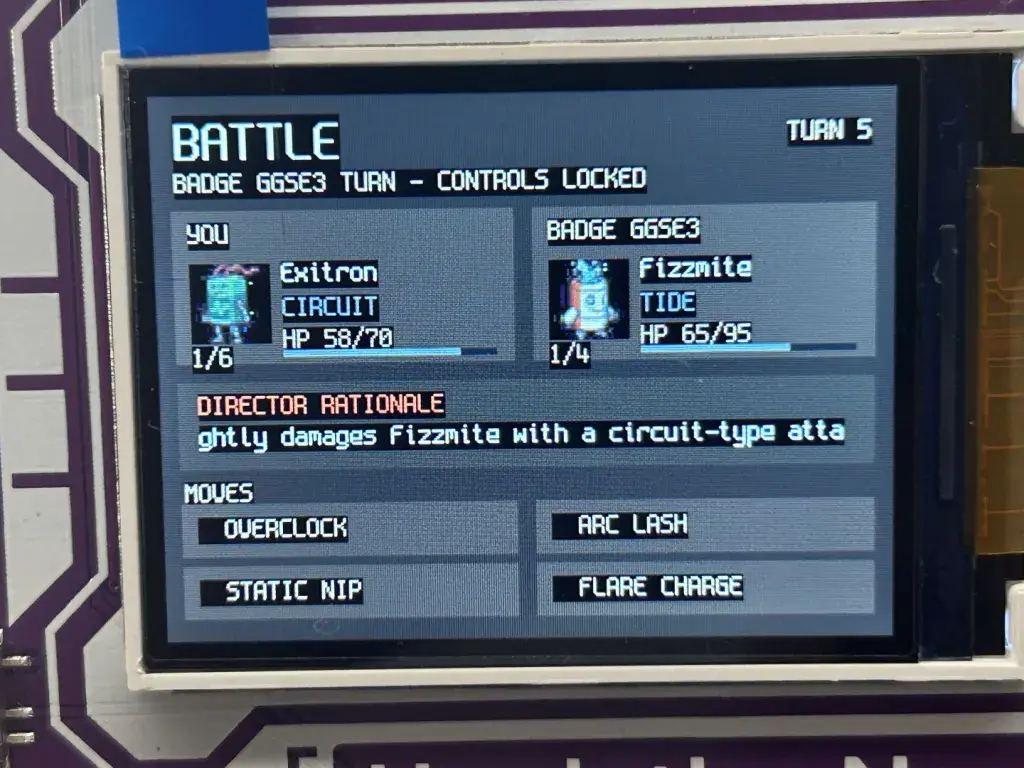
- Battle: challenge another player to a turn-based battle. Both players browse their own four moves independently; the server resolves the turn and pushes the result to both screens.
How we built it
The ball. An ESP32-CAM on a button trigger. Press → capture → image sent to the server.
Photo → creature. A FastAPI server accepts the raw JPEG and starts the creature generation workflow. A vision model describes the object and proposes a creature; an image model draws a sprite from a style prompt. Both calls go through Backboard.
Making generated images look consistent. Independently generated sprites can look like many different art styles. Post processing fixes that by using chroma-key to take the background out, downscaling to 64×64 with a box filter, quantizing to a colour palette with no dithering, adding a 1px dark outline, and upscaling using nearest-neighbour.
The badge. We used Solana's new badge firmware to create the modes available on the badge. This new firmware operates quite differently. The screen buttons are connected to a WebSocket, and the entire UI lives on the server: screen objects → a renderer that resolves sprites, sizes thumbnails and clips text → an ordered, replayable command list → a rate-limited async gateway.
Habitat and Battle both use the same two-model pattern: a small cheap LLM proposes a few bounded candidate outcomes, and a probabilistic classifier (we used Jev) picks one. The server applies the chosen candidate deterministically and performs it.
Challenges we ran into
The original badge platform had many limitations. The old badge was very limited and made it difficult to implement what we had planned to do. At first, we ran into many memory limit exceeded crashes, couldn't figure out the proper format for sprites, and had a janky, inconsistent method for persisting data across various apps. It involved writing to text files which would then be polled by the apps. However, this soon became more cumbersome as we couldn't fit multiple apps in one, and having to split them up meant more files because apps could only read their own files. Then there was still the issue of needing to have the badges be wired the whole time, and sprites being too large.
The new badge firmware's limited UI capabilities. While the new firmware was convenient in many ways, we still had issues with UI. We could create basic shapes and render images by sending draw calls from our server, but incorporating the user inputs, knowing what they have selected, and handling button events. To solve this, we implemented a custom badge UI framework and renderer.
Hack the North Wi-Fi. HTN WiFi is 5 GHz only, and our ESP32 does not support 5 GHz. Since the ESP32 and the laptop need to be connected to the same network, we used 2.4 GHz hotspot as a workaround. The relative slowness of the hotspot caused another challenge: how do we keep users engaged while they're waiting for the result? We achieved this by putting engaging and dynamic UI tooltips while the sprite is first loading.
Things we're proud of
- We got a finished loop. Press a button → a new creature based off an existing object is on your badge. Hardware, vision, image generation, styling, persistence and a Wi-Fi display, end to end, in about twelve seconds.
- The art style is consistent. We tested 40+ real photos through the pipeline and the creatures genuinely look like they came from the same cartridge.
- 44 tests on the server, including the full challenge-to-resolution battle flow with the models stubbed out, badge UI reducers, ownership transfers, and the camera's exact wire format: so we could keep refactoring at 4am without finding out on stage.
What we learned
Style is post-processing, not prompting. Post image processing with a fixed palette, no dithering, and image scaling was the key to achieving a consistent art style. Get things working early. Knowing that you have something that can be shown off, even if it doesn't all work out is a big relief.
What's next for Shutterdex
- Trading. The ownership-transfer path is already atomic in the database and the badges have NFC. Tap two badges together to trade.
- Rarity that means something. Caught-by counts across every badge at an event, so a species nobody else has found is genuinely rare.
- Evolution. Photograph the same object in a new context and evolve the creature instead of re-cataloguing it.
- A public gallery of every creature caught at the event, so the whole collection is browsable after the badges go back in the box.


Log in or sign up for Devpost to join the conversation.