Inspiration
Accessibility is one of the most consequential skills a web developer can have and one of the least likely to be taught. Most college computer science programs and web development bootcamps skip over WCAG entirely, leaving developers to encounter accessibility requirements for the first time when a real user can't access something they built. That gap is what "Howdy, A11Y" is designed to close.
When accessibility isn't prioritized, real people are shut out. A blind user can't order groceries because the checkout button has no label. A person with limited mobility can't file their taxes because the form requires precise mouse clicks. A user with low vision can't read critical health information because the text fails basic contrast ratios. These aren't edge cases over 1 billion people worldwide live with some form of disability, and every inaccessible interface is a door closed in someone's face.
The problem isn't that developers don't care. It's that they were never taught. Without exposure to how people with disabilities actually experience the web, accessibility remains an abstract checklist instead of a design instinct. "Howdy, A11Y" bridges that gap by putting developers in the shoes of the users they're building for before a single line of production code ships with a barrier baked in.
What it does
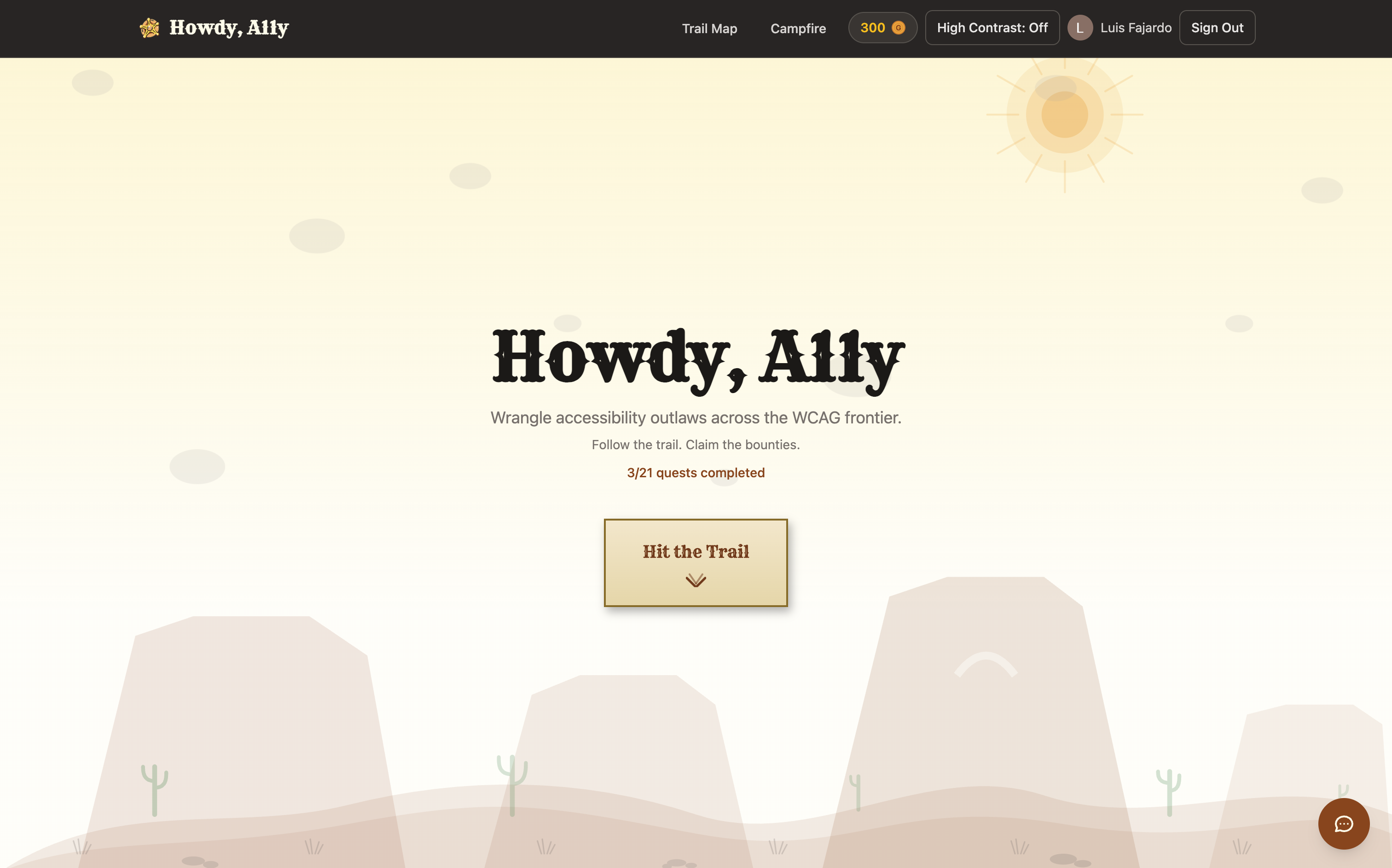
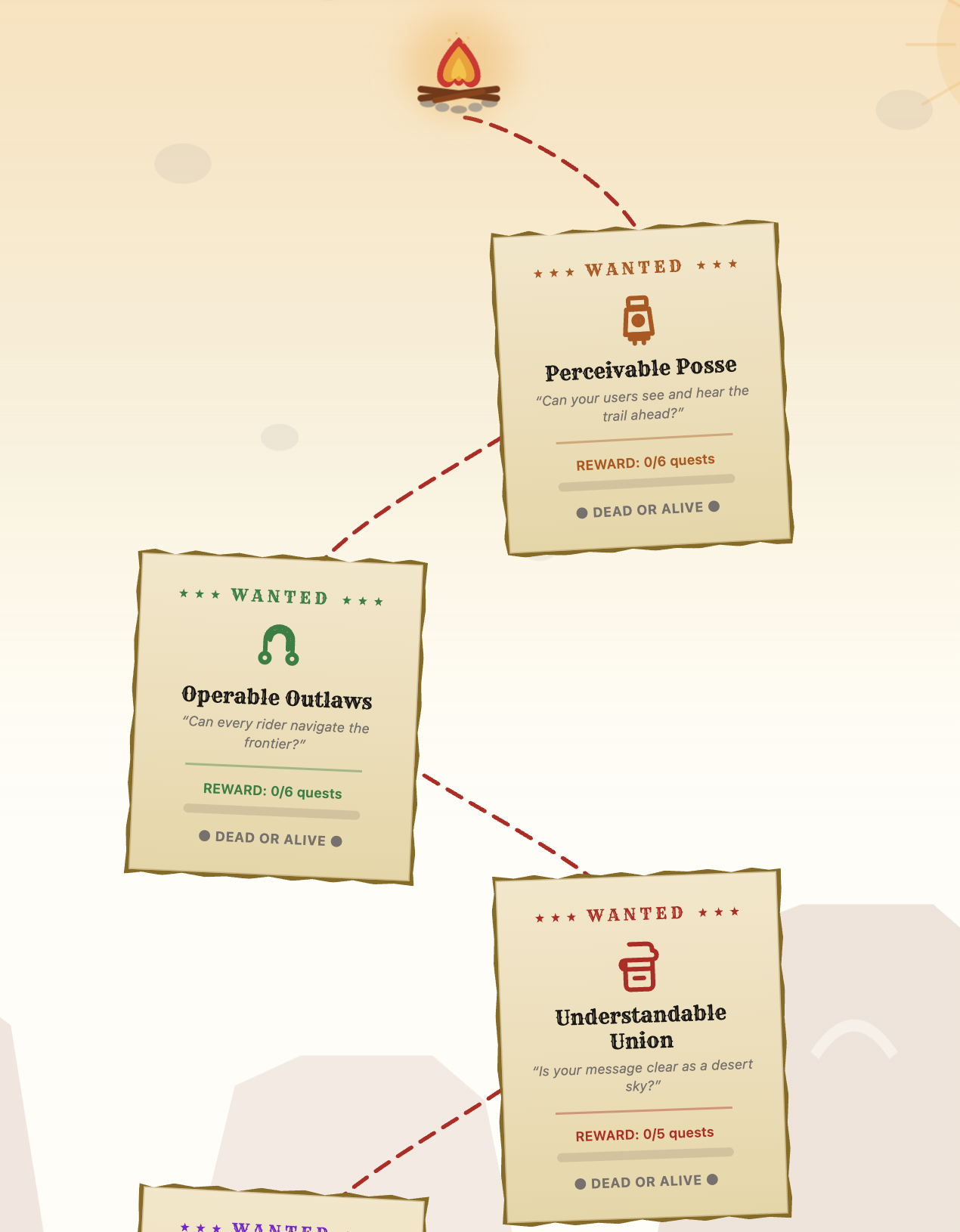
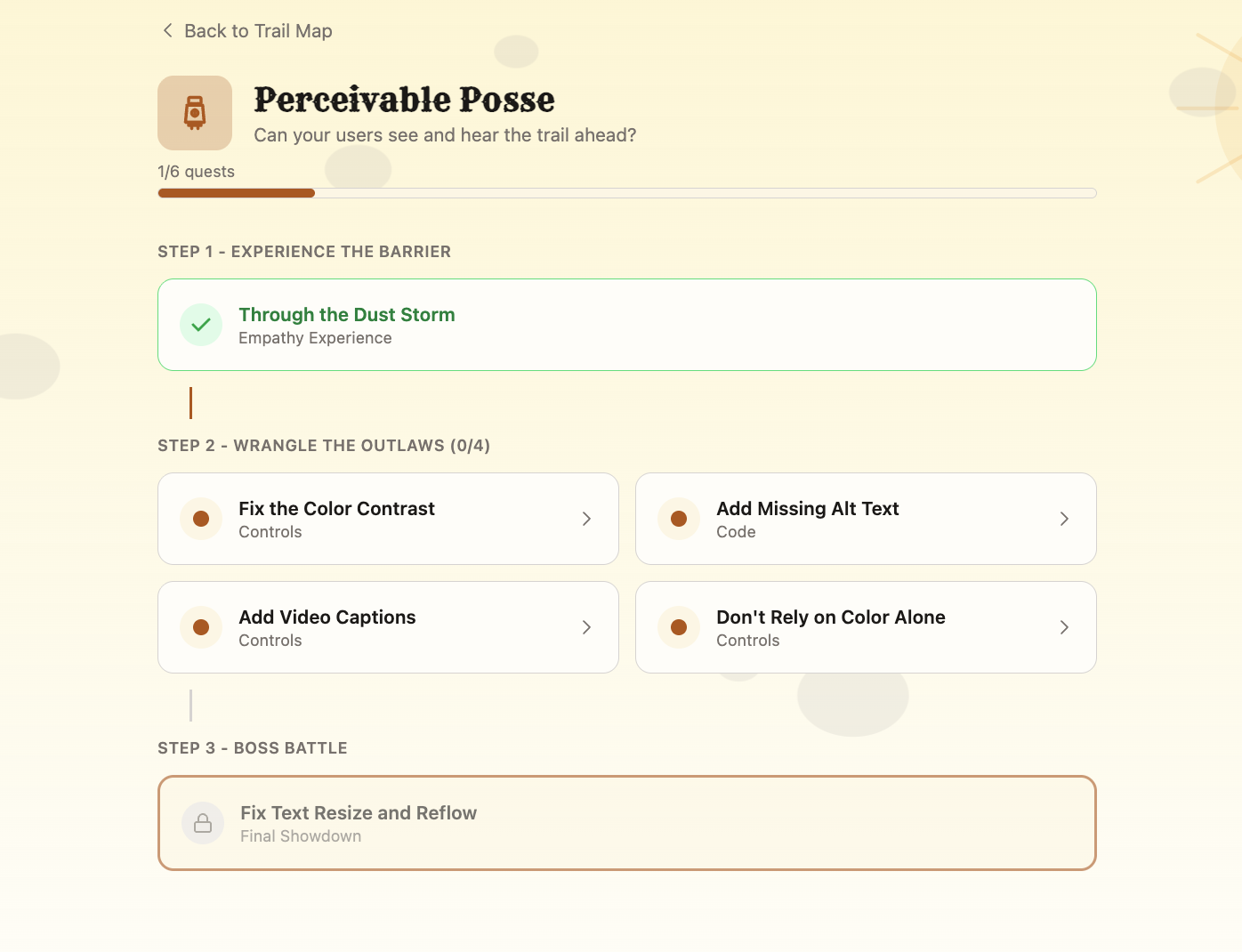
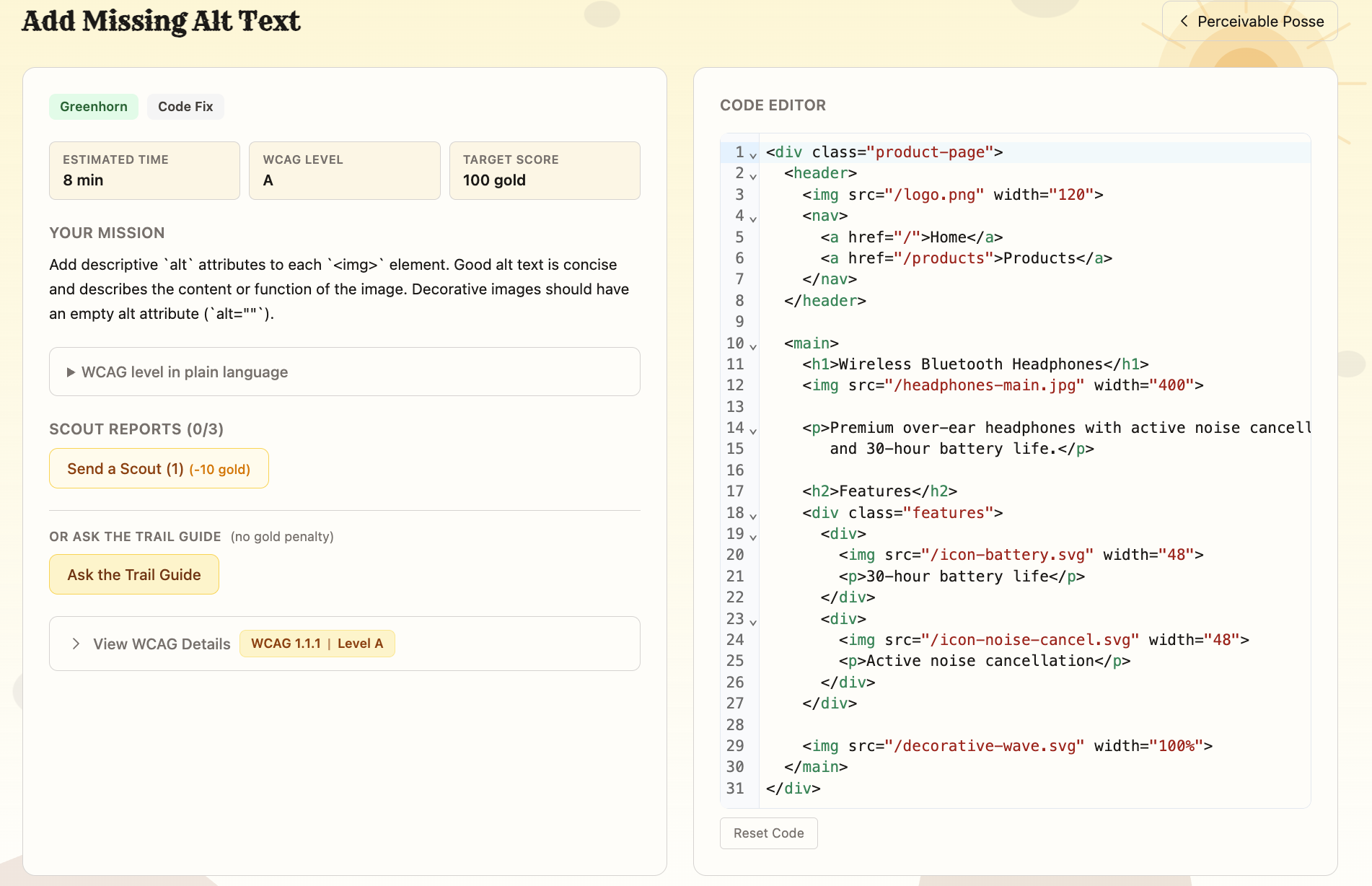
Howdy A11y is an interactive education platform that teaches WCAG 2.1 web accessibility standards through 21 hands-on challenges across four bounties, one for each WCAG POUR principle (Perceivable, Operable, Understandable, Robust).
Each bounty is progression-locked: the empathy challenge must be completed before side quests unlock, and side quests before the boss challenge. An AI Trail Guide powered by Google Gemini is available throughout, answering WCAG questions with awareness of the challenge the user is currently on.
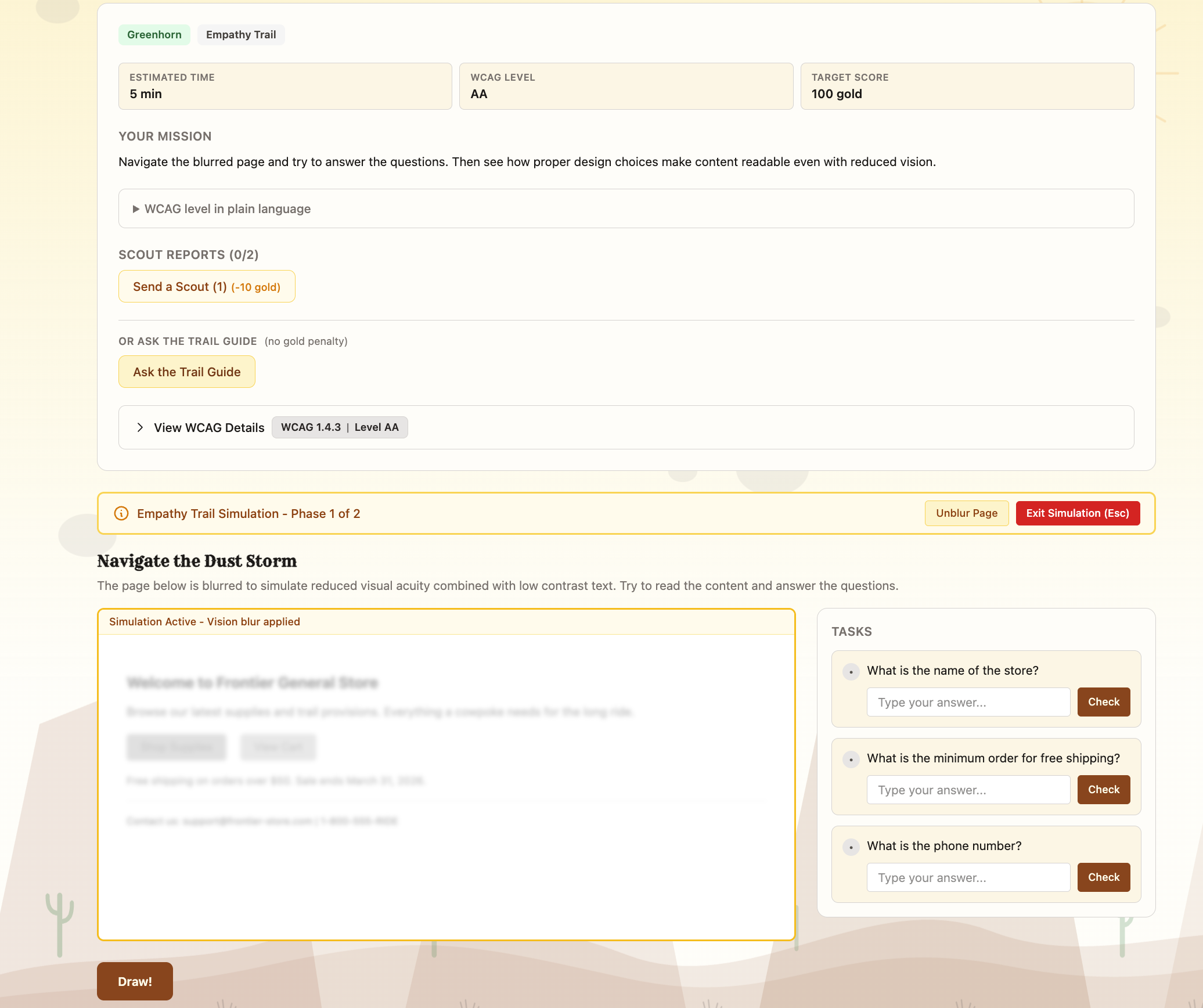
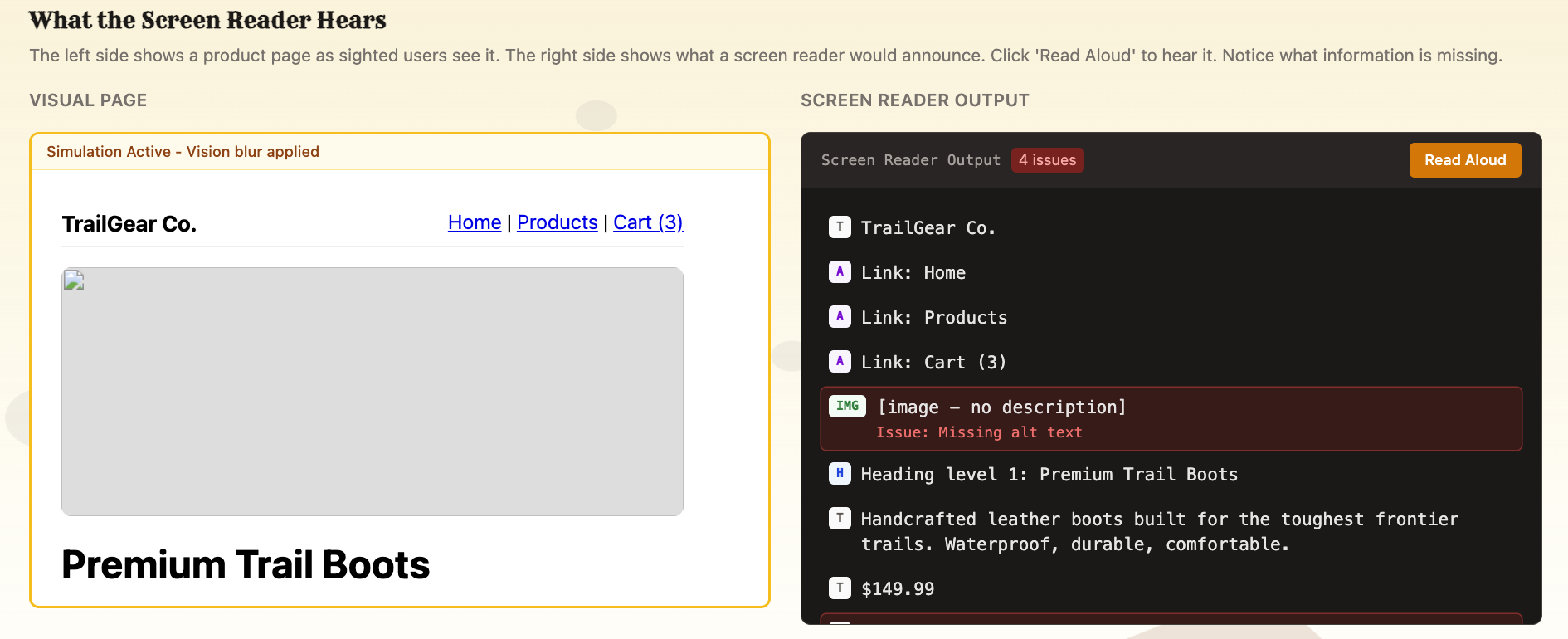
Developers learn by three main learning methods. 1) Fixing real broken HTML in a live code editor 2) Adjusting visual properties through Interactive controls 3) Experience the web as users with visual, motor, and cognitive disabilities -Blurred vision via CSS filters — simulating low visual acuity -Protanopia and deuteranopia via SVG color matrix transforms — simulating color blindness -Keyboard-only navigation with the mouse disabled — simulating motor disabilities
- Screen reader text view — simulating blindness
This simulates the importance of accessibility and promotes learning through the simulation of hardship users with disabilities face.
Challenges we ran into
-Building a fully gamified learning platform while keeping the app itself accessible — practicing what we preach was harder than expected. -Designing the code editor validation system and figuring out how to reliably check whether user-submitted HTML is actually accessible, not just syntactically valid. -Simulating the web experience for users with disabilities in a way that felt authentic and meaningful rather than superficial.
Accomplishments that we're proud of
-Creating empathy simulations that let developers genuinely experience what it's like to navigate the web with visual, motor, and cognitive disabilities. -The treasure map progression system, locking challenges like quests so empathy always comes before fixing, by design -Enforcing user authentication to store progress in the cloud via Supabase, rather than relying on localStorage that disappears when you close the tab.
What we learned
-Building the empathy simulations changed how we think about accessibility. It's easy to know intellectually that poor contrast is bad, it's something else entirely to try to complete a task with your vision blurred or your color channels collapsed.
-How deep accessibility really goes. The POUR principles and ARIA are just the surface. Accessibility touches every design and engineering decision you make.
What's next for Howdy A11Y
- Chrome Extension — A companion extension that audits accessibility issues on any live webpage, flags WCAG violations in real time, and links back to relevant Howdy, A11Y challenges for in-context learning right where the problems are.
- Achievement System — Earn badges and titles for milestones like completing bounties, acing boss challenges, or finishing without hints. Public profiles would let developers showcase their accessibility expertise and give teams a way to track skill growth.
- More Scenarios — Expand beyond the current 21 challenges to cover dynamic content and live regions, mobile and touch interactions, cognitive accessibility, media accessibility, advanced ARIA patterns, and newer WCAG 2.2 & 3.0 success criteria.
Built With
- auth0
- codemirror6
- html/css
- nextjs
- react
- supabase
- typescript


Log in or sign up for Devpost to join the conversation.