-
Android Studio
Introduction
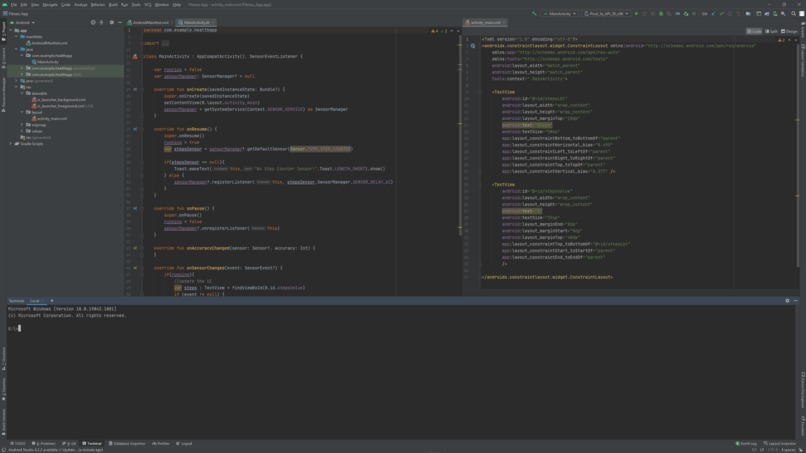
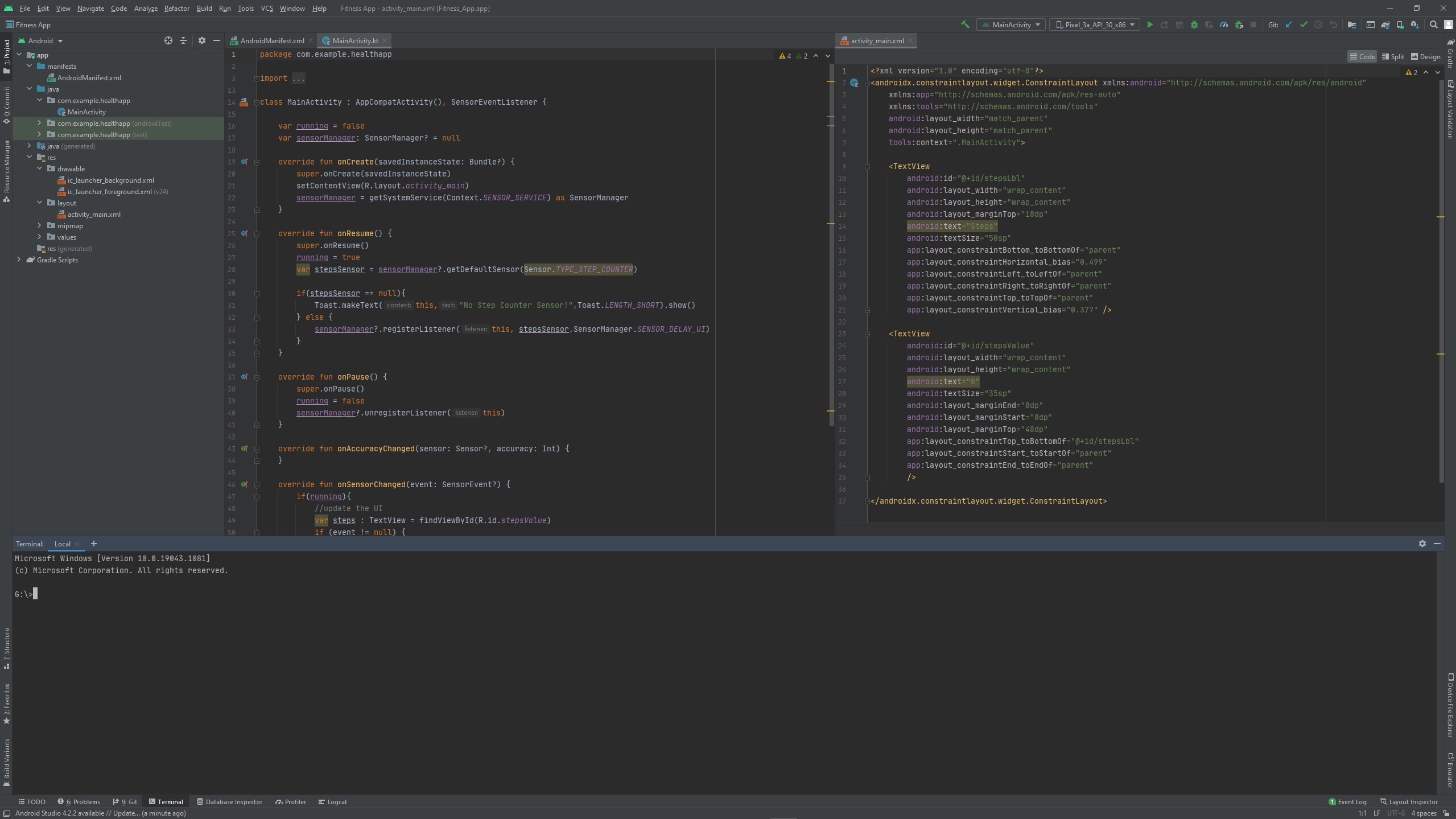
In this tutorial we will be creating a simple step counter app from scratch with kotlin in android studio. This app will use Sensor.TYPE_STEP_COUNTER to count steps and will display it in very basic UI.
I'm not focusing much on the UI part. you can create that according to your need.
Requirements
First you will require Android Studio to actually make the app and then you will require access to an android handset to test and use the app.
Procedure
- Download code from my github repo.(Link in try it out section)
- Open android studio and go to File<Open.
- Select the root folder you downloaded.
- Give it some time to open up.
- Connect your android device using USB cable and enable USB Debugging on it.
- hit the play button on the top right of android studio and let the app get installed on your handset.
- You are done with apk building and are good to use the apk.
Built With
- android-studio
- apk
- kotlin

Log in or sign up for Devpost to join the conversation.