-
-
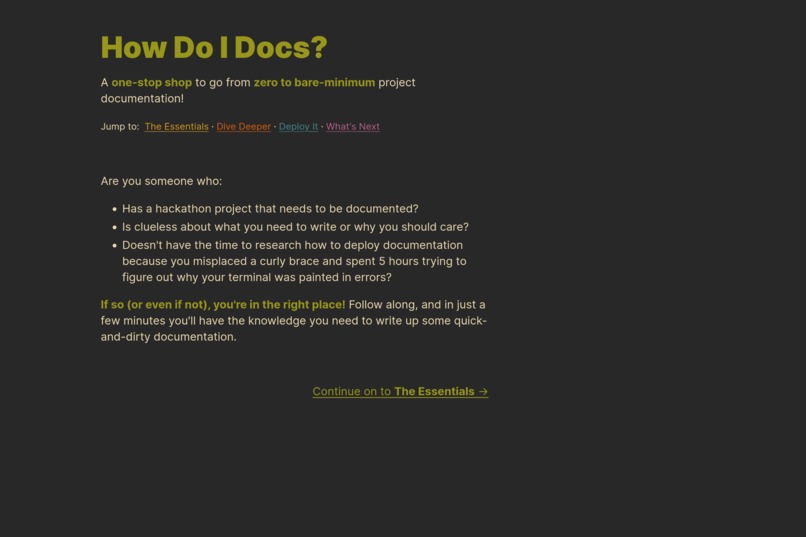
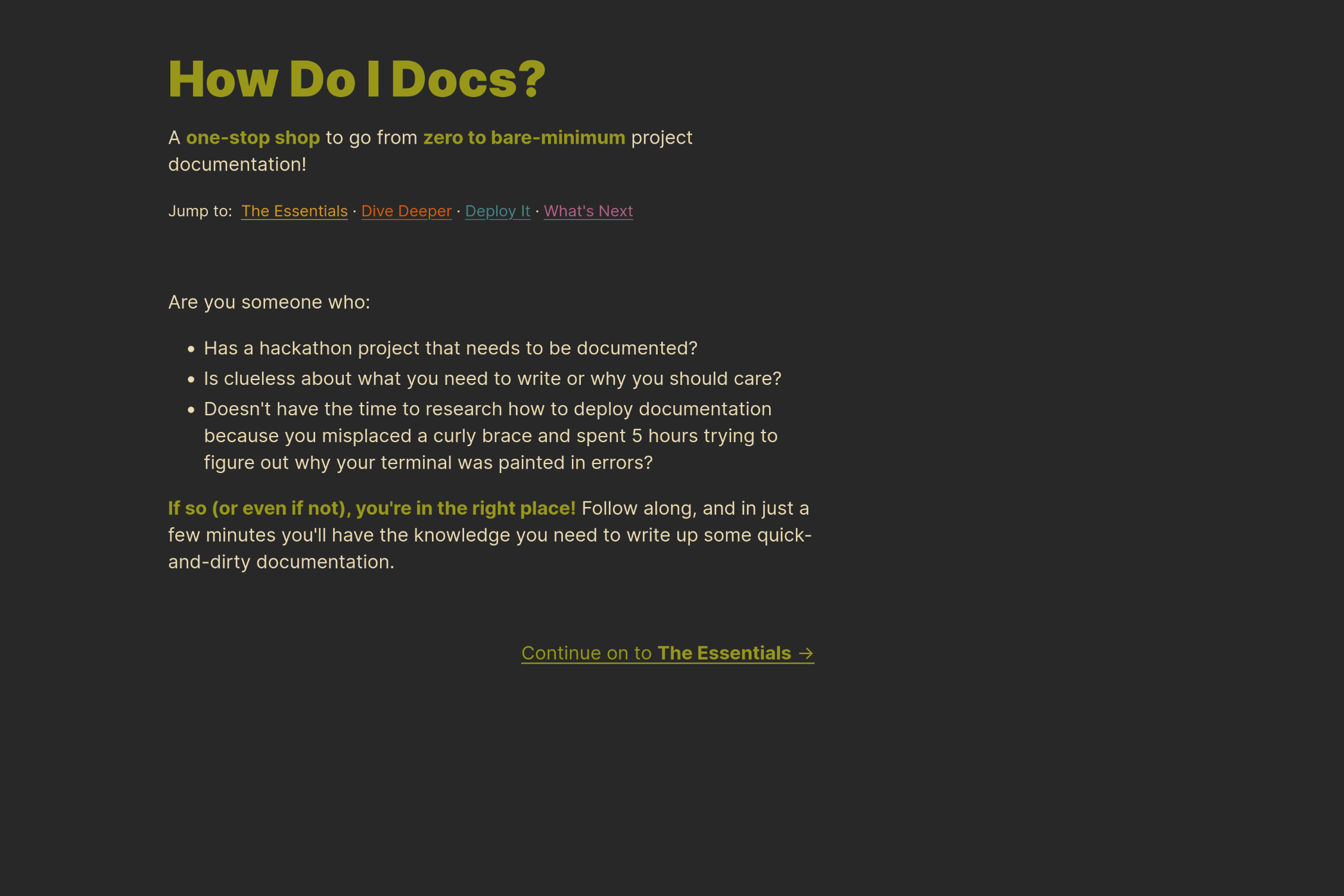
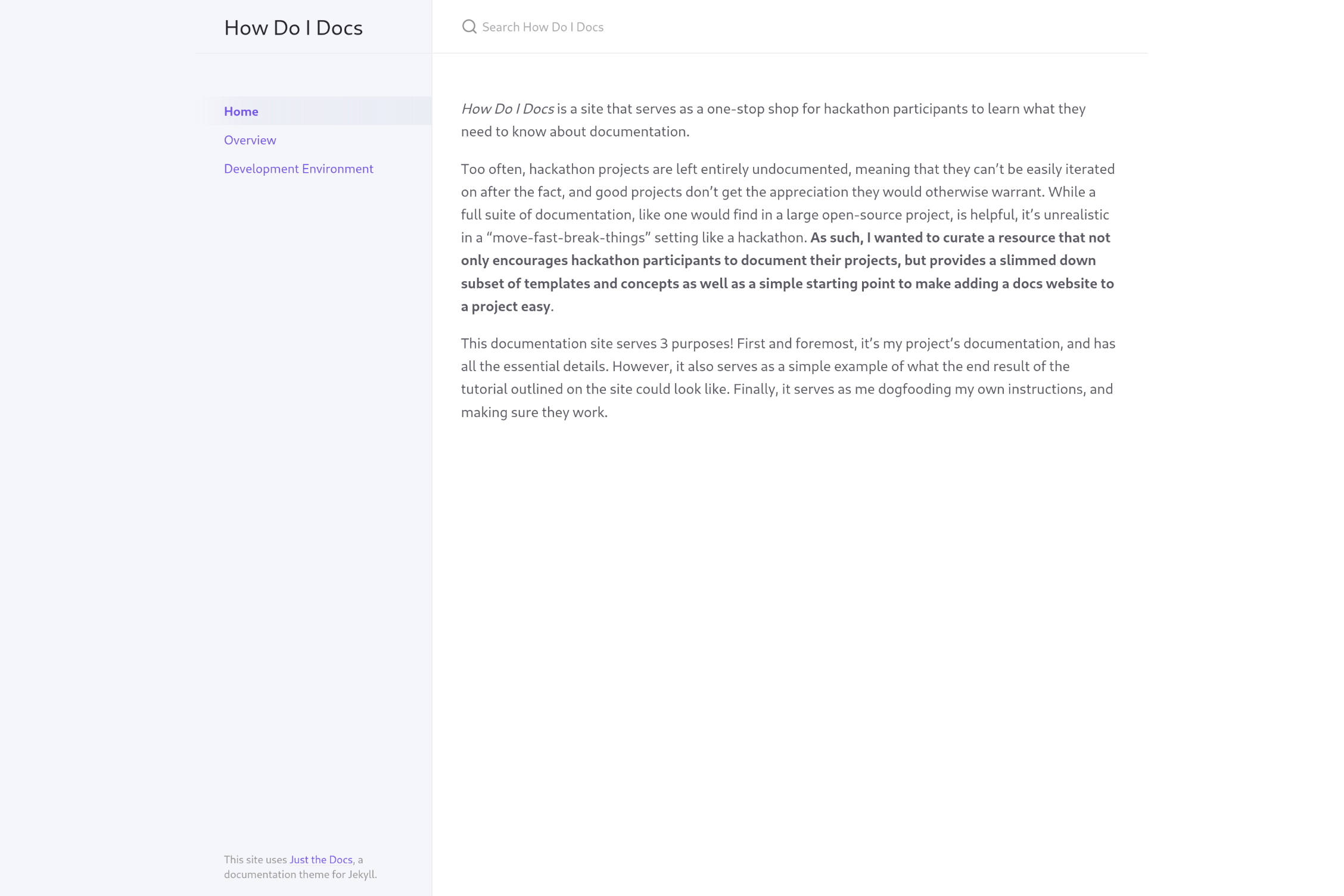
Site homepage
-
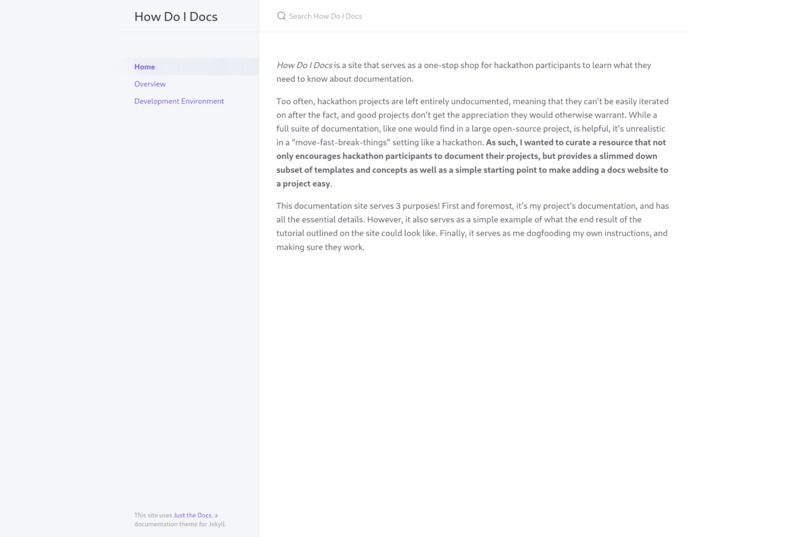
An example of a completed documentation site
-
A little social media graphic for the project
How Do I Docs?
A one-stop shop to go from zero to bare-minimum project documentation!
Site Source · Design · Documentation · Templates
Inspiration
I've recently become involved as a contributor with The Good Docs Project, a project that creates excellent and comprehensive documentation templates for open-source projects to use. As I delve into to the world of software documentation, I've noticed that there's a wide delta between open-source projects. Projects tend to either be fully documented, or have almost zero documentation to the point that I can't easily understand what it even does.
As I looked at resources for documenting open-source projects, they all tend to focus on how to add documentation for a community project that's intended to have a lot of people using and contributing to it. While the recommendations given and the templates provided are great for that use case, a vast majority of those things aren't relevant to proof-of-concept hackathon project, but those resources being the only ones out there means that it isn't as easy to get a clear and concise idea of where one should start when documenting their hackathon project, which then makes documentation something easy to just skip over and not do.
As a result, I set out to create an easy and effective resource to get to a "bare-minimum" level of documentation, without needing to do a bunch of research into formatting or templates or documentation site generators. This way, users can just focus on writing their code, and filling in some essential documentation that will make their project more appealing and their life easier down the line.
What it does
How Do I Docs is a website that provides a one-stop shop for people who are quickly building ideas in a time-constrained manner, like hackathon participants, to learn a little more about why they should have documentation, as well as providing clear easy-to-follow instructions on spinning up a documentation site of their own, with templates trimmed down for this specific use case.
Users go through a set of pages explaining why they, as someone who may be working in a time-constrained quick-and-dirty setting like a hackathon, should still care about documentation, explanations of a minimal set of essential documentation they should have, and then a page instructing them on how to spin up their own documentation site (as well as make a nice README) using a GitHub template populated with my trimmed-down templates.
How I built it
How Do I Docs is a relatively simple HTML/CSS website, styled with my own (heavily modified) version of the tufte-css library. This documentation site, as well as the documentation site template, is based on the Just the Docs Jekyll template.
A majority of my effort went into the content itself, as with this site persuasion was very important to me. I'm trying to convince other developers to document their personal projects, and as a result the most important parts of this site are those explanations of what the different documents are, and why it all matters.
Challenges we ran into
I definitely made the mistake of starting too complex. When the idea popped into my mind, I jumped to go learn Svelte, both because it's something I wanted to learn eventually but also because I felt a pressure to make a "flashy UI". A little bit in, I realized that the project would never be finished in time if I had to learn Svelte and implement this whole thing, as well as having to manage the backend infrastructure. For a site that was intended to serve mostly static text, it was simply unnecessary. By ditching Svelte and going for good old HTML, I was able to dedicate far more time to the content and design.
However, looking back, I maybe would have utilized Jekyll for the website, as having access to Liquid templating would have made my life easier when managing some site elements, and would have allowed me to easily implement a little more interactivity.
Accomplishments that I'm proud of
I'm really proud of how polished and well-presented the entire project is. Given it's a project encouraging others to document their projects, it would be rather hypocritical if I was forced to work on core functionality until the last minute, and then have no documentation and a set of slapped together READMEs. I was thankfully able to dedicate some time to making a set of nice and clean READMEs, as well as "dogfooding" my own instructions for the documentation site and creating one for this project.
What I learned
I definitely learned a lot more about what makes a good README, the subtle differences between how-tos and tutorials, and many communication details that can make or break a piece of technical writing.
I was also reminded that I need to step back after initially researching an idea and seriously consider my various implementation options, rather than immediately jumping on the first thing I think of.
What's next for How Do I Docs?
I'd like to implement a wizard where the reader indicates some information about their project, and the template they are provided accounts for it (e.g. the reader indicates they have three tasks that need how-tos, and as a result the template they are presented has three how-to entries with the titles they indicated). Taking a little extra friction away from the user could be helpful in further ensuring that a reader will follow through with documenting their project.
I also am excited to actually use these resources more myself! As with a good few things, I tend to build things that I myself wish I had available for myself. I've certainly been guilty of not documenting my hackathon projects fully in the past, and I hope that by utilizing this set of resources myself I can further refine them over time.


Log in or sign up for Devpost to join the conversation.