Inspiration
After moving into my new home last year, I struggled to juggle all the details of my housewarming party—scattered to-do lists, generic invite templates, and guesswork on food portions. I realized so many friends in their 30s/40s faced the same stress: wanting to host a warm gathering without the chaos. That’s when I set out to build a tool that centralizes every housewarming task, tailored to how we actually plan parties.
What it does
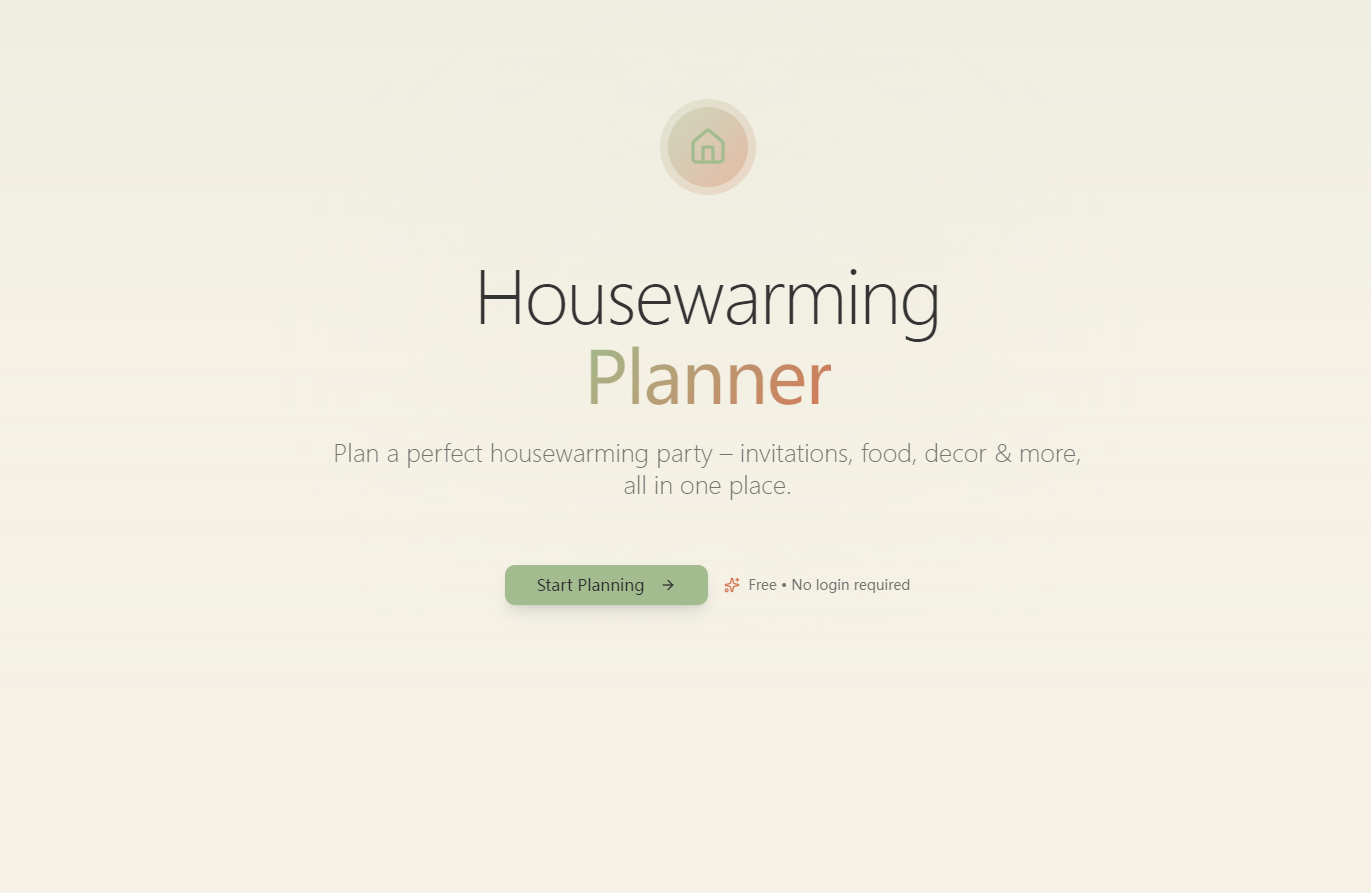
Housewarming Planner is a one-stop platform that lets users map a 4-week party timeline (auto-adjusted to their event date), create customizable digital invitations (shareable via link/image/email), generate guest-count based food/beverage lists (with shopping lists), browse theme-based decor ideas, and track gifts for thank-you notes—no login required, fully responsive for phones/tablets/desktops.
How we built it
I started by mapping core user needs (timeline, invites, menus, decor, gift tracking) and defining business logic (e.g., portion formulas: $3$ appetizer pieces/person, $1.5$ main dish servings/person). I designed the UI in Figma (warm beige/sage/terracotta palette, minimalist style) then built the front end with React/Bootstrap for responsiveness. Backend work with Node.js/PostgreSQL handled data logic, and APIs like EmailJS/Cloudinary added sharing functionality.
Challenges we ran into
The biggest hurdle was perfecting the timeline auto-adjustment—ensuring past date errors triggered clear alerts, and task dates calculated backwards accurately from the party date. I also struggled with making the food portion calculator flexible (handling 1+ guests only) while keeping it intuitive, and testing responsive design across 10+ device sizes to meet usability goals.
Accomplishments that we're proud of
Crafting a tool that’s truly user-centric: every feature solves a real pain point (no fluff). The invitation generator’s real-time preview and one-click sharing became a favorite in user tests, and the decor theme section (with visual examples) made users feel confident in their choices. Most importantly, it works seamlessly on mobile—critical for busy people planning on the go.
What we learned
I deepened my understanding of user-centric design: iterating on the timeline UI 3x after testing with friends to make it more intuitive. I also learned to balance functionality with simplicity—cutting "nice-to-have" features (like budget tracking) to keep the core tool easy to use. Technical wins: mastering API integrations for seamless sharing and responsive design best practices for cross-device use.
What's next for This project
Short-term: Add RSVP tracking (a top request from beta users) and expand decor themes (coastal, boho). Long-term: Integrate a lightweight collaboration feature (for couples/friends planning together) and offline mode. I also want to refine the food list to include dietary filter options (vegan, gluten-free)—something users asked for to make menu planning even more tailored.

Log in or sign up for Devpost to join the conversation.