-
-
-
-
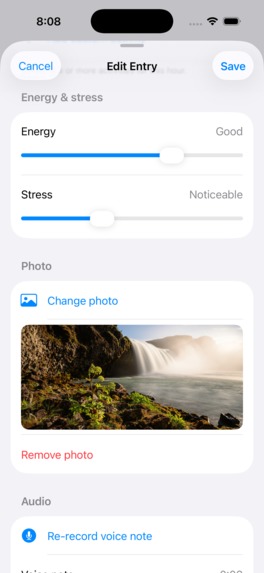
add voice note or photo
-
icon
Hourly Journal
Inspiration
Most journaling apps encourage writing long entries at the end of the day. I found that by evening, many important moments, emotions, and energy changes had already faded from memory.
Hourly Journal was created around a simple idea: small reflections captured in the moment are more honest and easier to maintain than long diary entries. Instead of asking users to write pages, the app encourages quick hourly check-ins that take less than a minute.
What it does
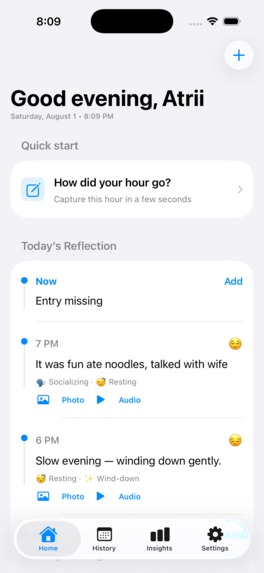
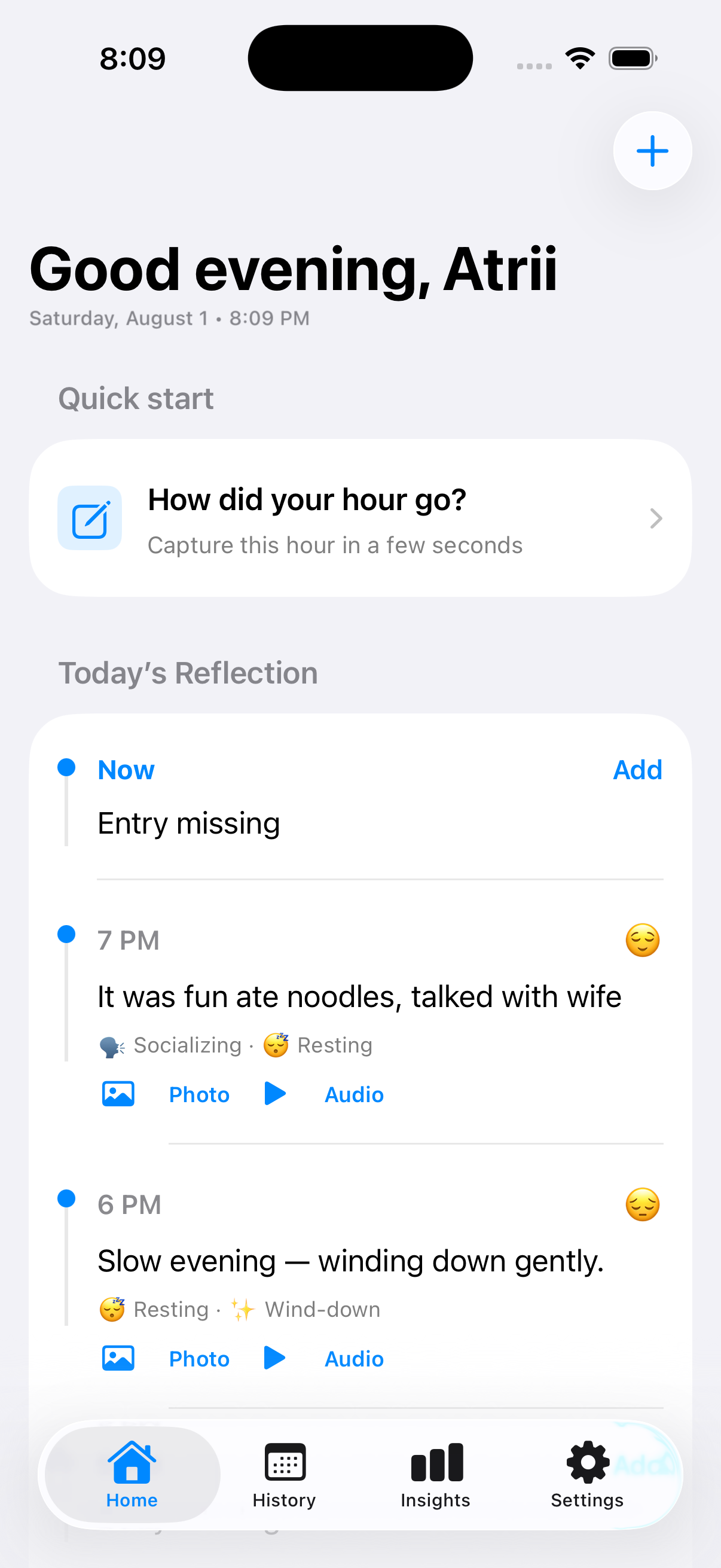
Hourly Journal helps users record their day through lightweight hourly entries.
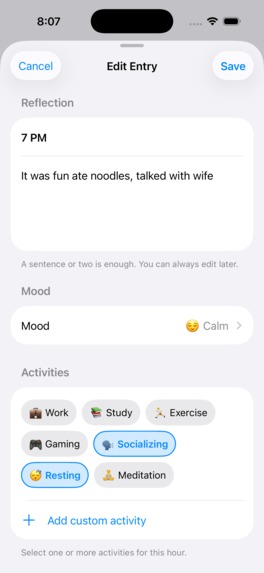
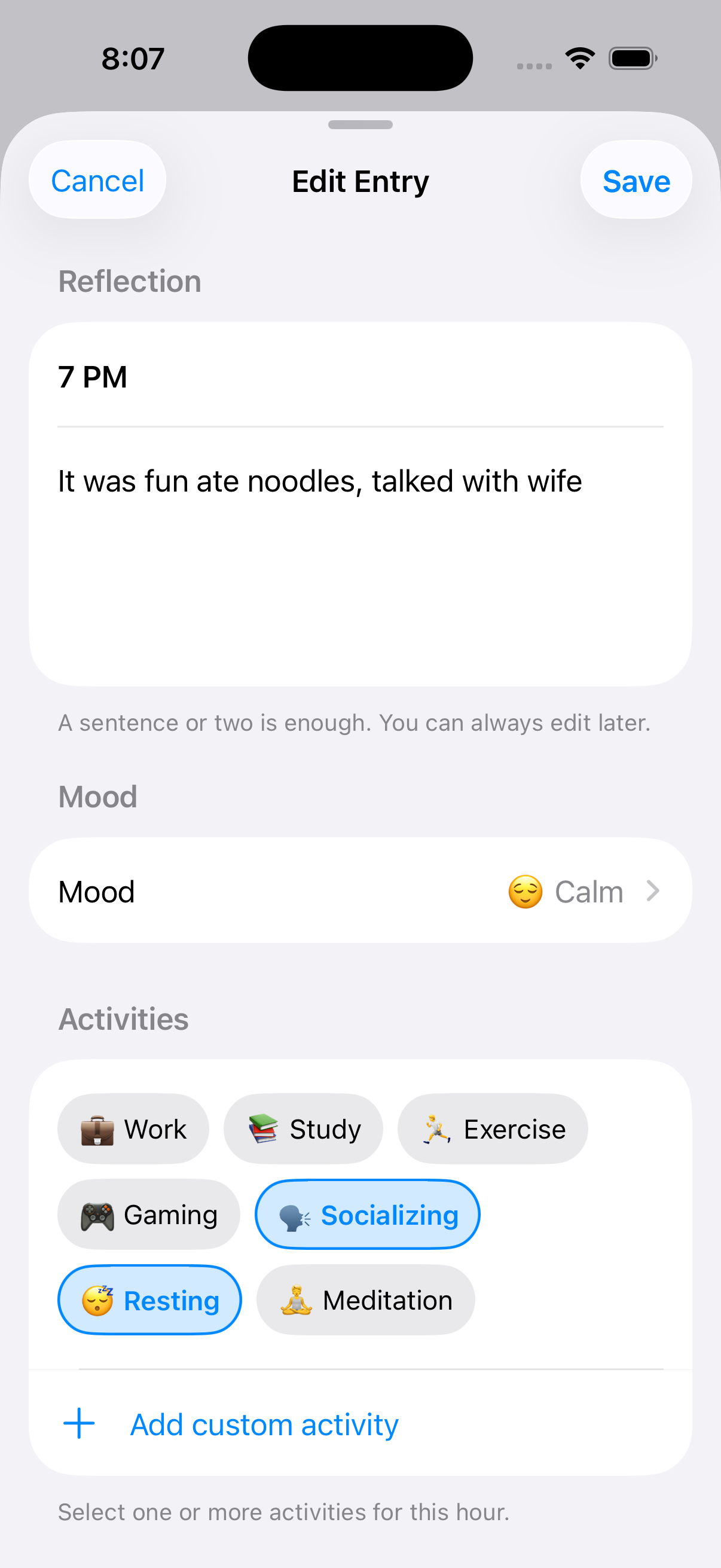
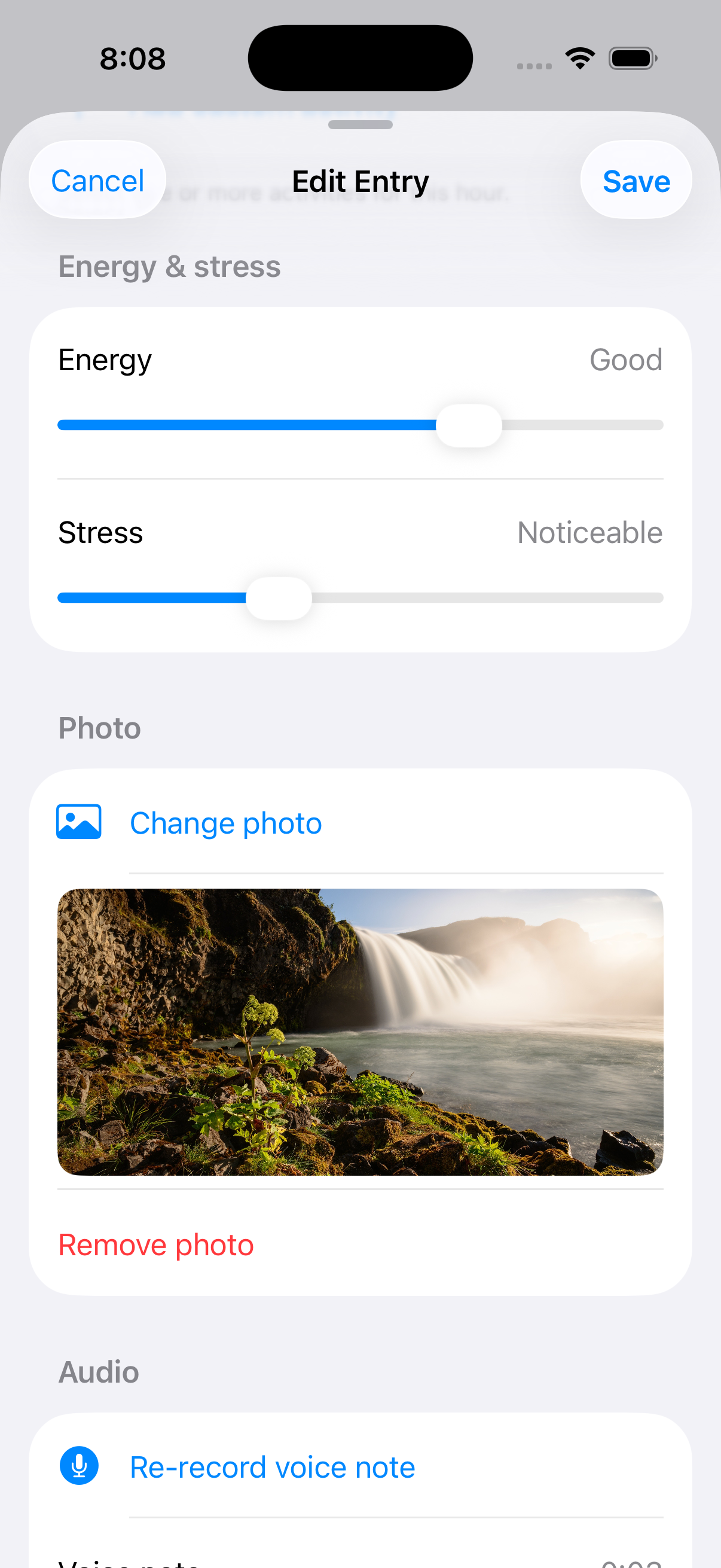
Each check-in can include:
- 😊 Mood
- ⚡ Energy level
- 😌 Stress level
- 🏷️ Activity tags
- 📝 Short notes
- 🎤 Voice recordings
- 📷 Photos
Over time, these entries help users identify patterns in their emotions, habits, productivity, and overall well-being.
How I built it
The project uses a shared Kotlin Multiplatform architecture.
Shared modules contain:
- Business logic
- Domain layer
- Data layer
- Database
- Models
- Repositories
The Android app is built with Compose Multiplatform following Clean Architecture and MVI.
For iOS, the shared Kotlin code is exposed as a native framework while the interface is built natively with SwiftUI, giving the app a true Apple experience without duplicating business logic.
Technologies used include:
- Kotlin Multiplatform
- Compose Multiplatform
- SwiftUI
- Material 3
- Clean Architecture
- MVI
- Koin
- Kotlin Coroutines & Flow
- Kotlinx Serialization
- SQLite
Challenges I ran into
The biggest challenge was designing a journaling experience that remained useful without becoming overwhelming.
Some of the challenges included:
- Making hourly check-ins fast enough to become a habit.
- Combining mood, energy, stress, voice notes, and photos into a simple workflow.
- Sharing business logic across Android and iOS while keeping each platform feeling native.
- Designing a flexible data model that can grow with future features.
What I learned
Building Hourly Journal reinforced the importance of reducing friction in habit-forming products.
I also gained deeper experience with:
- Kotlin Multiplatform architecture
- Native SwiftUI integration
- Shared business logic
- Offline-first application design
- Cross-platform mobile development
- Clean Architecture and MVI
What's next
During Shipaton, the focus is turning Hourly Journal into a polished experience on both Android and iOS.
We'll refine the user interface and user experience across both platforms, making every interaction faster, cleaner, and more delightful while staying true to each platform's design language.
For iOS, we'll build a fully native interface using SwiftUI and Apple's Liquid Glass design language, while continuing to use the shared Kotlin Multiplatform domain and data layers. This gives us the reliability of one shared business layer with an experience that feels truly native on iPhone.
Alongside the visual polish, we'll be shipping several highly requested features:
- Hourly notification reminders to encourage consistent journaling.
- Home Screen widgets for quick check-ins and mood insights.
- AI-powered journal summaries.
- Personalized mood and energy insights.
- Improved calendar and history views.
- Cloud data export and backup options.
- More privacy controls.
- Additional customization for reminders, themes, and journaling workflows.
Our goal is simple: build the best hourly journaling experience available on both Android and iOS while keeping journaling fast, mindful, and effortless.

Log in or sign up for Devpost to join the conversation.