
Inspiration
I kept losing hours to my phone. I tried screen-time apps, but they fell into two camps. Some only showed me the damage at the end of the day. Others blocked everything at once, which felt so strict that I switched them off within a week. I wanted something in between: an app that helps me cut my screen time gradually, and makes sticking to it feel rewarding rather than like punishment.
What it does
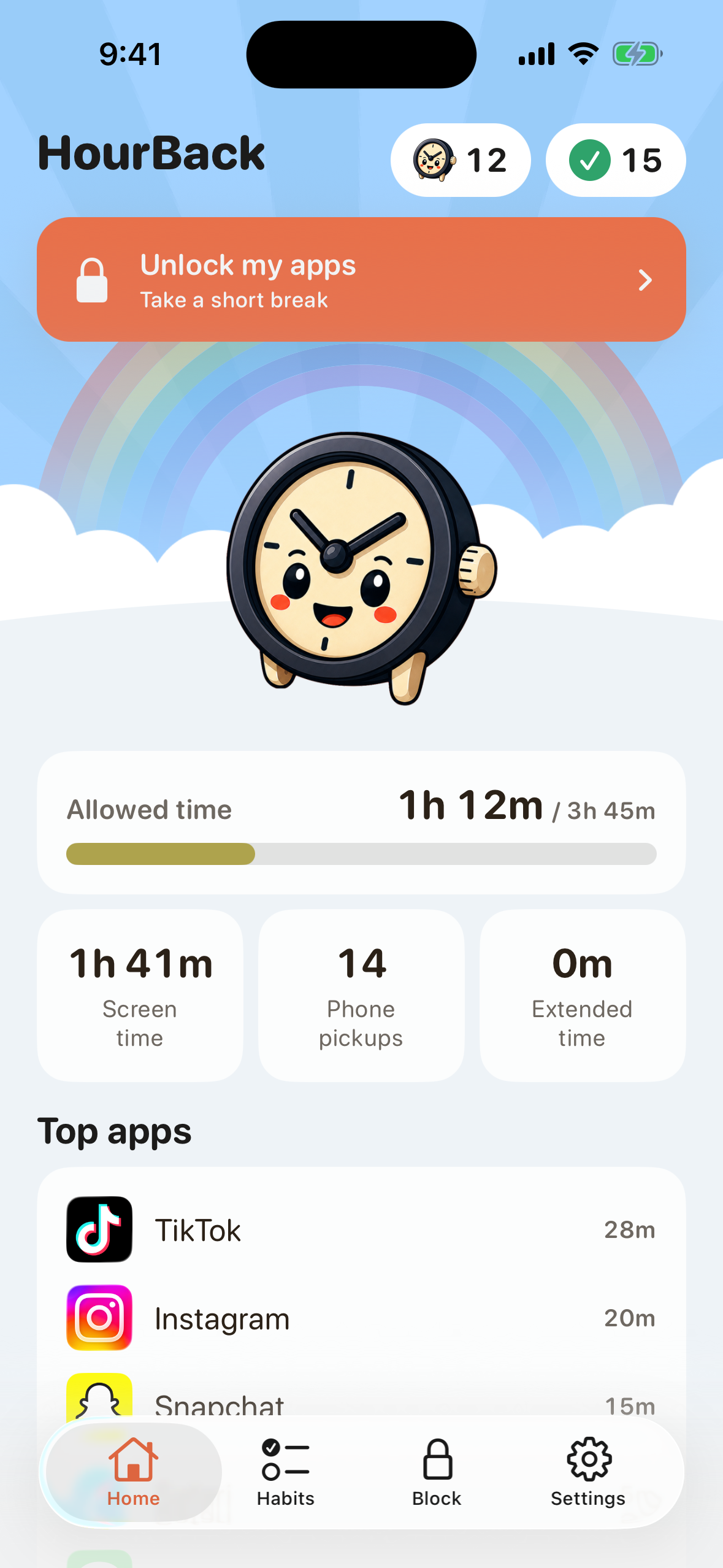
HourBack helps you win back an hour a day, one small step at a time:
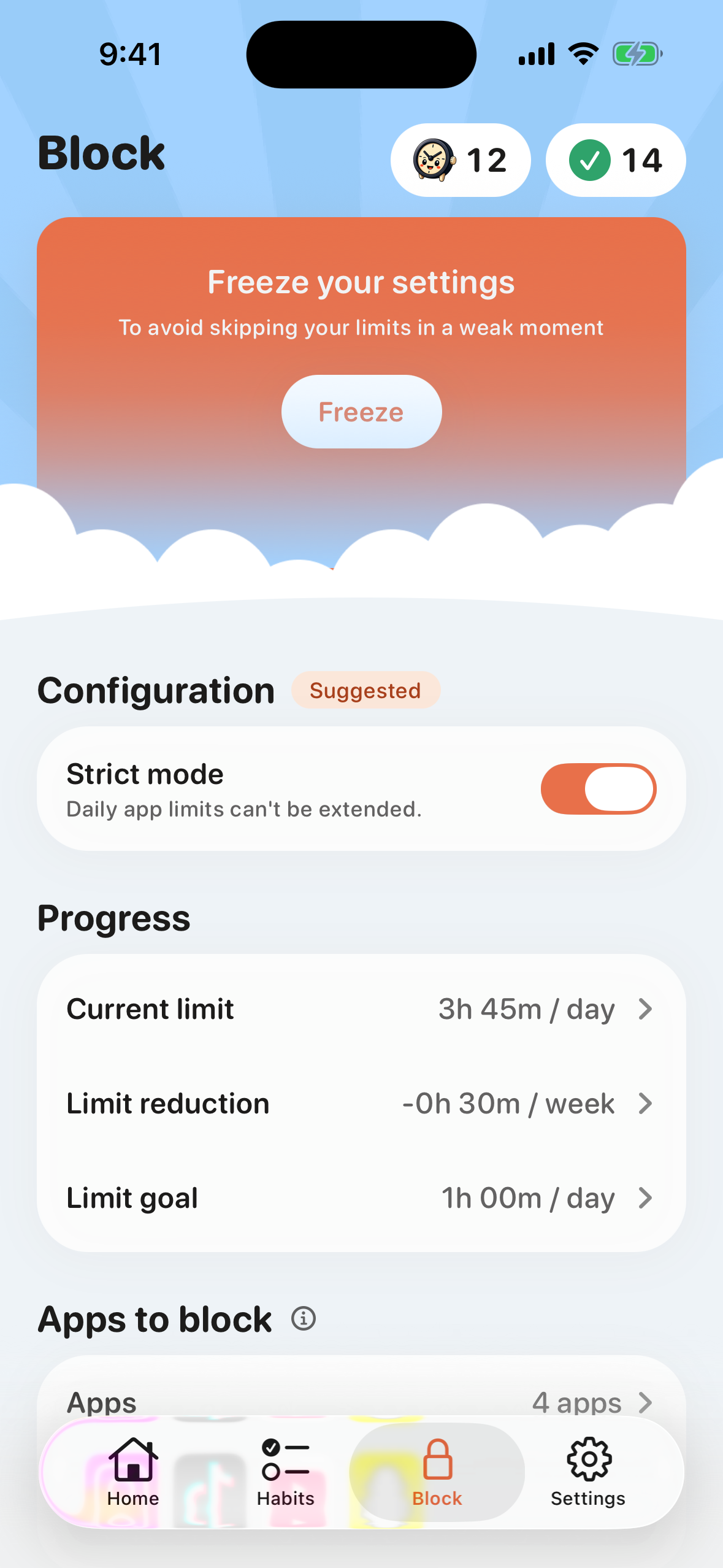
- A limit that lowers itself: you choose the apps that distract you most and set a daily limit. Each week the limit drops a little, until you reach your goal.
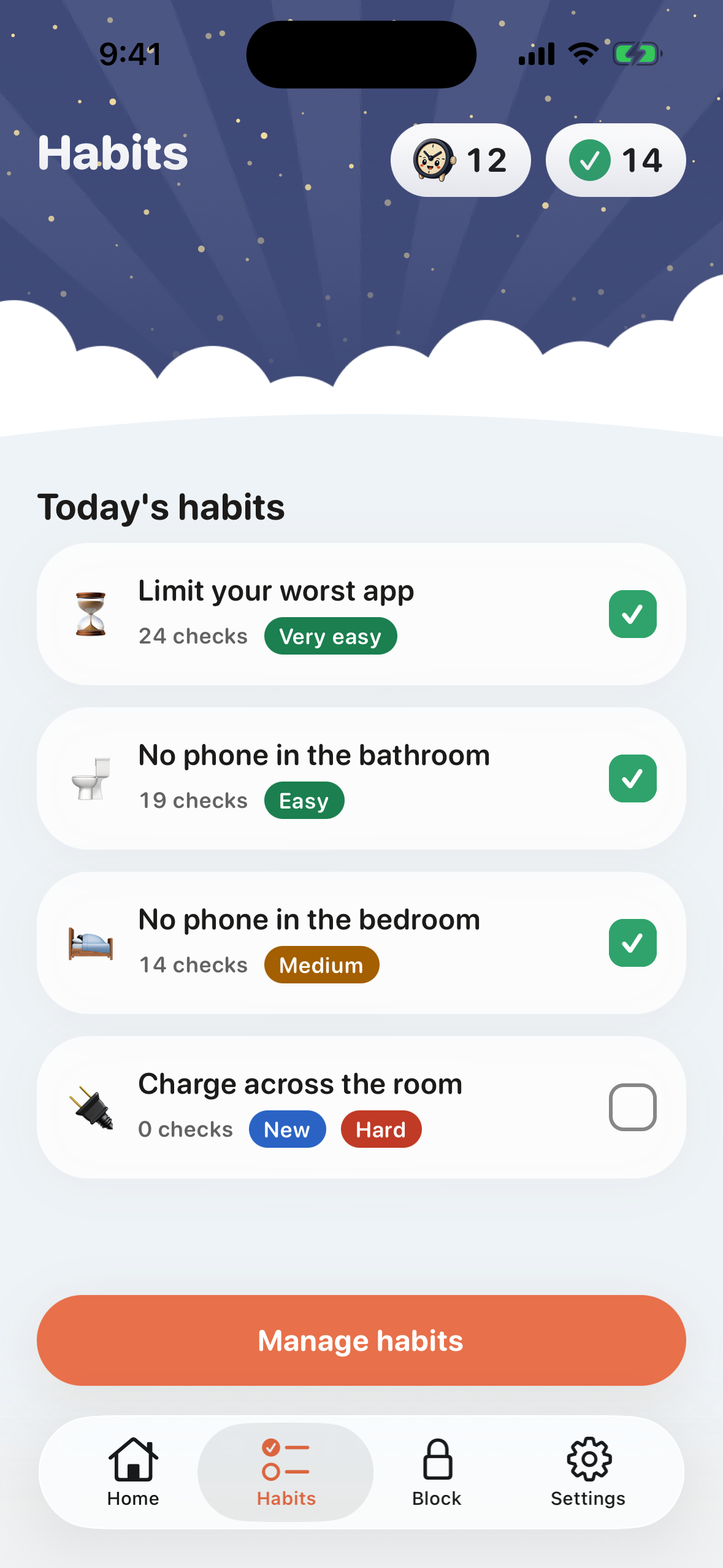
- Small daily habits: keeping your phone out of the bedroom or charging it across the room make the change stick.
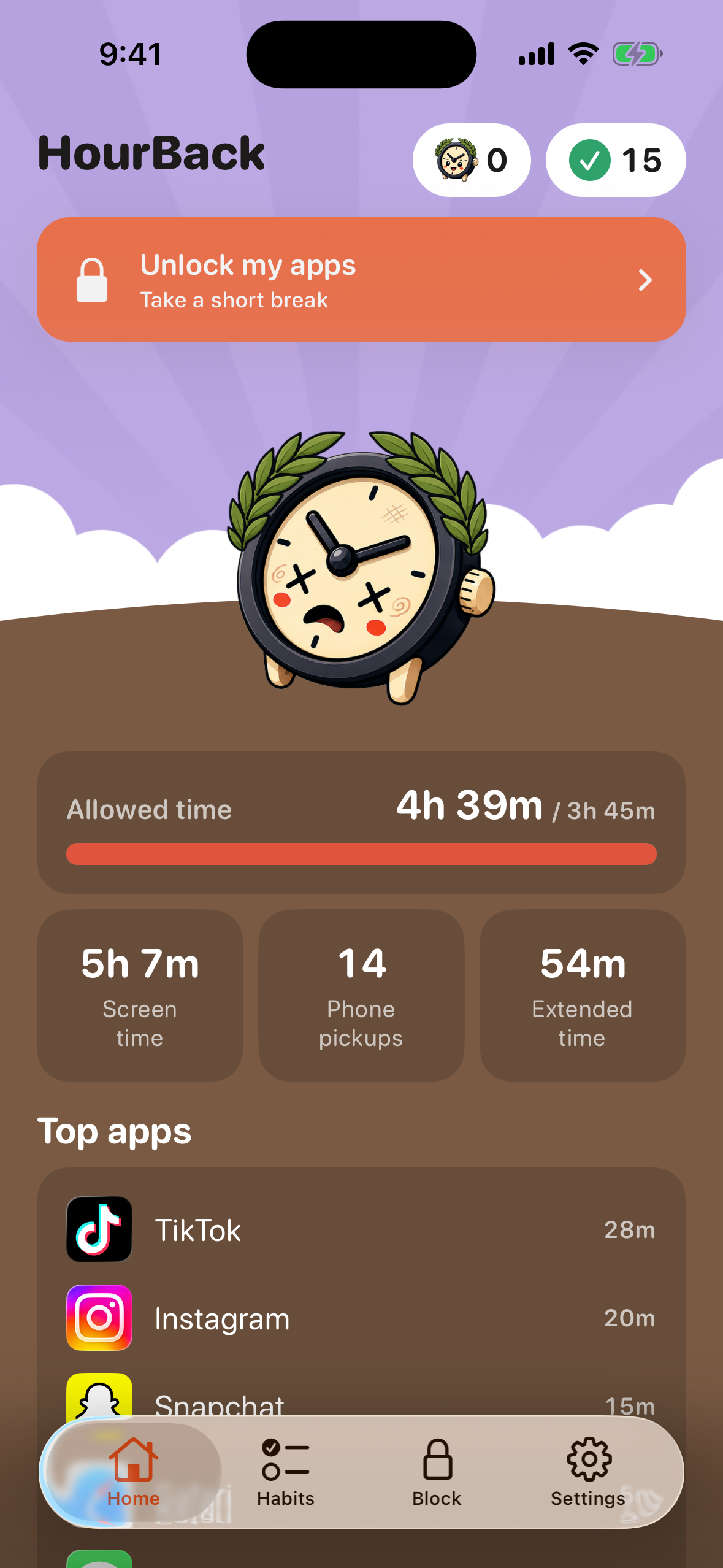
- A mascot that reacts: it starts the day happy and gets more worried as you use up your limit.
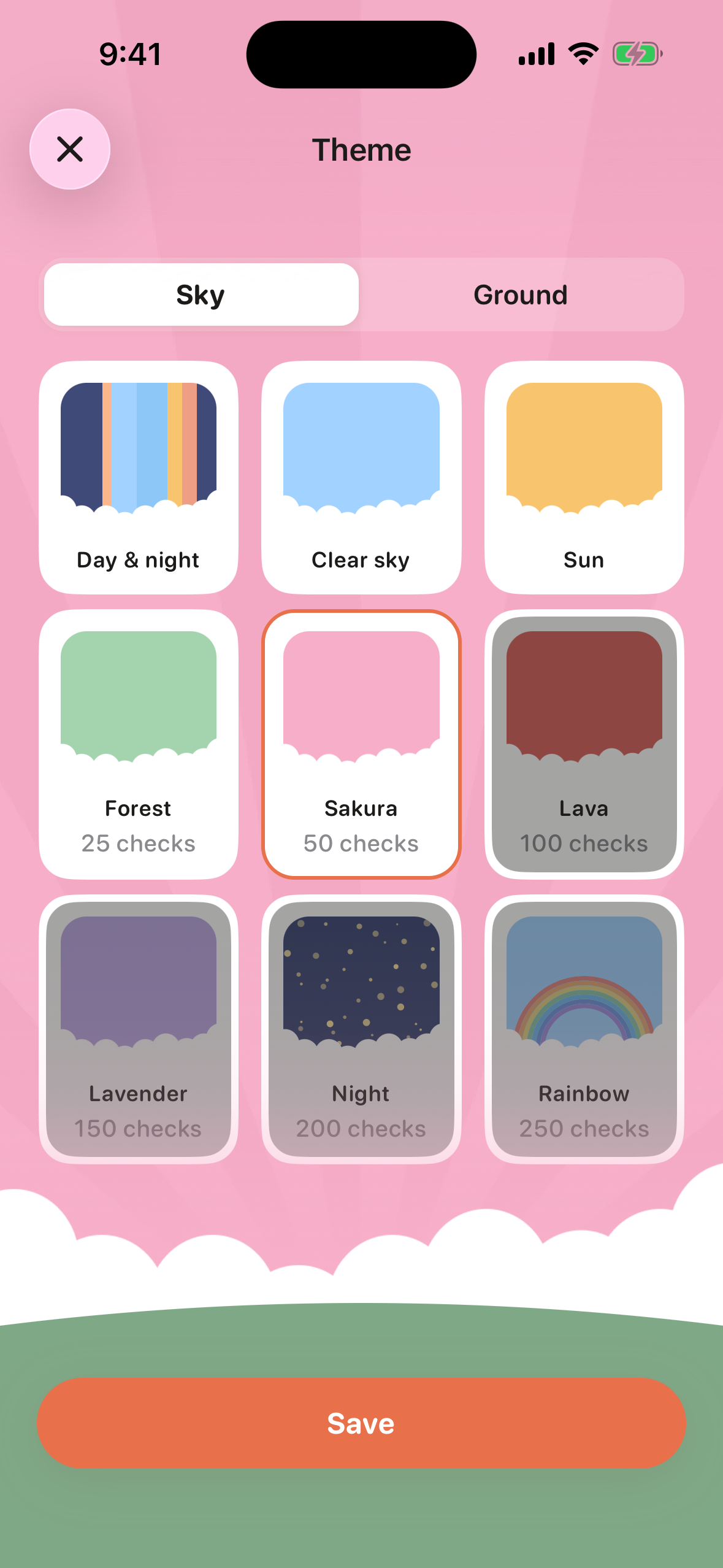
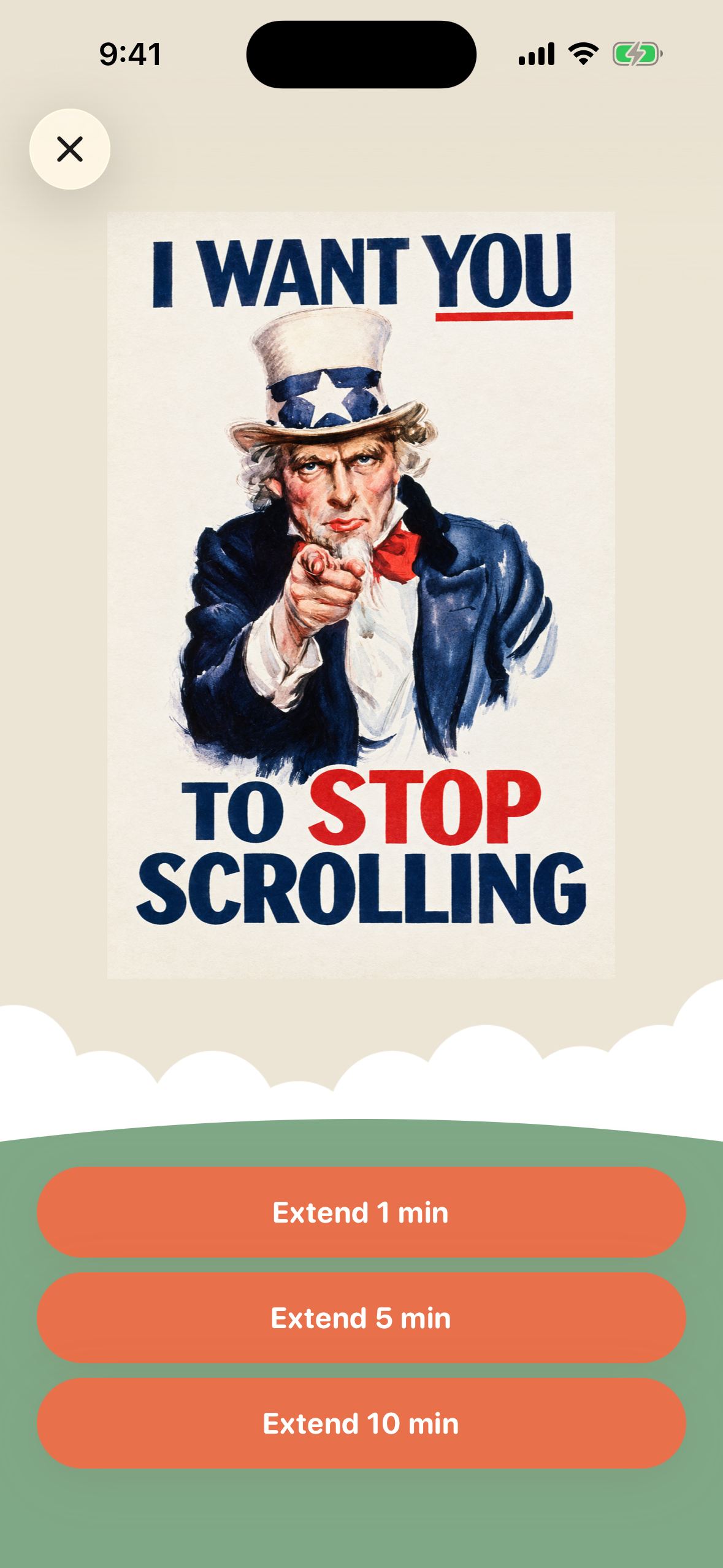
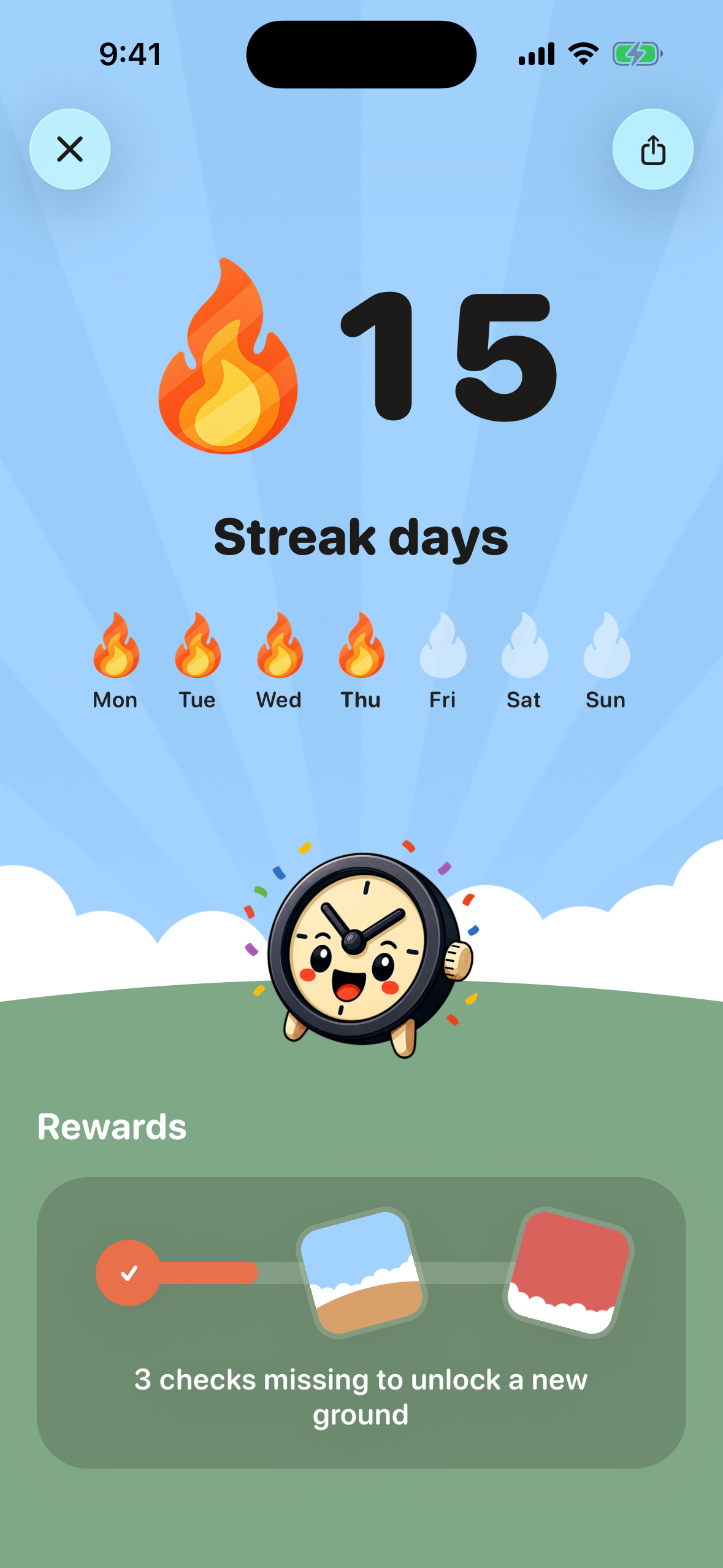
- Streaks and rewards: they unlock new skies, grounds and posters for the unlock screen.
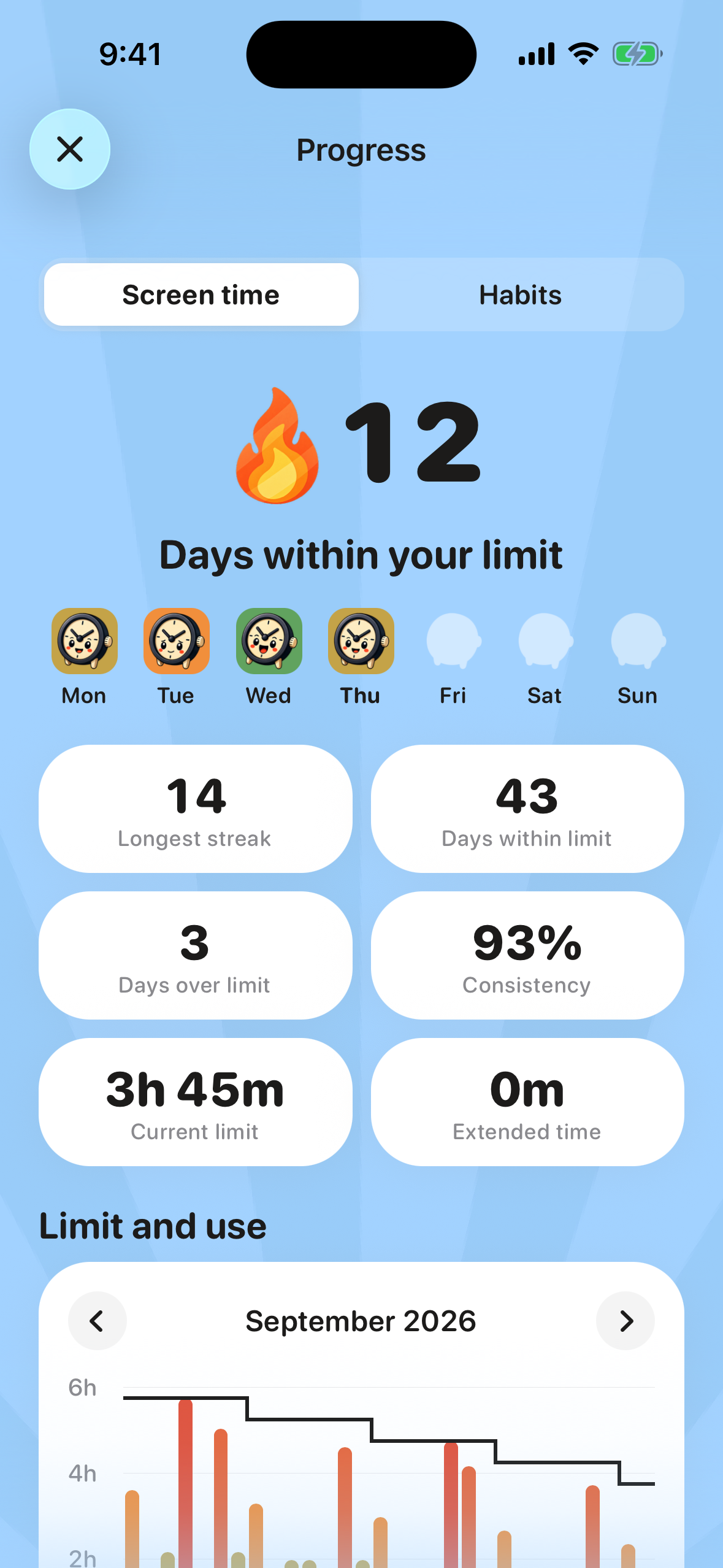
- A weekly review: it shows how the week went and lets you choose next week's limit.
How I built it
The app is built with Expo and React Native, with native Swift code for Apple's Screen Time API. Blocking works through a set of small iOS extensions:
- one watches your usage during the day
- one shows the block screen
- one draws your real usage figures
They share settings with the app through a shared storage area. I also added Premium subscriptions, privacy-friendly analytics and support for 16 languages.
Challenges
- Data the app can't read: Apple keeps your real usage minutes inside a separate extension that can display them but can't share them with the app. So the mascot's mood and the charts are based on signals Apple sends when you cross certain points of your limit, not on exact minutes.
- Testing: most of the Screen Time API doesn't work in the simulator. I built a demo mode with realistic data, which I also used for screenshots.
- Two versions on one phone: running the test version next to the App Store version made them share the Screen Time API data creating some collisions and unexpected behaviours.
What I learned
- Apple's privacy rules shape what a screen-time app can know, so the design has to work within them.
- Small, gradual changes work much better than strict rules.
- And a little delight, like a mascot that reacts or a streak you don't want to break, does more for motivation than another chart.
Built With
- expo.io
- react
- revenuecat
- swift
- tailwind
- typescript

Log in or sign up for Devpost to join the conversation.