-
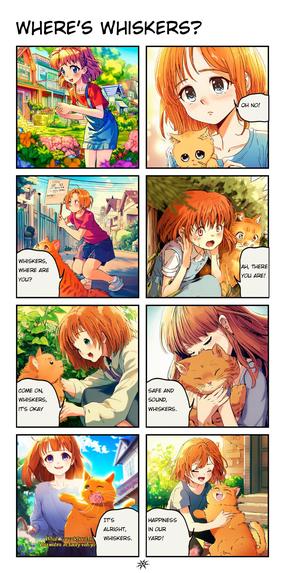
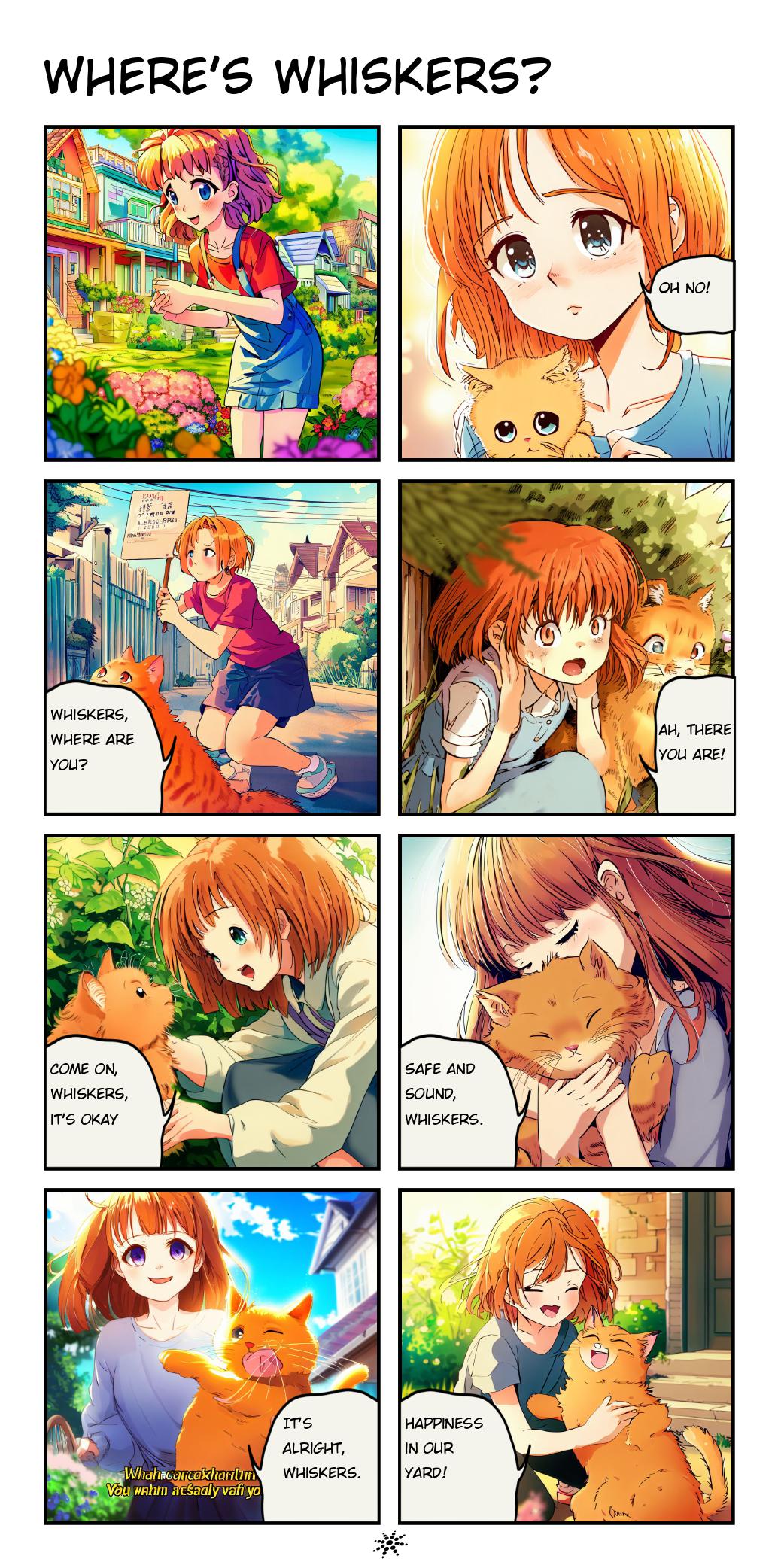
Example Output: Where's Whiskers?
-
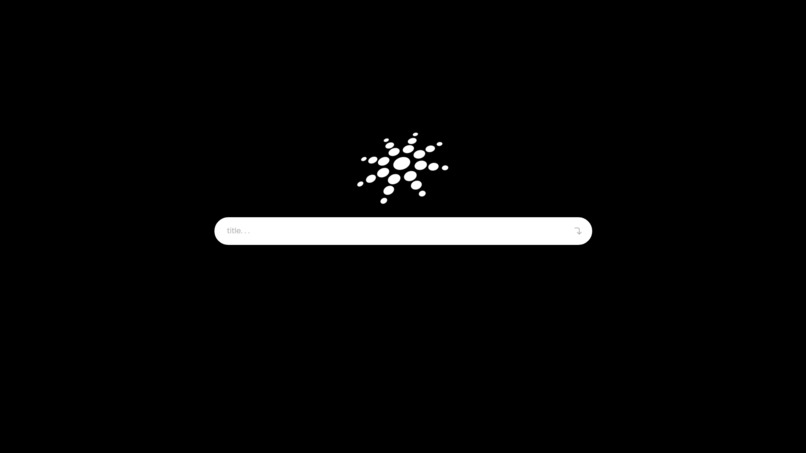
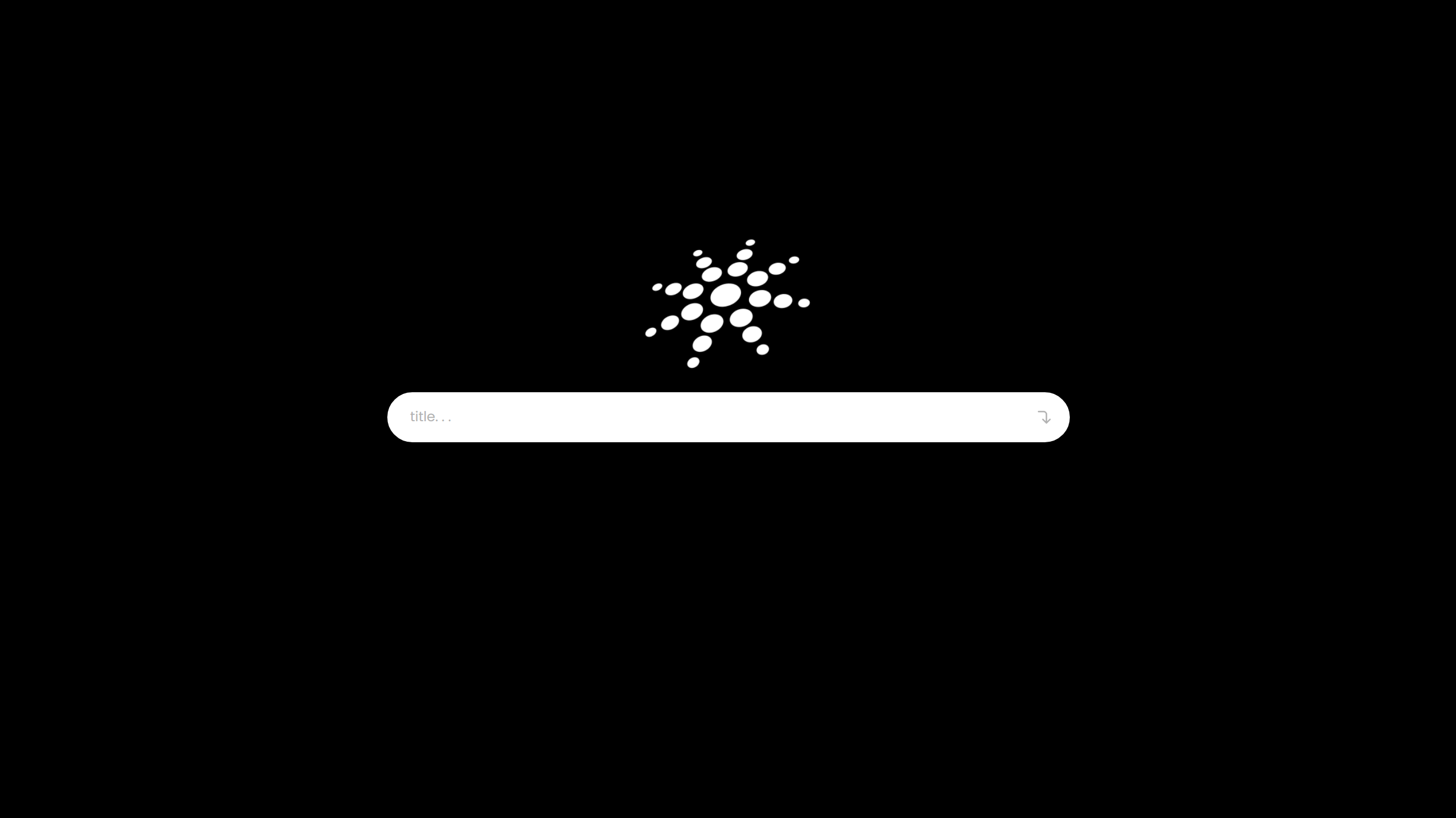
Start Interface
Inspiration
In today's increasingly busy and global world, we wanted to create a project that would bridge the space between people to foster community. It allows people to engagingly communicate their stories without needing to be free at the same time or be physically (or virtually) in the same place.
What it does
Simply: Our project takes a story written by a user and uses AI creates a personalized 8-panel Manga comic of the story.
How we built it
Our project backend is built using Javascript, OpenAI API, and Dalle API. Our backend inputs the user’s story and characters, passing that data through an OpenAI LLM and parsing it properly. The characters are formatted into a key value pair {name:description} to allow their description to be used each time the character name is called in the story for consistent image output. The story passes through OpenAI and is formatted into 8 key descriptive bullet points to be used for the image generator; that output is then fed again into OpenAI to create a descriptive dialogue, including . Precise prompt engineering was used to optimize and format the output of the model. Each OpenAI output is also precisely parsed into various forms (typically an organized array) for later use.
The image descriptions are then passed through a reverse image generator image generator to create an image for each panel. Using the Dalle API alone produced subpar results, so we directly accessed the Bing image creator's website to create better images.
The images and dialogue are passed through an algorithm that determines the proper textbox size based on the longest word and total character count. The textbox is then randomly inserted to a corner of the screen. The dialogue is formatted with newlines based on a character count per line for the designated textbox size. For each textbox unique variables are taken into account to calculate spacing and sizes of the image and text. The final pdf is then passed to our frontend.
All art, design, and gifs were all hand-drawn and digitized. Text data is taken as an input on our front end URL and the backend reacts to any updates in the data. When the story is submitted, we implemented a complex animation to communicate the loading process.
Challenges we ran into
Our team had the most problems with deployment. The main challenge we ran into was that our backend was implemented in an *.mjs file, while the frontend was implemented using a *.js file. Being able to call our functions across different file types without overriding file types and pass data between our front end and back end was new to us. It also took a suprising amount of time to implement small features, like textbox spacing, that we did not anticipate.
Accomplishments that we're proud of
It was also our team’s first time coding a major project in Javascript and implementing animations. We were inspired by past hackathon experiences to create a more production ready front-end, so it was exciting to implement everything successfully on our first try. We were very happy that we were able to overcome our challenge to fully integrate the front and back end and emerge with a fully finished and complex project.
What we learned
We gained important skills in Javascript and deployment. In our coursework, we’re much more familiar with integrating a backend application (i.e. a single file in python, C) and never needing to tie to a front end. We also enjoyed tying Artificial Intelligence APIs to the project. We also were able to effectively specialize and split up the work better than the in the past, which was a great teamwork learning experience.
What's next for Hoshi by Delta Sun IV
The next step would be to publicly deploy Hoshi and enable community features on the web app. Our long term vision is that users would have personal logins and there would be an interactive “community” tab for users to post and interact with each other’s content. Right now, our code is also only compatible with English: english input story and english comics. We could make it compatible with other languages by integrating another OpenAI call to translate the story. We could also make it so the user has the option to translate their story to another language to further communication and connect more people.
Built With
- api
- delle
- javascript
- node.js
- openai

Log in or sign up for Devpost to join the conversation.