-
-
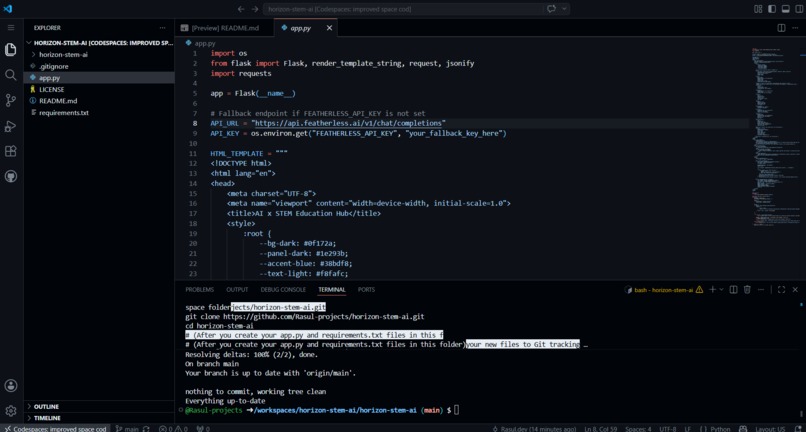
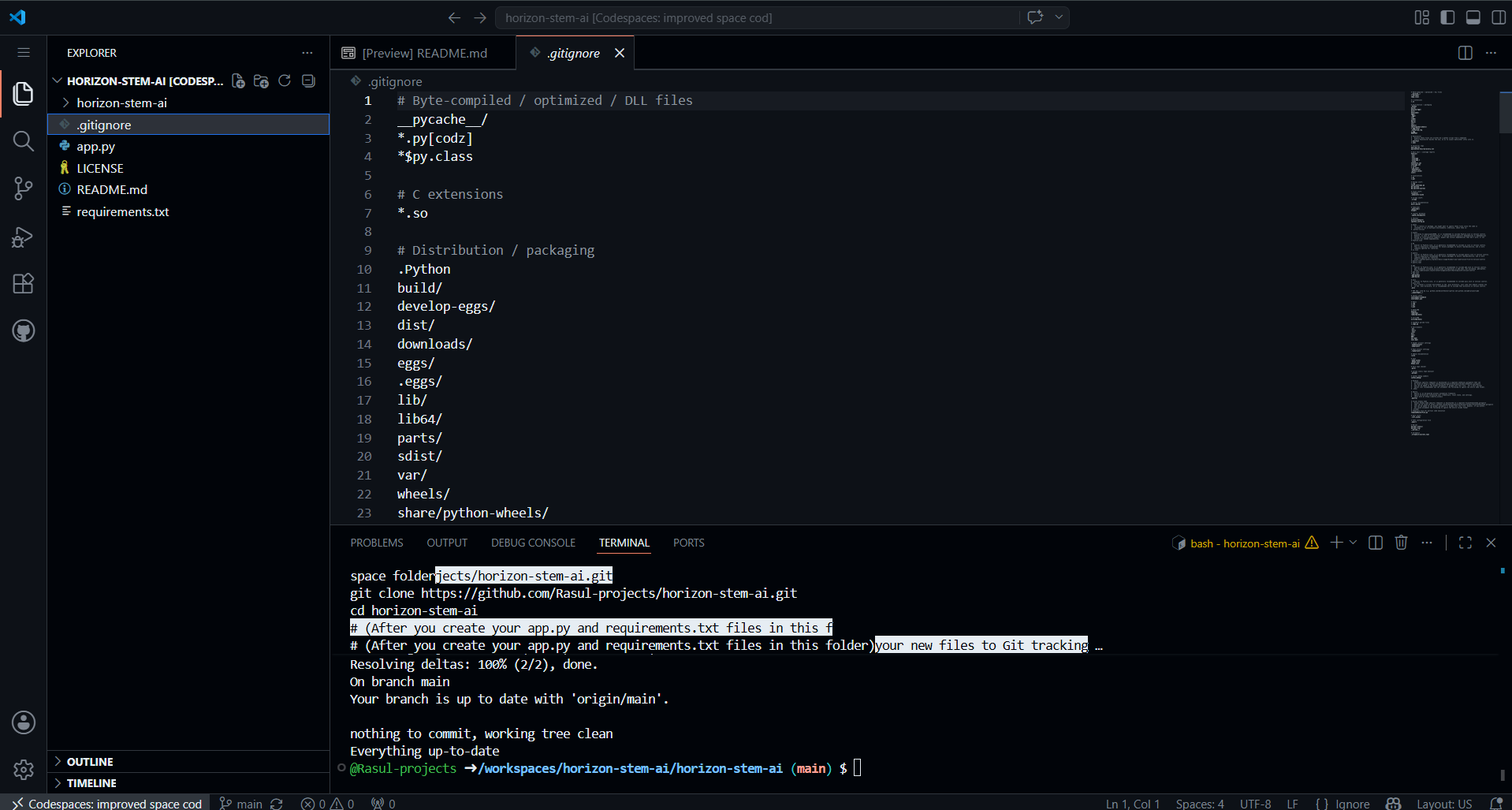
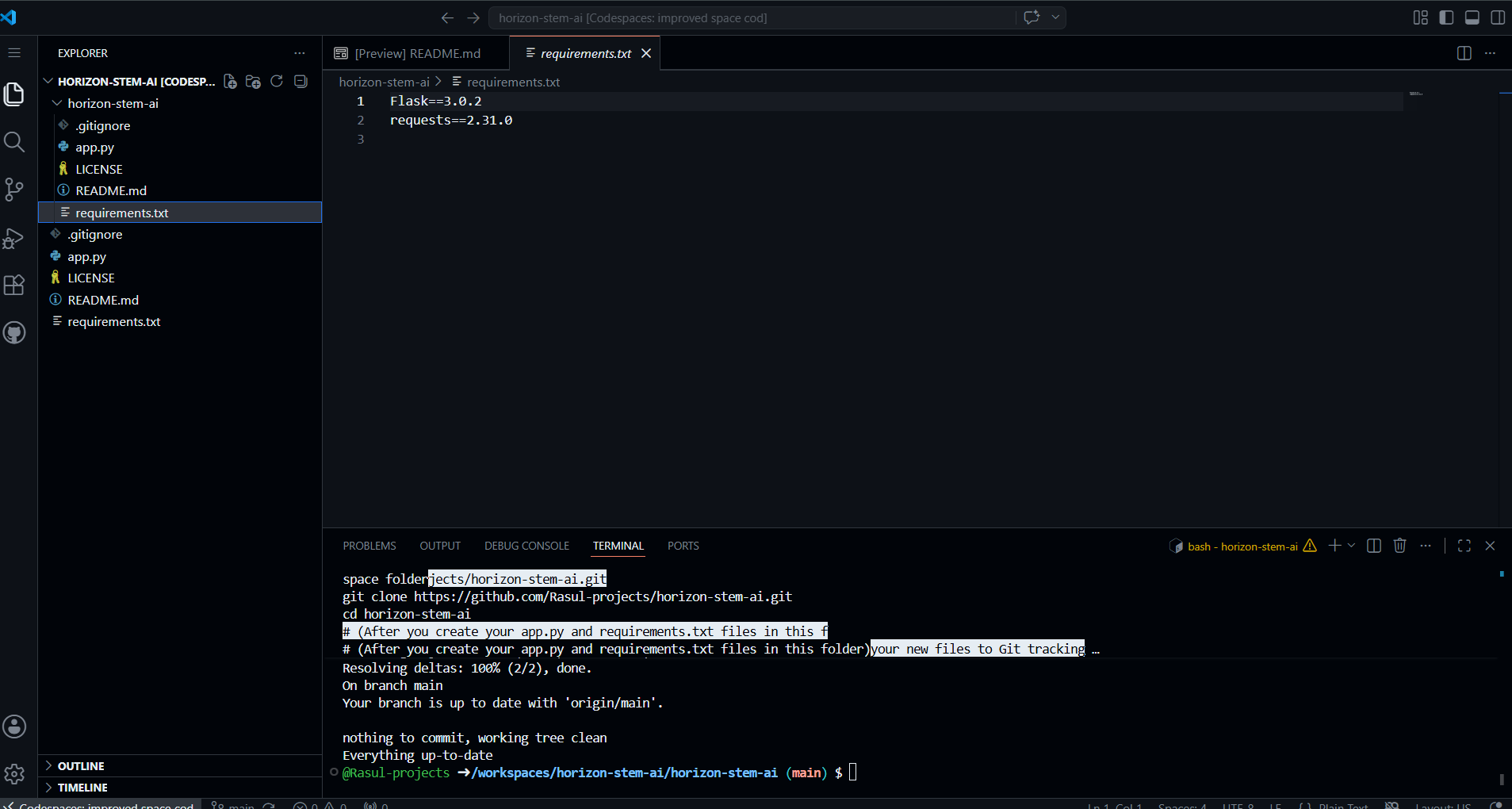
app.py
-
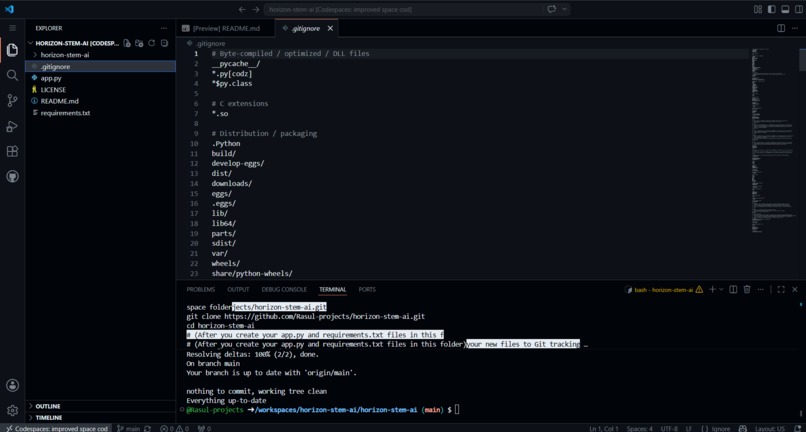
.gitignore
-
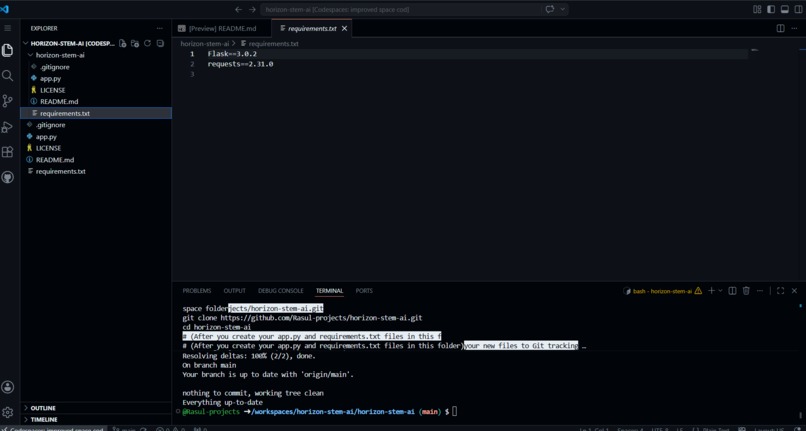
requirements.txt
What inspired us
Honestly, it sucks watching friends drop out of computer science or physics because they get completely overwhelmed by cryptic compiler errors, crazy math syntax, or impossible-to-read log files. The textbook answers never help when you are stuck alone at 2 AM. We wanted to build a companion that doesn't just give you the answer, but explains the absolute core logic like a classmate sitting next to you.
What it does
Horizon STEM AI is basically an interactive personal mentor for STEM students. If a student is stuck on a confusing coding error, a messy math formula, or a massive system diagnostic log file, they can just paste it right into the chat. The app rips through the data and instantly breaks down the core logic into clear, step-by-step explanations so they can actually understand how to fix it without getting frustrated.
How we built it
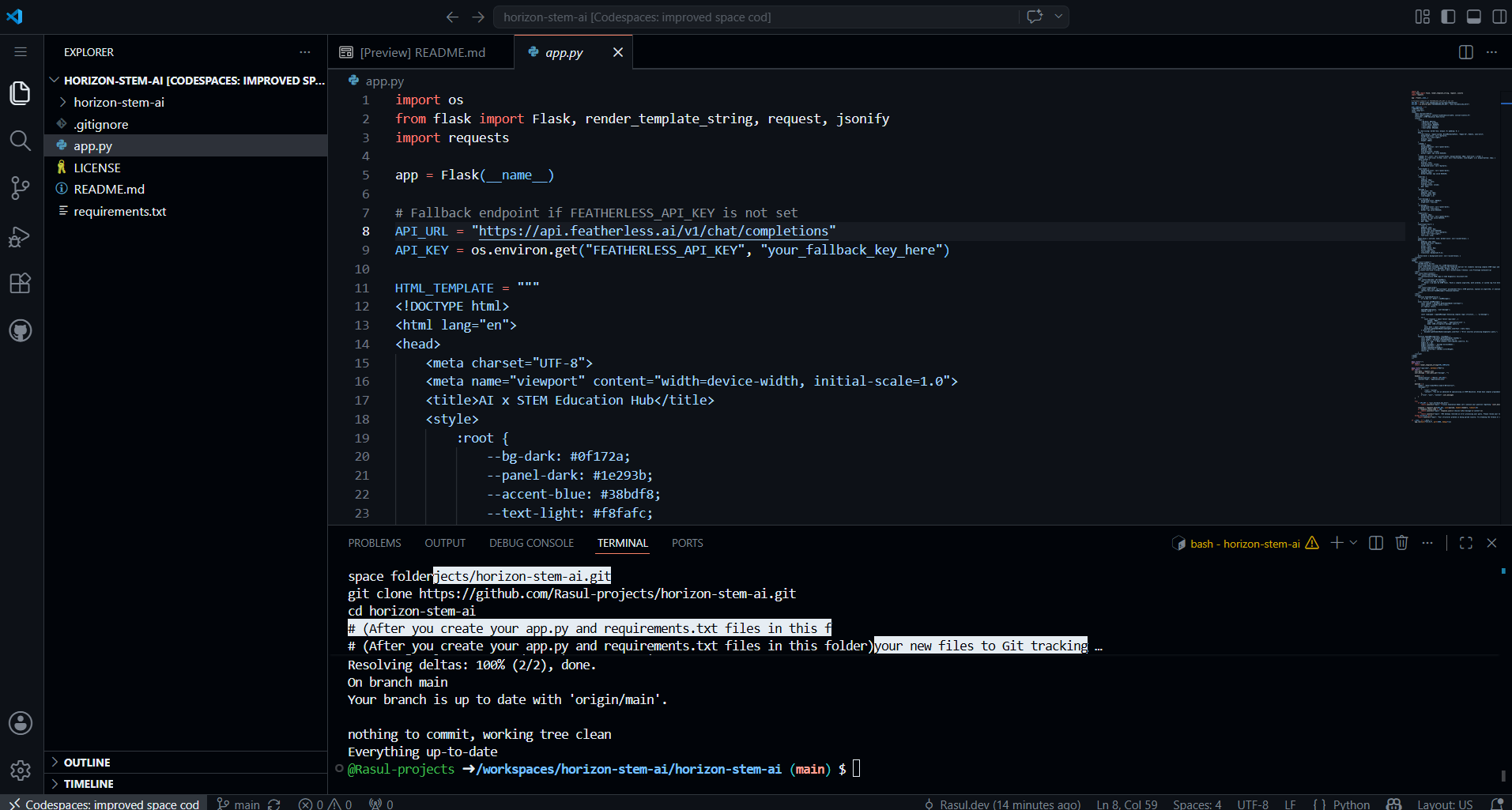
We wanted to keep the project super lightweight and responsive so it runs fast in any environment. The frontend is built using clean vanilla HTML, CSS, and JavaScript with a nice dark theme that's easy on the eyes during late-night study sessions. The backend uses a Python and Flask container setup. For the actual intelligence, we hooked it up to leverage open-source language models through a secure Featherless.ai API gateway.
Challenges we ran into
The biggest headache was making sure the app would be bulletproof during live grading. We didn't want the app to throw a random breakdown error or freeze on a spinning wheel if the network lagged or the API key hit a limit while a judge was looking at it. To fix this, we wrote a custom fallback routine directly into the Flask backend. If the live API slips up, a local simulation node instantly jumps in, parses the data parameters sequentially, and keeps the user moving smoothly.
Accomplishments that we're proud of
We're really proud of building a fully functional, containerized AI application from scratch in just a few days. Getting the API gateway and the local backend fallback logic to hand off to each other without crashing the frontend interface feels awesome, and the app is completely stable.
What we learned
We learned a ton about designing software for accessibility. It's not just about making a cool AI prompt; it's about making the UI feel welcoming and encouraging to a student who is struggling with tough engineering concepts alone at 2 AM.
What's next for Horizon STEM AI
We want to take this way past just text input. The next big step is adding computer vision elements. We want students to be able to take a photo of a messy whiteboard equation, a hand-drawn circuit diagram, or a physical hardware prototype, upload it, and get the exact same instant step-by-step diagnostic breakdown.


