-
-

Logo
-
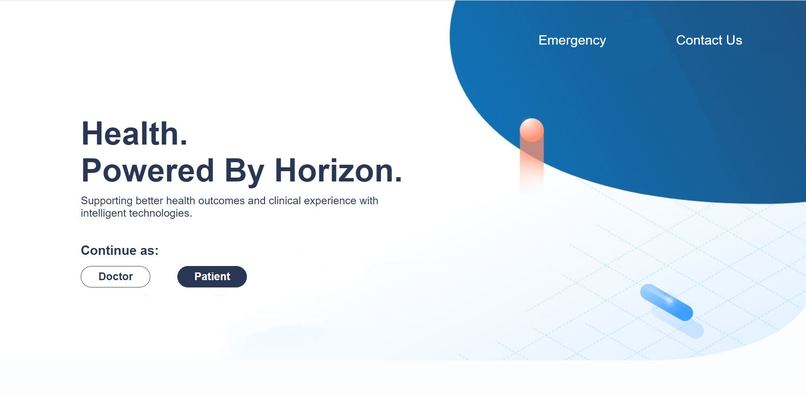
HomePage
-

Landing_page2
-
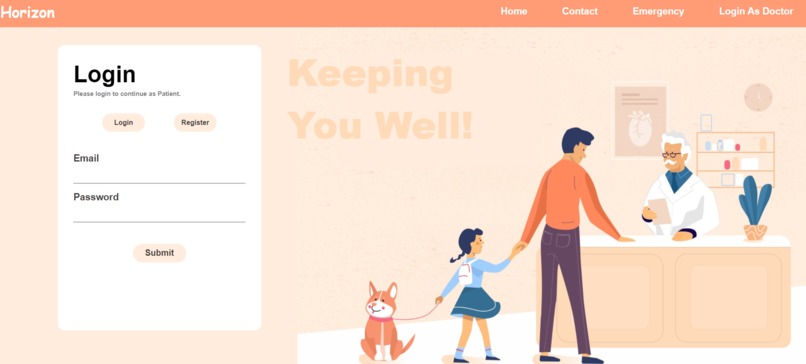
Login_page
-
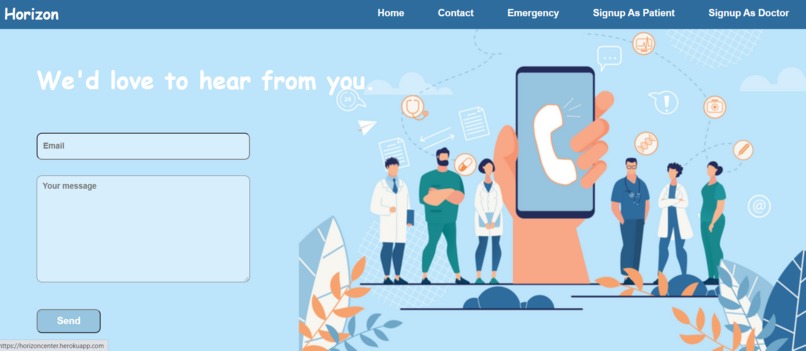
Contact Us
-
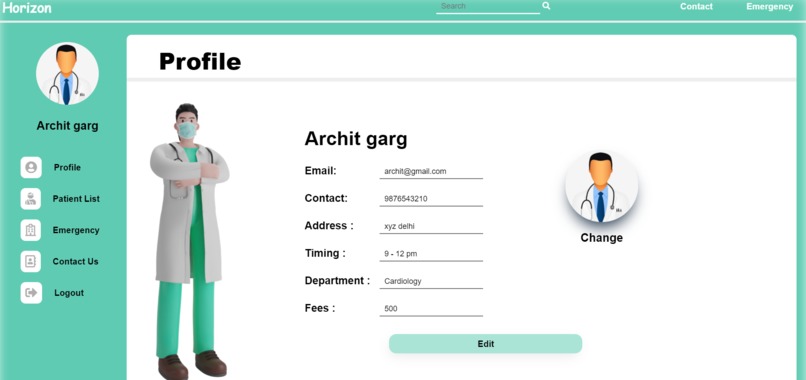
Doctor's Profile
-
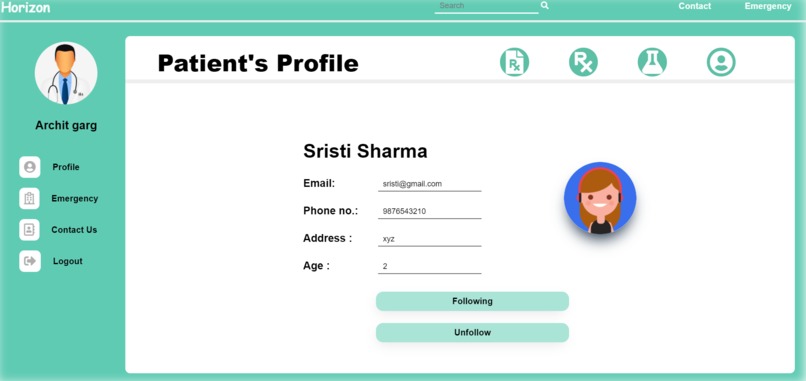
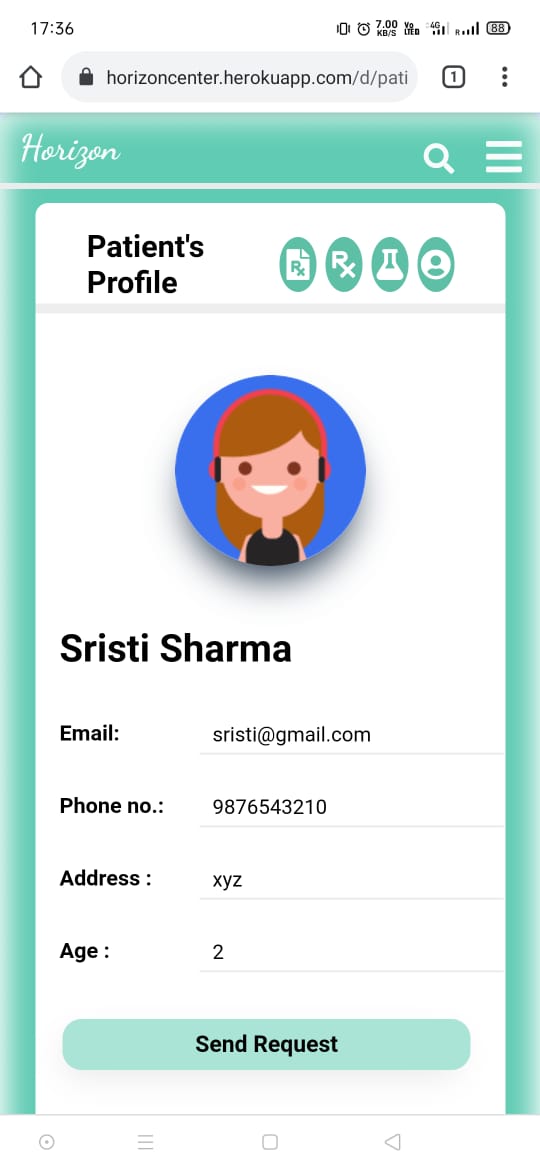
Patient's profile from doctor's side
-
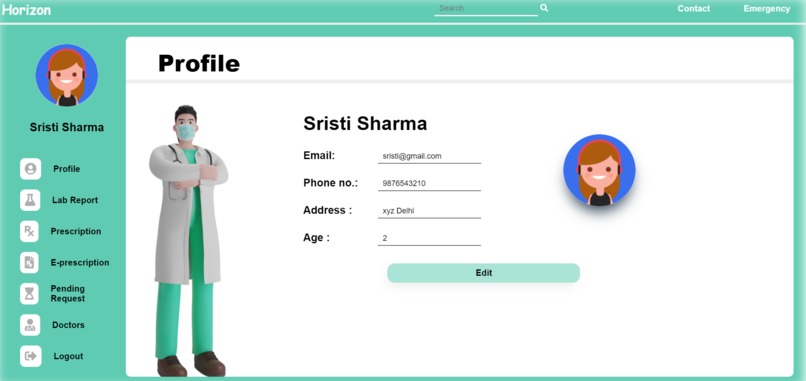
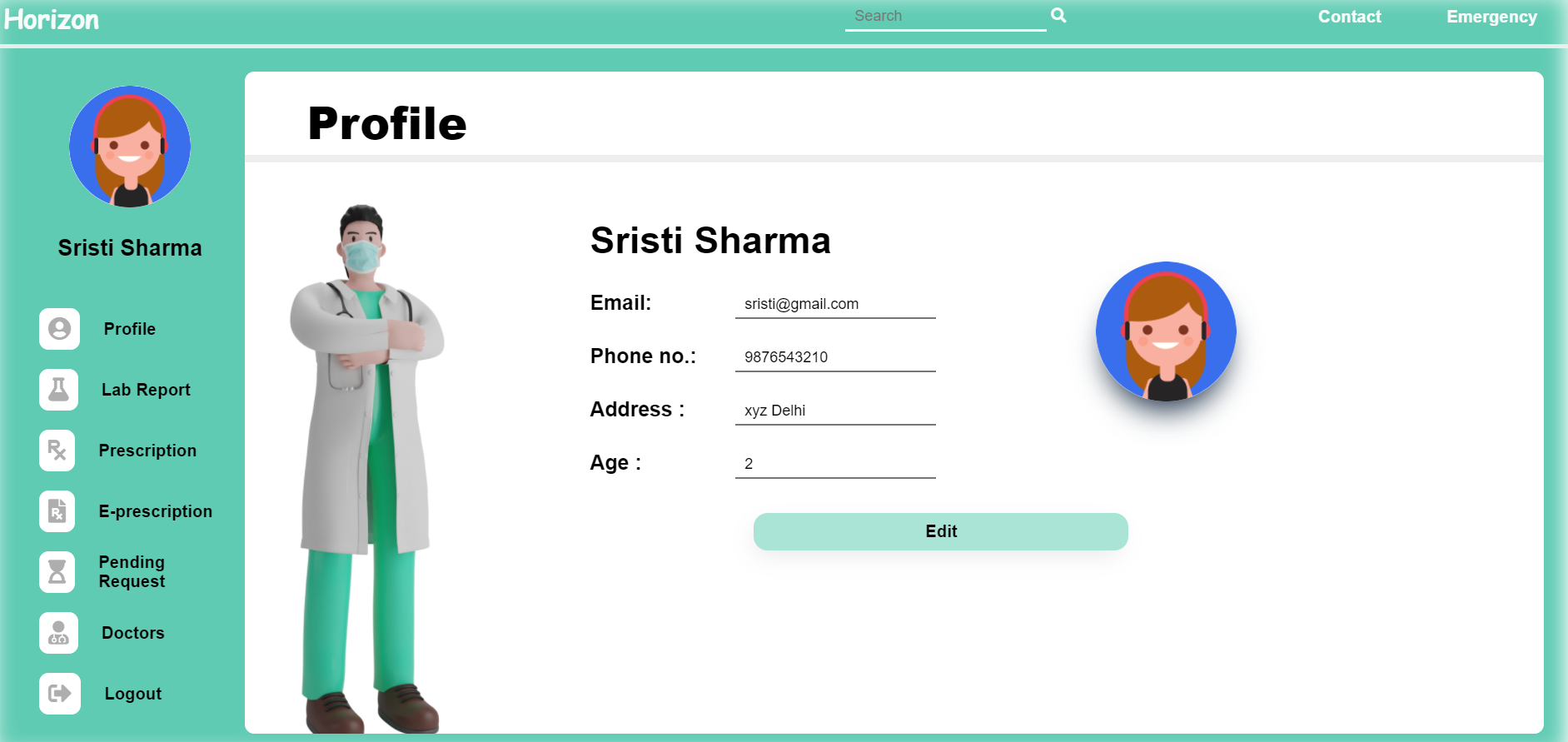
Patient's profile
-
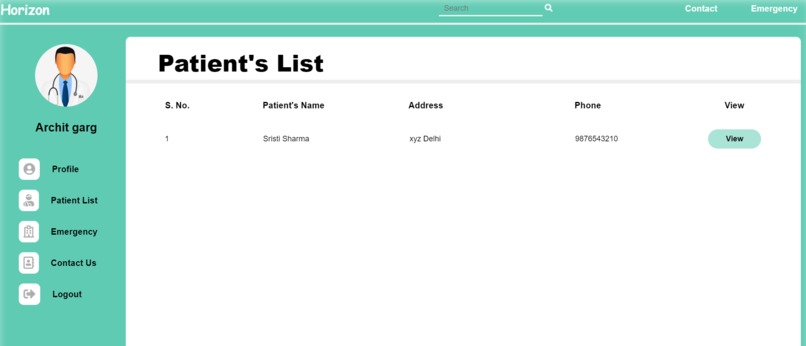
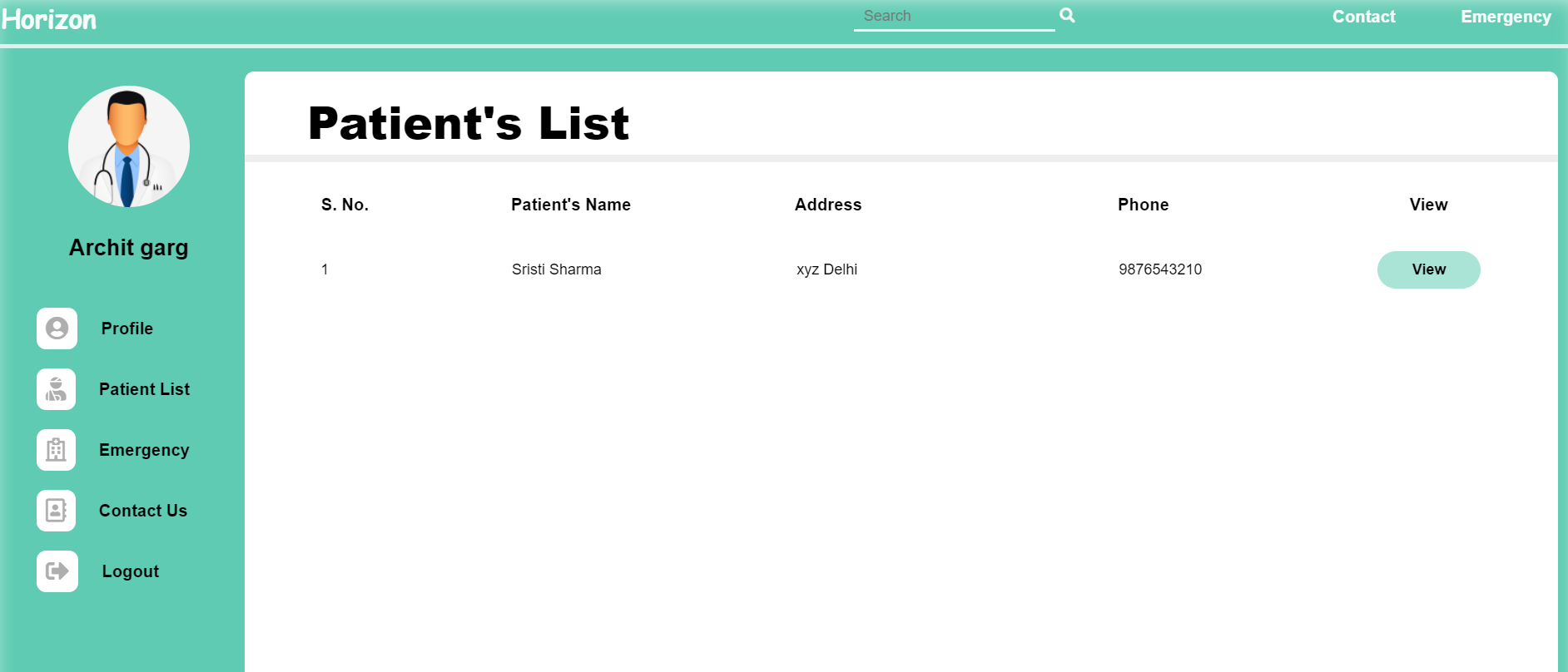
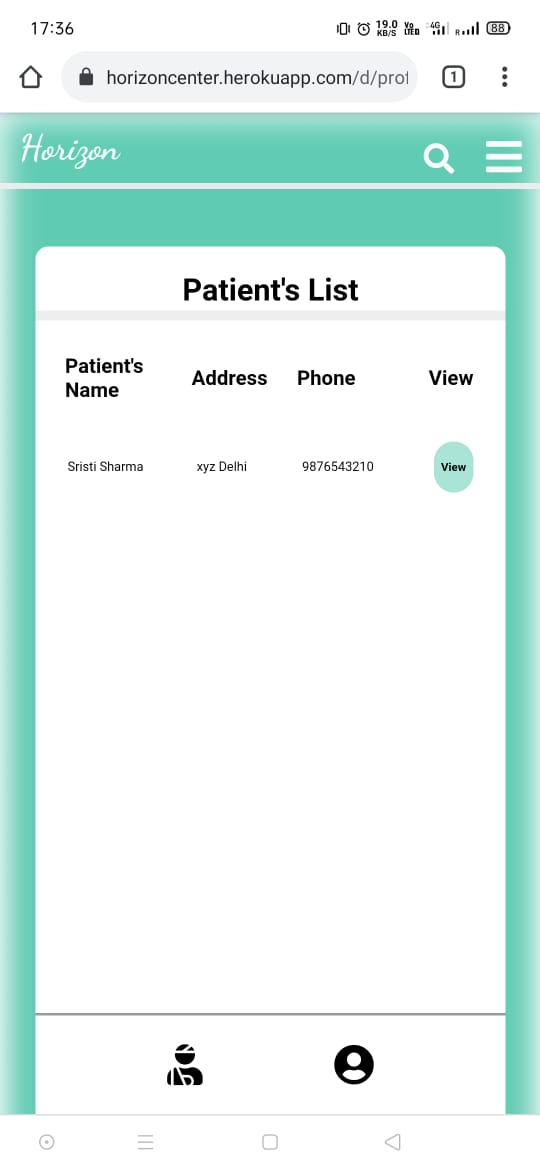
Patients List from Doctor side
-
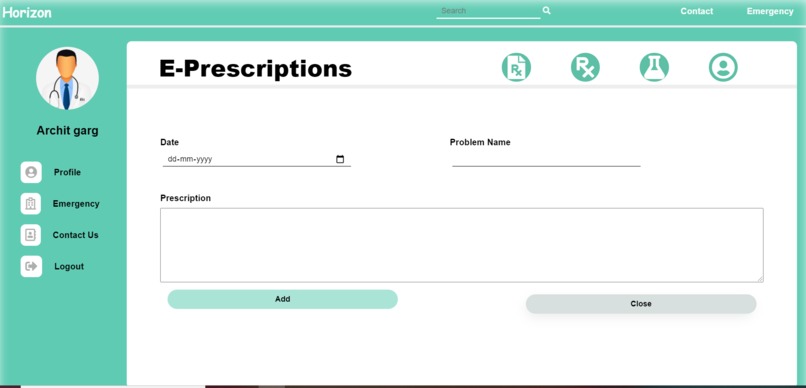
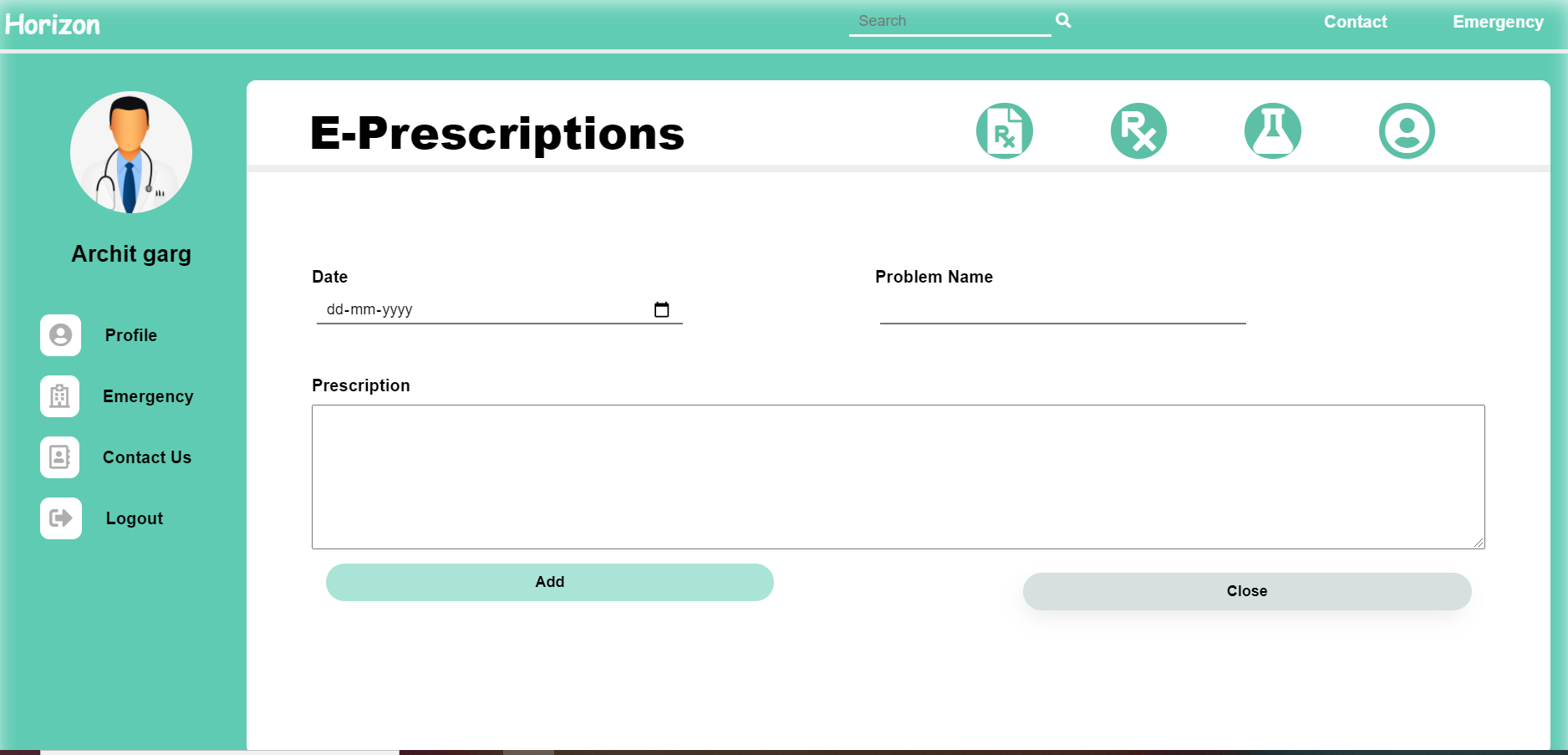
Add E-Prescription_doctorSide
-
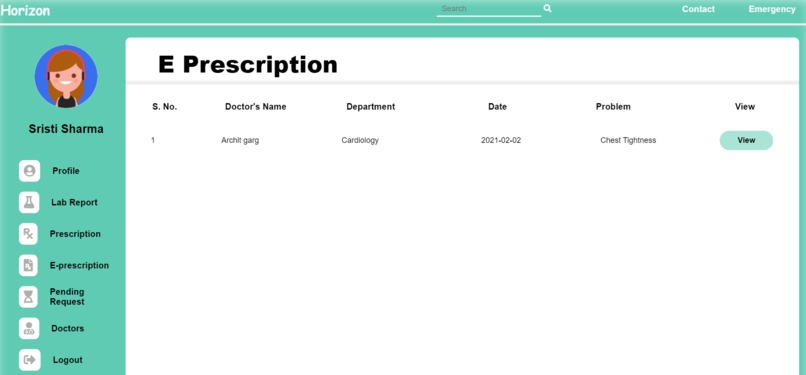
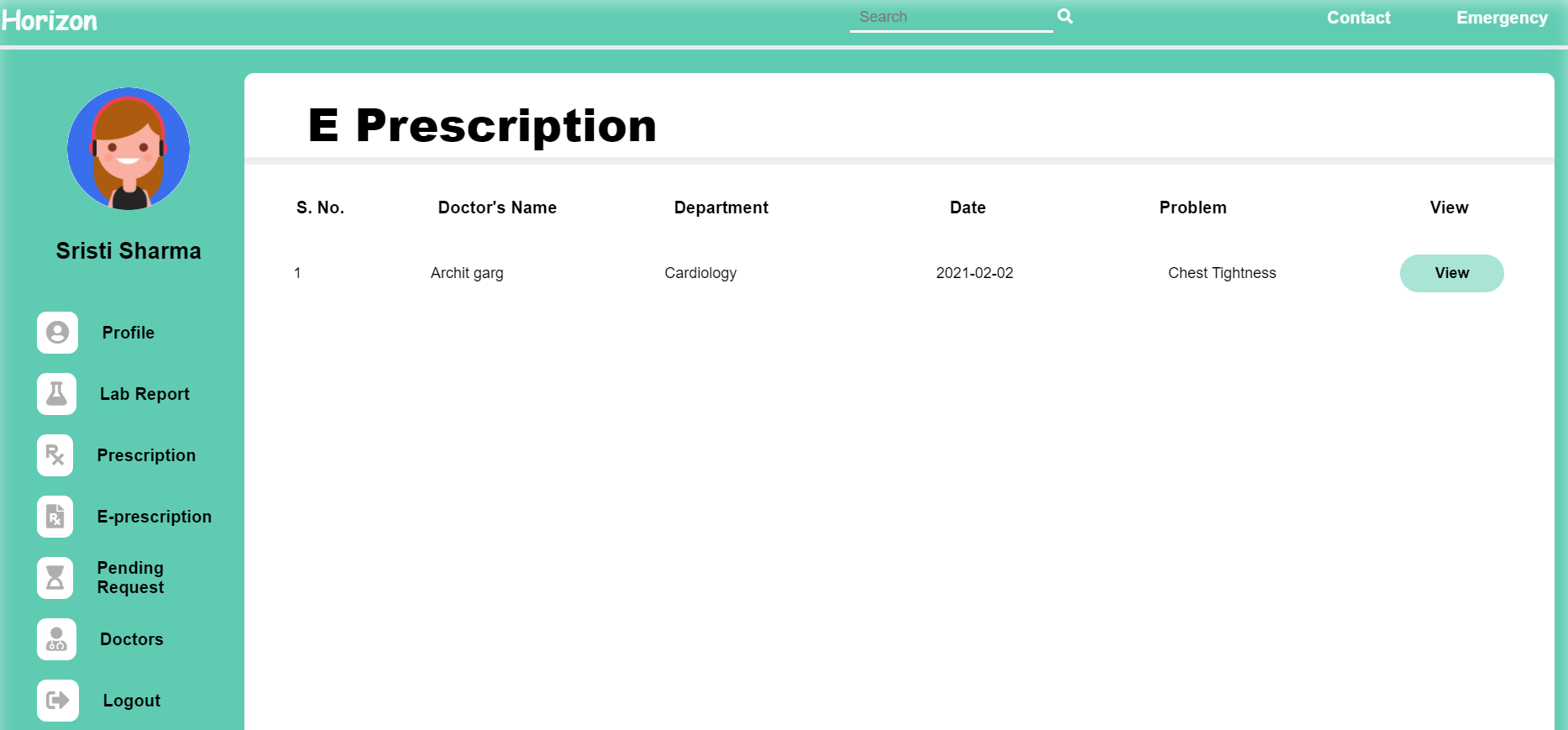
E-Prescriptions_patientSide
-
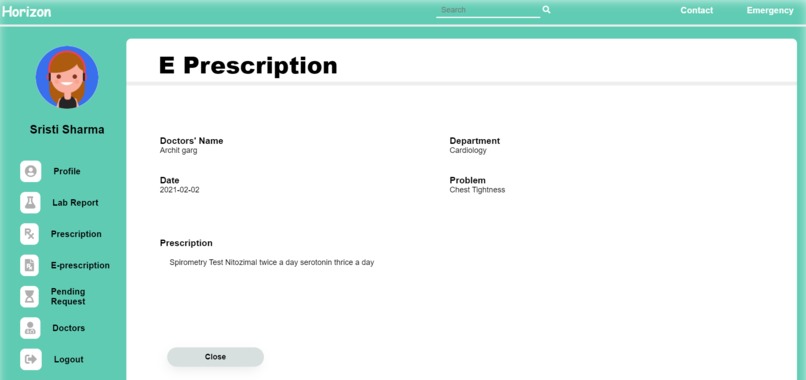
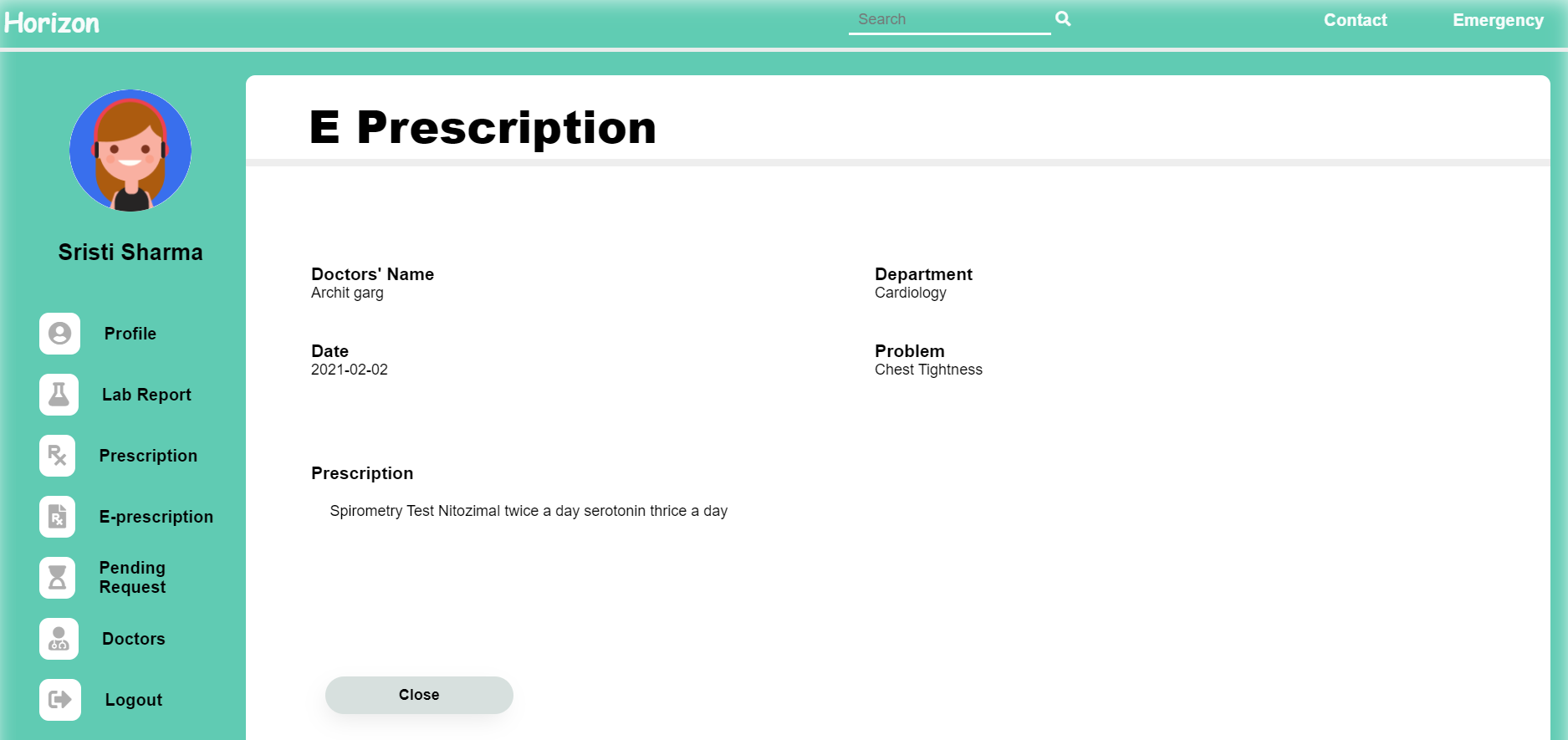
View E-prescription
-
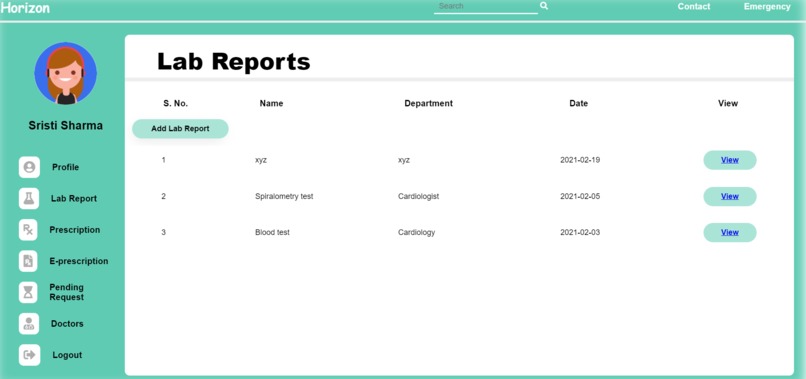
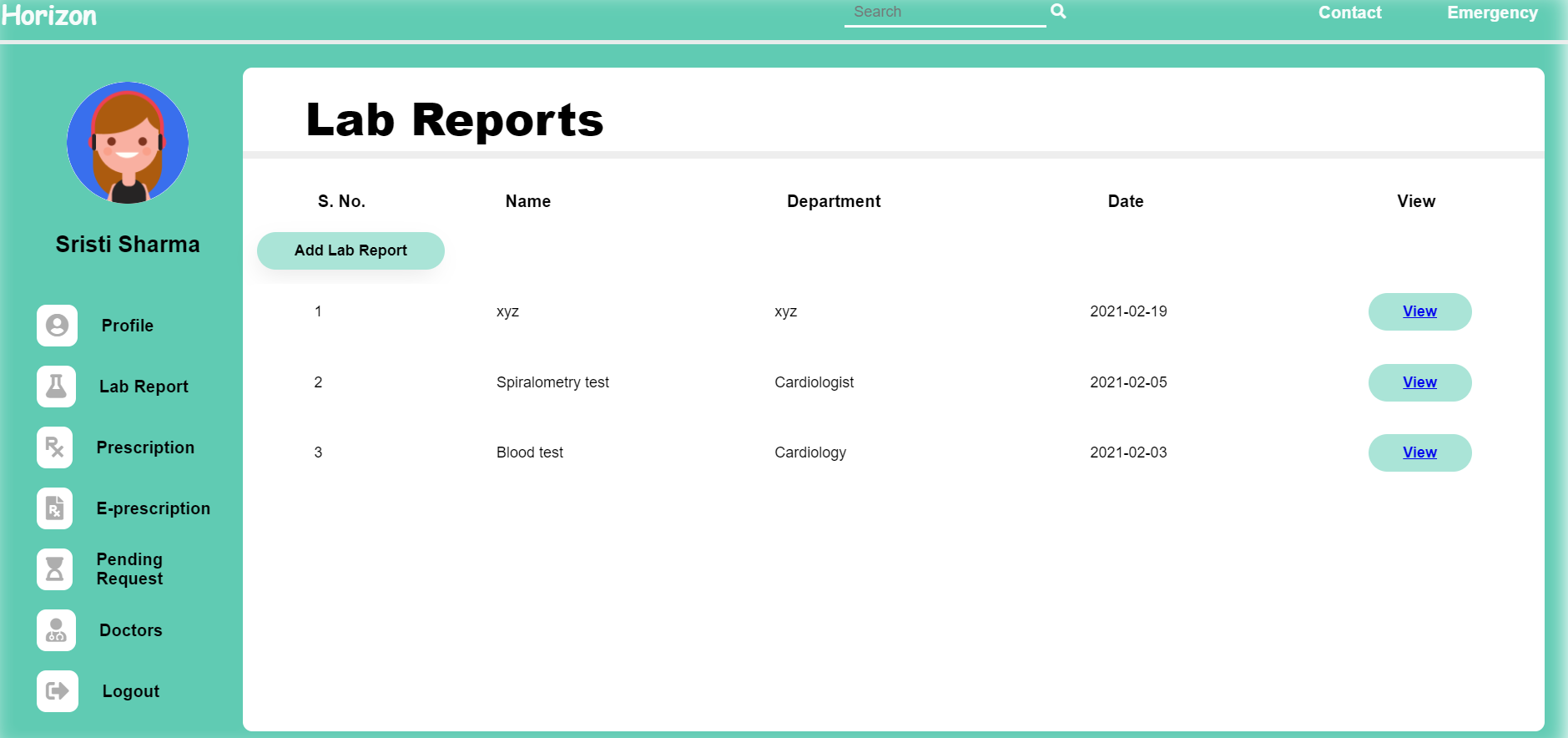
LabReports
-
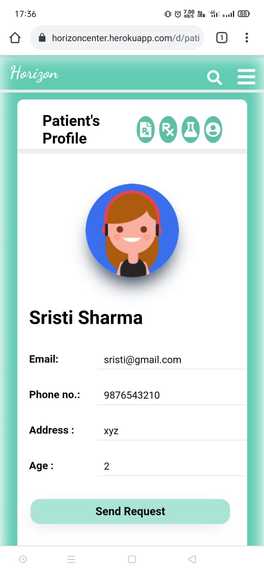
Patient's View from Doctor's side_mobile
-
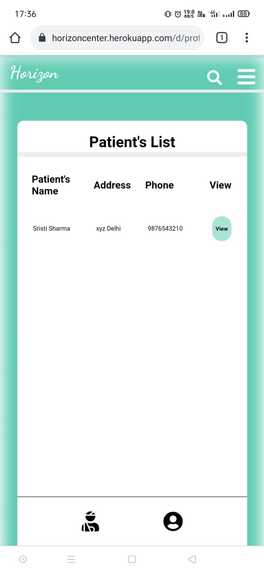
Patients List from Doctor side_mobile
-
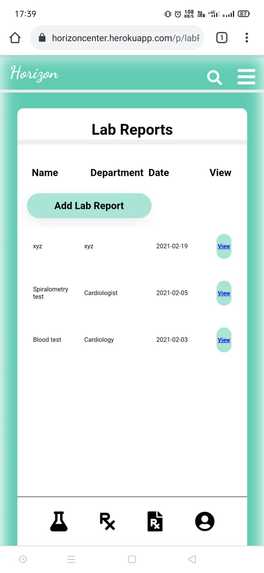
Prescription
-
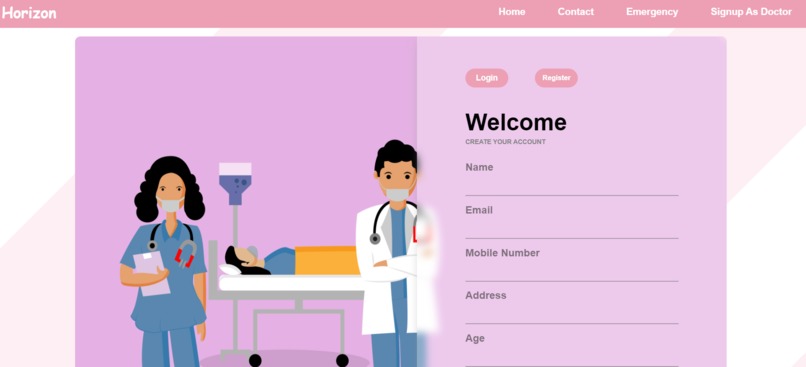
SignUp_page
-
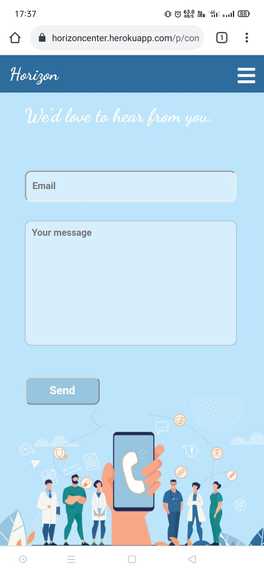
Contact_Mobile
-
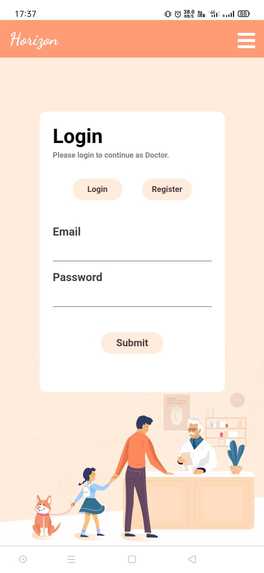
LoginPage_mobile
-
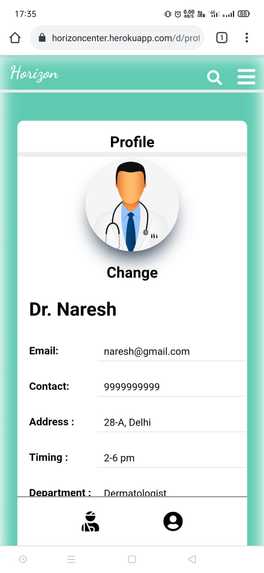
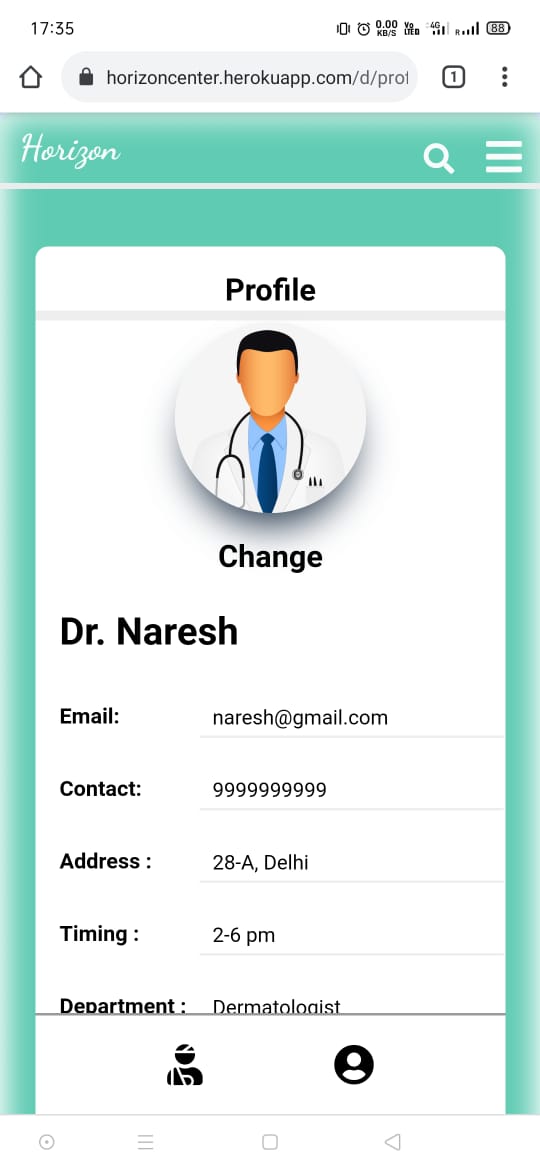
Doctor's Profile_Mobile
-
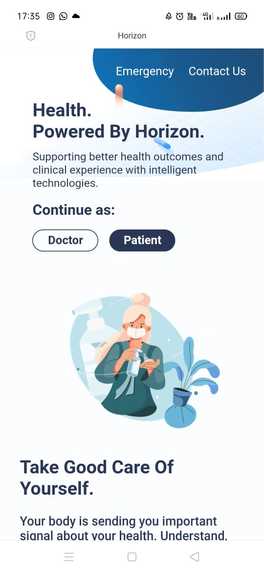
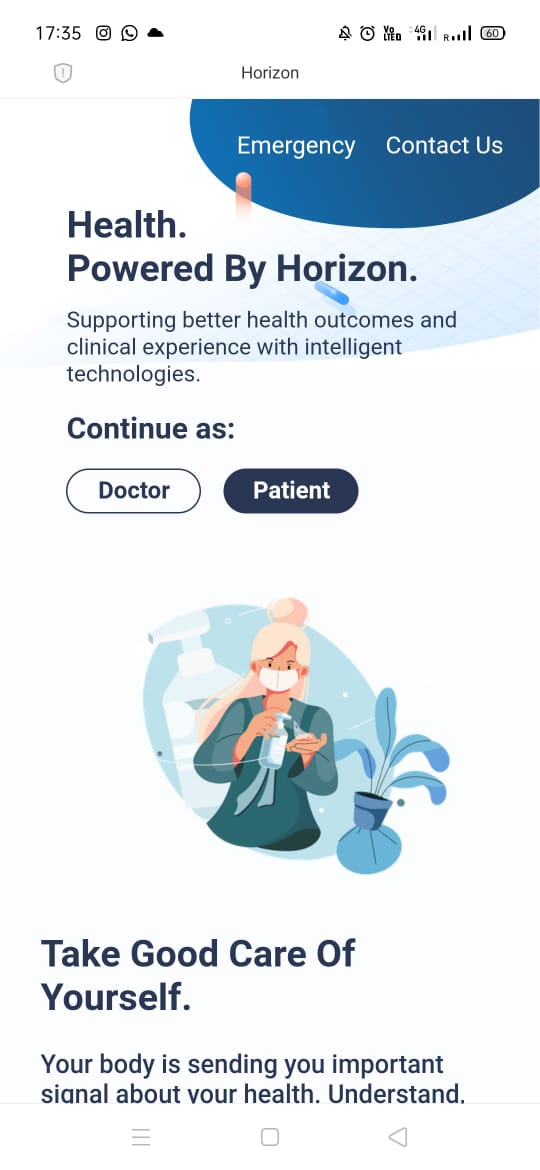
Landingpage_Mobile


Inspiration
The inspiration came from the various people who were travelling so long for just collecting their lab reports, people who were worried about their lost prescriptions, people who were not aware of the availability time of the doctors, people who use to forget to keep their documents with them in a hurry and last but not the least, crowded hospitals became the major inspiration during COVID-19.
What it does
Horizon is a patient centered information exchange system that allows patients to upload their medical documents so that they can be accessed online. It allows the respective doctors to write online prescriptions and upload the latest test reports online. It is making the hospitals crowd-free as people who just visit the hospitals for the sake of lab reports will no longer come. No one is allowed to access and edit the details until unless the respective doctor and the respective patient are connected.
How we built it
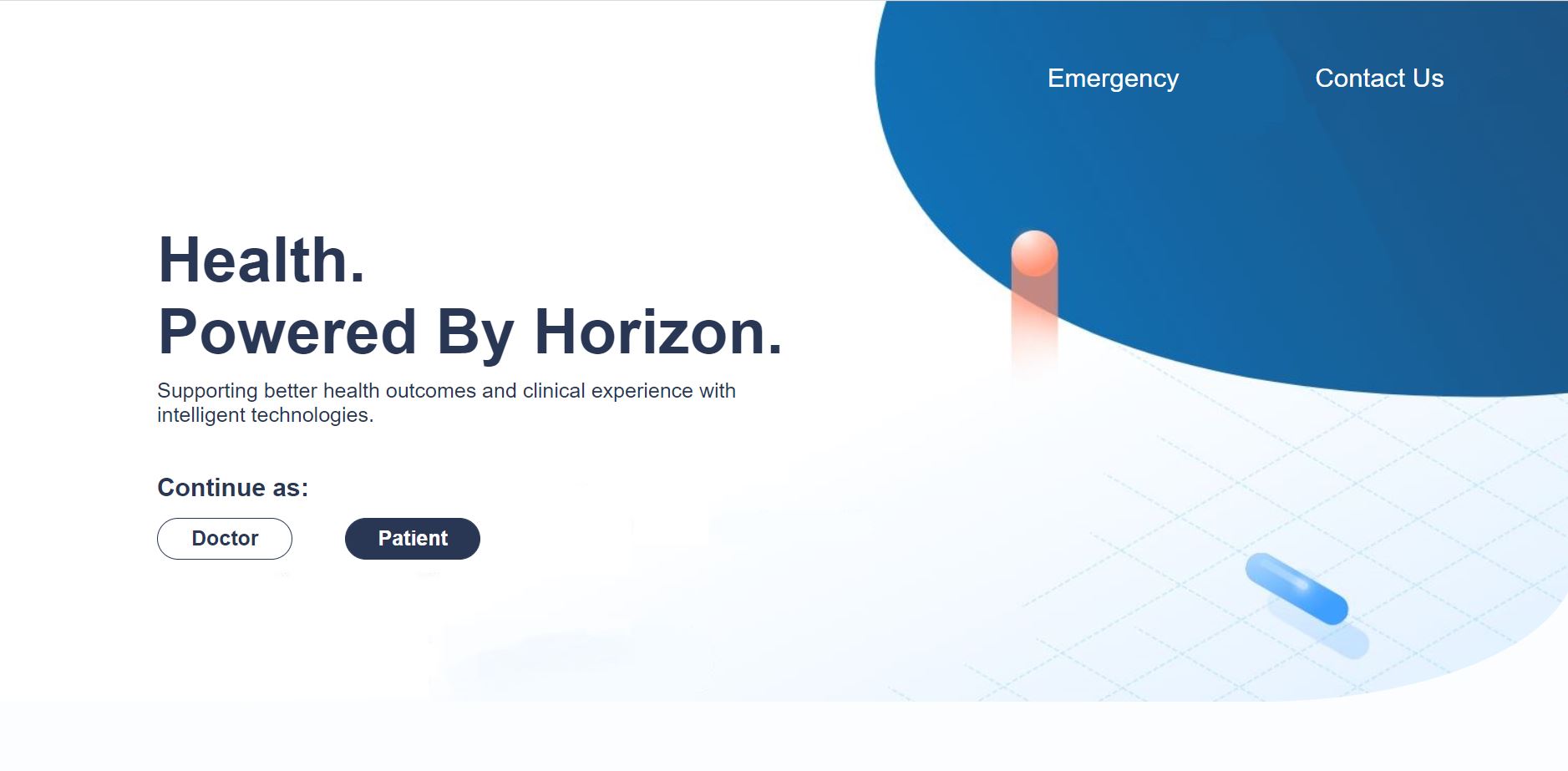
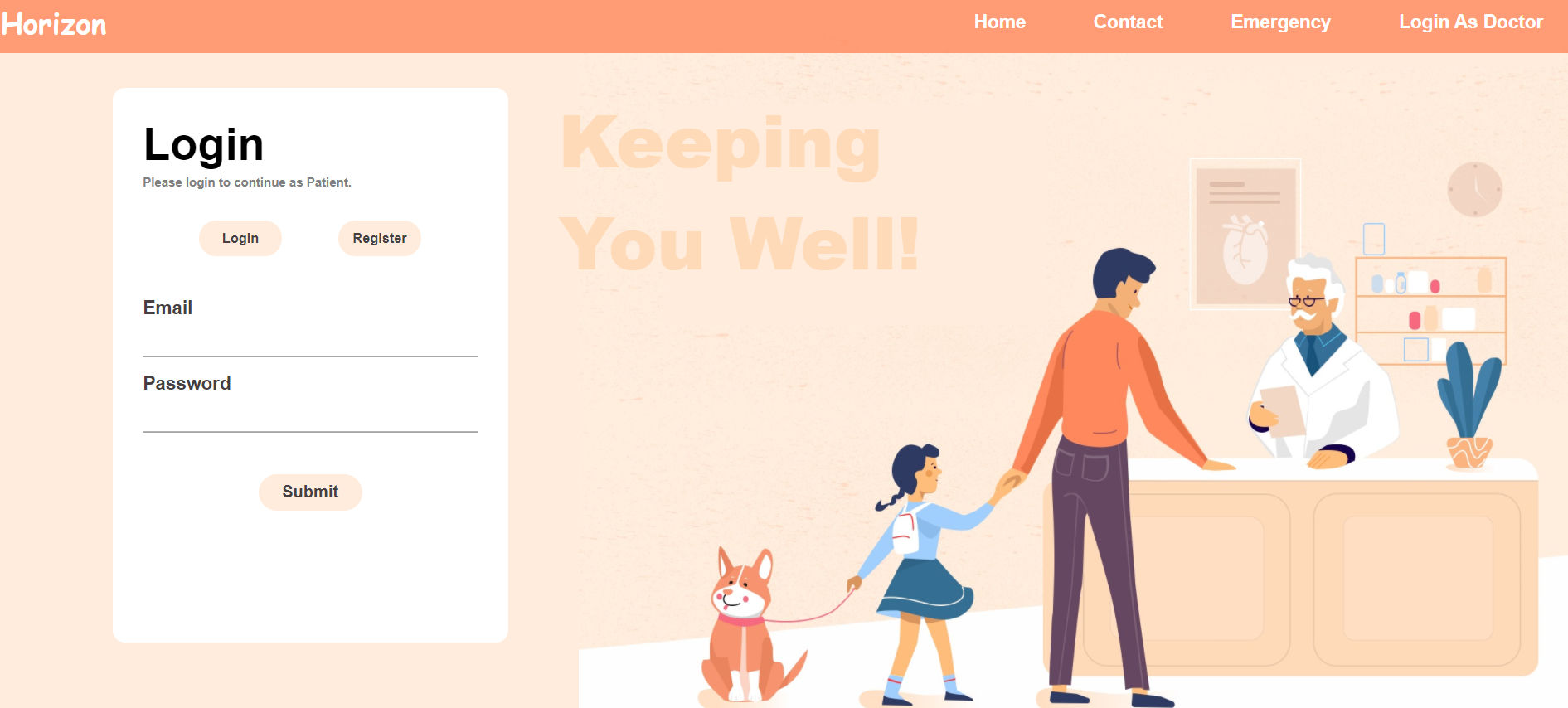
- The web app opens with the landing page that provides a glimpse of the web app. There is also the emergency and contact us button on the header.
- When the user clicks on the emergency button, he is directed to the page with all the emergency contacts.
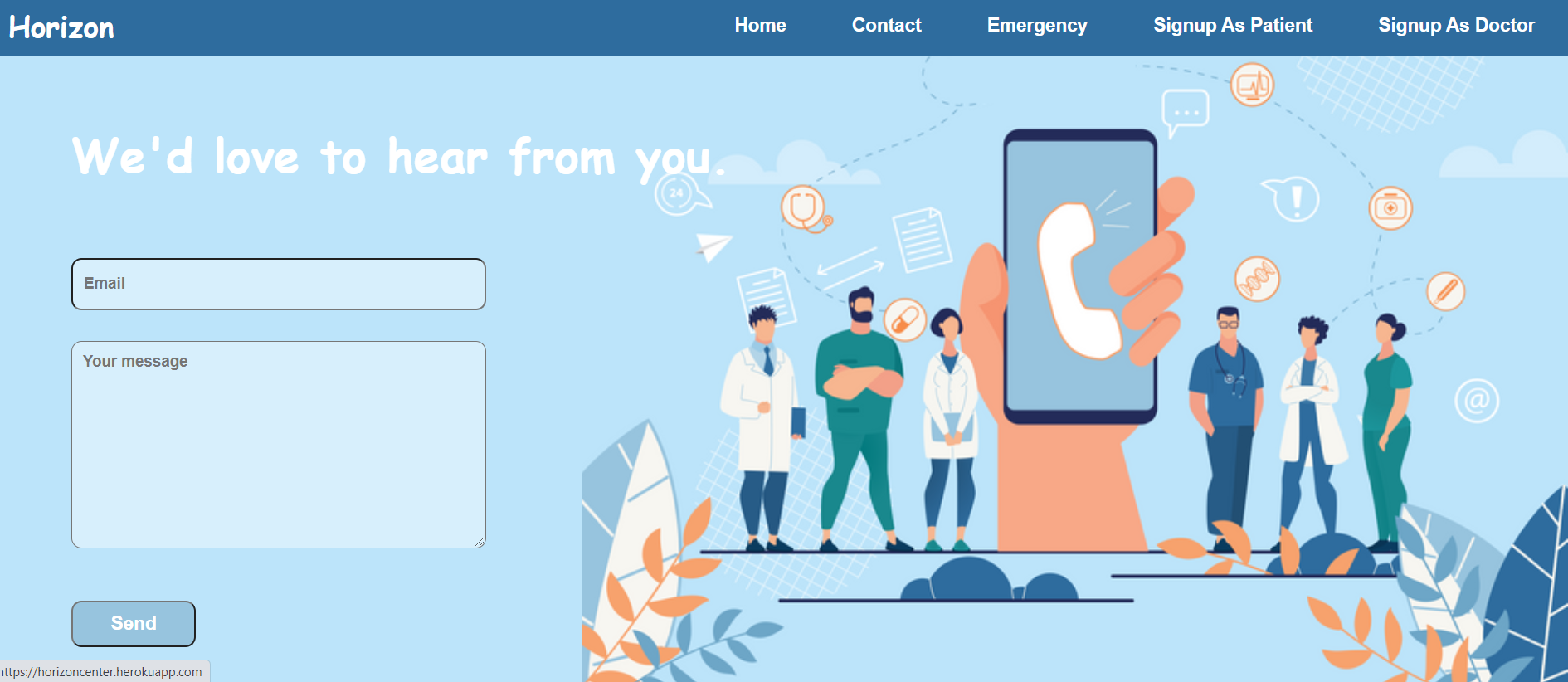
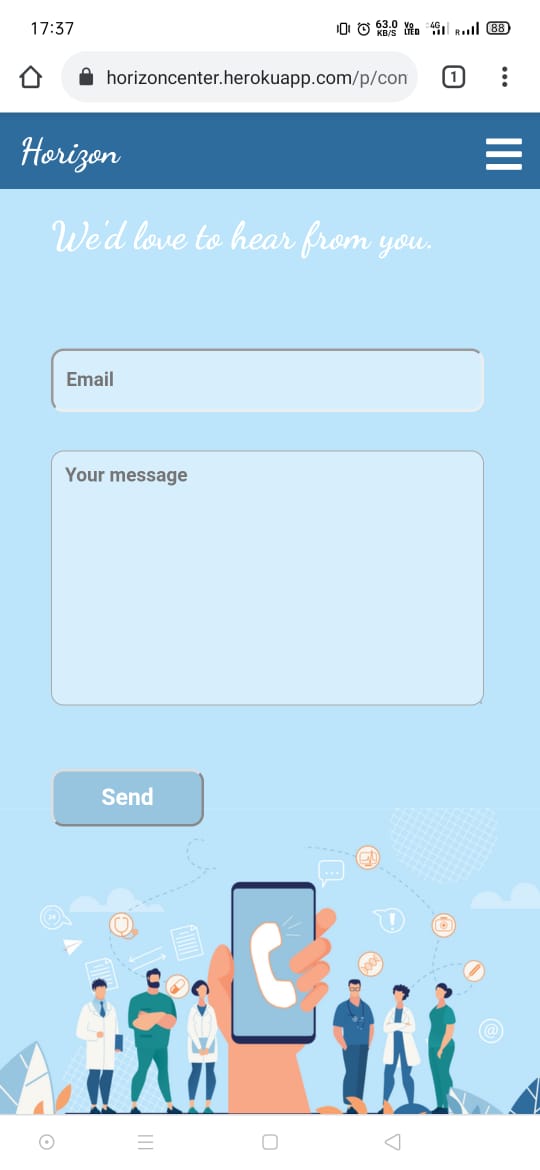
- When the user clicks on the contact button, they have the option to write a message or a query to us.
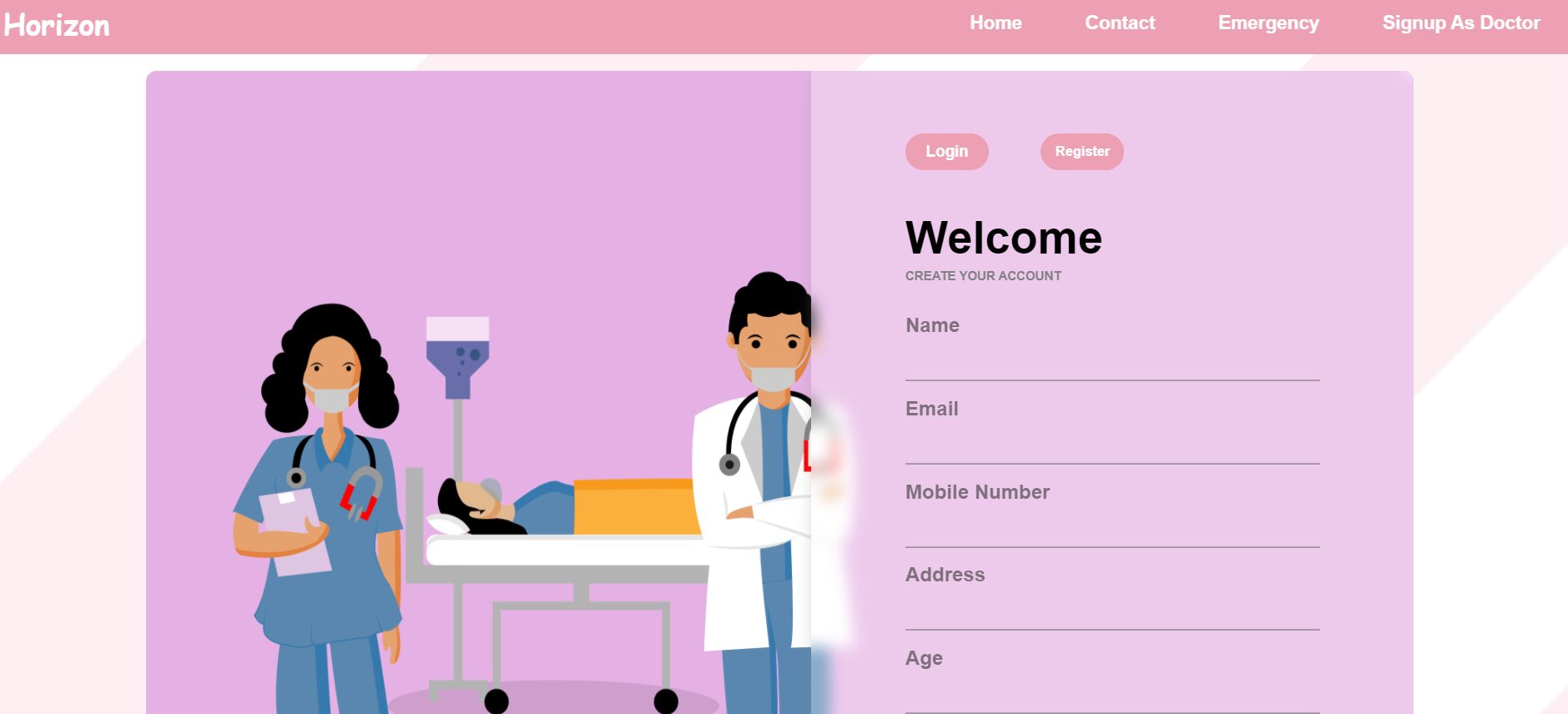
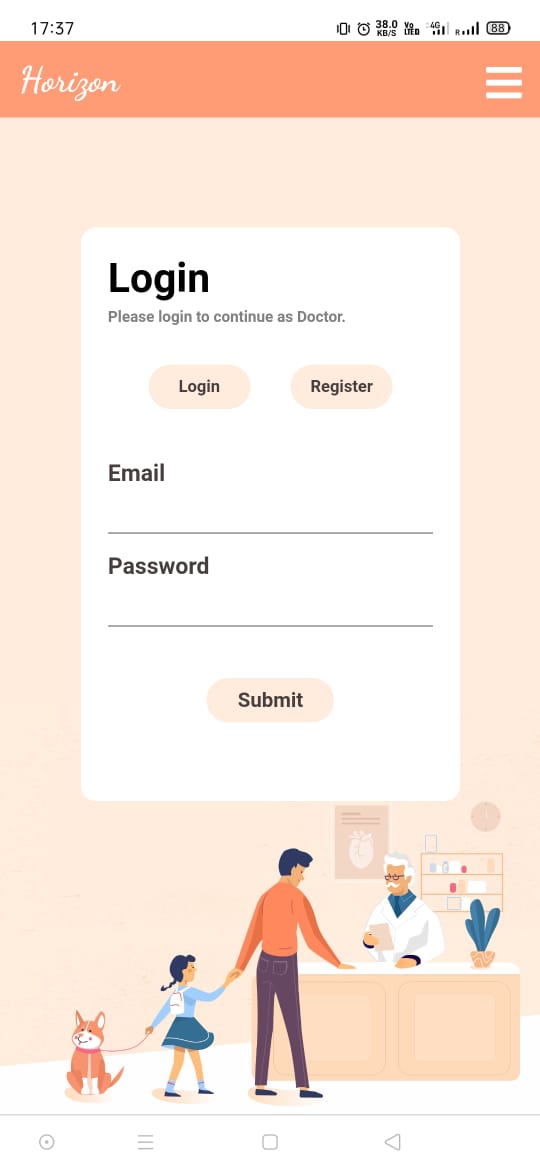
- Through the landing Page users have the option to continue as a doctor or a patient which leads to the login and signup pages for the same.
- Patients and doctors are supposed to register or login initially.
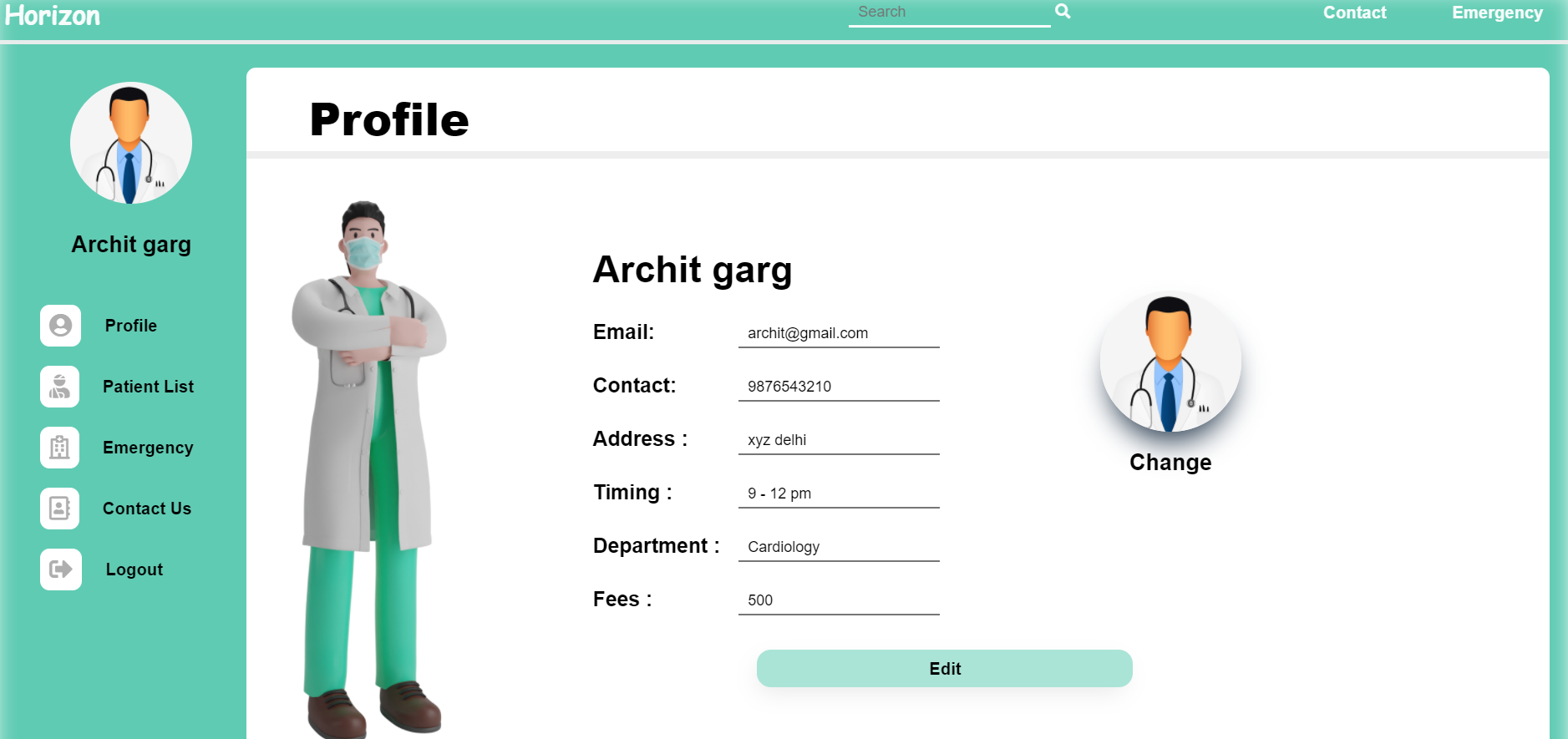
- User has the option to change his photo and other information by clicking the edit button.
- There are various other functionalities on the Patient portal that he may access through the sidebar.
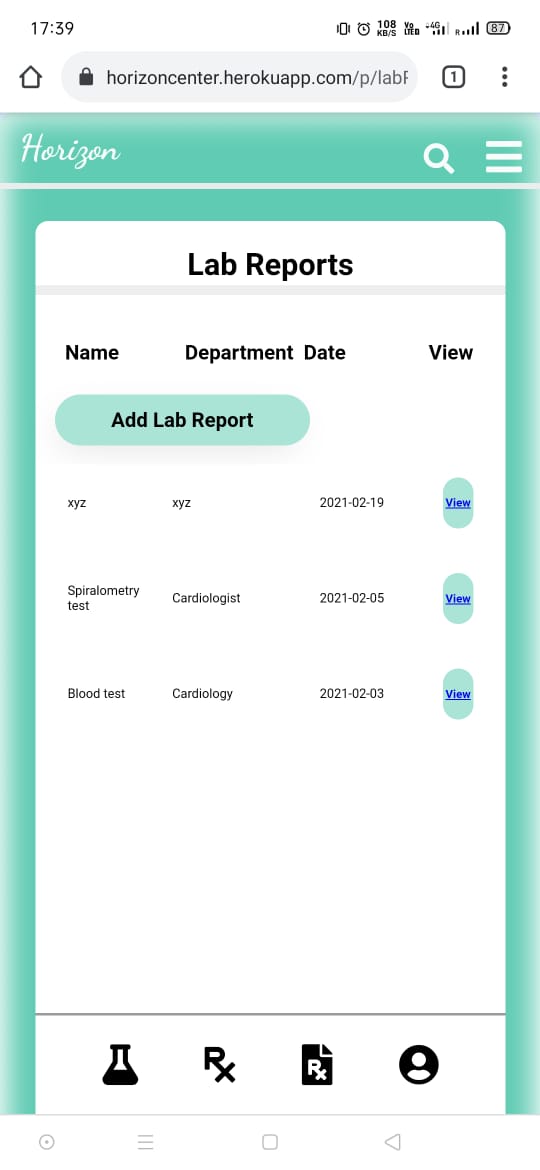
- Patients can view and add their lab reports through the lab reports button. He may also view the reports already uploaded by clicking the view report button. Patients can also view the Lab reports that are being uploaded by the doctor, here.
- Patients may click the prescription button from the sidebar to view and upload the prescriptions. Similarly he may view the same through the view button.
- When patients click the E-prescription button, he may view the e-prescriptions. The patient may view the same by clicking the view button. E-prescriptions result in saving paper and patient doesn’t even need to worry about lost or damaged reports.
- Patients have the option to add their prescription and Lab Reports themselves for the times when they tend to lose them or in order to provide the old documents too.
- When a doctor wants to provide the documents to the patient, he needs to send a request to the patient, and he may get access to add and view documents of the patient only after the patient accepts his request.
- When the patient clicks the pending requests buttons, he gets the list with Doctor's Name and Department where he may click the doctor’s name to open Doctor’s profile, and the patient may click the accept or cancel button to accept or cancel the request of the doctor.
- When the patient clicks the Doctors button, he can view the list of the doctors ,he’s being treated by currently. He may click the remove button once the treatment is completed.
- There is also the search button on the header wherein the patient enters the email of the doctor to view the doctor's profile.
- We have also made our web app responsive.
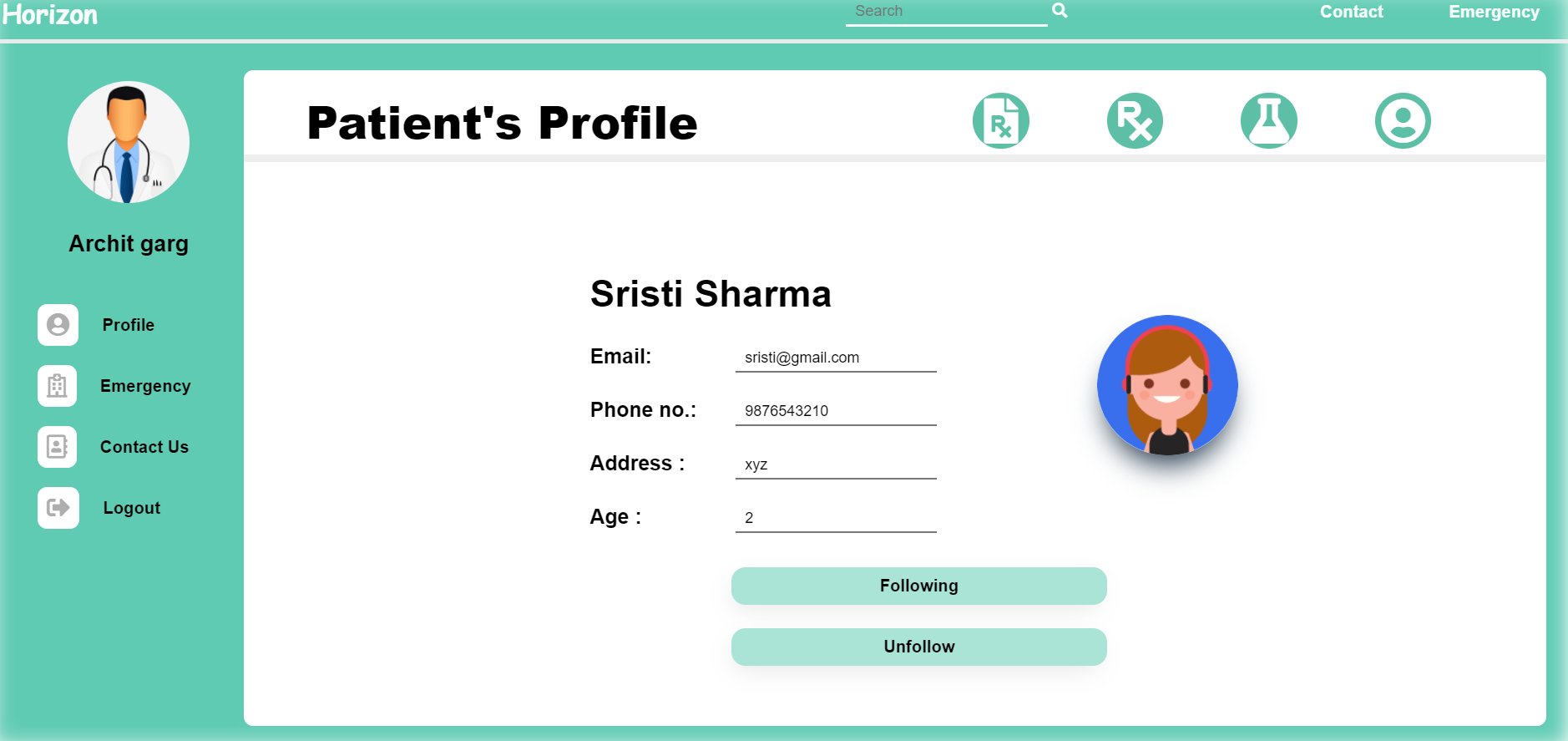
- Doctors can search the patient by his email id in the search bar in the header and is directed to the patient's profile.
- When a doctor views a patient's profile, he needs to send request to the patient and he can access the patient's documents only after the patient accepts his request.
- Once the patient accepts his request, the doctor can view the patient's profile and add and view his documents. Doctor has the option to add all the documents of the patient and he may also view his previous report.
Challenges we ran into
- It was really difficult to control the flow of data, also to ensure that no extra person could access and edit the details.
- It took us a lot of time to make the web app responsive.
Accomplishments that we're proud of
We are really happy to keep the patient at the center of all we did. It gives us immense pleasure to create a safe and effective patient experience and make their life easy.
What we learned
- We learned to try things before saying we can’t do it.
- We learned to work with others and listen.
- We got to know about the healthcare system.
- It helped in making our concepts more seamless and clear.
What's next for Horizon
We are planning to include a chatbot in our web app which will allow the patient to share the symptoms and it will revert back with the possible diseases. It will tell whether there is a need for a medical emergency or not.


Log in or sign up for Devpost to join the conversation.