-
-
-
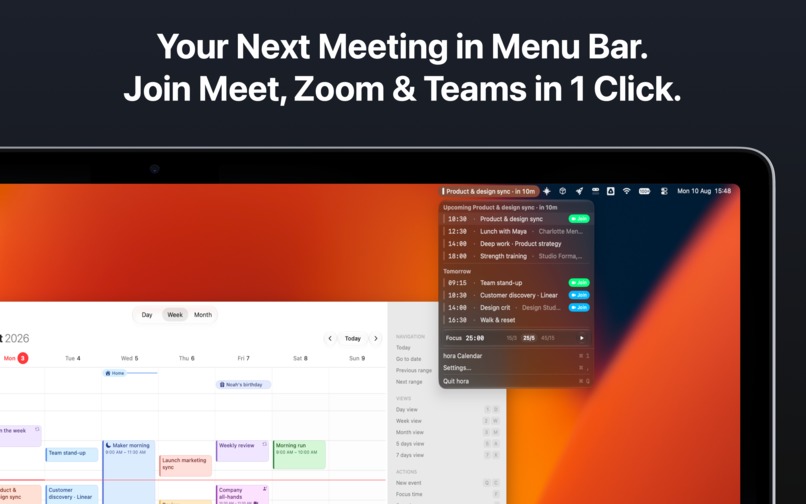
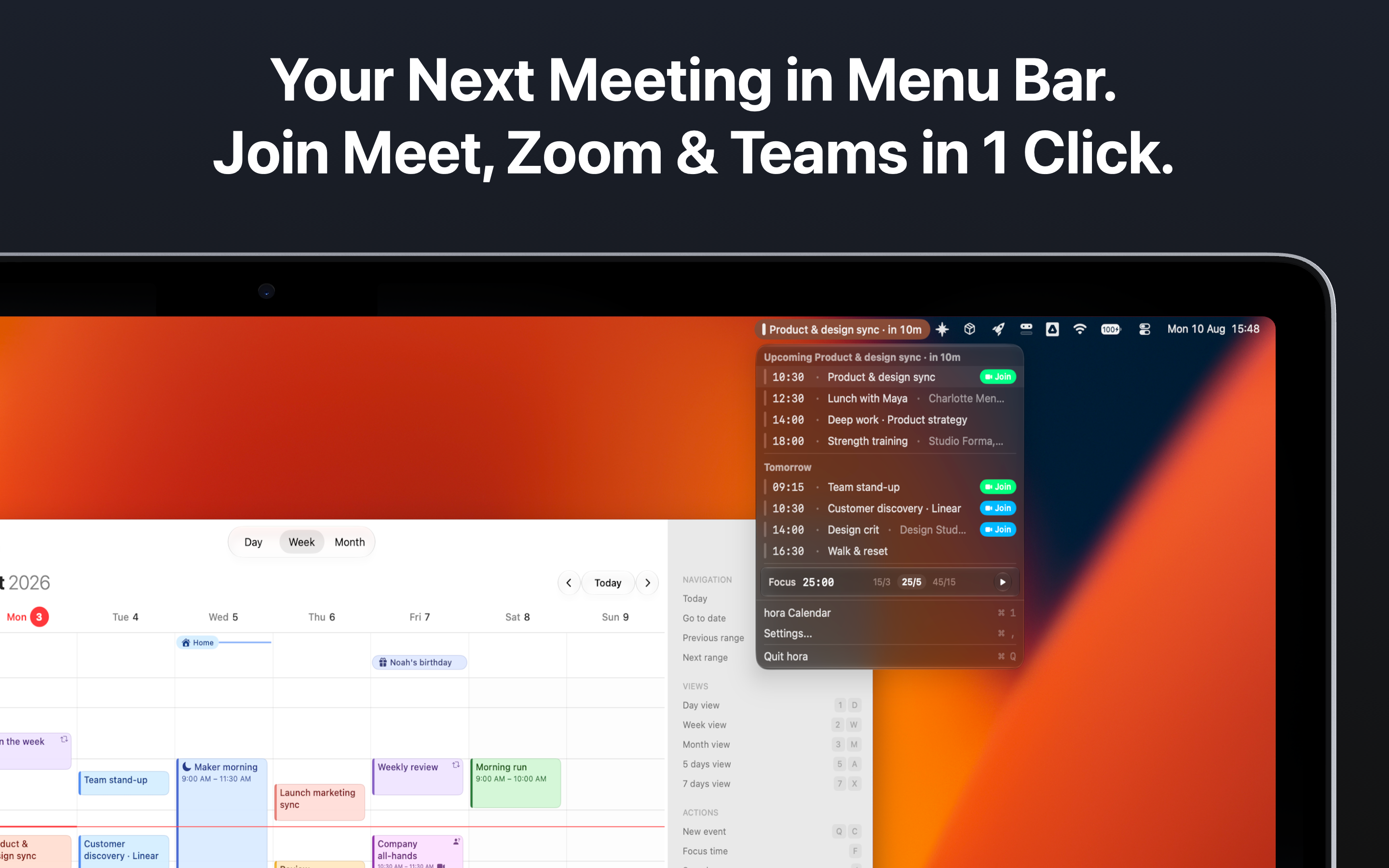
Menu bar functionalities
-
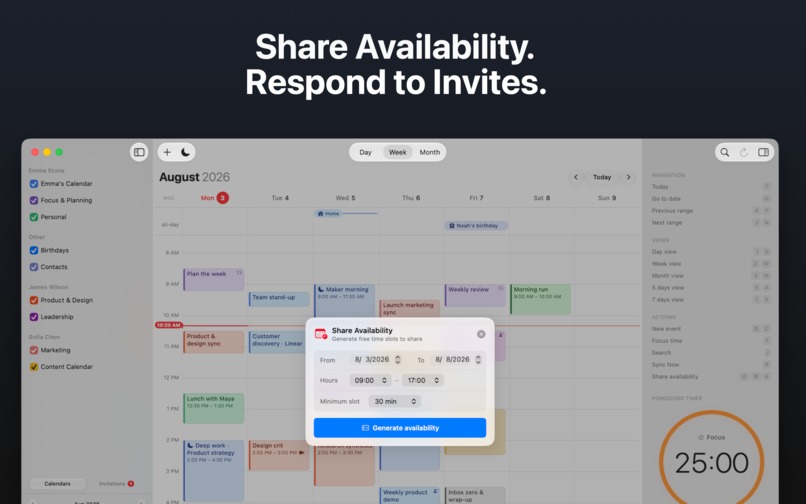
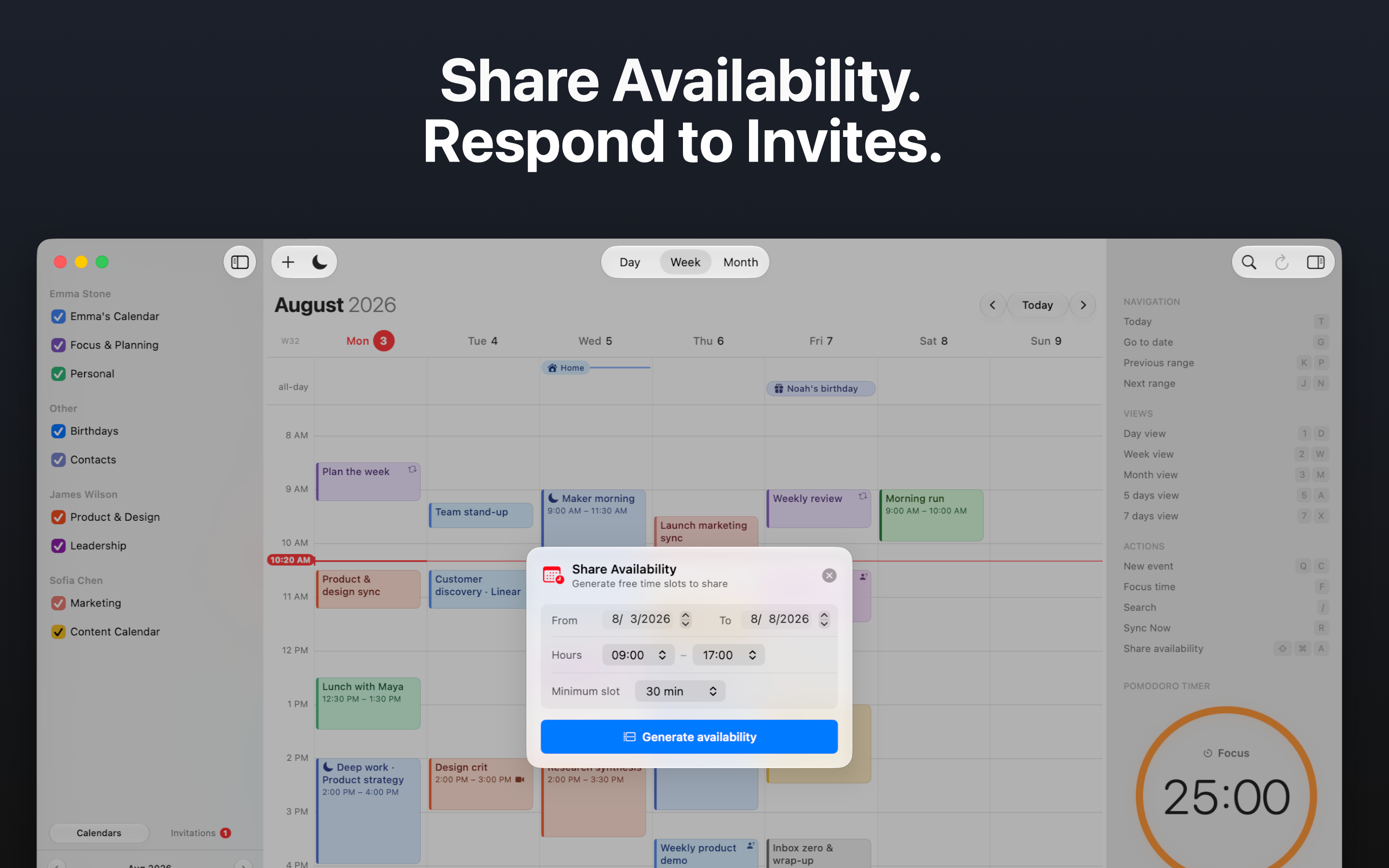
Private availability sharing
-
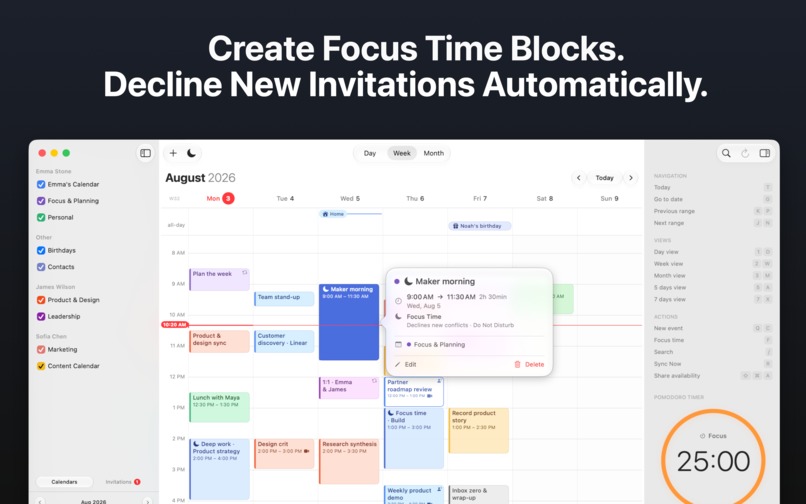
All major Google Workspace APIs covered
-
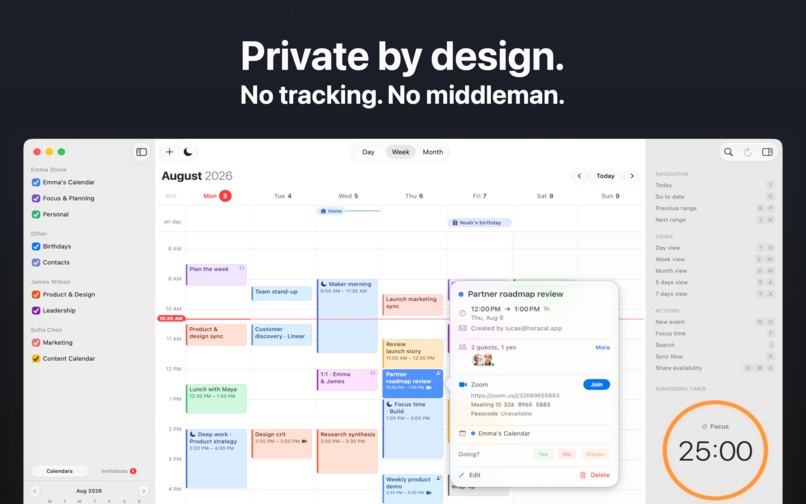
Privacy focused
Inspiration
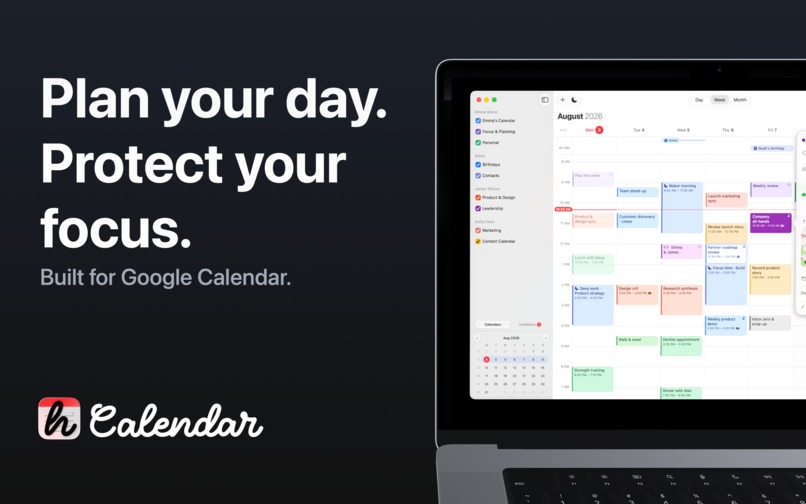
I spent years living in Google Calendar, but I never found a Mac app that felt truly native, fast, and focused. I wanted the calendar Google never built for macOS: not another browser tab or Electron wrapper, but a private, keyboard-friendly app designed around how people actually plan their days.
What it does
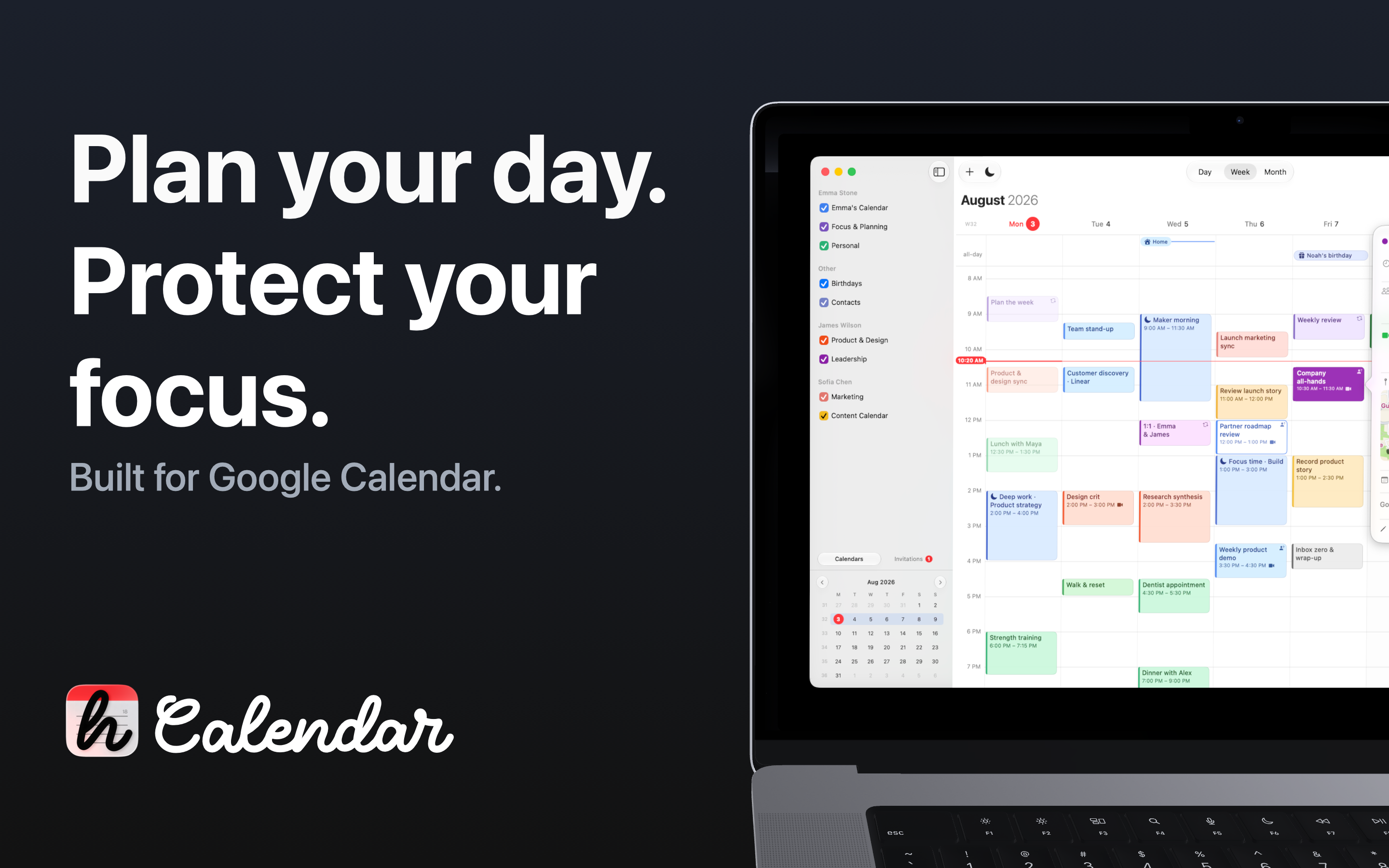
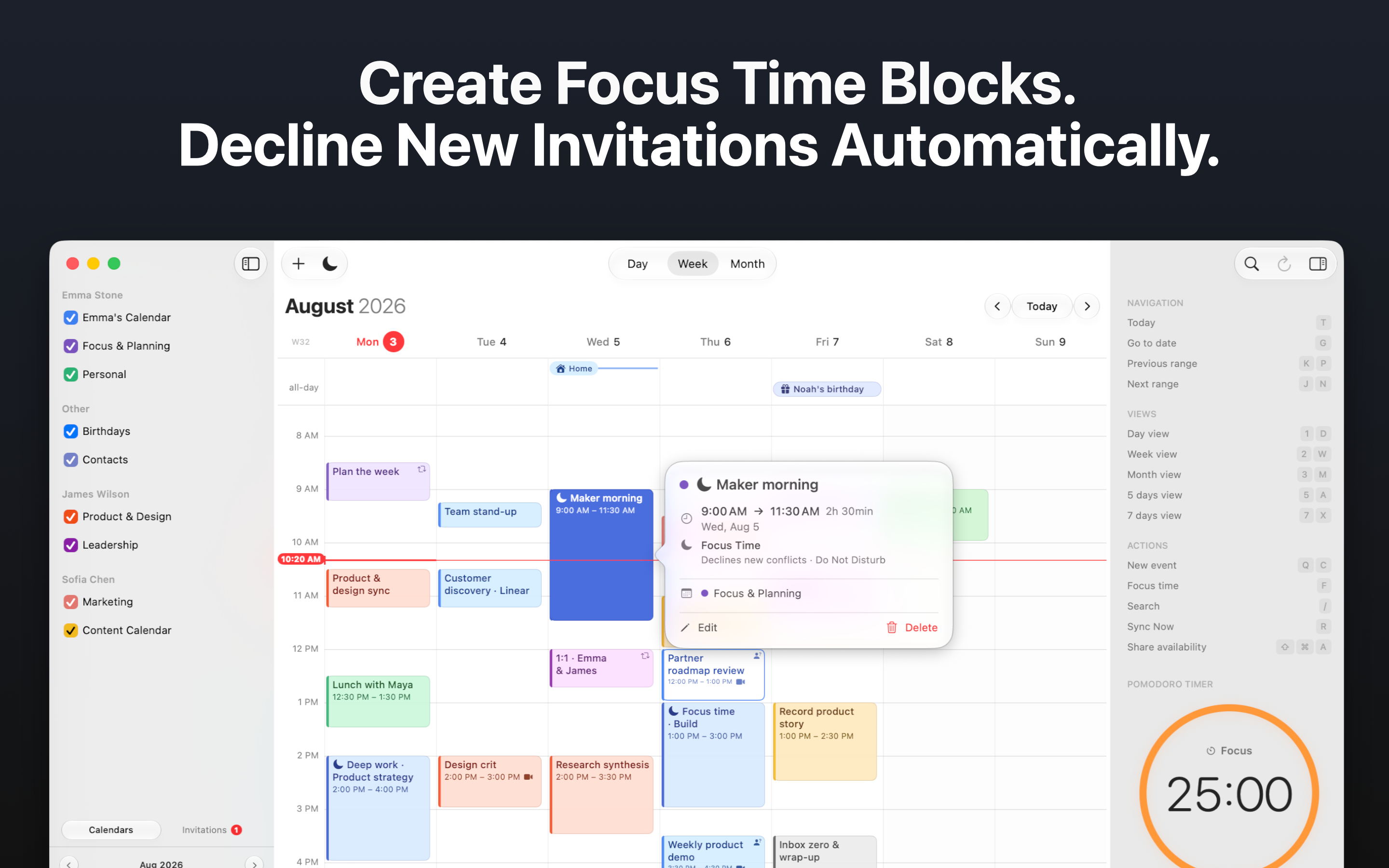
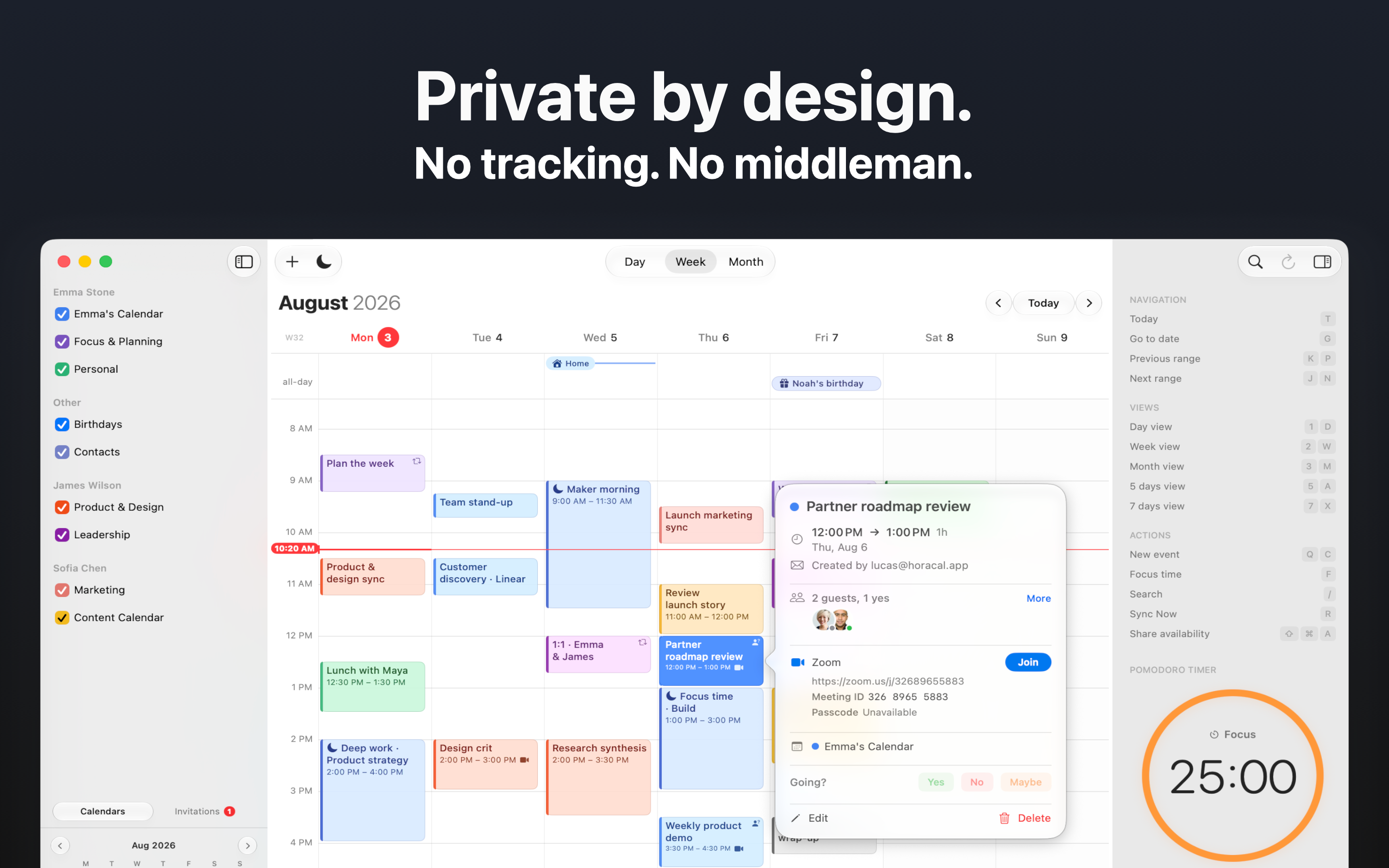
hora Calendar is a native Google Calendar app for macOS. It brings day, week, and month planning, drag-and-drop editing, recurring events, multiple accounts, Google Meet, Zoom and Teams links, natural-language Quick Add, Focus Time scheduling, shared availability, a menu-bar agenda, widgets, notifications, and a built-in Pomodoro timer into one app.
It connects directly to Google Calendar, so your calendar data stays between Google and your Mac.
How I built it
I built hora independently in Swift 6, using SwiftUI with targeted AppKit integration. It talks directly to the Google Calendar REST API with OAuth 2.0 + PKCE, rather than relying on CalDAV or a web view.
The app uses SwiftData as a local cache while Google Calendar remains the source of truth. I split the product into focused modules for the core calendar model, Google API layer, and sync engine. For faster updates, hora combines incremental sync with Google watch channels and APNs push notifications.
Challenges I ran into
Calendar software is full of edge cases. Recurring events, time zones, invitation updates, multiple accounts, offline states, and Google API limits all needed careful handling.
Making sync feel real-time was another challenge: push channels expire, networks fail, and not every calendar supports the same behavior. I built recovery paths, cleanup, backoff, and polling fallbacks rather than treating “real-time” as a simple feature checkbox.
I also had to keep large calendars responsive. That meant reworking SwiftData concurrency, moving persistence off the main thread, profiling calendar views, and testing with realistic datasets.
Accomplishments that I'm proud of
- Shipping a fully native Google Calendar experience for Mac as an independent developer.
- Building the details that make a calendar genuinely useful: recurrence exceptions, multi-account support, invitations, undo/redo, search, keyboard shortcuts, and menu-bar workflows.
- Creating direct, privacy-focused sync without routing calendar data through an intermediary service.
- Taking hora from an idea to a Mac App Store product with 24+ shipped features and support for nine languages. ## What I learned I learned that native technology alone does not make an app feel native. Performance, reliability, and small interaction details matter just as much.
I also learned that a local cache needs a clear role: it can make an app fast and resilient, but it should not quietly become the source of truth. Most importantly, building a calendar taught me that the hardest work is often invisible—handling failures, edge cases, and the moments when a user needs to trust the app.
What's next for hora Calendar
Next, I’m expanding hora beyond the Mac with native iPhone and iPad versions, while keeping one shared experience across Apple platforms. I’m also exploring smarter scheduling, focus-time planning, meeting preparation, and deeper Google Workspace integrations.
Built With
- appkit
- swift
- swiftui


Log in or sign up for Devpost to join the conversation.