Inspiration
I watch a lot of technical lectures on YouTube and read technical books and blogs, and every single time I hit something that doesn't make sense. I rewind, rewatch, and I'm still like "...wait, what???" In those moments, I wish I had someone who could just explain it to me. And it sucks, because if it's hard enough, I usually end up dropping the whole thing.
What usually works is having someone explain it, or point out the one piece I missed. So I built that someone, that friend who does exactly that!
What it does
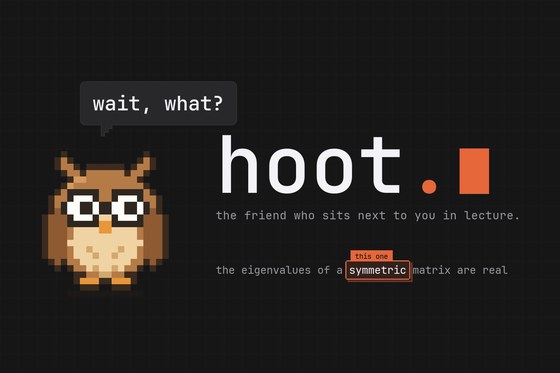
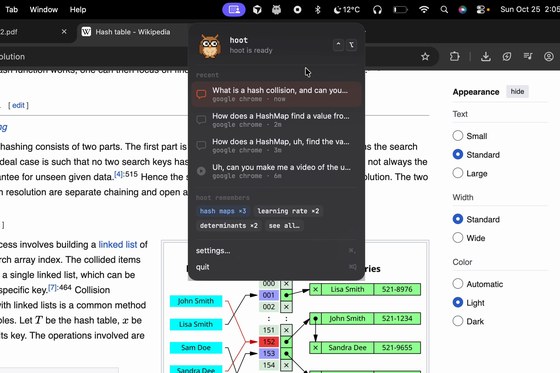
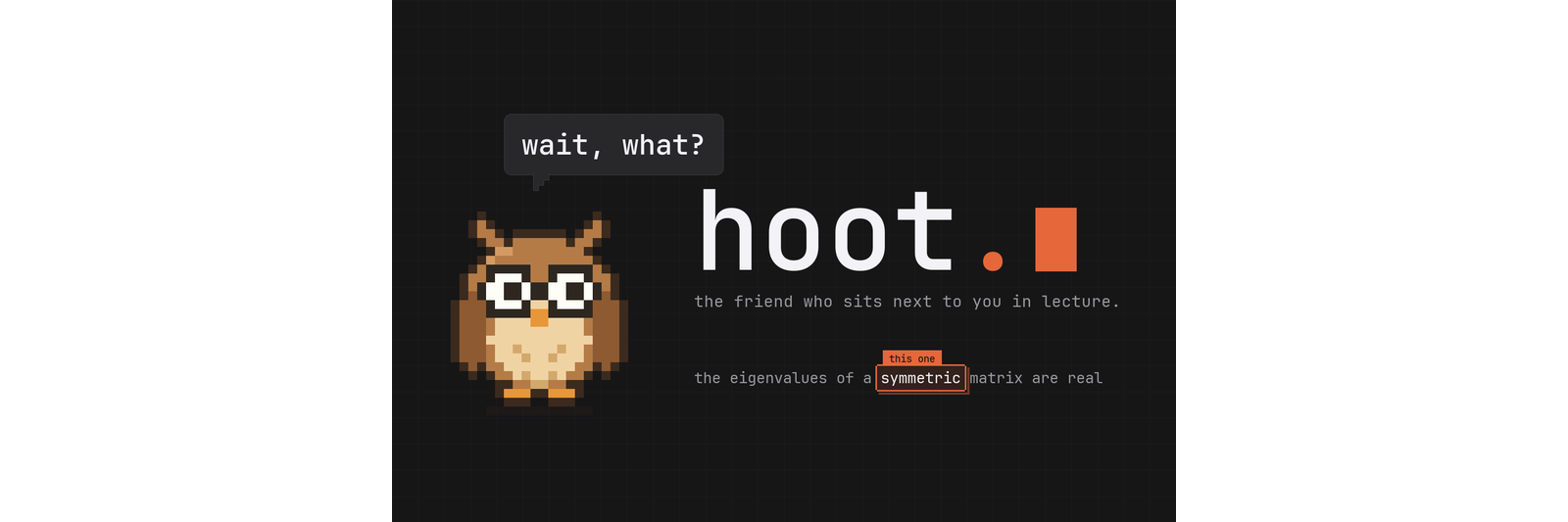
hoot is a tiny pixel owl that sleeps in the corner of your Mac. When you hit something that doesn't make sense, you hold ⌃⌥ and just say it. It hears you, looks at your screen, gets the transcript, and explains it out loud.
It can also do a lot of fancy stuff!
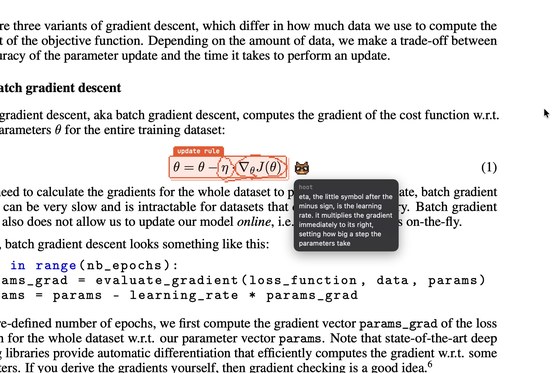
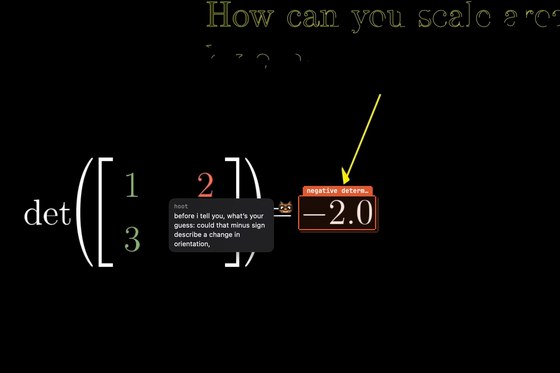
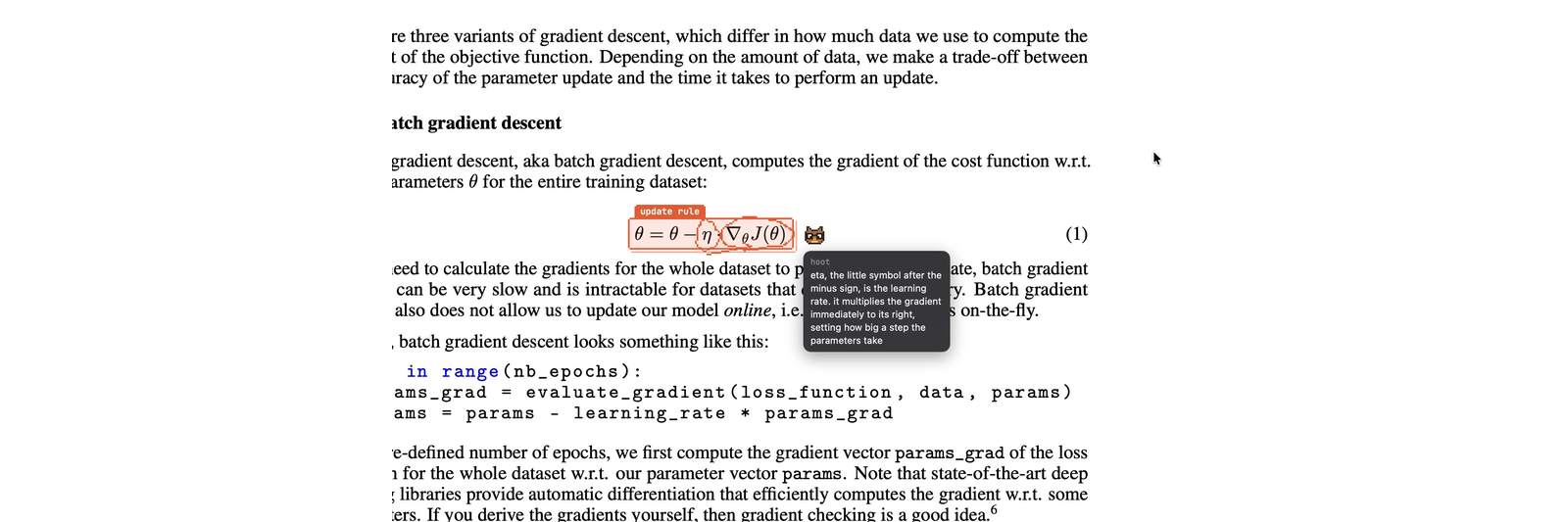
- It can annotate! A little index card frame lands on the exact term, line of code, or button you asked about. If you ask "which one is the learning rate", it rings the η and draws an arrow to the thing it multiplies.
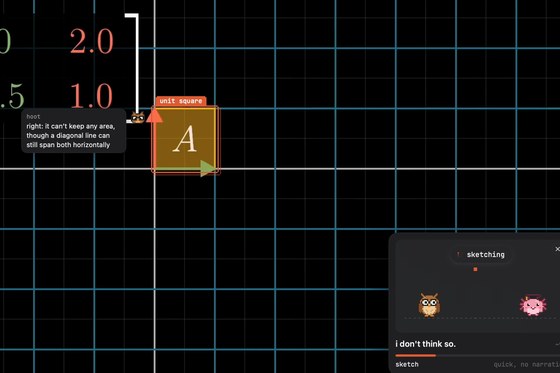
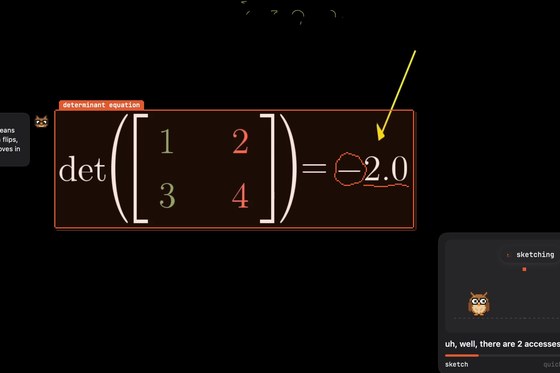
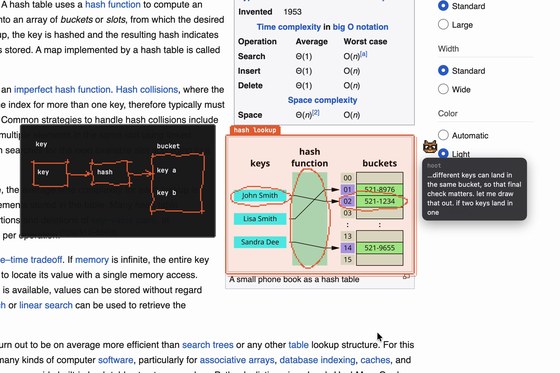
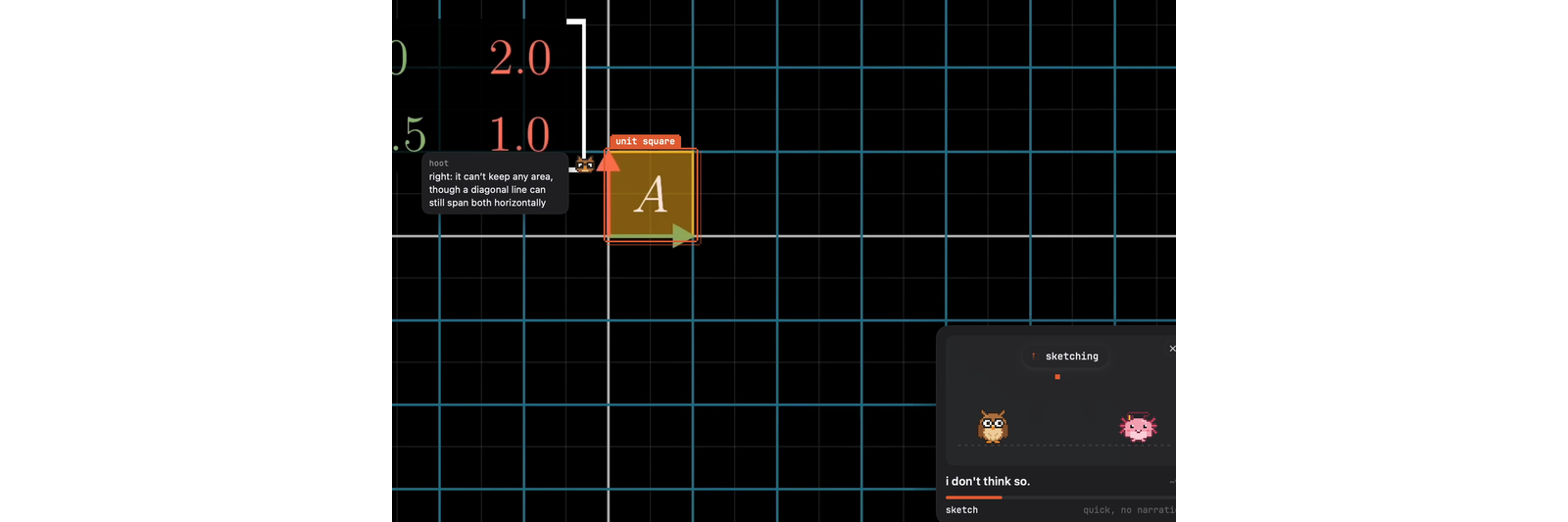
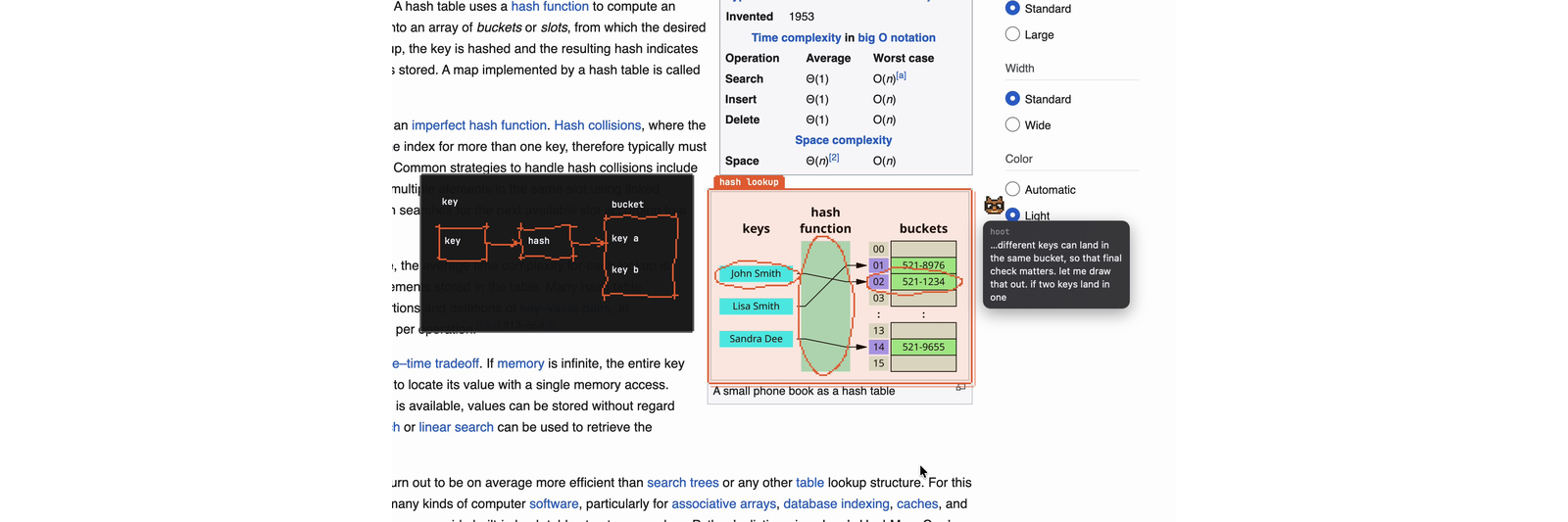
- It draws on your notes. A small napkin sketch shows up next to whatever you're reading, drawn stroke by stroke (realtime) while it talks, so each part appears when it's mentioned.
- It rewinds for you. "Go back to where he explained what a determinant is." It finds the moment in the transcript, tells you the time, and jumps the video there.
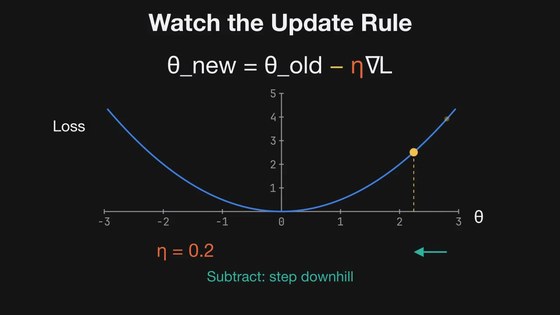
- It can visualize and make videos for you! (using svg and manim) A quick animated sketch if the idea is about motion, or a 30 second narrated Manim video with real typeset math if it's an equation being built up.

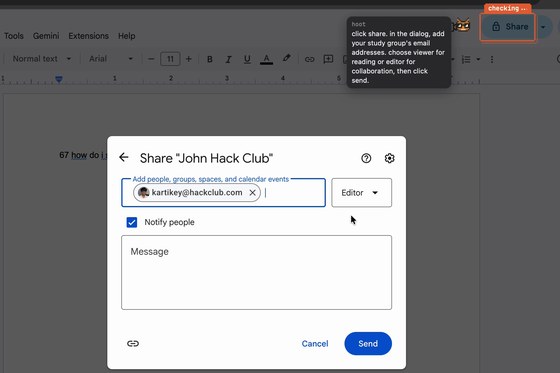
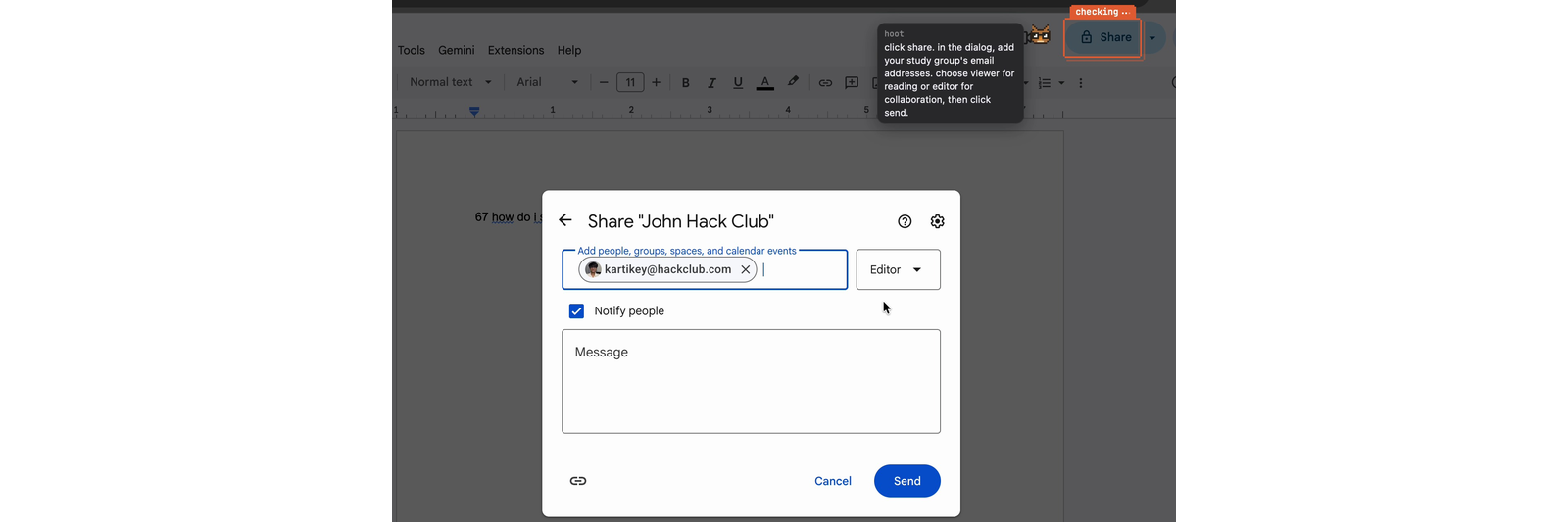
- It walks you through stuff. "How do I share this doc?" gets you steps, with the frame sliding from button to button. And if you say "just do it", it takes the mouse. The cursor flies to each step and clicks, finds the next button on a fresh screenshot, and stops the second you touch the trackpad.
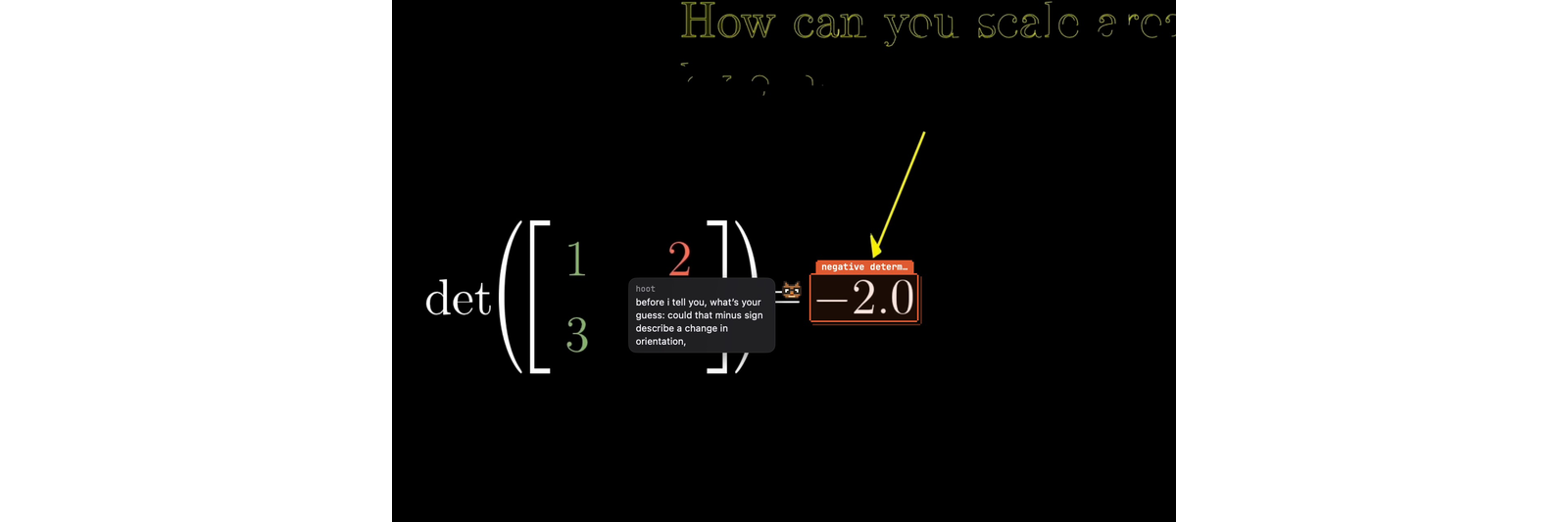
- It doesn't let you off easy. Ask what happens next in a lecture and it makes you guess first. Say "quiz me" and it asks one applied question after the answer, then grades you on your next hold.
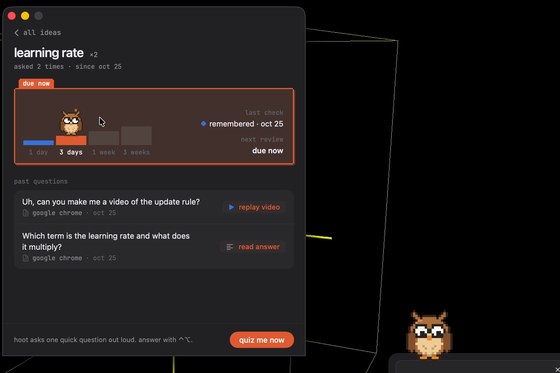
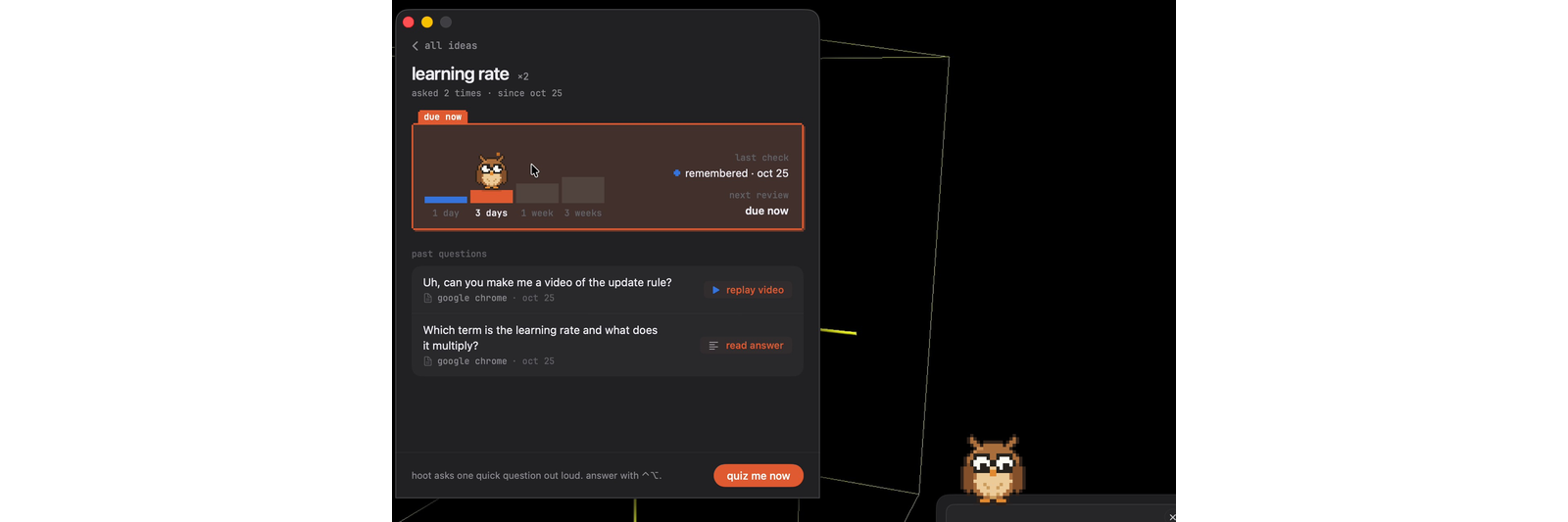
- It remembers. Every answer gets filed under a concept. When you ask something related later, it says "this is the determinant thing from Tuesday, just in 3D." Concepts come due on a spaced review ladder, and the owl waves from the corner, asks you the question, listens, and grades you.
How I built it
- The app it's a menu bar app built using Swift.
- Speech-to-Text: AssemblyAI v3 streaming, with automatic end of turn while the key is held. That said, WhispkerKit can easily be added
- LLM: There's support for both claude and anthropic models
- Voice: Support for both Cartesia and Eleven Labs model
- Memory: a JSON file on your Mac, semantic recall through Moss (on-device embeddings as the fallback), the spaced review ladder, and corner nudges that wait until hoot isn't mid-answer.
Challenges I ran into
- myriad of apple permission issuess...
Accomplishments that I'm proud of
I built something I could see myself using everyday! (& others based off the feedback I have recieved)


Log in or sign up for Devpost to join the conversation.