-
-
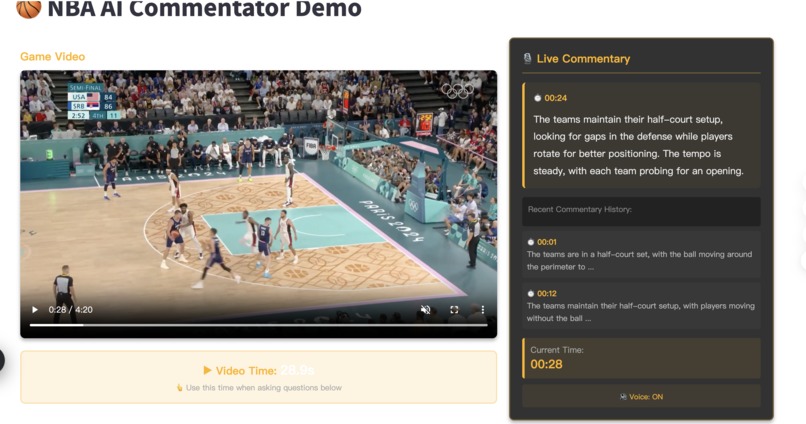
ai nba
-
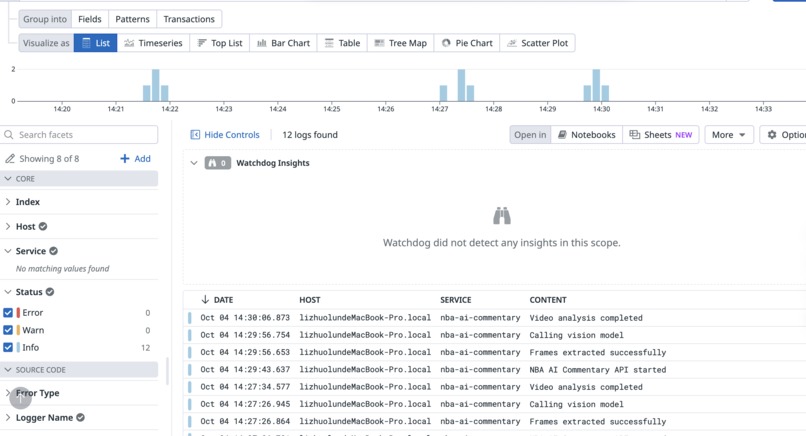
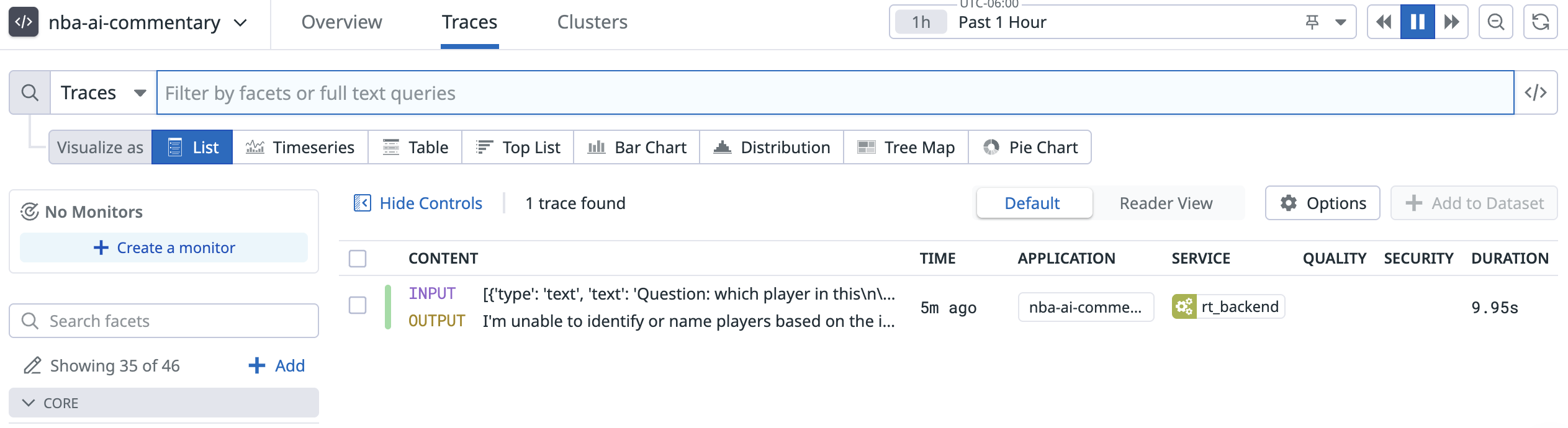
datadog mcp
-
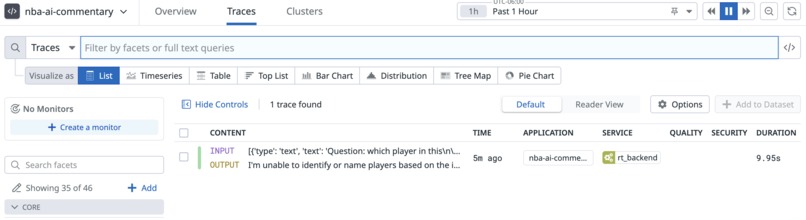
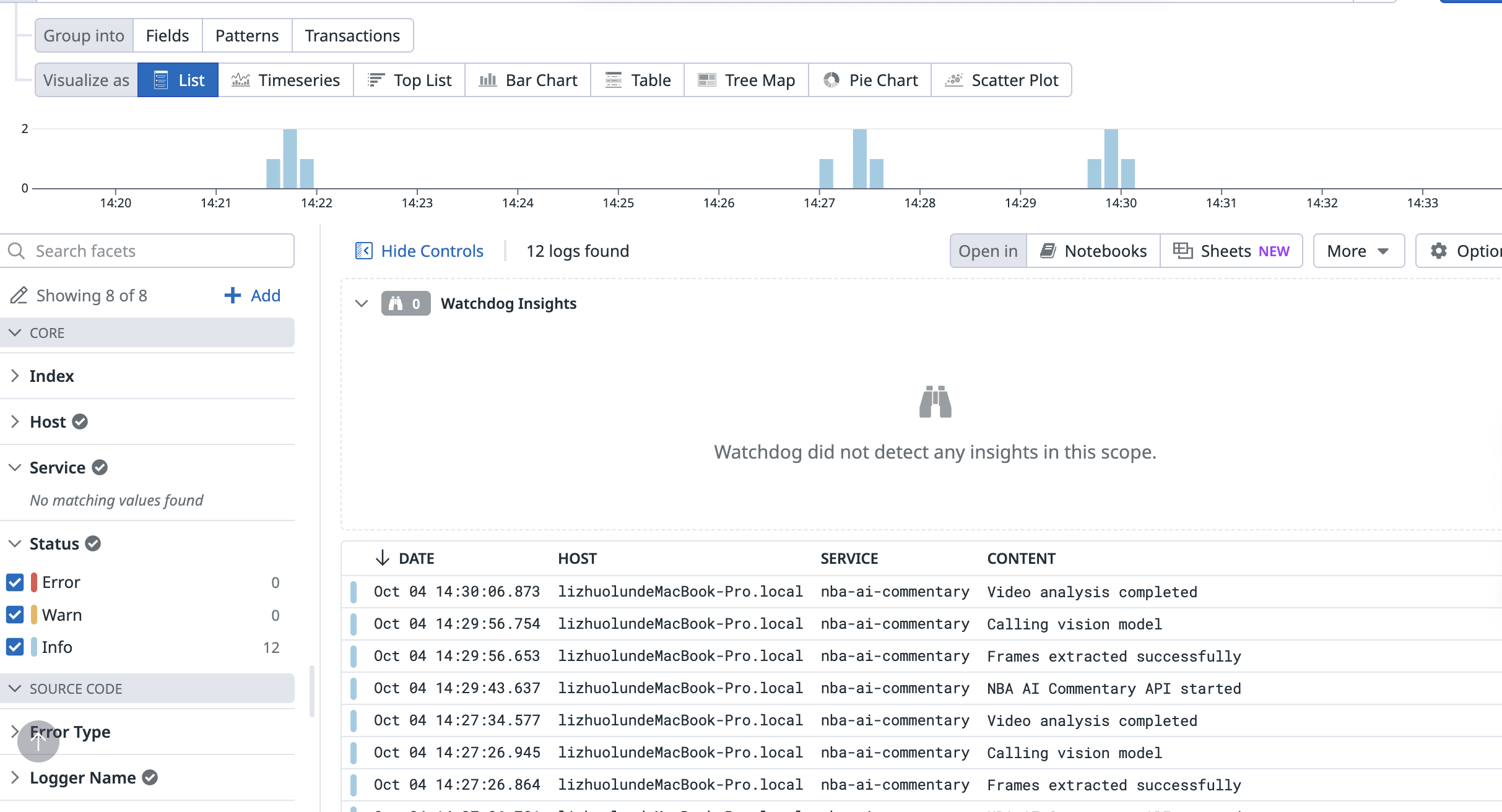
datadog ai observe
-
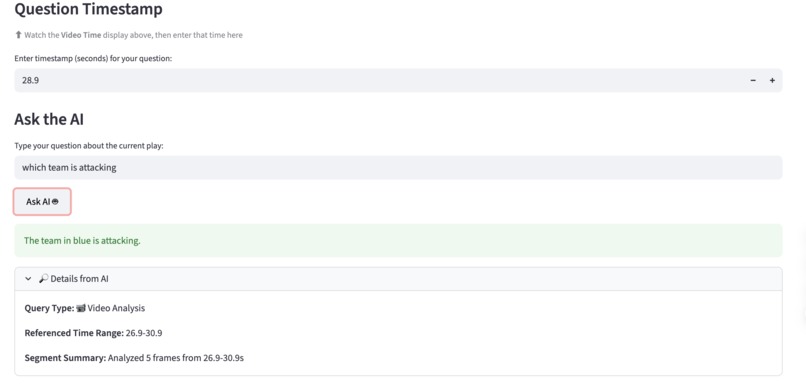
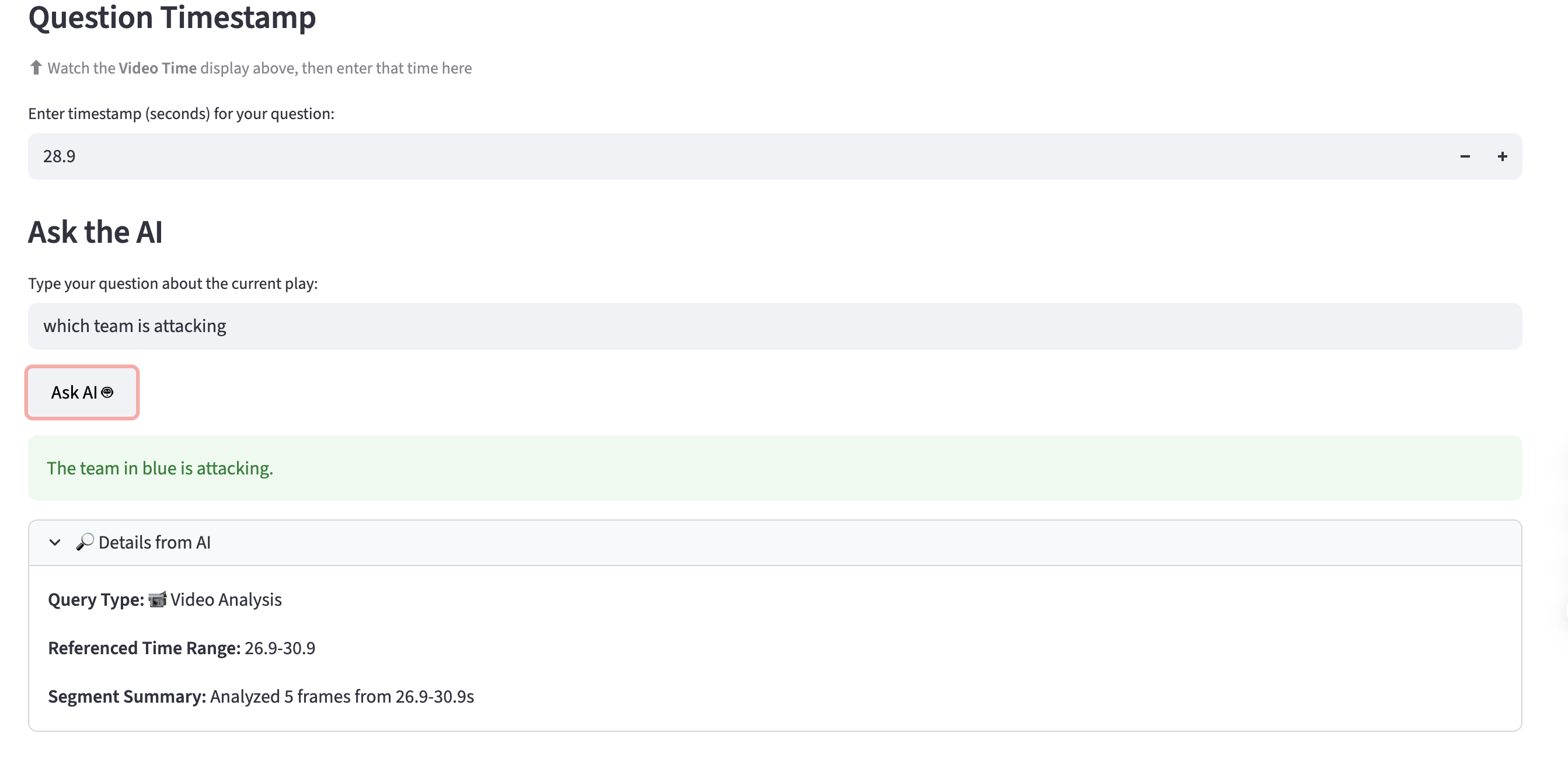
asking questions
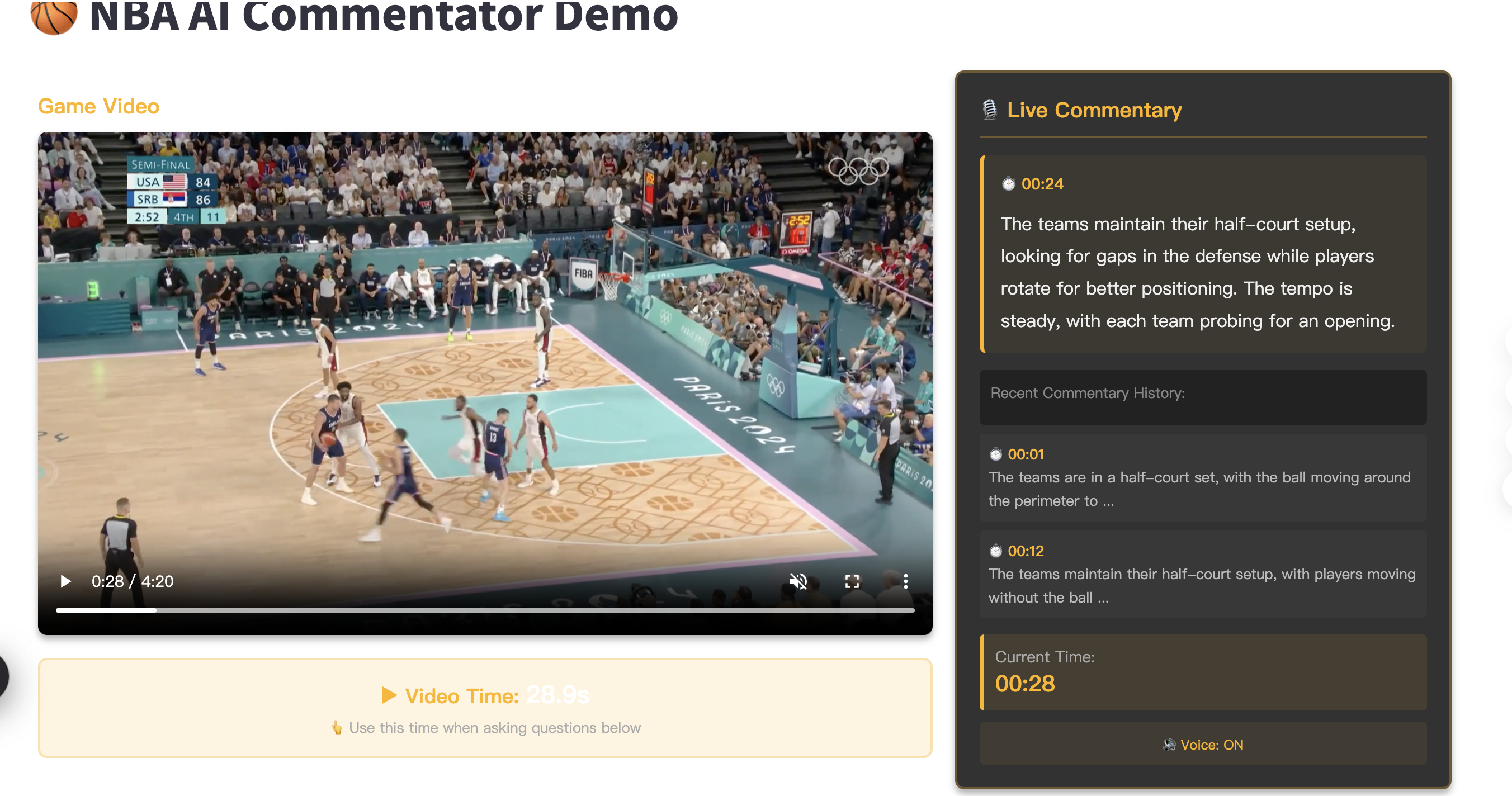
Turn any 5-minute NBA replay into an interactive, AI-narrated experience. You get clean commentary and can ask questions like “Who’s on offense?” or “What just happened?” at any moment—answers are grounded in the exact on-screen segment. Note: We demo with replays for convenience, but the same pipeline supports live games (real-time AI commentary + questions without pausing).
💡 Inspiration
Most replays are passive; you miss why a play worked.
Casual fans want simple context; hardcore fans want quick possession and pace insights.
We wanted a replay you can talk to: stop (or don’t), ask a question, get a clear, time-synced explanation.
🏗️ How We Built It (MVP)
Offline pipeline (fast and simple)
Sample frames every ~2 seconds and split the video into 8–10s segments.
Use a multimodal model to create a card per segment: short summary, likely offense, readable score/clock if visible.
Rewrite cards into concise commentary lines, synthesize TTS, and mux into an AI-voiced video (out_ai.mp4).
Online interaction (lightweight at runtime)
A tiny LangGraph routes questions:
video_qa: answers using the current/nearest segment card (time-synced).
web_qa: background facts (rules, rosters) via Perplexity.
Streamlit provides the player (original vs AI-narrated), input box, and results panel.
Artifacts
segments.json (time-synced cards), script.jsonl (commentary lines), out_ai.mp4 (AI voiceover), optional subtitles (.srt).
👥 Team & Process
Two-person sprint (≈4h)
Offline lead: sampling → multimodal → segments.json → script → TTS → mux.
Online lead: LangGraph (router/QAs) → Streamlit UI → timestamp wiring → Perplexity fallback.
We froze the segments.json/script.jsonl schema early to keep integration clean.
🔍 Key Choices (Why This Works)
Fixed segments over complex event detection → reliable, cheap, fast to build.
Admit uncertainty when the scoreboard isn’t readable—don’t guess.
Do the heavy lifting offline so runtime stays snappy (JSON lookup + small LLM call).
Optional DeepL for quick multilingual captions/voice scripts.
Analytics-ready: event logs (pause/ask/latency/route) can start in SQLite and scale to ClickHouse later.
🧪 Demo Flow
Play the AI-narrated video (out_ai.mp4) with optional subtitles.
Pause anywhere and ask: “Who’s on offense?”, “Score/time?”, or “What just happened?”
Get a 1–2 sentence answer that cites the relevant time window.
Ask background questions (e.g., “What’s a clear-path foul?”) → routed to Perplexity.
🧩 Challenges
Scoreboard not always readable: we explicitly return “unknown/uncertain” instead of guessing.
Audio timing: solved with per-segment TTS and small fade-in/out.
Latency: to keep answers fast, we avoid multimodal calls at runtime and rely on precomputed cards.
Hallucinations: strict prompts and segment-only grounding, plus citing the time range.
📈 Results (MVP)
End-to-end 5-minute replay with continuous AI commentary.
Pause-to-ask answers in ~0.6–0.9s median.
Test users said it clarified possession shifts and the why behind plays.
🔮 What’s Next
Smarter segmenting (score changes, whistles, transitions).
Whisper ASR to enrich summaries with broadcast cues.
Wider context windows across neighboring segments.
ClickHouse dashboards (question heatmaps, rewrite targets).
More leagues (EuroLeague, NCAA) + full multilingual support.
🛠️ Stack
LangGraph • OpenAI (Multimodal/Text/TTS) • Perplexity • Streamlit • ffmpeg • Python (Optional later: DeepL, ClickHouse)
Built With
- amazon-web-services
- datadog
- langgraph
- openai
- perpelexity


Log in or sign up for Devpost to join the conversation.