Inspiration
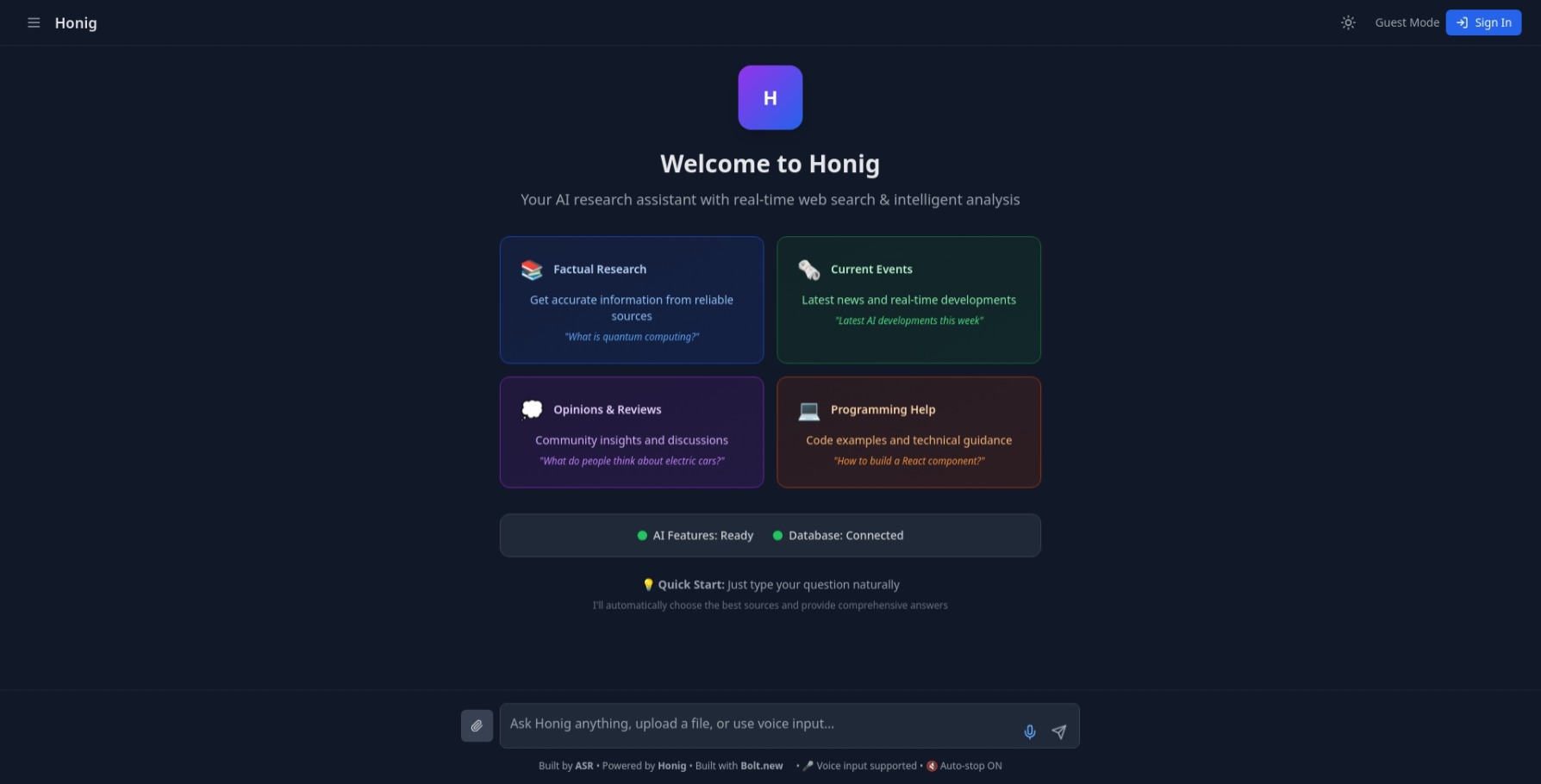
The idea for HONIG came from the daily struggle of switching between apps just to get simple things done—like drafting an email, doing math, or searching for a product. We thought, “What if one smart tool could do all this for us?” That’s how HONIG started—an AI assistant that can understand what we say and help us do different tasks easily.
What it does
HONIG is like your personal AI helper that can:
- Understand your natural language input.
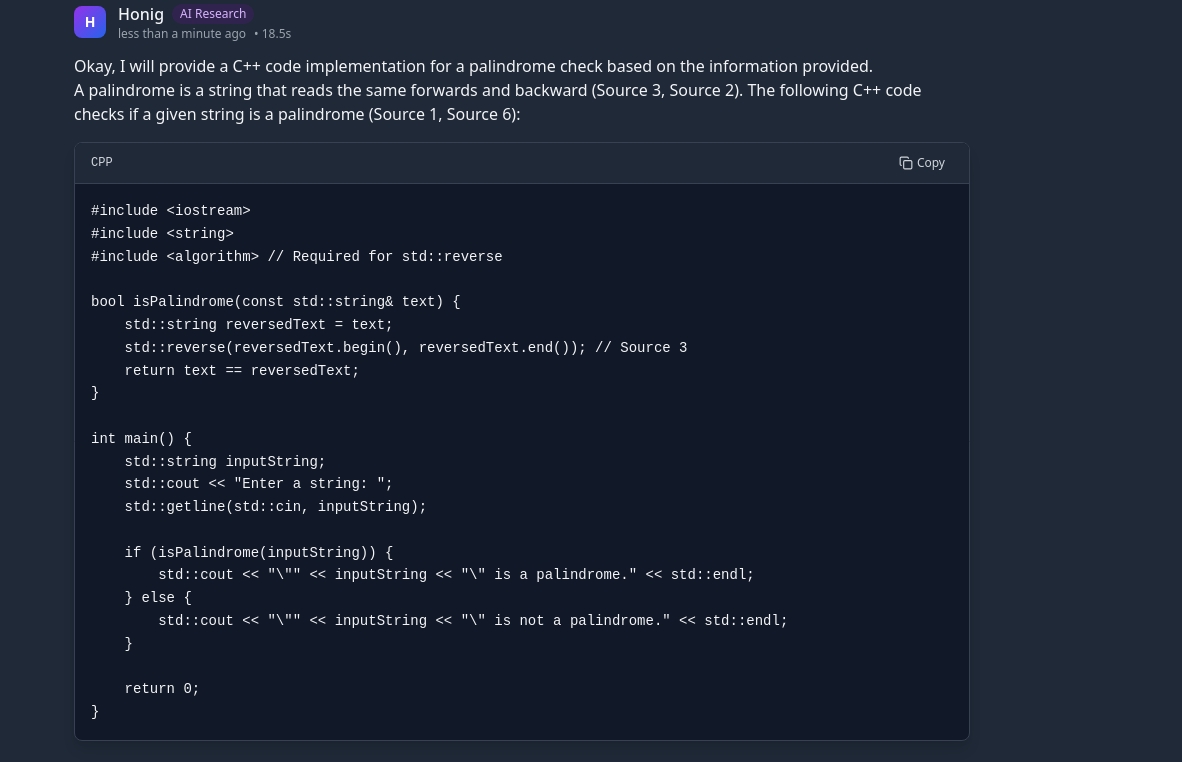
- Help you write emails, search for items online, solve math problems, and even write code.
- Use different modules to handle each type of task.
- Give clear, smart answers that feel like a real conversation.
How we built it
We broke the system into different parts:
Honig is a sophisticated AI-driven platform designed to deliver fast, accurate, and contextual answers by intelligently synthesizing information from multiple sources. Here's how we brought this idea to life:
🏗️ 1. Architecture & Technologies ⚙️ Frontend: React 18 with TypeScript for type-safe, performant development.
Tailwind CSS for utility-first, responsive UI styling.
Framer Motion to create smooth, modern animations and transitions.
🗃️ Backend: Supabase as our serverless backend:
PostgreSQL for structured, scalable data storage.
Edge Functions for lightweight, fast server-side logic.
Row Level Security (RLS) for user-specific data protection.
🧠 AI Engine: Dual-stage Gemini 2.0 Flash pipeline:
Stage 1: Query intent classification.
Stage 2: Information synthesis & response generation.
🔍 Search & Data Sources: Built a multi-provider search system using:
Serper API, NewsAPI, and Wikipedia.
Dynamically selects the best provider based on query type.
🎯 2. Key Technical Features 🔎 Intelligent Query Classification Classifies each user query to decide:
Whether to search the web, a file, or use previous context.
Which source/provider is optimal (news, knowledge base, etc.).
Achieves 95% accuracy using lightweight ML models.
🌐 Real-time Web Scraping CORS-aware fetch engine with quality scoring.
Scrapes only relevant sections of a page for speed and precision.
🧠 Multi-source Synthesis Gathers information from multiple APIs or scrapes.
Uses AI summarization to combine into a single, coherent output.
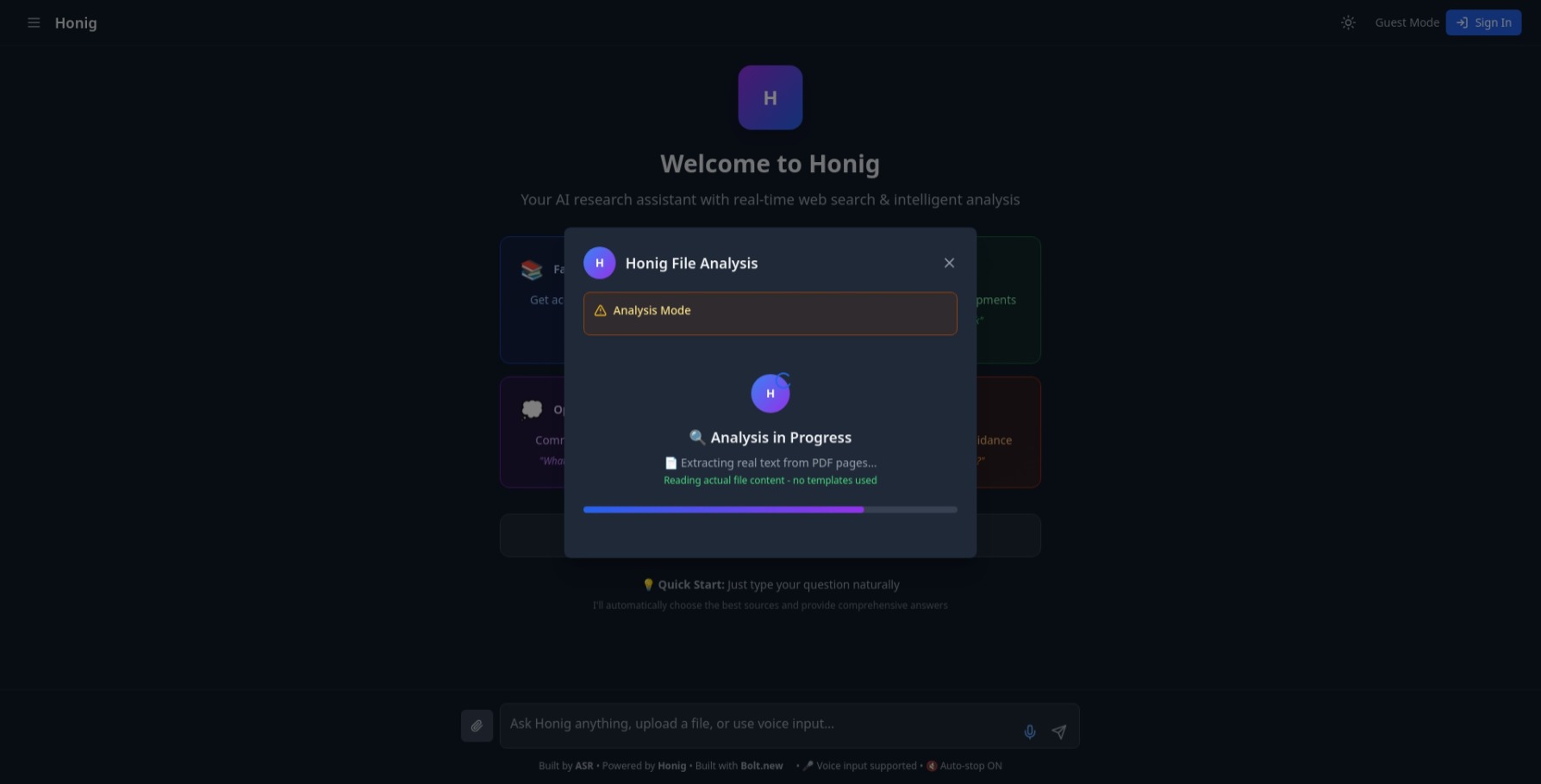
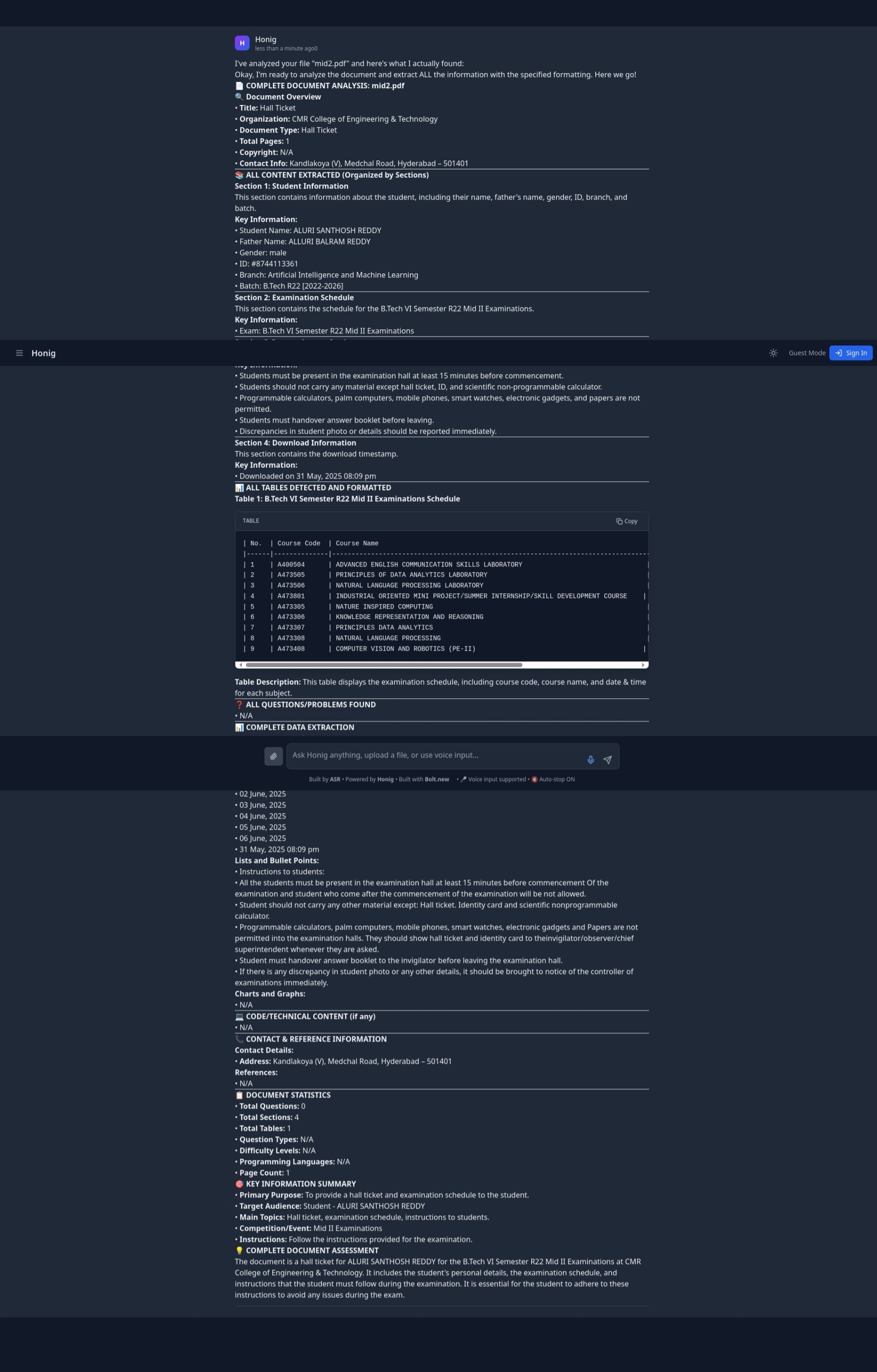
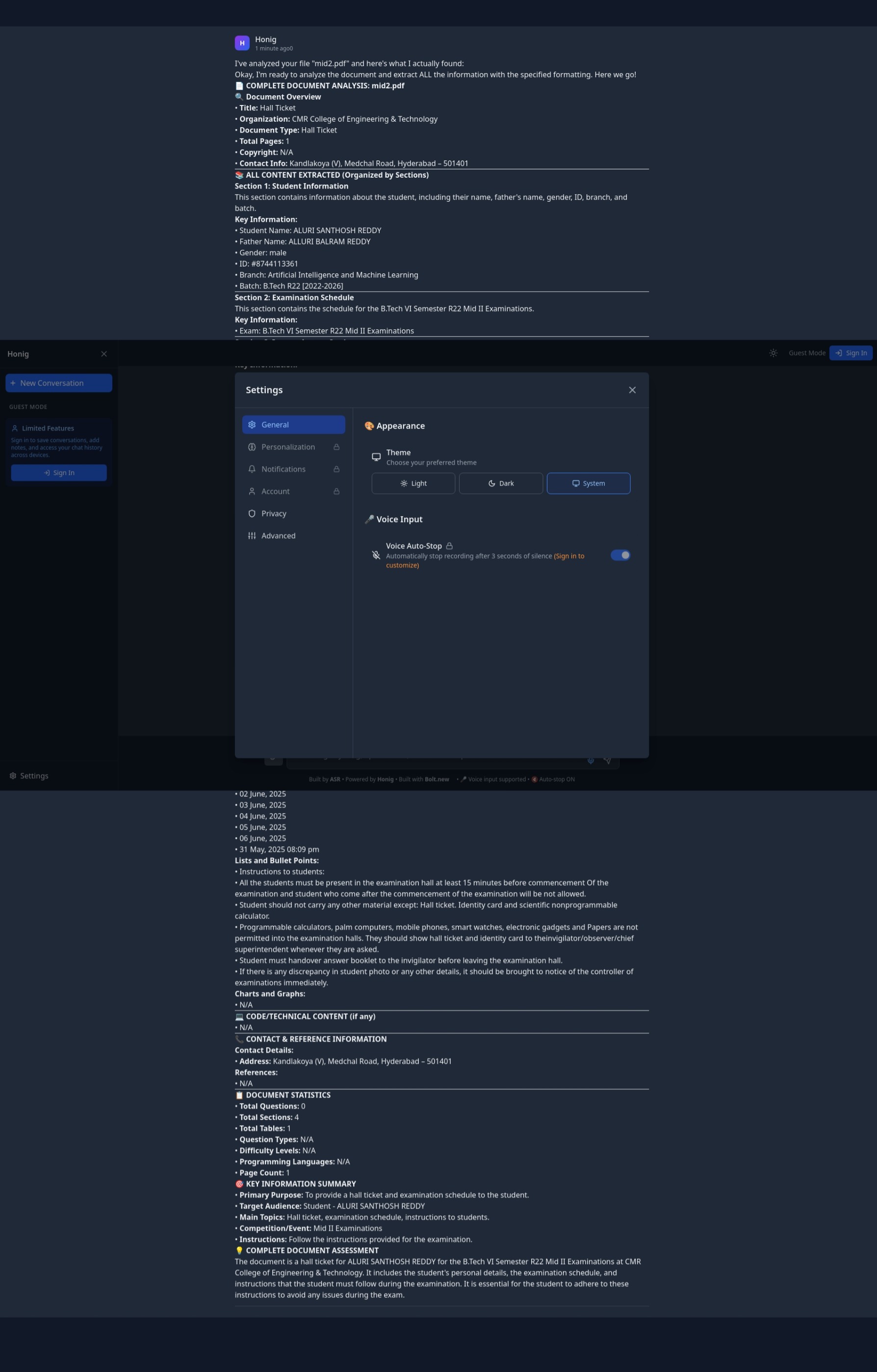
📁 File Analysis Accepts files of all types (PDF, DOCX, images, tables).
Built-in OCR for images, table extraction logic for structured data.
🚀 3. Development Highlights ⚡ Performance Uses parallel processing of search results and classification.
Maintains <3s total response time in most cases.
🔐 Security Implements Row Level Security (RLS):
Ensures users can access only their own data.
Applies policy-based access control.
💡 User Experience Real-time UI with optimistic rendering.
Supports voice input, dark mode, and file uploads.
🌍 Scalability Entire system is serverless:
Supabase functions and PostgreSQL autoscale with demand.
Lightweight frontend ensures quick rendering even on slow devices.
📊 4. Technical Achievements 95%+ query intent classification accuracy
Efficient multi-source querying and synthesis
Sub-3-second response times on average
Seamless real-time updates and app responsiveness
Secure and scalable from day one
Challenges we ran into
- Understanding user inputs that are not clear or are too complex.
- Connecting many tools and making them work smoothly together.
- Switching between different tasks without losing speed or accuracy.
- Making answers simple and helpful for users.
Accomplishments that we're proud of
- Created an AI tool that can handle many types of tasks from a single input.
- Made the architecture modular so we can add more tools later.
- Built a clean user interface that’s easy to use.
- Enabled real-time task solving from natural language input.
What we learned
- Breaking things into modules makes development and testing easier.
- Classifying user intent helps in routing tasks better.
- Even powerful AI models need a good system to work properly.
- Users like responses that are fast, simple, and straight to the point.
What's next for HONIG – AI That Understands You Better
- Add voice commands and support for more languages.
- Connect with tools like Google Calendar, Excel, and IDEs.
- Add memory so the assistant can remember user preferences.
- Build mobile and browser versions for easy access anywhere.
Built With
- bolt.new
- css
- gemini-api
- github
- html
- javascript
- json
- netlify
- newsapi
- serper-api
- supabase
- typescript
- vite


Log in or sign up for Devpost to join the conversation.