Inspiration
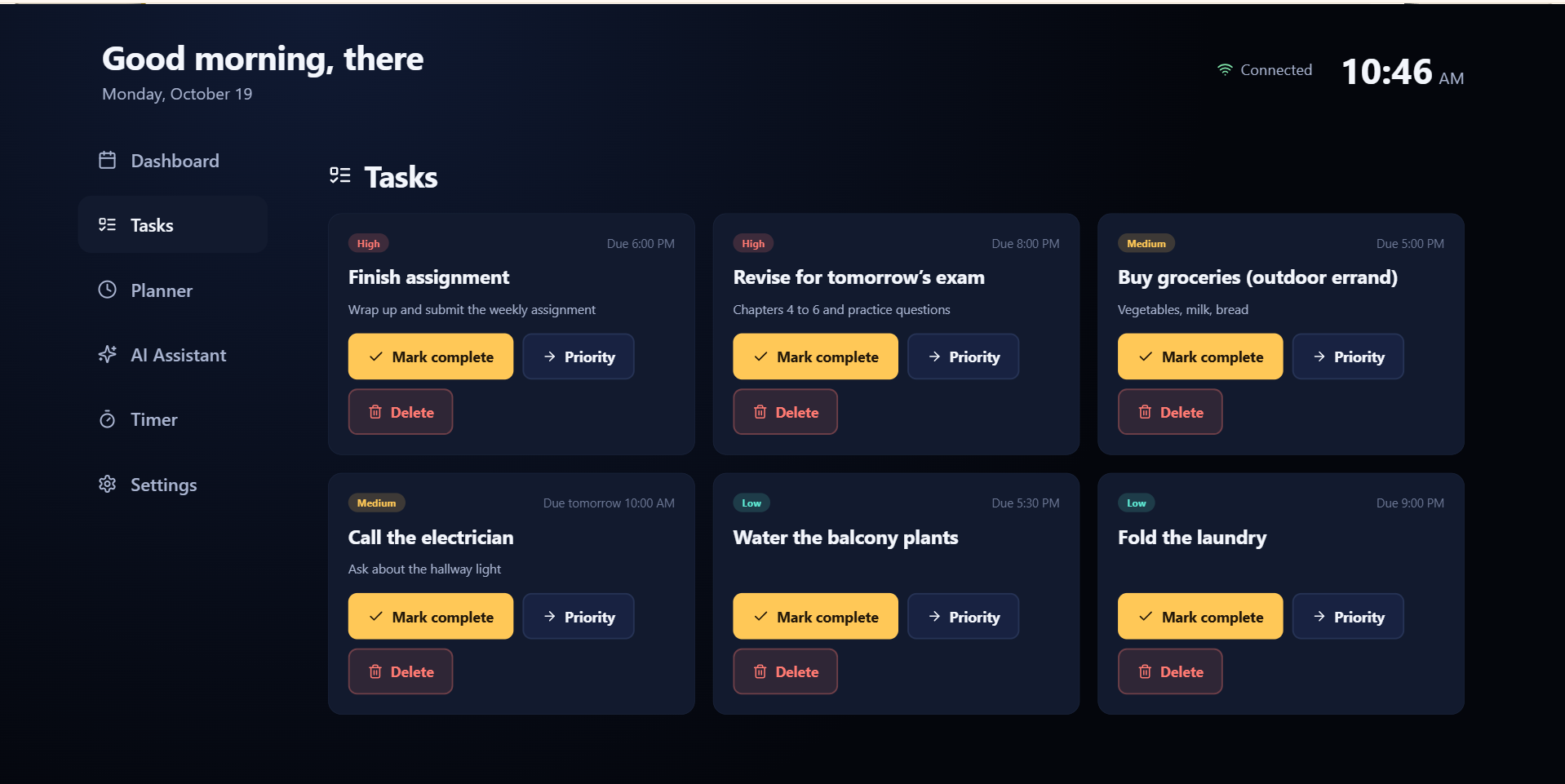
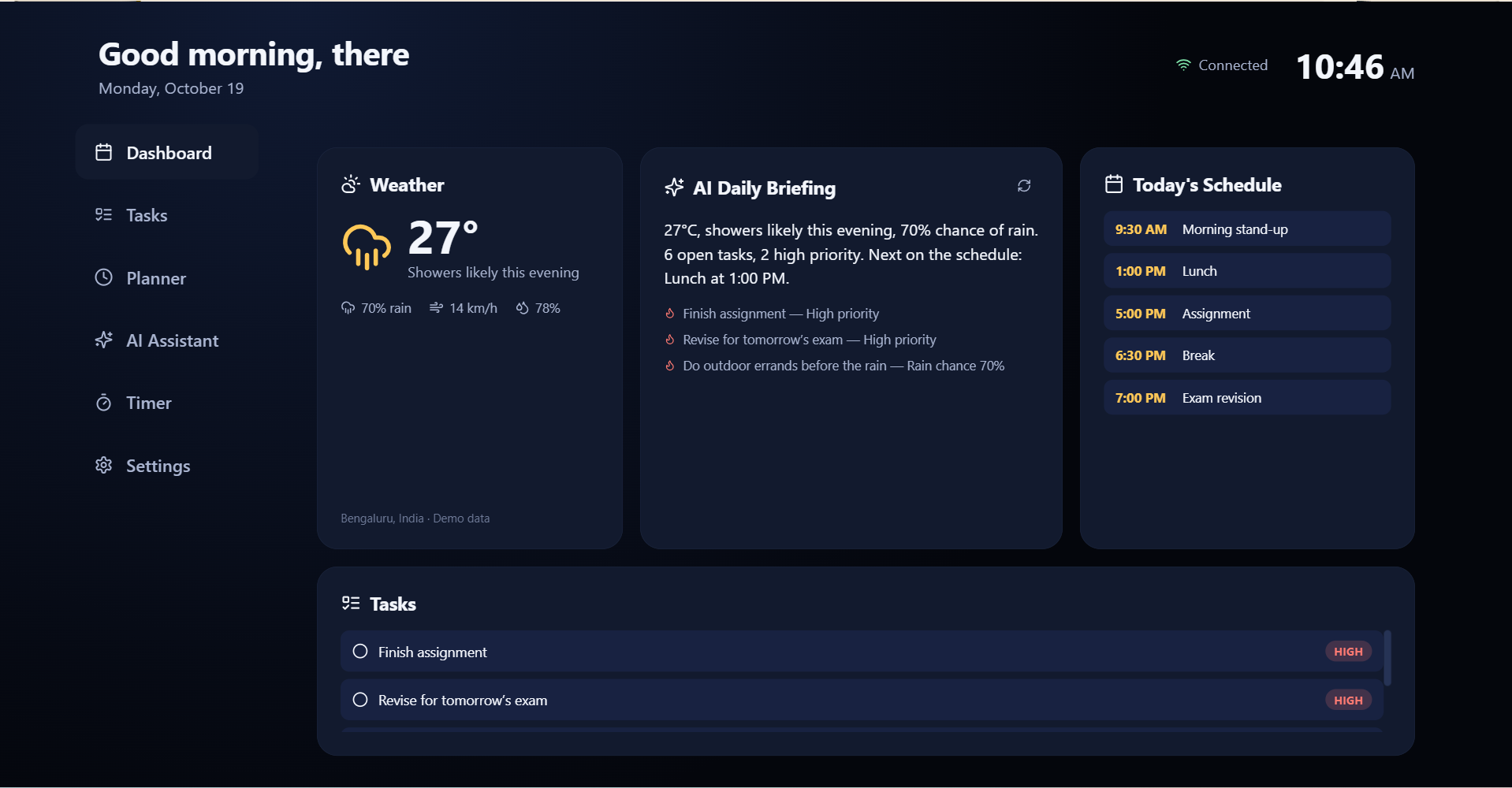
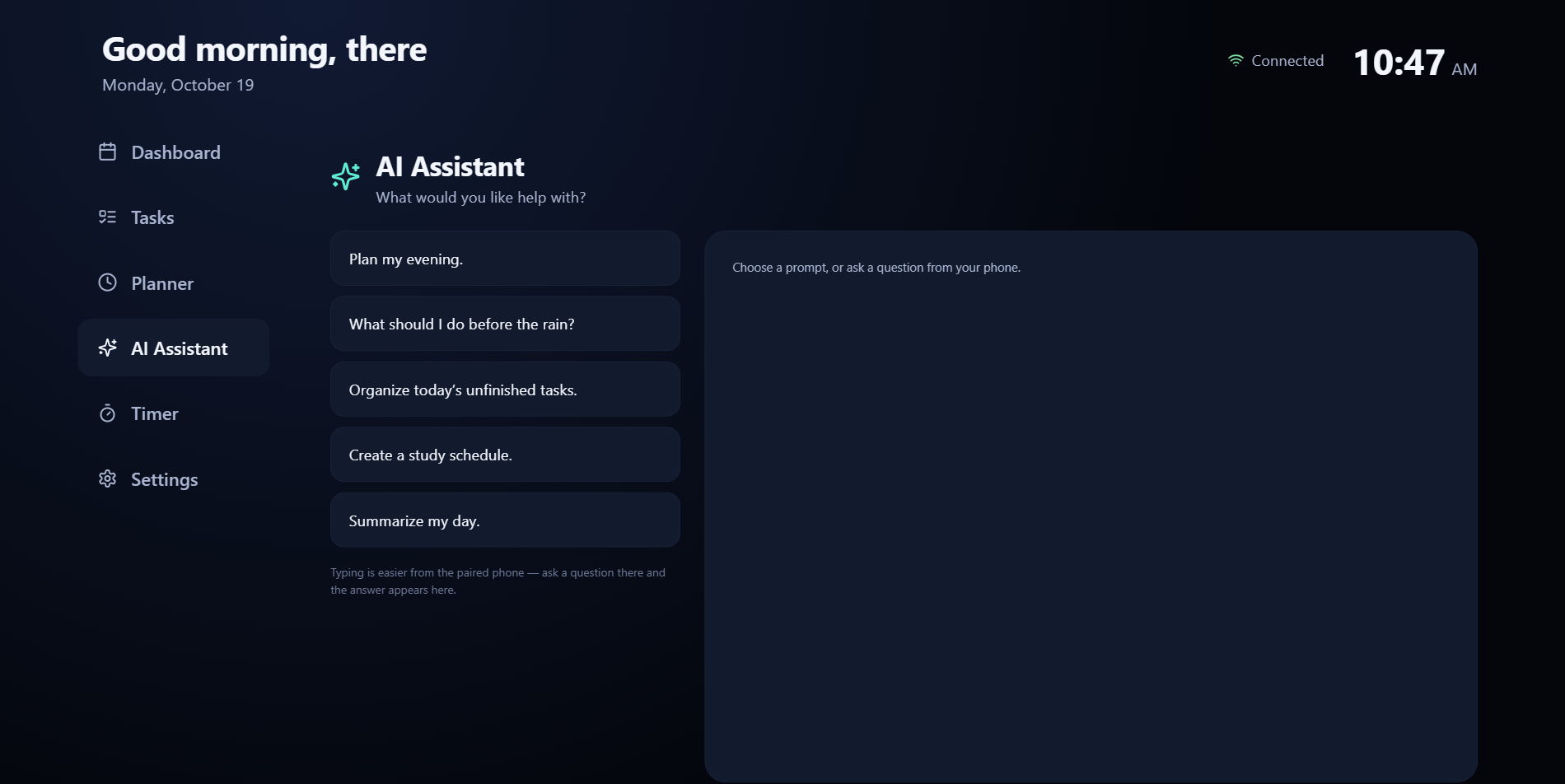
Every smart-home dashboard I’d seen was designed for a phone screen and then awkwardly stretched onto a TV — tiny tap targets, mouse-oriented hover states, nothing built for a remote in your hand from across the room. For the Fire TV / Vega OS hackathon, I wanted to flip that: design for the 10-foot experience from the very first line of CSS, not retrofit it afterward. The TV is already the one screen every member of a household looks at together — why not let it be the shared whiteboard for the house itself: today’s weather, who’s got what task, what’s for dinner, and an AI that can actually answer for the household instead of just one person’s phone?
How we built it
The stack: React + Vite for the frontend, Node/Express + Socket.IO for the backend, and PostgreSQL via Prisma for storage — with a one-household relational schema (User → Task / Schedule / Device / AiConversation, all tied together with real foreign keys, not just loose documents).
The hardest problem wasn’t any single feature — it was navigation. A TV has no mouse and no tab order that makes visual sense; D-pad “Up” has to mean geometrically up, regardless of DOM order.
The nearest valid candidate by that score wins. It sounds simple in hindsight, but getting it to feel predictable — so your thumb builds muscle memory for “right always goes right” — took a lot of tuning.
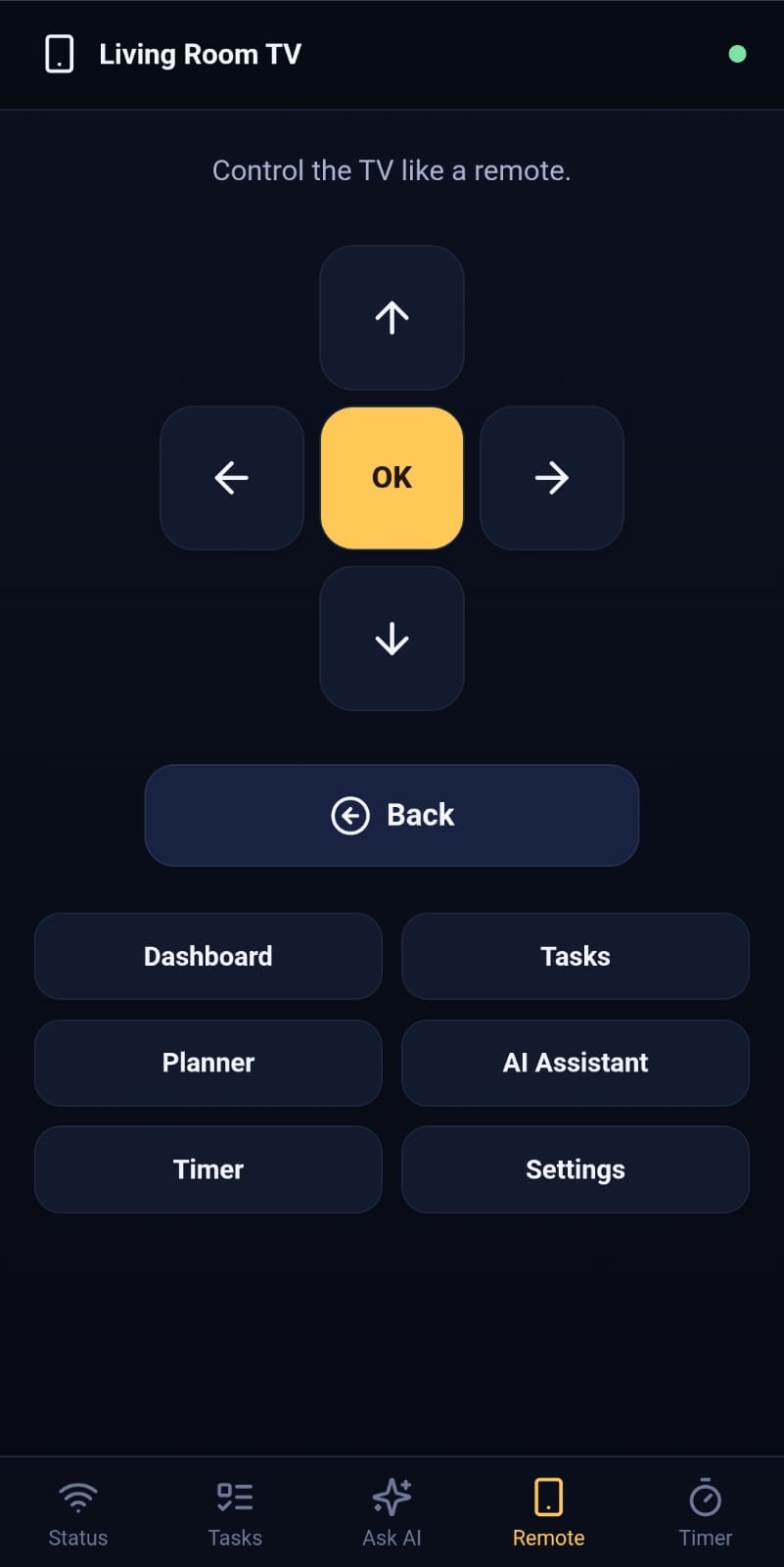
On top of that engine sits a shared performAction() path that both a physical keyboard/remote and a paired phone’s on-screen D-pad feed into identically — so pressing a direction on your phone lights up exactly the same focus glow on the TV as the real remote would.
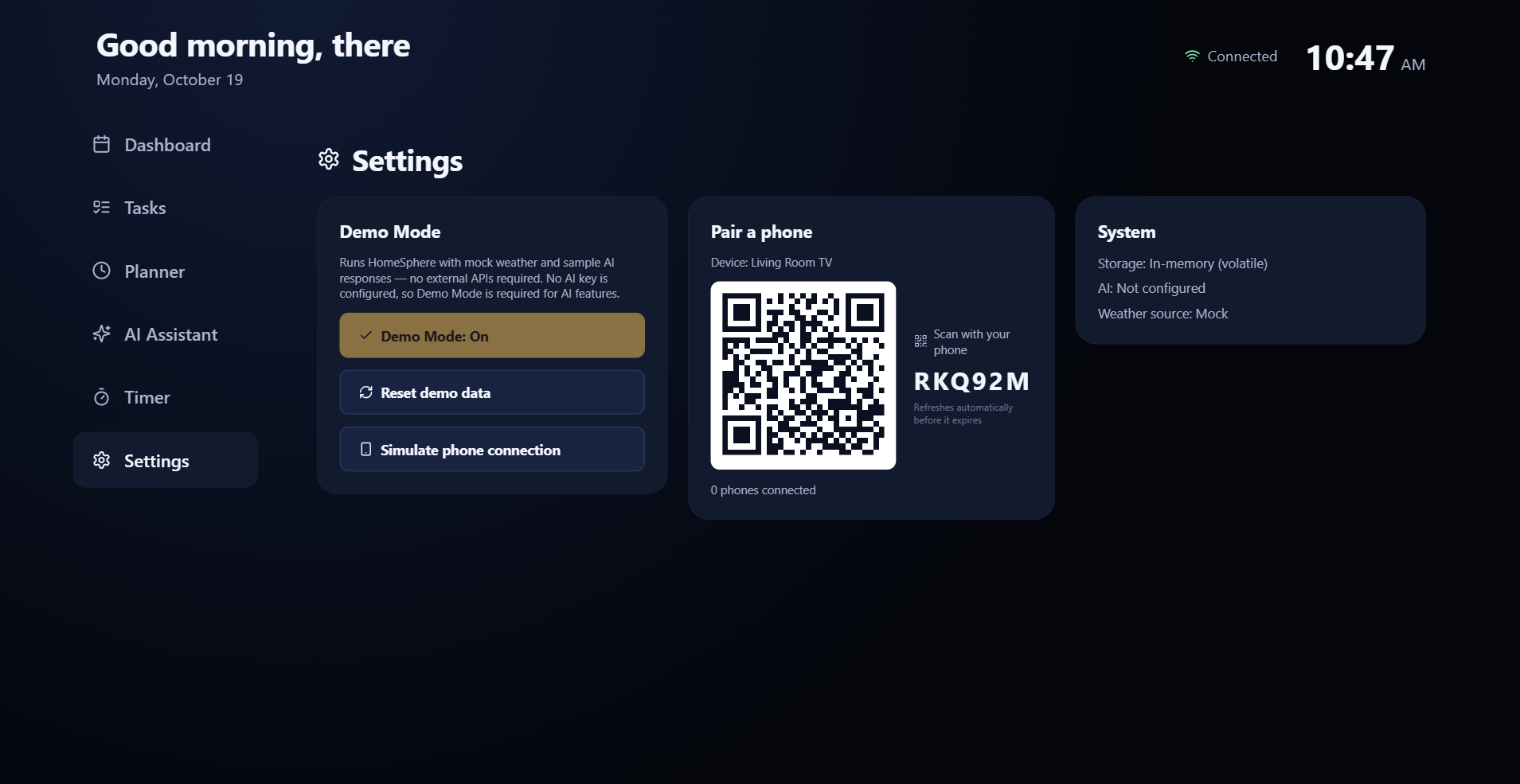
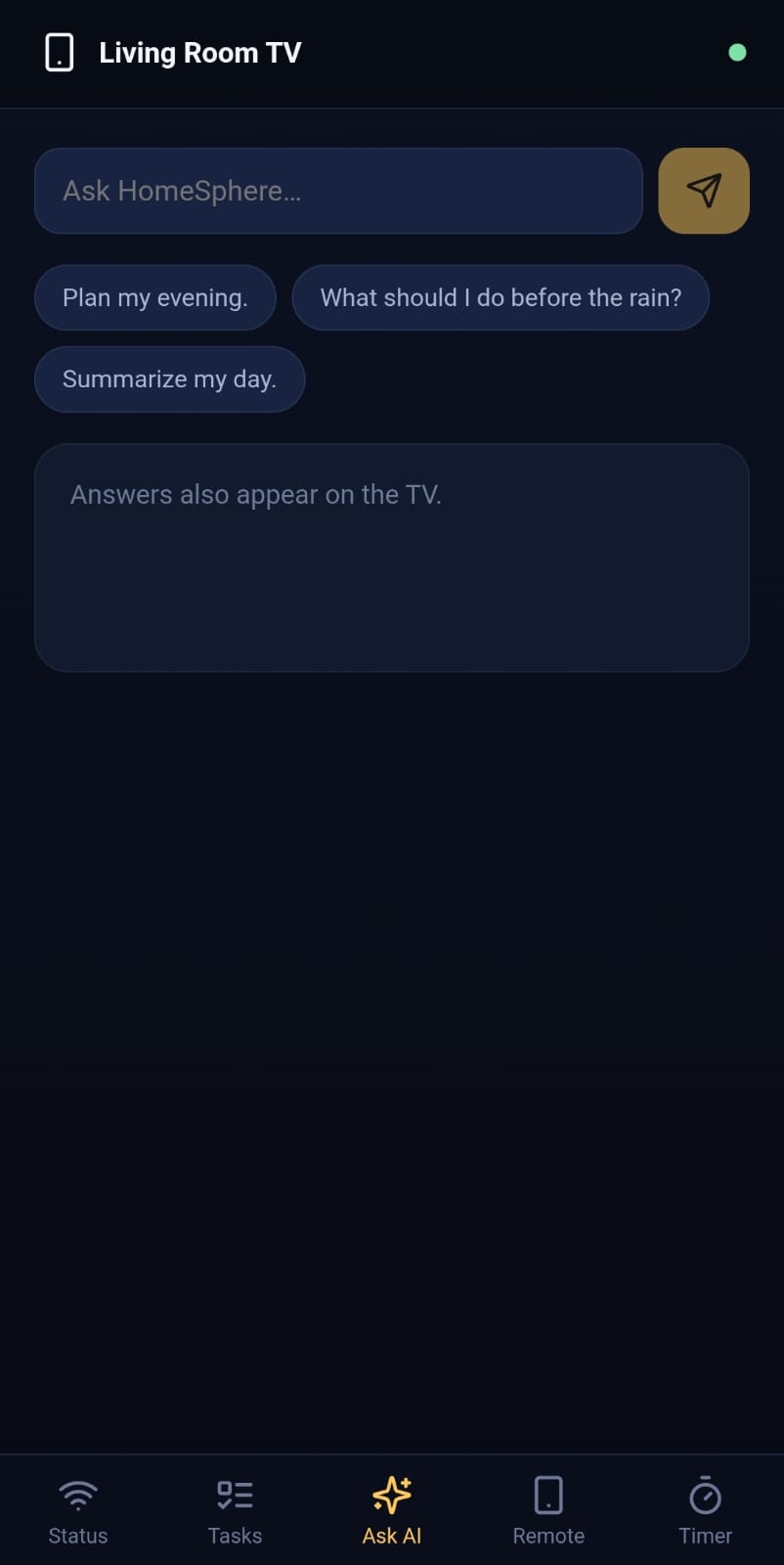
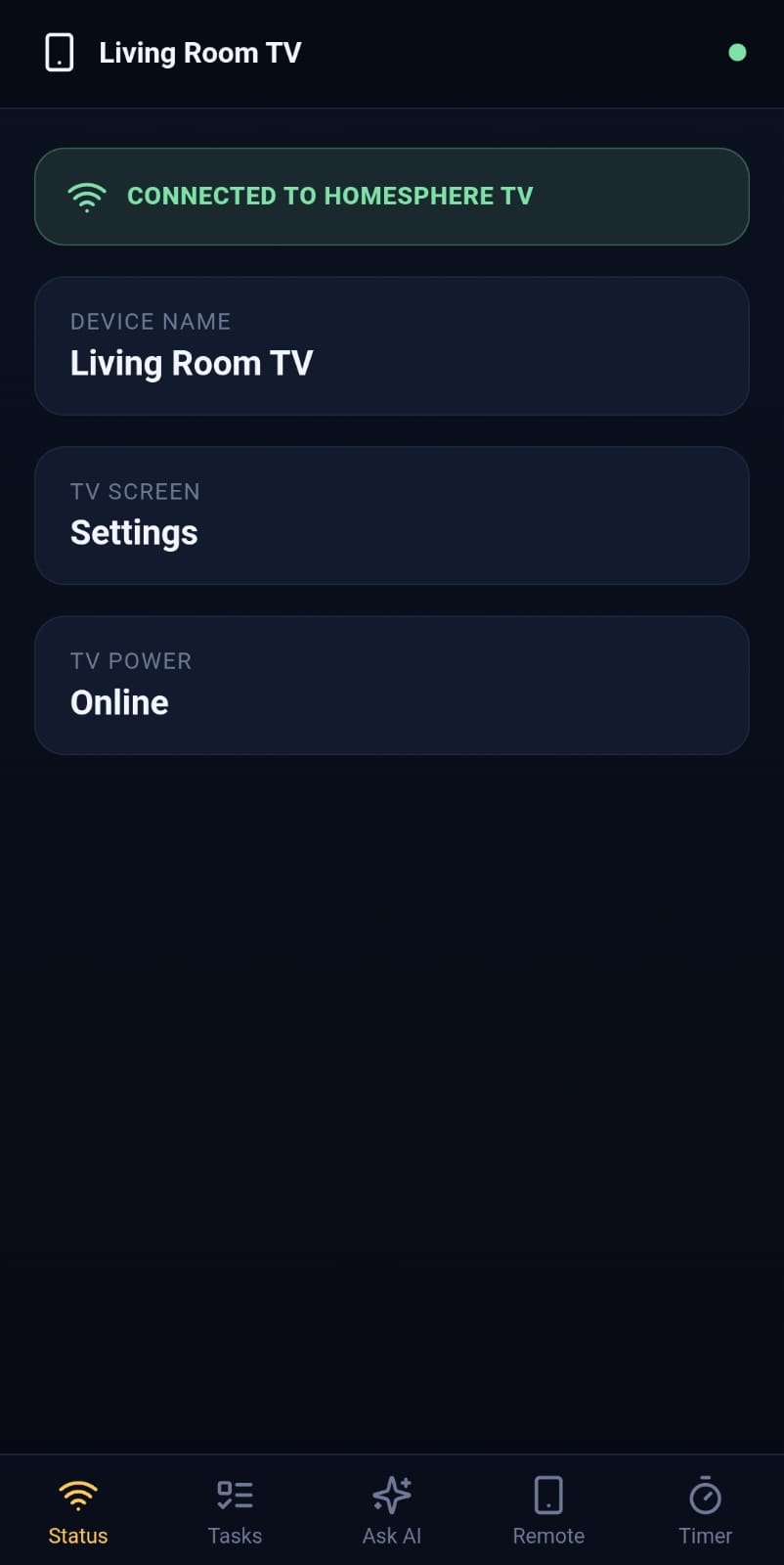
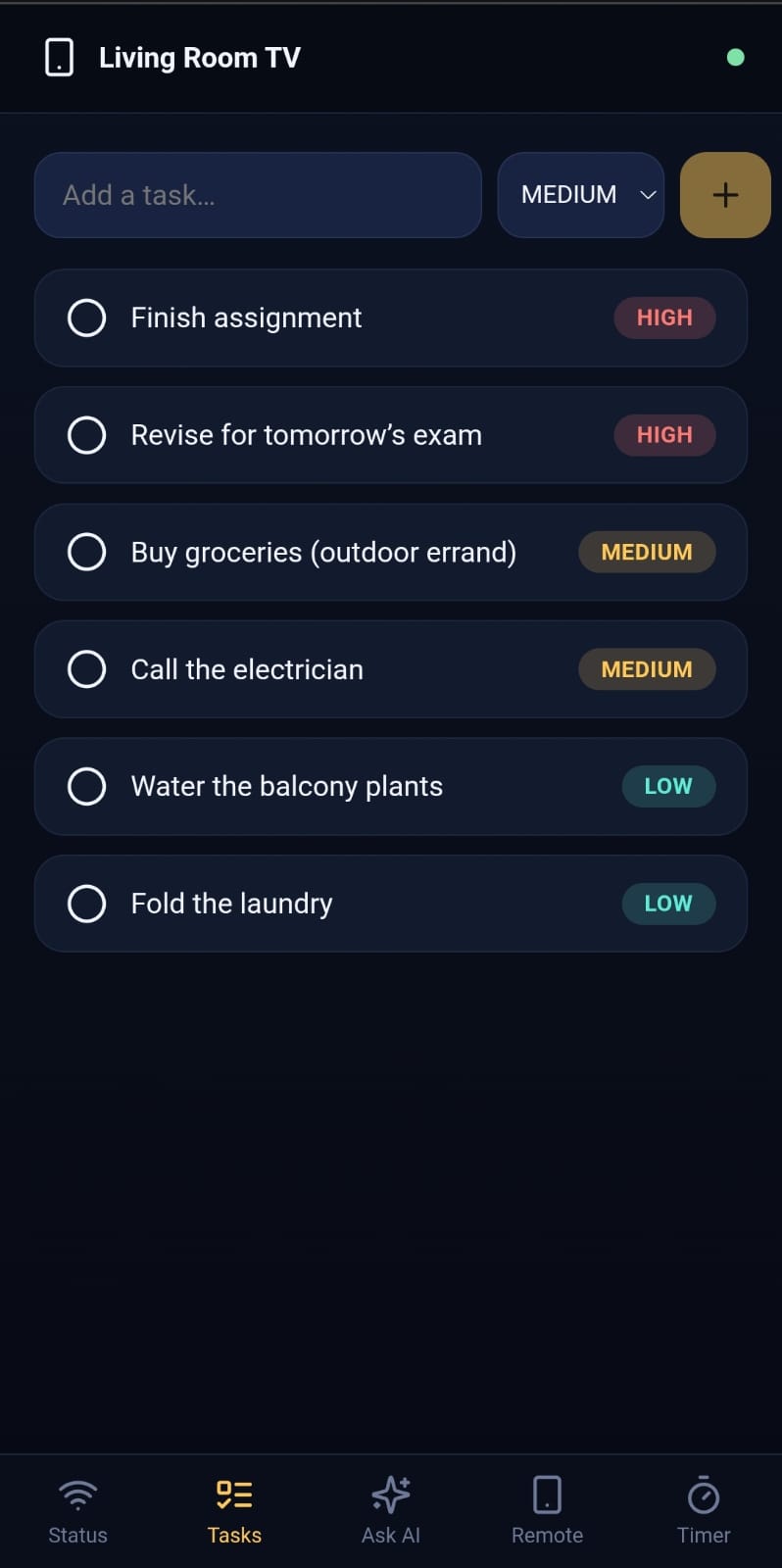
The phone itself pairs via a QR code carrying a short-lived, hashed pairing token — scan it, and Socket.IO keeps phone and TV in lockstep: add a task from the couch, it appears on the TV before you’ve locked your phone screen again.
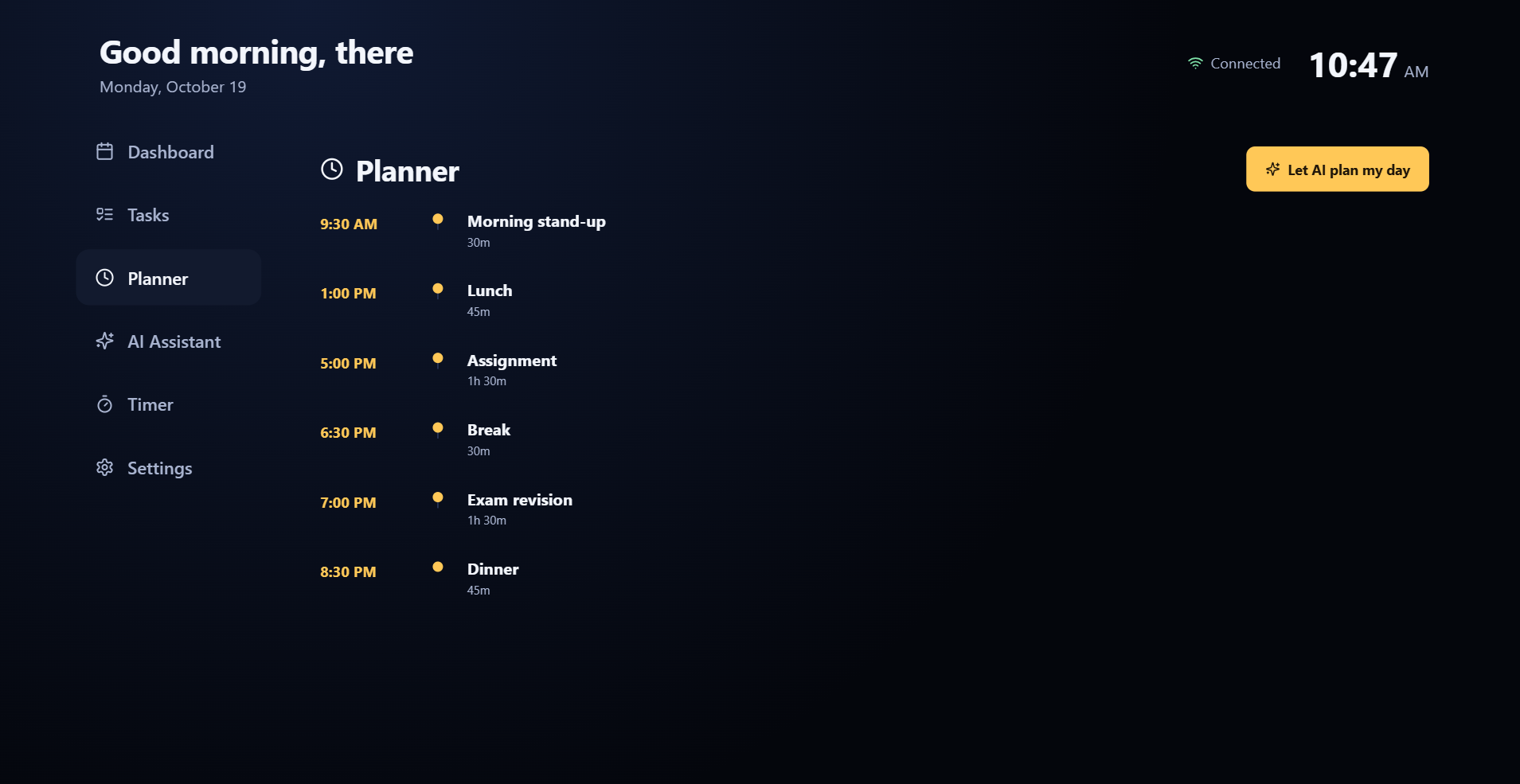
For the AI layer, I split responses into two trust tiers: anything touching the household’s own data (a generated evening plan, task priorities, the daily briefing) is validated server-side against a strict JSON schema and is never allowed to invent a task or a time that isn’t real — but anything else is treated as a genuine open-ended question, answered with the same breadth you’d expect from a normal AI assistant. And because hackathon demos live and die by Wi-Fi, there’s a full Demo Mode: deterministic, data-driven AI logic and mock weather that still feels alive (it reads your real tasks and schedule, it just doesn’t call out to a model), so the whole thing works with zero external accounts if a live API key isn’t available.
Challenges we ran into
A connection bug that only existed in development. The app would hang forever on “Connecting…” — but only with npm run dev. The culprit: React’s StrictMode intentionally double-mounts components to catch missing cleanup, and a socket.close() in an unmount handler was getting triggered by that synthetic unmount, permanently killing the one shared socket before the UI ever used it. A crash that only showed up once I switched databases. Migrating from MongoDB to PostgreSQL/Prisma, I found that new PrismaClient() throws synchronously if the client hasn’t been generated yet — which would crash the entire server at boot instead of gracefully falling back to the in-memory demo store. Easy to miss, since it only bites on a fresh machine that hasn’t run prisma generate. Real hardware doesn’t lie. Testing on an actual Fire TV, the dashboard rendered as a blank screen in one browser but worked instantly in another — turned out Mozilla discontinued Firefox for Fire TV back in 2021, and the installed app was years-stale. The fix had nothing to do with my code at all; it was switching to the one browser (Silk) Amazon still actively maintains. Keeping the remote “honest.” Early on, a phone’s on-screen shortcut buttons would silently navigate the TV without ever lighting up the matching nav-rail item — a subtle gap between “the command arrived” and “the UI actually shows what just happened,” which matters a lot more on a TV you’re not holding in your hand.
What we learned
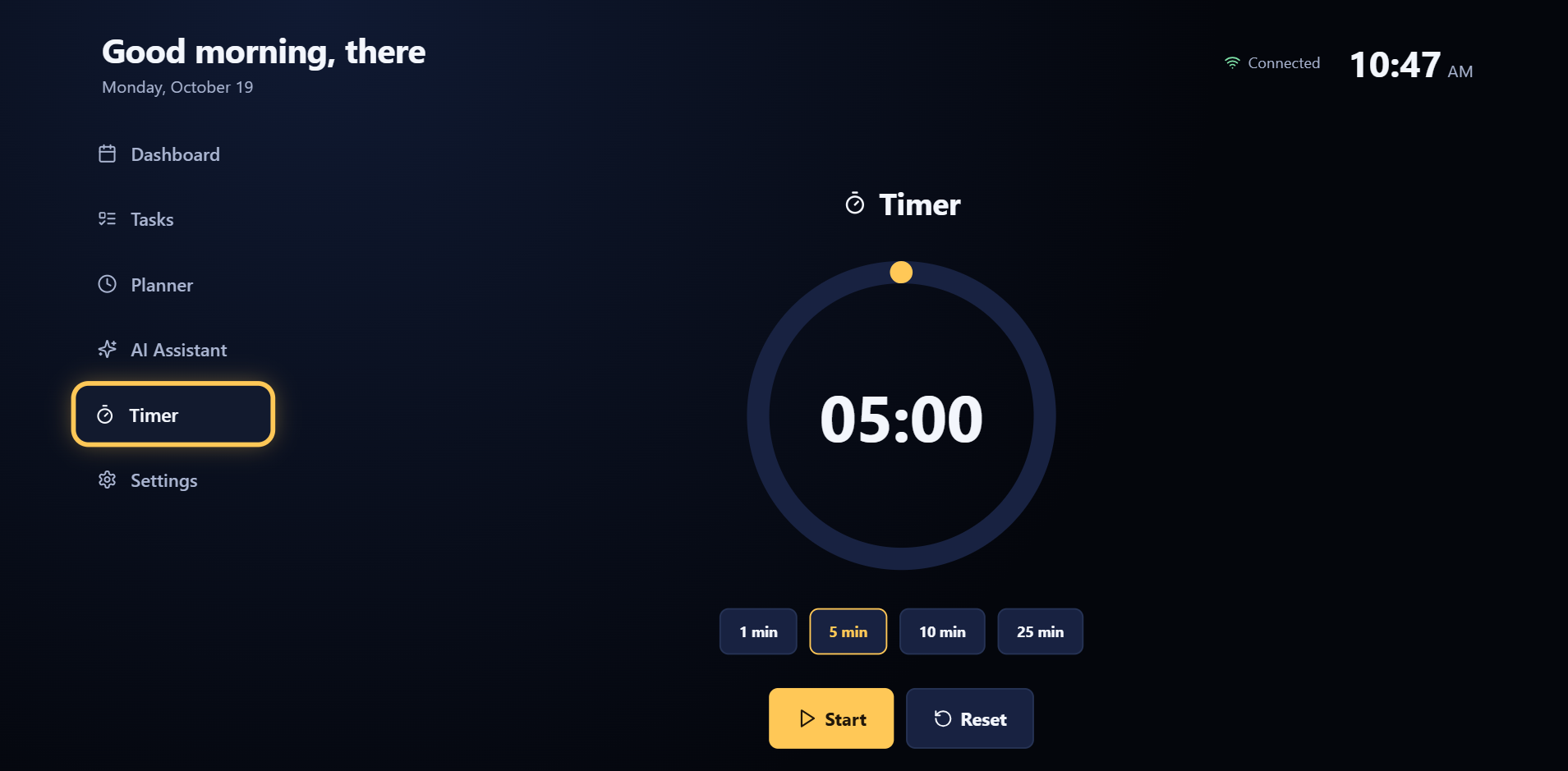
TV-first design is a genuinely different discipline from responsive web design, not just “responsive web design with bigger fonts.” Focus has to be a first-class, always-visible piece of state — on a phone a user can see what they tapped; on a TV from six feet away, if the UI doesn’t scream which element is selected, the interface is effectively broken.
I also came away with a much sharper appreciation for graceful degradation as a design principle, not just an error-handling afterthought: every layer of this app — the database, the AI provider, even the browser — has a fallback path, and building those in from the start is what let a live demo survive things like a stale IP address or an unplugged database without ever actually going down
Built With
- anthropic
- claude
- css3
- express.js
- html5
- javascript
- node.js
- open-meteo
- openai
- os
- postgresql
- prisma
- qr
- react
- router
- socket.io
- vega
- vite
- websocket

Log in or sign up for Devpost to join the conversation.