-
-

Me :-)
-
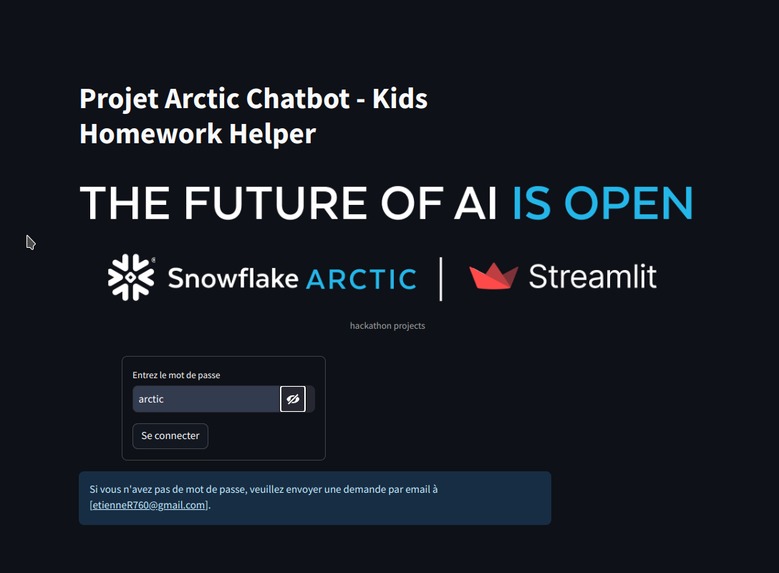
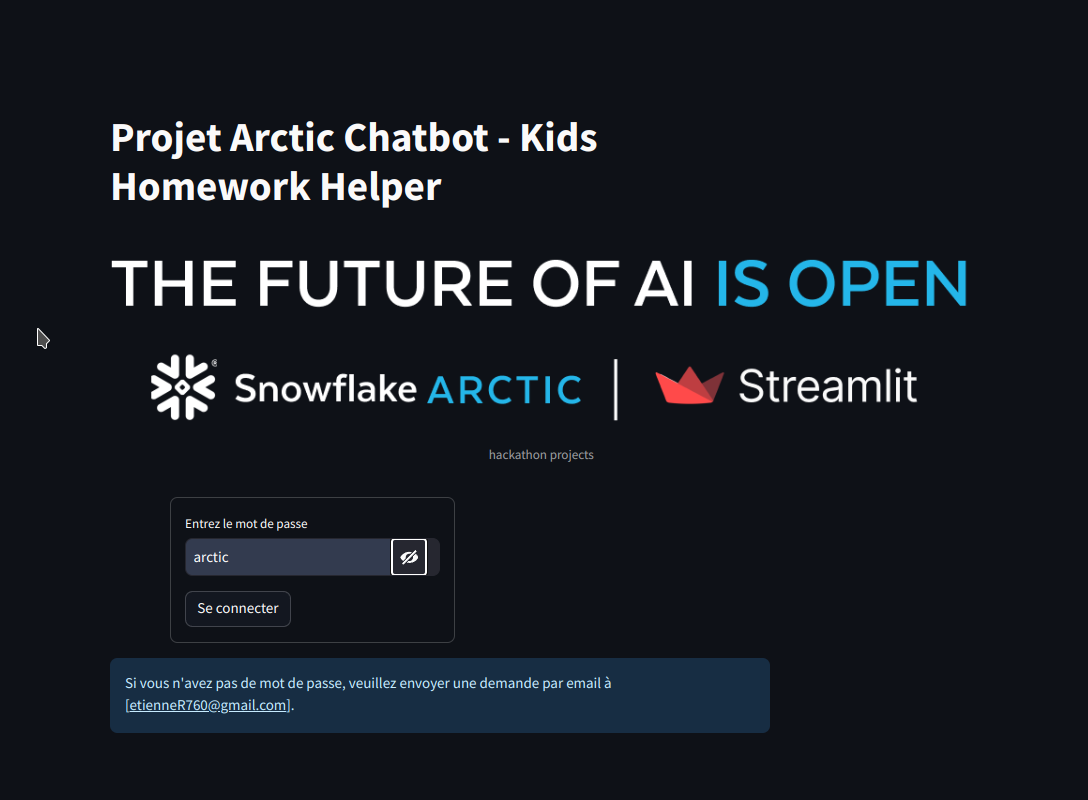
Login page
-
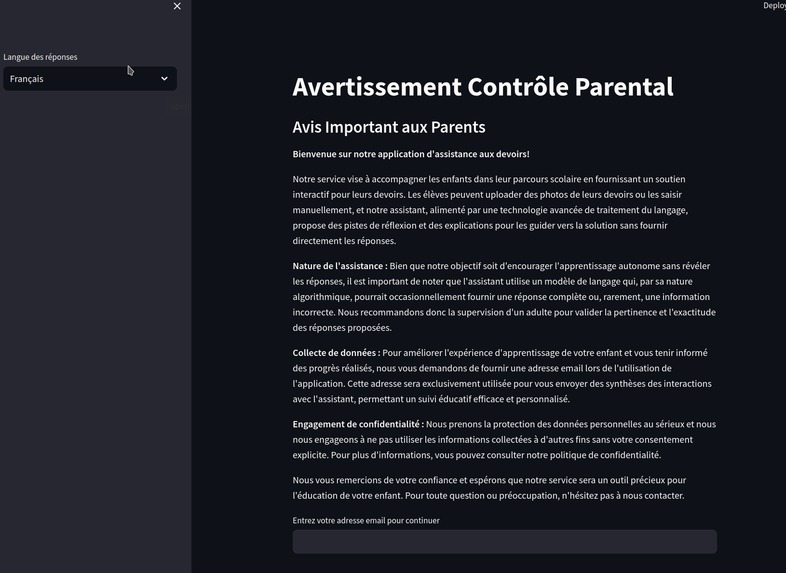
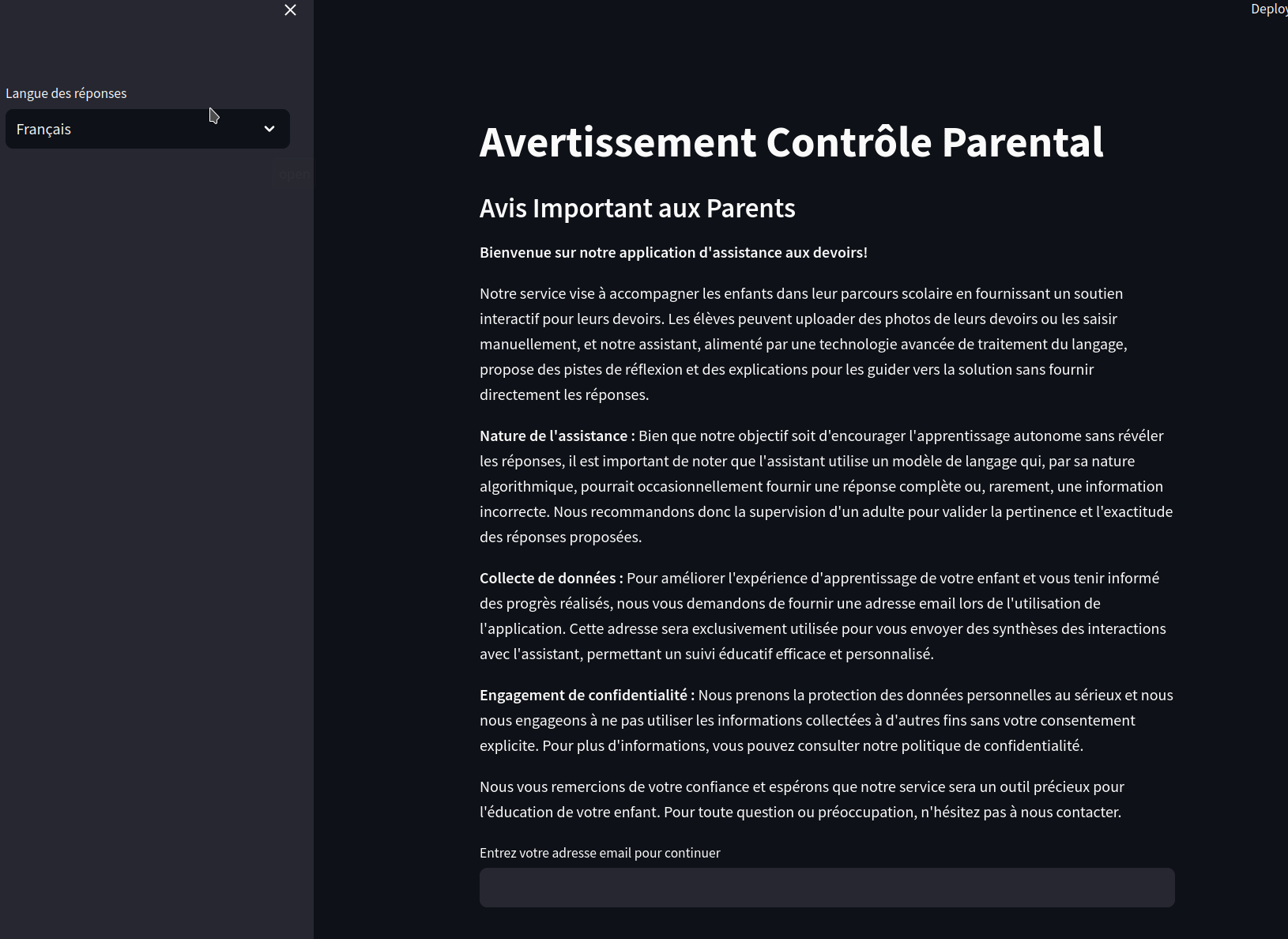
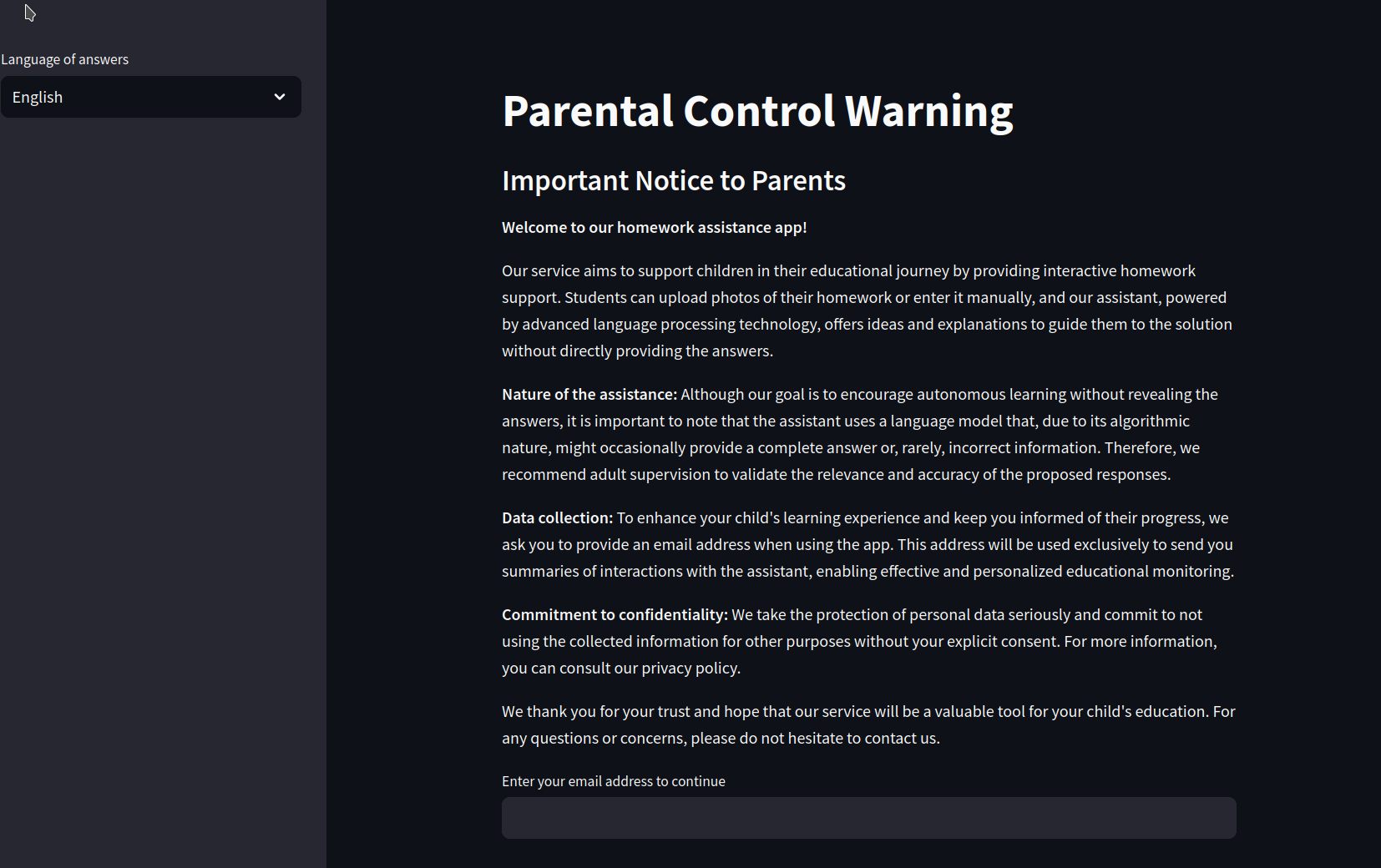
Parental control Warning
-
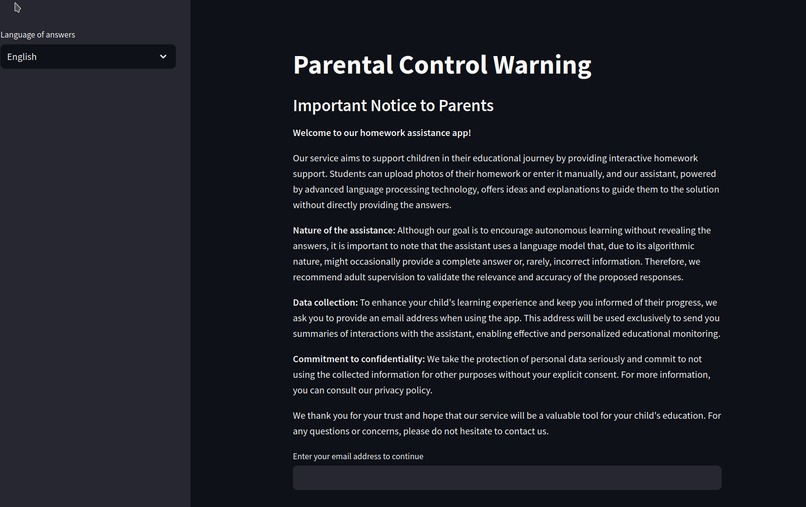
Control Parental
-
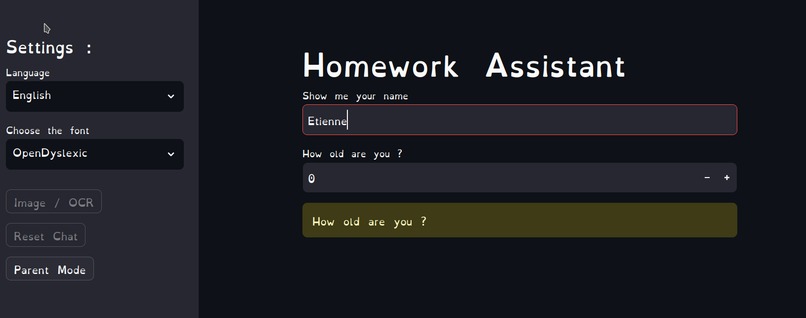
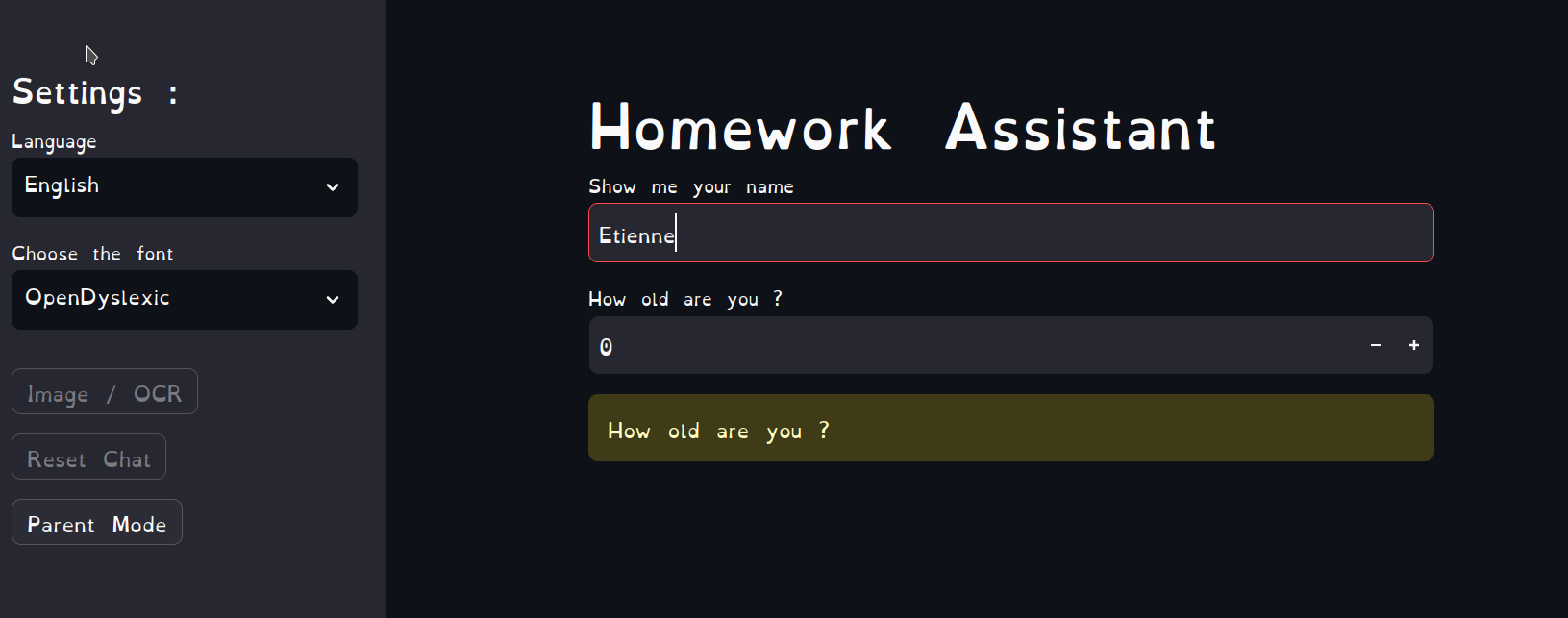
Kid identification
-
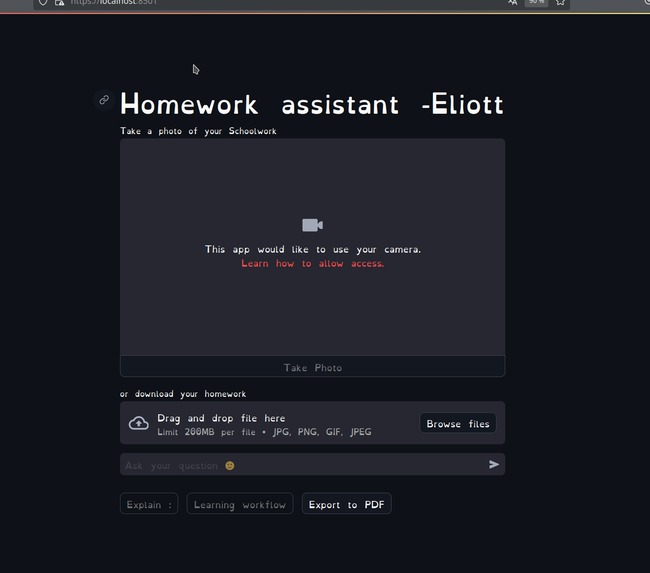
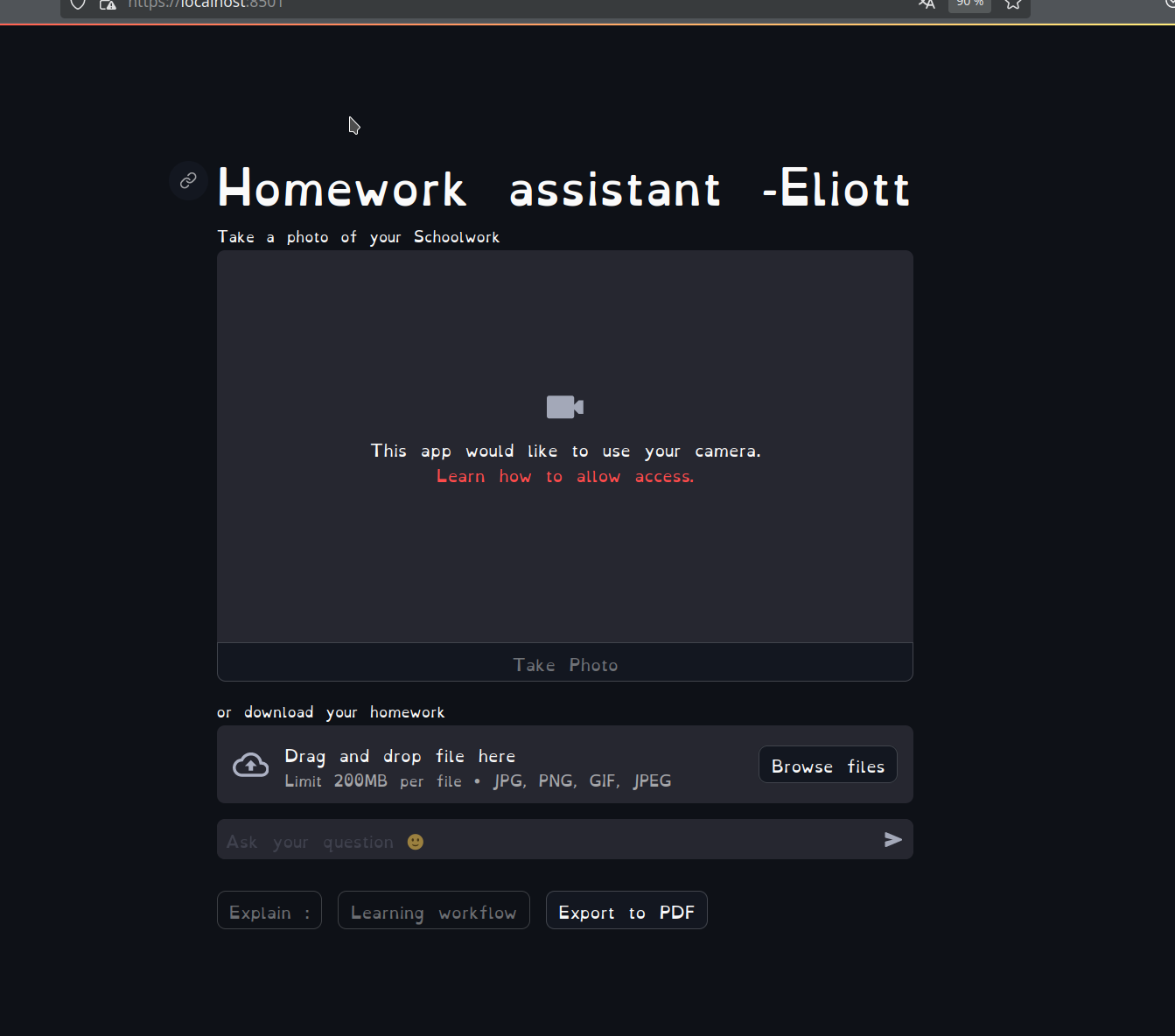
Main page for scan kid homework
-
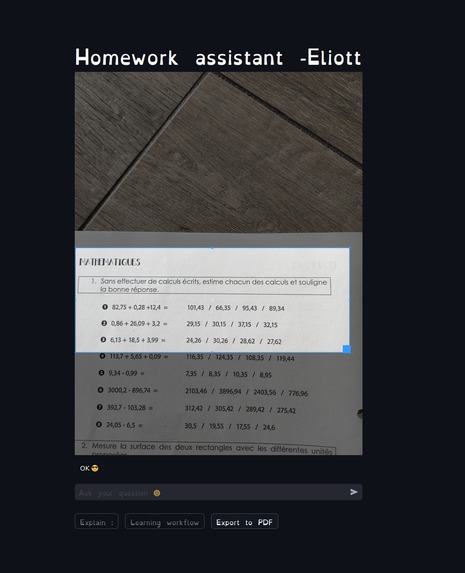
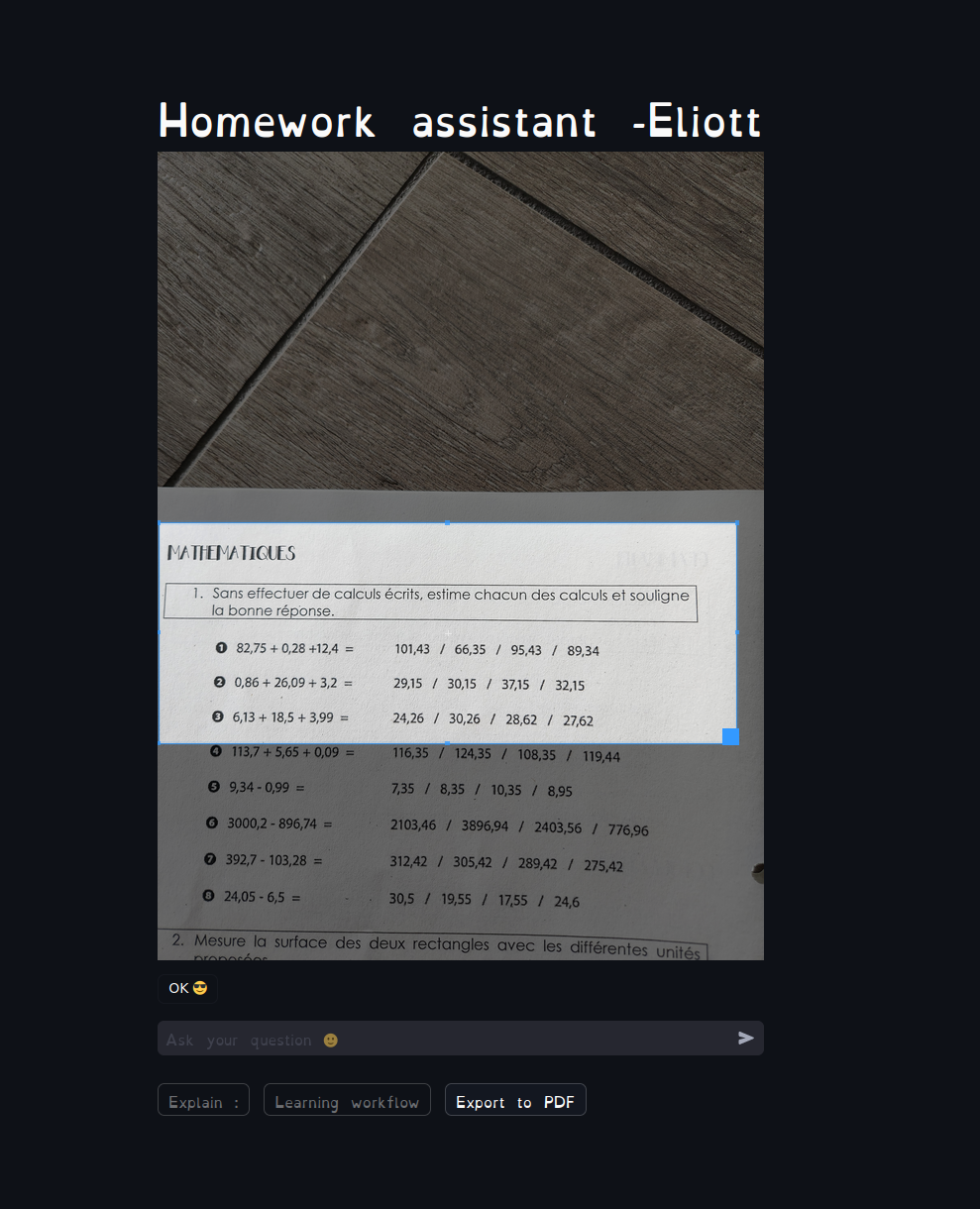
fintune image selection
-
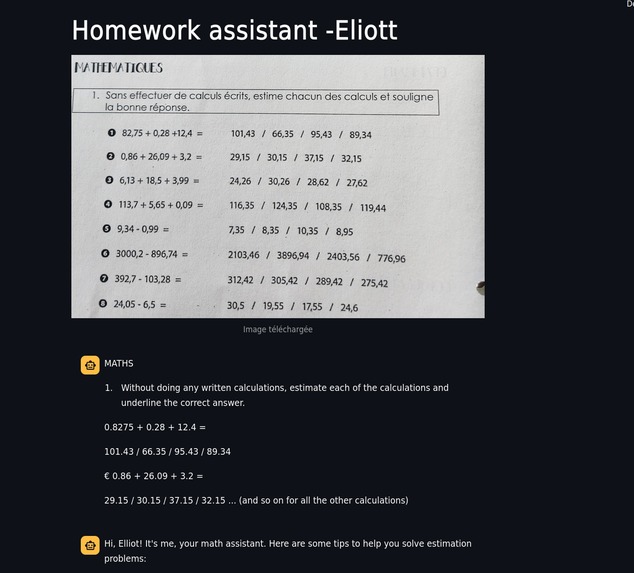
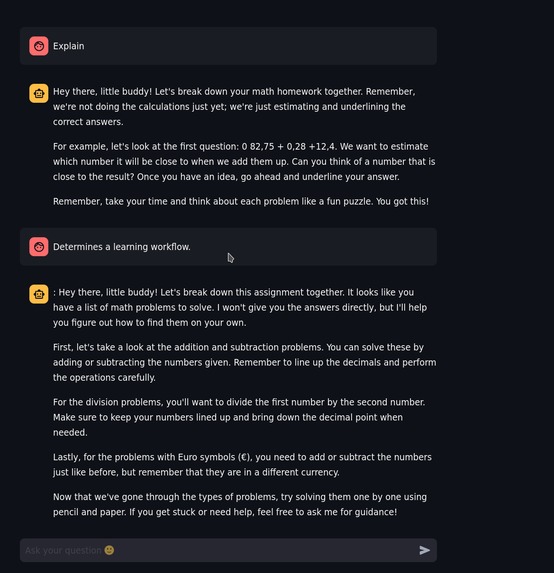
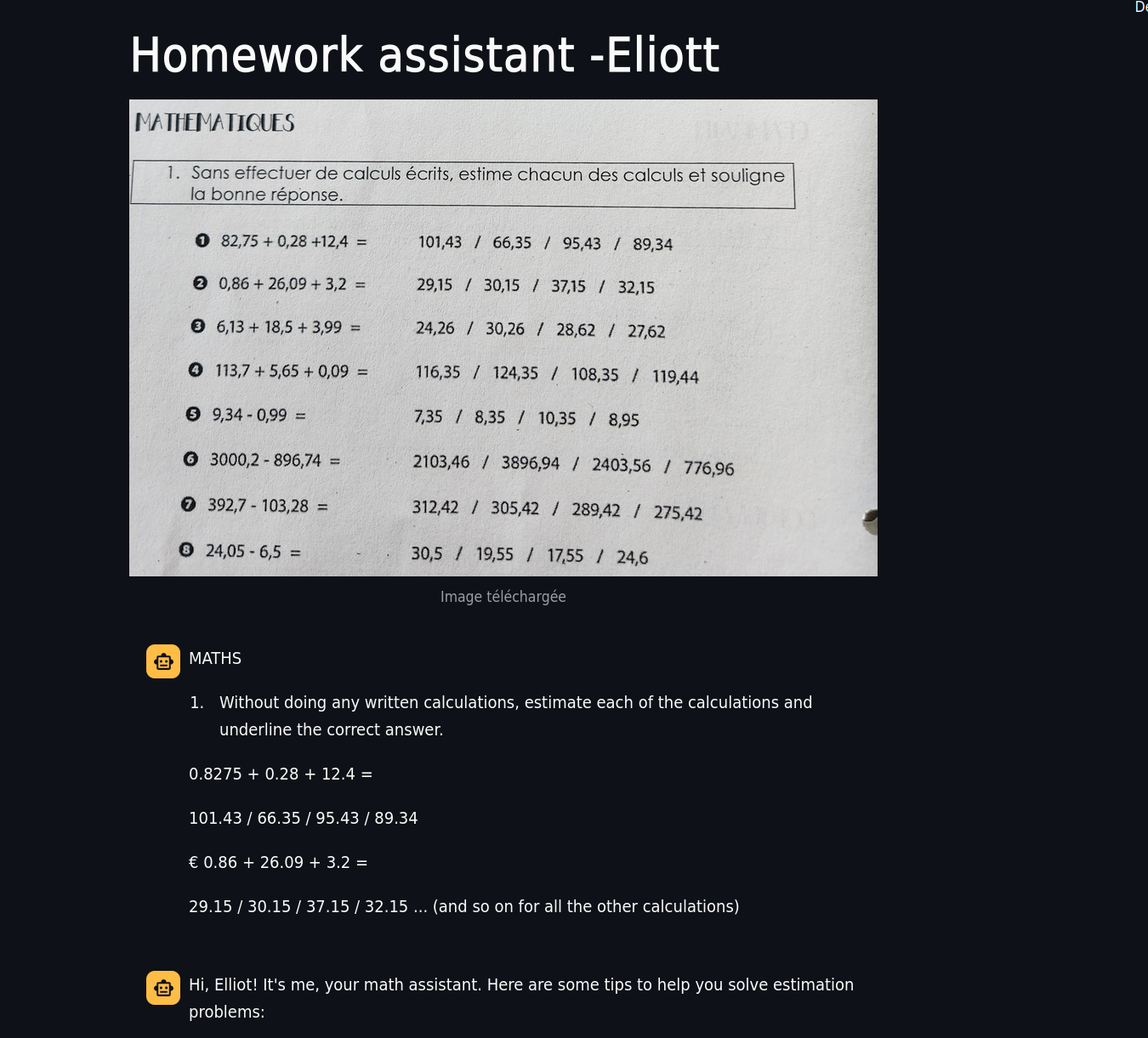
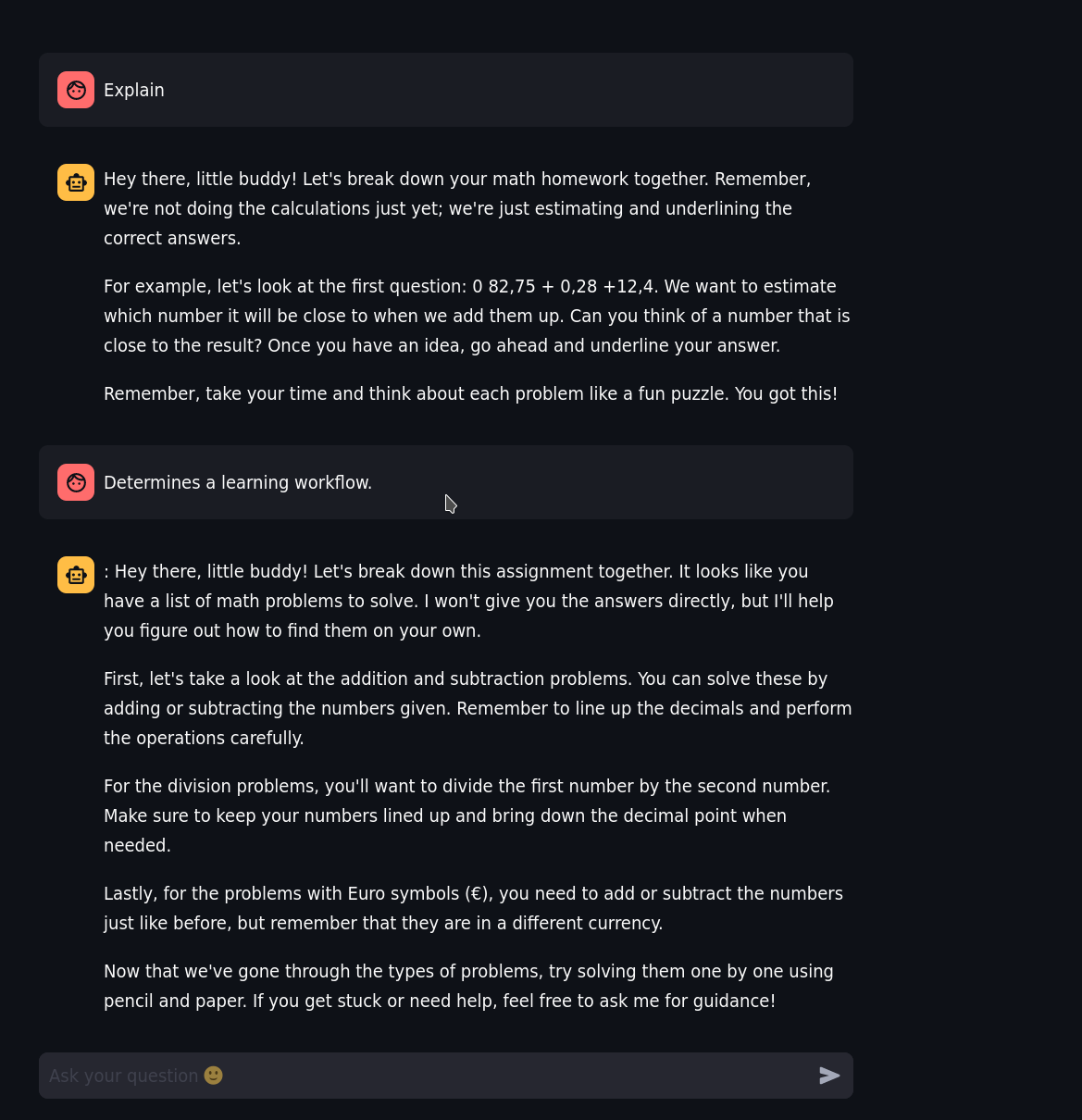
Start with what LLM understand
-
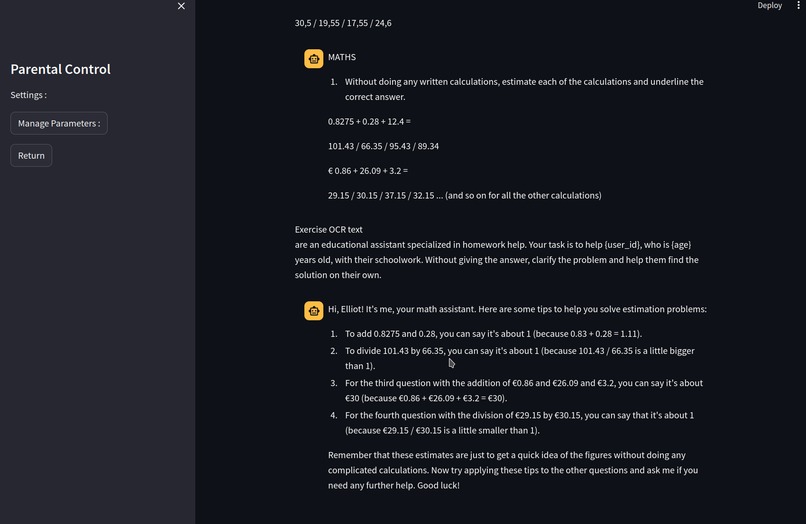
and the first explaination of the homework
-

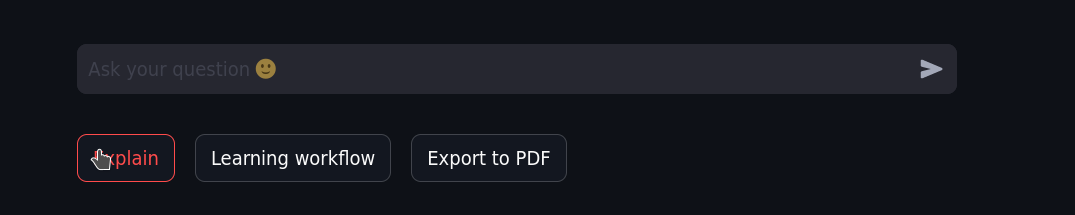
quick functionality
-
-
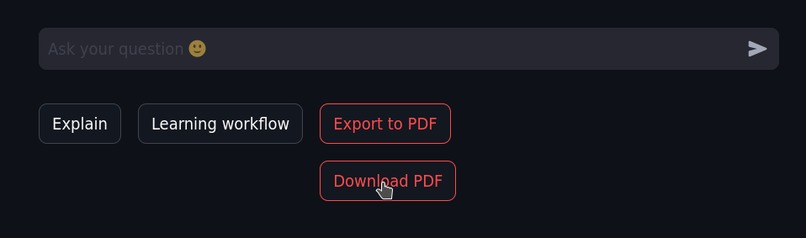
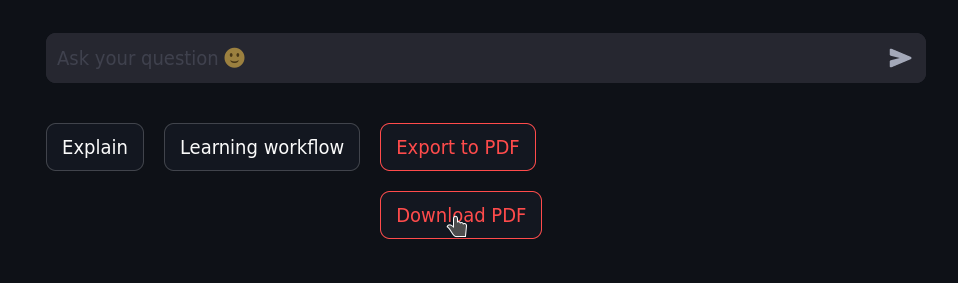
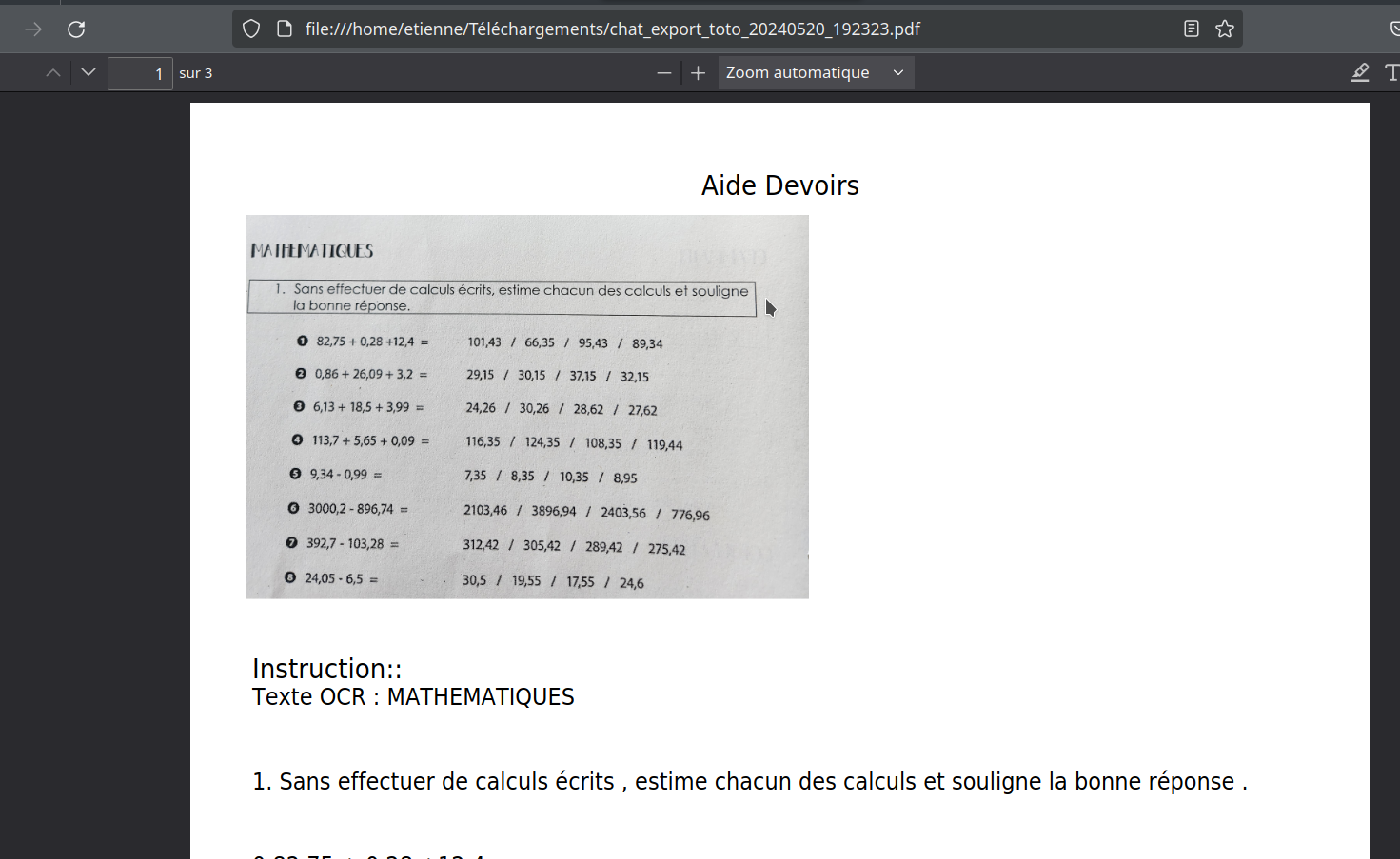
PDF export
-
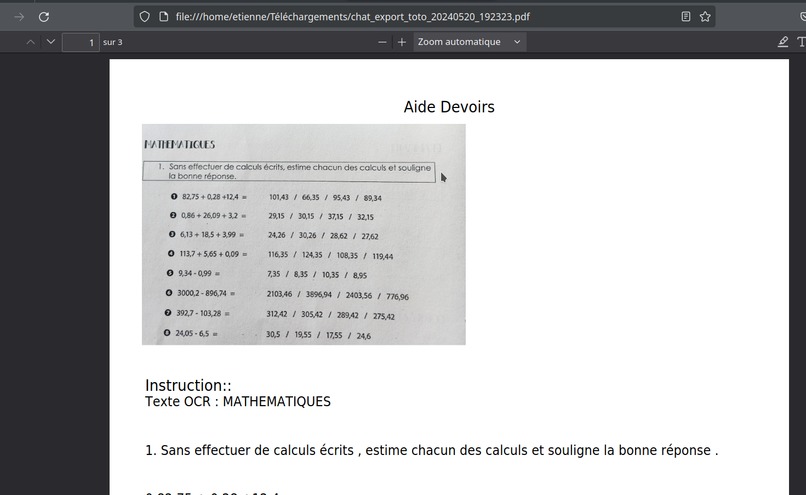
PDF respecting font settings
-
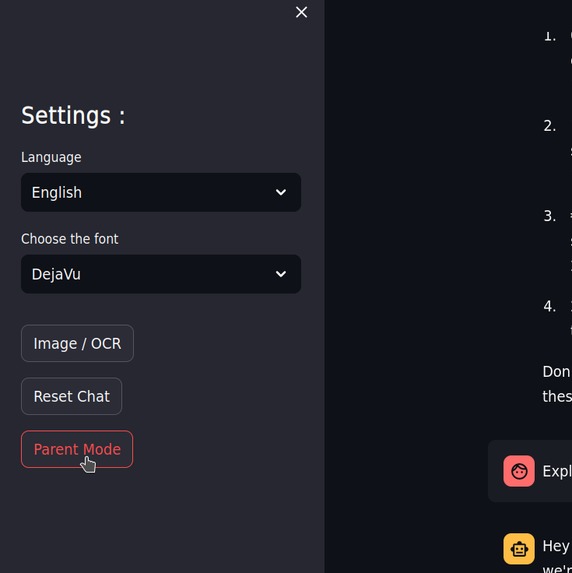
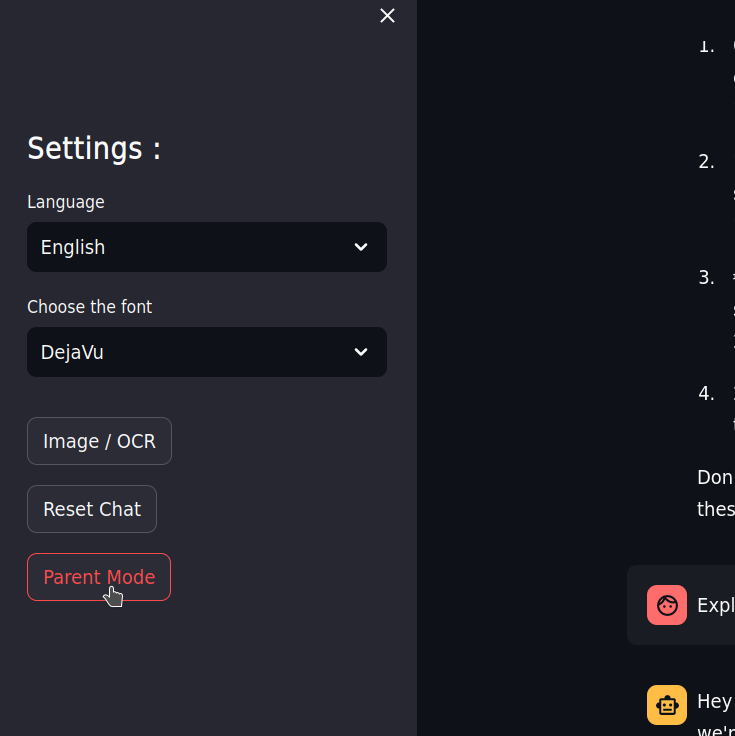
Settings - Language
-
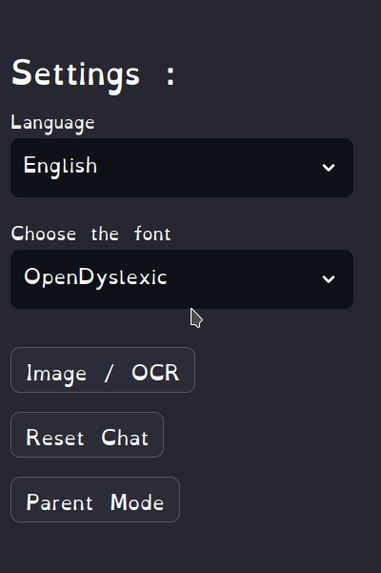
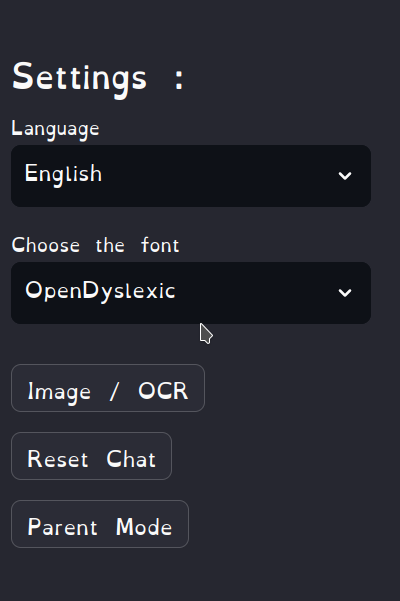
Settings - Font (Dyslexique Font available)
-
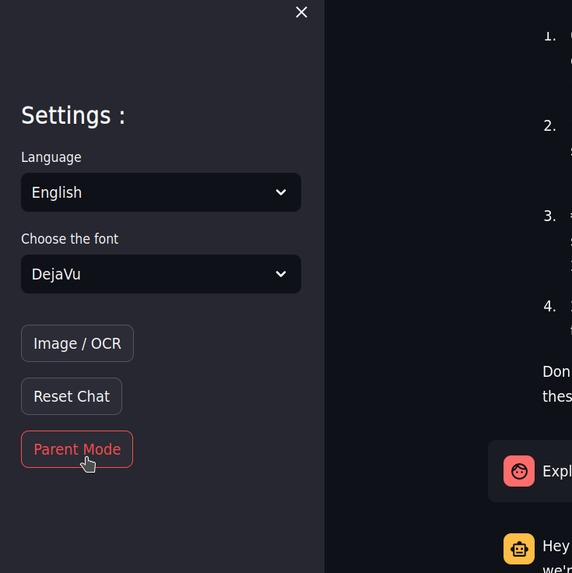
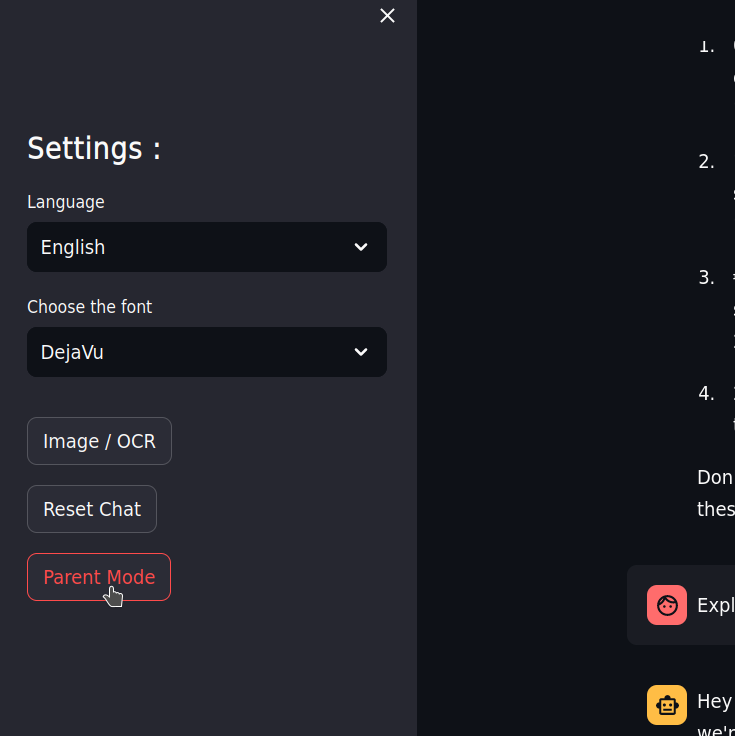
Settings - Parental Mode
-
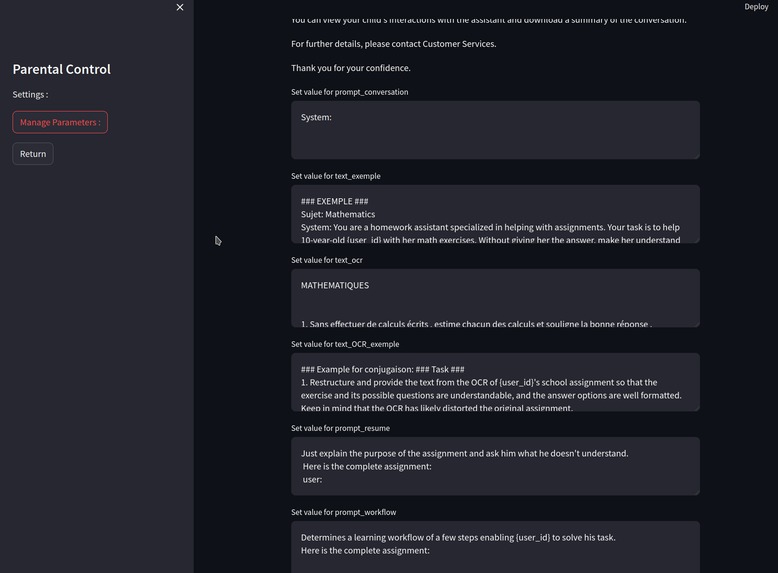
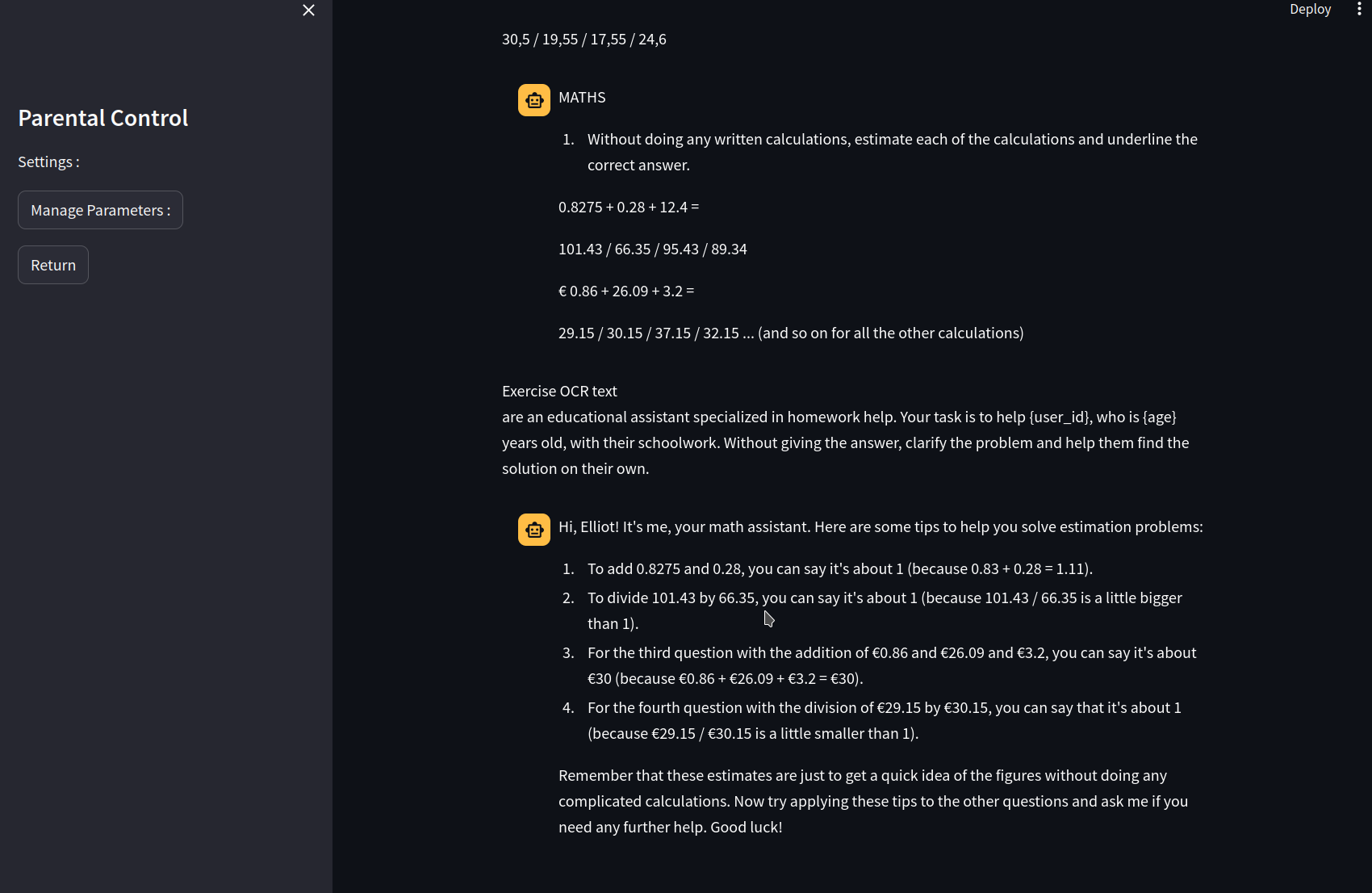
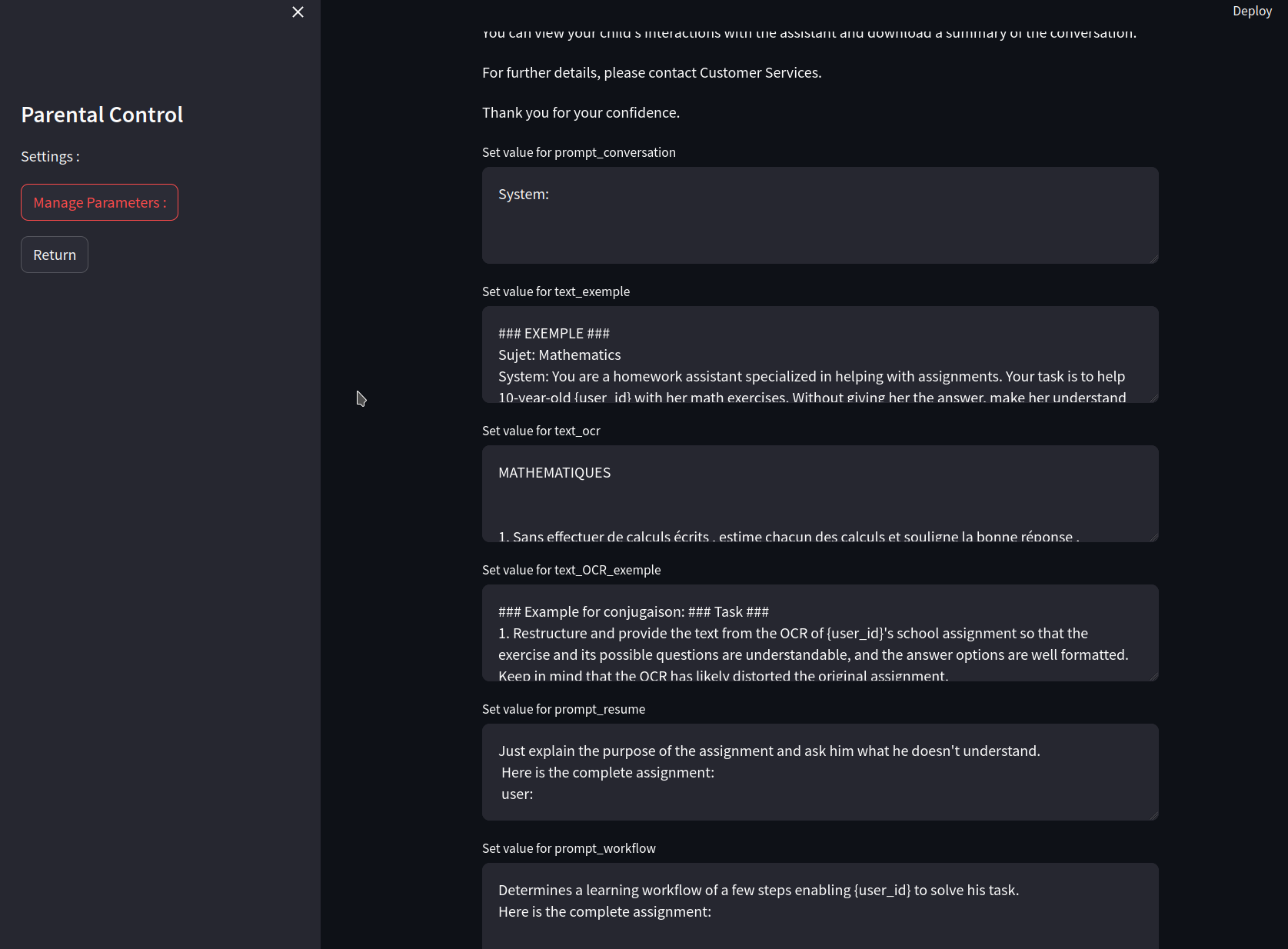
Parental Mode - prePrompt management
-
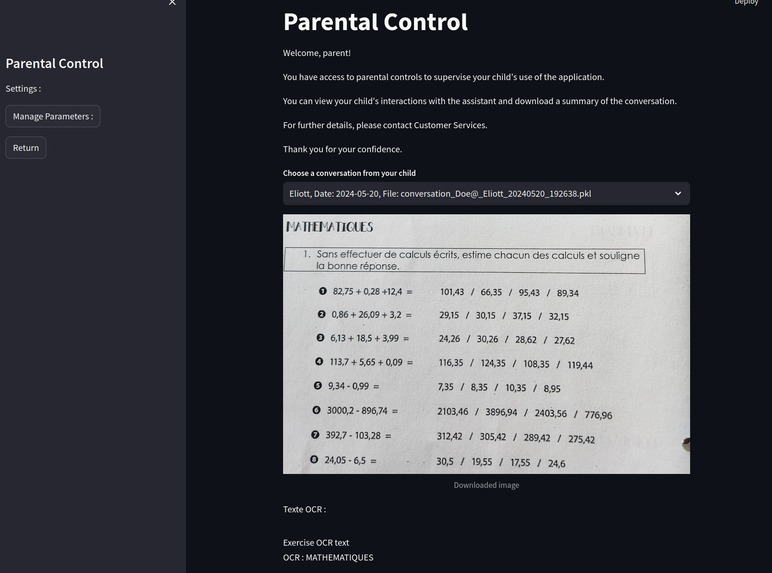
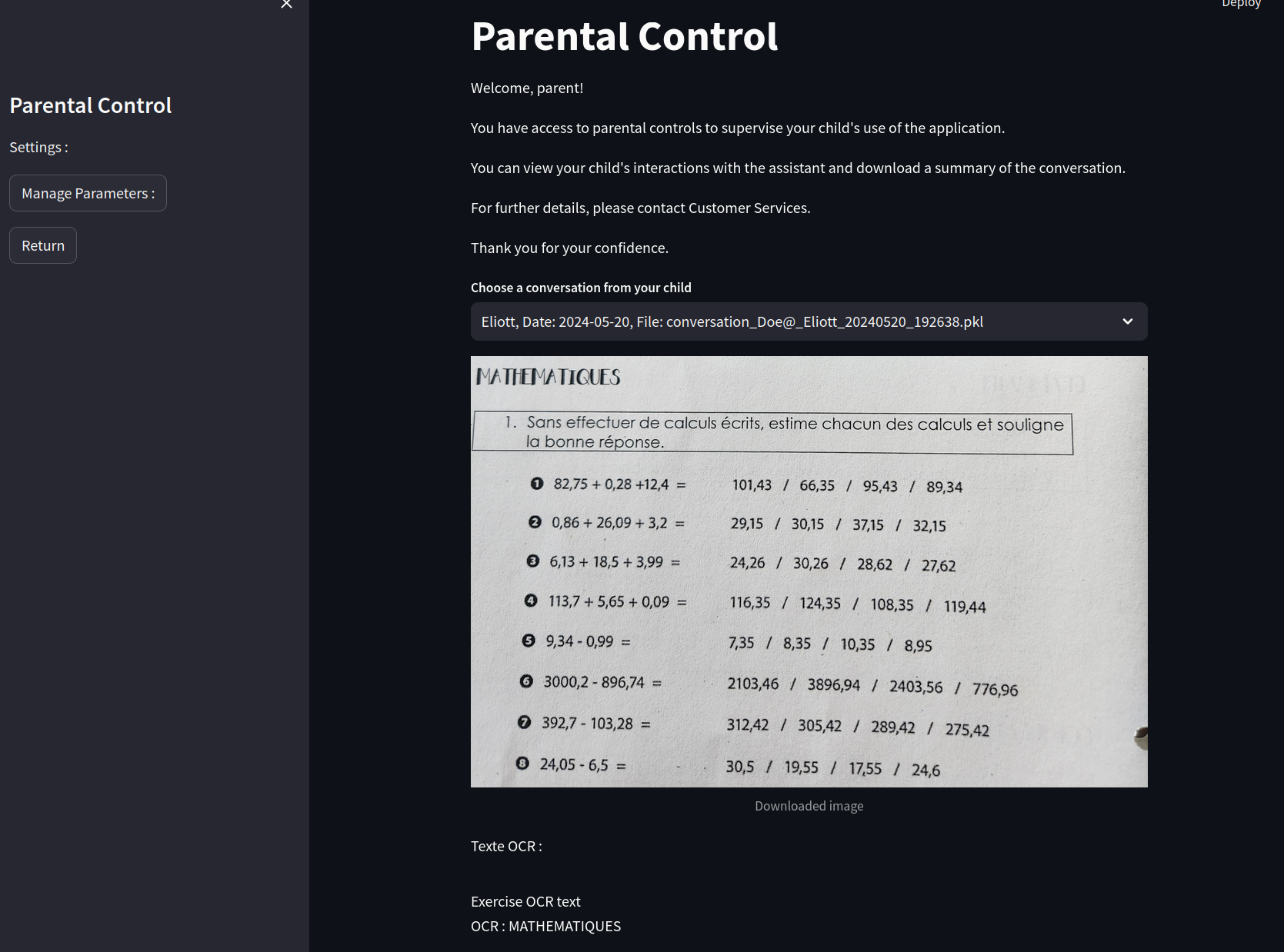
Parental Mode - Follow kids work

Inspiration
The "Homework Assistant" project was primarily inspired by my personal experience of helping my two children with their schoolwork, a daily challenge that I manage to overcome thanks to my solid academic background. Knowing that not all parents have this opportunity, I was motivated to develop an accessible solution for everyone. Additionally, my fascination with advancements in artificial intelligence, especially large language models like Snowflake's Arctic model, led me to explore this technology. Having predominantly used language models to write the code and having never developed an application on Streamlit before, I seized the opportunity to dive into this new domain, integrating API usage to create a deployable and useful application.
What it does
"Homework Assistant" helps children understand their homework rather than just providing them with answers. The application allows children to upload or photograph their homework and offers features like "Explain the Exercise" and "Learning Workflow" to approach problems from different angles. It supports three languages (French, English, Spanish), offers customizable fonts for dyslexic children, allows for exporting interactions in PDF format, and includes a "Parent" mode for parents to track their child's progress.
How we built it
The construction of "Homework Assistant" began with the intention to use the Snowflake platform to access the Arctic model, but difficulties in opening a suitable account led us to set up locally with Streamlit. This approach allowed flexibility in the development and deployment of the application.
Technologies and tools used:
- Streamlit: Used as the main framework to create an interactive and deployable user interface.
- streamlit_cropperjs: Integrated for image cropping functionalities, allowing users to efficiently upload or photograph their homework.
- Replicate: Used to access the Arctic language model, enabling the application to interact intelligently with users.
- Deepl API: Implemented for providing accurate translations, making the application accessible in French, English, and Spanish.
- Google Vision API: Used for OCR (Optical Character Recognition), transforming images of homework into manipulable text.
- FPDF2: Used for exporting interactions in PDF format, facilitating parental monitoring of homework assistance sessions.
Challenges we ran into
Developing "Homework Assistant" posed several technical and conceptual challenges, especially as a first Streamlit project.
- First Use of Streamlit: Mastering Streamlit was a major initial challenge. Although Streamlit facilitates the creation of interactive applications, integrating multiple functionalities and managing real-time data flows required rapid and effective skill development.
- Maximizing API Use: Deciding to use primarily external APIs rather than local solutions for functionalities like OCR, translation, and accessing an advanced language model, required understanding and managing usage limits, latency issues, and ensuring a seamless user experience.
- Creating a Functional Application: Turning the concept into a fully functional and user-friendly application required considerable work.
Accomplishments that we're proud of
- Functionality and Reliability: Successfully implementing a functional and reliable application is our main achievement.
- Contribution to Educational Support: "Homework Assistant" is a valuable resource for parents and the educational system.
- Adaptability to LLM Imperfections: The ability to effectively manage imperfections and uncertainties associated with interactions with a language model (LLM) is another strength.
What we learned
- Mastery of Streamlit: We learned to use Streamlit, a powerful tool for rapid web application development.
- Using Vision and Deepl APIs: Integrating the Google Vision and Deepl APIs was a crucial part of the project.
- Problem Organization and Decomposition: Faced with the complexities of the project, we developed an effective methodology for breaking down problems into more manageable tasks.
What's next for Homework Assistant
- Snowflake Redesign: We are considering a complete redesign of the application using exclusively the functionalities and APIs available through the Snowflake platform.
- Enhancing LLM Interactions: Continuing to refine and frame the interactions between the linguistic assistant and the children is a priority.
- Speech-to-Text Integration: To make the application more accessible, especially for young children who may find typing difficult.
- Access Management and Email Notifications: Improving access management to secure application use and implementing an email notification system.
Built With
- deeplapi
- googlevisionapi
- python
- replicate
- streamlit

Log in or sign up for Devpost to join the conversation.