-
-
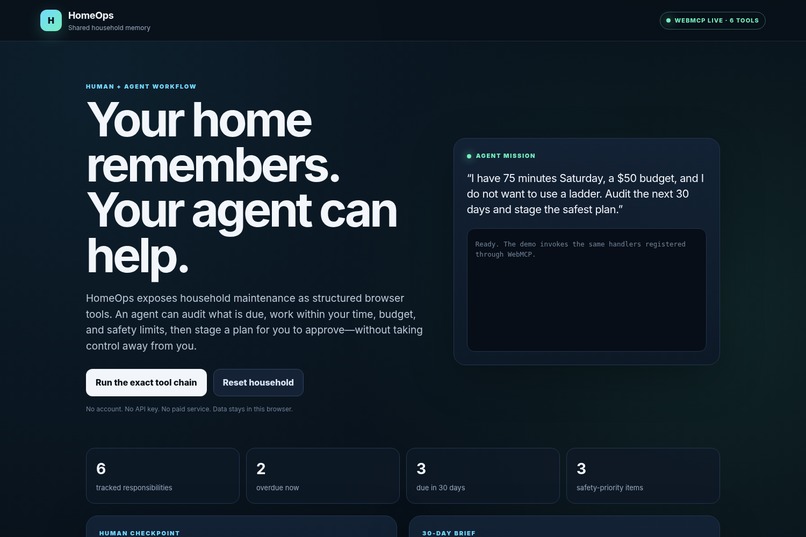
HomeOps gives homeowners and AI agents one shared view of upcoming, overdue, and safety-critical maintenance.
-
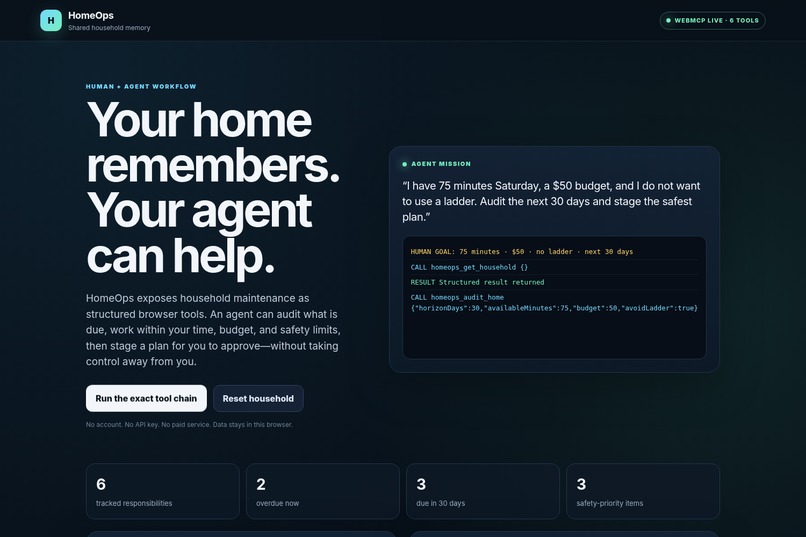
The agent reviews household data and proposes a safe, prioritized 30-day maintenance plan for human approval.
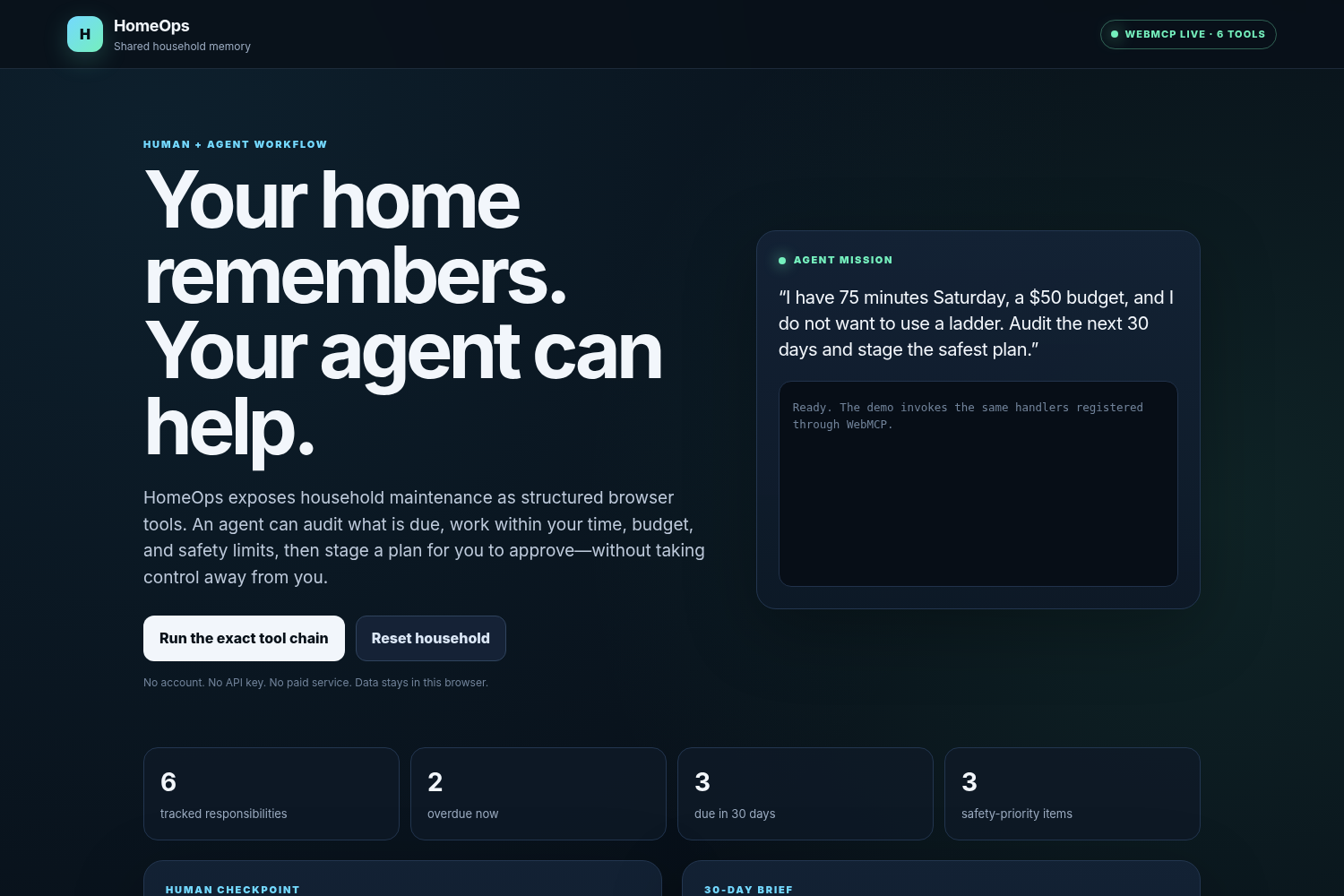
Home maintenance often breaks down for a simple reason: people lose track of what was done, when it was done, and what needs attention next.
That information is often scattered across reminders, receipts, manuals, notes, and memory. Traditional maintenance apps also create another system the homeowner must constantly update.
HomeOps creates one shared household-maintenance workspace that both a person and an AI agent can understand.
HomeOps tracks recurring household responsibilities such as HVAC filter replacement, smoke-detector testing, dryer-vent cleaning, and water-heater flushing.
For each item, it stores:
- The last service date
- The recurring maintenance interval
- The calculated next due date
- Overdue status
- Estimated completion time
- Useful notes, such as filter sizes or service instructions
Through WebMCP, an agent can:
- Read the current household-maintenance record
- Find overdue and upcoming work
- Look up the history of a specific item
- Create a prioritized maintenance-session proposal
- Wait for the homeowner to approve it or request a revision
- Read the homeowner’s decision
- Record completed maintenance after explicit human confirmation
- Add a new recurring responsibility after explicit human confirmation
The homeowner sees the same shared information in the visual interface. Agent actions and human decisions are also displayed in an activity history.
The central HomeOps workflow is collaboration rather than uncontrolled automation.
A homeowner can ask:
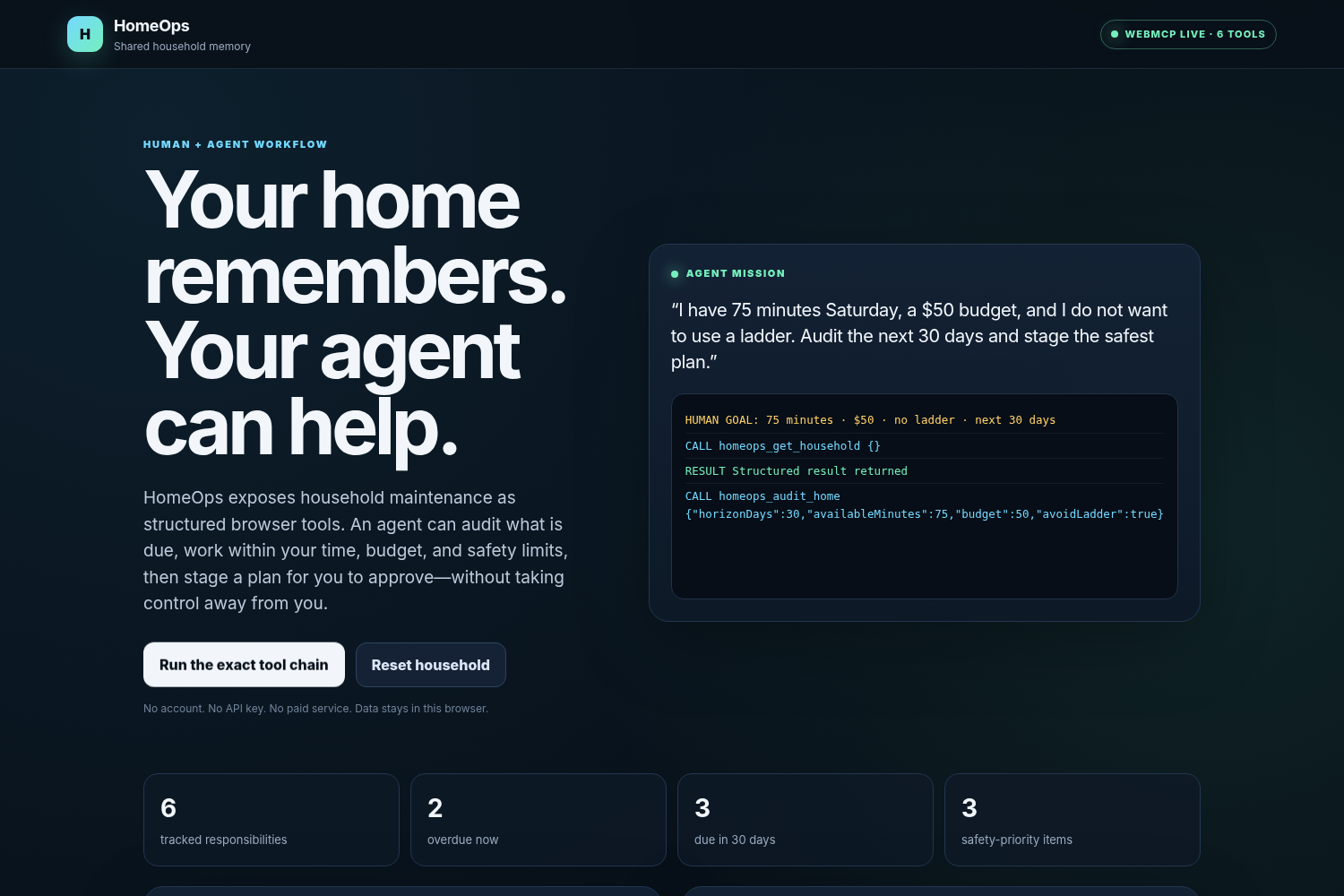
Audit my home for the next 30 days and propose the best three-task work session.
The agent reads the maintenance record, identifies urgent work, and creates a visible proposal.
It then stops.
The homeowner can approve the proposal or request a revision, such as asking for only the two shortest tasks. The agent can read that decision through a separate WebMCP tool before continuing.
HomeOps also prevents an agent from recording completed service or adding a recurring maintenance item unless explicit human confirmation is included in the tool call.
This allows the agent to take useful initiative while keeping meaningful decisions under human control.
HomeOps registers seven structured tools:
homeops_get_statehomeops_list_duehomeops_lookup_itemhomeops_propose_sessionhomeops_get_plan_statushomeops_log_servicehomeops_add_item
Each tool includes:
- A focused natural-language description
- A narrow JSON input schema
- Required fields and validation limits
- Read-only or state-changing annotations
- A dedicated execution handler
Without WebMCP, an agent would need to inspect page text, locate interface elements, and guess which sequence of clicks changes the correct record.
With WebMCP, the website explicitly tells the agent what capabilities are available, which inputs are valid, and which operations modify state.
The visual interface and the WebMCP tools operate on the same household data.
HomeOps is a lightweight browser application built with HTML, CSS, and JavaScript.
The application:
- Registers WebMCP tools directly in the browser
- Stores household records in browser local storage
- Calculates overdue and upcoming maintenance dynamically
- Displays agent proposals and human decisions in one interface
- Uses constrained schemas for safer tool calls
- Requires no account, external database, paid API, or API key
- Includes a fallback demonstration using the same tool handlers when experimental WebMCP browser support is unavailable
The working application is deployed publicly, and its complete source code is available in a public MIT-licensed GitHub repository.
The main challenge was designing a useful human-agent workflow rather than simply exposing buttons to an agent.
We wanted the agent to make meaningful progress while preserving clear human control. That led to the proposal-and-approval workflow: the agent may analyze the household record and recommend a plan, but the homeowner makes the final decision.
Another challenge was defining tools narrowly enough for an agent to choose the correct action reliably. We used descriptive names, limited responsibilities, strict schemas, bounded values, and explicit human-confirmation requirements for durable changes.
Because WebMCP is experimental, we also made the core application functional in ordinary browsers while exposing its full structured tool layer in supported environments.
- Seven functional WebMCP tools
- A working public application
- Shared state between the interface and agent tools
- A visible human approval and revision loop
- Explicit confirmation requirements for important changes
- Auditable human-agent activity
- Persistent browser-based household memory
- Responsive desktop and mobile design
- No paid API or account requirement
- Public MIT-licensed source code
WebMCP is most valuable when it does more than make an existing button easier for an agent to press.
It allows a website to become a shared workspace where a person understands the context visually while an agent receives precise and structured capabilities.
We also learned that good human-agent collaboration needs explicit intermediate states. “Proposed,” “approved,” and “revision requested” give both sides a reliable understanding of what should happen next.
The best agent experience is not necessarily the one with the most autonomy. It is the one with useful capabilities, reliable, shared context, clear boundaries, and understandable stopping points.
Future versions could add:
- Optional calendar and reminder handoffs
- Shared household-member roles
- Appliance manuals and model information
- Maintenance receipts and service records
- Seasonal maintenance templates
- Parts and supply lists
- Contractor coordination
- Proactive maintenance briefings
- Optional encrypted cloud synchronization
The broader vision is a household operations layer where people remain in control while agents help organize, remember, and coordinate the work required to maintain a home.

Log in or sign up for Devpost to join the conversation.