-
-
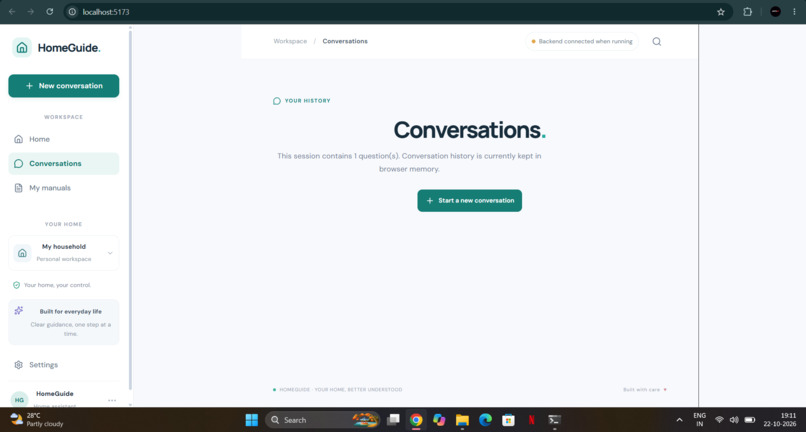
Conversations
-
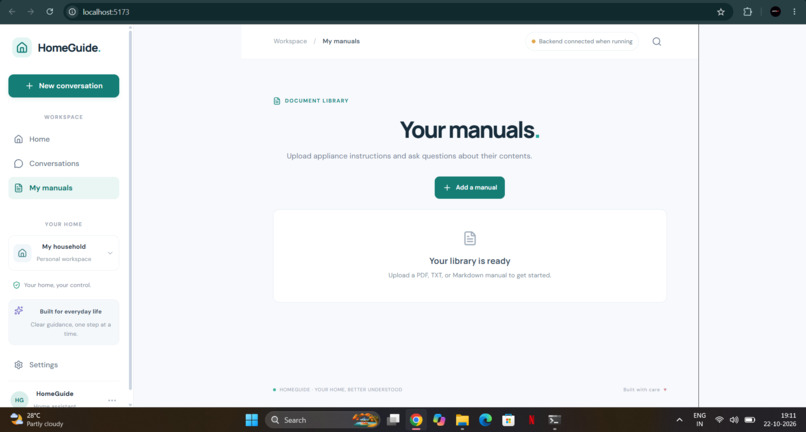
Mannuals
-
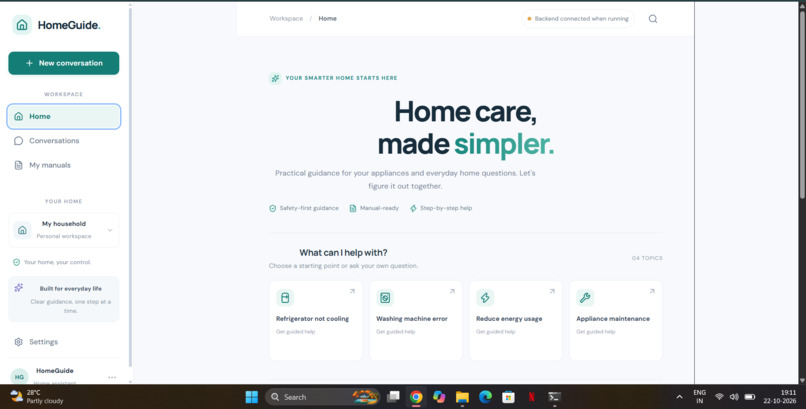
Home
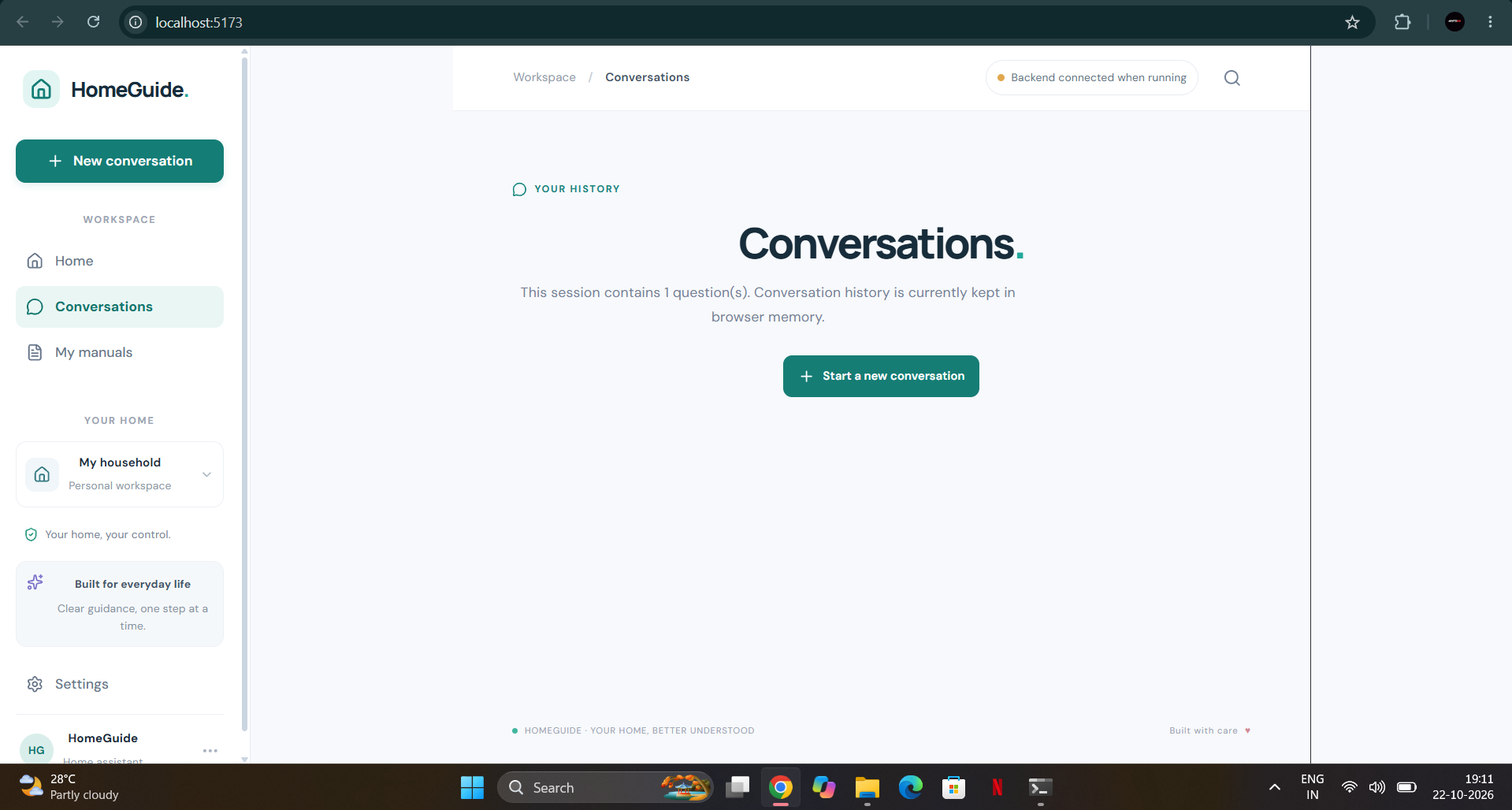
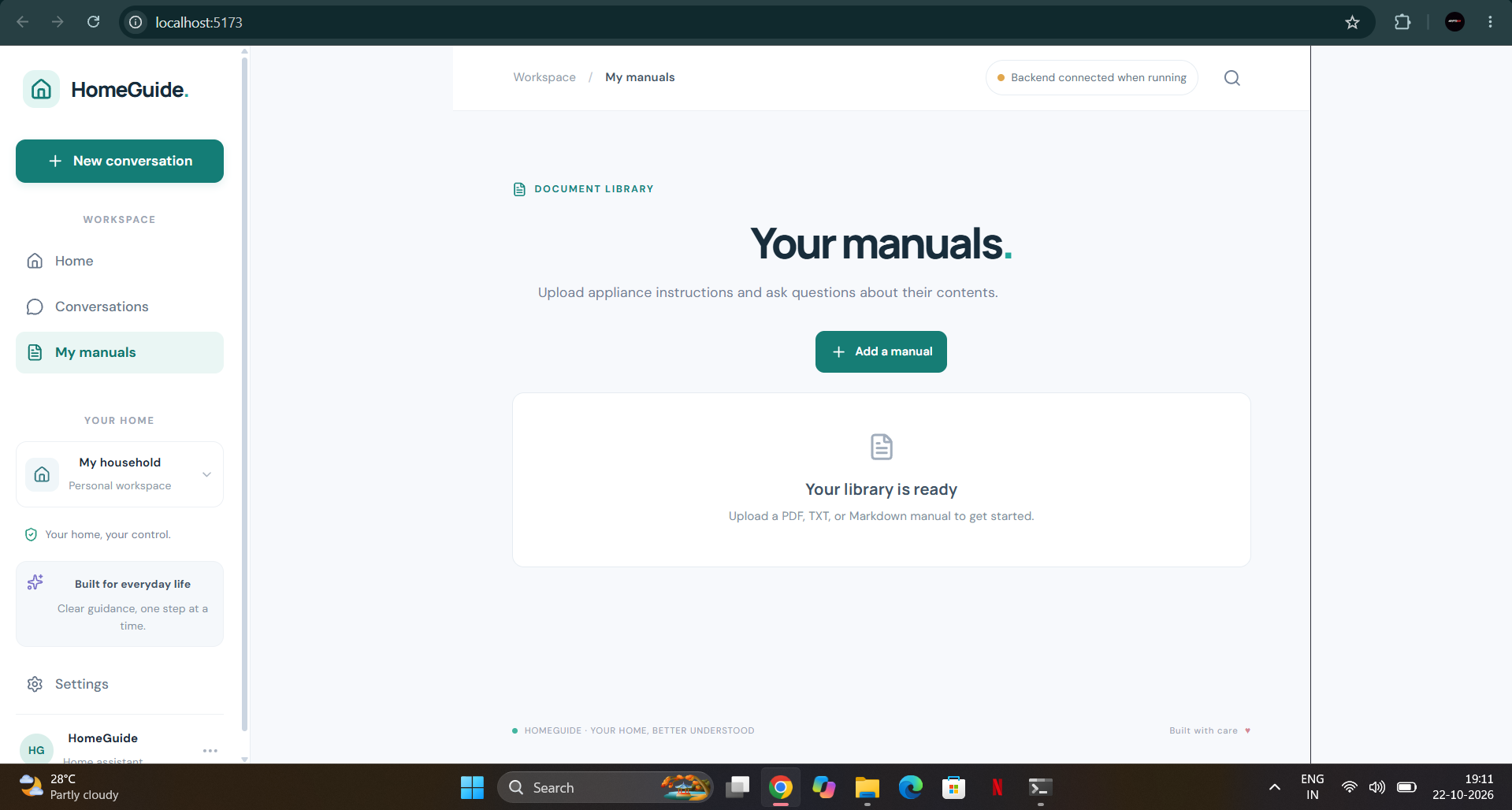
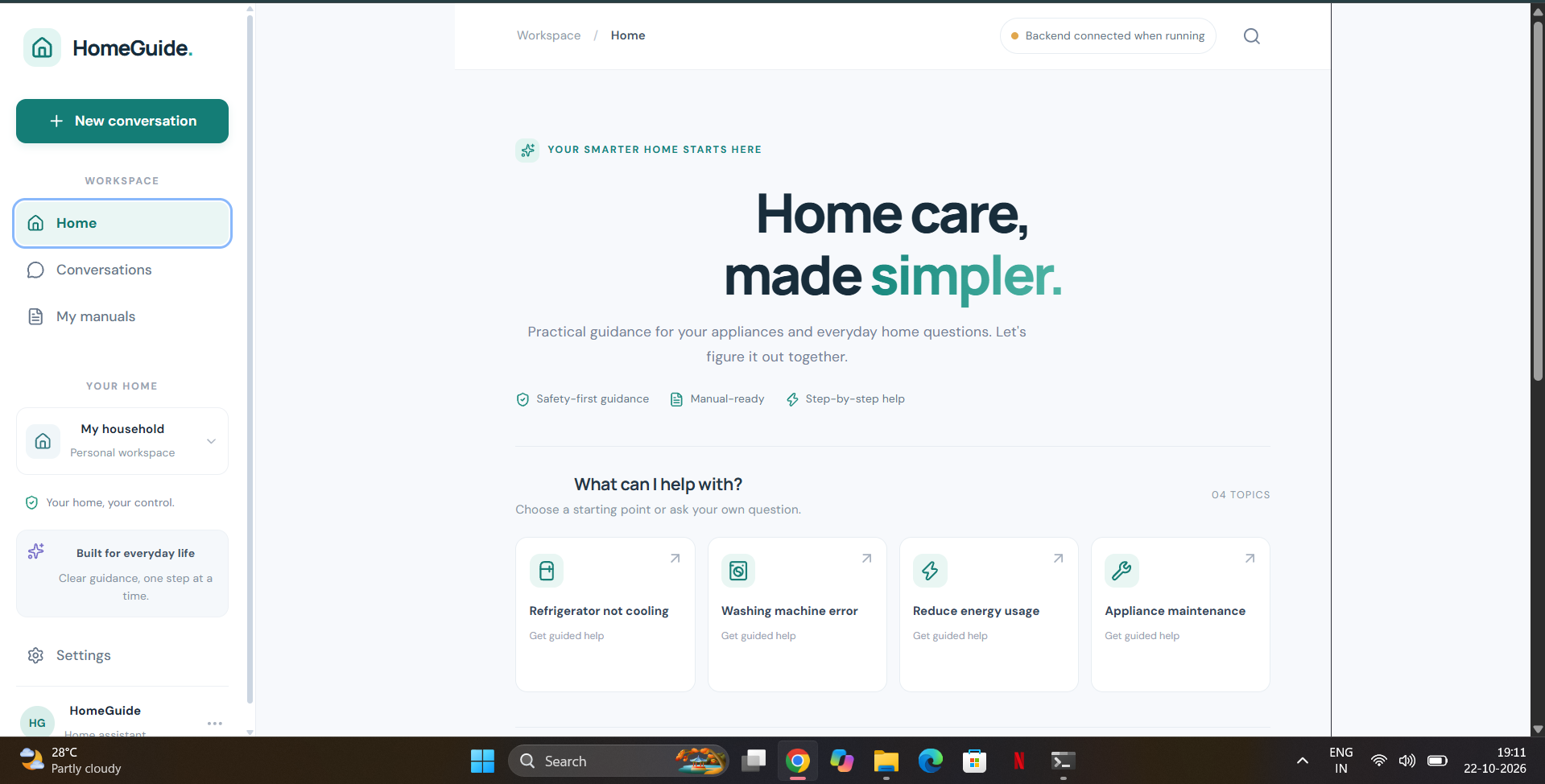
HomeGuide — Local AI Home Manual Assistant
HomeGuide is a local-first AI assistant designed to help users understand and troubleshoot household appliances using their manuals. It combines a React frontend, a FastAPI backend, a locally hosted language model through Ollama, and Model Context Protocol (MCP) tools.
The goal is to make appliance information easier to search and understand while keeping document processing and AI inference local.
Project status: Local AI answering and MCP smoke tests pass. Alexa+ integration and hackathon eligibility must be verified separately.
Features
- Manual-based question answering: Ask questions about household appliances using uploaded manuals.
- Local AI inference: Uses Ollama with
qwen2.5:3bto generate answers locally. - Document search: Extracts and searches text from supported PDF, TXT, and Markdown documents.
- Source references: Returns source information associated with retrieved document content.
- MCP tools: Exposes manual listing, document search, and question-answering capabilities through an MCP server.
- React interface: Provides a web interface for interacting with the assistant and uploading manuals.
- Local-first design: Avoids sending document questions to a remote LLM API in the configured local inference workflow.
Technology Stack
| Component | Technology |
|---|---|
| Frontend | React, Vite, JavaScript, CSS |
| Backend API | Python, FastAPI |
| AI inference | Ollama |
| Language model | qwen2.5:3b |
| Document processing | PyMuPDF / PyPDF, as configured |
| Agent tools | Model Context Protocol (MCP) |
| Testing | Python smoke tests |
Architecture
User
  |
  v
React + Vite Frontend
  |
  v
FastAPI Backend (:8000)
  |
  +---- Document extraction and search
  |
  +---- Local AI agent
  |        |
  |        v
  |      Ollama (:11434)
  |        |
  |        v
  |      qwen2.5:3b
  |
  v
Answers and source references


MCP Client
  |
  v
MCP Server (:8001)
  |
  +---- list_home_manuals
  +---- search_home_manuals
  +---- ask_homeguide
Prerequisites
Install the following before running HomeGuide:
- Python 3.11 or another version compatible with the installed backend dependencies.
- Node.js and npm.
- Ollama.
- Git.
Installation
1. Clone the repository
git clone https://github.com/laeequeanwer005/homeguide-alexa-plus.git
cd homeguide-alexa-plus
2. Download the local AI model
Make sure Ollama is installed and running, then execute:
ollama pull qwen2.5:3b
Verify the model is available:
ollama list
3. Set up the backend
Open a terminal in the project root.
Windows PowerShell:
cd backend

python -m venv .venv
.\.venv\Scripts\Activate.ps1

python -m pip install --upgrade pip
pip install -r requirements.txt
If PowerShell blocks activation, use the virtual environment's Python executable directly:
.\.venv\Scripts\python.exe -m pip install -r requirements.txt
4. Set up the frontend
Open another terminal:
cd frontend
npm install
Running HomeGuide
Keep Ollama running. Start the following services in separate terminals.
Terminal 1 — FastAPI backend
From the project root:
cd backend
.\.venv\Scripts\python.exe -m uvicorn app.main:app --host 127.0.0.1 --port 8000 --reload
Terminal 2 — MCP server
From the project root:
cd backend
.\.venv\Scripts\python.exe -m app.mcp_server
The configured MCP endpoint is:
http://127.0.0.1:8001/mcp
Terminal 3 — React frontend
From the project root:
cd frontend
npm run dev
Open the local URL printed by Vite, typically:
http://localhost:5173
Optional — PowerShell launcher
The project includes start-homeguide.ps1 for launching the local services. Review the script before running it and ensure Ollama is available.
MCP Tools
The MCP server exposes these tools:
| Tool | Purpose |
|---|---|
list_home_manuals |
Lists available home appliance manuals. |
search_home_manuals |
Searches manual content for relevant information. |
ask_homeguide |
Answers a question using retrieved manual content and the configured local AI model. |
MCP clients must support the configured Streamable HTTP transport and be able to reach the MCP endpoint.
Supported Documents
HomeGuide's document service is configured to handle:
- PDF (
.pdf) - Plain text (
.txt) - Markdown (
.md)
The quality of the answer depends on the text extracted from the document, the relevance of retrieved passages, and the language model's response.
Testing
Run the backend smoke tests from the project root:
cd backend
.\.venv\Scripts\python.exe -m tests.smoke_test
The smoke test checks:
- Local Ollama availability and model installation.
- Local AI answer generation.
- MCP tool availability.
- Question answering through MCP, including source information.
A successful run ends with:
ALL HOMEGUIDE SMOKE TESTS PASSED.
Privacy and Limitations
- AI inference is configured to run locally through Ollama.
- Documents are stored in the local backend data directory.
- Do not upload confidential manuals or personal information to a public repository.
- Review all source files and configuration before publishing to verify that no credentials or sensitive data are included.
- Generated answers can be inaccurate or incomplete. Always consult the manufacturer's instructions for safety-critical procedures.
- Local smoke tests do not establish that Alexa+ integration is complete or that the project meets every hackathon requirement.
Roadmap
- Improve document retrieval and answer grounding.
- Add additional appliance manuals and test cases.
- Improve error handling and user feedback.
- Prepare a reproducible demonstration workflow.
- Verify and implement the required Alexa+ integration.
- Validate the final project against the official hackathon rules.
Contributing
Contributions and suggestions are welcome. Please open an issue to discuss significant changes before submitting a pull request.
License
No license has been selected yet. Until a license is added, do not assume that the repository grants permission to reuse, modify, or redistribute the code.
HomeGuide — Making home appliance knowledge easier to access with local AI.
Built With
- css
- fastapi
- javascript
- local-ai
- mcp
- model
- natural-language-processing
- ollama
- pymupdf
- python
- qwen
- react
- vite


Log in or sign up for Devpost to join the conversation.