Inspiration
Holy Book UI was inspired by the need for a clean, structured way to present long-form text in Horizon Worlds — from scriptures to lore, codices, tutorials, or onboarding guides. Instead of every creator reinventing the wheel, I wanted to make a flexible reader template anyone could remix.
What I learned
- How to structure UI components and data managers in Horizon using TypeScript and bindings.
- Efficient caching patterns for performance (O(1) lookups for verses).
- How to design with both mobile and VR users in mind.
- The value of making assets remixable so other creators can learn from or extend them.
How I built it
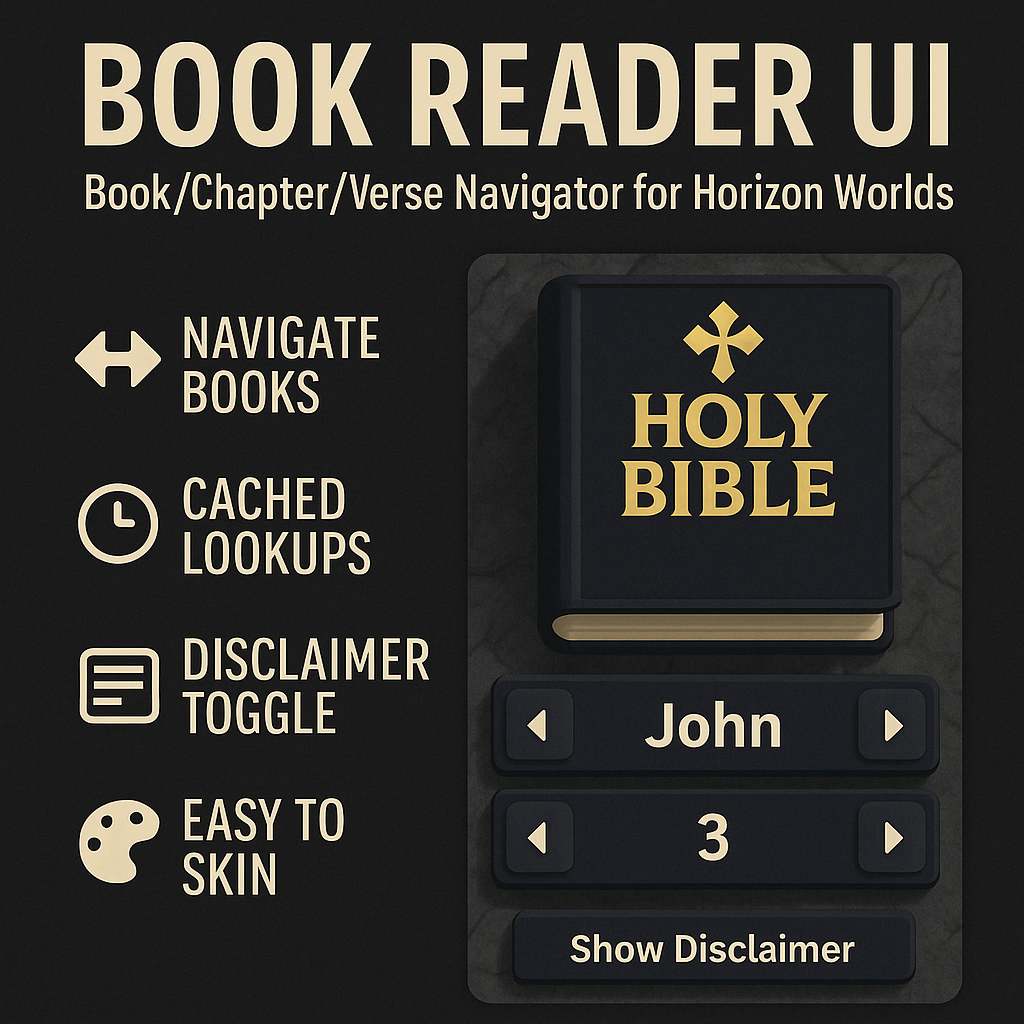
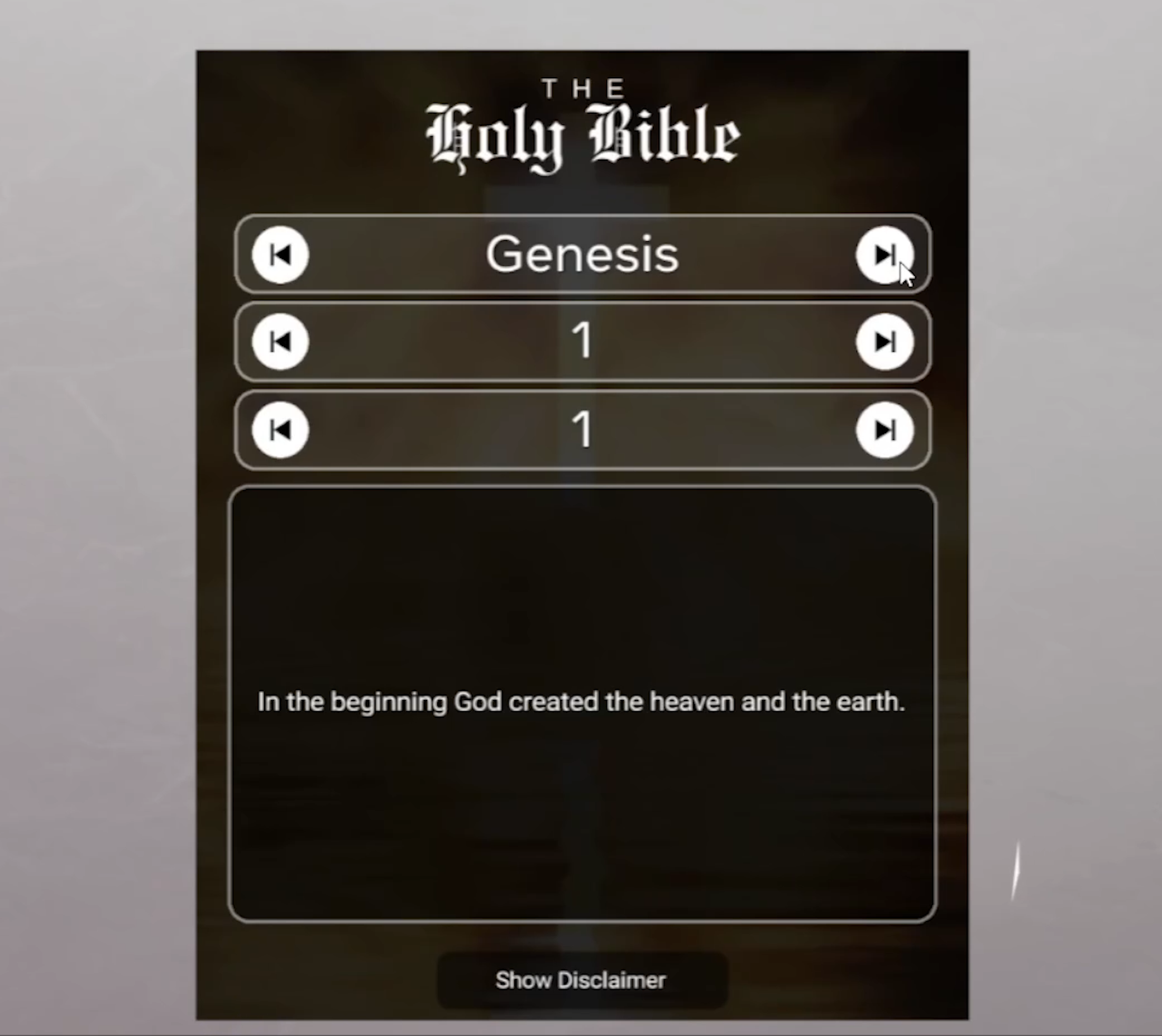
- Designed a UI layer (
BookReaderUI) for the interactive panel, with navigation arrows, disclaimer toggle, and verse cards. - Built a BookManager class to handle JSON data loading, caching, and navigation logic.
- Centralized customization into one CONFIG object so creators can easily change colors, fonts, textures, and sizes.
- Ensured smooth performance by caching verse and chapter lookups.
- Added modular bindings for navigation and clean separation of UI/data.
Challenges
- Optimizing performance so navigation feels instant on both VR and mobile.
- Designing a UI flexible enough to handle multiple themes (religious texts, game lore, tutorials, etc.).
- Balancing readability with Horizon’s style and performance constraints.
- Packaging the asset so it’s intuitive to remix and extend.
Built with
- Horizon Worlds (UI system, core scripting)
- TypeScript (logic, classes, bindings)
- JSON (structured book/verse data)
- Meta Horizon UI APIs
- Persistent Variables & Assets for data storage and loading


Log in or sign up for Devpost to join the conversation.