-
-
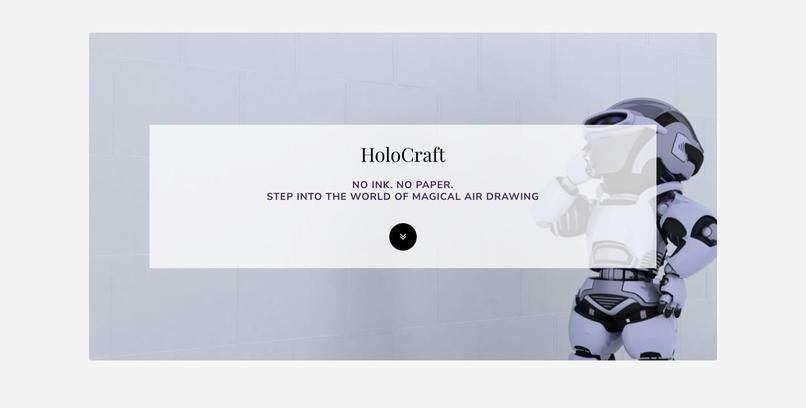
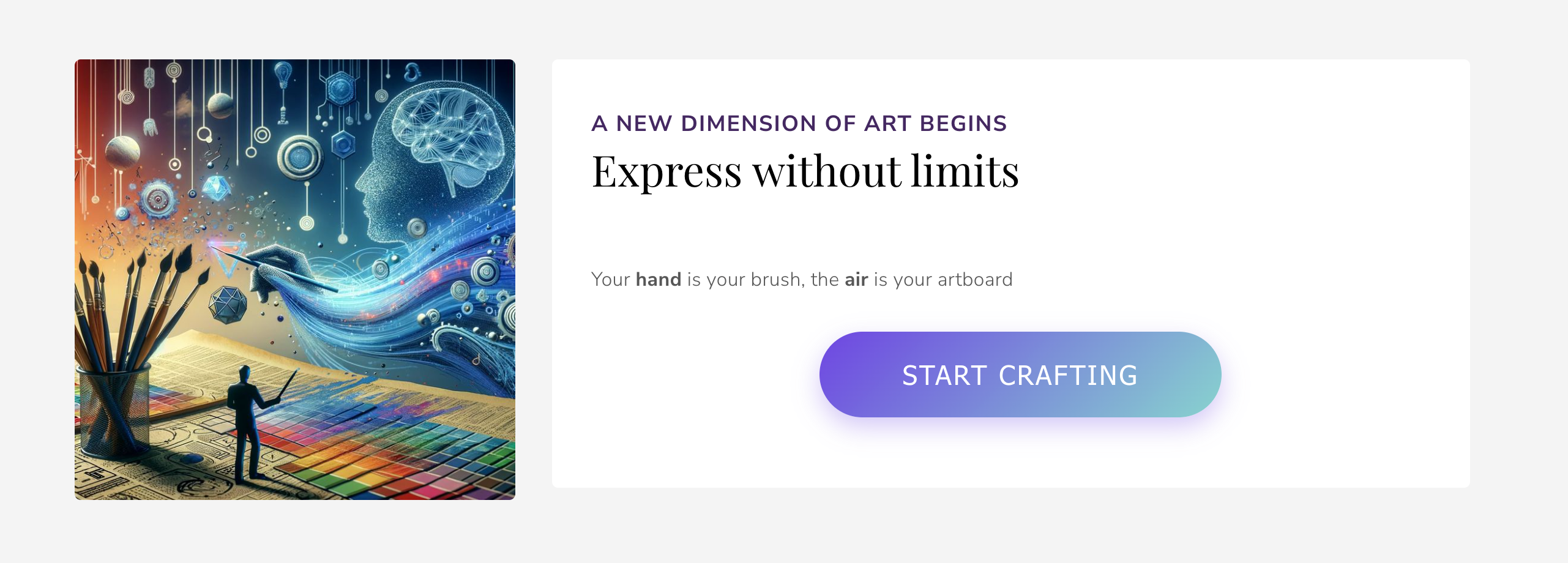
he landing page invites users to step away from physical tools and embrace a futuristic way of drawing: 'No Ink. No Paper.'
-
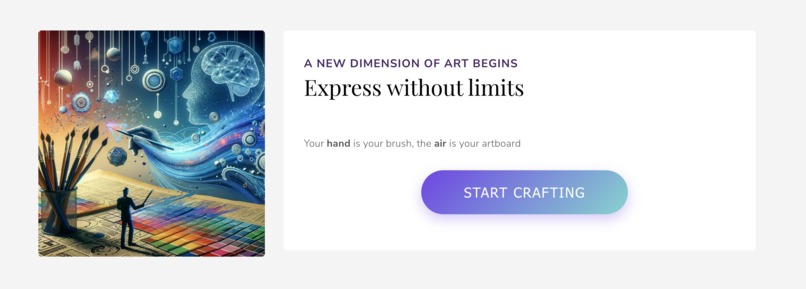
The "Start Crafting" call-to-action leads the user directly into the computer vision environment.
-
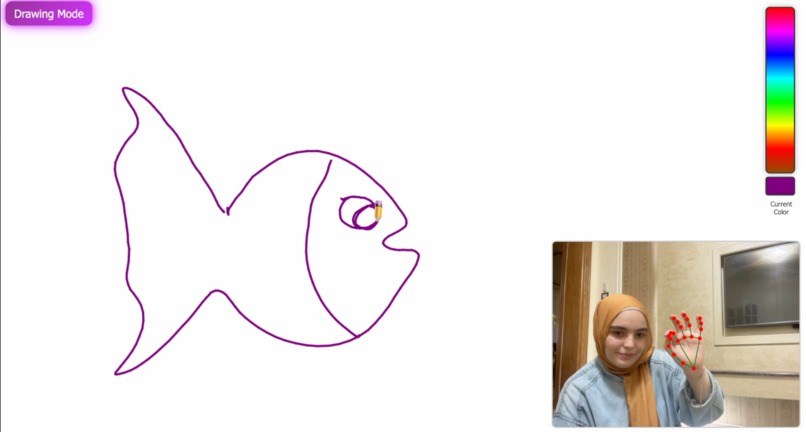
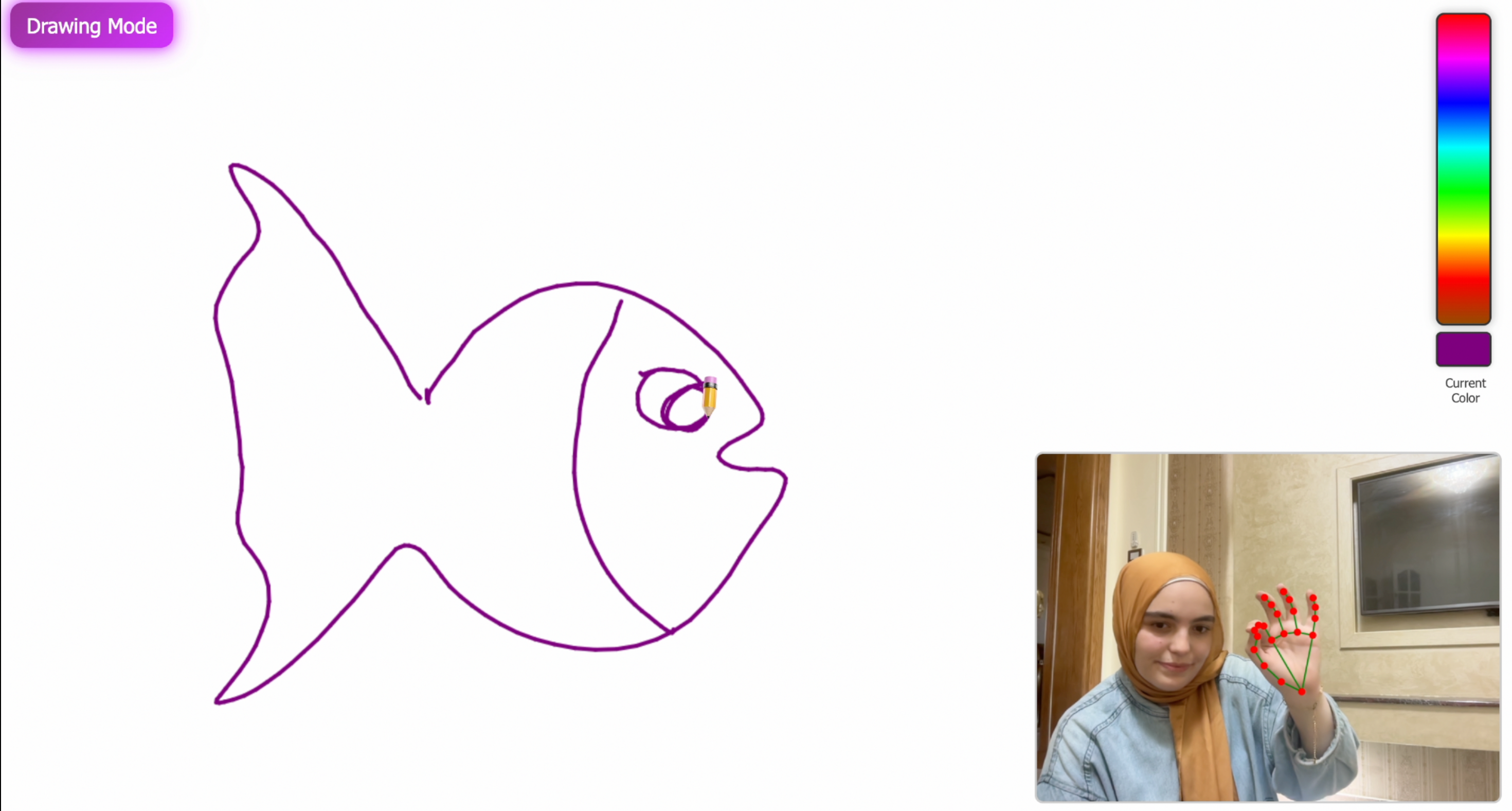
The Drawing Canvas. Computer vision tracks hand landmarks (bottom right) to render the drawing instantly on the digital canvas.
Inspiration
HoloCraft was inspired by the idea of creating digital art without relying on traditional input devices. I wanted to explore how natural hand movements could become a creative tool using only a webcam. The concept of drawing in the air felt intuitive, futuristic, and approachable, especially for people who may not have access to stylus-based devices. This project became a way to combine accessibility, creativity, and real-time computer vision in a single interactive experience.
What it does
HoloCraft allows users to draw in the air by tracking hand gestures through the webcam. It recognizes three primary gestures: a pinch gesture for drawing, a peace sign for erasing, and an upward-pointing gesture for changing colors. The interface displays the user’s hand landmarks in real time, provides a large canvas to draw on, and ensures smooth motion so that the hand movements feel natural and responsive.
How I built it
The project is built with front-end technologies. MediaPipe provides real-time tracking of 21 hand landmarks. JavaScript processes the raw landmark coordinates and interprets gestures based on geometric relationships between fingers. A smoothing filter helps stabilize the pointer and reduce jitter. HTML5 Canvas handles the actual drawing, erasing, and color changes, while CSS shapes the interface into a clean, distraction-free digital workspace. The structure includes a landing page and a separate full-screen application page that manages video input and gesture detection
Challenges I ran into
One of the biggest challenges was achieving reliable gesture recognition, especially since many gestures appear similar depending on angle, lighting, and hand distance from the camera. Tuning threshold values and experimenting with different detection strategies took time and iteration. Another challenge was ensuring the experience felt smooth, as raw landmark data can be jittery. Balancing real-time performance with drawing quality required optimizing the rendering and smoothing logic. Creating an intuitive and responsive UI that clearly reflects user actions was another area that required careful design
Accomplishments that I am proud of
I am proud of building a fully functional, browser-based gesture drawing app that requires no hardware beyond a webcam. The real-time responsiveness, the stability of the drawing experience, and the seamless gesture transitions all contribute to a natural and enjoyable interaction. Turning simple hand movements into digital art feels almost magical and seeing users draw fluid shapes in the air is incredibly rewarding
What I learned
Throughout the development process, I learned how to work with MediaPipe for efficient real-time hand tracking and how to interpret landmark geometry for gesture recognition. I explored smoothing techniques to reduce noise in movement data and deepened our understanding of Canvas rendering for dynamic applications. I also gained experience in designing user experiences for computer-vision-driven interfaces, where clarity and responsiveness are essential.
What's next for HoloCraft
Future plans for HoloCraft include integrating generative AI to enhance and extend user creations. After a user finishes a drawing, the system could automatically generate complementary elements, suggest creative modifications, or transform sketches into artistic styles using AI models. Gesture-based undo and redo actions will be added, along with support for drawing shapes, including circles and rectangles. Additional improvements include increased robustness under various lighting conditions and advanced modes such as brush thickness control using hand posture. The goal is to make HoloCraft more expressive, interactive, and imaginative, combining human creativity with AI-powered enhancements.
Built With
- css3
- html5
- javascript
- mediapipe

Log in or sign up for Devpost to join the conversation.