-
-
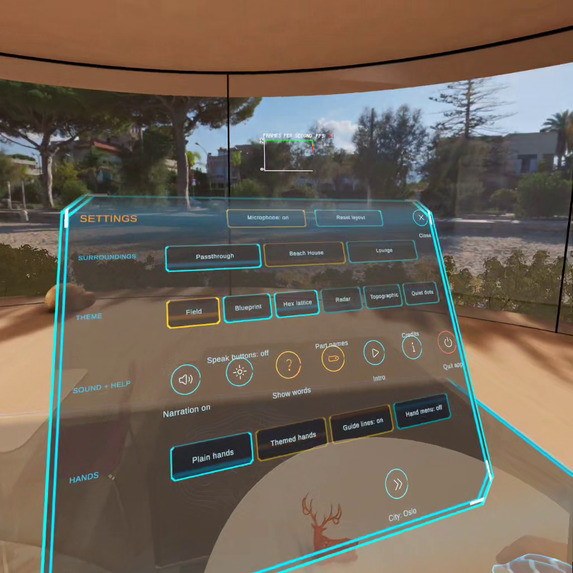
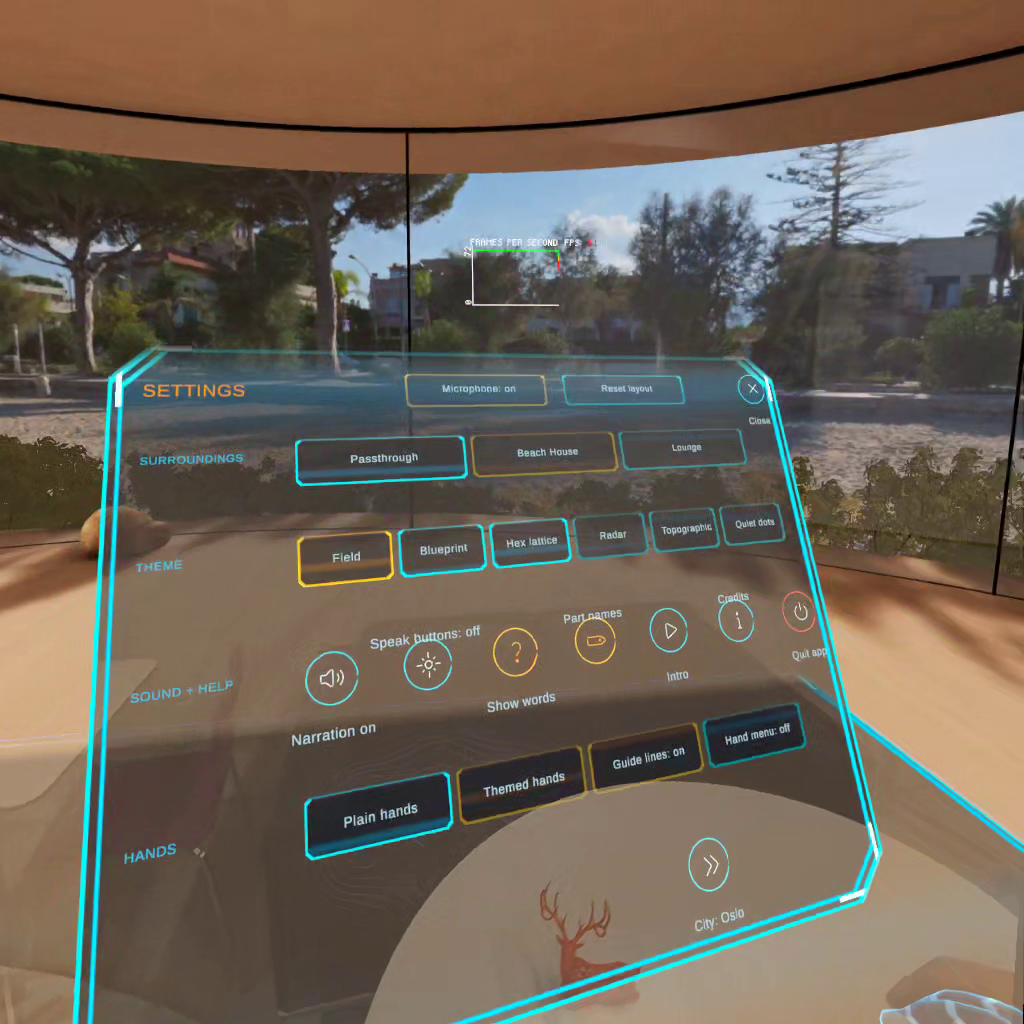
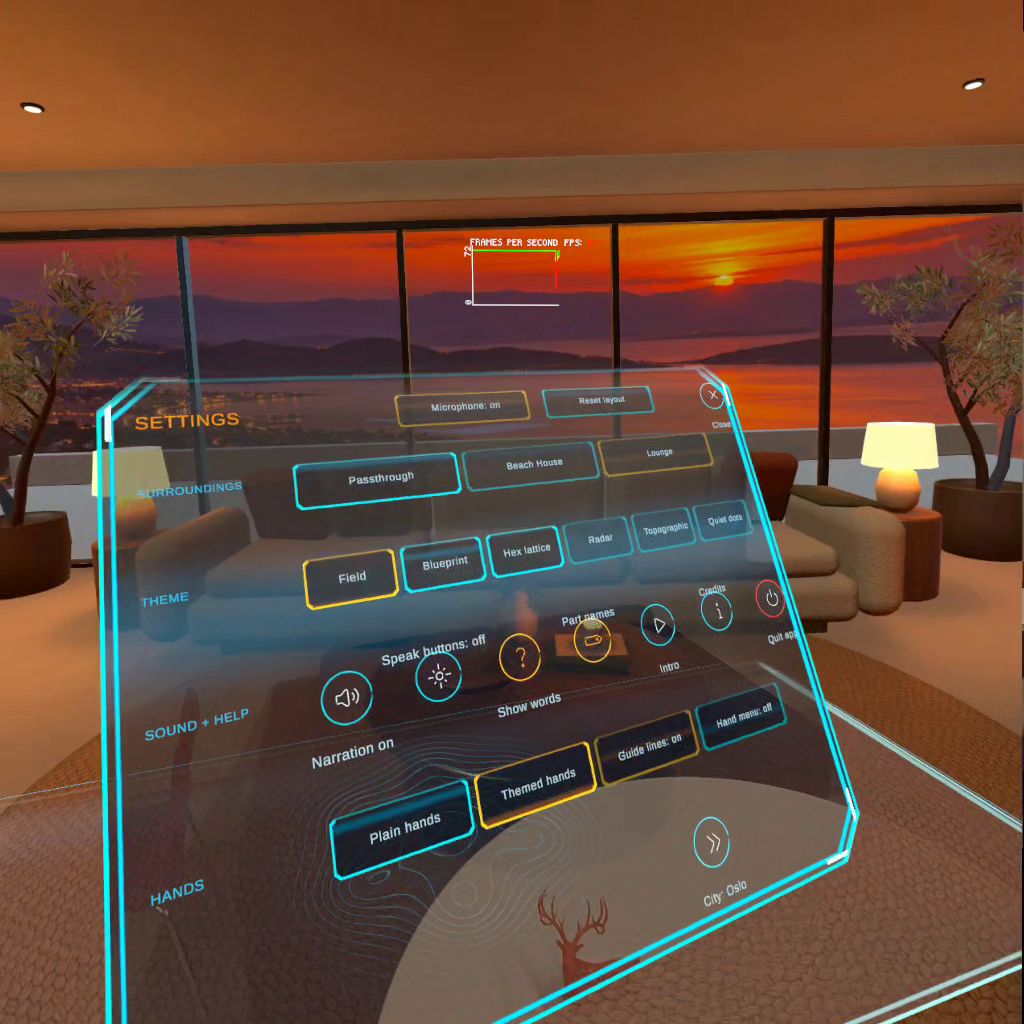
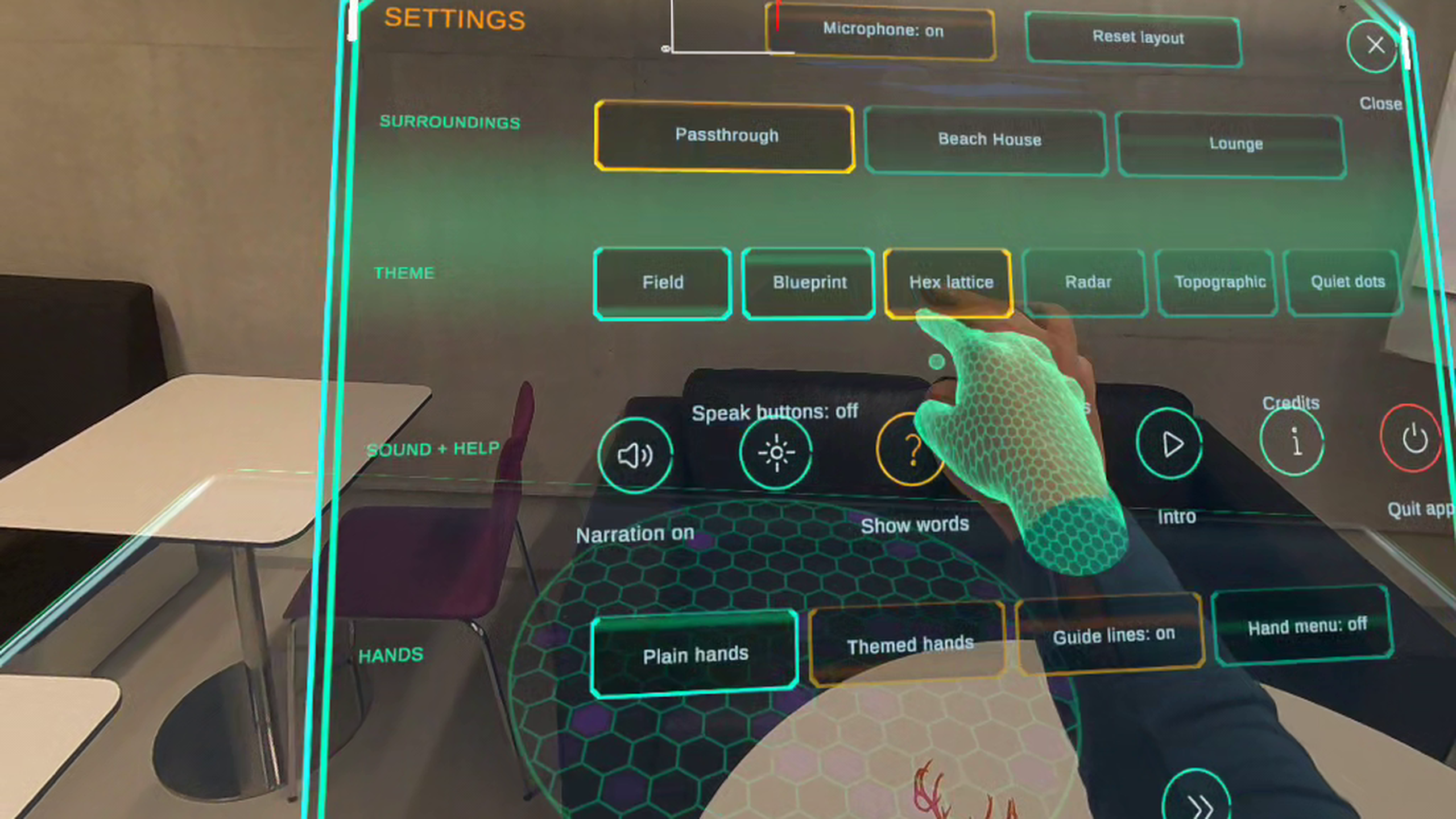
Settings panel in immersive environment.
-
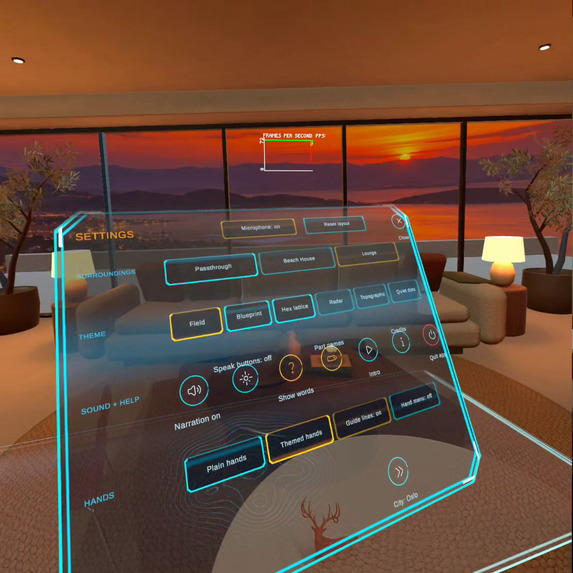
Settings panel in immersive environment.
-
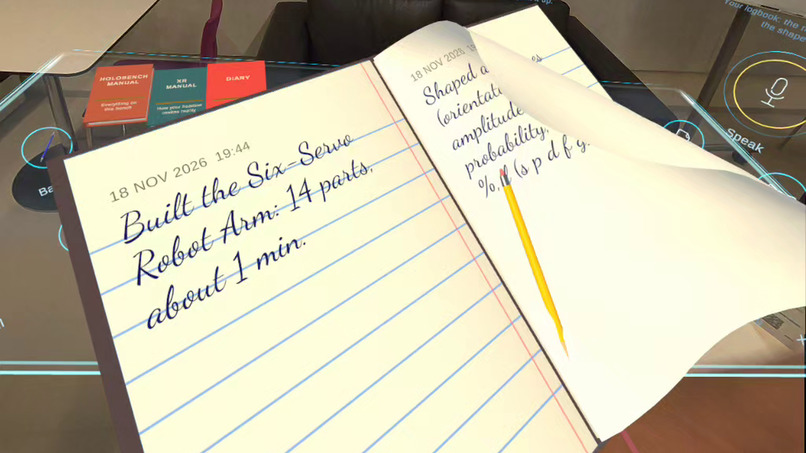
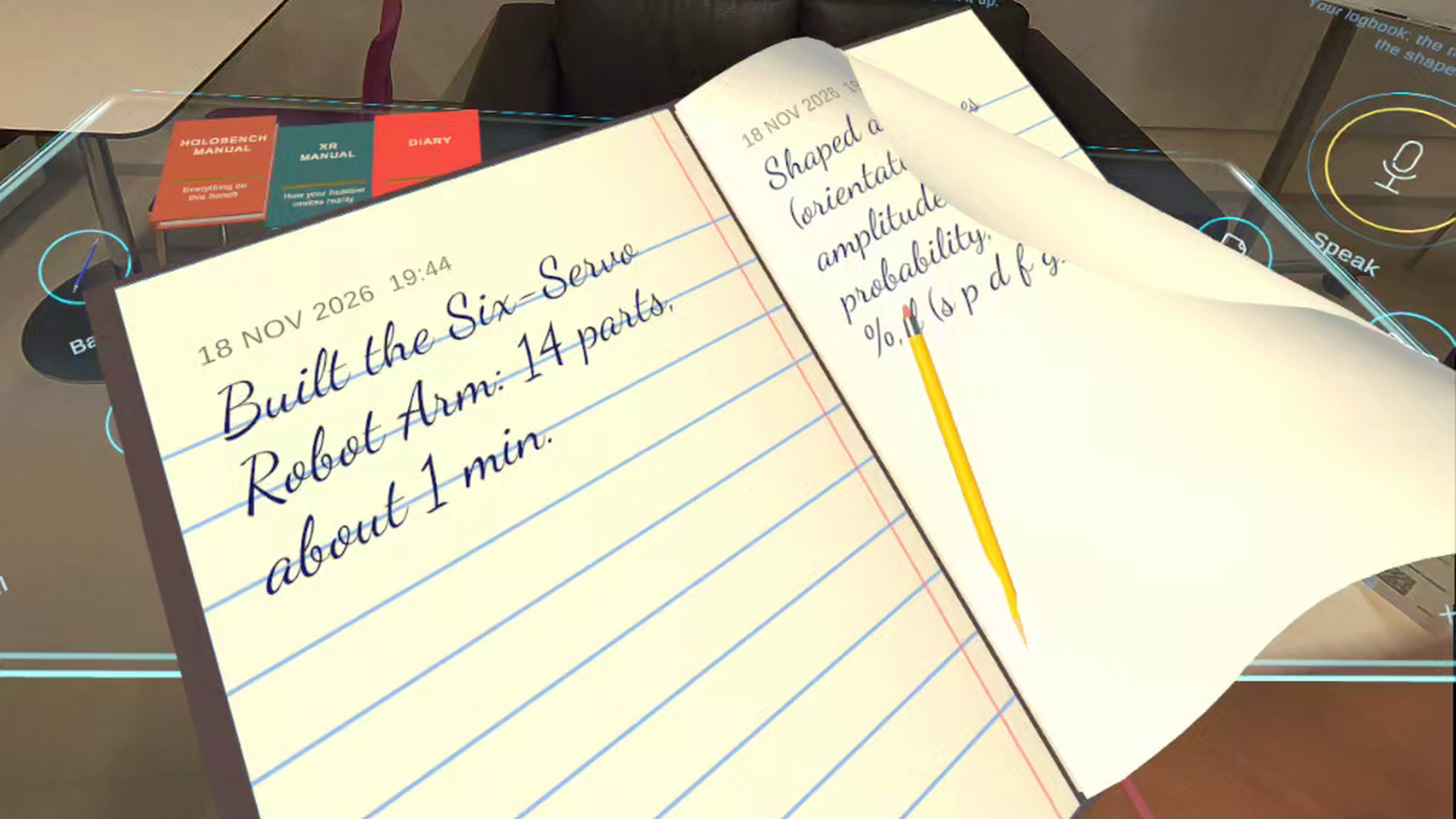
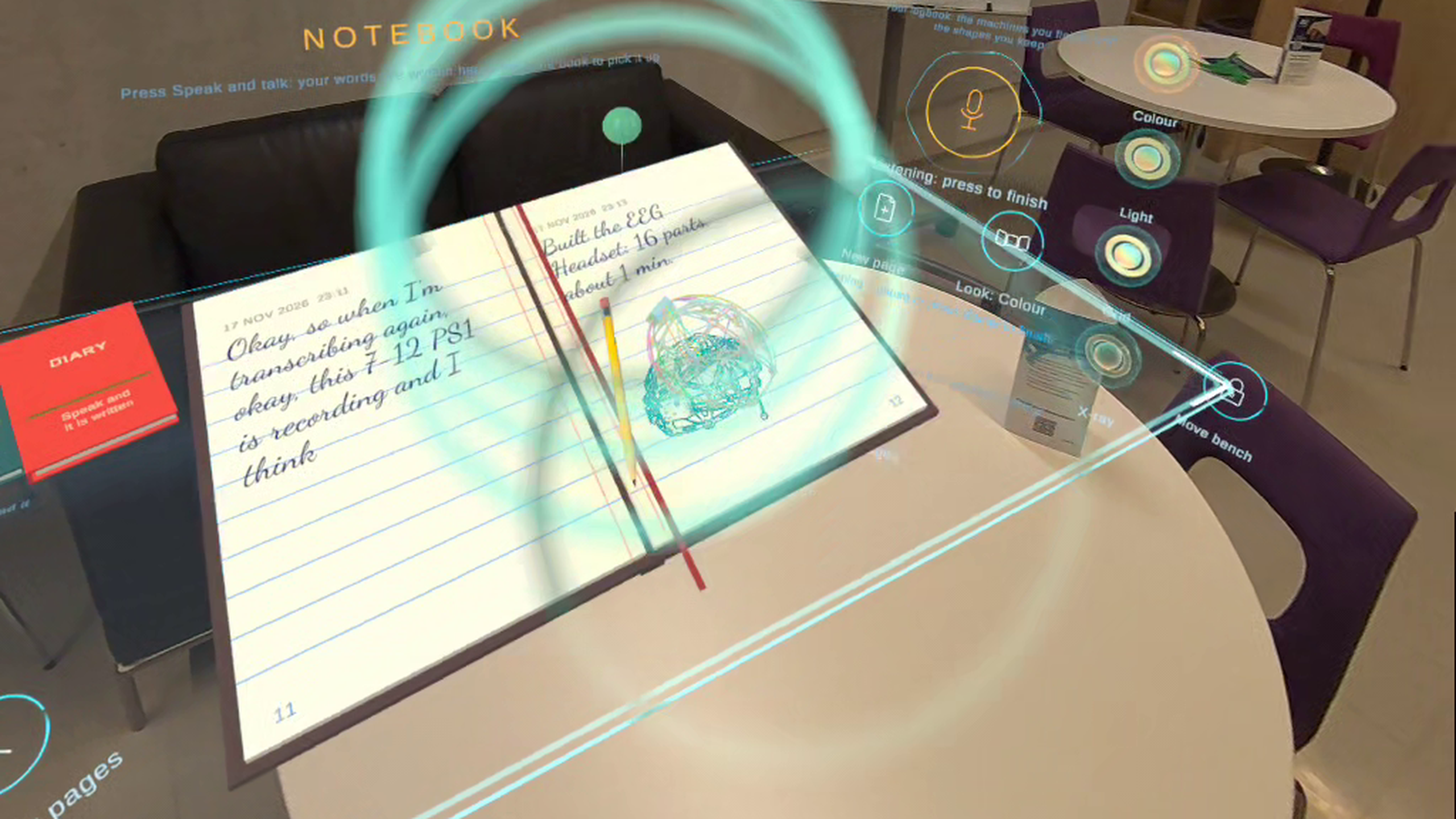
Diary log book.
-
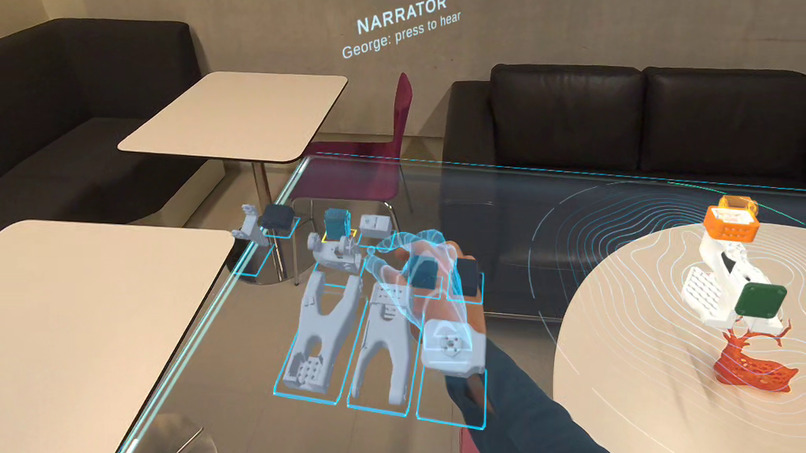
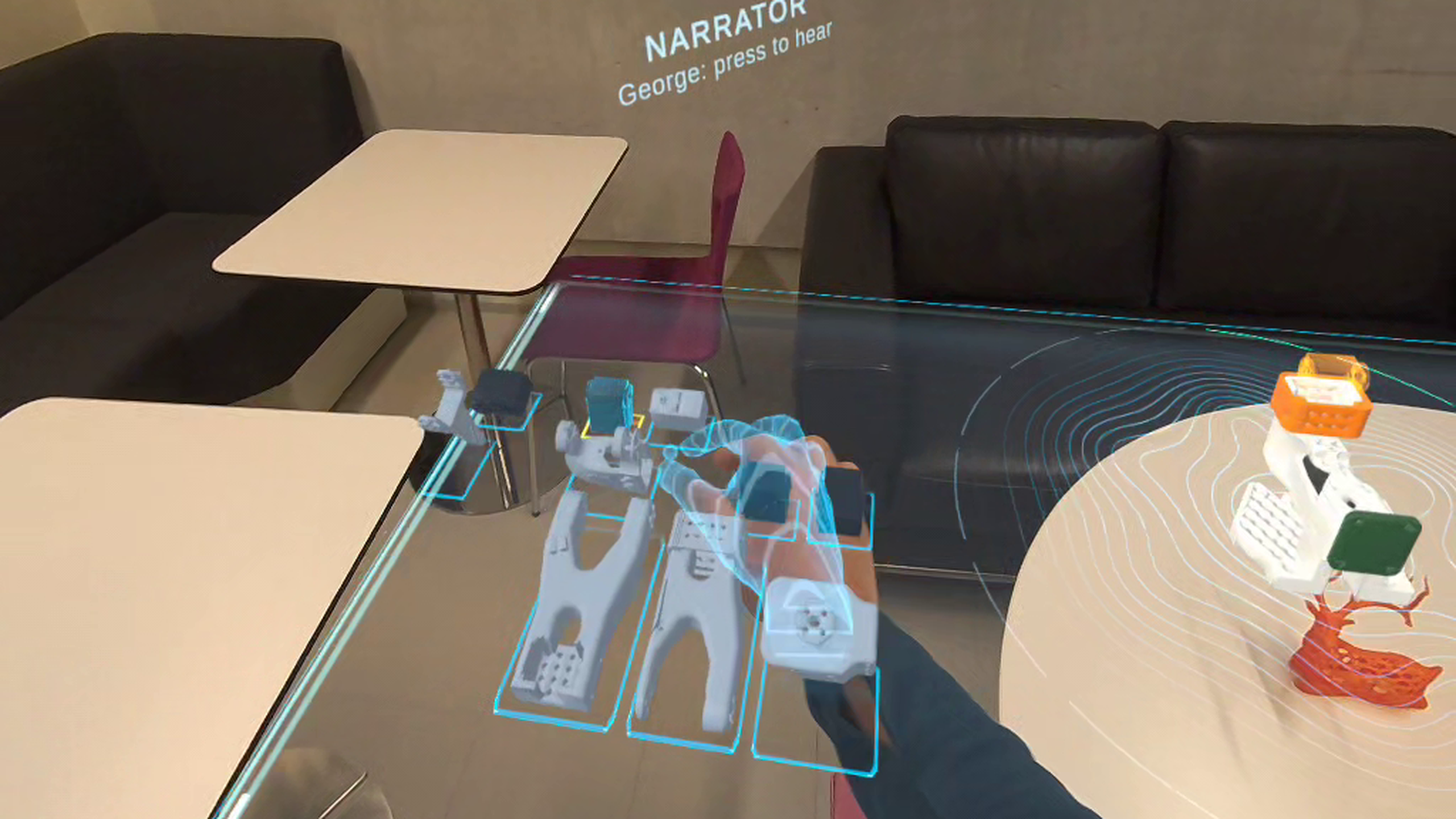
Assembling robot arm.
-
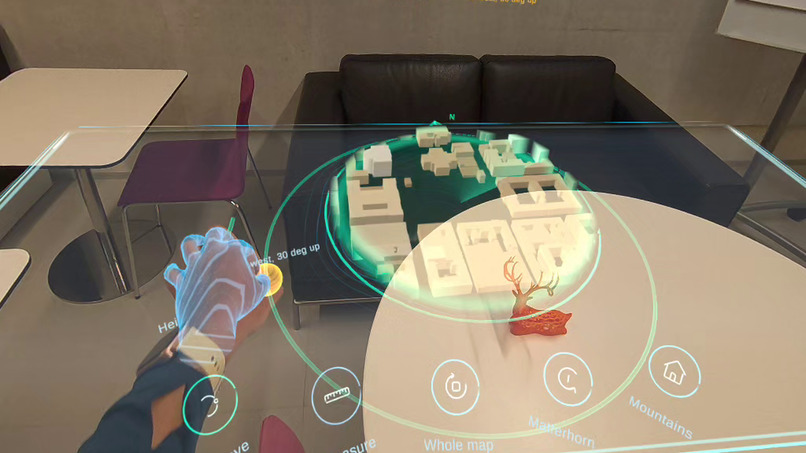
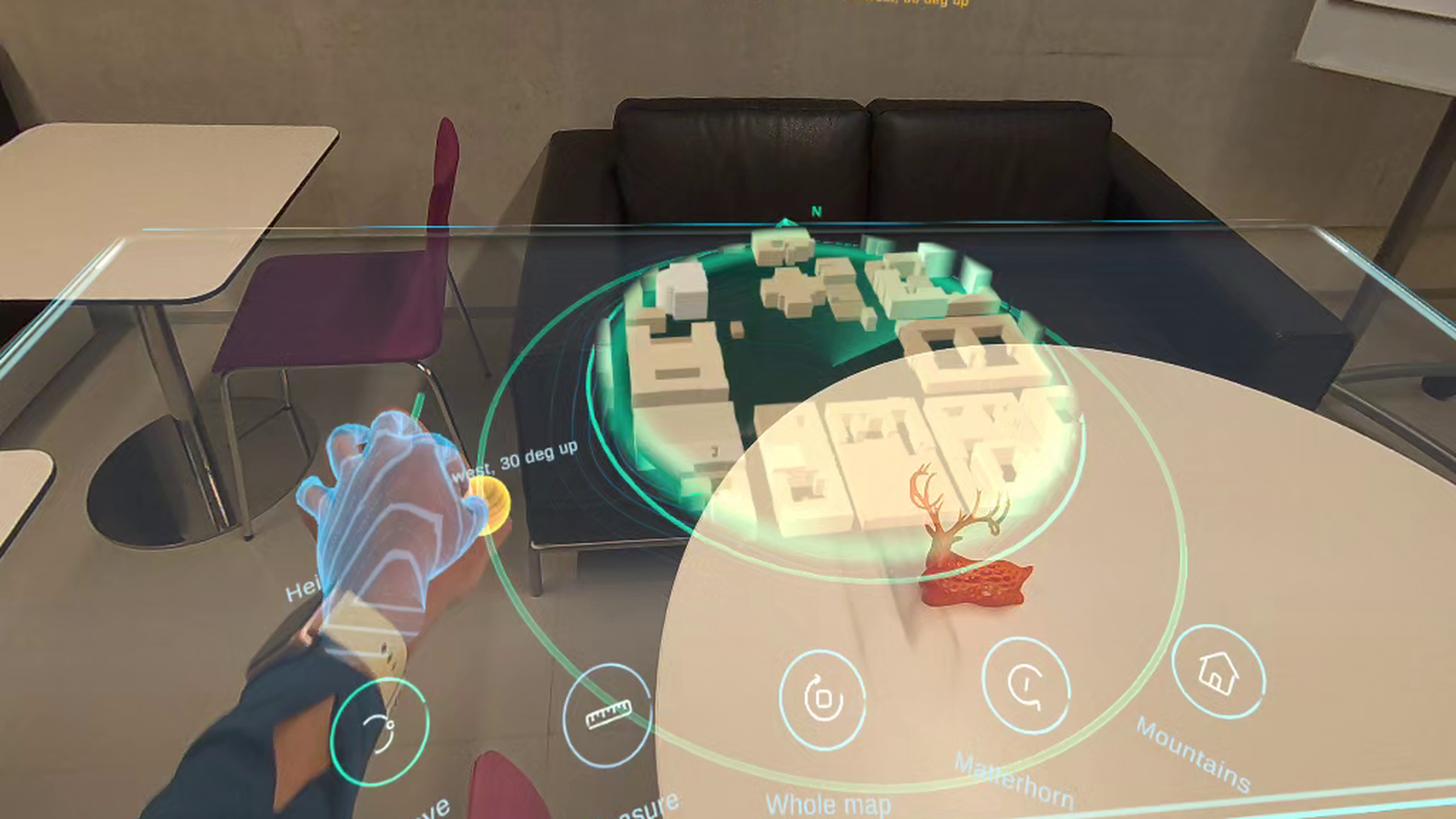
City block map hologram.
-
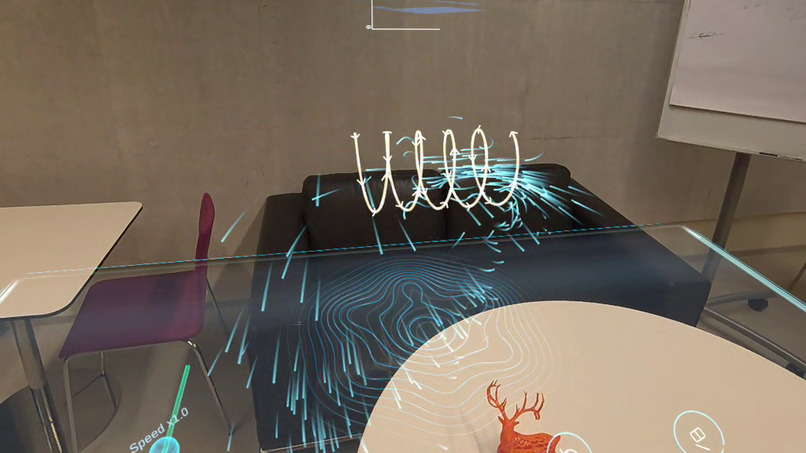
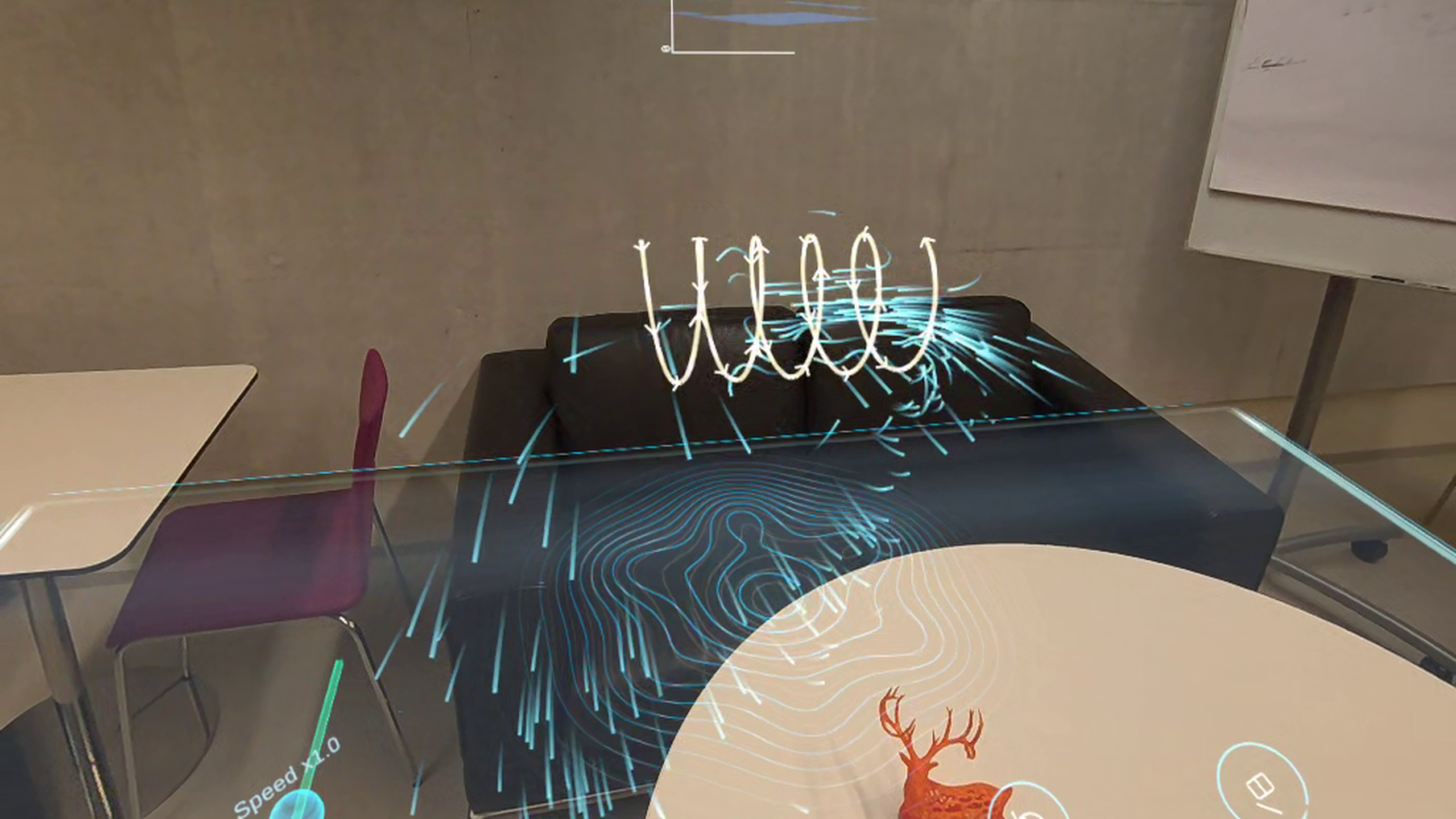
Field lines for coil of wire.
-
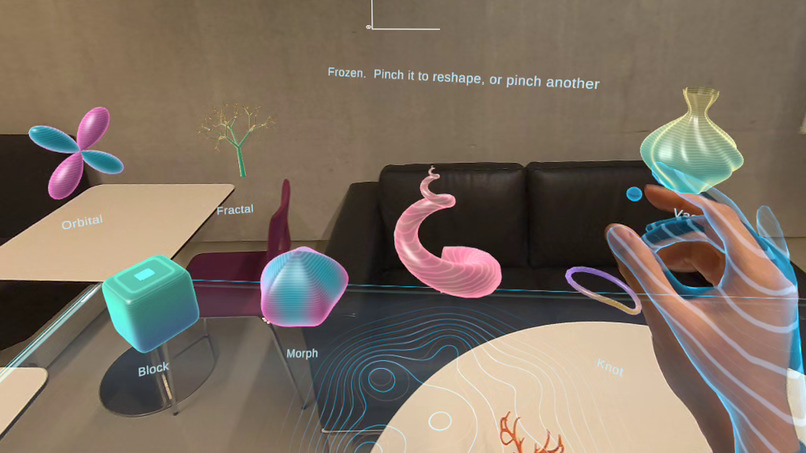
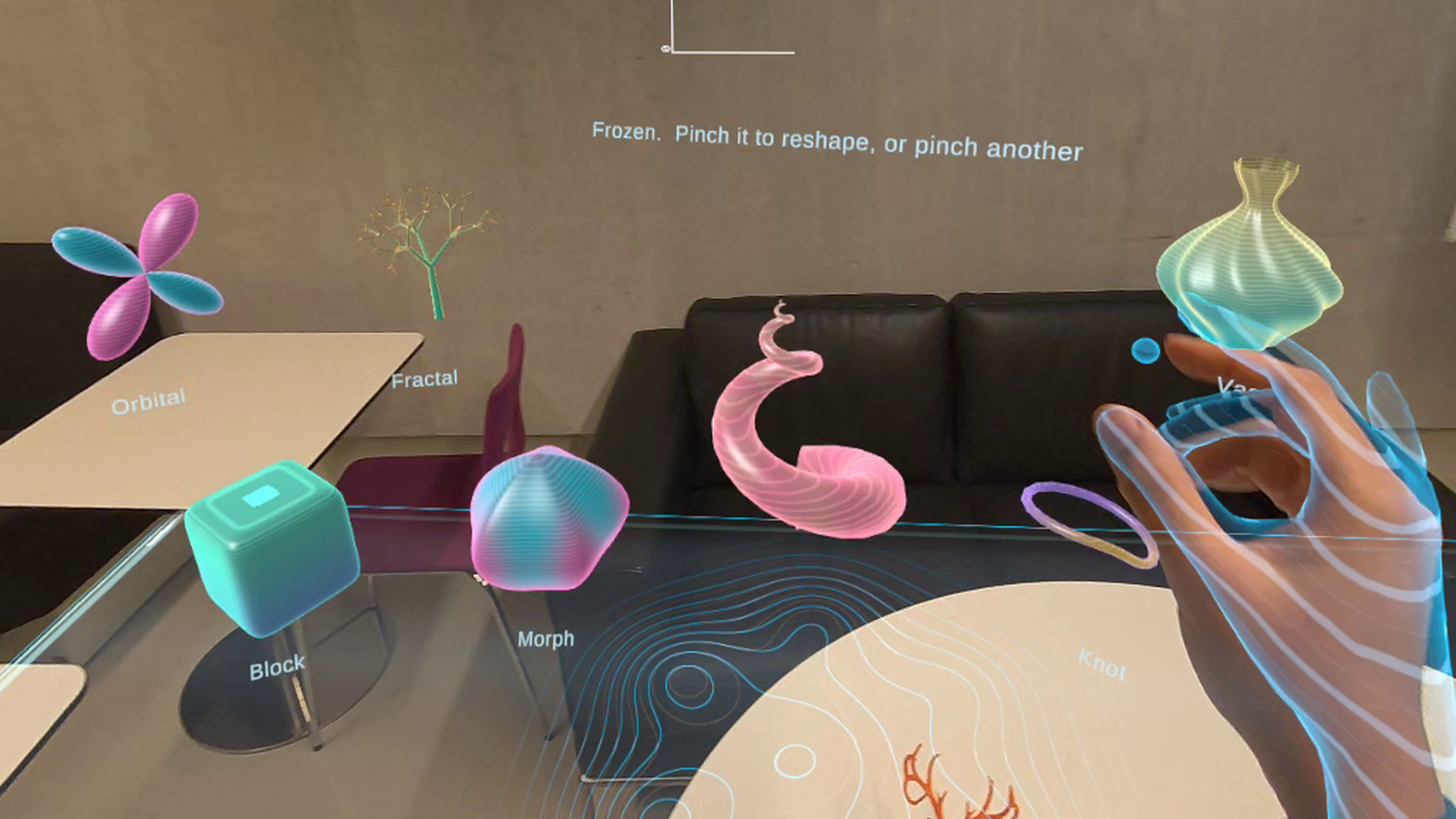
Shape objects using hand poses.
-
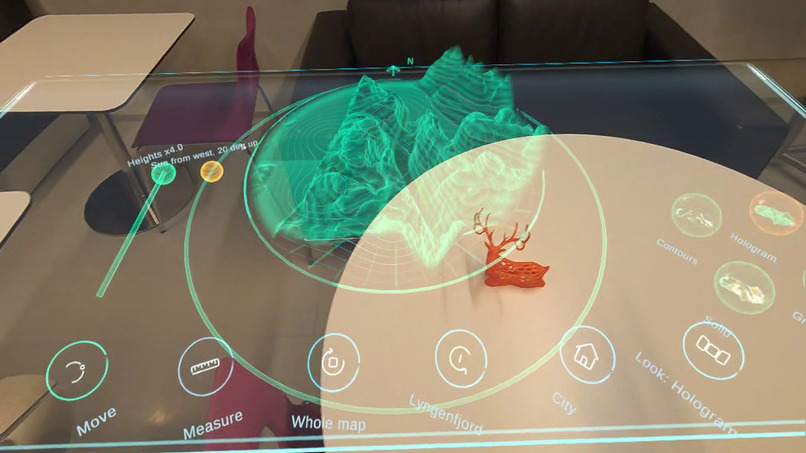
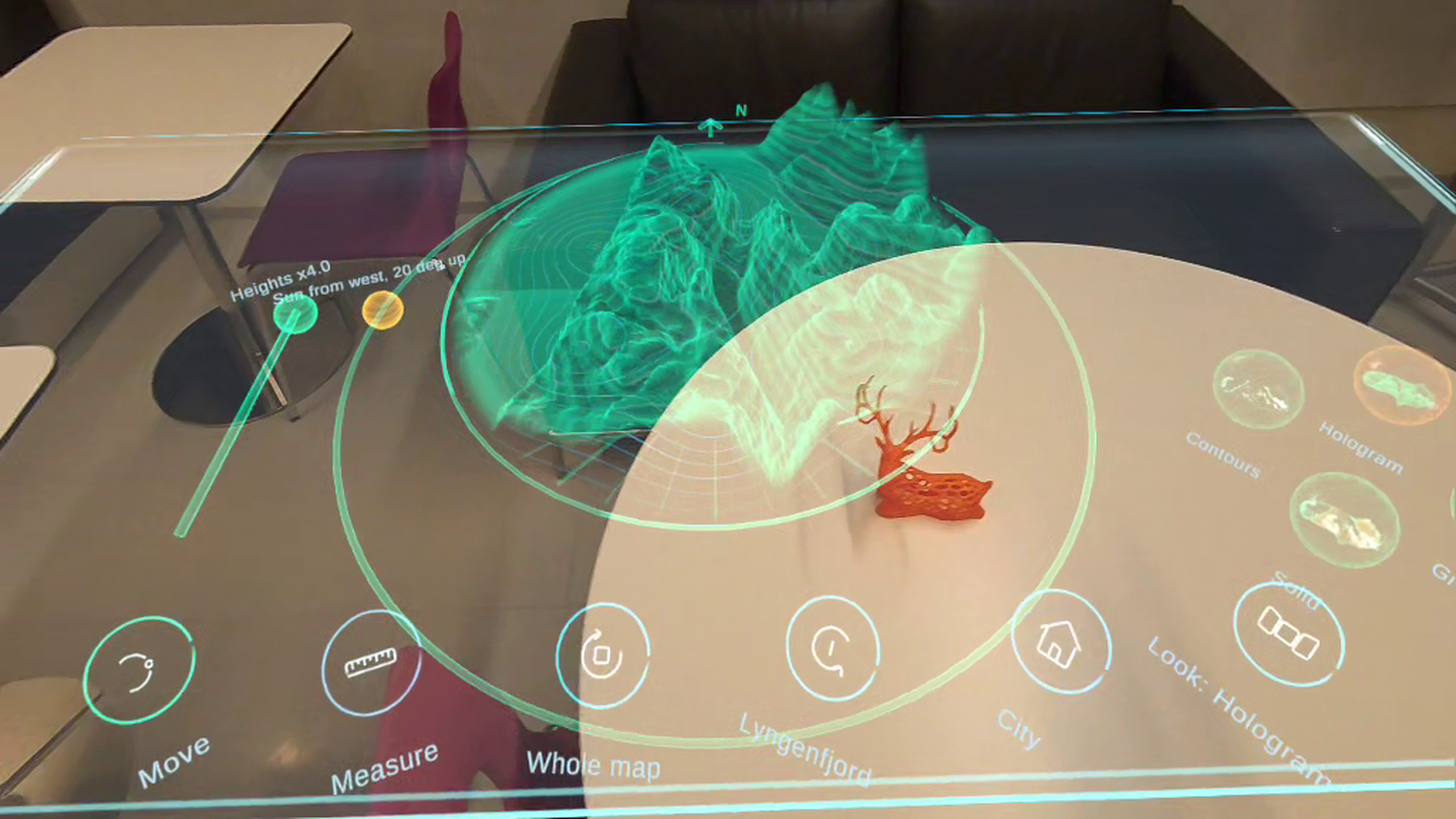
Terrain as hologram.
-
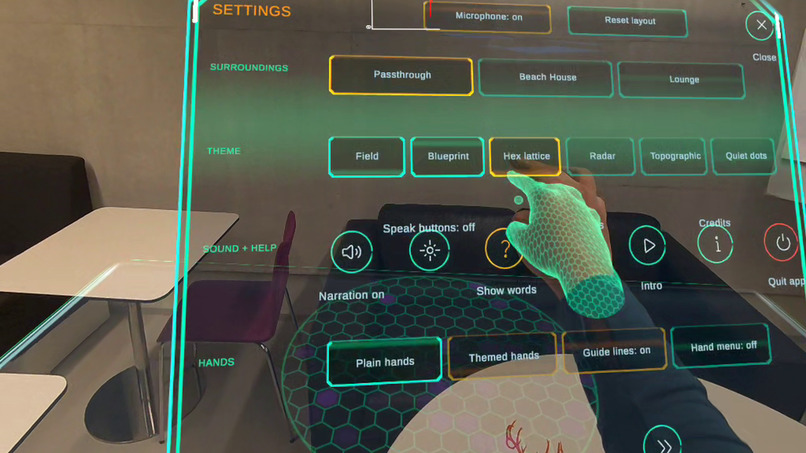
Change appearance in settings menu.
-
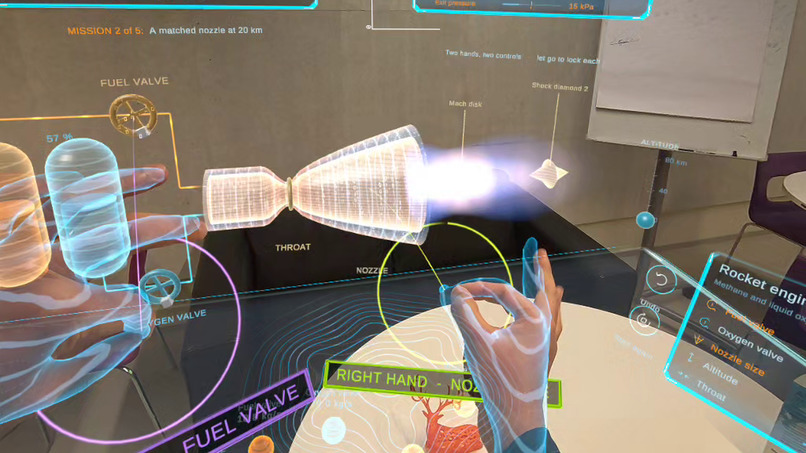
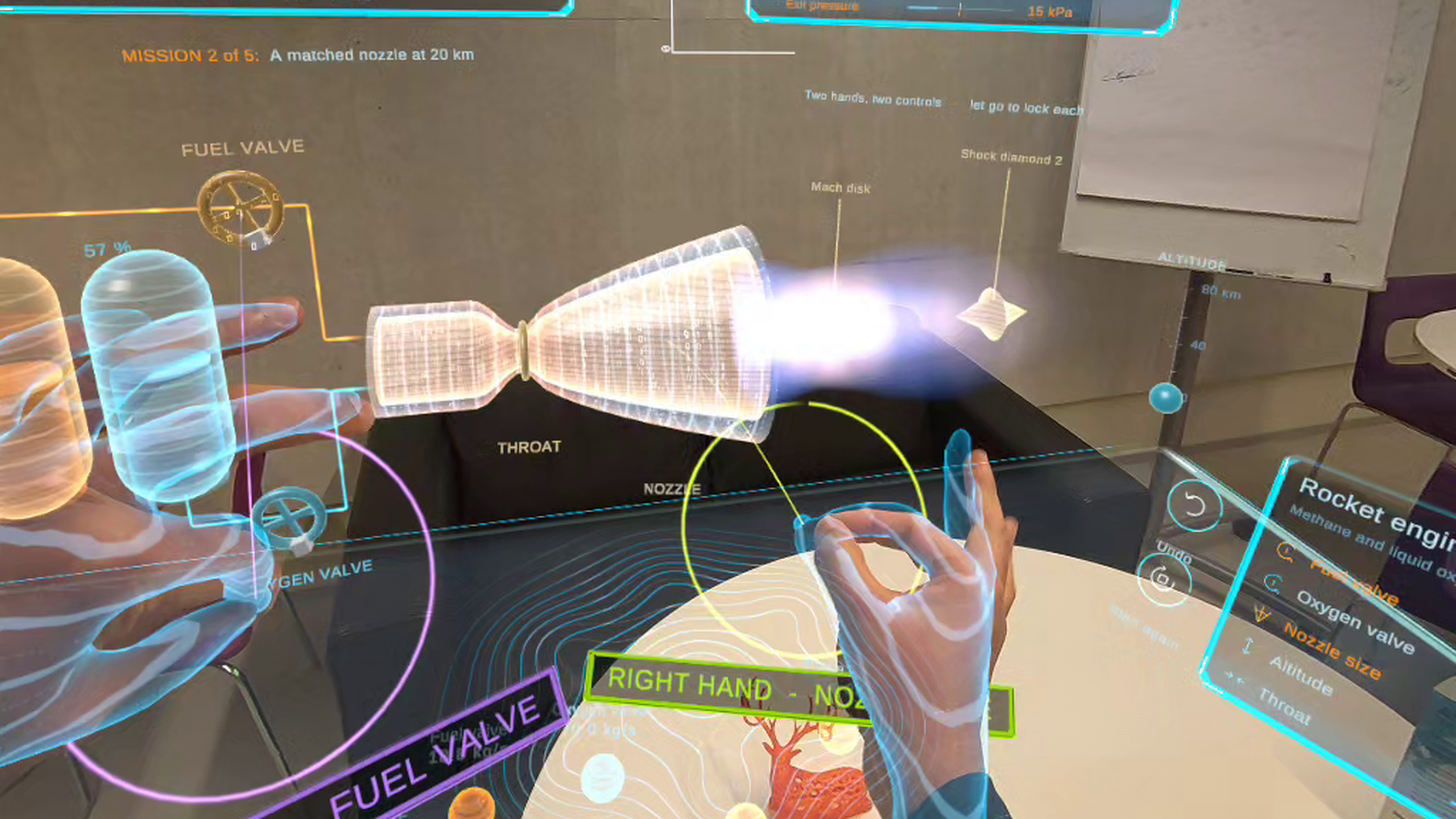
See shock diamonds of rocket engine.
-
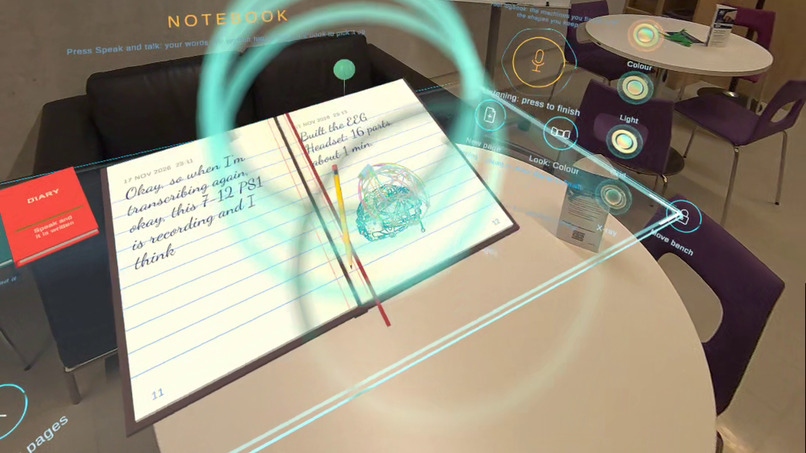
Speaking to diary.
Inspiration
I build hardware on desk: 3d printed robotic arms, electronics, etc. I wanted the holographic workbench providing the feeling of a desk where you build, interact, test and remember things, controlled by hand.
What it does
HoloBench puts a glowing holographic bench on your real table in passthrough.
- Build: assemble real devices part by part, guided step by step.
- Shape: sculpt forms with your hand pose: roll, spread, squeeze, lift.
- Engine: run a rocket engine with two hands: pinch the valves and turn your hand, set the nozzle, watch the shock diamonds form.
- Maps: explore 3D terrain holograms from real elevation data.
- Room: see a live miniature of your own room, with your head and hands tracked.
- Notebook: everything you make lands in a notebook you fill by speaking. Speech-to-text runs on the headset, so nothing is sent.
- Interfaces: a gallery of 35 holographic interfaces.
How I built it
- Unity 6 with the Meta XR SDK: hand tracking, passthrough, scene understanding (MR Utility Kit) and Meta XR Audio.
- Whisper tiny running on the headset for offline speech-to-text.
- Devices from real open-hardware CAD (KiCad, STEP); terrain from Copernicus elevation data.
- Developed with AI coding agents (Claude Code) on a build server.
Challenges
Keeping 72 FPS with dense holograms and on-device transcription, making pinch-and-turn controls feel physical, and a notebook whose pages follow your hand.
Accomplishments
A complete hands-only workflow, from building to logging, that runs fully offline on Quest 3.
What's next
Your own boards and models on the bench, saved desk layouts, more maps, and a store launch.
Built With
- claude
- fable5.2
- opus5.5
- unity


