-
-
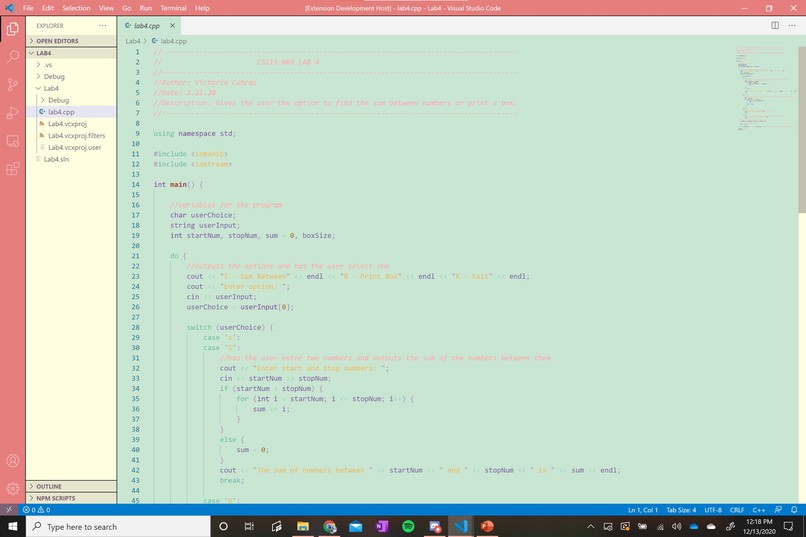
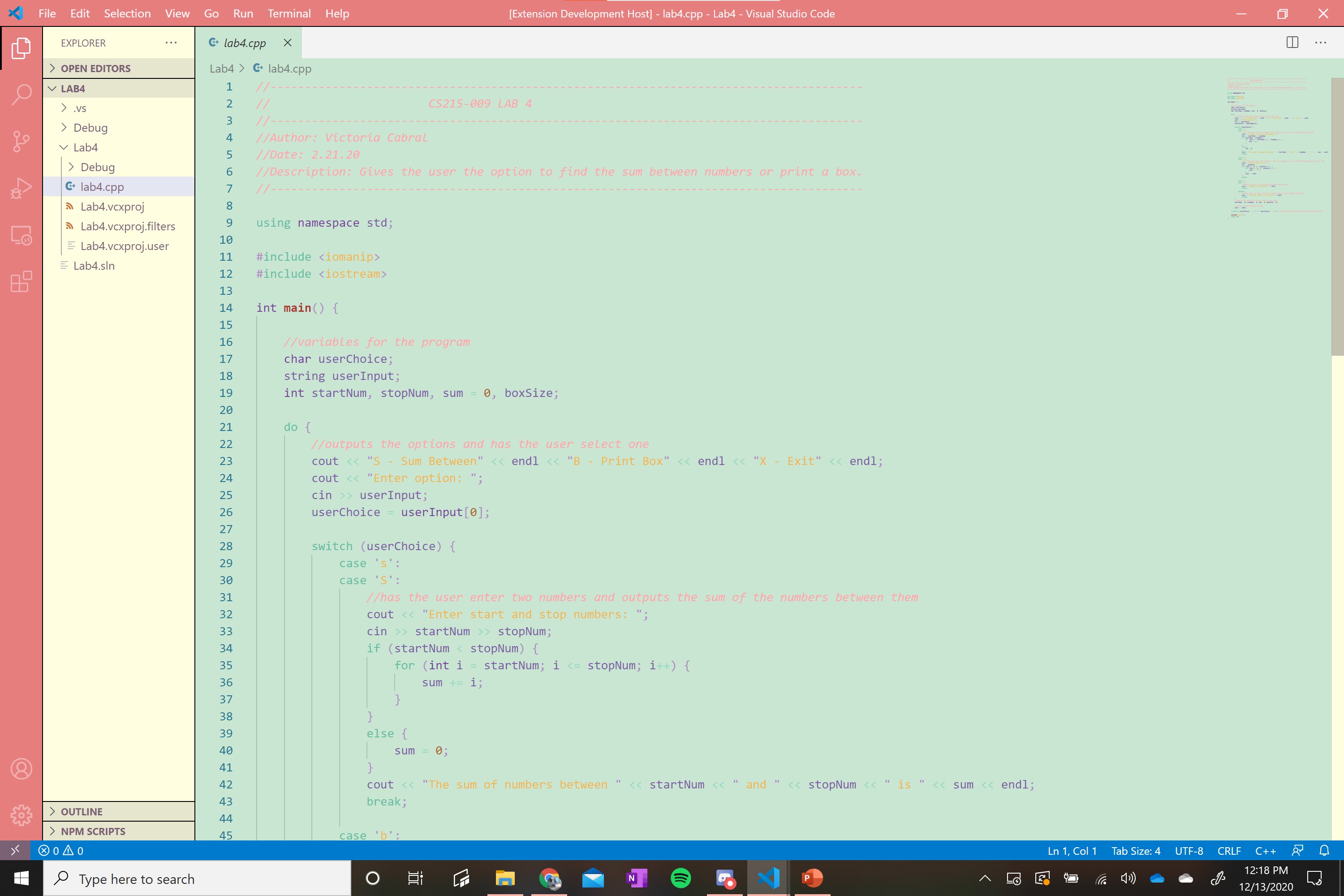
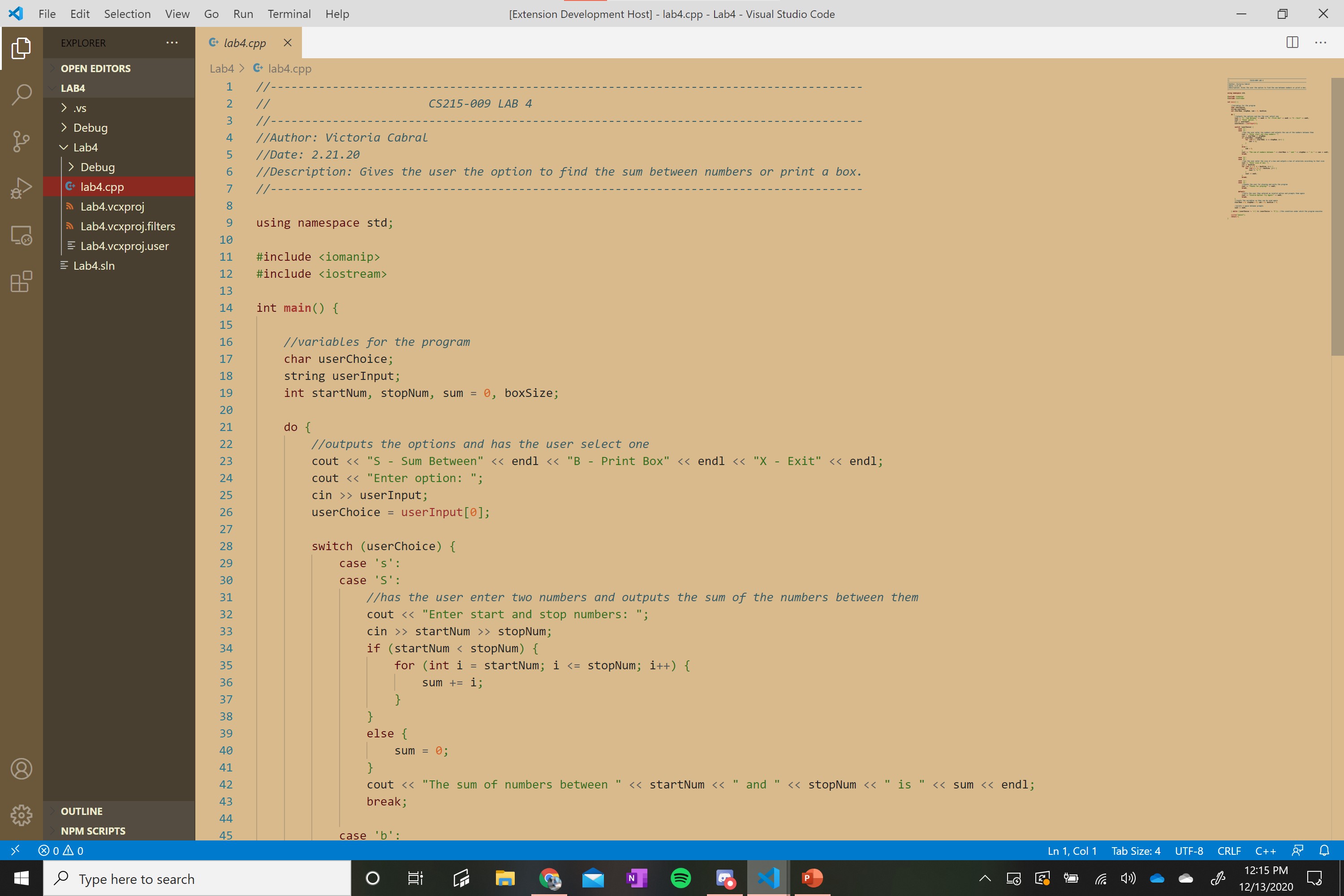
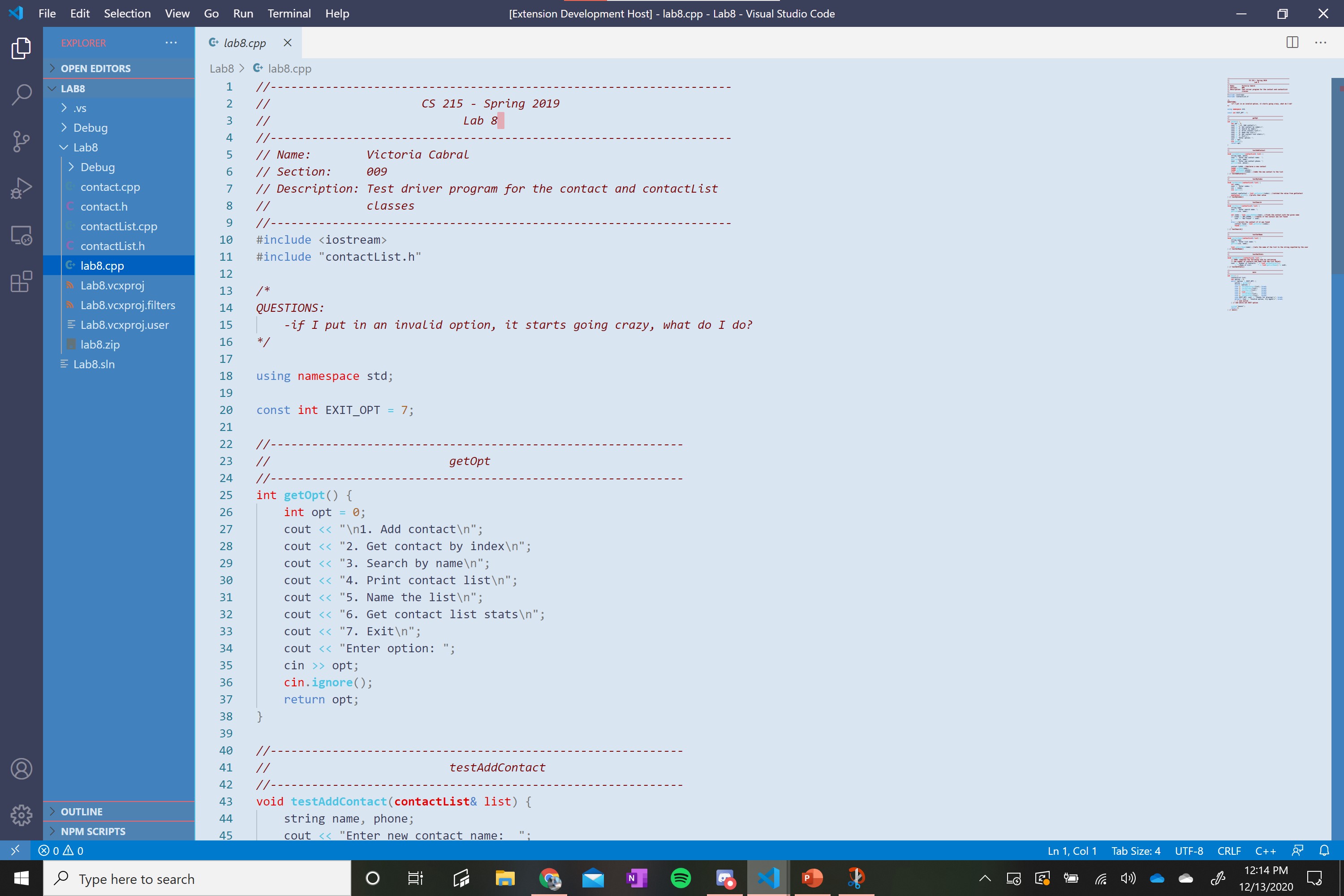
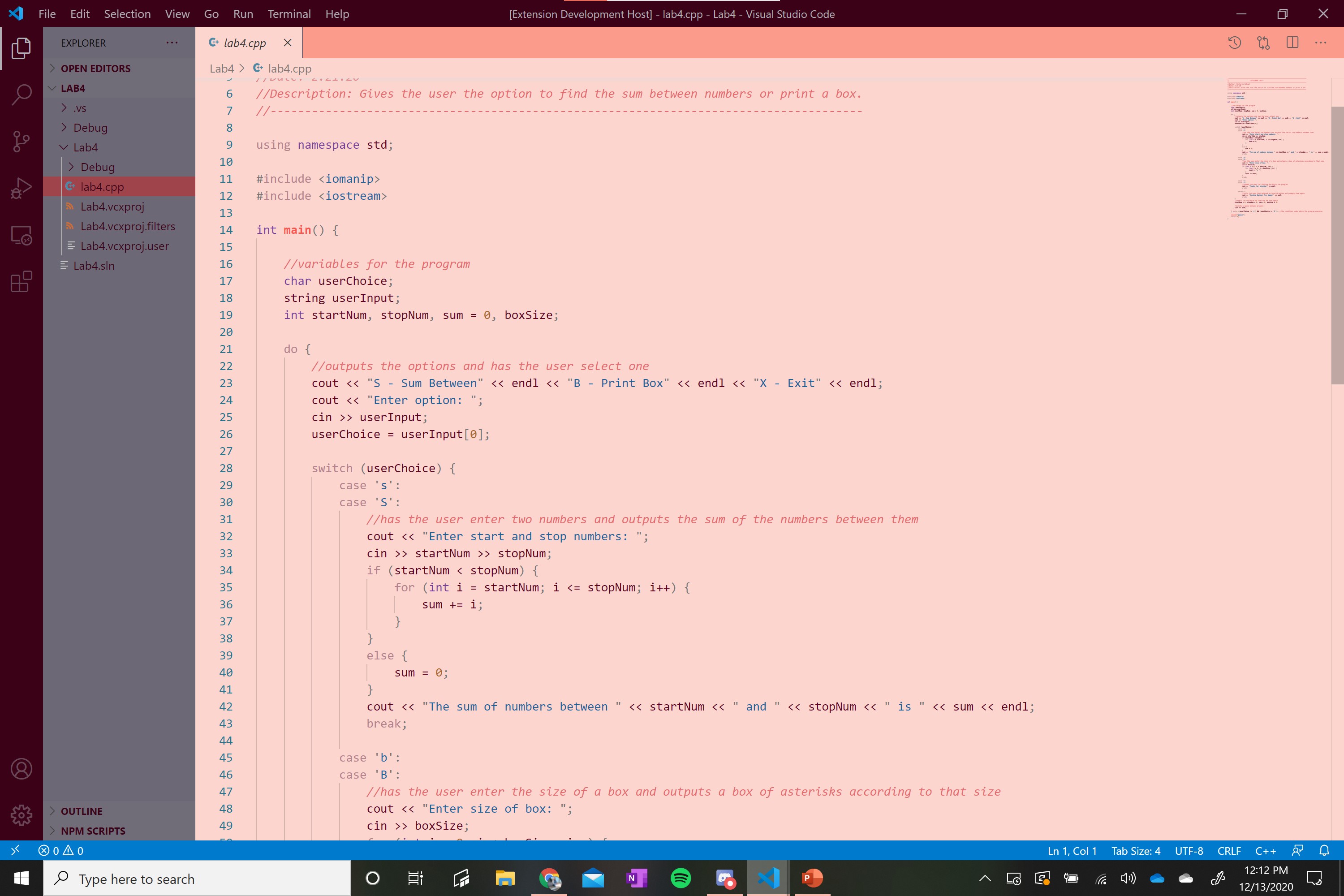
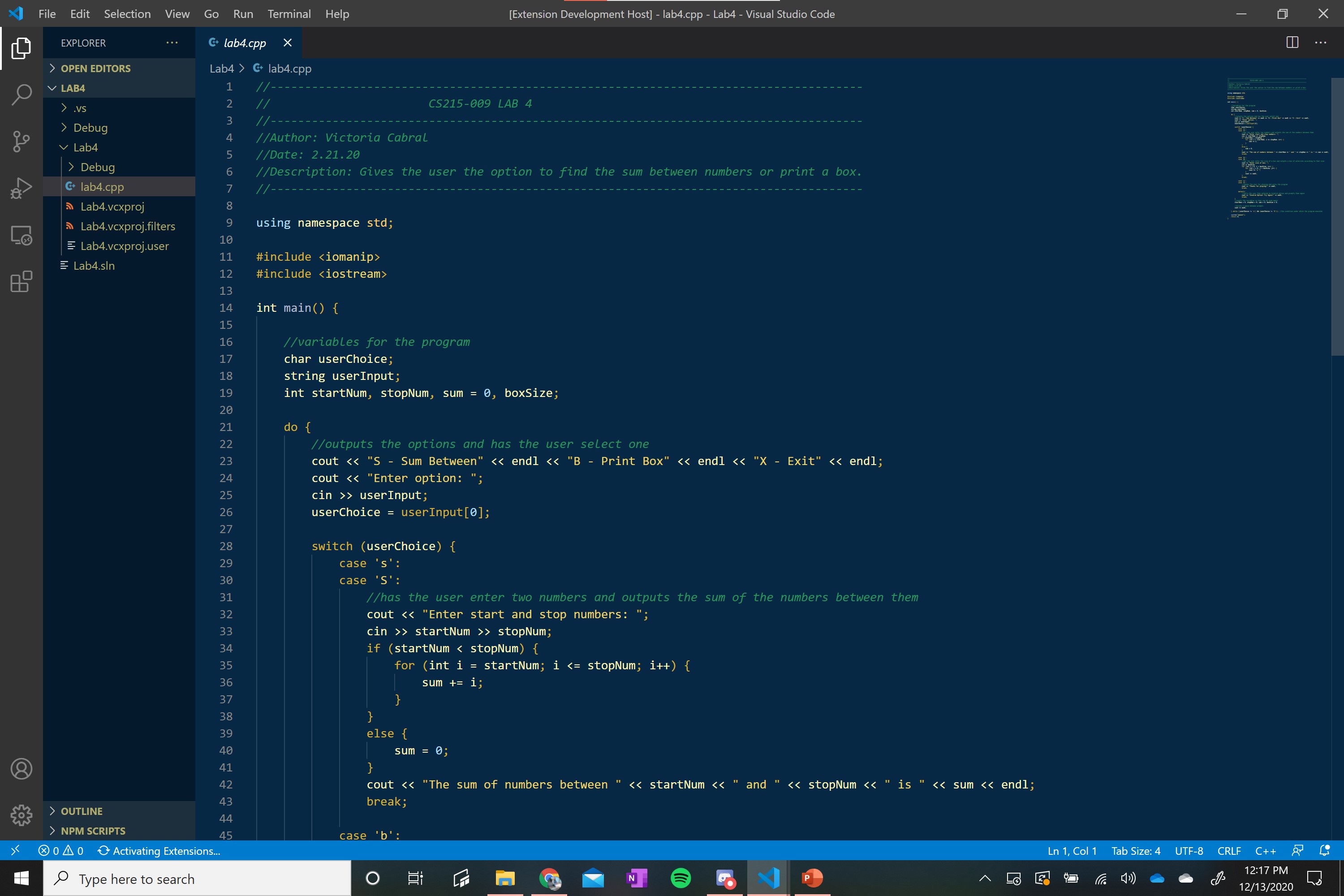
Easter Holiday VSCode Theme
-
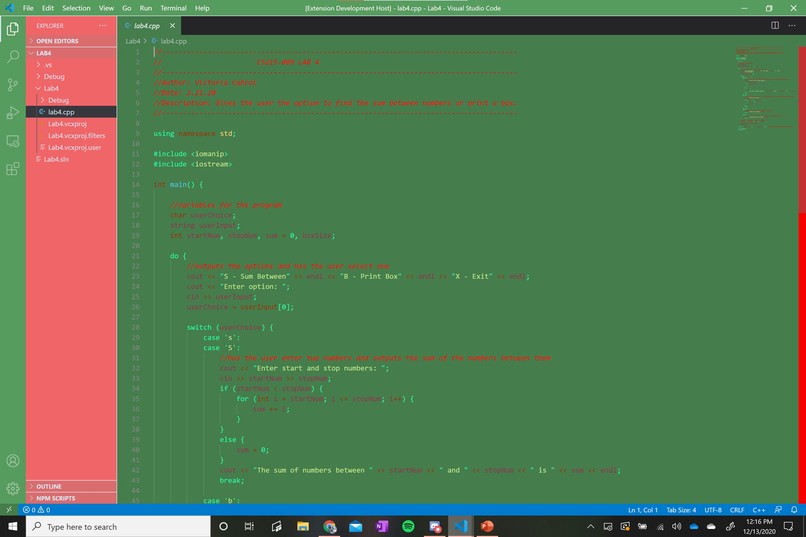
Christmas Holiday VSCode Theme
-
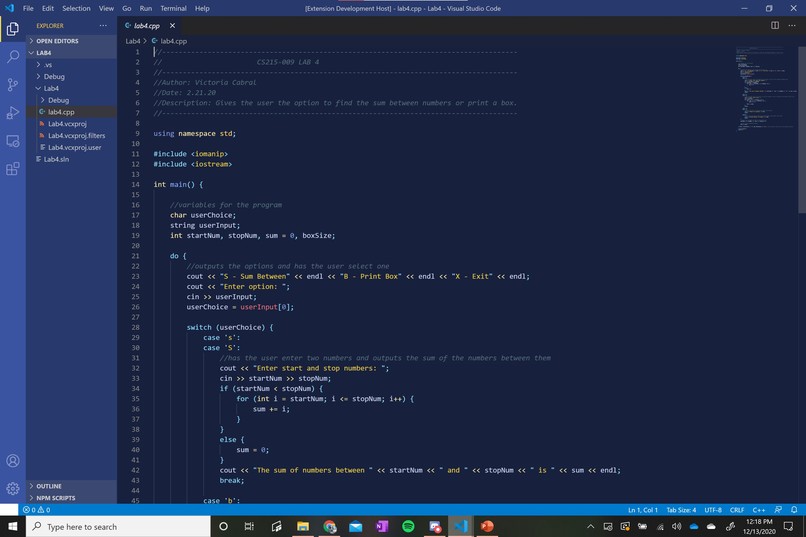
Hanukkah Holiday VSCode Theme
-
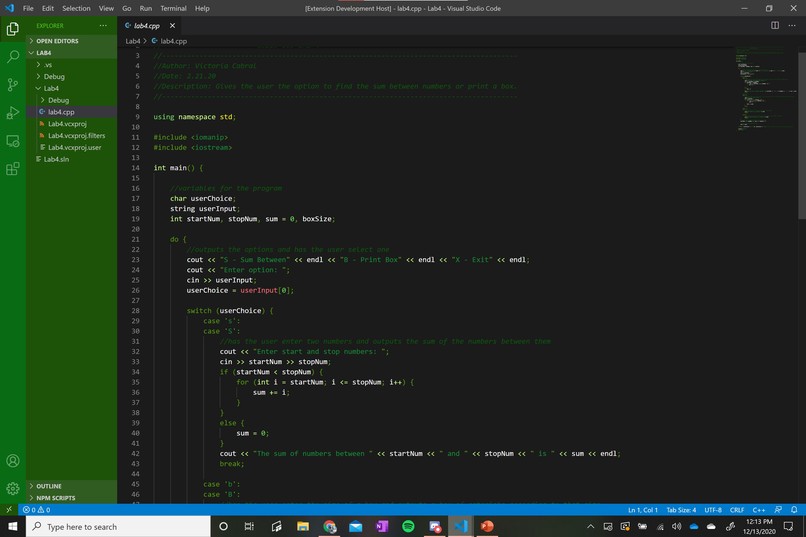
St. Patrick's Day Holiday VSCode Theme
-
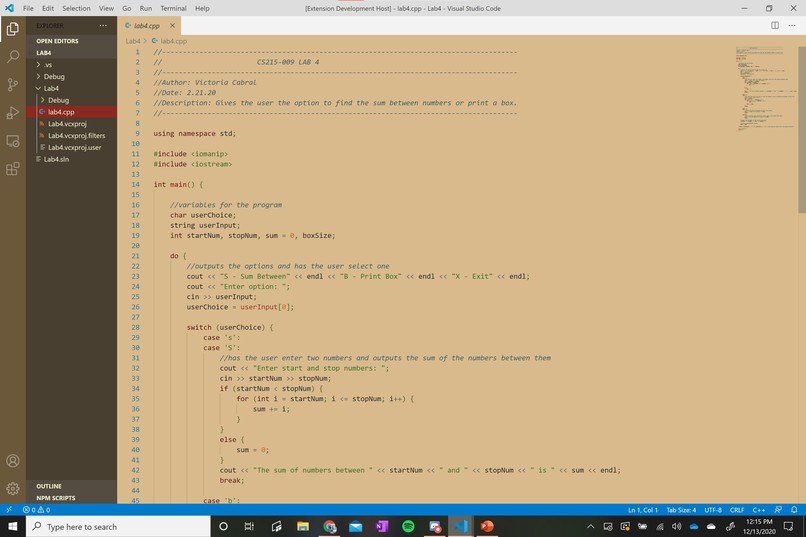
Thanksgiving Holiday VSCode Theme
-
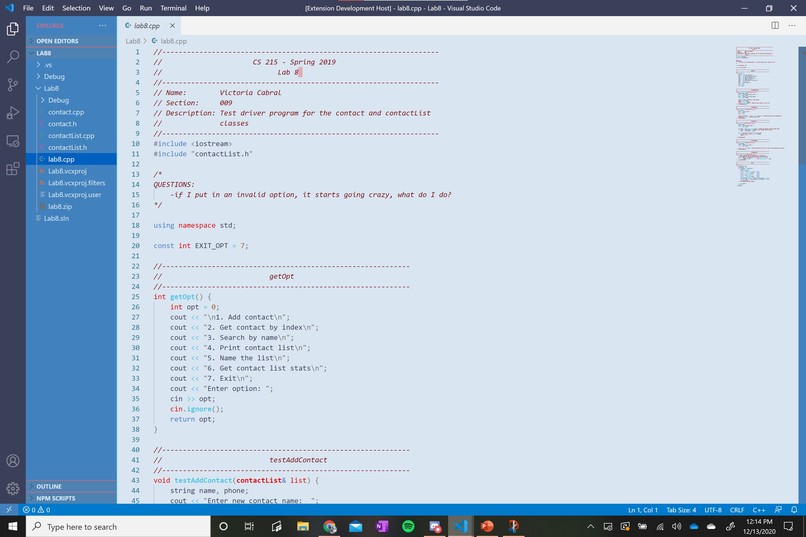
Fourth of July Holiday VSCode Theme
-
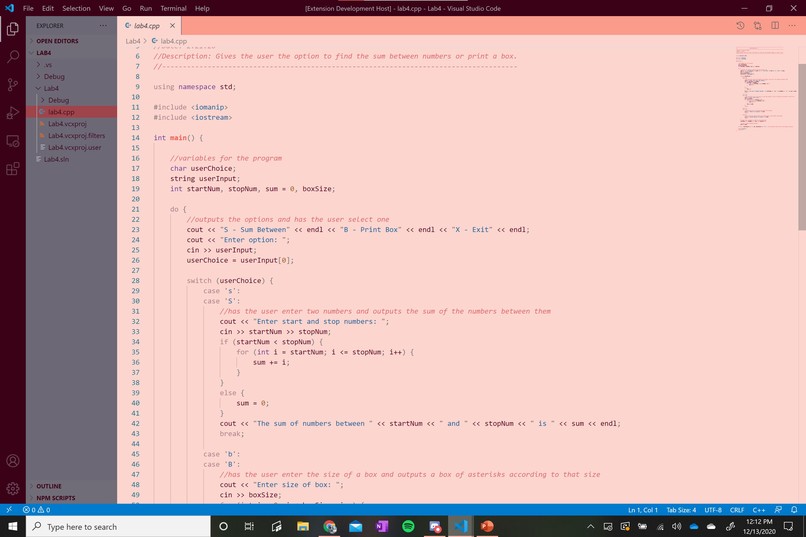
Valentine's Day Holiday VSCode Theme
-
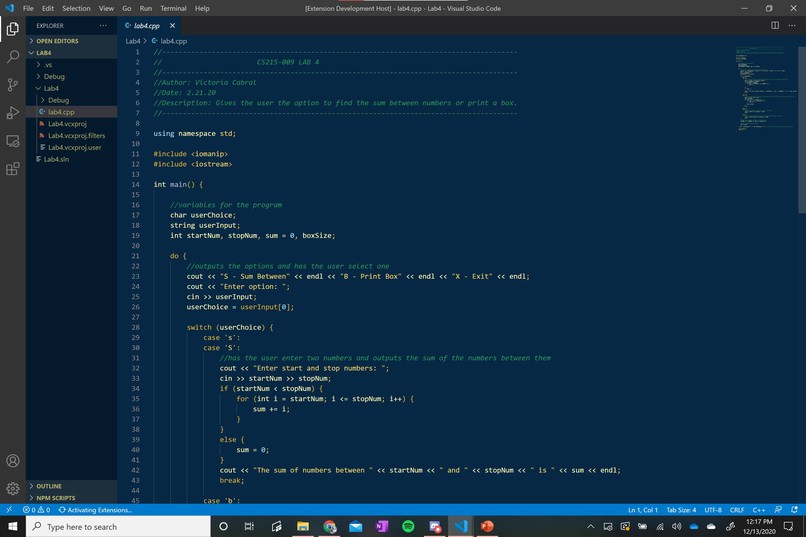
New Year's Holiday VSCode Theme
-
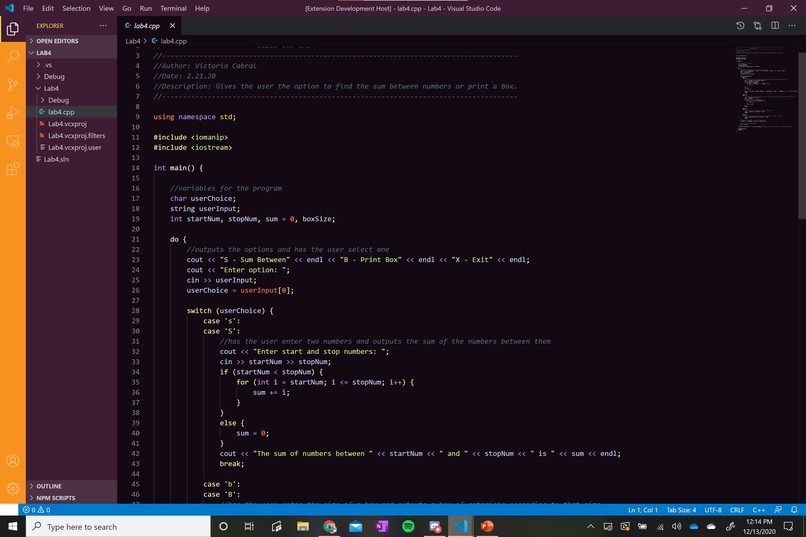
Halloween Holiday VSCode Theme


Inspiration
We're still feeling out the coding environments we're using so this was a fun way to get more acquainted with VS Code while making something festive.
What it does
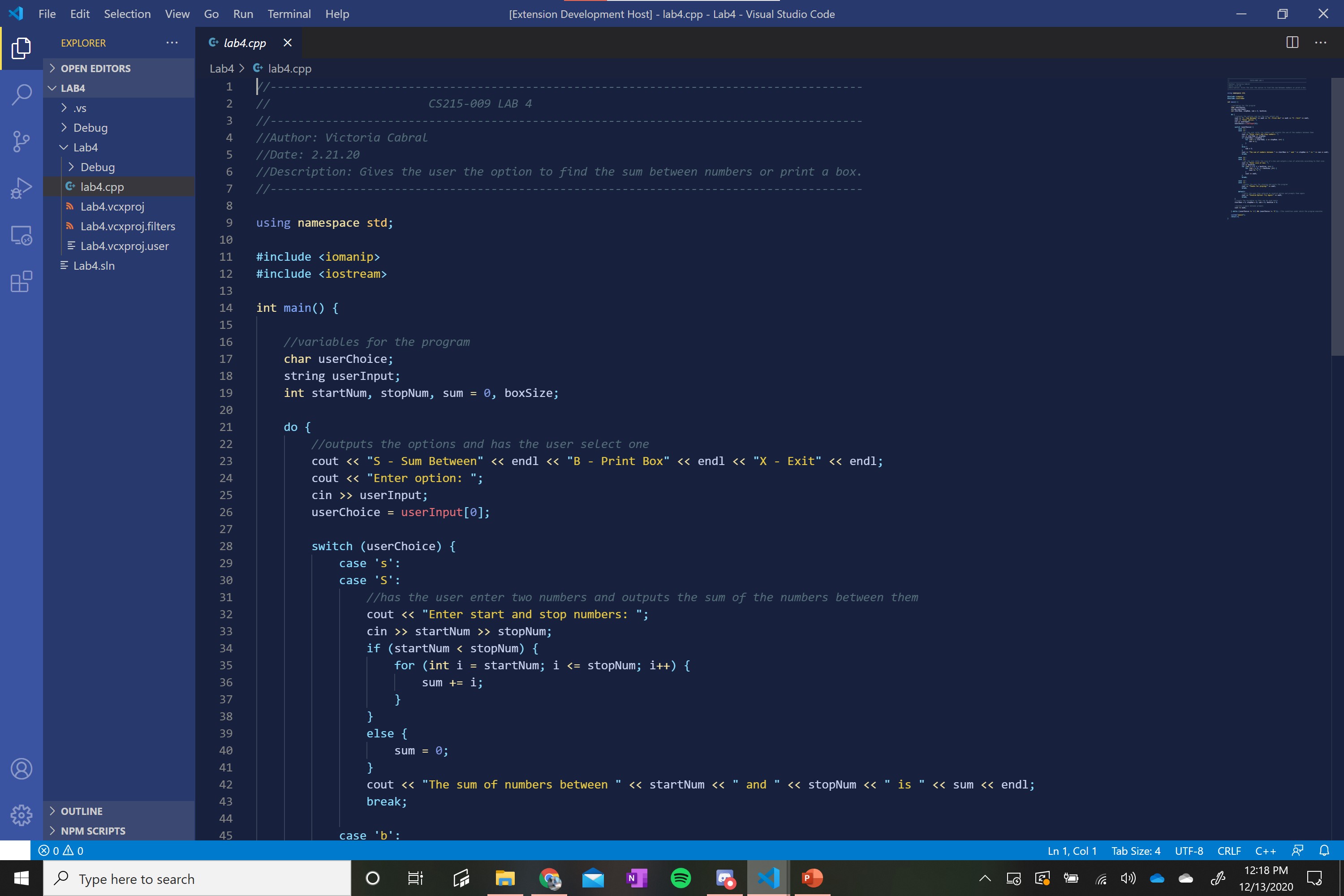
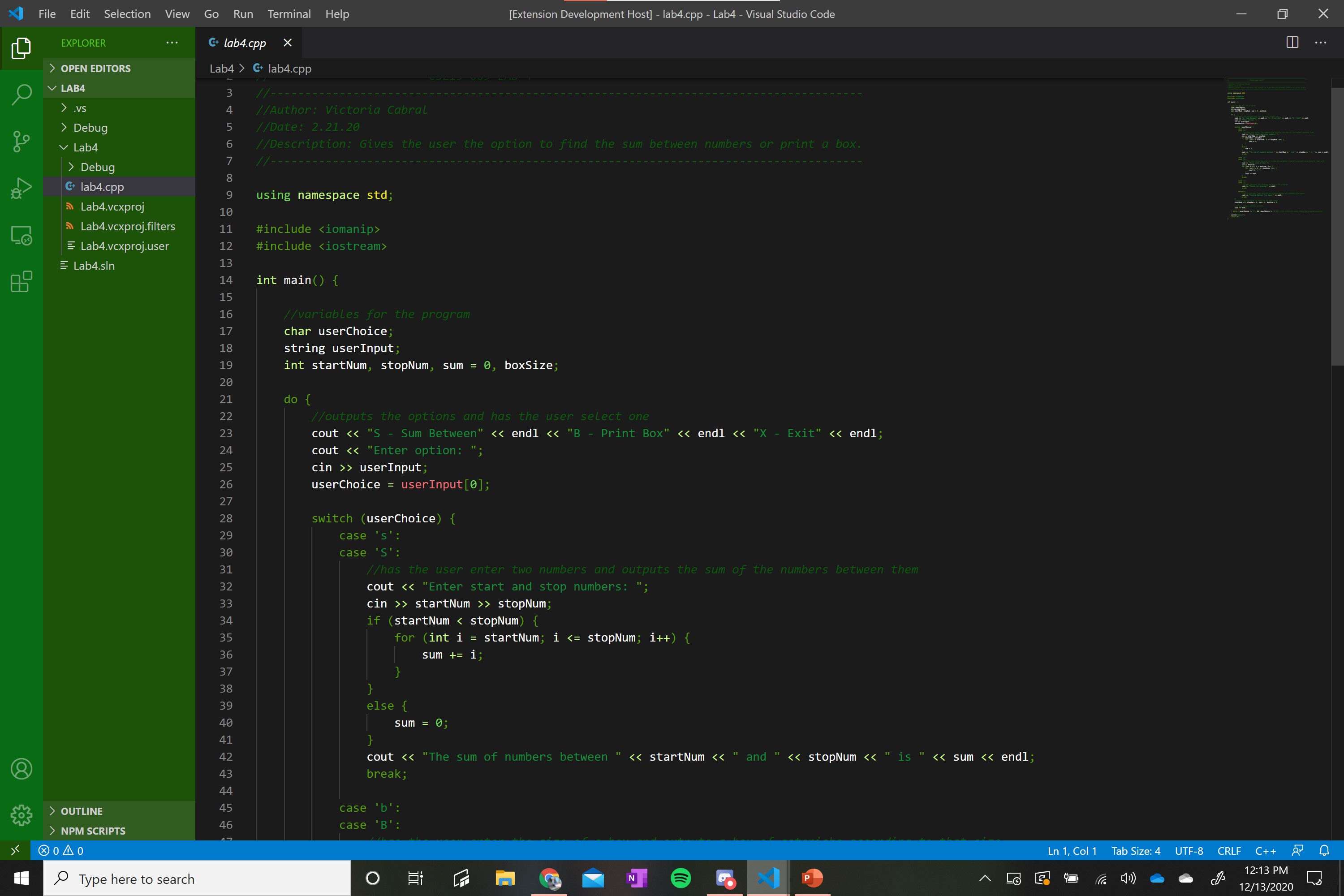
Changes the color theme of your VS Code editor and boosts your festive-ness.
How we built it
We used the base color themes provided Yeoman Generator and in the JSON, modified the attributes given and added more. We packaged the themes using the VS Code Extension Generator.
Challenges we ran into
Our team is still getting used to GitHub, so we ran into some issues using it. We also had some issues trying to find an IDE what everyone was used to, and in the end one of our team members had to get acquainted with VS Code since she hadn't used it before. We also ran into some issues trying to run the extension to see our changes.
Accomplishments that we're proud of
We successfully made 9 different themes that we like!
What we learned
Some of us learned how to use GitHub, some of us learned how to use Visual Studio. We all had to learn the basics of JSON, and how to use Yeoman and the VSCE.
What's next for Holiday VS Code Themes
It would be really cool to find a way to expand what we can change about the environment, whether that's through making our own IDE or finding other ways to create this extension. We will probably also change some of the themes to make them easier to read and not as hard on the eyes, and we'll expand so they are all compatible with Markdown and HTML and any other languages.
Team Member Discords
Lyndsey Becker: lmbeck#6424 Rukmitha Chenna: rchenna#7407 Victoria Cabral: qhom#6678


Log in or sign up for Devpost to join the conversation.