-
-
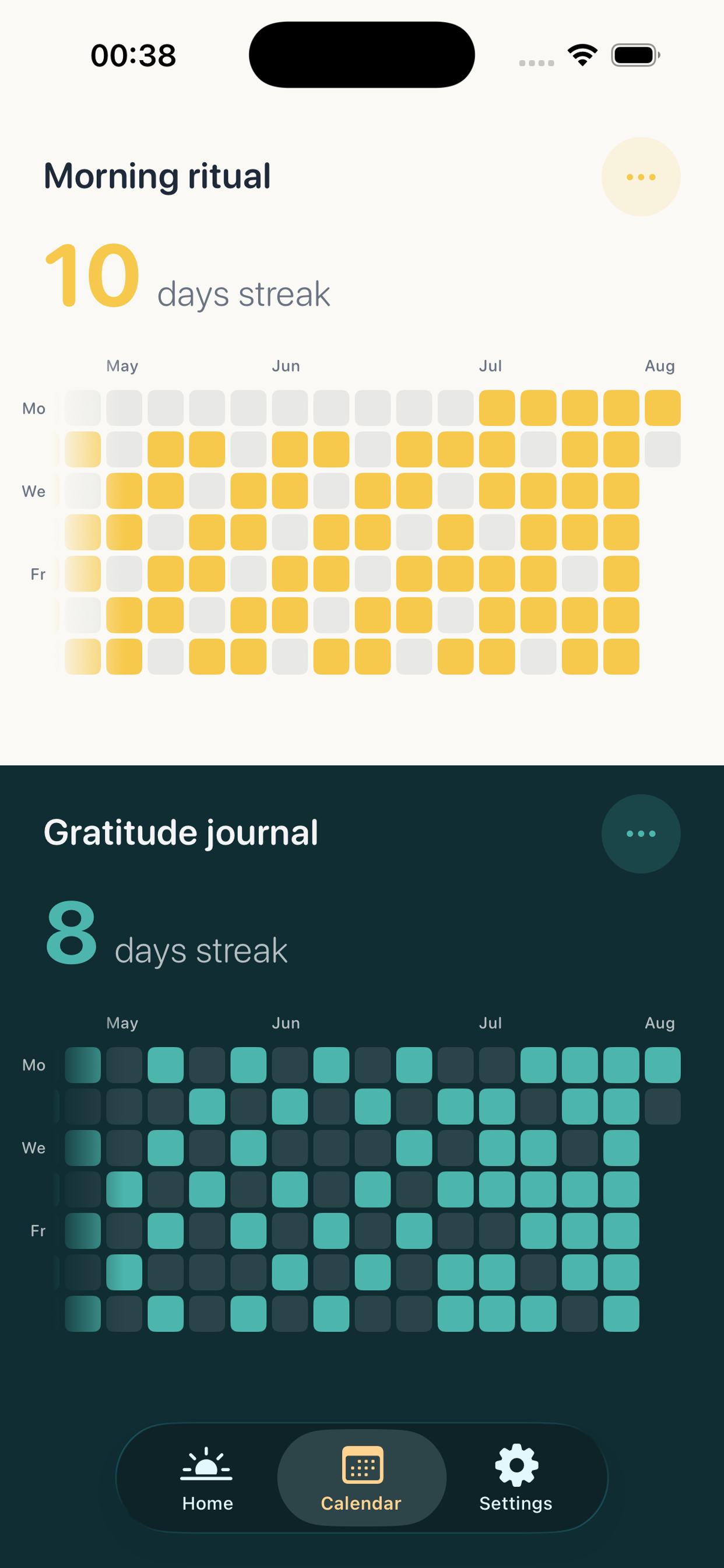
Calendar/Strike View
-
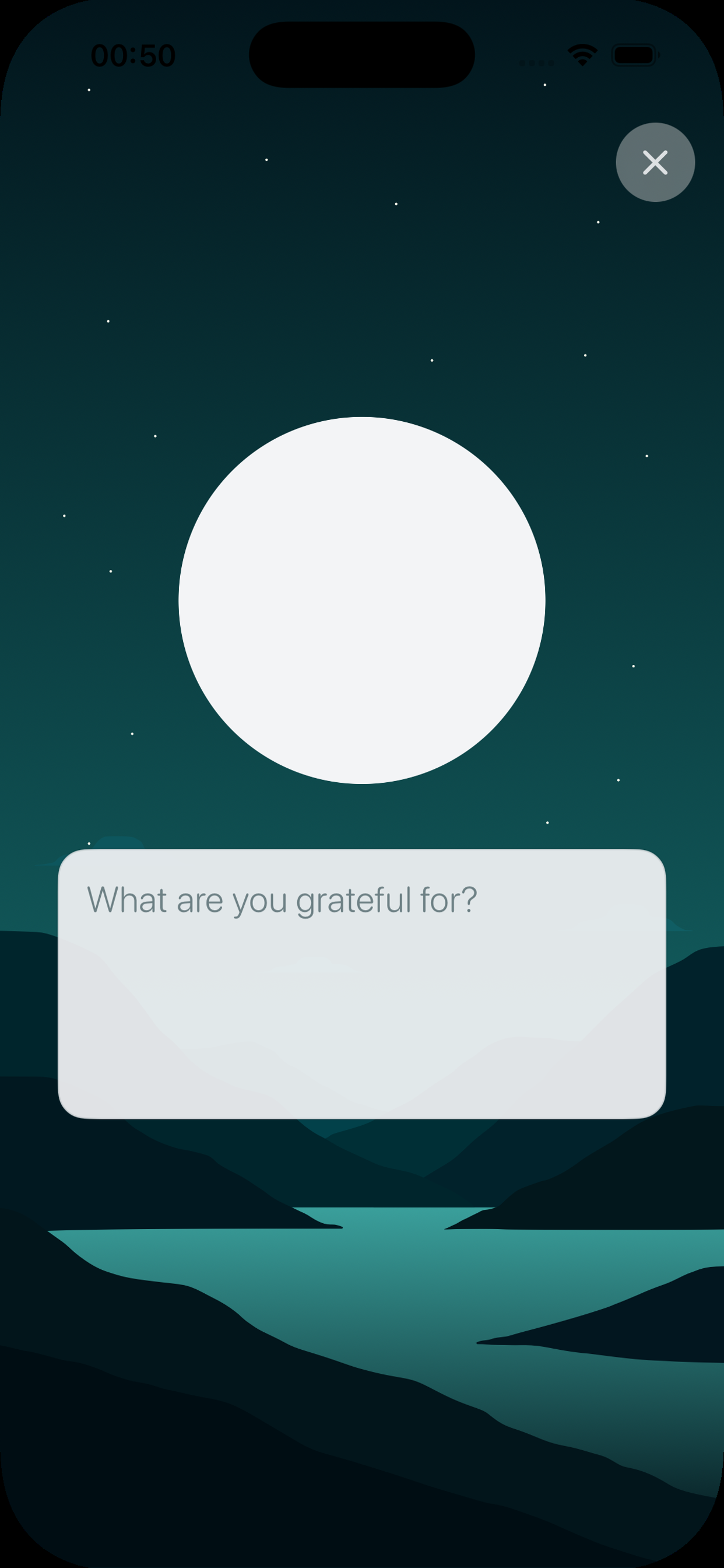
Gratitude Ritual
-
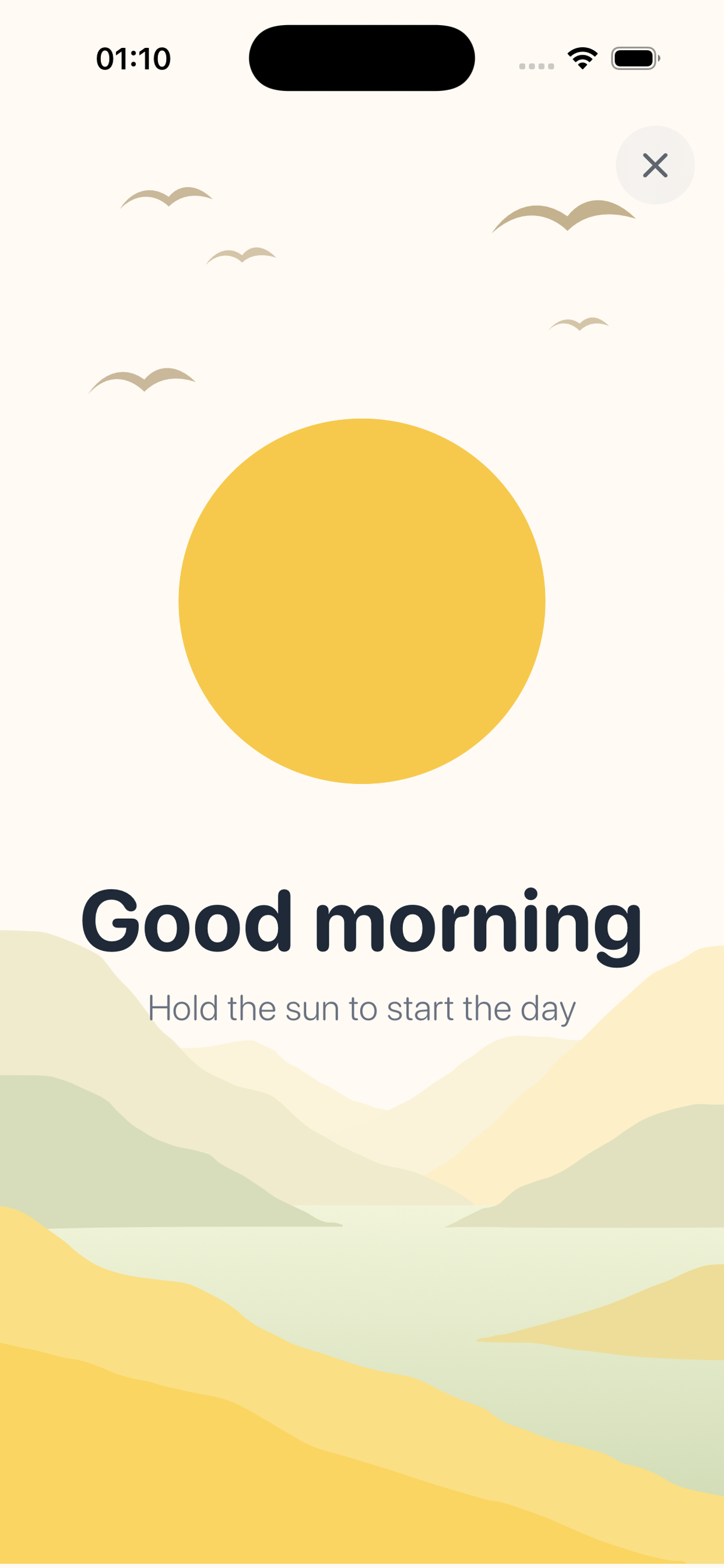
Morning Ritual
-
App Icon
Inspiration
Years ago I had an app idea that never left the notebook: a mood tracker. Every evening you’d log how you felt and a few keywords about the day. The app would try to correlate those with what had actually happened, so people could see what was quietly affecting their mood.
It was a good intention. It was also a spreadsheet of the self. Awareness without a practice.
Then I read Hooked. Nir Eyal’s book is usually treated as a playbook for building habit-forming products - triggers, actions, variable rewards, investment. I kept turning the same question the other way: what would a positive hook look like? Something that earns retention because it makes people’s days better, not because it hijacks the next open.
The answer showed up as a note titled “Live now.”
Most of us don’t fail at gratitude or fail at screen time in isolation. We fail at the first thirty seconds of the morning. The phone comes off the nightstand, a thumb finds Instagram or Messages, and the day starts in someone else’s feed. By evening, “I should write what I’m grateful for” is competing with the same apps that ate the morning.
Hold is the app that note was trying to become: a gratitude journal that uses Apple’s Screen Time APIs as the trigger. You pick the apps that pull you in. Until you complete a tiny ritual, they stay locked. The ritual is the name of the product. You hold.
The goal was never to punish phone use. It was to feel the moment, to cut a little time for yourself, and to be present in a life that otherwise starts on autopilot.
What it does
Hold bookends the day with two rituals.
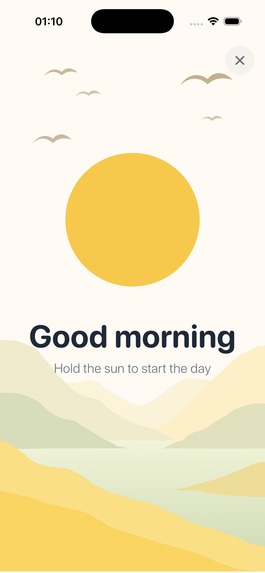
Morning. At the lock time you chose, Family Controls shields the apps on your list. Opening one of them doesn’t show a guilt screen or an ad you can skip. It shows Hold’s shield: a sun orb, and in spirit the question from that first note - did you take some time for yourself before getting inside the mess of the day? You open Hold, press and hold the orb for three seconds - haptic, animation, “let’s start the day” - and the apps unlock. Three seconds of intention instead of inertia.
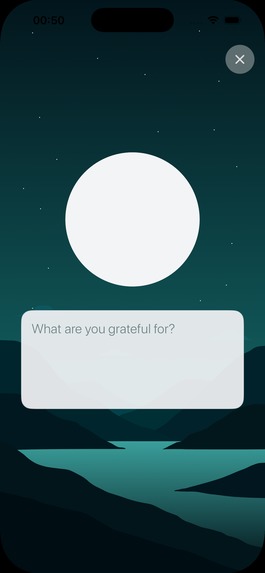
Evening. A notification asks if you want to say thanks. You write something you’re grateful for, then hold the orb again, long enough to sit with what you wrote. The hold is the point. Typing is cheap. Staying with the feeling is the practice.
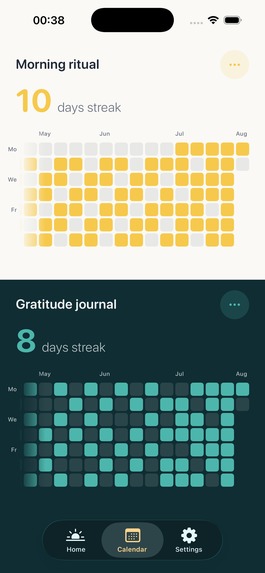
The calendar. Morning check-ins and evening entries live in a contribution grid, a quiet record of the days you actually showed up. Everything stays on the device. There is no Hold backend. RevenueCat is the only network dependency that matters: subscriptions.
How we built it
Hold is a native SwiftUI app for iPhone (iOS 17+), generated with Tuist, with the product split into small modules so the thing that has to be beautiful (theme, onboarding, paywall) stays separate from the thing that has to be correct at midnight (the Screen Time extensions).
The architecture follows the constraint in that first note: run entirely on the client.
- SwiftData stores gratitude entries and morning check-ins in an App Group container.
- Family Controls, ManagedSettings, and DeviceActivity do the actual blocking. A
DeviceActivityMonitorextension re-applies the shield on a daily schedule. AShieldConfigurationextension is the system UI you see when you tap a locked app. AShieldActionextension handles the button on that shield. - Those extensions run in other processes. They cannot use SwiftData or the RevenueCat SDK. Shared state is a small App Group
UserDefaultsstore: which apps are selected, whether this morning’s ritual is done, whether the user is Pro. - RevenueCat (
purchases-ios) is the source of truth for theproentitlement. The main app listens tocustomerInfoStreamand mirrorsisProinto the App Group so the monitor can refuse to shield if a subscription lapses. The paywall itself is native — a Hold landscape and offer, not a generic overlay — with RevenueCat behind the purchase and restore. Onboarding is a hard paywall: the ritual is the product, so the product is the gate.
The orb is one control used twice. Morning is a short hold and a cream/gold palette. Evening is a longer hold on a teal night landscape. Same gesture, two meanings: unlock the day, then keep what was good about it.
Challenges we ran into
Screen Time is the feature and the boss fight.
The APIs do not run in the Simulator. Every real test is a physical device, a real Family Controls


Log in or sign up for Devpost to join the conversation.