-
-
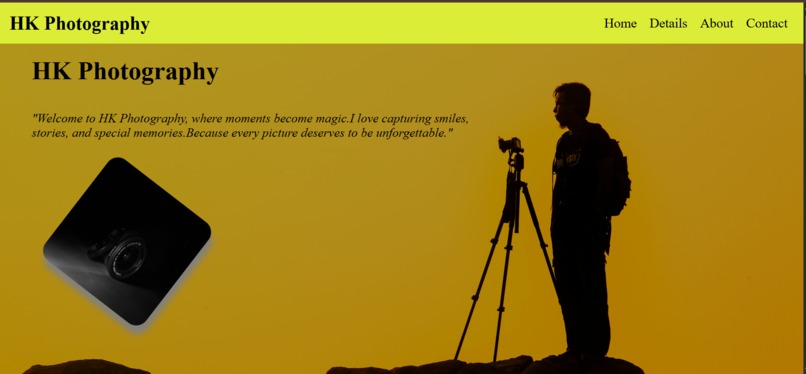
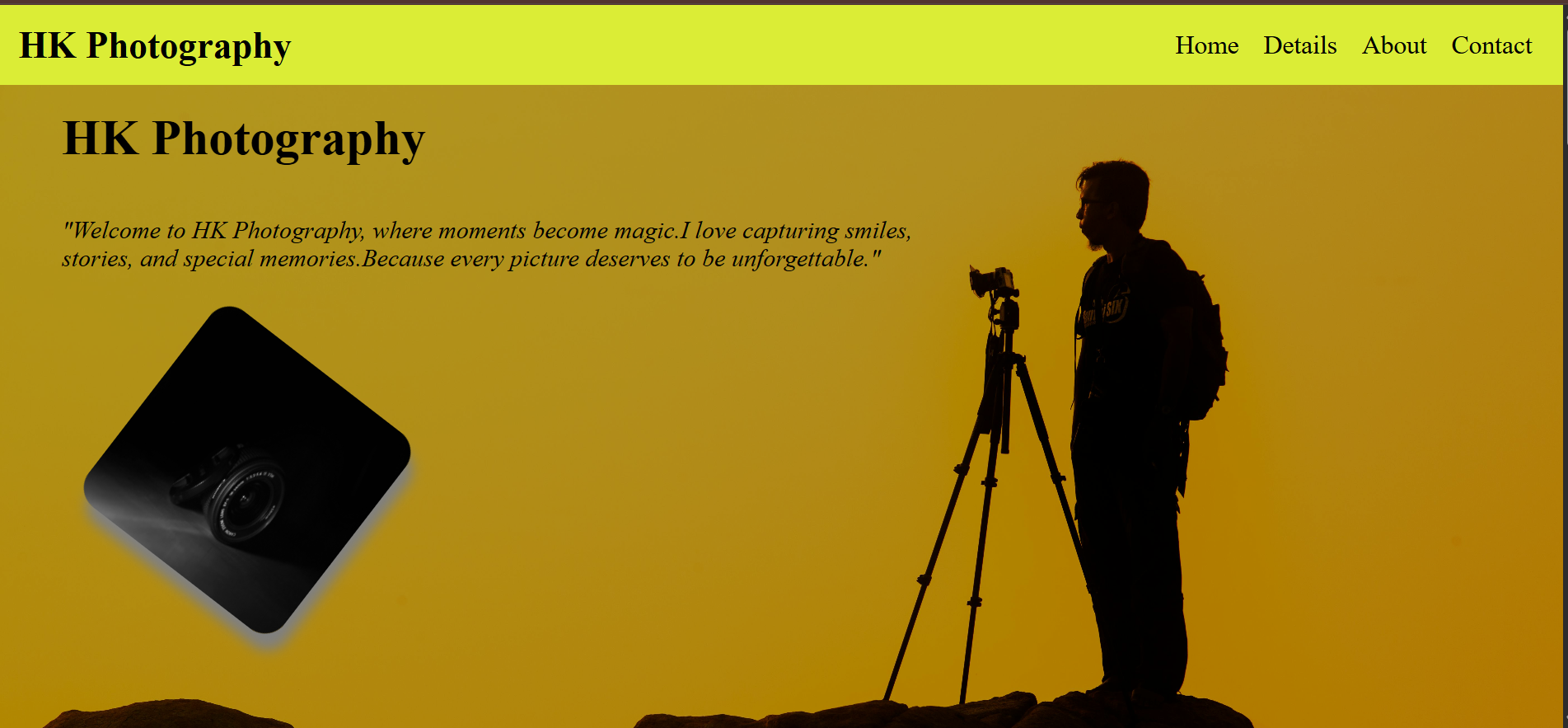
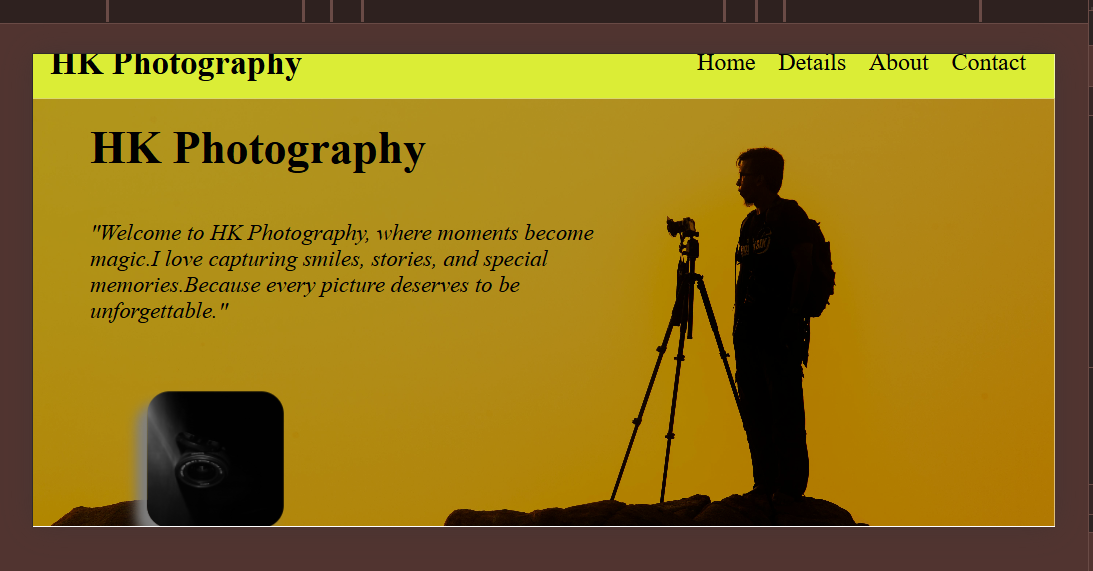
Home page
-
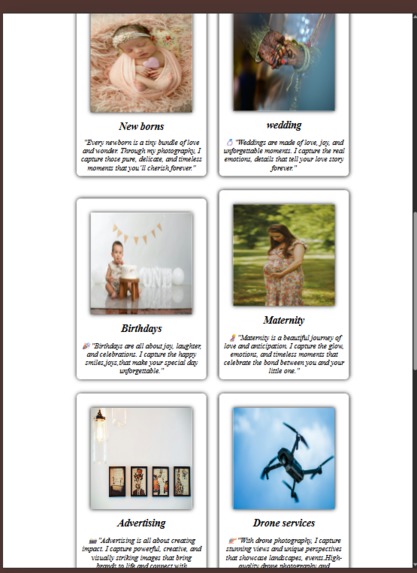
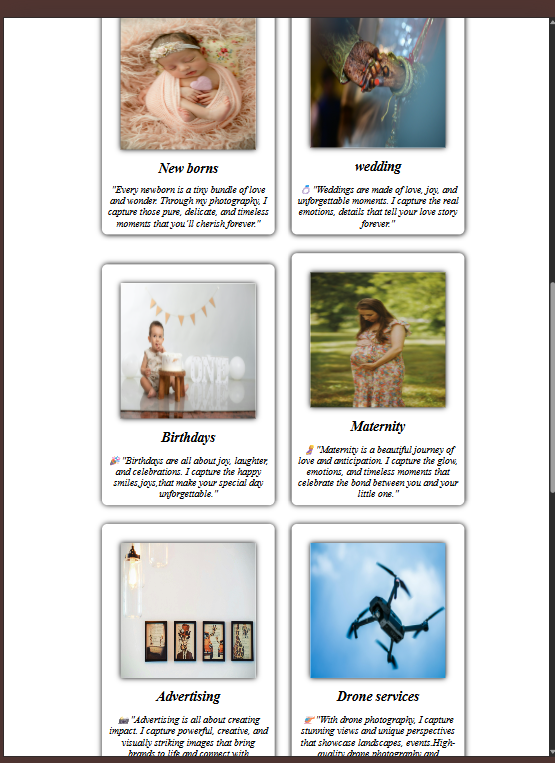
details page
-
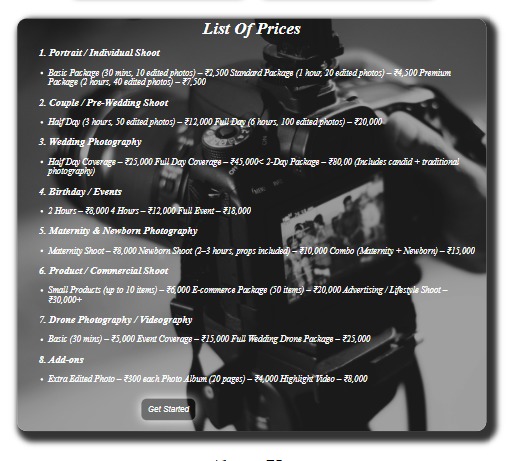
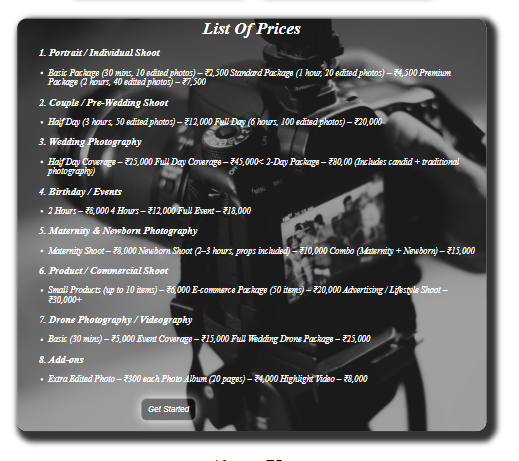
prices
-
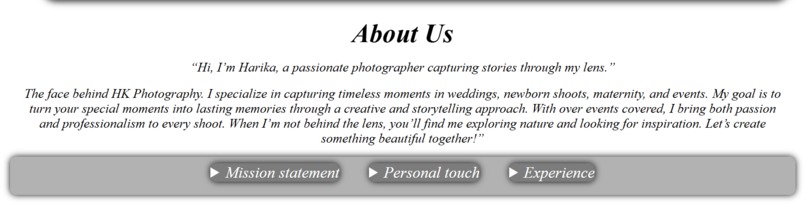
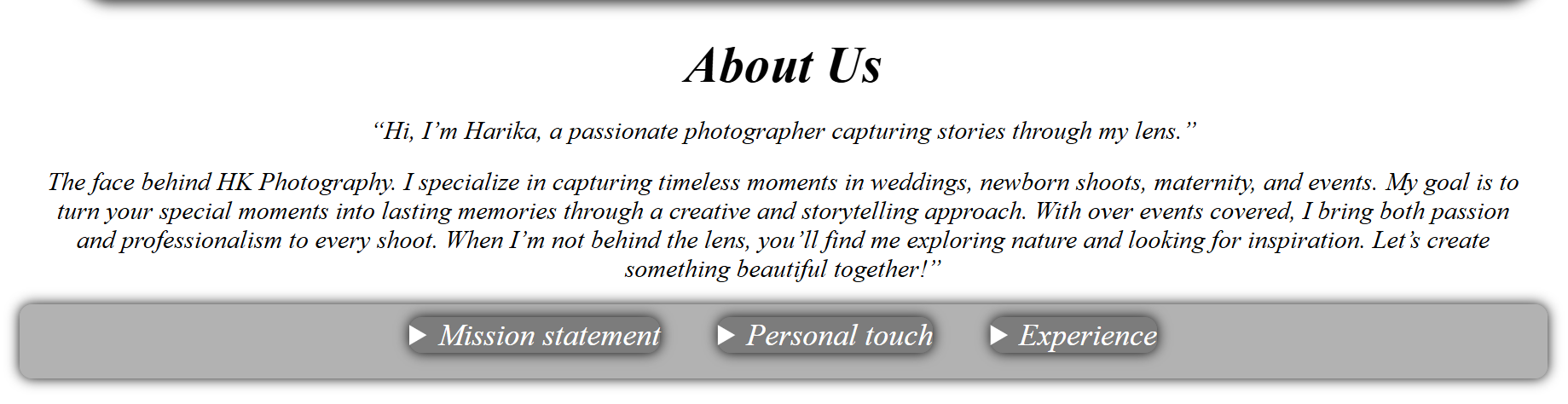
about us page
-

contact/footer page
-
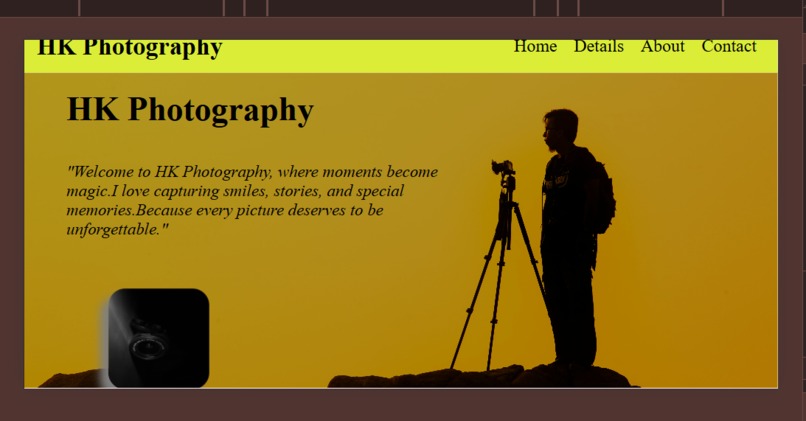
responsive for mobile

Inspiration
I were inspired by how photography freezes special moments and tells stories without words.
What it does
visitors can explore different categories of photos, view details, and enjoy a smooth browsing experience.
How we built it
I started with HTML, CSS, to design the structure and interactivity. Used responsive web design techniques so the site works smoothly on mobile, tablet, and desktop.
Challenges we ran into
1.Responsive Design – Making sure the website looked good on mobile, tablet, and desktop was tricky at first.
- Organizing Content – Deciding how to structure photos into categories and details pages in a clean way.
- Animations & Transitions – Adding smooth effects without breaking the layout.
Accomplishments that we're proud of
1.Built a Fully Functional Website – Designed and developed a complete photography site from scratch.
- Responsive & User-Friendly – The website works smoothly on mobile, tablet, and desktop.
- Creative Landing Page – Added a background image, tagline, and clean layout to make a strong first impression.
- Organized Photo Categories – Structured photos into details and sections for easy navigation.
- Smooth Animations – Enhanced user experience with modern transitions.
What we learned
1.Frontend Development Skills – Improved in HTML, CSS especially layouts and styling.
- Responsive Web Design – Learned how to make a website adapt to mobile, tablet, and desktop screens.
- Animations & Transitions – Gained hands-on experience adding smooth effects to improve user experience.
- Project Structuring – Learned to organize content into home, categories, details, about, and contact sections.
- Problem-Solving – Overcame challenges in design, responsiveness, and time management.
- Presentation Skills – Learned how to showcase a project through GitHub, video demo, and PPT for hackathon submission.

Log in or sign up for Devpost to join the conversation.