-
Hive - our logo
-
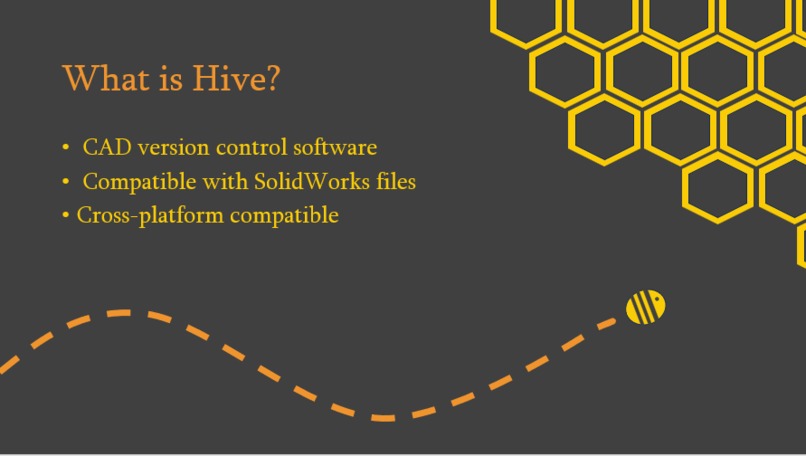
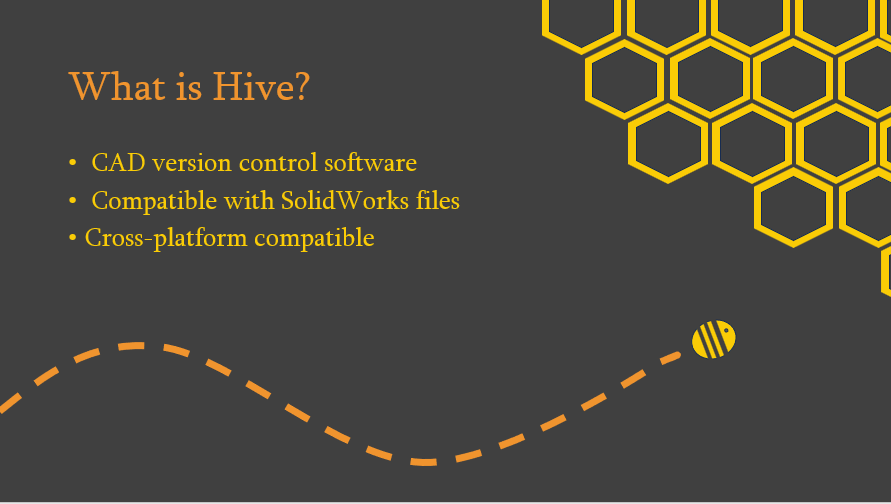
What is Hive?
-
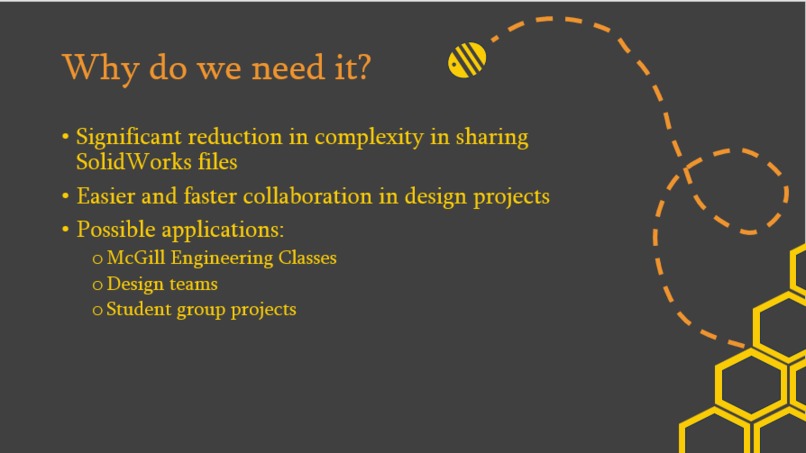
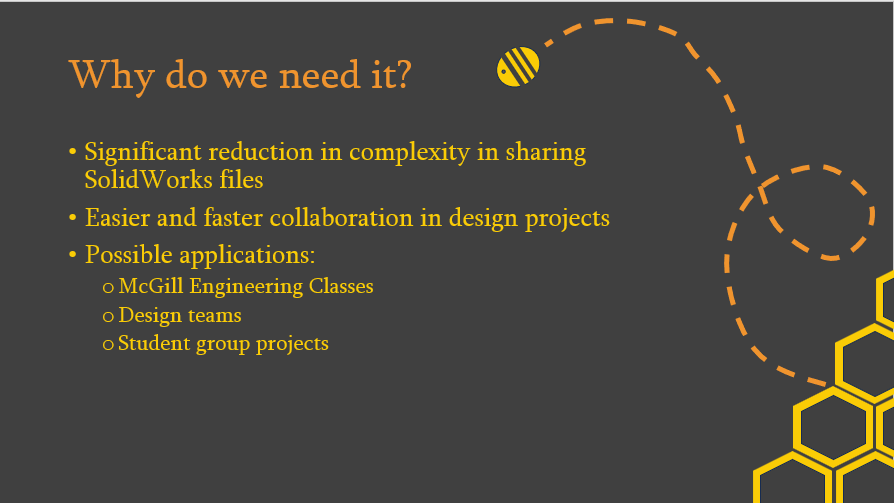
Why is Hive useful?
-
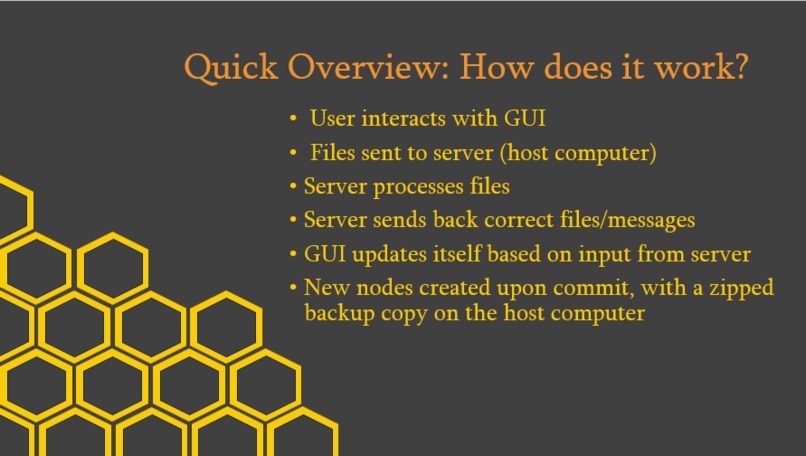
What does Hive do, and how does it work?
-
How did we make Hive?
-
Keep going to see Hive in action!
-
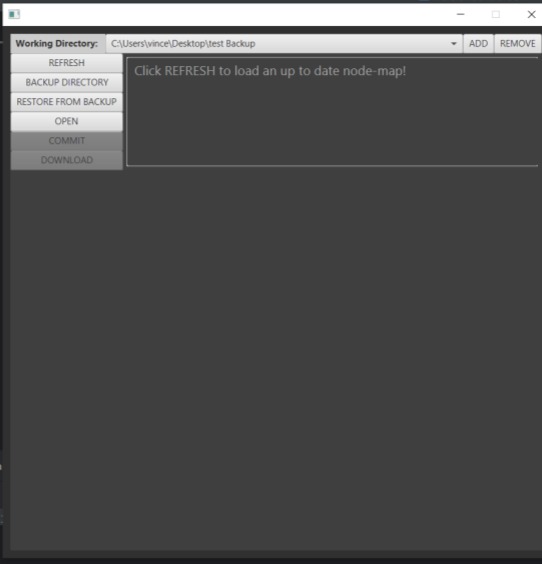
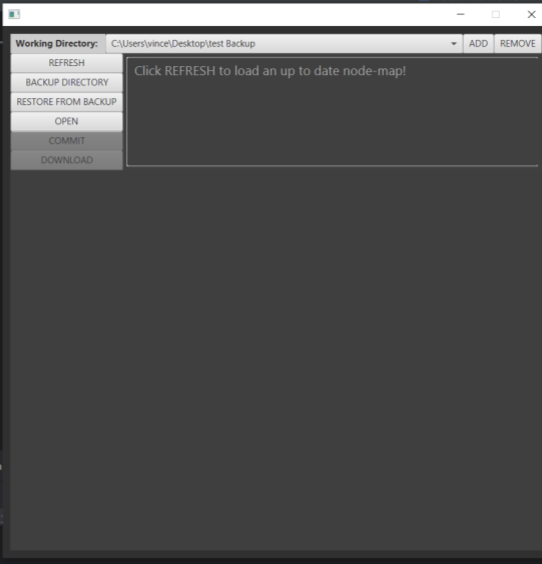
When you first open Hive
-
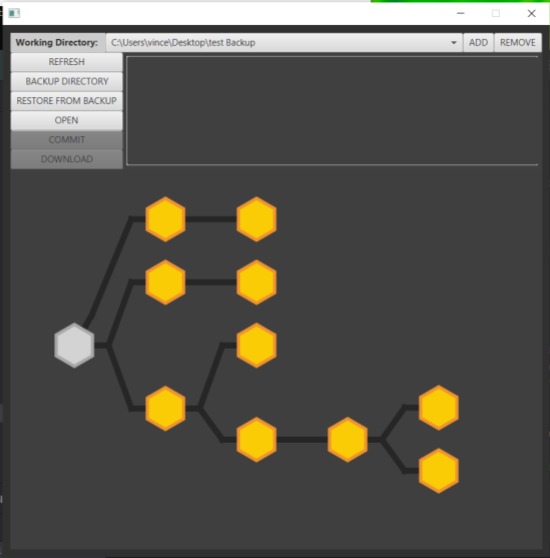
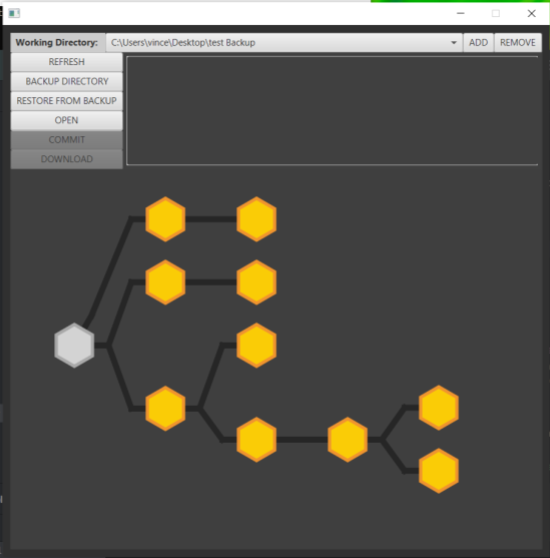
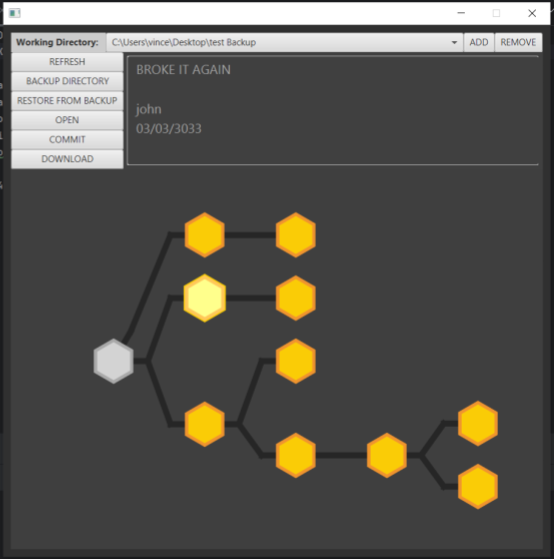
A sample node-map
-
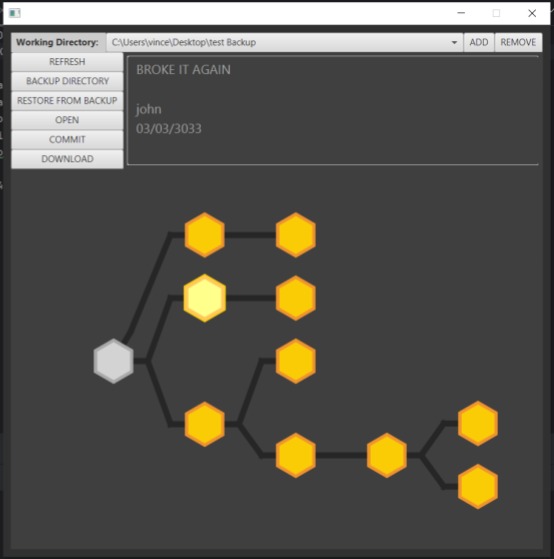
Selected node with commit message, timestamp, and user

Inspiration
Anyone who's worked with CAD knows how frustrating it can be, and in our experience, this becomes infinitely harder when you're working on a group project with teammates, whether it's for a class, design team, or just a fun project that you want to collaborate on. Files get lost, overwritten, assemblies include parts from different versions, or everything just breaks because of dependencies you didn't even know existed. To help eliminate these issues, we decided to create our own version control software for CAD files!
What it does
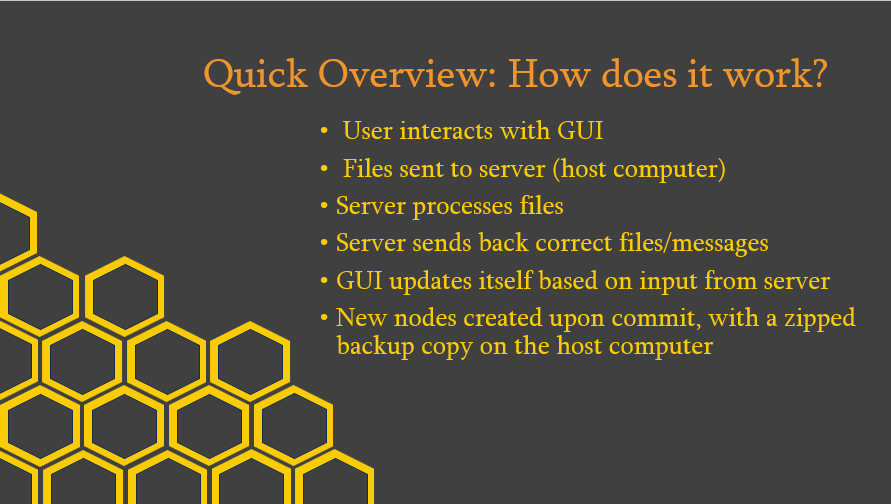
Hive is a version control software for CAD files. It creates a data tree for every project you have, to keep track of different files and versions! Users can upload new files, and the program will create a new node for them, while keeping a backup zip file of previous versions on the server. This way, you can easily keep track of any changes that you or your teammates make, and easily revert to previous versions if you made a mistake. This makes it much simpler to track your progress and compare your and your teammates designs, and is compatible with SolidWorks files. You can even open different versions of your files in SolidWorks through Hive!
How we built it
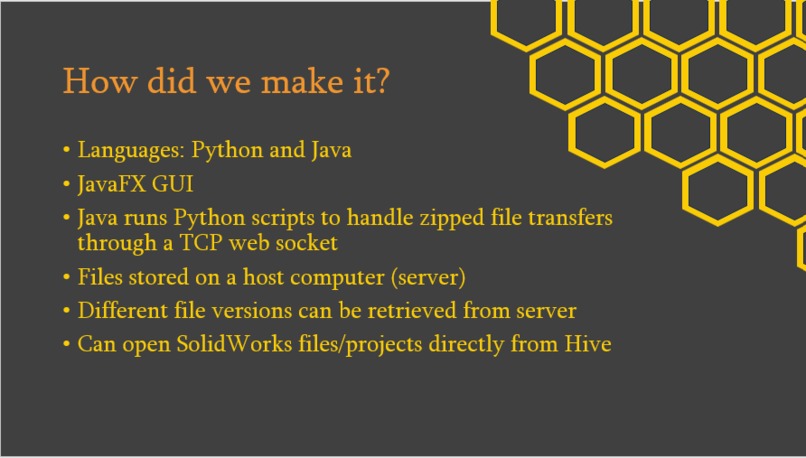
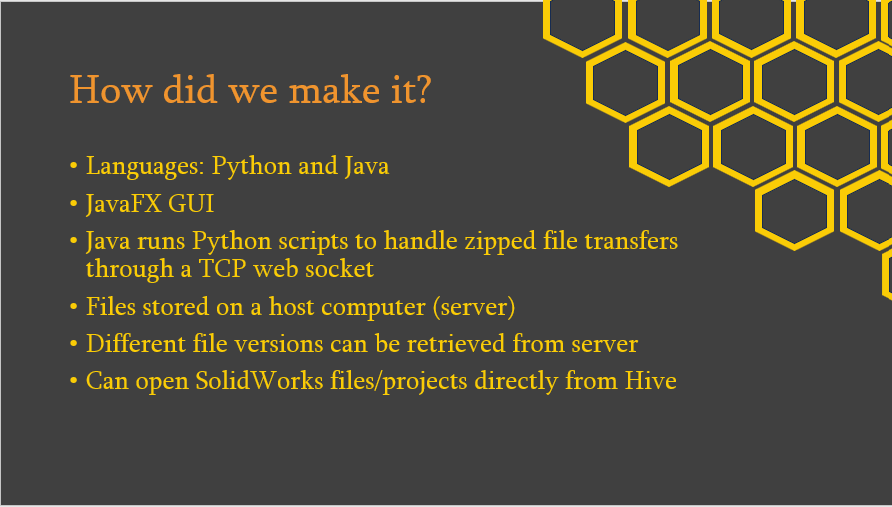
We implemented this project using Python and Java. The GUI is coded entirely in java, and once it receives inputs from the user, it runs Python scripts to run backend functionality. This transfers files between the user and the server (host computer), and returns the correct output to Java, which then updates the interface.
A backup version of the previous files is kept in a zipped folder on the server, and the updated version is added to the data tree as a new node. The file transfer protocol is handled by Python, and Java is used to run the correct Python files and make the GUI.
Challenges we ran into
Apart from many minor issues, the most challenging parts of the code were making the file transfer protocol, combining the two different languages, and integrating it with the GUI.
For the file transferring, we struggled with ensuring that the encoded files were read and executed correctly, how to generalize this to any system of client and server, and how to get the client and server to perform their roles correctly. We basically had to learn TCP from scratch, and had to figure out how sockets work by using the socket library. It was difficult to understand specific errors and how to debug our code when we had never done anything similar, and it took a lot of effort to overcome this challenge. It turns out that the error was in the connection handshake itself. The server did not receive the remote address of the client, so it could not send files back. To fix this issue, we made the entire transaction more symmetric (a fancy way of saying we had the file recipient act as server and file sender act as client, no matter who is really the server)
Combining Python and Java was also difficult due of a lack of experience, as well as the need to call functions from the other language through the command prompt on any computer. The GUI took a long time to code, and integrating everything together without breaking some part of the code was one of the most demanding parts of this project.
Accomplishments that we're proud of
Honestly, just having code that runs :) It's our first hackathon ever, and only one of us had ever even used Java before (most of us just knew a bit of Python!). We had no experience with this sort of project and how file handling and transfer works, or how to get the two languages to run each other, so everyone learned a lot, and just having the code work made us very happy!
Aside from that, we're proud of having created such a complex program that will be also useful for us in the future, and has clear applications in several fields as well as our studies.
What we learned
We learned a lot from this project! The biggest thing that we learned was definitely how to integrate everything and run together properly, especially the different languages and computers networking with each other. Other than that, there were a lot of small things, such as python modules dealing with zipping files and copying folders, and using JavaFX to make the GUI.
What's next for Hive
In the future, we're hoping to improve Hive in several ways to make it more user-friendly. Firstly, we would like to upgrade the GUI, and implement better user feedback so everyone knows what's happening with their files. Furthermore, we're planning on improving the server to be able to process multiple requests at once, or make a commit queue with notifications that the server is busy, as it currently doesn't listen for other requests while running one. Finally and most importantly, we're hoping to test and fully debug Hive, to ensure that there's no way files can get lost, or not be processed properly no matter what files or computers are involved.


Log in or sign up for Devpost to join the conversation.