-
-
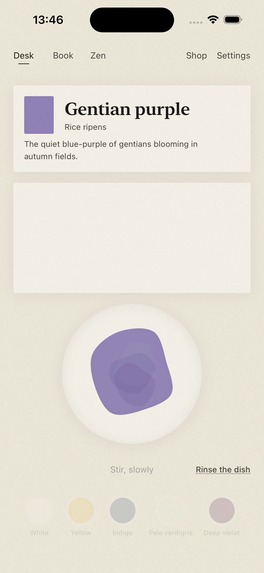
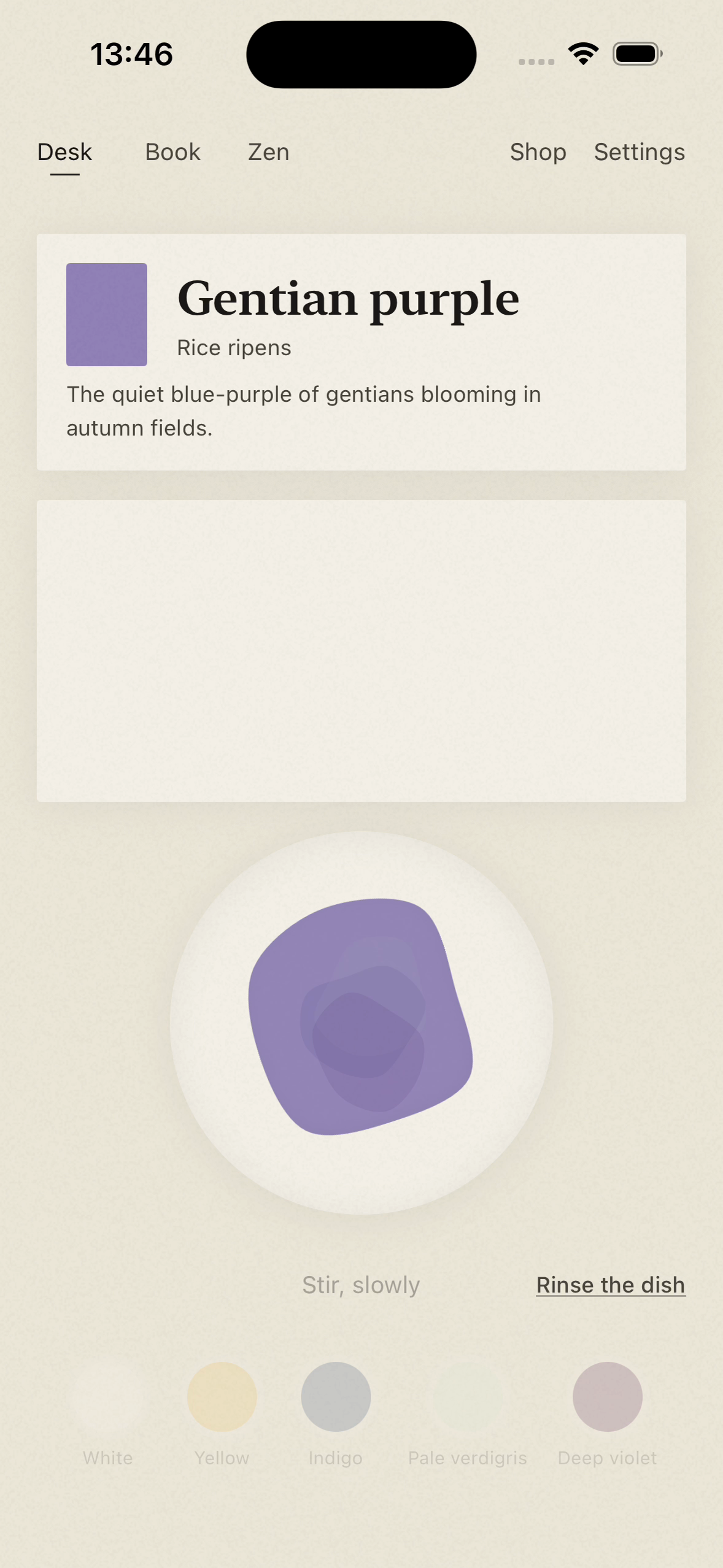
Swirl pigments with your finger, watching the layers blend toward today’s traditional Japanese color.
-
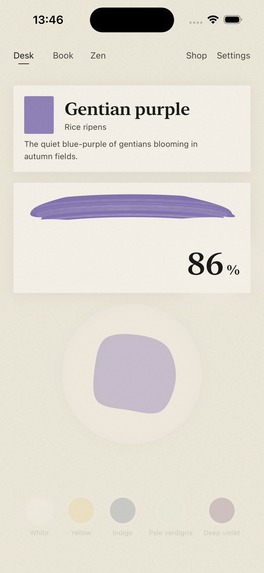
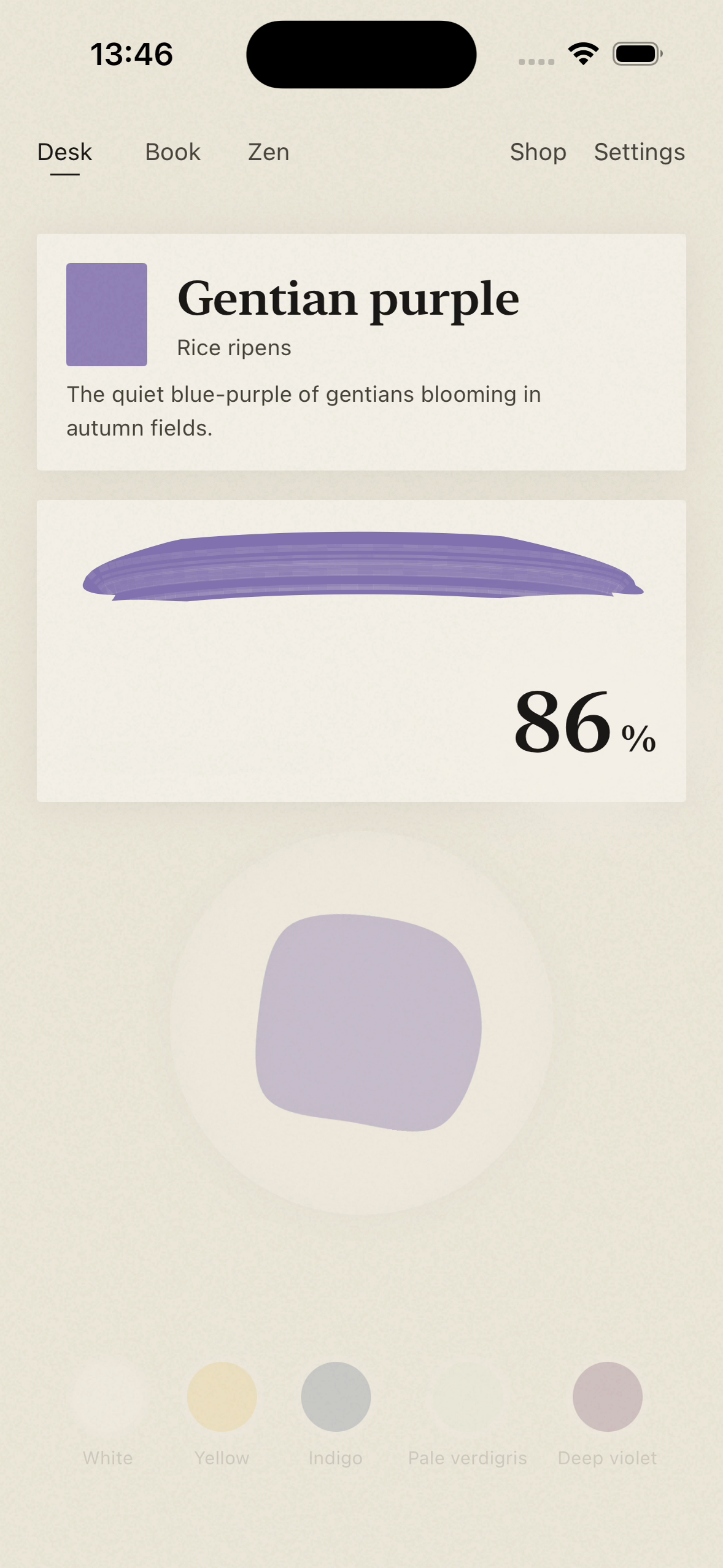
Commit one brushstroke; after it dries, your match appears as ink on paper.
-
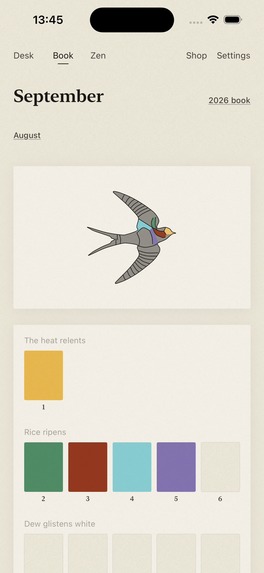
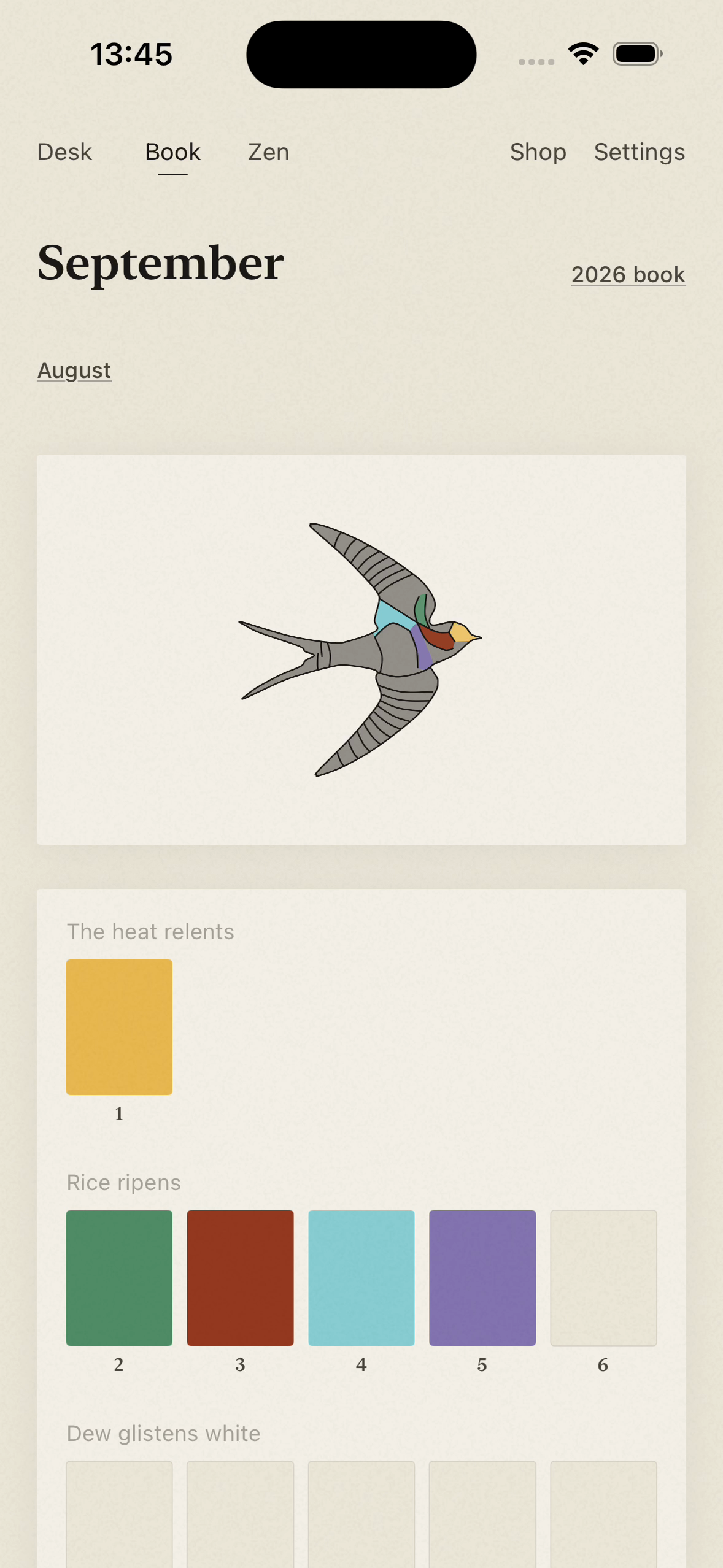
Each day’s mixed color fills one region of the month’s creature, building a book only you can make.
-
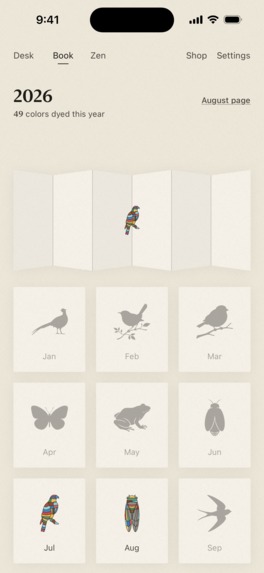
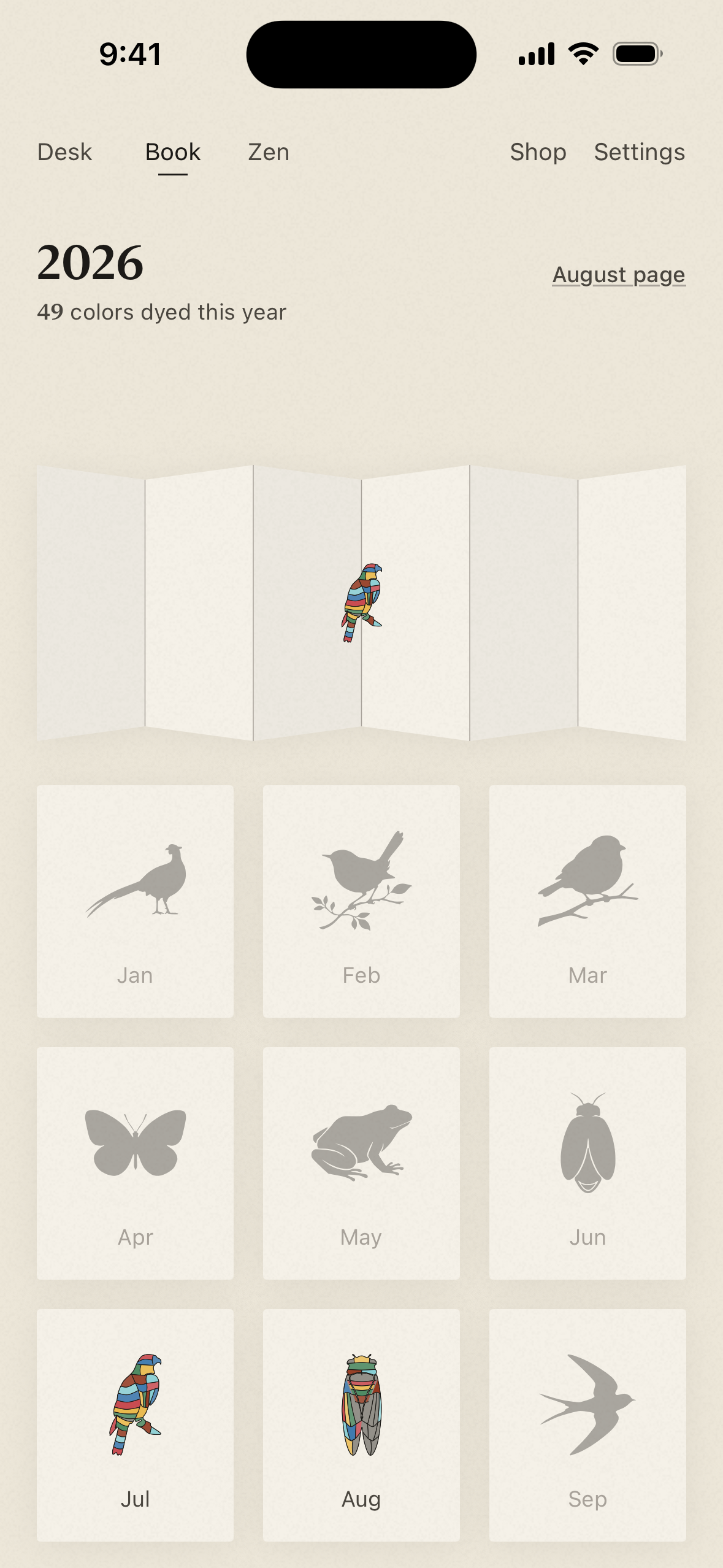
Twelve seasonal creatures form a year’s book; completed creatures gather on a folding screen.
-
Hitoiro app icon: a single blue brushstroke, framed by a quiet porcelain dish.
Inspiration
I wanted a few minutes on a phone to feel like time spent making something. Hitoiro gives everyone the same traditional Japanese color each day, but each person finds their own way there—adding drops, stirring with a finger, and finishing with one brushstroke. The color you make becomes part of a seasonal creature, and something to share.
That small act of making guides the whole design: gestures should feel like handling paint; the interface should leave room to see it; the Book should let it become part of your year. The daily challenge gives you a reason to return and a natural place to finish.
Challenges: making glass feel like pigment and paper
The hardest part was getting every layer to describe the same physical event. The mixing model, finger movement, animation, sound, and haptic timing had to agree. When one arrived early, the illusion broke.
- Drops and stirring. Drops bloom where they land, and stirring follows the finger with a sense of viscosity. Even the stirring sound changes with the amount of paint in the dish. Spectral pigment mixing determines the resulting color.
- From dish to paper. Wet paint has sheen and thickness; the brushstroke dries into a mark shaped by the paper's texture. The different treatments make the stroke feel like moving paint onto another material. Its dry-brush grain remains visible in the finished result.
- Feedback with room to breathe. After the stroke dries, the match percentage emerges as ink on paper. Hints follow once the number is readable, then sharing appears after a pause. The interface stays in paper and ink, leaving color to the paint and materials.
- Washing the dish. Before committing, you can rinse and begin again. The color loosens into water, so starting over belongs to the same material world as mixing.
Watch the drop bloom, the paint follow your finger, and the brushstroke keep its grain as the result appears. Then watch your color soak into the month’s creature, and a previous month’s creature fly in and settle onto the year’s folding screen.
What it does: a day becomes part of a year
Each day's color comes with a name, a short description, and context from Japan's 72 microseasons. You mix from five pigments and compare by eye, adjusting until you choose to paint. A short press-and-hold starts the final brushstroke; the match is revealed only afterward. That day's result is final, giving the practice a stopping point.
Every completed day dyes one region of the month's creature in the Book. There are twelve seasonal creatures, one for each month. After a month ends, the creature you've colored flies in and settles onto the year's folding screen when you first open that view. The colors and the unpainted days together record the time you spent; there is no catch-up task waiting when you return.
Zen is always available for open-ended mixing, without a target or a daily limit. Stop stirring and watch the color spread across the paper. Nothing is saved there. Two widgets bring today's color and the month's creature to the Home Screen.
What I learned from players
Players asked to adjust a mixture after stirring. I kept the paint already in the dish, let the next drop land in it, and reused the same stirring gesture. They can keep adjusting or rinse before the final stroke—without another mode or extra buttons. The feedback made the interaction behave more like paint while preserving the daily commitment.
Questions about previous recipes exposed a discoverability problem. Yesterday's answer now opens that day's Book page, where players can compare the target recipe with their own mixture. Japanese color-name readings live in the Book, keeping the daily workspace quiet. Both changes make existing places clearer instead of adding another screen.
A daily ritual, shared in Japan
Players are sharing their daily colors under #ひといろ on X, comparing approaches and noticing subtle differences. The same target gives them common ground; the color each person makes gives them something of their own to contribute.
The share card places the target and the player's color side by side, both rendered as dried paint for comparison under the same visual conditions. It is ready for X or other social apps, with room for the player's own words. Sharing today's color and anticipating next month's creature connect the daily challenge to other people and to a growing personal work.
The RevenueCat design: choosing tools for something you love
The daily challenge and Book are a complete free experience. I wanted the optional Paint Box to feel like choosing materials in an art shop: a way to deepen an experience you already enjoy and make its surroundings your own.
Annual and lifetime options unlock the same eighteen additional mineral-inspired pigments and papers for Zen, plus scroll cloths and folding-screen backgrounds for the Book. Daily targets, attempts, and the daily palette stay the same for everyone. Material previews and selection use the same paper-and-ink language, and purchase prompts never interrupt the ritual.
RevenueCat provides localized offerings, purchases, restoration, offer-code redemption, and cached entitlement access offline, supporting that material-selection experience behind the scenes.
How I built it
- SwiftUI and WidgetKit for iPhone, iOS 17+, with Japanese and English interfaces.
- An independent Swift implementation of spectral Kubelka–Munk mixing, validated against spectral.js reference fixtures; OKLab color differences determine the match percentage.
- Coordinate-authored SVG artwork converted to verified Swift paths, with individually dyeable regions beneath ink outlines for all twelve creatures.
- Shared typography, paper, motion, sound, and haptic tokens across the app, widgets, and share cards. Named VoiceOver actions provide alternatives for stirring and committing a stroke; touch targets are at least 44 points.
- Bundled content for every calendar date, including February 29, and on-device JSON records shared with WidgetKit through an App Group.
The support page explains the color treatments, matching, and daily play rules.
Since launch
As of October 1, 2026, RevenueCat's Overview reports 9,311 new customers and US$531 in gross revenue for the last 28 days. The Japanese App Store is rated 4.7/5 from 29 ratings as of the same date.
Privacy and availability
Hitoiro is available on the App Store for iPhone. There is no account system or advertising SDK. Gameplay records stay on the device, and the daily experience works offline; network access is used for purchase-related operations through RevenueCat and StoreKit.


Log in or sign up for Devpost to join the conversation.