-
-
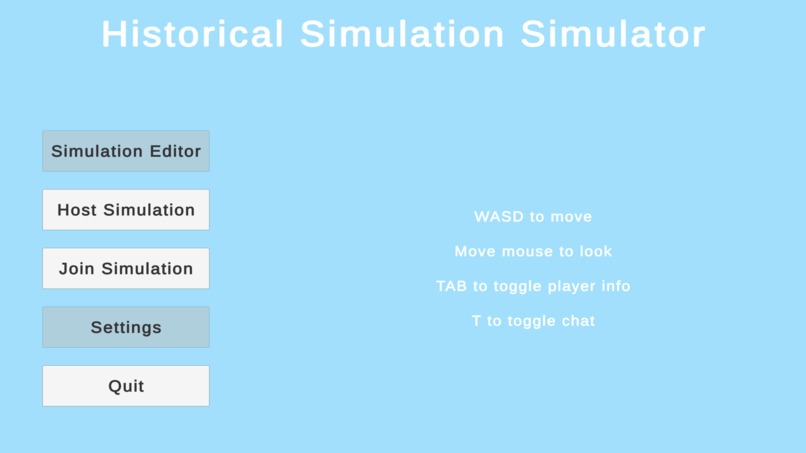
Menu Screen
-
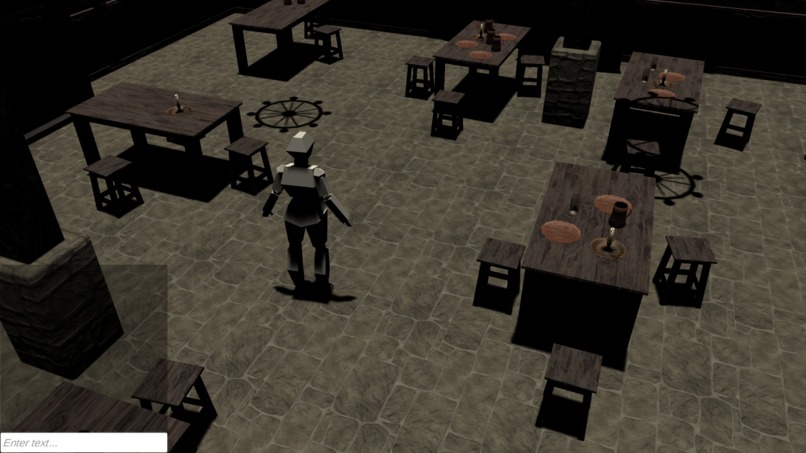
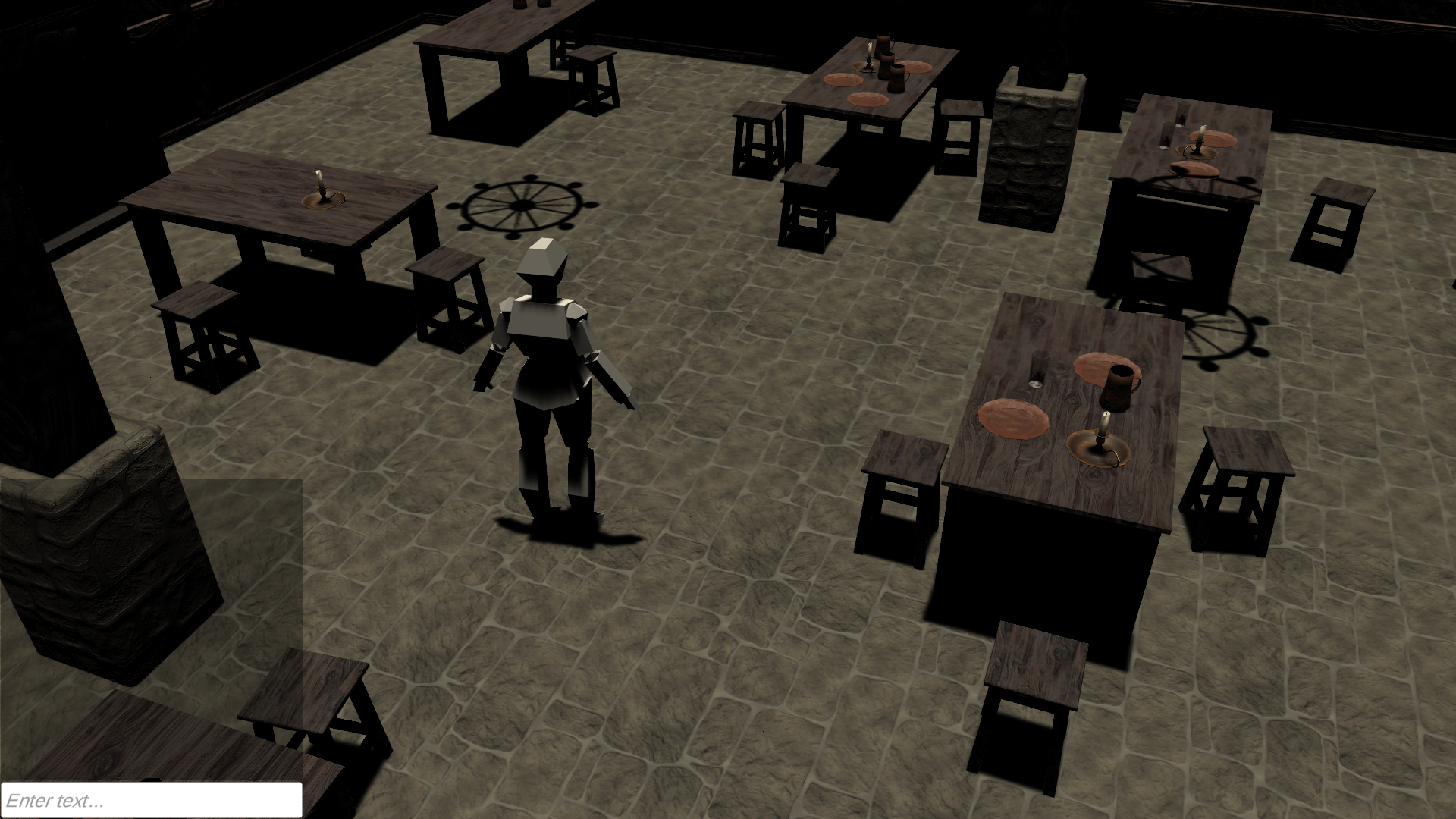
In-Game
-
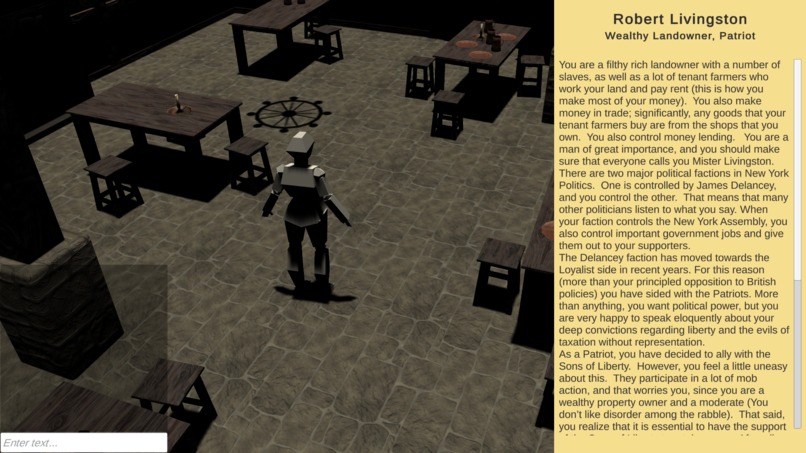
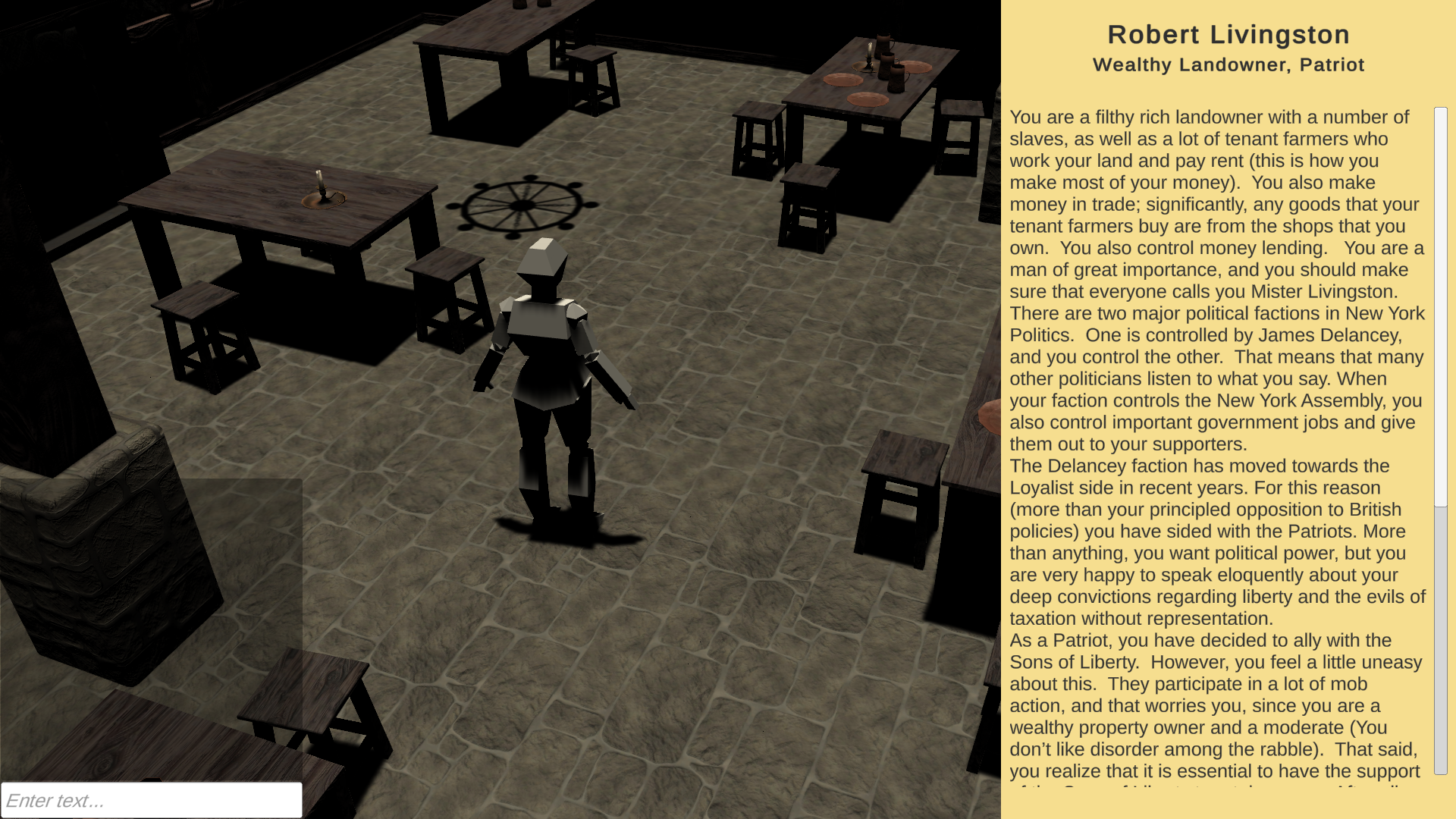
Character Info Tab
Inspiration
My favorite part of my high school history classes was when teachers would run simulations. We were all assigned characters and had to do research so that we could debate and vote on policies accurate to the time period. They were always a lot of fun and helped me learn a lot in a class where I usually struggled to remember things. However, these simulations are more difficult to conduct remotely and are less fun when you're not in the same room together, so I decided to make a virtual room with tools to help the teacher run the simulation more smoothly.
What it does
Unfortunately, I didn't have time to build the simulation creation tool. Right now I've set up a sample simulation from my class. It allows a teacher to host a server and let up to 30 people connect to it. Everyone can set their names and pick a character that will update the players' character information tab. There's also an in-game text chat in which I plan to have multiple tabs (like an MMO chat) so that players can directly message the teacher or assigned groups.
How I built it
I used Unity to build the game and C# to program it. For multiplayer, I used Mirror which is a free, open-source, networking API. I made a player model in Blender and used an asset pack from the Unity store for a placeholder level.
Challenges I ran into
I've never worked with networking and multiplayer before, so learning it was a little bit of a challenge. It was also difficult to add in some features that I'm used to doing in single-player games because I had to adapt them to work with Mirror. There were a couple of features that I programmed, but left out because they caused problems and I didn't know enough about Mirror or decided it was taking too much time to fix them. I also haven't used Blender very much so 3D modeling a character was pretty difficult.
Accomplishments that I'm proud of
I'm really proud of making all of the multiplayer stuff work. I'm also pretty proud that I was able to make a player model.
What I learned
I learned how to use Mirror to make multiplayer games with Unity and how to use Unity's UI system better. I also learned how to use Blender to make 3D models for my games since I usually make 2D graphics with Aseprite.
What's next for History Simulation Simulator
The main feature I plan to add is a simulation creator / editor so that teachers can make their own games. This will have a list of pre-made scenes that they can select from, a character creator with pre-made models / parts of models, a way to drag and drop text files to add information to the character, and different toggleable features (e.g. polling system, points system, etc.). I would also like to add a save system and maybe a way for students to access the simulation in an offline mode. It would be nice if I could port to mobile to make it more accessible for students who may not have laptops and add a voice chat so people don't need to use an external program.


Log in or sign up for Devpost to join the conversation.