-
-
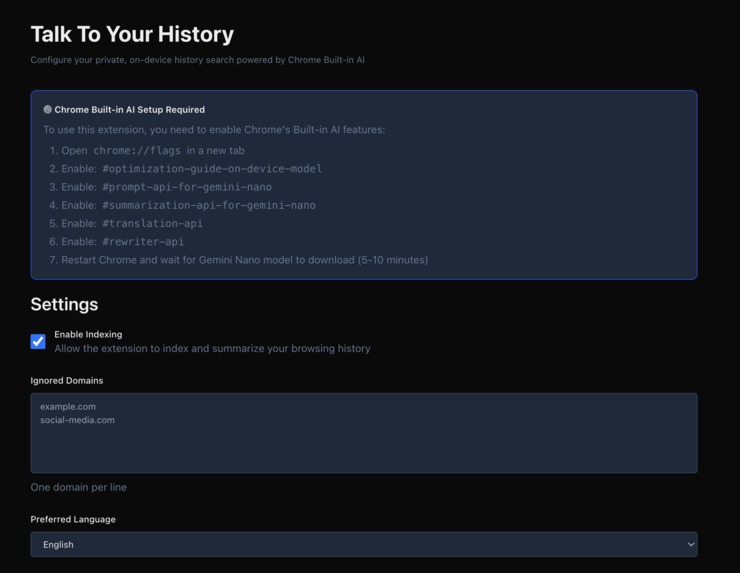
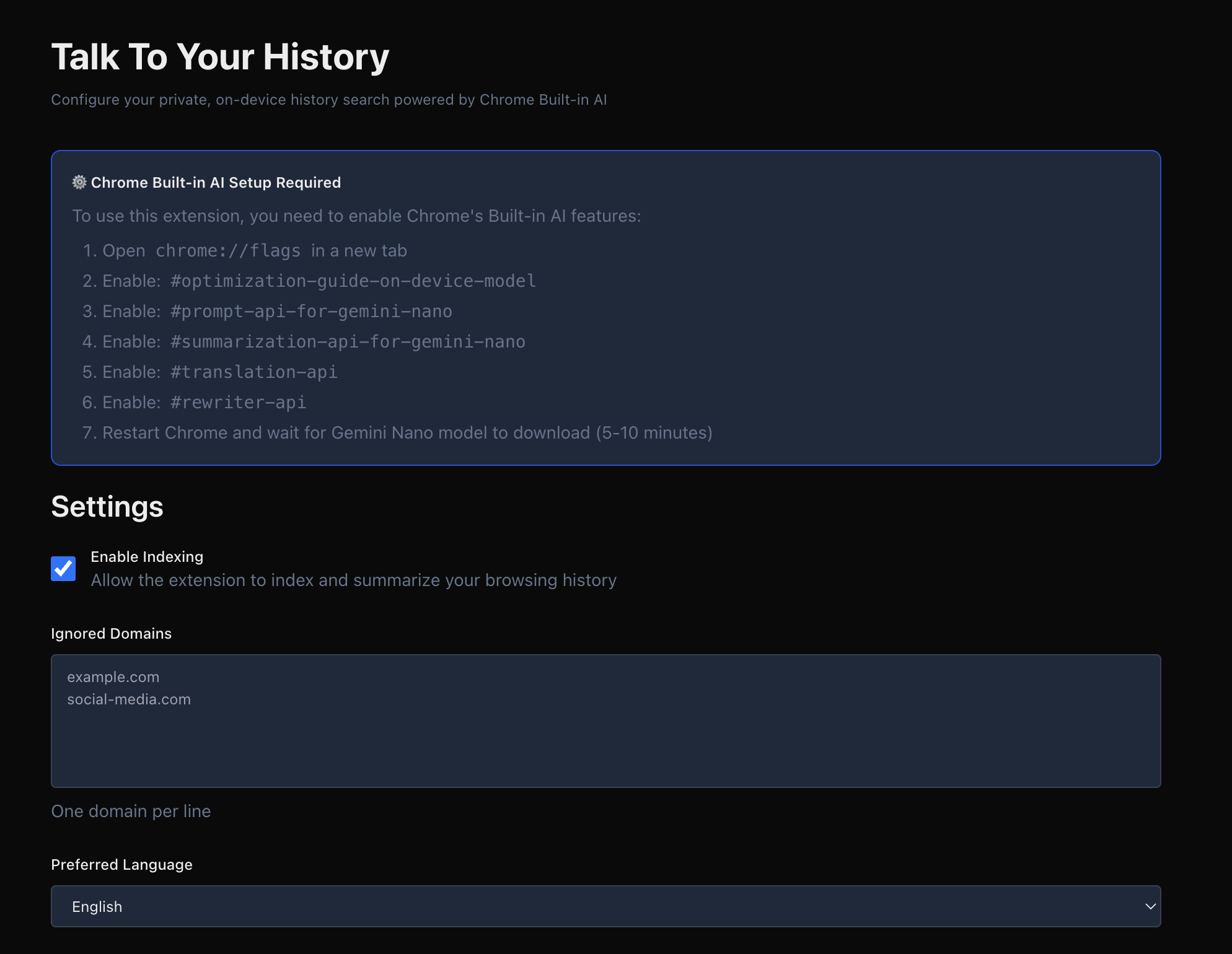
Instructions
-
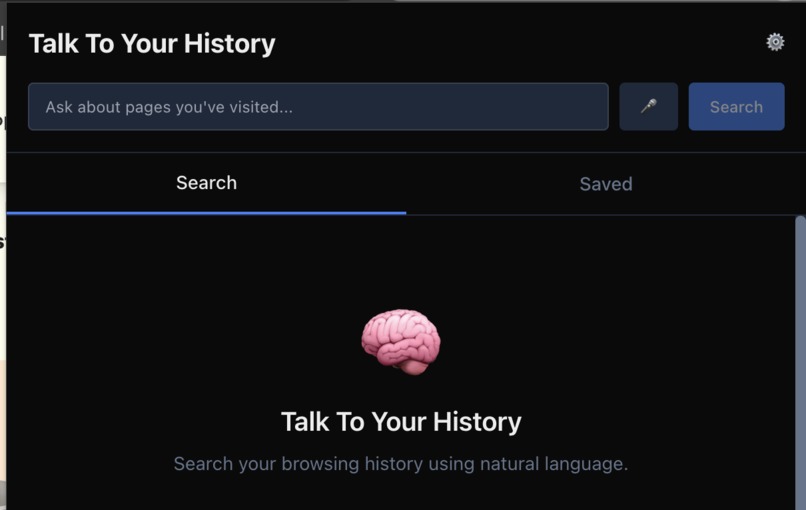
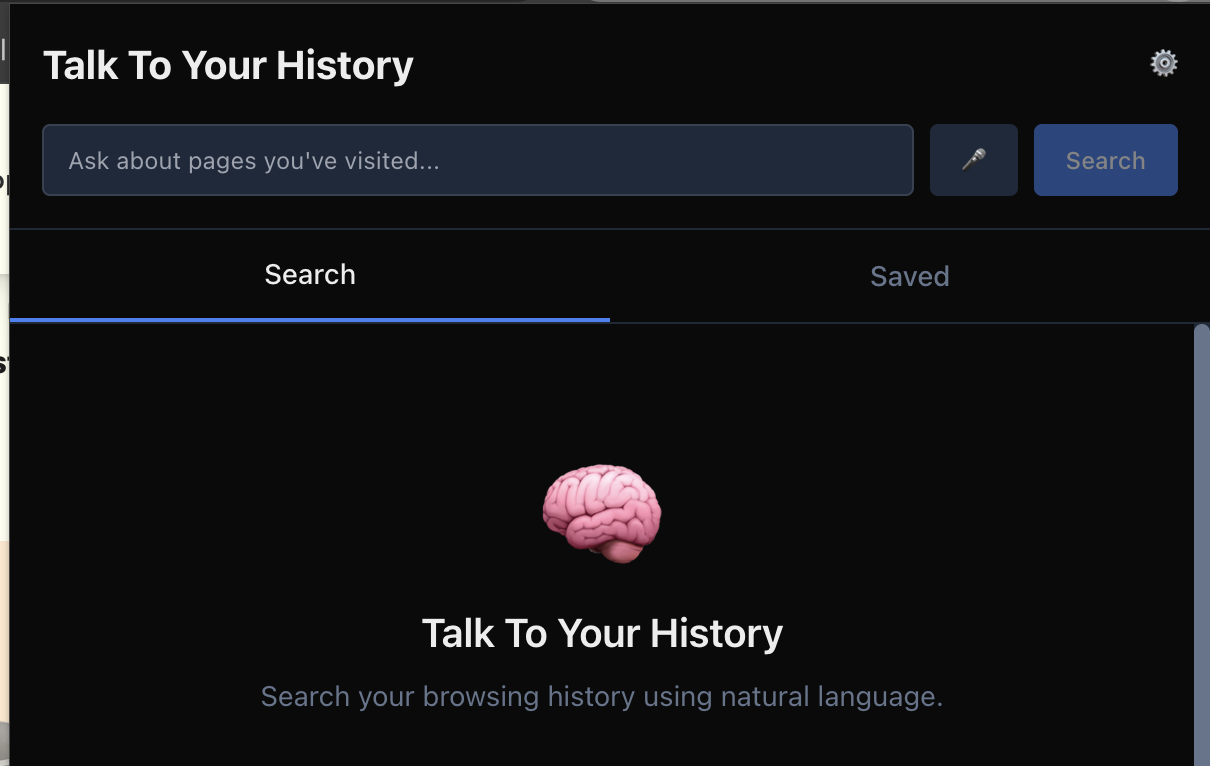
Simple design
Inspiration
I spend a lot of time researching AI tools, startups, and new frameworks. Days later, I often remember something useful I saw but can’t recall where I found it. Chrome’s history search only matches exact words, not the idea behind what I’m trying to remember.
What it does
Talk To Your History is a Chrome extension that turns your browsing history into a private, searchable memory. You can ask it things like: “SaaS for content planning”, and it will show you the right page almost instantly. It understands meaning, not just keywords. It’s like your browser grew a memory.
How we built it
I built it entirely using Cursor and Claude Sonnet 4.5, without writing any manual code. Every feature, file, and line of logic came from describing what I wanted as precisely as possible.
Tech Stack: I chose Vite with the CRXJS plugin for fast builds with hot module replacement. TypeScript in strict mode gave me safety and great IntelliSense. For the UI, React 18 with Tailwind CSS made it easy to build a modern, dark-mode interface. I used Zustand for state management because it's lightweight and has zero boilerplate.
Data Storage: IndexedDB with the idb library handles all local storage. I created indexes on lastVisit, status, and url to make queries fast, even with thousands of pages.
AI Integration: This was the fun part. I built wrappers around the Chrome AI APIs: Prompt API for query interpretation and result ranking Rewriter API for generating compact memory cards with tags Translator API for detecting page language
The whole project took about 15 hours over 7 days, with lots of iteration on the AI prompts to get consistent output formats.
Challenges we ran into
AI APIs are unpredictable: The Chrome AI APIs would sometimes timeout, return malformed JSON, or fail silently. I spent hours building retry logic with exponential backoff (try 3 times with 1s, 2s, 4s delays), timeout protection (kill operations after 30 seconds), and validation to check JSON structure before using it. Getting the APIs to Work properly took longer than I expected.
Adding voice seemed easy at first, but I couldn’t get it to work consistently. The Web Speech API sometimes picked up the mic, sometimes didn’t, and it behaved differently across devices. I decided to leave the mic button in the interface as a placeholder, but for now it doesn’t function reliably.
Accomplishments that we're proud of
I managed to build a powerful AI feature that runs 100% on-device. No cloud services, no API keys, no data leaving your computer. This is how AI should be built. It actually works (I am already using it): I Built something that genuinely solves a problem I had. That's the best feeling as a developer.
What we learned
Chrome's AI APIs are powerful but need monitoring: Gemini Nano is very impressive for on-device AI, but it needs careful prompt engineering, aggressive error handling, and rate limiting to work reliably in production.
This project changed how I see AI development. I now see local AI as the future of AI privacy.
I also learned the importance of test, ship, and iterate. I don’t need everything perfect before showing it to the world. Get something working, test it, get feedback, and improve.
Progress happens faster when you release early and refine as you go.
What's next for Talk to your History
There’s so much room to grow.
Next steps include:
- Smarter ranking for better accuracy across large histories.
- A quick command palette to “talk” to your history from any tab.
- A small mascot and onboarding animation to make it feel alive.
- Better multilingual support through the Translator API.
- Possibly syncing summaries across devices while keeping privacy intact.
- Fixing the voice input feature. The mic button is already in the interface, but voice recognition doesn’t work properly yet. It will be fully functional in a future update once it’s stable and consistent across browsers.
Built With
- archiver
- built-in-ai
- chatgpt
- chrome
- chrome-history-api
- chrome-runtime-api
- chrome-scripting-api
- chrome-storage-api
- chrome-tabs-api
- claude
- crxjs/vite-plugin
- crypto-api
- cursor
- dompurify
- fetch-api
- gemini
- indexeddb
- javascript
- jsdom
- mozilla-readability
- postcss
- react
- tailwind
- typescript
- vite
- vitest
- web-speech-api


Log in or sign up for Devpost to join the conversation.