-
-
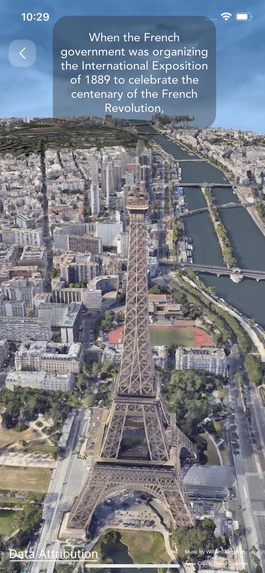
The Eiffel Tower
-
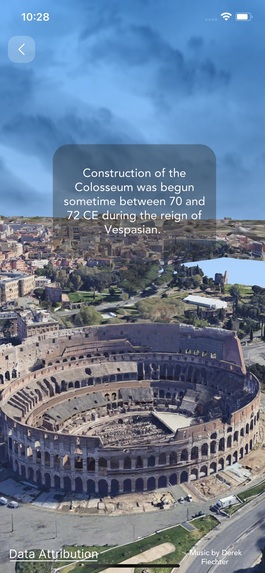
The Colosseum
-
-
-
-

Inspiration
We have always wanted to travel to historic buildings and sites around the world, but we have not been able to do so. But the amazing thing is that Google Photorealistic Map Tiles make you feel like you are there because of how realistic these 3D assets are. So we thought to ourselves, Why not create an experience with these map tiles and tell the history of these locations so that anyone, without going to the physical location, can experience these historic places like they are there? That is what inspired us to create this project.
What it does
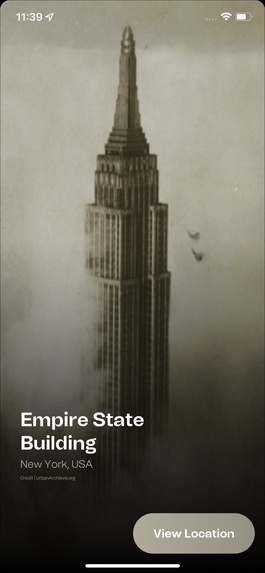
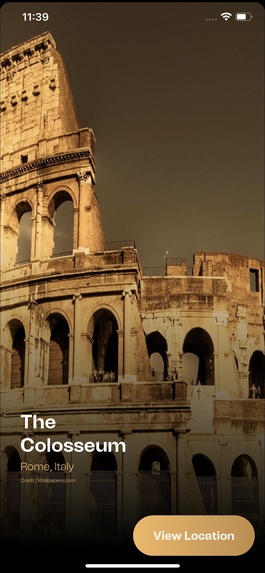
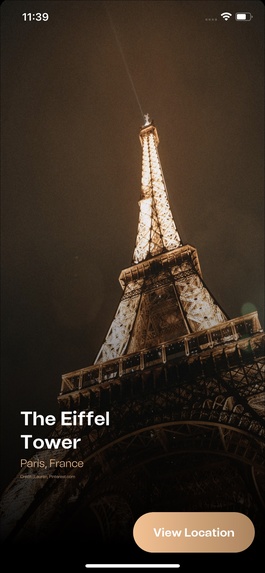
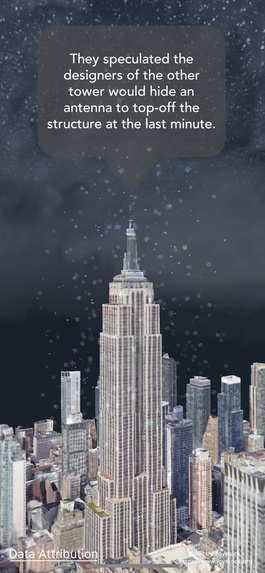
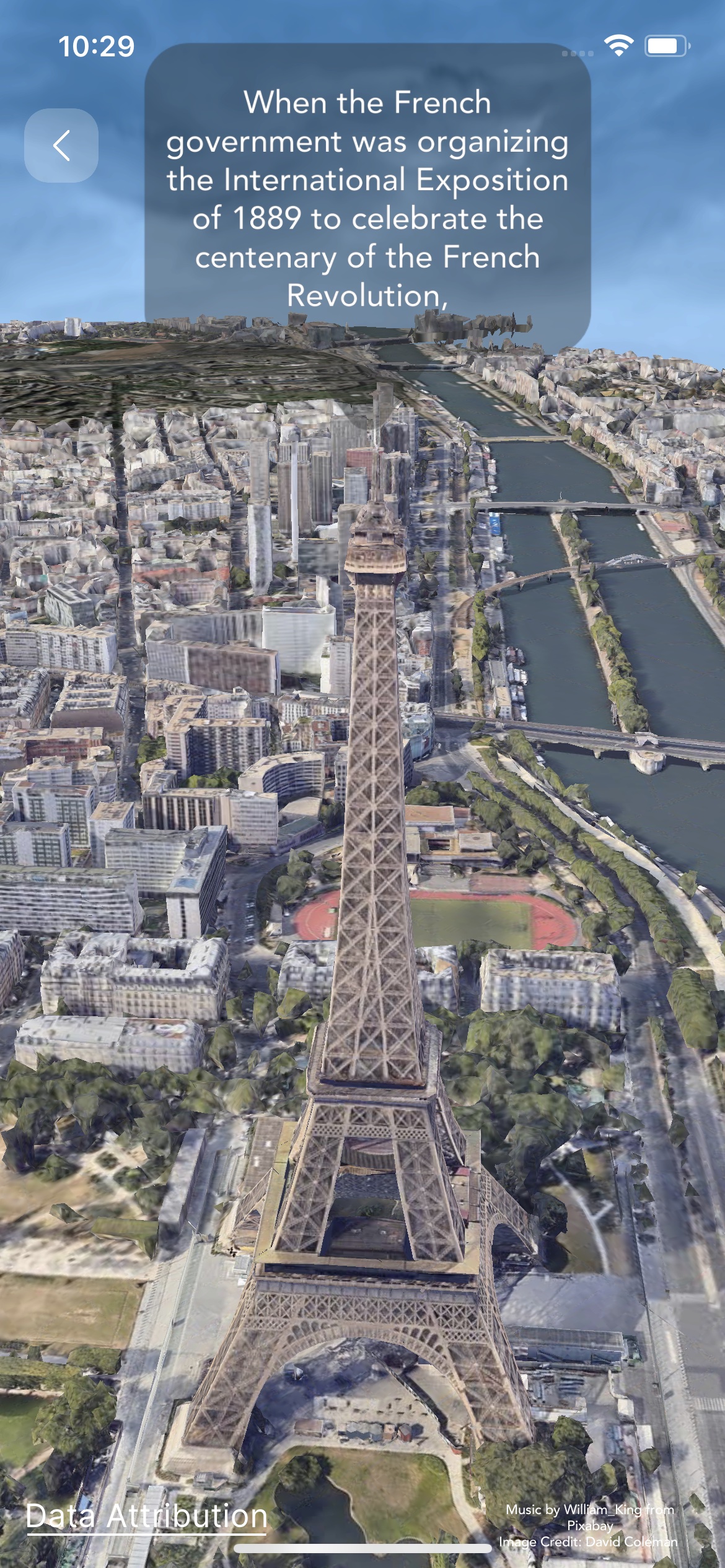
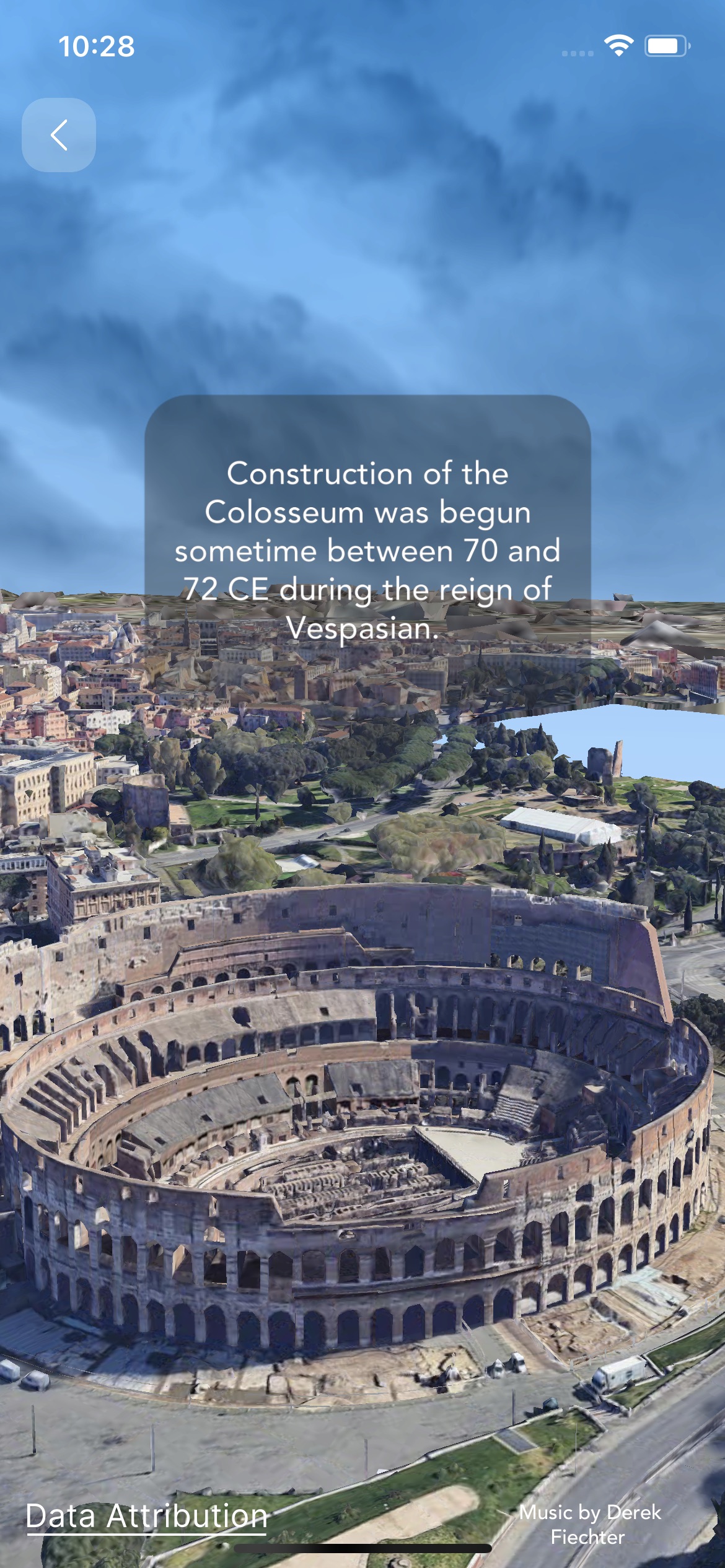
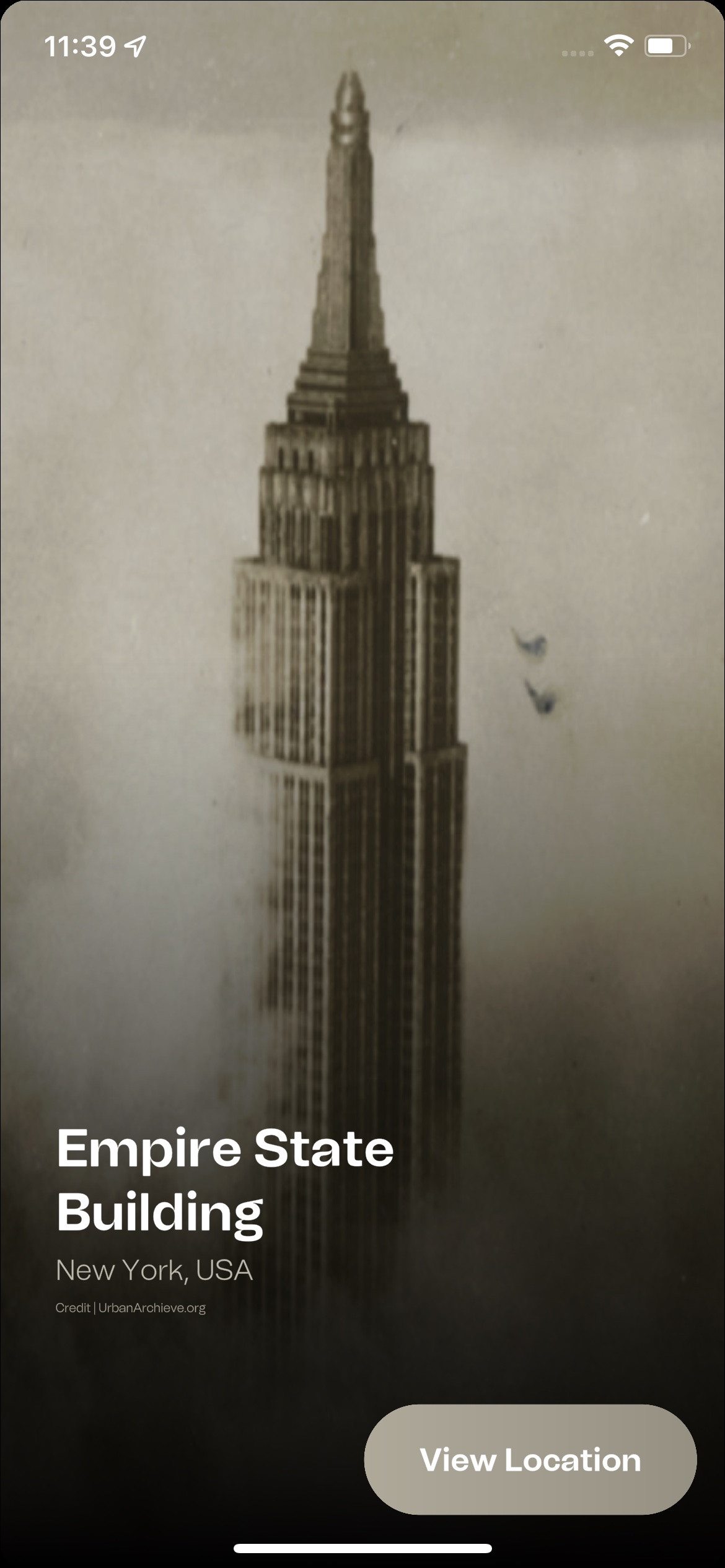
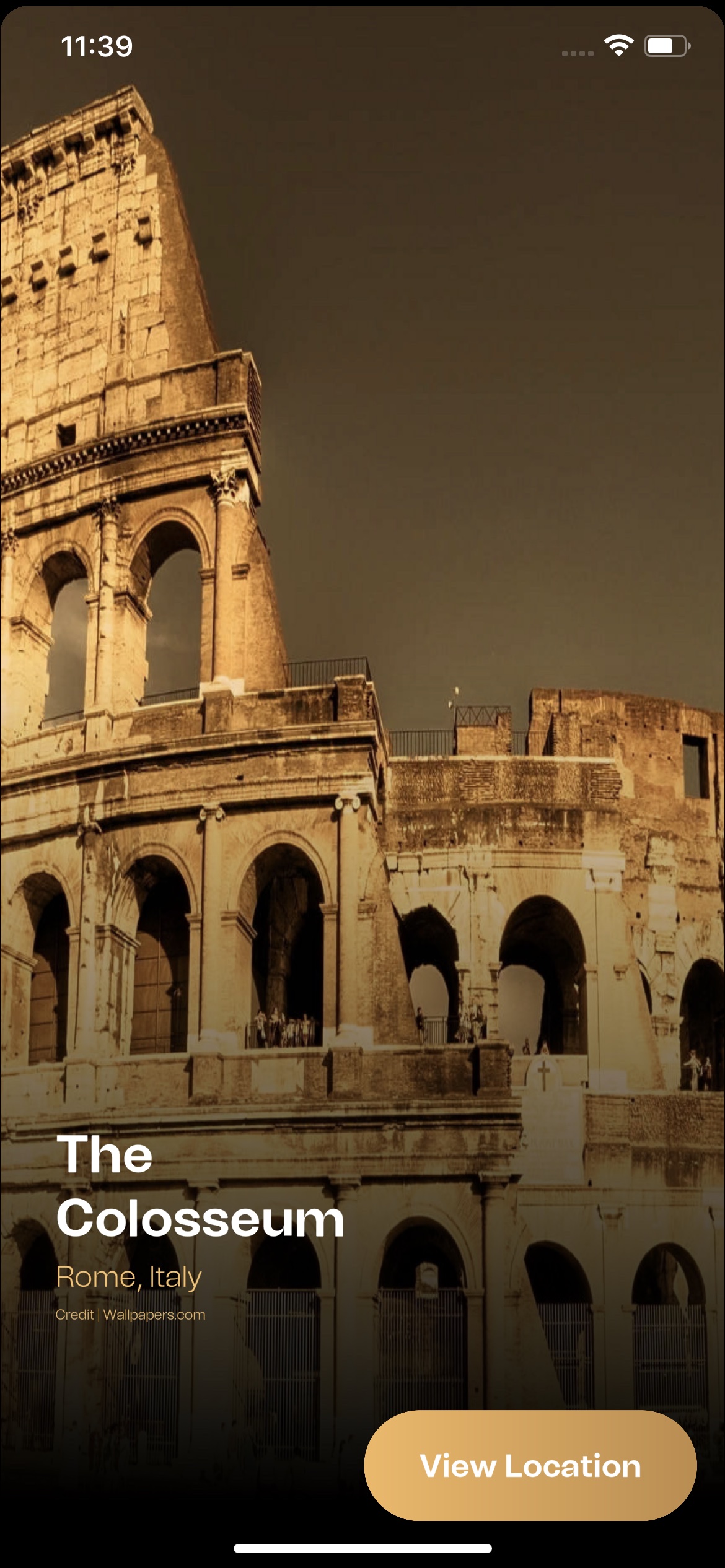
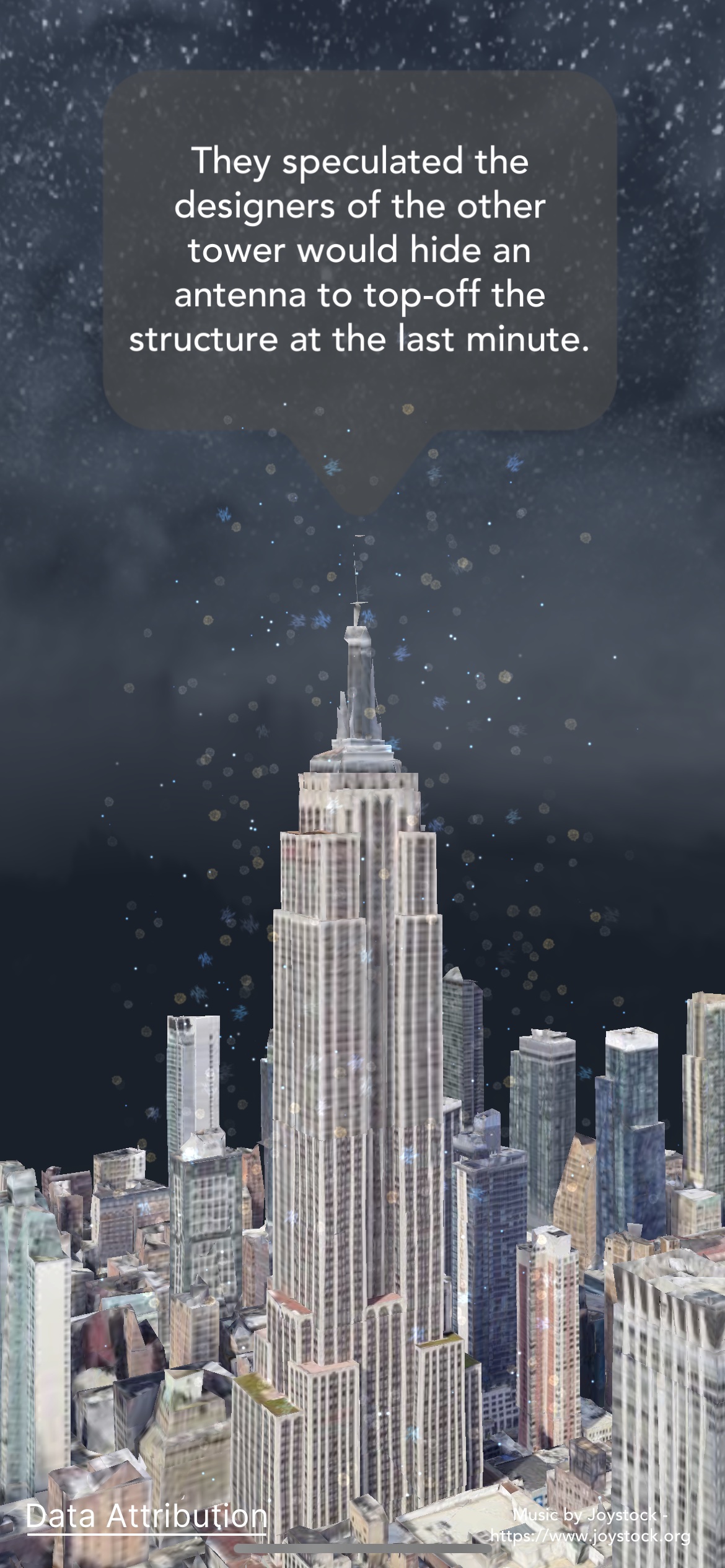
Historic 3D is an app that uses Google’s Photorealistic 3D Tiles to create immersive and realistic experiences of famous historic buildings. You can choose from a list of buildings such as the Empire State Building, the Eiffel Tower, and more. Then, you can watch as the app centers the camera at the selected building and moves it around to show you different perspectives. As you admire the photorealistic details of the building, you can also read about its history, design, and significance on the screen, slide by slide.
Historic 3D is a great way to explore and learn about the world’s cultural heritage without leaving your home. It is also a fun and educational tool for students, teachers, and anyone who loves history and architecture. With Historic 3D, you can discover the stories behind some of the most amazing structures ever built and see them in a new light.
How we built it
We built Historic 3D using the Unity 3D Engine as the platform for developing the app and rendering the 3D graphics. Unity 3D Engine is a cross-platform game engine that supports various types of interactive media, such as games, simulations, and virtual reality. We also used Cesium as the provider of the 3D tiles and the integration with the Google Maps Tile API. Cesium is an open-source library for 3D geospatial visualization that supports the OGC 3D Tiles standard. Google Maps Tile API is a service that allows developers to access Google’s map data in various formats, including photorealistic 3D tiles.
Challenges we ran into
One of the main challenges we faced was to optimize the performance and quality of the app. Since Photorealistic 3D Tiles are very large and complex datasets, we had to ensure that they were loaded efficiently and rendered smoothly on different devices. We also had to balance between the level of detail and the size of the tiles, as well as between the speed and accuracy of the camera movement.
Accomplishments that we're proud of
We are proud of creating an app that uses cutting-edge technology to bring history and culture closer to people. We are proud of using Photorealistic 3D Tiles to create stunning and realistic 3D maps of historic buildings that can be explored from different angles. We are proud of providing informative and engaging content that can educate and inspire users about the world’s cultural heritage. We are proud of making an app that is fun and easy to use for anyone who loves history and architecture.
What we learned
We learned a lot from this project, both technically and personally. We learned how to use the Unity 3D Engine as a powerful tool for creating interactive media applications. We learned how to use Cesium as a library for 3D geospatial visualization and integration with the Google Maps Tile API. We learned how to use Photorealistic 3D Tiles as a format for high-resolution 3D maps of the real world. We learned how to optimize performance and quality for large and complex datasets. We learned how to research and present information about historic buildings in a concise and captivating way.
What's next for Historic 3D
We have many ideas for improving and expanding historic 3D in the future. Some of them are:
- Adding more historic buildings from different countries and regions to the app, such as the Great Wall of China, the Pyramids of Giza, the Colosseum, etc.
- Adding more features and functionalities to the app, such as voice narration, interactive quizzes, augmented reality, etc.
- Adding more customization options to the app, such as changing the time of day, weather, season, etc.
Built With
- c#
- cesium
- google-maps
- unity


Log in or sign up for Devpost to join the conversation.