-
-
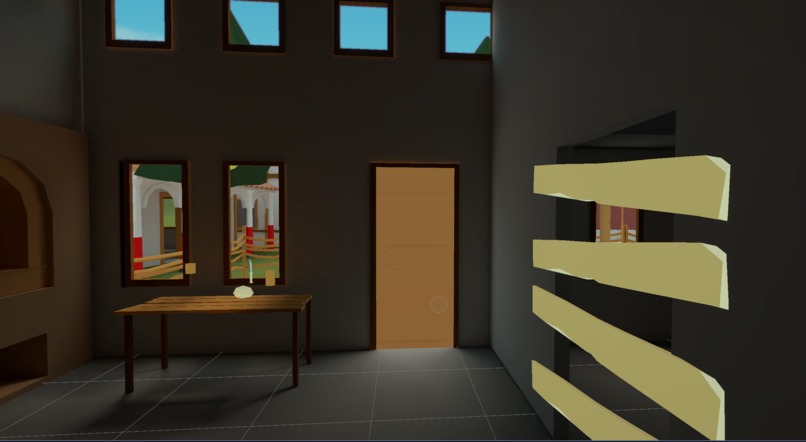
Indoor
-
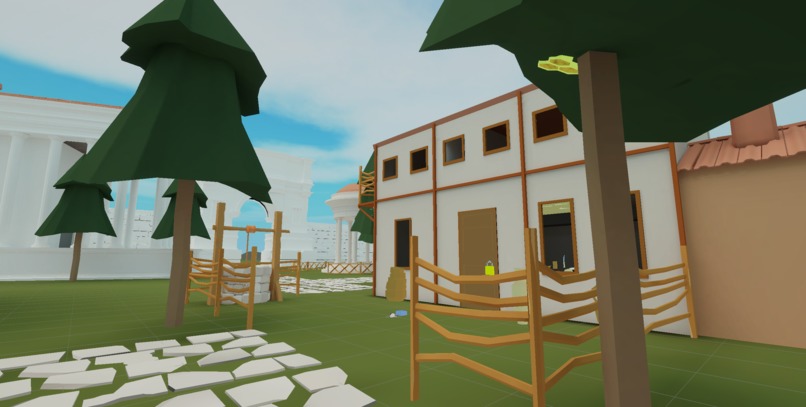
Outdoor
-
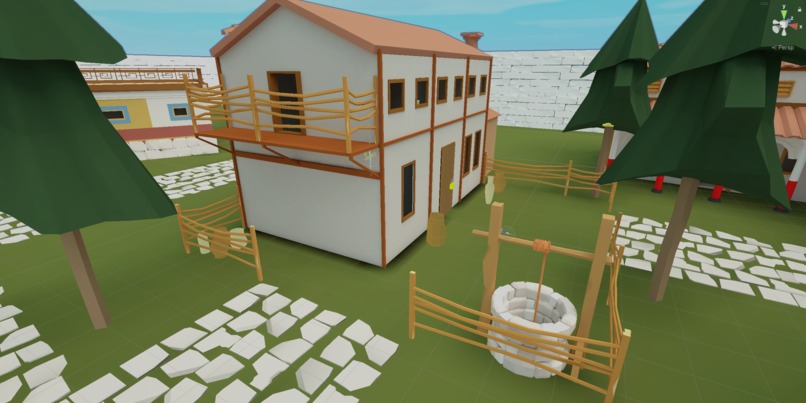
Outdoor 2
-
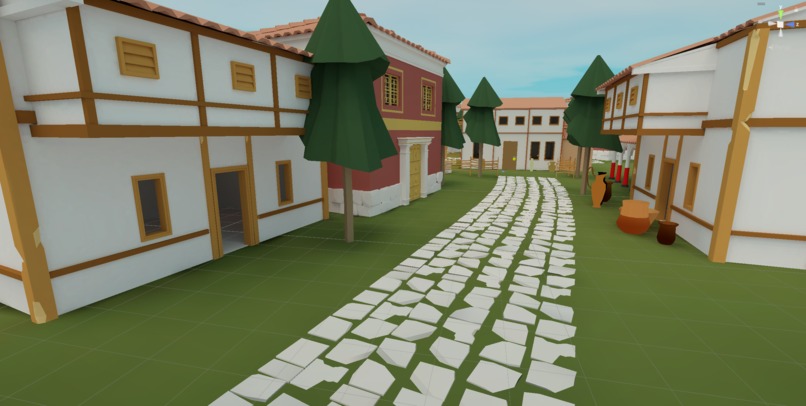
Level
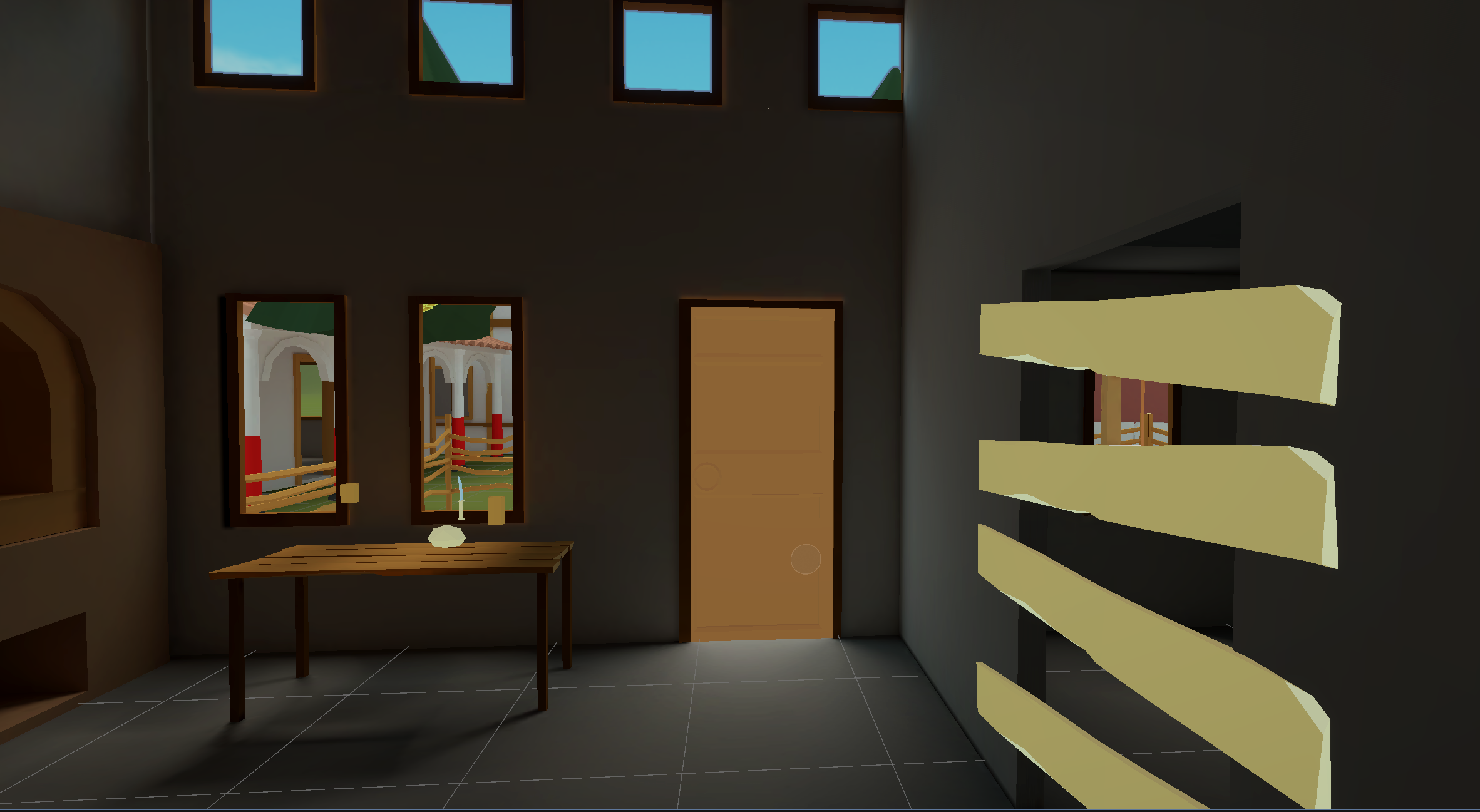
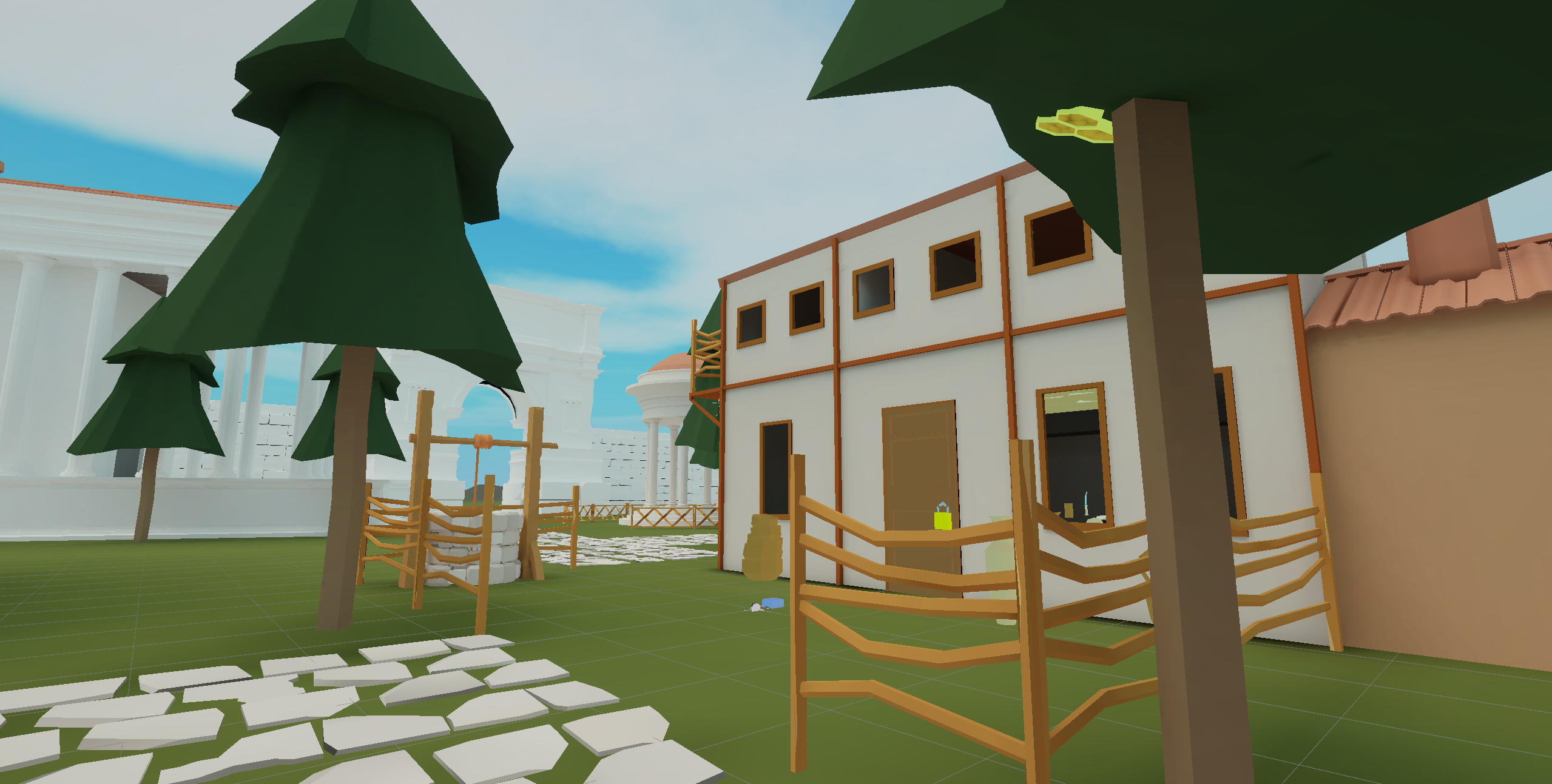
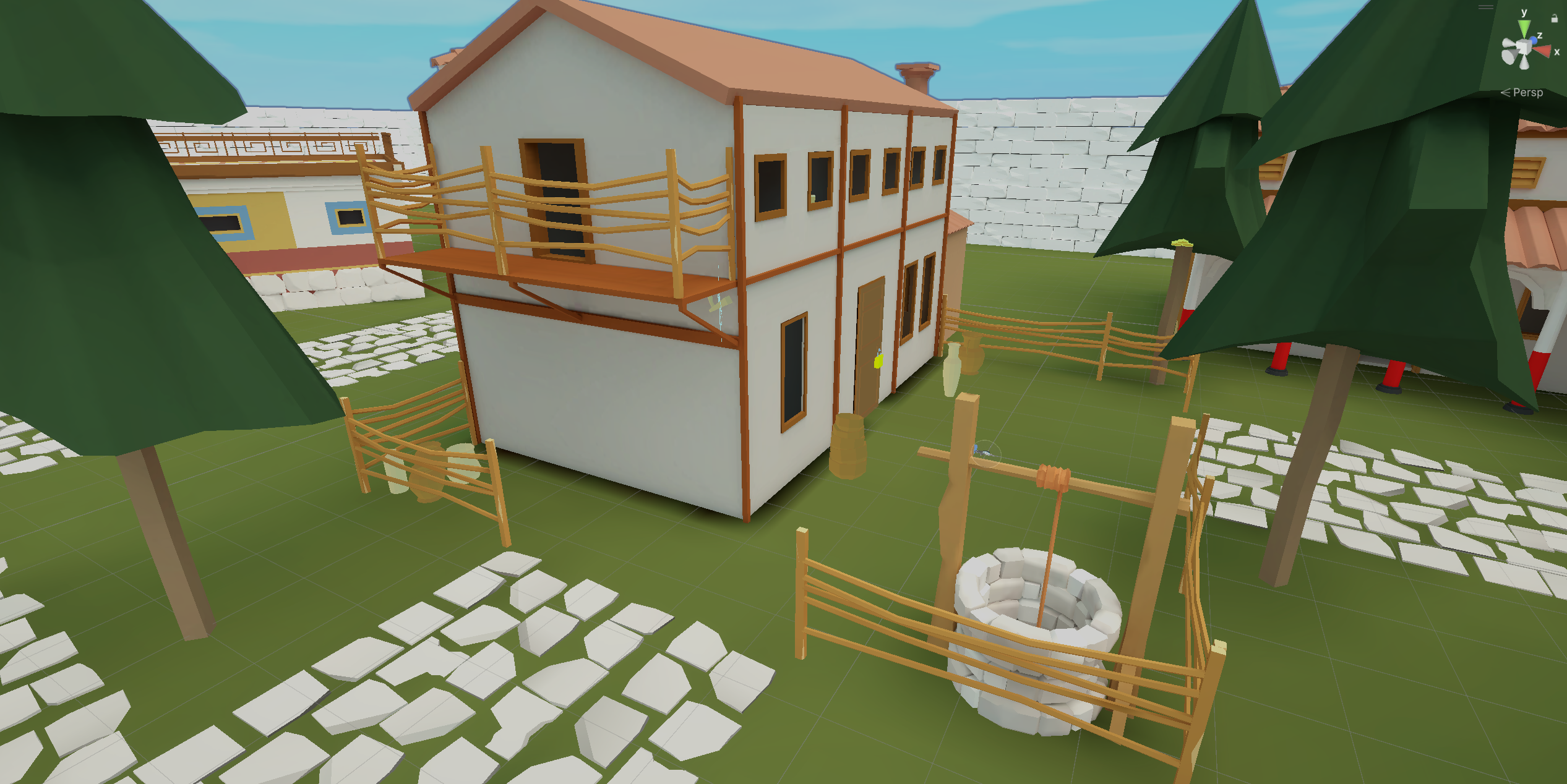
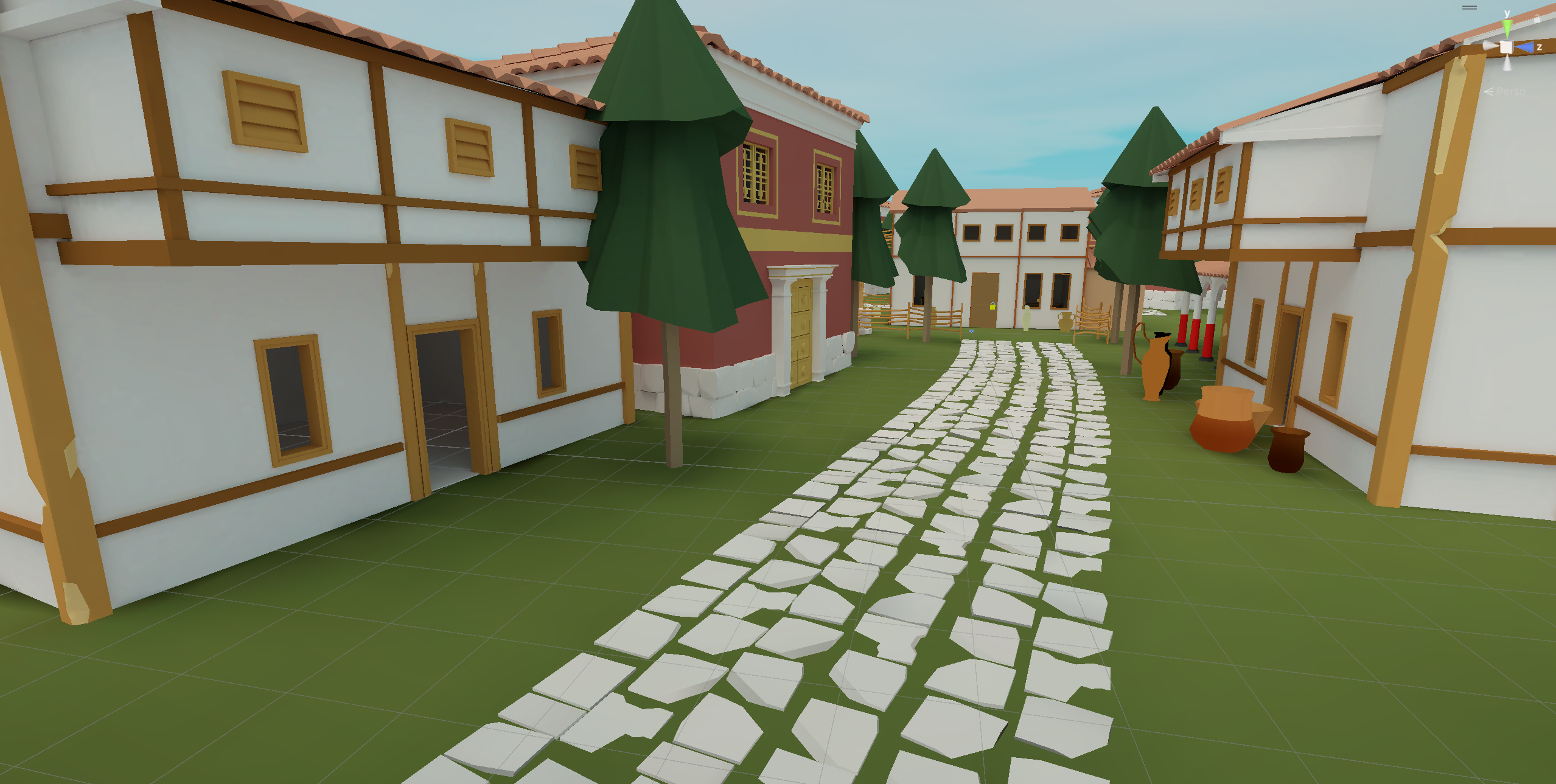
Inspiration
Historia Virtualis is an educational multiplayer experience for three players set in St. Pölten, Austria. Inspired by the city’s Roman roots in the 1st century AD, we created a game that gamifies history. We utilized modern Meta SDK features to achieve a controller-less, fully immersive, colocated environment where virtual coordinates align perfectly with physical space. During the competition period, we prioritized the integration of the Meta Avatars SDK, enabling users to import their personal Meta Horizon Avatars.
What it does
The current prototype supports three players in a shared virtual environment, united by the collaborative goal of baking a festive bread. Each player is assigned a unique tool essential for puzzle-solving: an Axe, a Peel, or Flint and Steel. These tools mandate cooperation; the Axe splits logs and breaches barricades, the Peel handles dough and accesses elevated areas, and the Flint and Steel lights the oven and clears spiderwebs concealing ingredients. Players currently solve puzzles to collect and mix ingredients, and we are actively conducting user tests to refine these mechanics for a more natural and engaging experience.
How we built it
We developed the game using the Unity Engine, leveraging the Meta XR Core SDK for the underlying XR implementation. To create a completely controller-less interface, we utilized Meta’s Hand Tracking capabilities for all user interactions. For colocation, we implemented Shared Spatial Anchors to map the physical and virtual worlds; one headset acts as the host server, sharing a reference point to ensure all players share a unified coordinate system. Finally, to enhance social presence and immersion, we integrated the Meta Avatars SDK, allowing users to bring their personalized identities into the historical setting.
Challenges we ran into
The transition from remote work to colocated development was our first major hurdle, requiring the team to coordinate frequent on-site sessions for synchronized testing. Technologically, we faced difficulties implementing Shared Spatial Anchors in our testing environment, where reflective surfaces and glass severely impacted tracking accuracy. We adapted by optimizing the physical space to improve feature detection without compromising the user experience. Navigating the complexities of networked multiplayer development was demanding, but overcoming these barriers has resulted in a robust prototype that our team is eager to expand.
What we updated during the competition
During the competition, our primary goal was transforming a raw technical proof-of-concept into a cohesive, immersive experience. We evolved our player representation from primitive placeholders (cubes and spheres) to fully functional Meta Avatars, animated directly via hand tracking. We also fundamentally redesigned the gameplay loop; while we began with identical tools for all users, we implemented distinct roles by introducing the Flint & Steel and Peel. This ensures that collaboration is not merely encouraged, but required. Finally, we progressed from isolated interaction tests to a structured puzzle sequence. We have successfully upgraded our project from a mechanics test into a personalized, first-playable vertical slice
What's next for Historia Virtualis
With our vertical slice complete, our immediate priority is extensive user testing. Our goal is to craft an experience that is accessible to families and XR novices, yet remains engaging for experienced users. We will use the data from these sessions to iterate on our puzzle design and interaction mechanics. Once the gameplay loop is refined, our final phase will focus on polish, specifically enhancing graphical fidelity and implementing an immersive audio landscape.
Testing instructions
For the best experience, have a 10x10 meter space and a good internet connection. Before launching the app, place yourself in the middle of the room and draw your room scale boundary, using the maximum possible size. If you happen to still be using a stationary boundary, you can switch to room scale by opening up the Meta dashboard and changing the setting there, and then resuming back to the application. Once finished, you can start the game and the person to start becomes the host of the server. Once you can see your own avatar, the other people can join one by one. Make sure you are all on the same Wi-Fi and drew the maximum possible room scale. Once everyone has joined, just recenter yourself by doing the pinching gesture with the palms looking up, this is basically the equivalent of pressing and holding the Meta logo button on the controllers. If by any chance the screen gets completely grey, just recenter again, and it should fix that problem. If everything went as planned, then all the players should match the virtual and real-life position. You can check that by slightly lifting your headset to check if the positions check out. If that is not the case, best restart the game since it probably failed to share the anchor and redo the whole process.


Log in or sign up for Devpost to join the conversation.