-
-

Landing Page
-
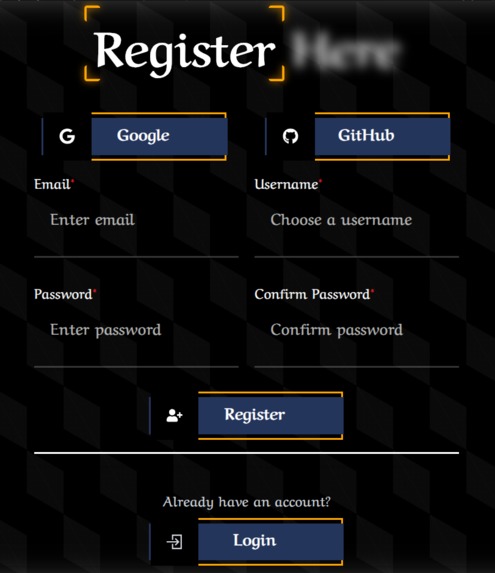
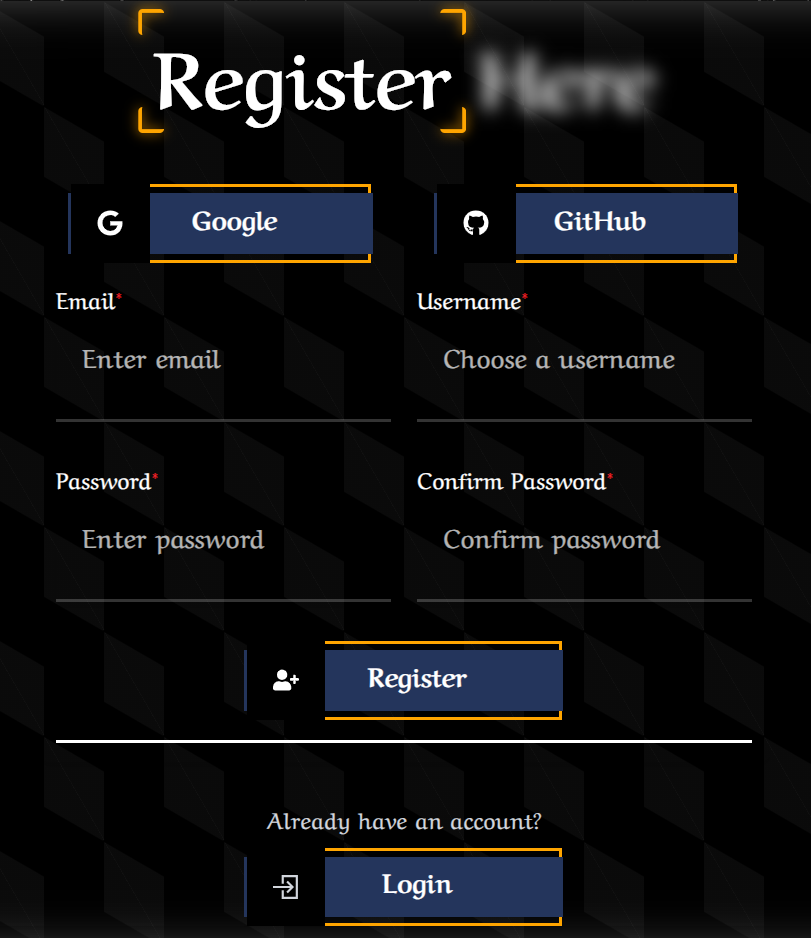
Register
-
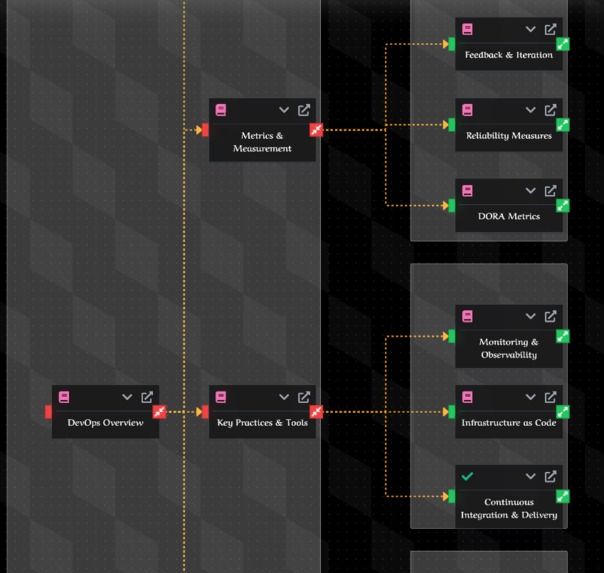
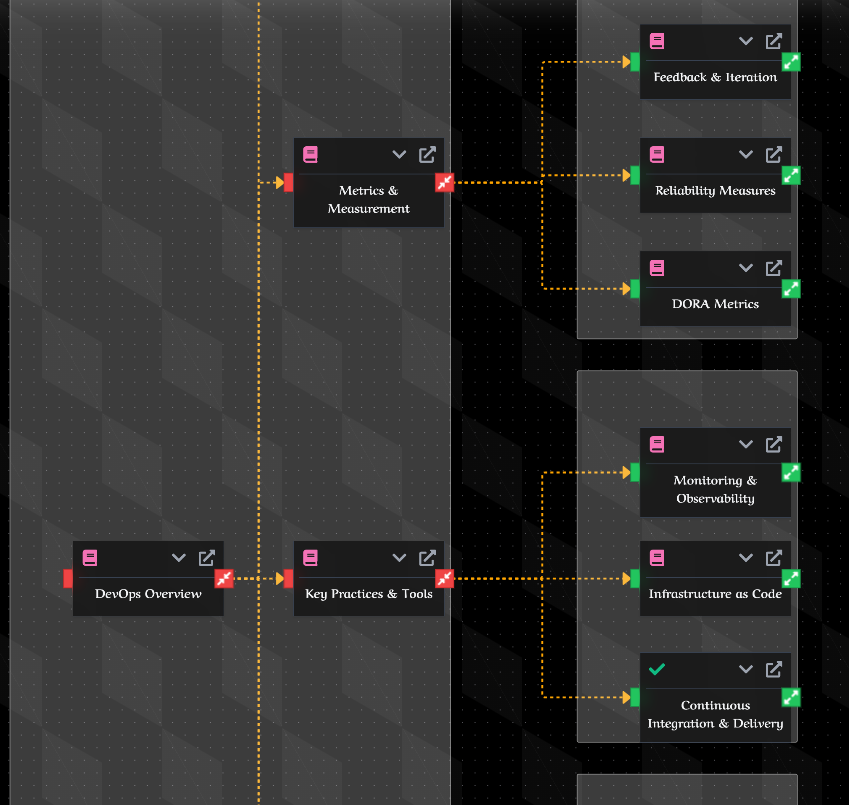
Mindmap Visualization
-
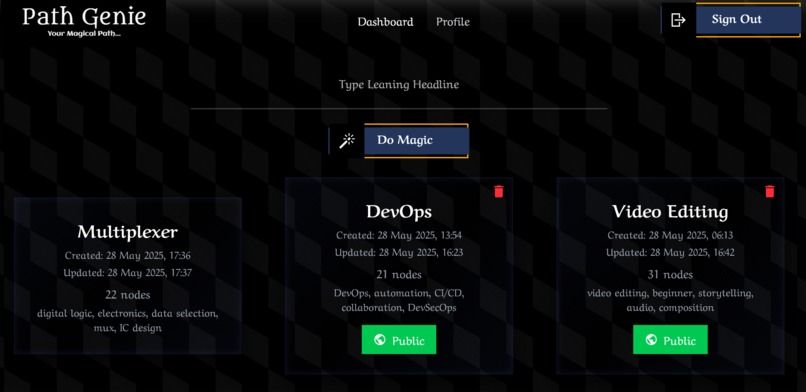
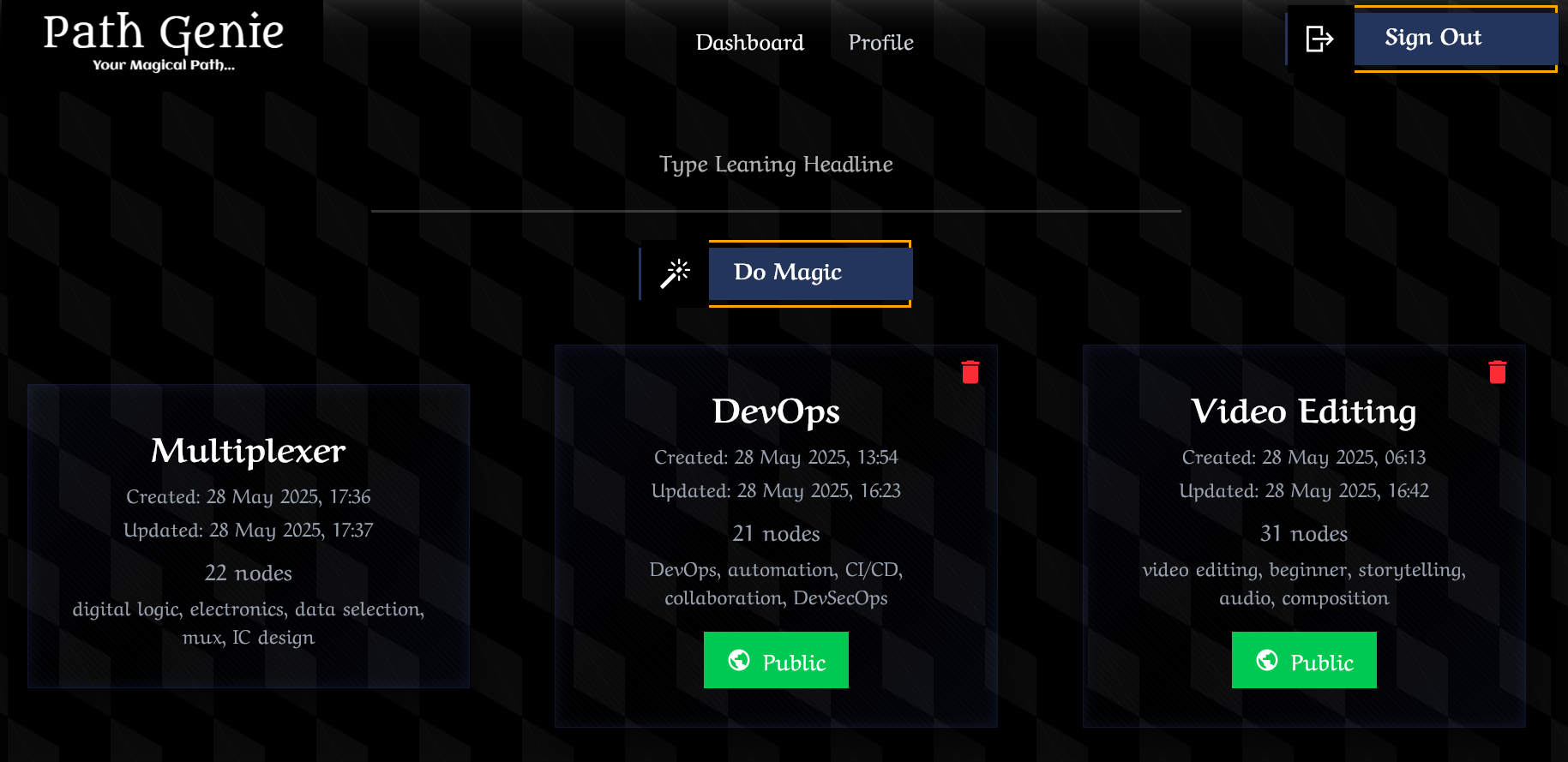
Dashboard
-
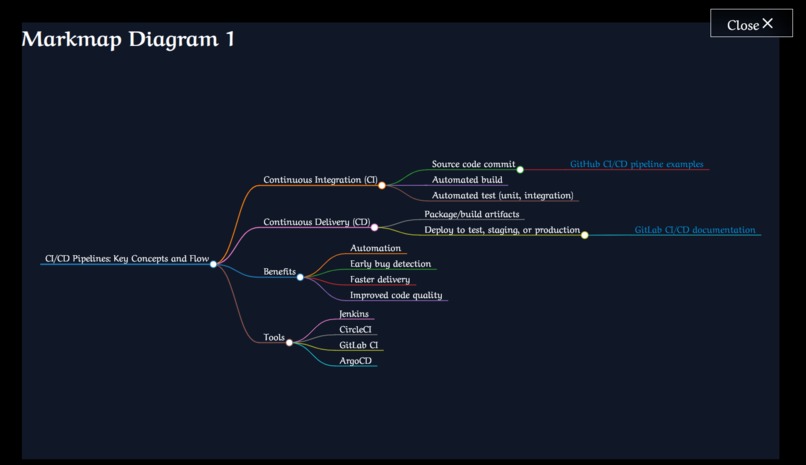
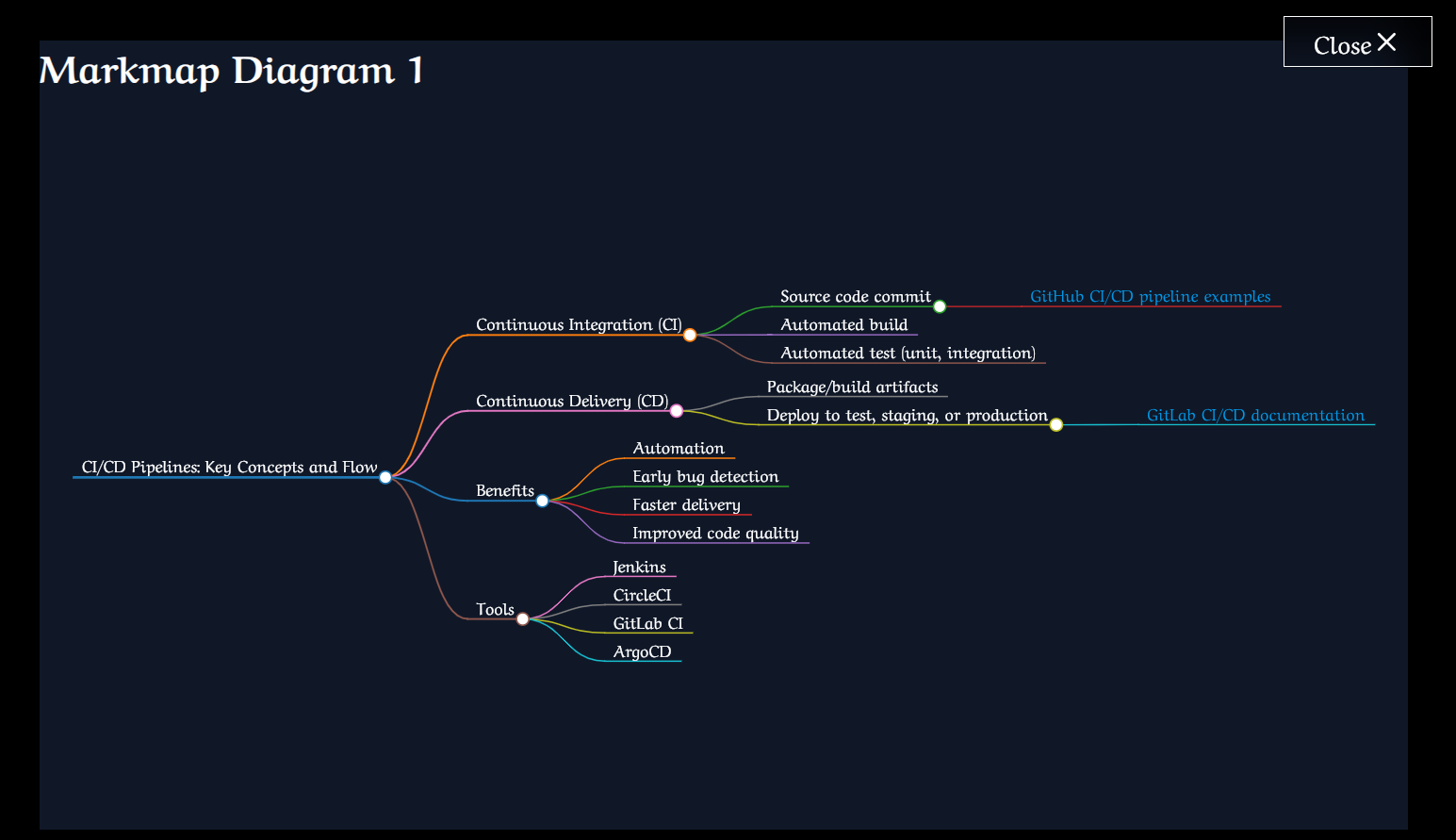
MarkMind Visualization
-
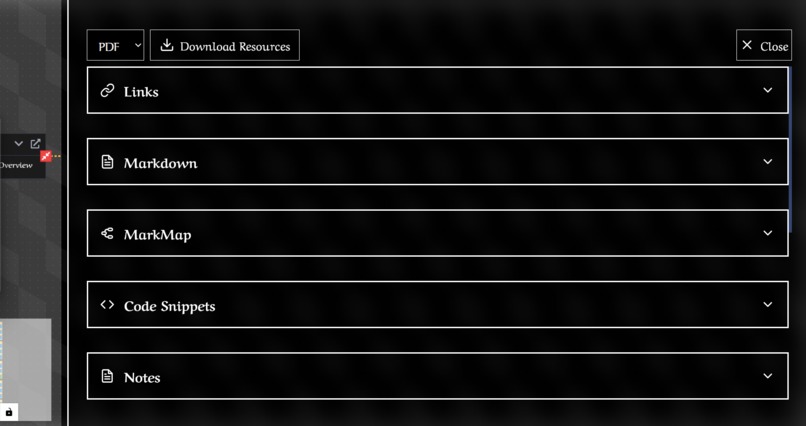
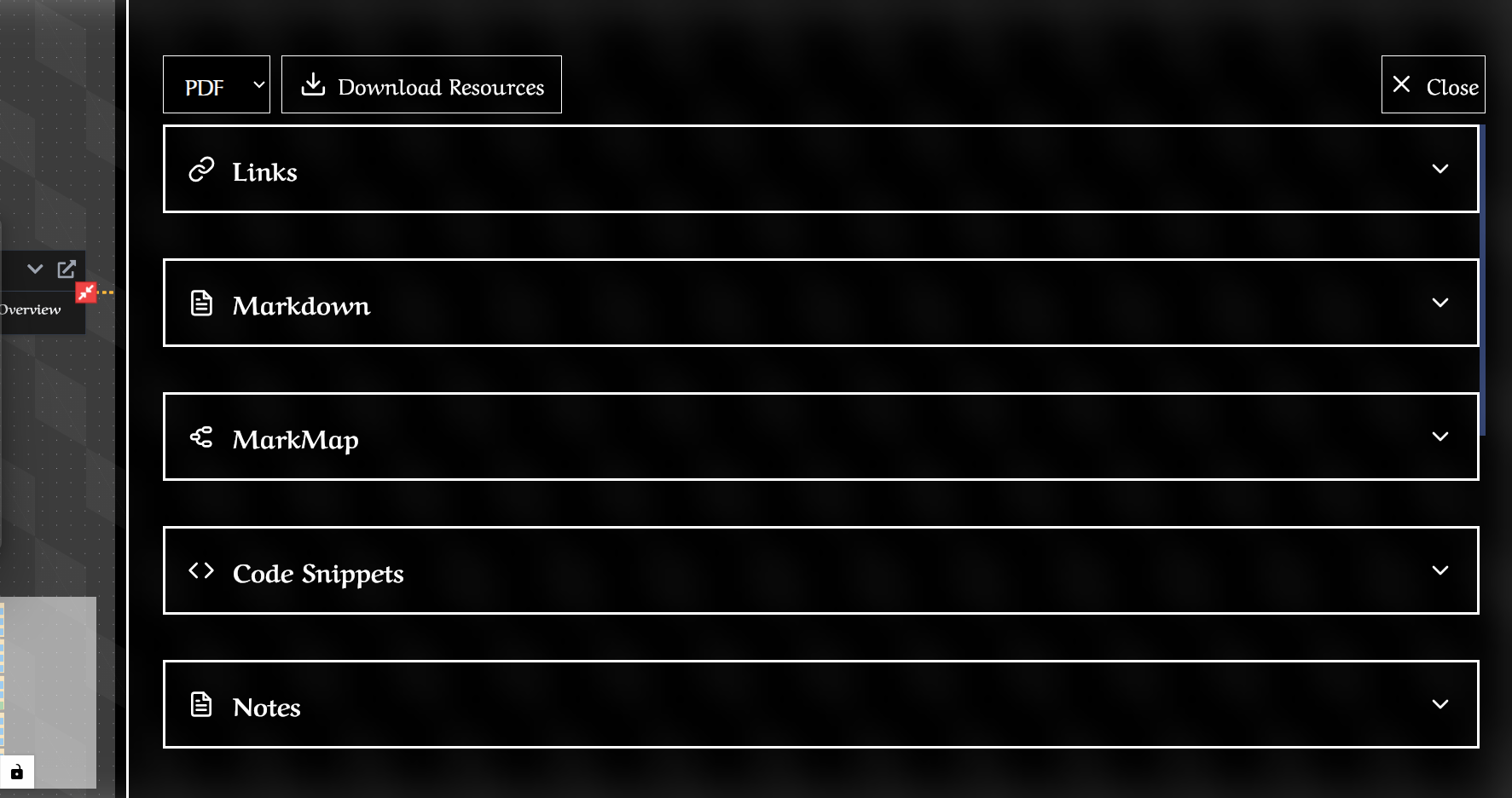
Resource Collction

🚀 PathGenie: A Vibrant Journey of Inspiration, Learning, and Triumph Over Challenges! 🌟
Hey there! Let’s dive into the exciting adventure of building PathGenie—a tool that transforms boring syllabi into vibrant, interactive study roadmaps! 🎉 This journey is packed with inspiration, tech breakthroughs, and a few head-scratching challenges that made it all the more rewarding. Ready to explore? Let’s go! 🧭
🌈 What Sparked the Idea for PathGenie?
As a student, I’ve been there—staring at a dense syllabus, feeling lost in a sea of topics with no clear path forward. 📚 Ever tried juggling textbooks, lecture slides, and random online articles, only to lose track of where you are? 😵 It’s frustrating and steals precious study time. I dreamed of a tool that could turn that static list into a living, interactive mindmap—one that shows how topics connect, highlights what matters, and pulls in resources tailored to you.
When I discovered Perplexity’s Sonar Live Web API, it was like finding the missing piece of the puzzle! 🧩 With real-time data, I could fetch explanations, videos, and articles for any topic instantly. That’s when PathGenie was born—a personalized study buddy that makes learning feel like an adventure, not a chore. 🚀
Try it yourself! Imagine uploading your syllabus and watching it transform into a colorful mindmap. What subject would you want PathGenie to map out for you? 🤔
📚 What I Learned Along the Way
Building PathGenie was like leveling up in a game—each stage brought new skills and insights! Here’s the treasure trove of knowledge I gained:
Mastering APIs & Live Data 🛠️
- Sonar Live Web API: I learned to query Perplexity’s API to grab fresh explanations and resources. Think of it like sending a robot to the internet to fetch the best study materials! 🤖 I tackled rate limits, optimized queries, and cached results for lightning-fast responses.
- Error Handling: APIs can be moody. I built fallback plans (like pre-saved explanations) to keep things smooth when the internet hiccups. 🌐
- Sonar Live Web API: I learned to query Perplexity’s API to grab fresh explanations and resources. Think of it like sending a robot to the internet to fetch the best study materials! 🤖 I tackled rate limits, optimized queries, and cached results for lightning-fast responses.
Crafting Interactive Mindmaps 🗺️
- Graph Theory: I turned syllabi into nodes (topics) and edges (connections), learning how to show “this topic leads to that one.” It’s like drawing a map of knowledge! 🧠
- Visualization Magic: Using @xyflow/react, I created drag-and-drop mindmaps with zoom and pan features. Ever tried rearranging a mindmap on your phone? I made sure it’s just as fun on mobile! 📱
- Responsive Design: With CSS Grid and Tailwind CSS, PathGenie looks great on any screen—laptop, tablet, or phone. Smooth sailing, no matter the device! 🌊
- Graph Theory: I turned syllabi into nodes (topics) and edges (connections), learning how to show “this topic leads to that one.” It’s like drawing a map of knowledge! 🧠
Personalized Learning 🎯
- I studied learning styles (visual 👀, auditory 🎧, kinesthetic ✋) and built PathGenie to recommend resources based on your preferences. Love videos? PathGenie’s got you. Prefer quick reads? Done! 📖
Exporting Notes Like a Pro 📄
- I used jsPDF and Puppeteer to turn topics into downloadable PDFs or Docx files. It’s like printing your own custom textbook! 📕 I also learned to design clean, readable templates that look just as good on paper as on-screen.
Tracking Your Progress ✅
- With React Context and hooks, I built a system to track what you’ve learned, what’s in progress, and what’s next. Progress bars and checkmarks make studying feel like a game—complete a topic, earn a badge! 🏆
Fun Question! What’s your favorite way to learn—videos, articles, or hands-on practice? Let PathGenie know, and it’ll customize your study map! 😄
🛠️ How I Built PathGenie
Let’s peek under the hood of PathGenie’s tech stack! 🧑💻 Here’s how I brought this idea to life:
Frontend: React + Tailwind CSS + ReactFlow 🎨
- Structure: React handles the app’s flow, with Tailwind CSS making it look sleek. @xyflow/react powers the interactive mindmap canvas—drag nodes, connect topics, zoom in! 🖱️
- Custom Hooks: I wrote hooks to manage node positions and connections, keeping the UI snappy.
- Structure: React handles the app’s flow, with Tailwind CSS making it look sleek. @xyflow/react powers the interactive mindmap canvas—drag nodes, connect topics, zoom in! 🖱️
Backend: Node.js + Express + Puppeteer ⚙️
- PDF/Docx Magic: An Express route turns topic data into PDFs using Puppeteer or Docx files with docx.js. It’s like printing a study guide with one click! 🖨️
- User Accounts: With Better-auth.js and MongoDB, you can save your progress and sync across devices. Study on your phone, pick up on your laptop—seamless! 🌐
- Database: MongoDB stores user profiles, mindmaps, and progress. It’s like a digital backpack for your study journey. 🎒
- PDF/Docx Magic: An Express route turns topic data into PDFs using Puppeteer or Docx files with docx.js. It’s like printing a study guide with one click! 🖨️
Sonar Live Web API Integration 🌍
- Smart Queries: PathGenie asks the API things like, “Explain calculus simply” or “Find 3 videos on photosynthesis.” The results? Instant explanations and curated resources! 📹
- Reliability: I added retry logic and caching to handle API quirks, ensuring you get answers even if the internet’s feeling grumpy. 😤
- Smart Queries: PathGenie asks the API things like, “Explain calculus simply” or “Find 3 videos on photosynthesis.” The results? Instant explanations and curated resources! 📹
User-Friendly Features 😊
- Syllabus Upload: Drop in a PDF or Docx syllabus, and PathGenie extracts topics using pdfkit. It’s like magic—no manual typing needed! 🪄
- Progress Tracking: See your progress with colorful bars and checkmarks. Every topic you conquer feels like a win! 🎉
- Syllabus Upload: Drop in a PDF or Docx syllabus, and PathGenie extracts topics using pdfkit. It’s like magic—no manual typing needed! 🪄
Interactive Challenge! If you could add one feature to PathGenie (like gamified rewards or AI study tips), what would it be? Drop your idea below! 👇
😅 Challenges I Faced (and Conquered!)
No epic journey is without its dragons! 🐉 Here are the biggest challenges I faced and how I slayed them:
API Latency Spikes ⚡
- Problem: Clicking a topic triggered a new API call, which sometimes lagged or timed out.
- Solution: I cached API results locally and added an “offline mode” with pre-fetched data. Now, PathGenie feels instant, even on spotty Wi-Fi! 📶
- Problem: Clicking a topic triggered a new API call, which sometimes lagged or timed out.
Handling Huge Syllabi 📚
- Problem: Some syllabi had 150+ topics, crashing the browser on low-end devices.
- Solution: I used virtualized rendering to load only what’s on-screen and clustered nodes for a zoomed-out view. Big syllabi? No problem! 💪
- Problem: Some syllabi had 150+ topics, crashing the browser on low-end devices.
Resource Quality Control 🕵️♂️
- Problem: Some API-fetched resources were outdated or off-topic.
- Solution: I added a user feedback loop—you can rate resources, helping PathGenie learn what’s best. I also filtered results by relevance and recency. ✅
- Problem: Some API-fetched resources were outdated or off-topic.
Your Turn! What’s the biggest study challenge you face? Could PathGenie help? Let me know! 😊
🎉 Wrapping Up the PathGenie Adventure
Building PathGenie was like crafting a magic wand for students! 🪄 It blends cutting-edge tech (Sonar API, ReactFlow) with a passion for making learning fun and personal. Here’s what I’m proud of:
- 🧠 Turning static syllabi into dynamic mindmaps that show the big picture.
- 🚀 Mastering real-time API integration for instant, tailored resources.
- 🎨 Creating a responsive, interactive UI that works on any device.
- 🏆 Overcoming performance hurdles to make PathGenie fast and reliable.
PathGenie isn’t just a tool—it’s a way to make studying feel like an exciting journey through a web of knowledge. 🌐 I hope my story inspires you to create something amazing or tackle your studies with a fresh perspective!
Let’s Connect! Want to try PathGenie or share your own project ideas? Drop a comment, and let’s geek out together! 🤓 What’s one thing you’d love to see in a study tool like this? 👇
Want to visualize your syllabus as a mindmap? Upload it to PathGenie and watch the magic happen! ✨ Check it out at PathGenie for more tools to supercharge your learning! 🚀
Built With
- javascript
- mongodb
- node.js
- pdfkit
- puppetter
- react
- react-flow
- sonarapi


Log in or sign up for Devpost to join the conversation.