Inspiration
Our inspiration came from a common challenge faced by many people starting their Japanese language journey: mastering the Hiragana and Katakana scripts. We noticed that many existing learning platforms lacked an interactive experience, especially when it came to writing practice. Often, learners would only see examples of characters without being able to practice them directly on the same platform. We wanted to create a solution where users could not only memorize but also train their muscle memory by writing directly in their browser, making the learning process more intuitive, effective, and enjoyable. We believe that by providing the right tools, everyone can overcome the initial hurdles of learning Japanese more easily.
What it does
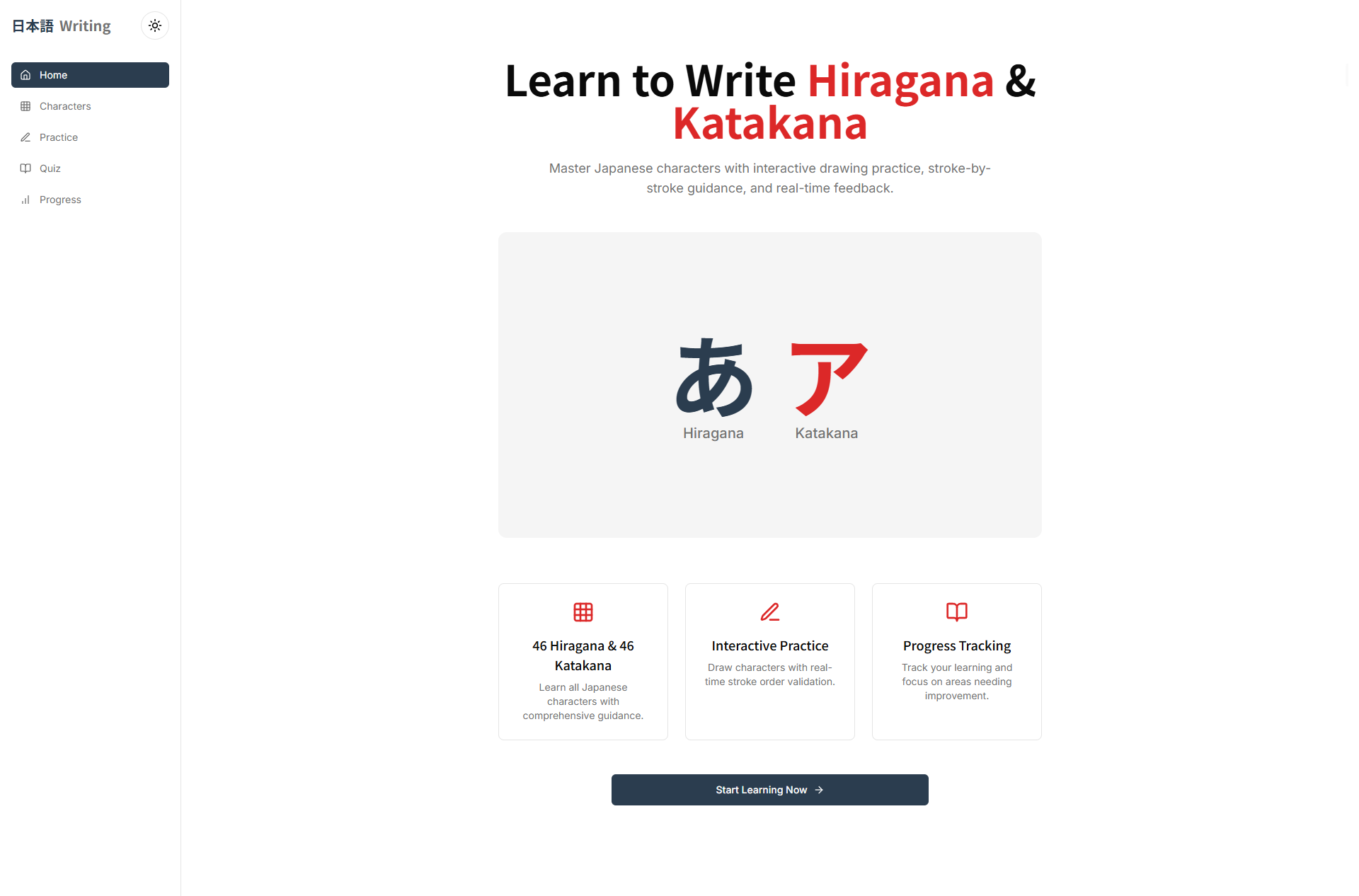
"Hiraganakatakana" is an interactive web application specifically designed to help beginners master the basic Japanese scripts. Its main functions include:
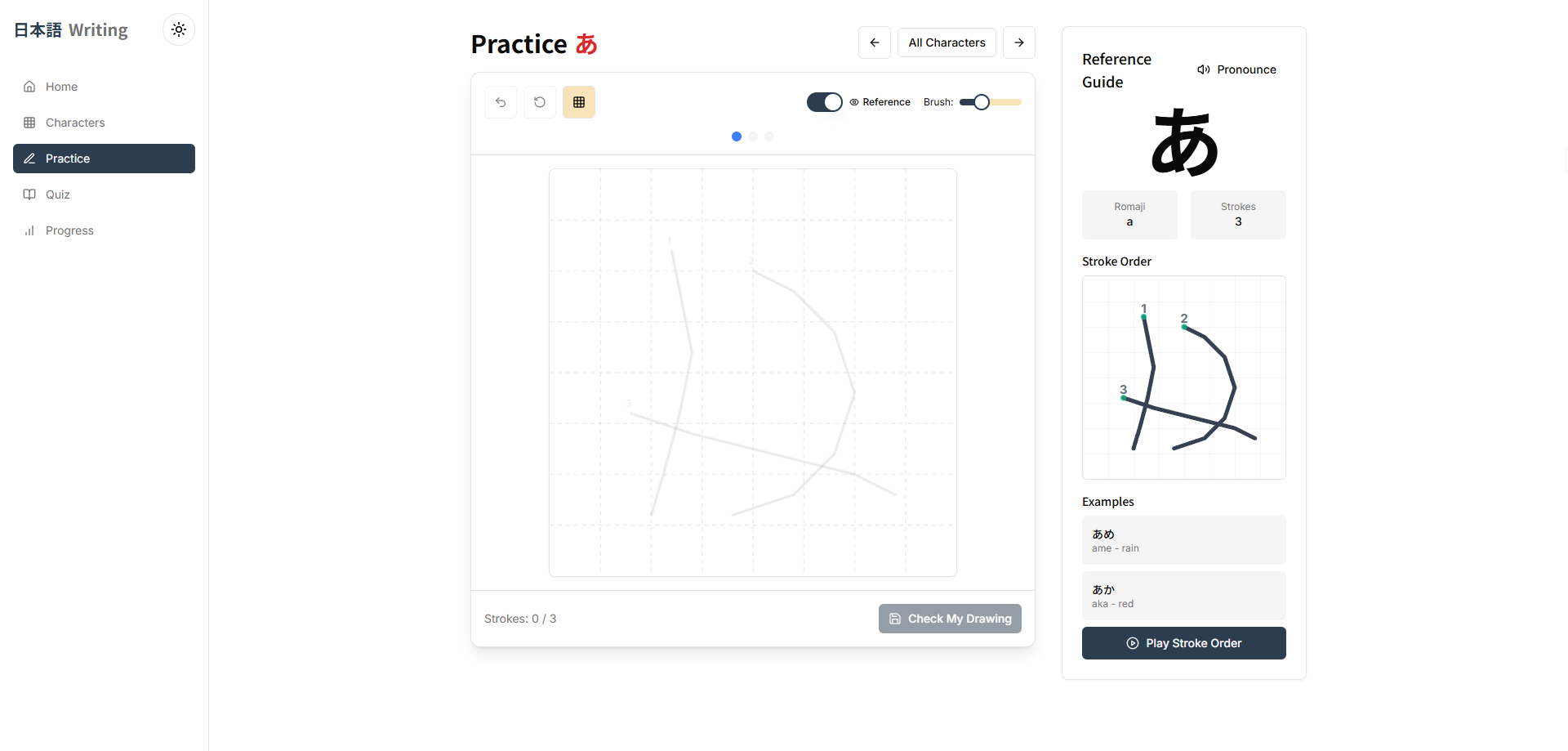
- Comprehensive Learning: It presents a complete list of all Hiragana and Katakana characters, complete with audio for correct pronunciation and the proper stroke order.
- Interactive Writing Practice: Our standout feature is a digital canvas where users can immediately try writing each character using a mouse or their finger (on touch-screen devices). The system provides guidance on the correct stroke order.
- Quizzes and Drills: It tests the user's understanding through various types of quizzes, such as guessing the character from its sound, selecting the correct romaji, and vice versa.
- Progress Tracking: Users can view their statistics and track which characters they have mastered and which ones still need more practice.
How we built it
We built this application from the ground up using modern web technologies to ensure broad accessibility and functionality without requiring any installation.
- Frontend: We used HTML5 for the basic structure, CSS3 for responsive styling, and JavaScript to bring all the interactive functionalities to life.
- Writing Canvas: The core writing practice feature was built on the HTML5 Canvas API. This allowed us to create a dynamic drawing area within the browser. We implemented the logic using JavaScript to track cursor or touch movements, compare them to the correct stroke order for each character, and provide visual feedback to the user.
- Backend (Optional, if applicable): For features like saving user progress and statistical data, we designed a simple backend using Node.js and Express.js, with a MongoDB database to store data flexibly.
- UI/UX Design: We focused on a clean, minimalist, and intuitive design so that users can immediately focus on the learning material without being distracted by unnecessary elements.
Challenges we ran into
During the development process, we faced several significant challenges:
- Stroke Recognition Accuracy: Developing an algorithm smart enough to recognize a user's handwriting on the canvas was our biggest challenge. We had to ensure the system could tolerate reasonable variations in handwriting while still being strict about teaching the correct stroke order.
- User Experience Across Devices: Ensuring the writing canvas worked smoothly on various screen sizes, from large desktops to small mobile screens, and responded accurately to both mouse and touch inputs, required extensive testing and adjustments.
- Maintaining User Motivation: Designing quizzes and a progress tracking system that were not only functional but also engaging and motivating for users to continue learning was a complex design challenge. We had to think creatively to prevent the learning process from feeling monotonous.
Accomplishments that we're proud of
Despite the challenges, we are very proud of several achievements:
- Creating an Intuitive Writing Experience: We successfully built an interactive canvas feature that is responsive and effective in teaching how to write Hiragana and Katakana. This was the core of our vision brought to life.
- A User-Friendly Interface: We are proud to have designed a platform that is easy to navigate even for the most novice users. Initial feedback shows that users can quickly understand how the app works and start learning within minutes.
- Becoming an All-in-One Learning Resource: This application is not just a writing tool but a comprehensive platform that combines character charts, audio, and quizzes. We are proud to have created a "one-stop-shop" solution for beginners.
What we learned
This project taught us invaluable lessons, both technically and conceptually:
- The Importance of Iteration and Feedback: We learned that building an effective educational product requires an iterative development cycle. Testing prototypes with real users and listening to their feedback was key to refining and perfecting our features.
- The Complexity Behind Simplicity: Behind a seemingly simple interface lies complex programming logic, especially for the writing canvas feature. This project taught us not to underestimate the technical challenges of a seemingly simple idea.
- Technology as an Empowerment Tool: We became more convinced that technology, when well-designed, can be a powerful tool to solve real problems in education and empower people to achieve their learning goals.
What's next for Hiraganakatakana
We have many ideas for the future of "Hiraganakatakana" to make it an even more advanced and useful tool:
- Artificial Intelligence (AI) Implementation: Integrating AI to provide more personalized and accurate feedback on users' handwriting. AI could also be used to create adaptive quizzes that adjust their difficulty level based on the user's progress.
- Gamification: Adding game-like elements such as badges, leaderboards, and a point system to increase motivation and make the learning process more fun.
- Kanji Learning: After mastering Hiragana and Katakana, the next step is Kanji. We plan to expand the platform to include learning modules for basic Kanji characters.
- Mobile App: Developing native applications for iOS and Android to provide a more optimized learning experience on mobile devices and enable offline learning.
- Social Features: Allowing users to share their progress, compete in challenges, and learn together to create a supportive learning community.
Built With
- nextjs


Log in or sign up for Devpost to join the conversation.