-
-
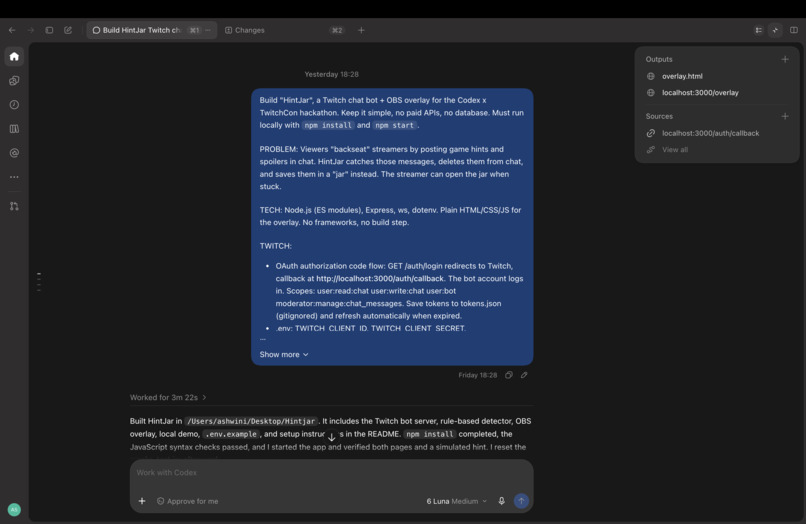
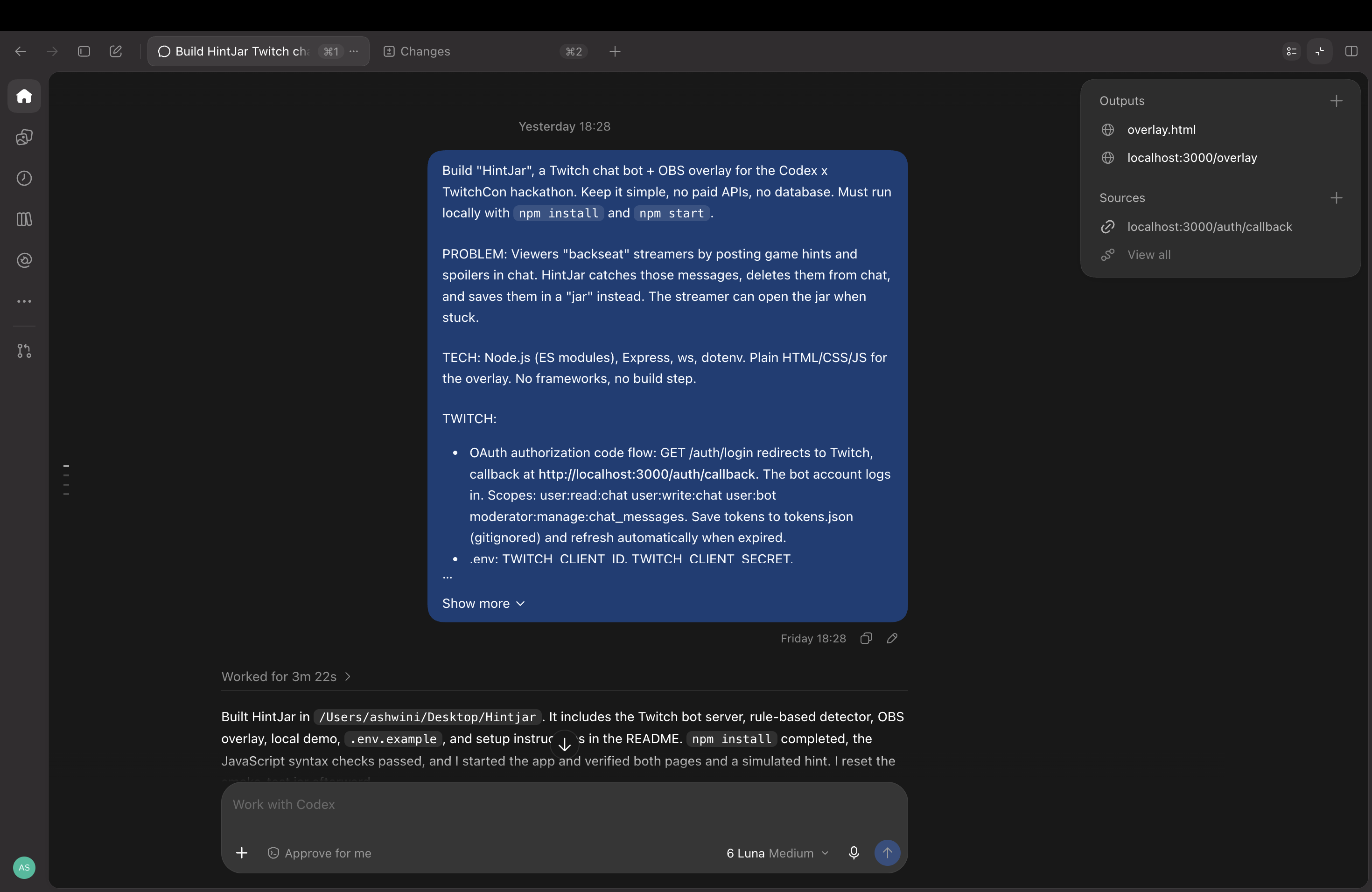
Prompt to generate for codex
-
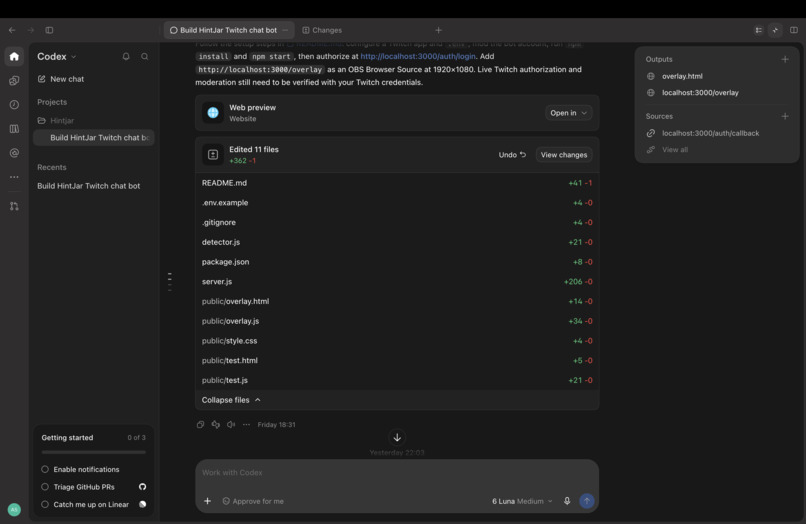
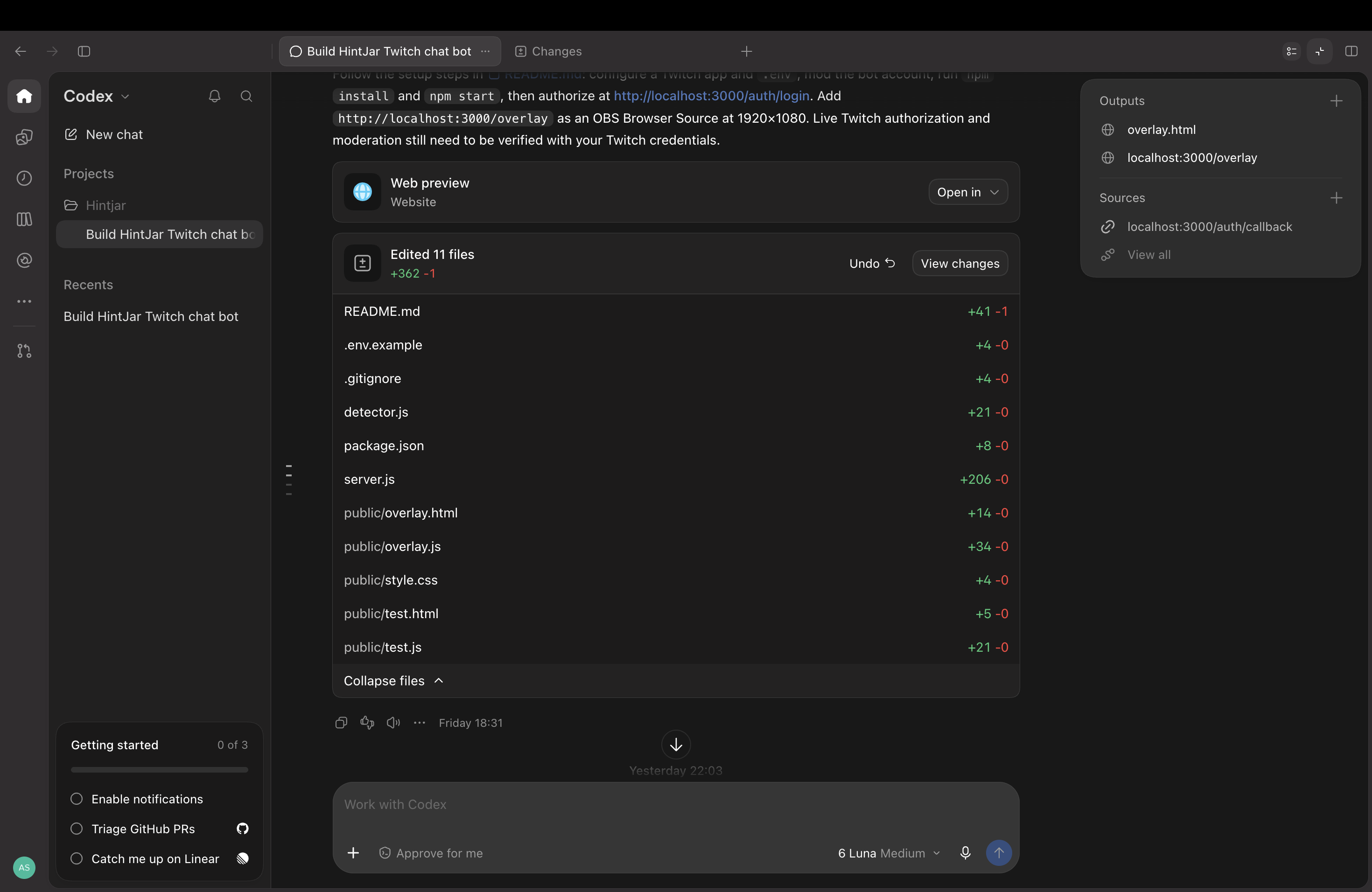
Files generated by codex
-
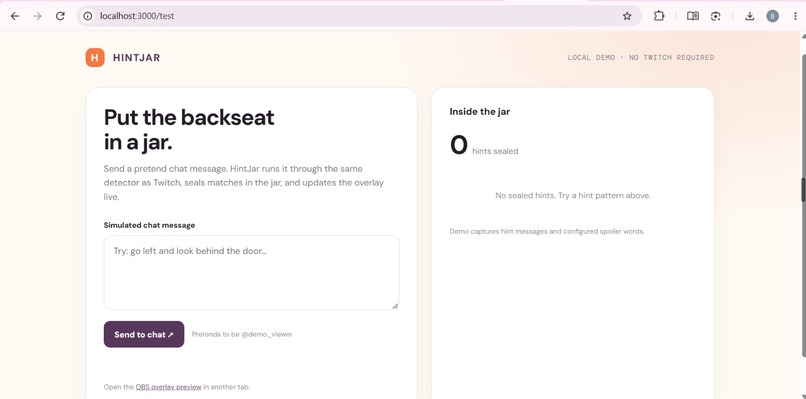
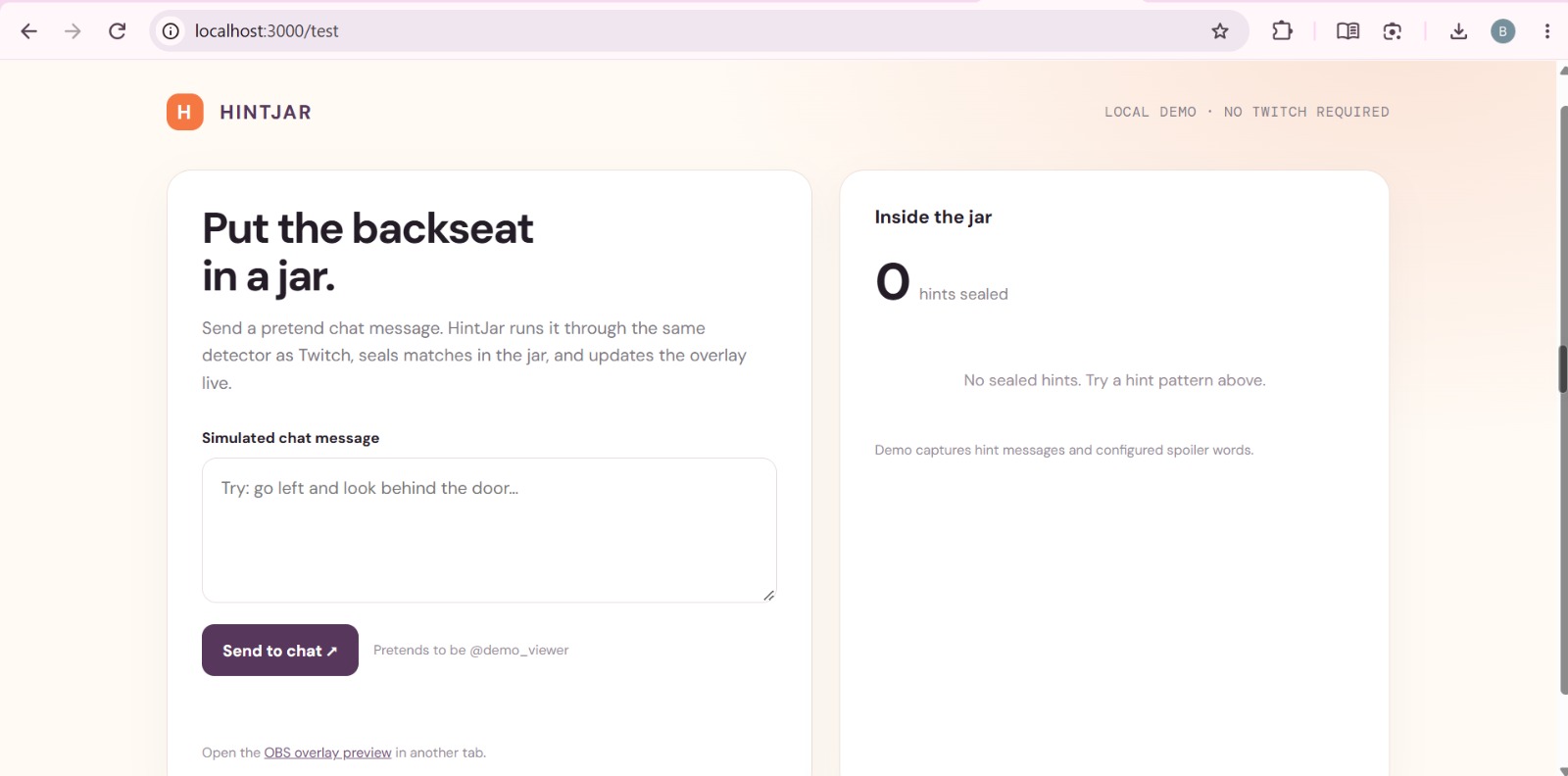
Test page of prototype
-
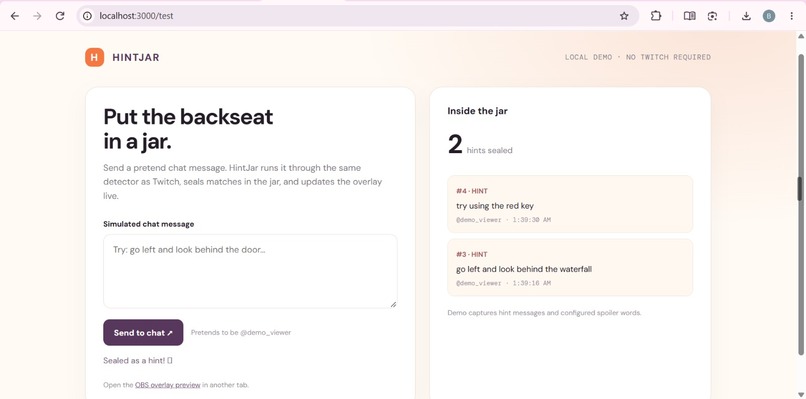
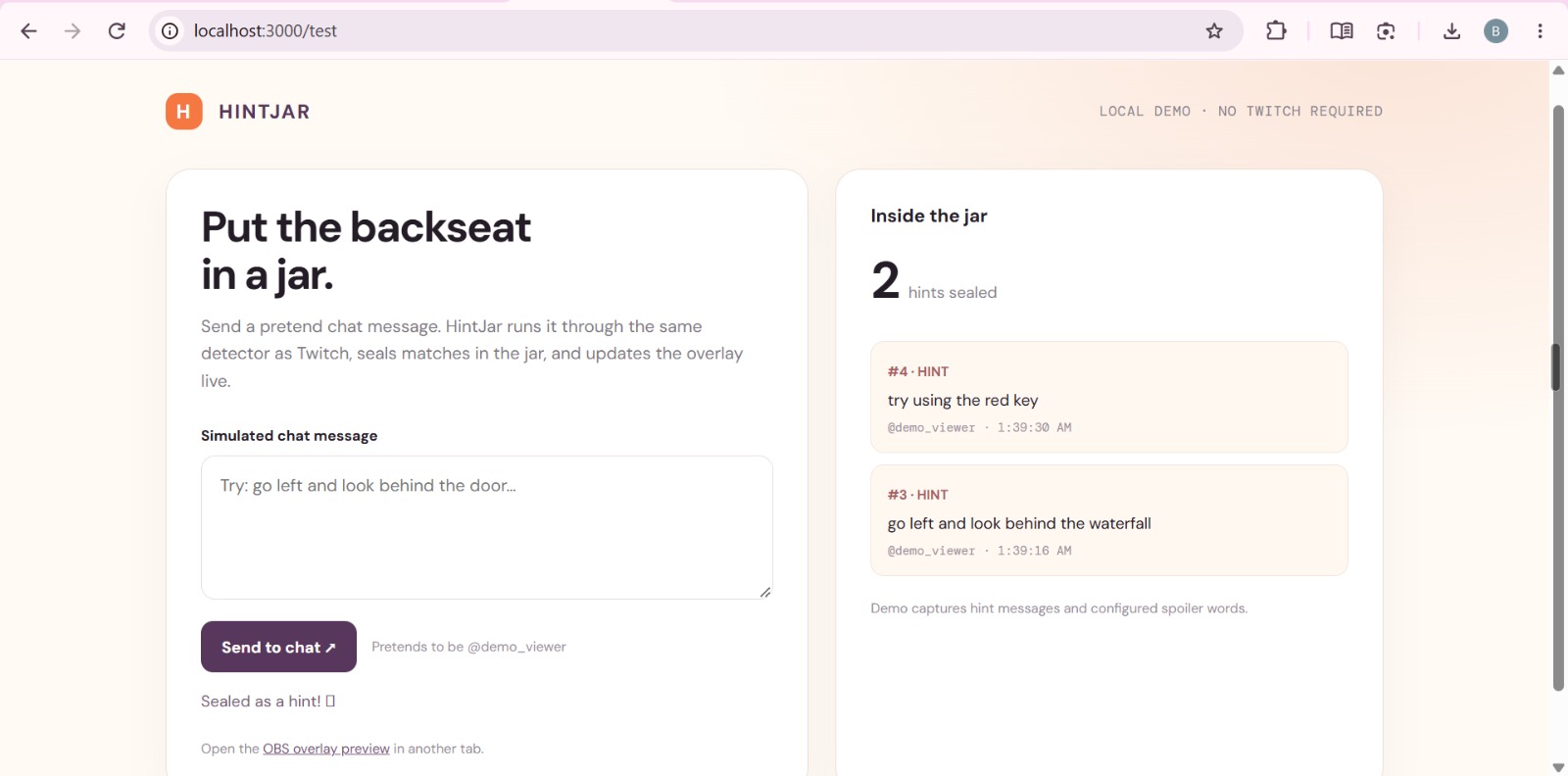
Added hint Test page
-
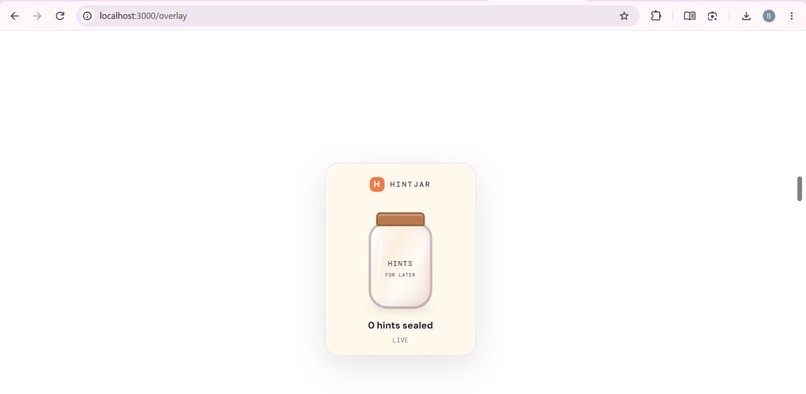
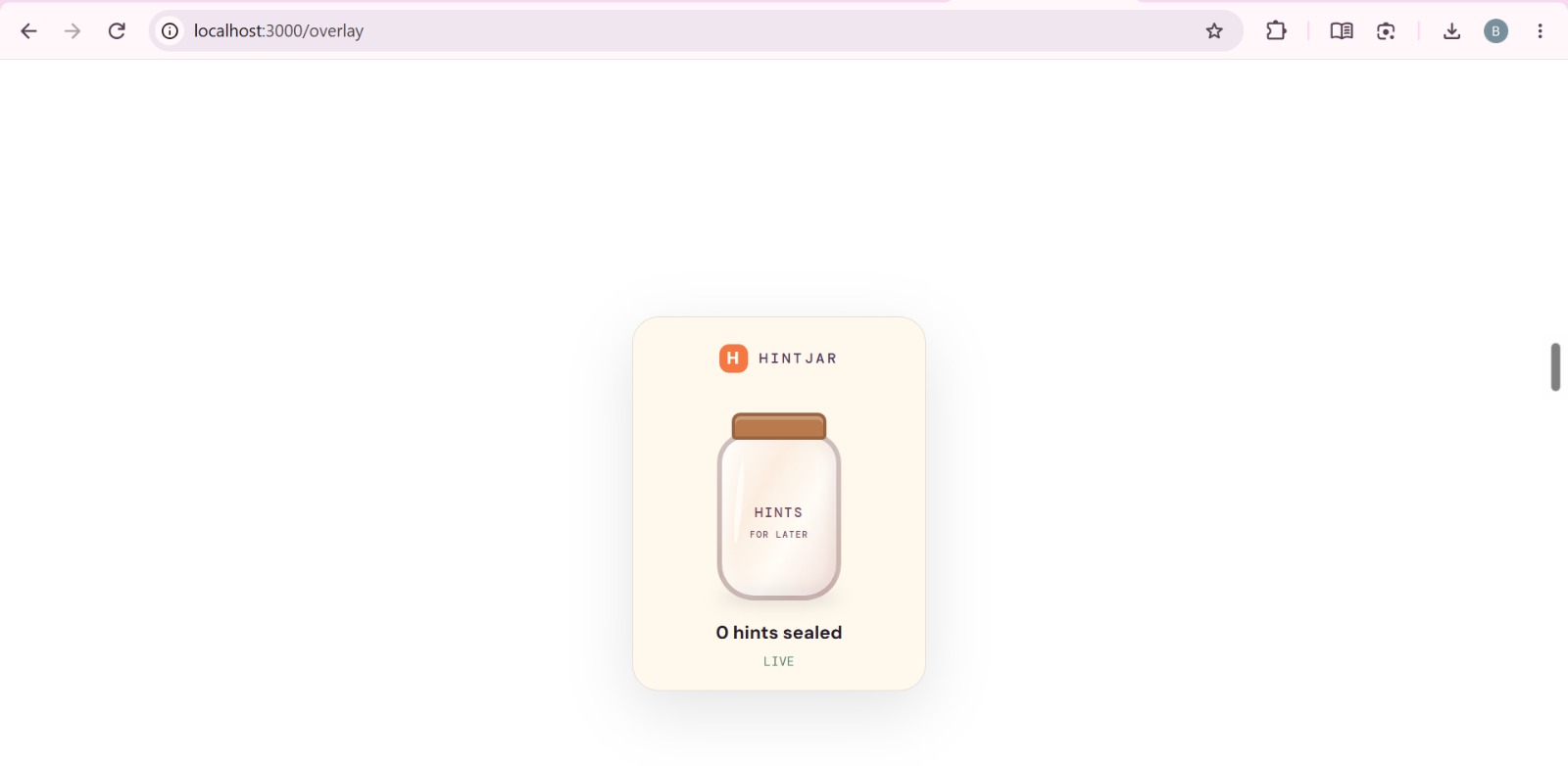
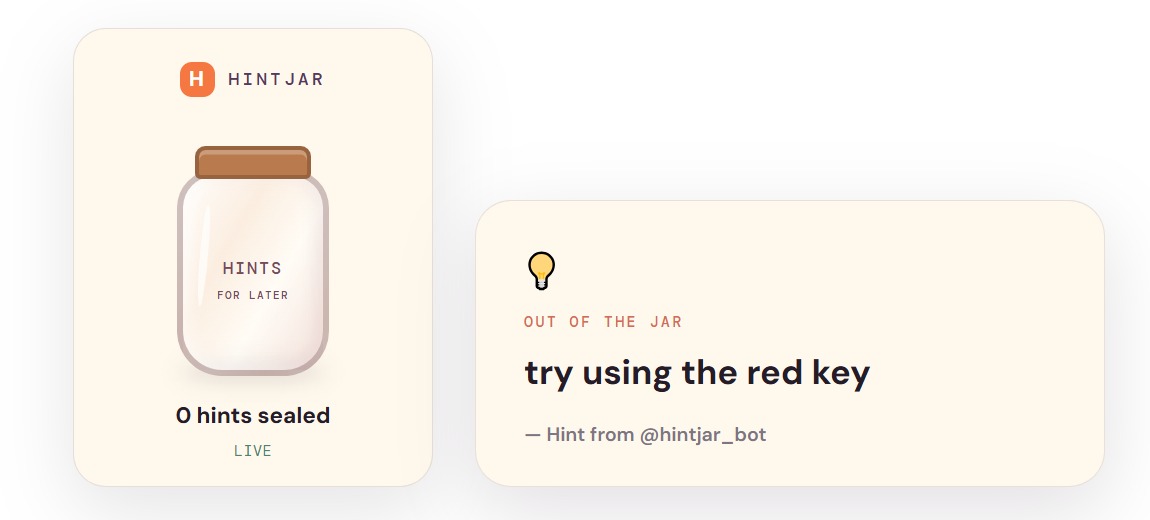
Hint page (overlay)
-
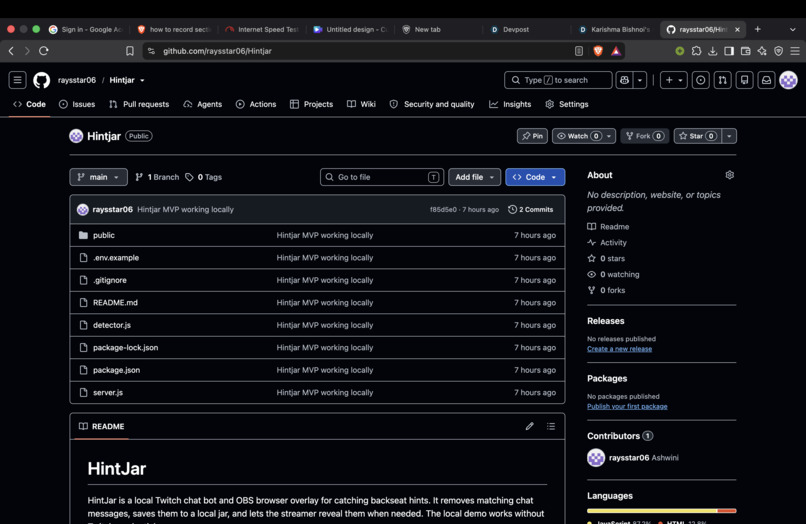
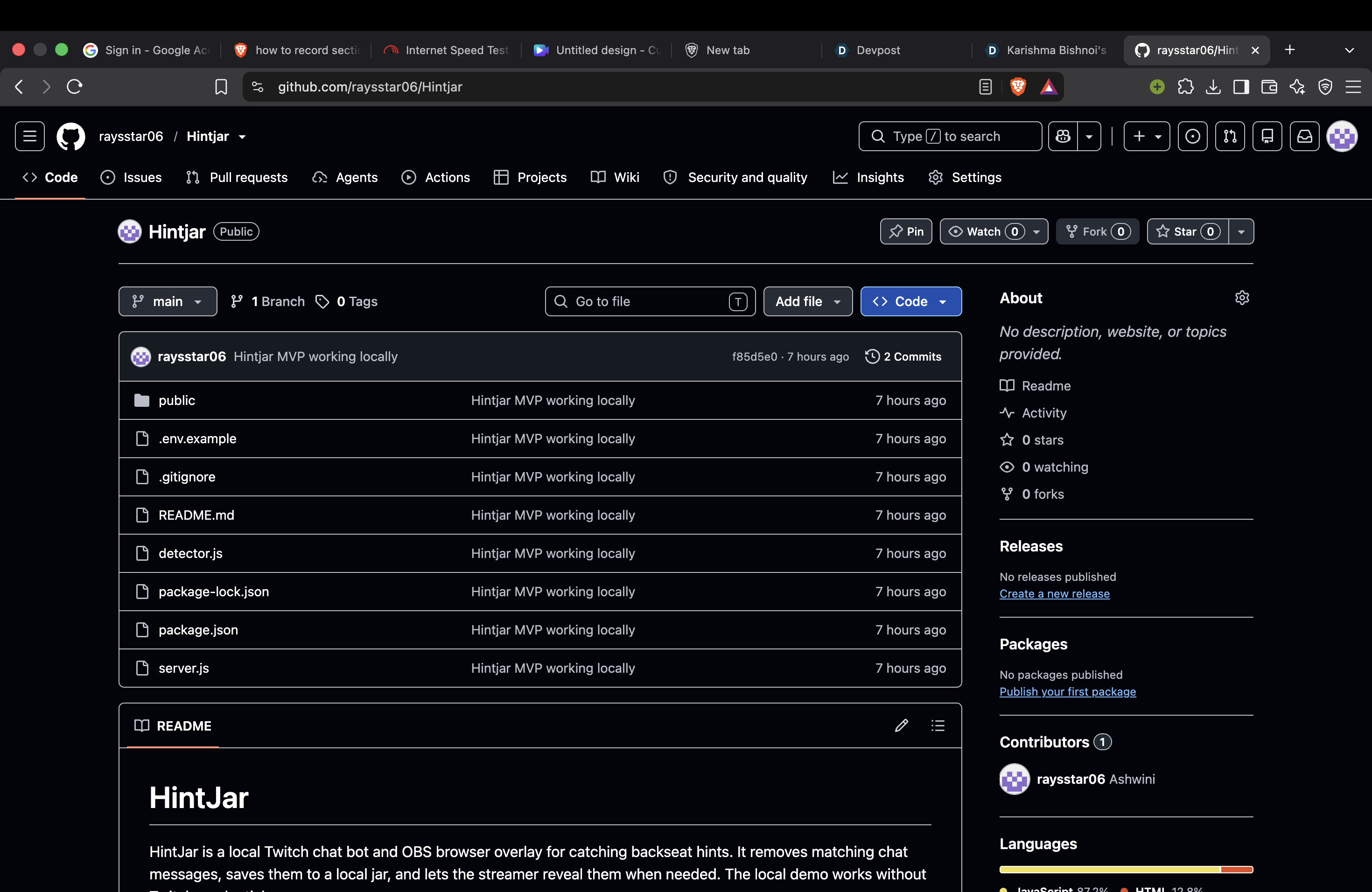
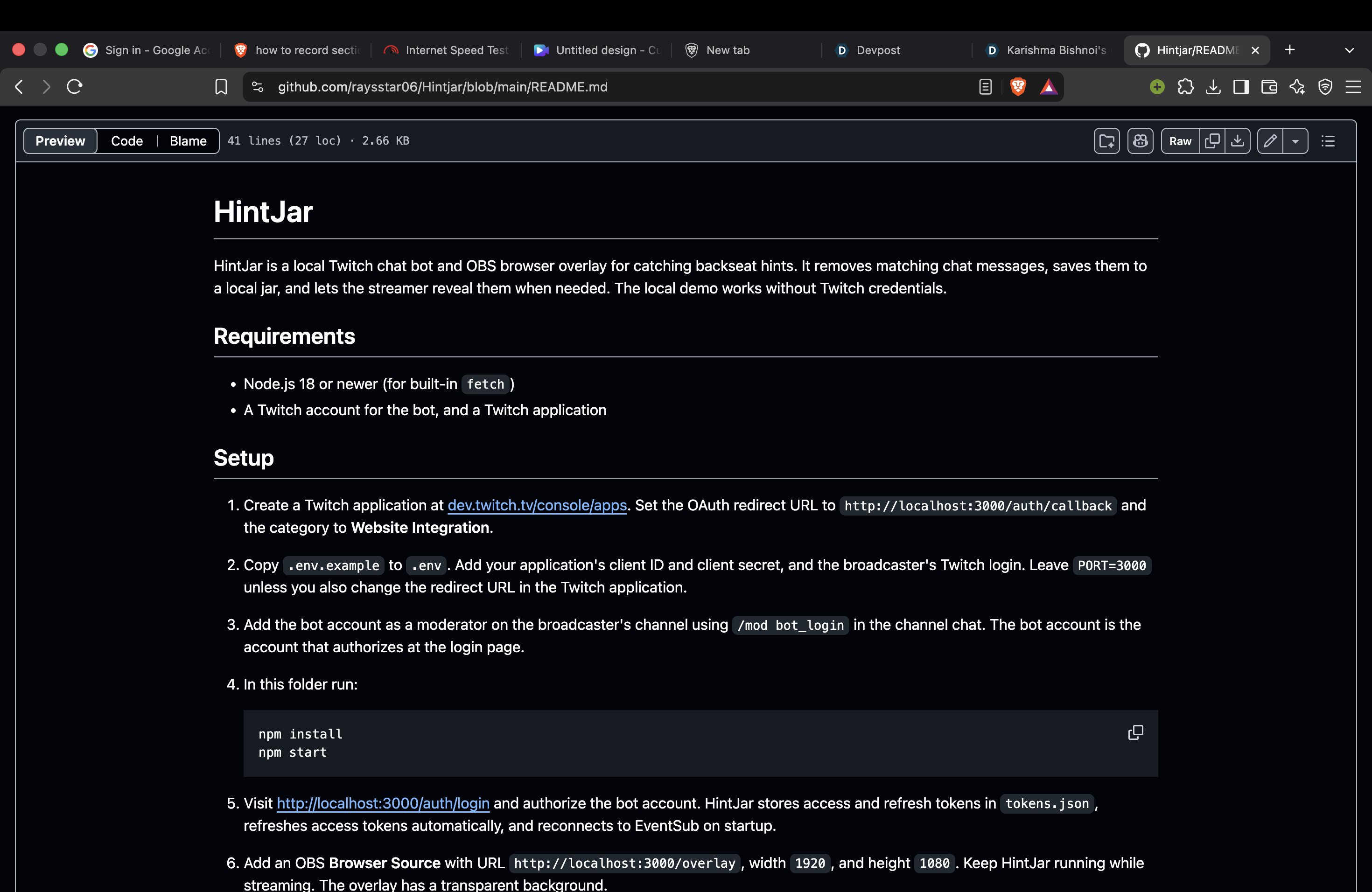
Github repo
-
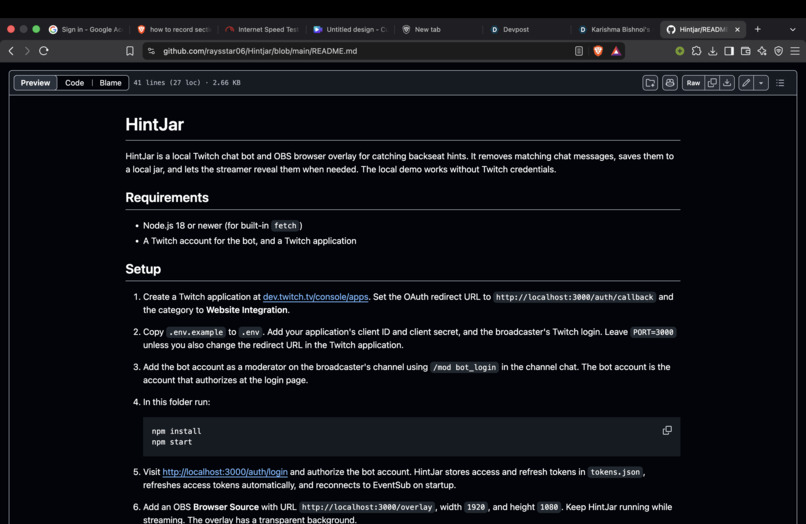
Readme file
-
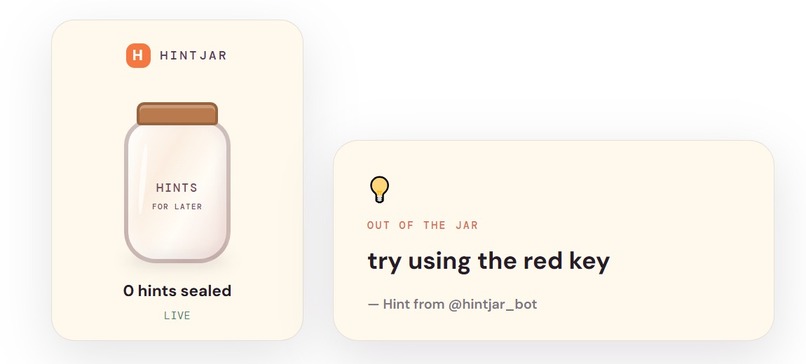
Getting hint from the hint jar
-
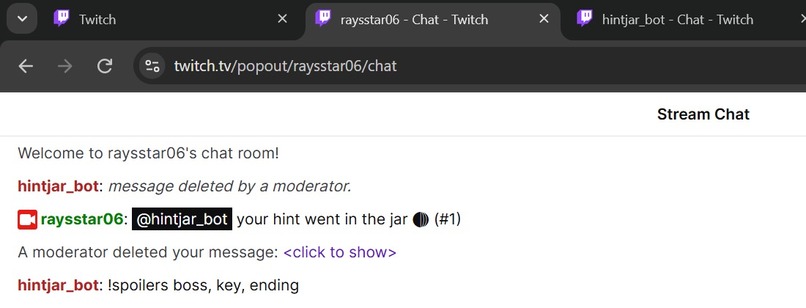
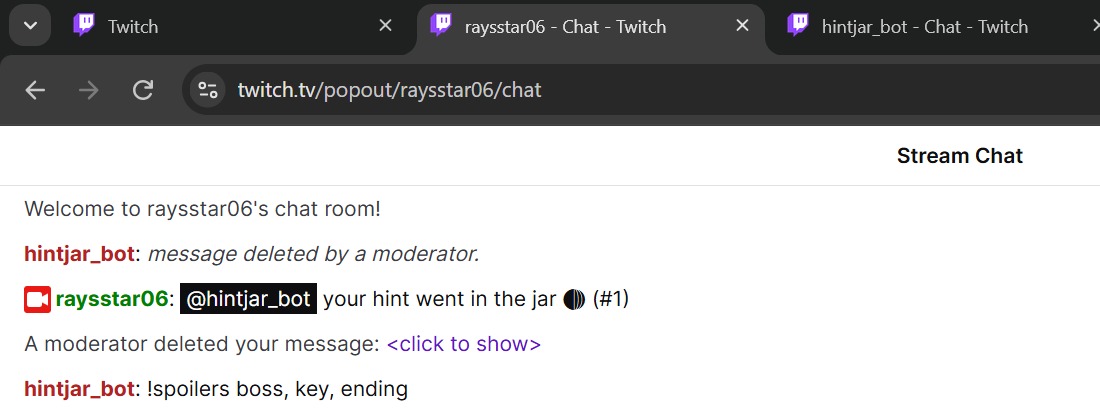
Viewer chat window where user types the hints and other stuffs , and it filter out by itself which message should go into the jar
-
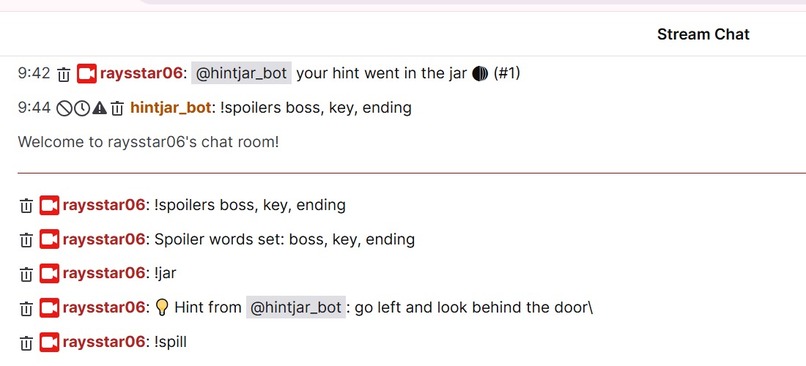
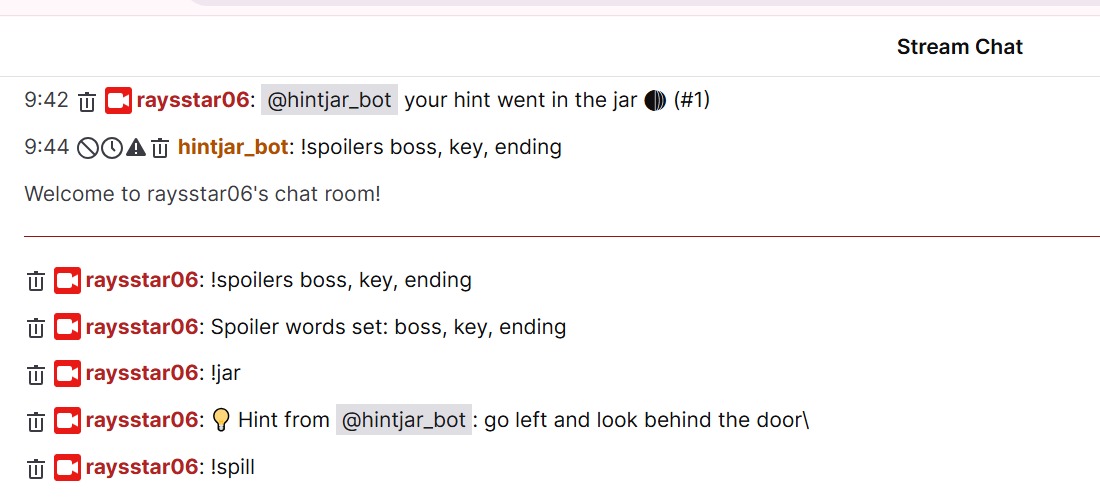
Streamer chat window where they can see the hints or ask for it, and also they can see other messges of viewers other than the hints
Inspiration
If you've ever watched someone stream a puzzle game, you know the chat. "Go left." "It's behind the waterfall." "Bro the boss is your brother lol." Nobody means harm. They just can't help it.
But for the streamer, it ruins the game. Right now they only have three options: read the spoiler, lock the chat, or ban their own fans. None of those feel good. So we asked: what if those hints didn't have to disappear?
What it does
HintJar is a Twitch bot with a little jar on the stream overlay. When a viewer drops a hint or a spoiler, HintJar deletes it from chat right away. Then it tells them: "your hint went in the jar 🫙".
Every sealed hint drops into the jar, and viewers can watch it fill up live. The streamer can set their own spoiler words with !spoilers, like "boss, key, ending". Normal chat like "nice stream!" is never touched.
When the streamer gets stuck, they type !jar. [vote] Chat votes with !yes or !no, and if chat agrees, one hint comes out of the jar. The viewer who sent it gets credit on screen.
At the end of the stream, !spill opens everything. All the hints chat was dying to say, one by one. It turns into a fun little ending segment instead of a moderation problem.
How we built it
HintJar runs on the streamer's own computer with Node.js and Express. It reads chat live through Twitch EventSub, and uses the Twitch API to delete messages and reply. The overlay is just a web page you add to OBS, updated live over WebSockets.
The detection is simple on purpose. It checks for the streamer's spoiler words and common hint phrases like "go left", "try using" and "it's behind". No paid AI APIs, no database. Anyone can run it for free.
How we used Codex
Codex did the heavy lifting. We wrote one detailed spec, and it built the whole first version: Twitch login, chat connection, hint detection, deleting messages, the jar and the overlay. That first prompt alone gave us 11 working files.
After that we kept going in the same thread. We asked Codex to redesign the overlay into a warm, animated jar [vote] and to add the chat vote. Our own time went into setting up Twitch, testing on a real channel, and making the demo.
Challenges we ran into
Our college Wi-Fi blocked Twitch's login servers. The code was working, but every login just ended in "connection reset". It took us a while to realise the problem wasn't the code at all.
So we split the work across two laptops. One laptop ran Codex and wrote the code, the other ran the bot on a network that could reach Twitch. GitHub kept them in sync. Messy, but it worked.
Accomplishments that we're proud of
It works on real Twitch, not just in a demo. Messages actually get deleted, the bot actually replies, and the jar actually fills up. And we built it in one night.
We're also proud of the idea itself. Instead of punishing backseaters, HintJar makes them part of the stream.
What we learned
We learned how Twitch EventSub, the Twitch API and OAuth fit together. We learned that a clear, detailed prompt gets you surprisingly far with Codex. And we learned to check the network before blaming the code.
What's next for HintJar
Smarter detection using AI that understands which game is being played. A "gentle nudge" mode that turns a full answer into a softer hint before revealing it. A leaderboard for the most helpful backseaters, and maybe a proper Twitch Extension so nobody has to run a server.
Built With
- css3
- express.js
- html5
- javascript
- node.js
- obs
- openai-codex
- twitch
- twitch-eventsub
- websockets

Log in or sign up for Devpost to join the conversation.