-
-

Thingway App Icon
-
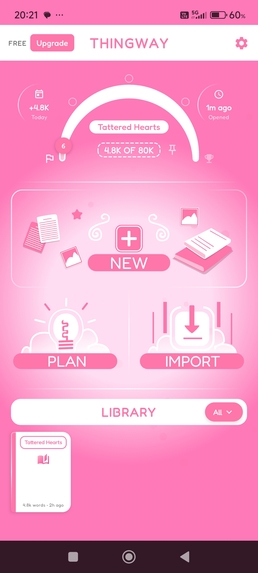
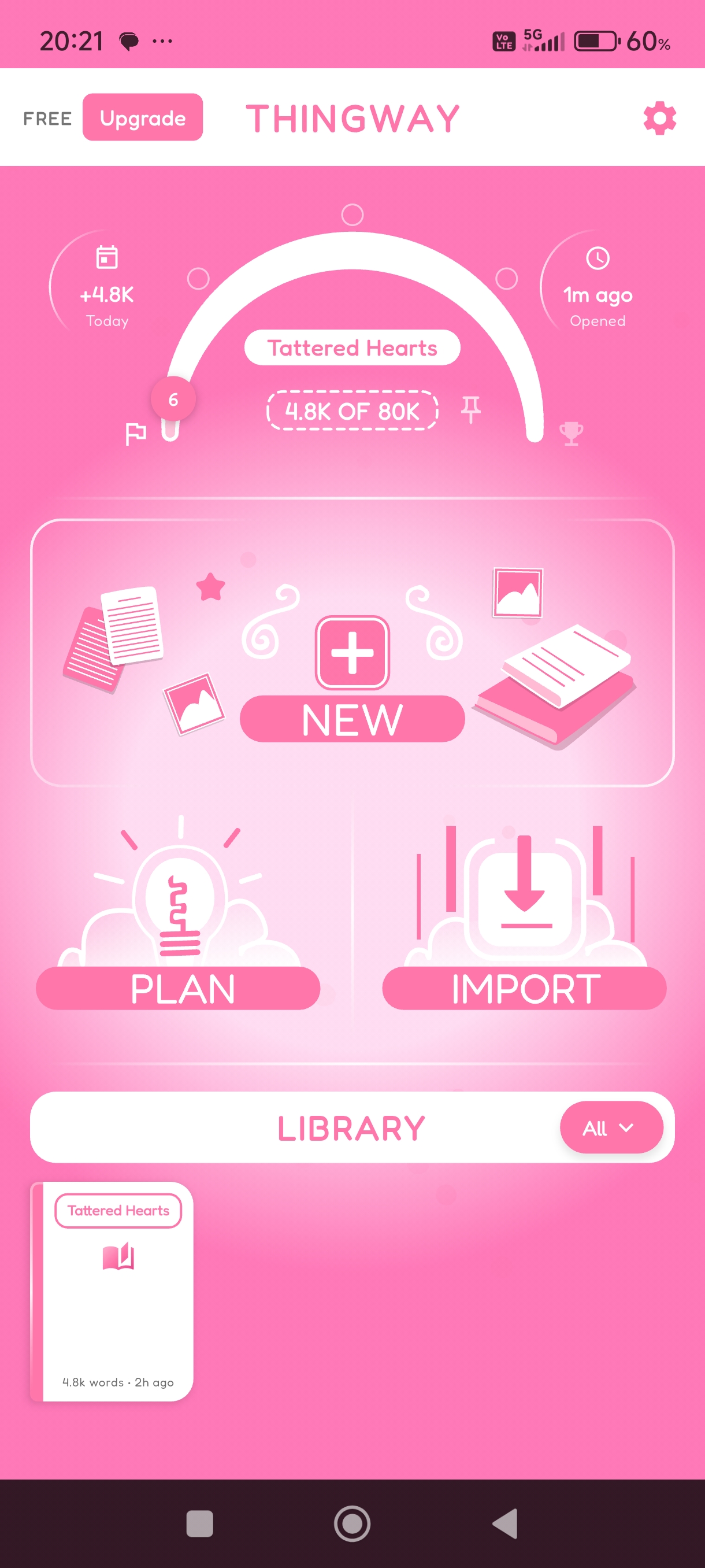
Main Hub - Screenshot
-
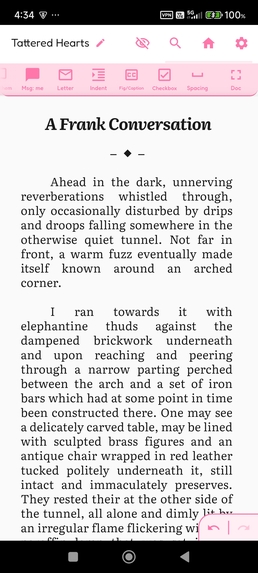
Main Editor - Screenshot
-
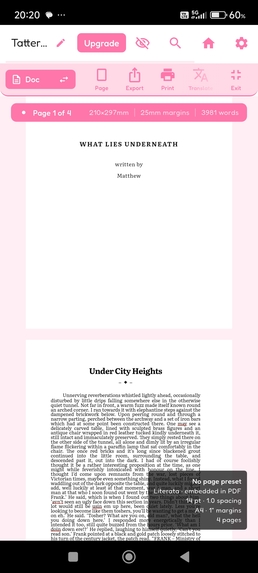
Main Editor (WYSIWYG View) - Screenshot
-
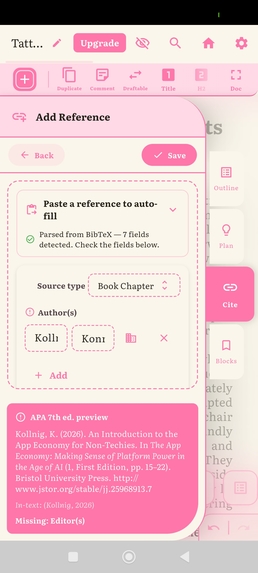
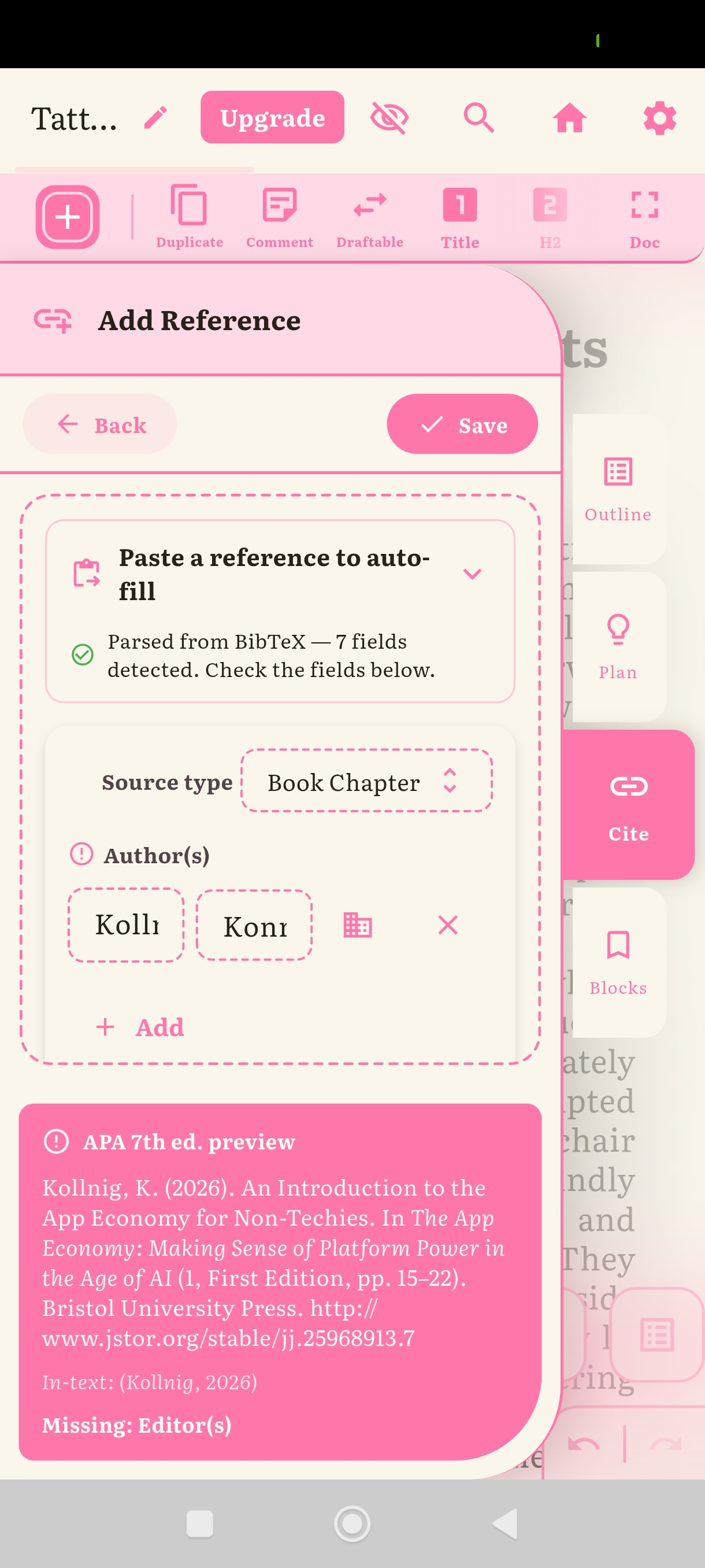
Structured document reference / Citation creation
-
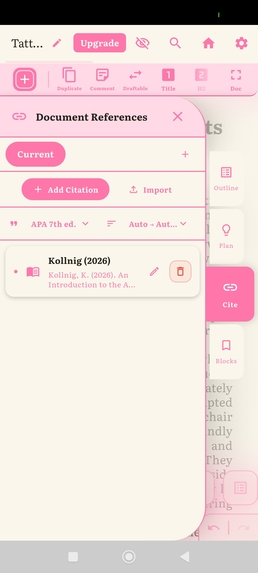
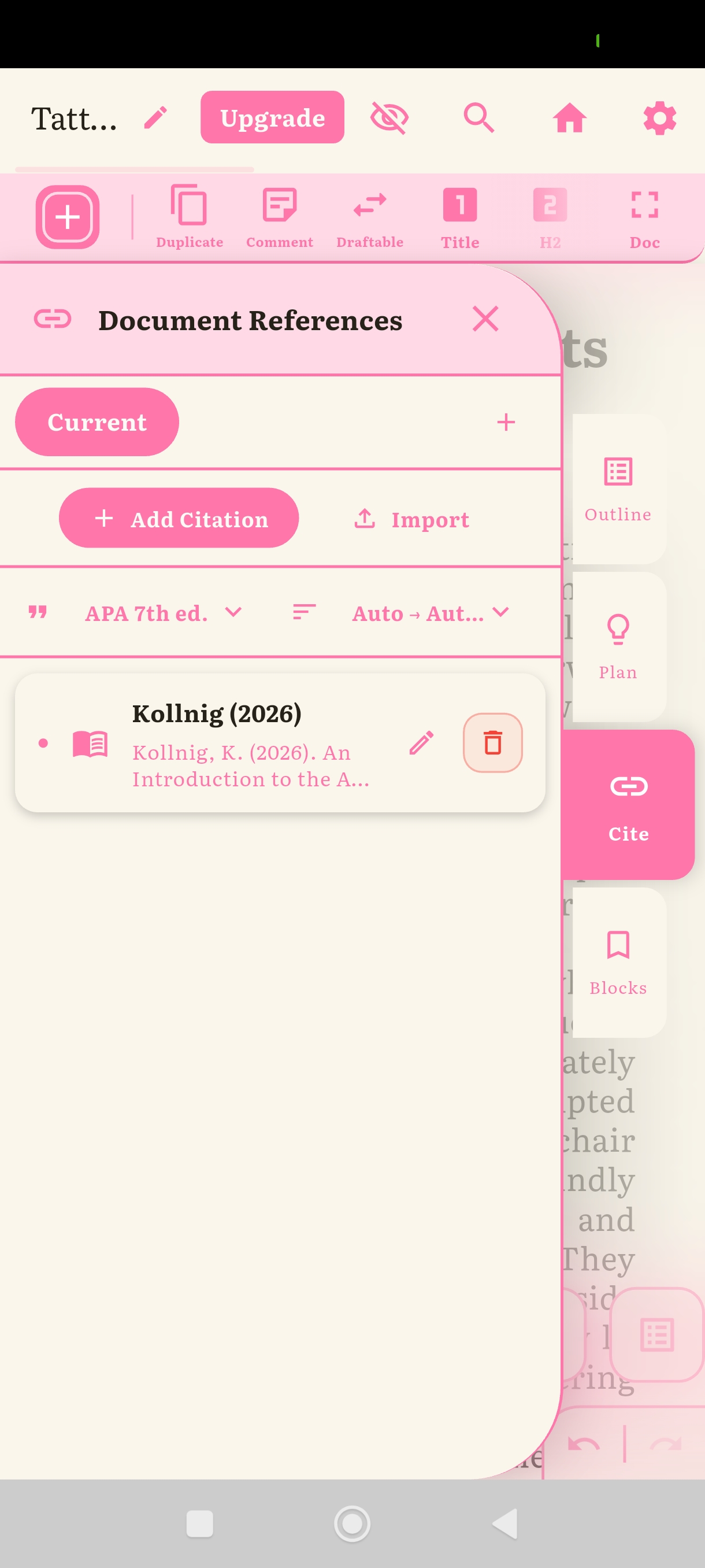
Drag and Drop document Citation panel
-
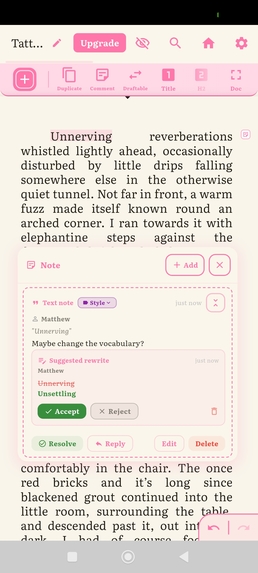
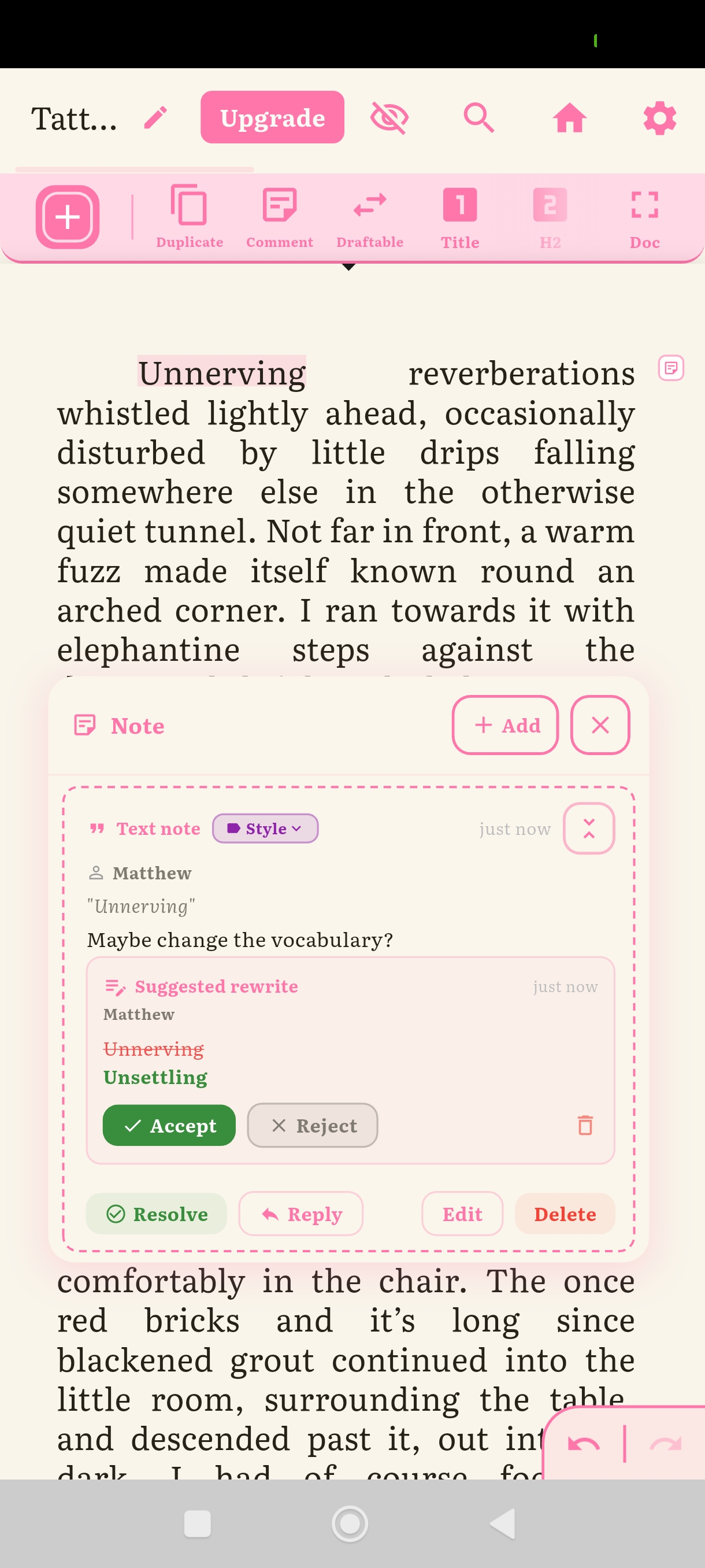
Document comment and suggestions function (exportable / .Docx compatible)
-
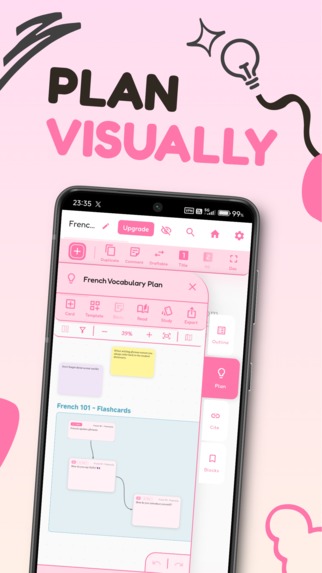
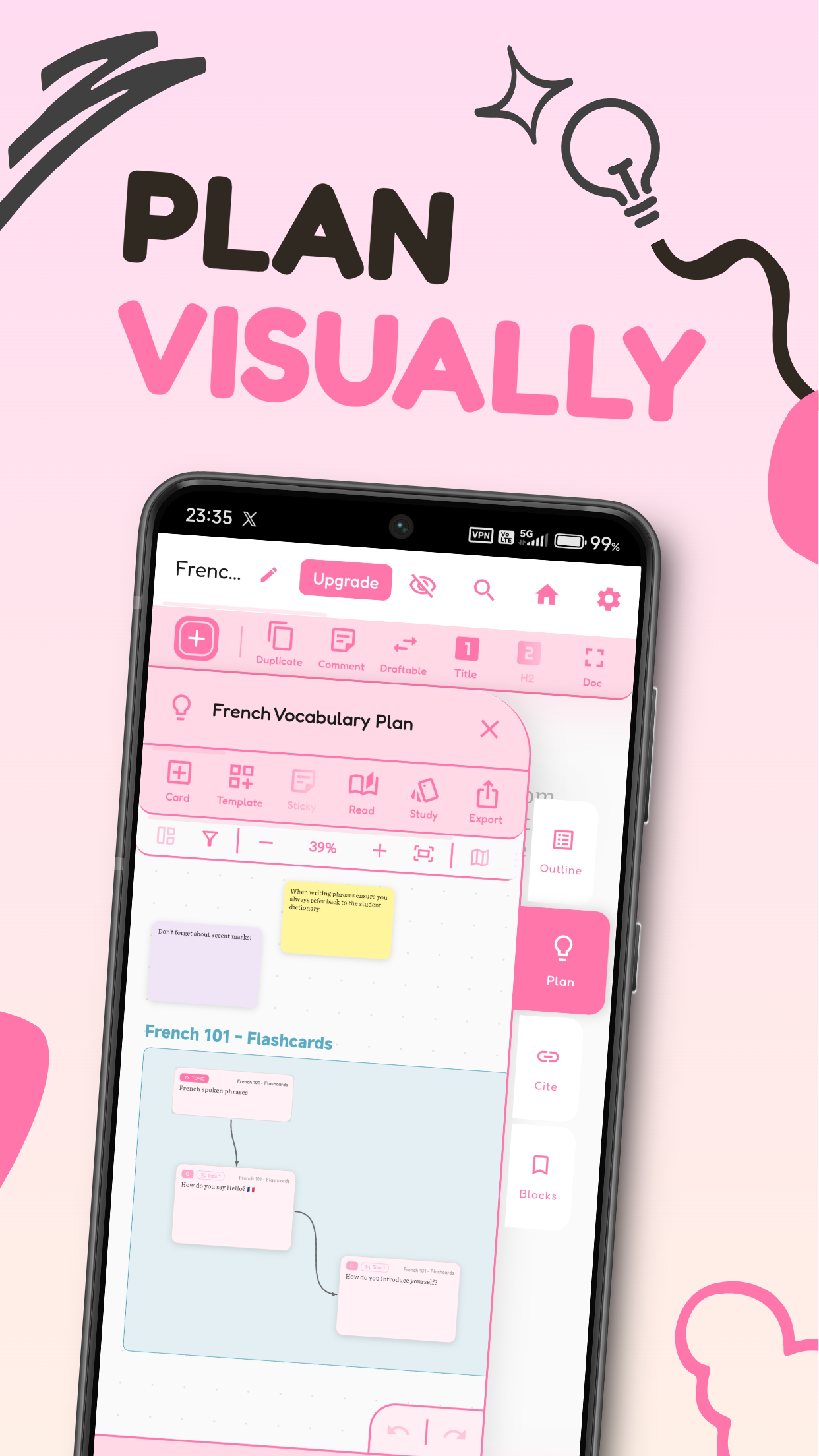
Marketing - Plan Canvas (Integration miniature panel version)
-
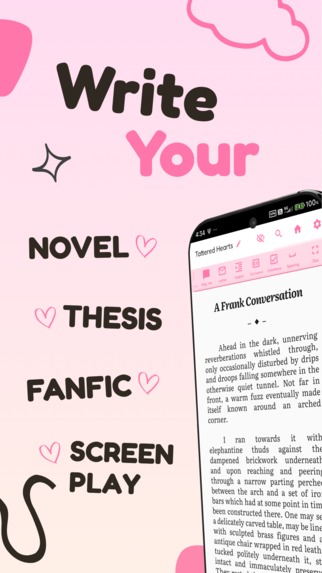
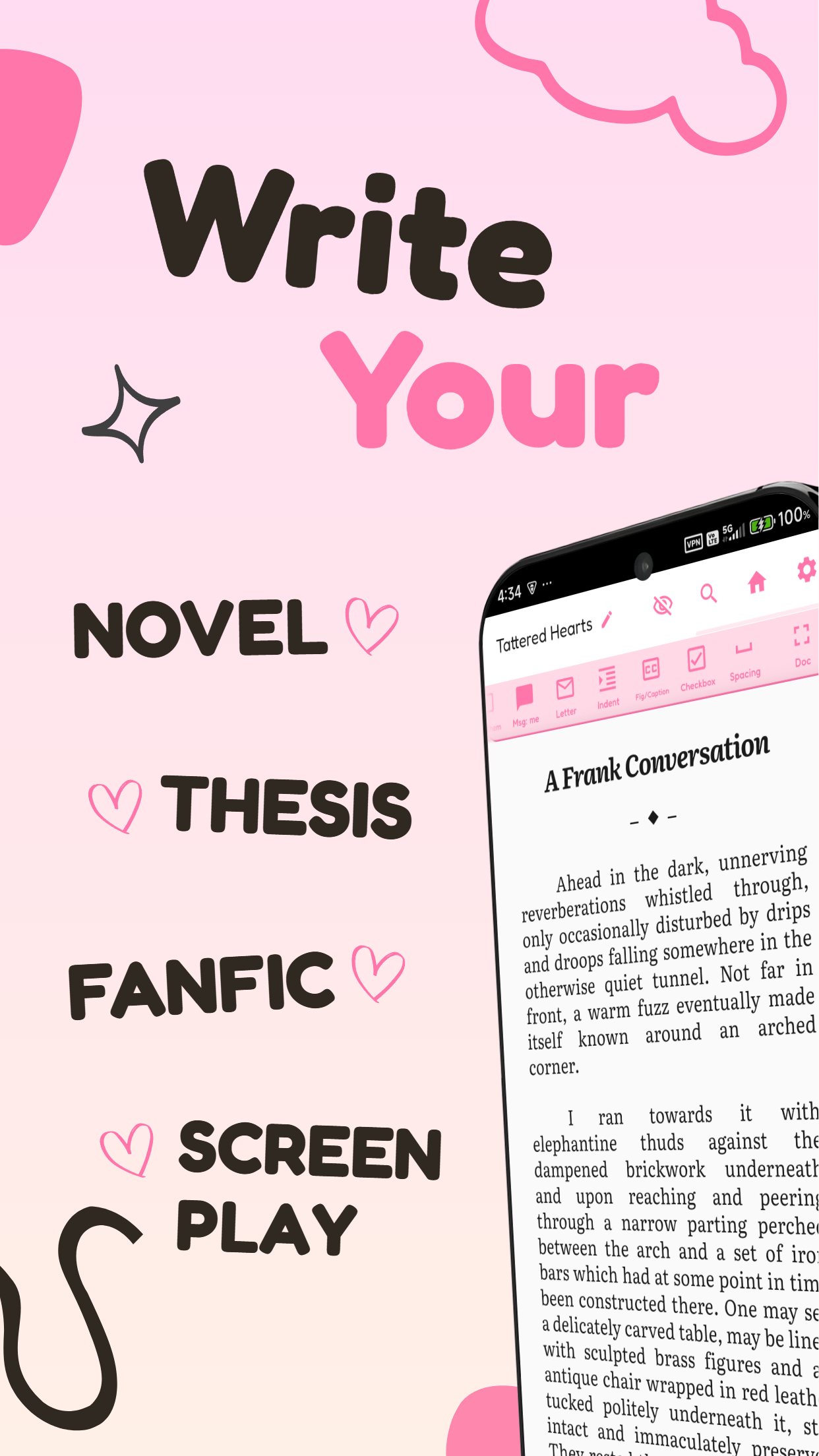
Marketing - General Writing
-
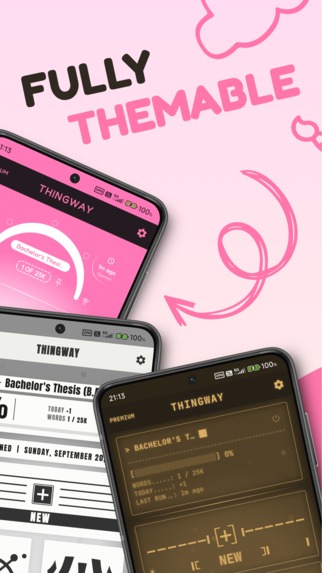
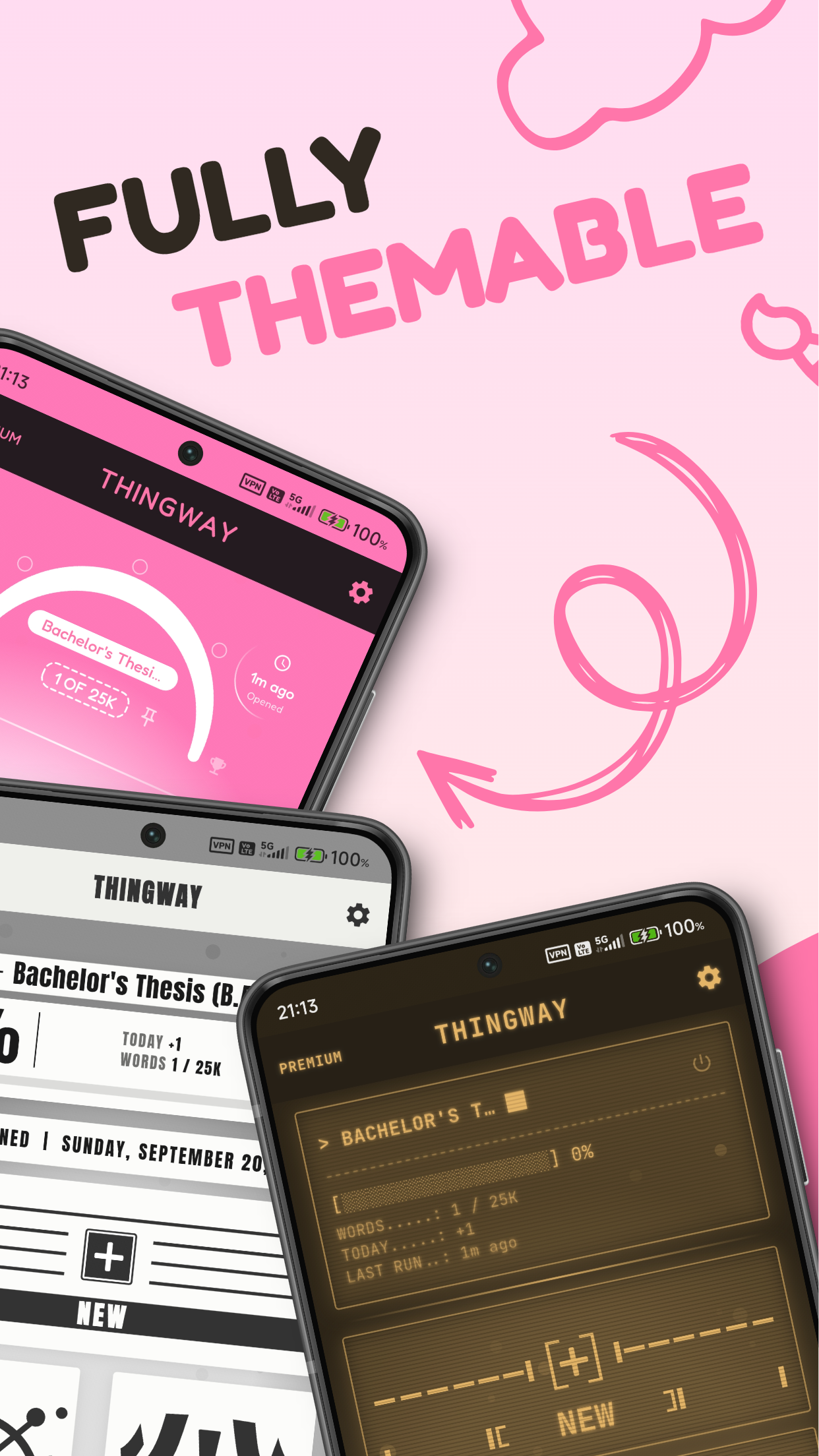
Marketing - Themes
-
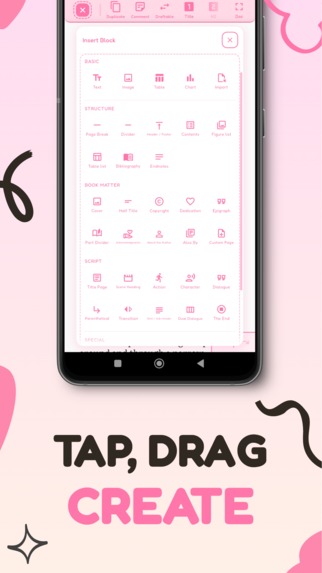
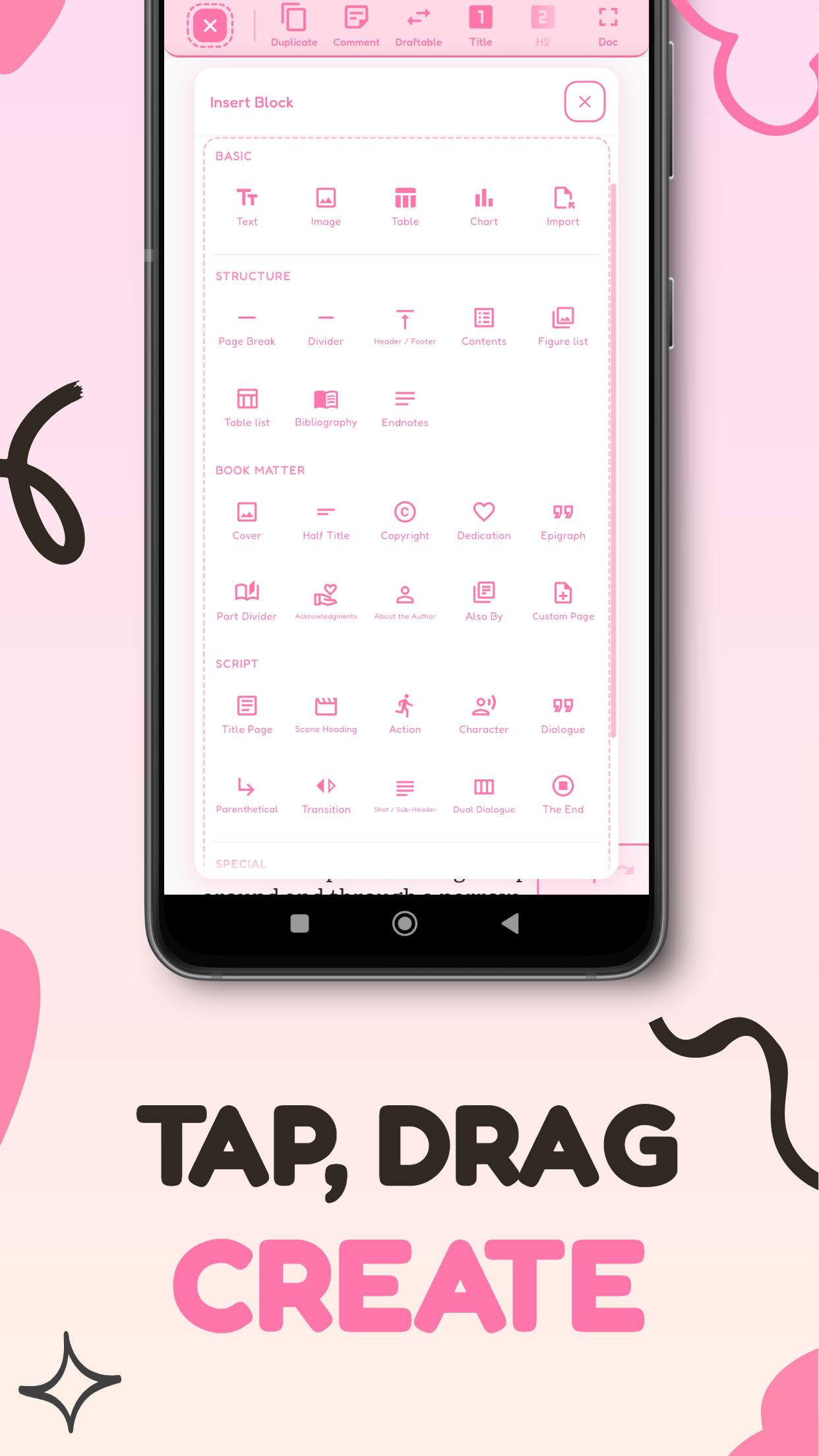
Marketing - Block Types
-
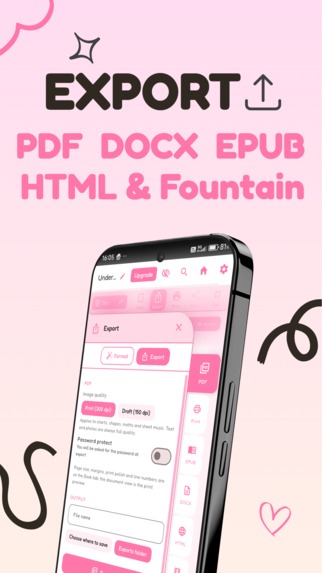
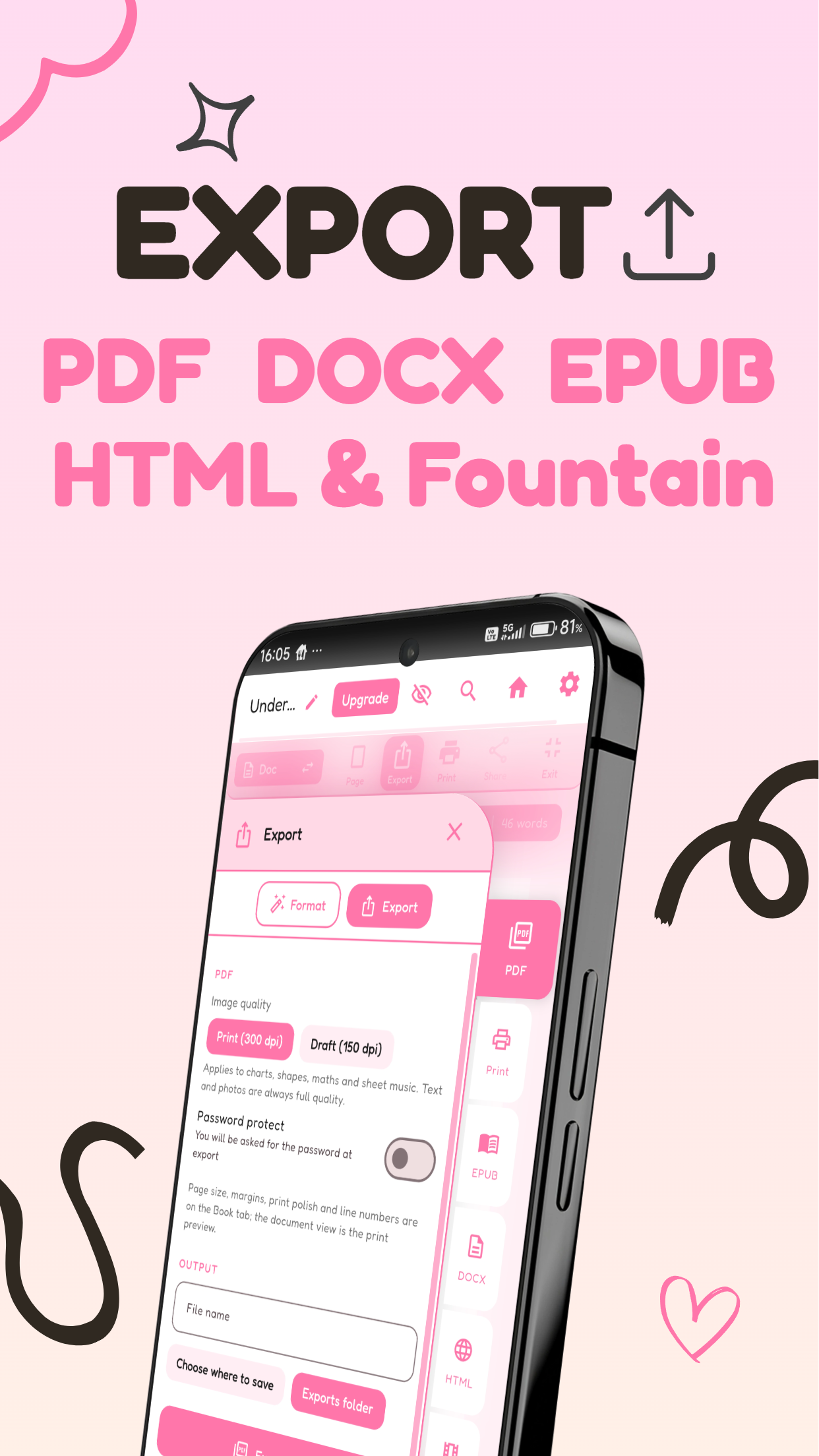
Marketing - Exports

Inspiration
The mechanical inspirations behind the app were refworks (which I used as a student 3D artist for years and wished was available in a more accessible format on mobile), Xiaomi's own notes app which lets do you do drag and drop offline notetaking, and perhaps less of an inspiration and more of a general frustration with having to use Word and libre office acting as a driver of my desire to have an actual option on mobile that does the things I need as a student and (hopefully in the future a) writer.
Visually I'm very inspired by the work and art direction of Media Molecule and their games like Little Big Planet, and I would love to keep pushing the apps visuals in that whimsical creative direction!
What it does
Thingway is an offline, privacy first app that lets you take a written idea from initial visual plan, through easy redrafting, to final formatted and publishable work for academics or narrative prose within one tap based text suite without the need to context switch between multiple apps!
It launches with a primary hub space where you can create and import documents, access your in-app library, and pin your currently active document for tracking progress, word counts and such. It also has two editing workspaces, one is an infinite visual planning space and the other is the primary manuscript editor. While they are entirely different ways of working, each is directly integrated with the other allowing easy access to your plan while writing your main manuscript without having to close either one as you go.
The infinite planning space allows for and includes;
- Visual document drafting, worldbuilding, planning and studying
- Integrated Flashcard creation and animated studying tool
- PDF document imports and a full PDF reader per document within the planning space to easily hold, read and move around 300+ page source PDFs in your workspace in one drag and drop flow.
- Image imports
- Sticky notes for quick thoughts
- Frames for grouping content visually and moving them around as one collective group of cards and blocks
- Full drag and drop resizing, movement and interaction integration with the manuscript editor, so you can drag items right off the edge of the miniaturised plan panel area and straight into your real final document!
The main manuscript space allows for and includes;
- Block-based drag and drop architecture with 37 types to start building, drafting and ordering your documents visually with the tap of a finger. Including charts, tables and a sheet music block that lets you make music notes and compositions in line with tap interactions
- Access to the block bank system, to let you drag any of the 37 block types to the left of your screen to save your darlings for later. It also acts a template saver if you've made a table you want to reuse in other documents too!
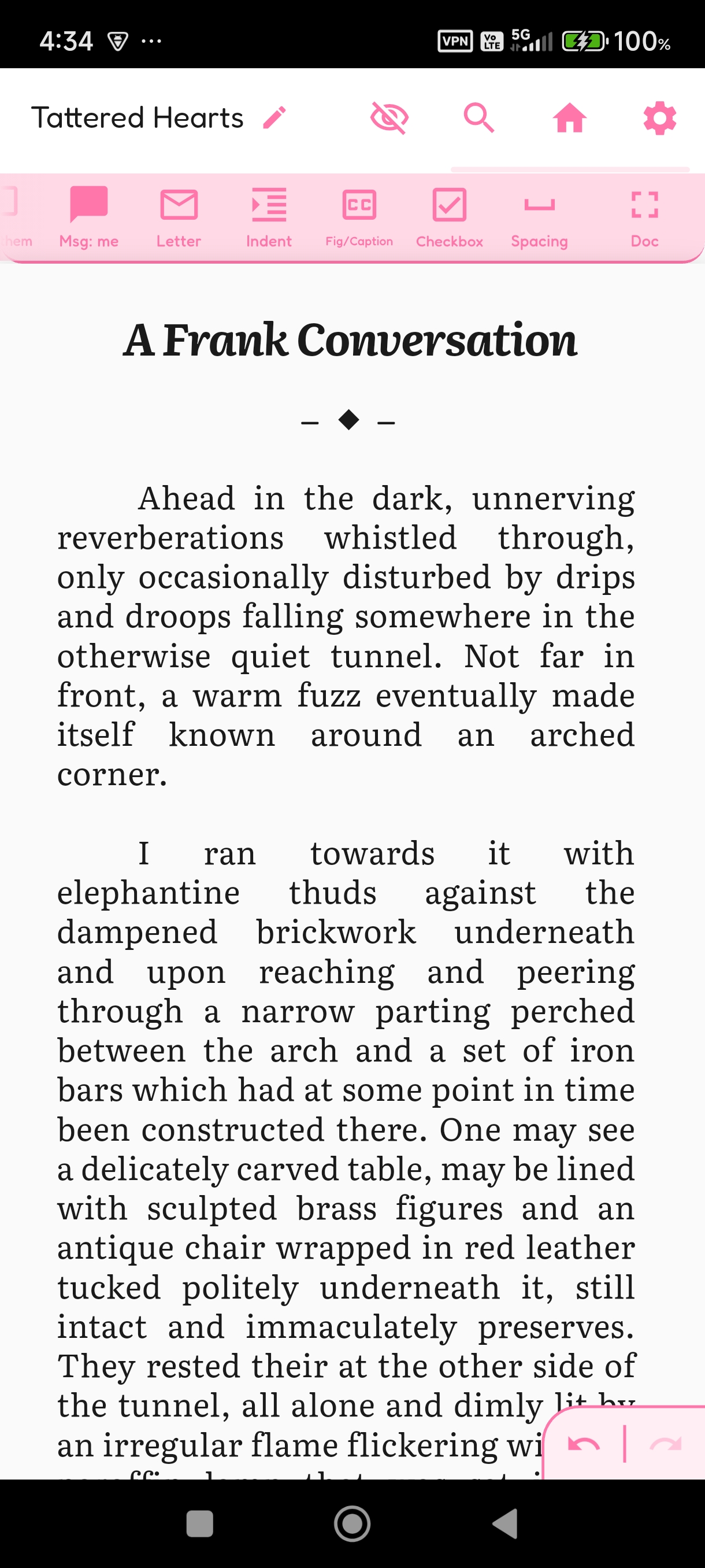
- All the complete rich text formatting functions you'd expect (Bold, Italics, Bullet lists, Redactions, inline comments, first line indent, links etc) and some unique Thingway additions like Named Variable markings, in-text atomic citation marks, and automatic figure list marks.
- Block level metadata marks that can be toggled on and off, including H1-6, block level comments, quotes, checkboxes, figures/caption, one click duplication and even a button to make a block look like a text message or hand-written level for use in novels!
- One special block metadata button that makes a text block redraftable, so you can write multiple drafts of a paragraph within the exact same physical space in the same document, and tap to swap between them on mobile without leaving the editor
- An in-built multi-lingual spellchecker and grammar system
- Special slide out panel with an outliner with stat tracking, word counts, reading time, and drag and drop reordering, as well as access to a miniaturised planning page (with full funtionality), citation panel to create academic ready auto formatted citations, and the block bank for all your saved creations with easy drag and drop between the bank and the editor.
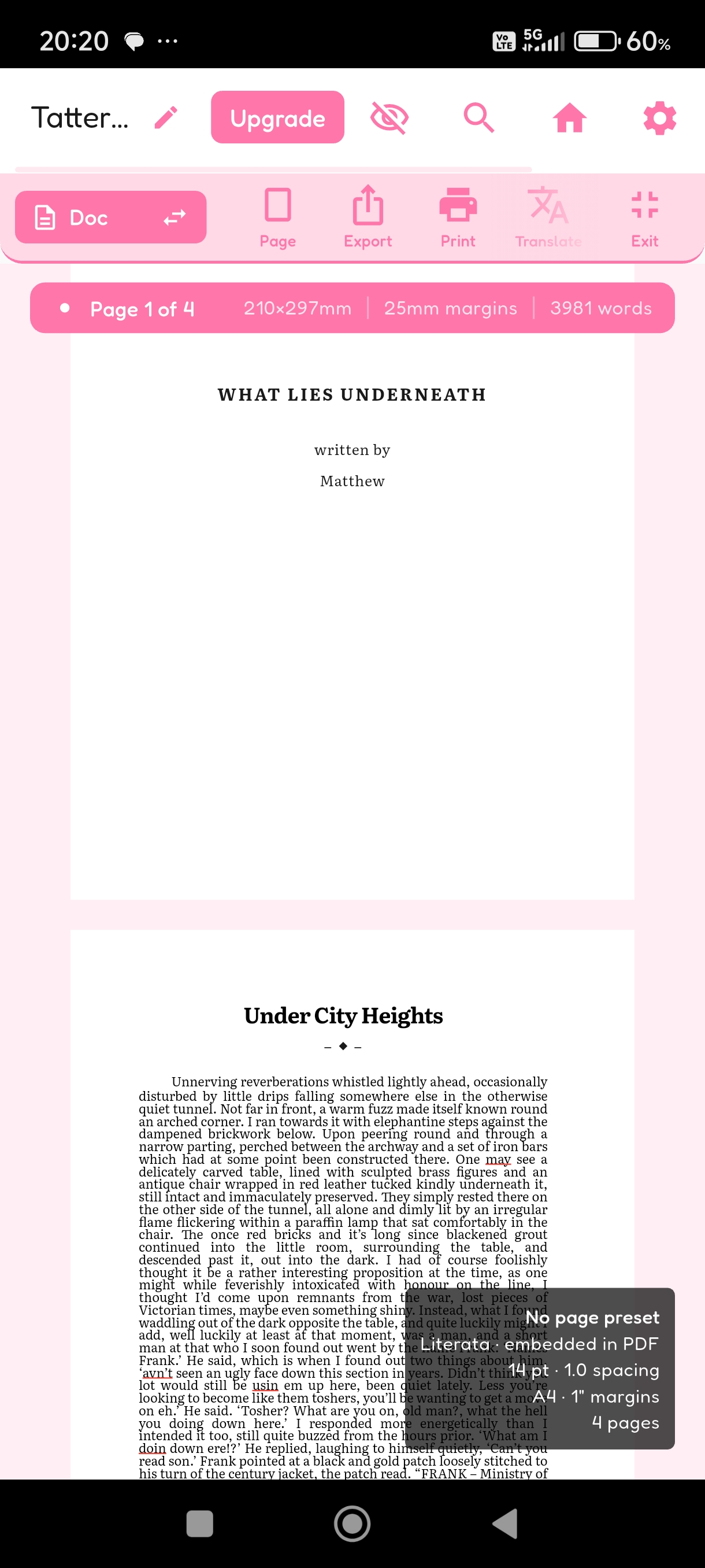
- A document & WYSIWYG view you can swap between by pinching and un-pinching the screen with the expected elements like swapping page orientations, page size, margin setup, page numbers, exports, printing and sharing.
- Unique Thingway additions in the document view like whole document translation, an E-reader view for novelists to see how their book may look, metadata setup (ISBN's, language, keywords) and export restyling so you can write your document in your favourite font, font size and line spacing and export it in the one needed for academia or publication at the end without changing the document itself.
- Final exports in PDF, PDF as Image, DocX, Fountain, HTML and EPUB
- It also has a constant autosave with markdown backup available so that you can't get work stuck in the ecosystem, even if the app breaks!
How we built it
Thingway was produced almost exclusively in Flutter within android studio, with Rive used for manual vector art creation, icons and such, as well as Python for open source data collation regarding the spellchecker and other large text datasets currently being produced. I would also like to credit the Barcelona supercomputing centre, their work on the Salamandra translation models has been invaluable and without it there would be no translator available to use within Thingway's translation harness! And of course the Claude models for deep technical development, particularly regarding getting an FFI bridge working in flutter so GGUF LLM models could be tested on device, and more specific areas like pagination fixes for multi-font size paragraph splits and general app optimisation problem solving to diagnose issues with Rive art implementations and animations to reduce unnecessary UI rebuilds.
Challenges we ran into
The primary challenge was in building a text editor without building a text editor... as in order to get a native drag and drop 'atomic block' system to work, you can't use reflowable text workflows and essentially have to create it like you would a 2D game. And as a result of this inability to use the traditional methods and expected app design, a lot of weird tricks are required to get expected features to work. Like in order to get a first line indent to work, one had to make a font that mimics the sizing of what a real first line indent looks like in a reflowable text system. which is then used exclusively as an atomic text mark that is inserted into blocks invisibly at their start to become the "first line indent".
Another challenge was just my own technical limit, flutter is obviously a very good tool and the hot reload helps for trial and error, but I am by no means a full-stack technical developer. There were a lot more things I'd have loved to pursue like cloud sync, cross block text selection and potential Bluetooth or local wifi collab options. But a lot of the networking areas are just beyond my understanding. This was good and bad, in the way that it has kept the app true to it's original scope of being offline and privacy focused, but has certainly limited who might use it and what kind of work you might use it for.
Accomplishments that we're proud of
One of the most inconsequential features that I actually think makes a huge difference to the editor that Im proud of is the custom text selection overly that lets you have cute rounded corners that feel are way less grating on the eyes.
The entire drag and drop based always in-line workflow I'm super pleased with too, it feels so much easier to do literally everything on mobile, when testing with university essays and such, particularly things with images, it's just easy to add them, move them and actually put together serious work.
I'm also very happy with the theming system and general feel of the suite, it's so nice to not have to look at a generic darkmode techy space, and or sterile officey-esque editor while offline!
What we learned
I learned that it's honestly actually really hard to develop a cohesive and functioning app when you aren't following pre-built UI styles and expected UX. I've made a game on the bleeding edge of current tech before (prior to the AI times) and that was brutal as an experience, this was even more so. There is just always something that connects to something else which affects yet another thing, so I had to be a lot more careful with modularisation so things could be edited and updated without breaking everything else.
What's next for Thingway
The app in it's current form is by no means what it was meant to be like in it's release state, particularly regarding the UI, I wanted a lot more life and animation to things, but simply havem't had the time to sit and create the animations in Rive myself yet! I also removed the wiki panel and authorial dictionary/thesaurus from the app prior to launch as it's taking longer than anticipated to hand write a dictionary (who would have thought!) and the UI for the custom wiki maker just wasn't where I wanted it to be.
Moving forward the plan is to tackle prettier animated UI, finish the custom Thingway Dictionary and Thesaurus (which will function a little differently from a traditional thesaurus in terms of how you use it), implement the wiki panel, re-introduce all the block type to the plan panel after a testing phase and translate the app into all European languages (+ potentially Mandarin and Japanese)


Log in or sign up for Devpost to join the conversation.