-
-
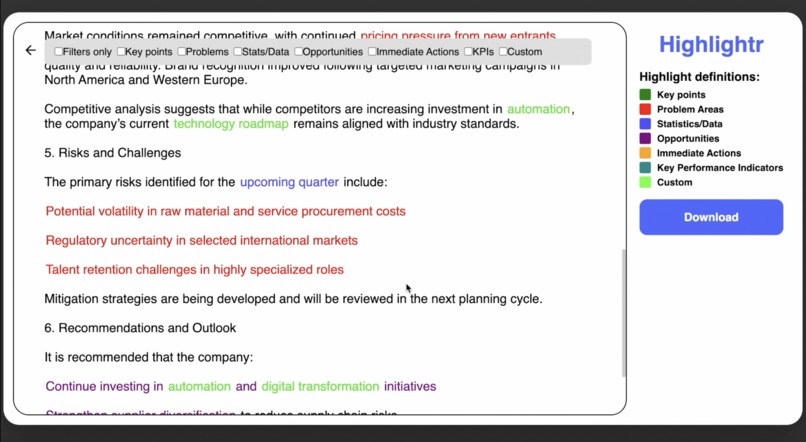
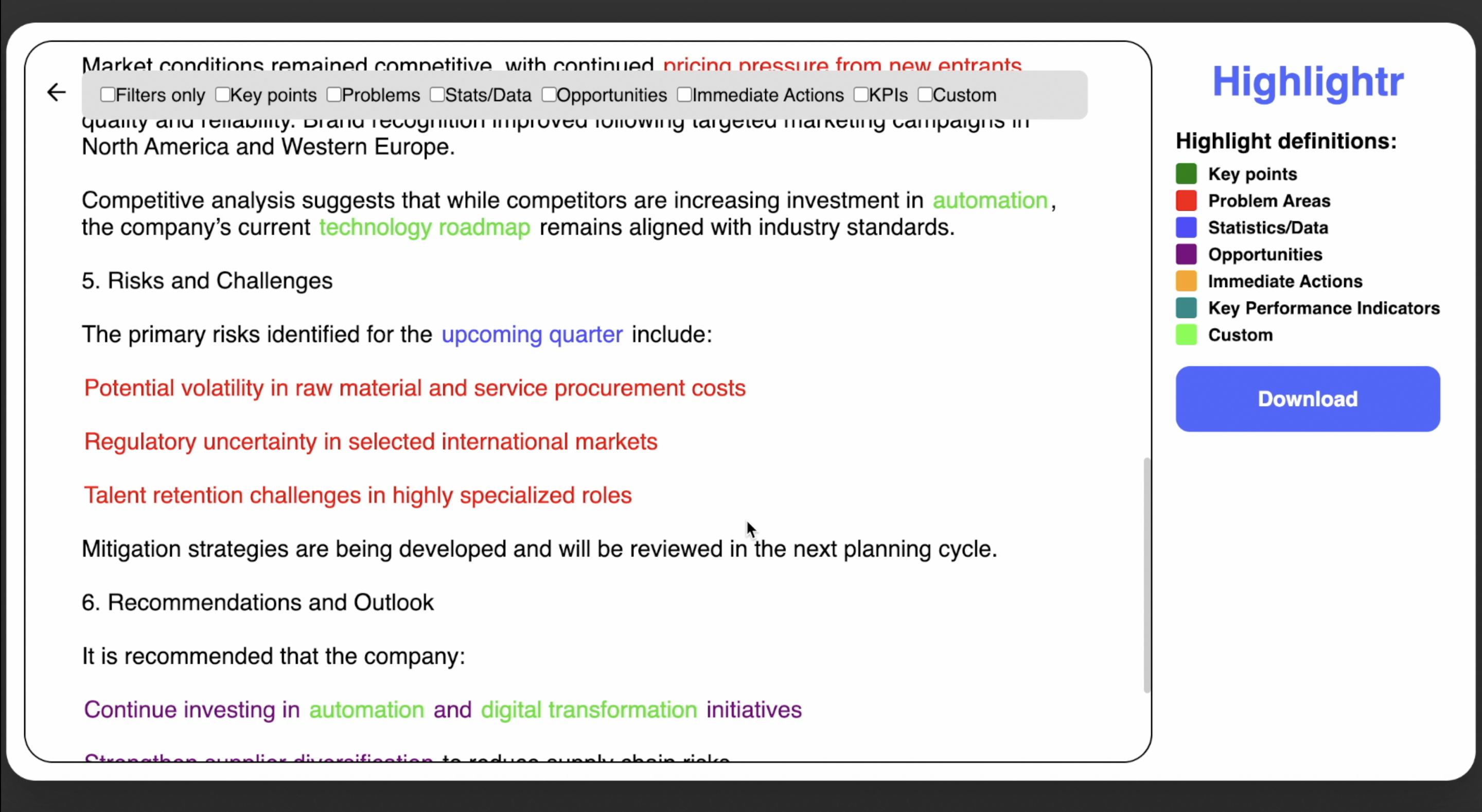
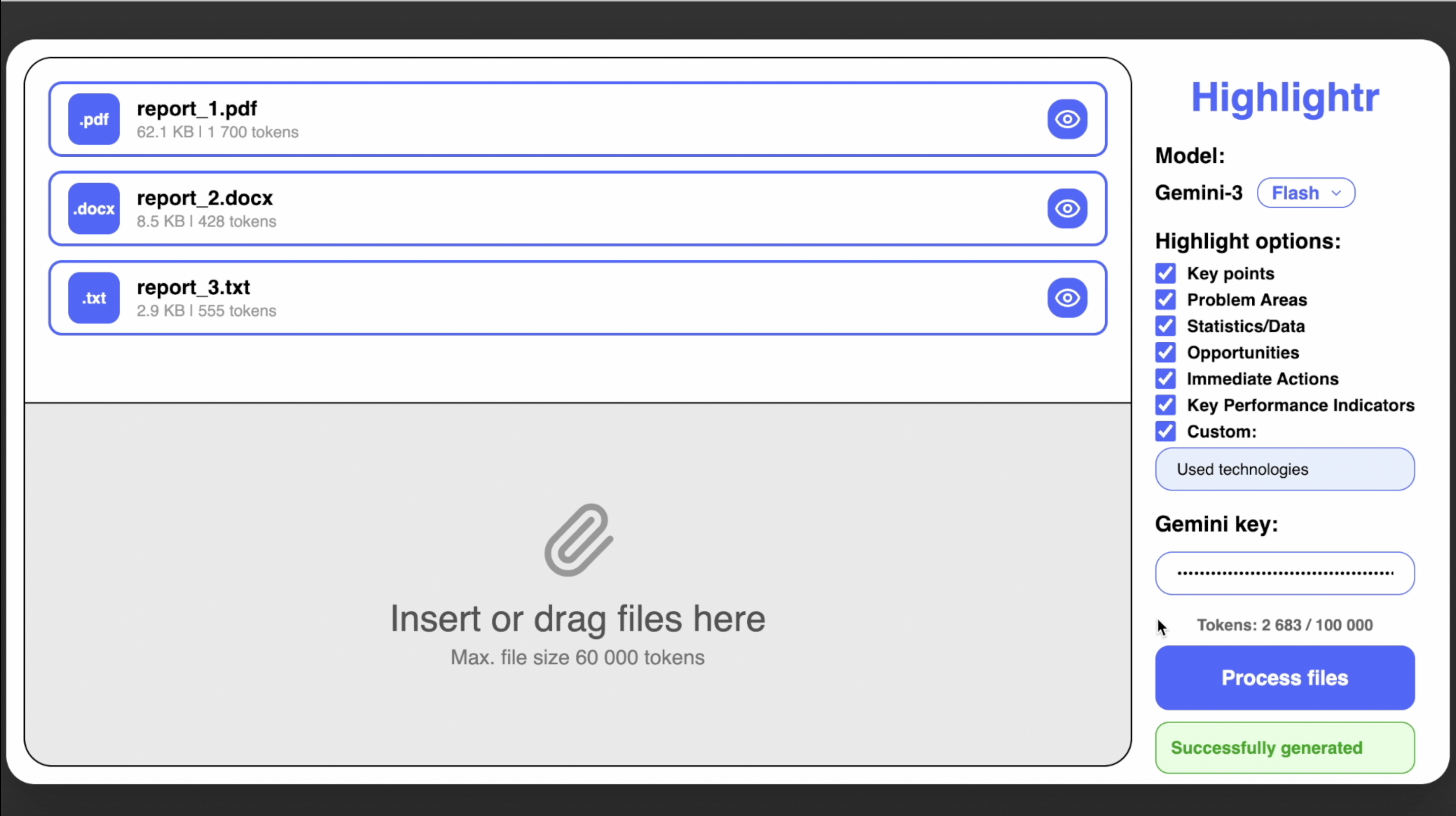
Preview screen
-
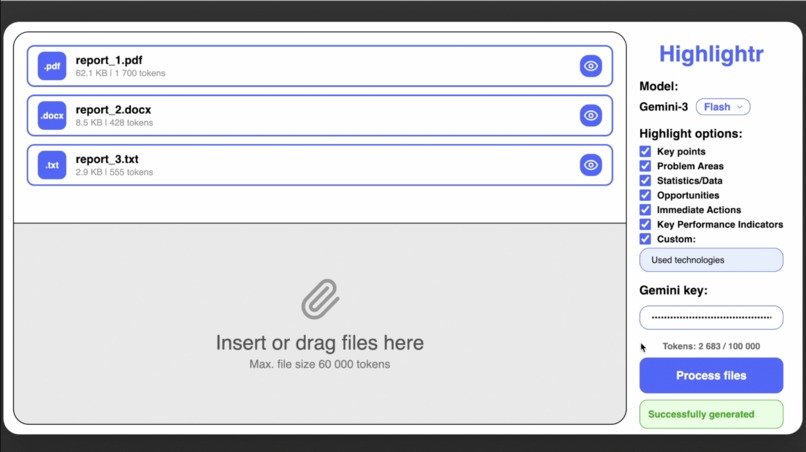
Results screen
-
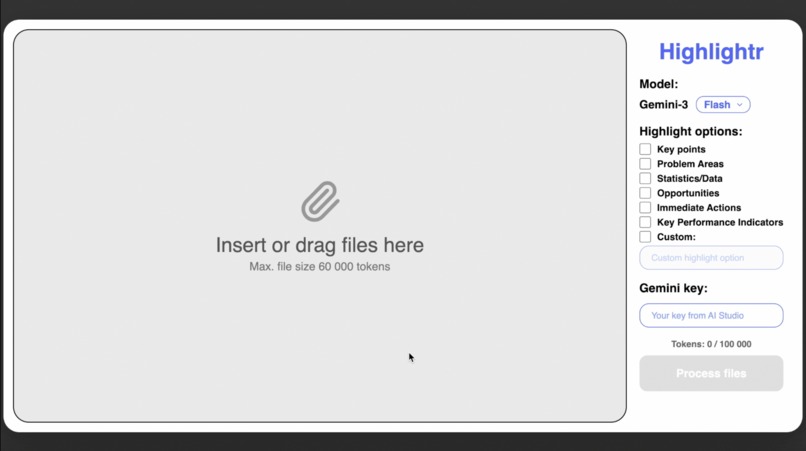
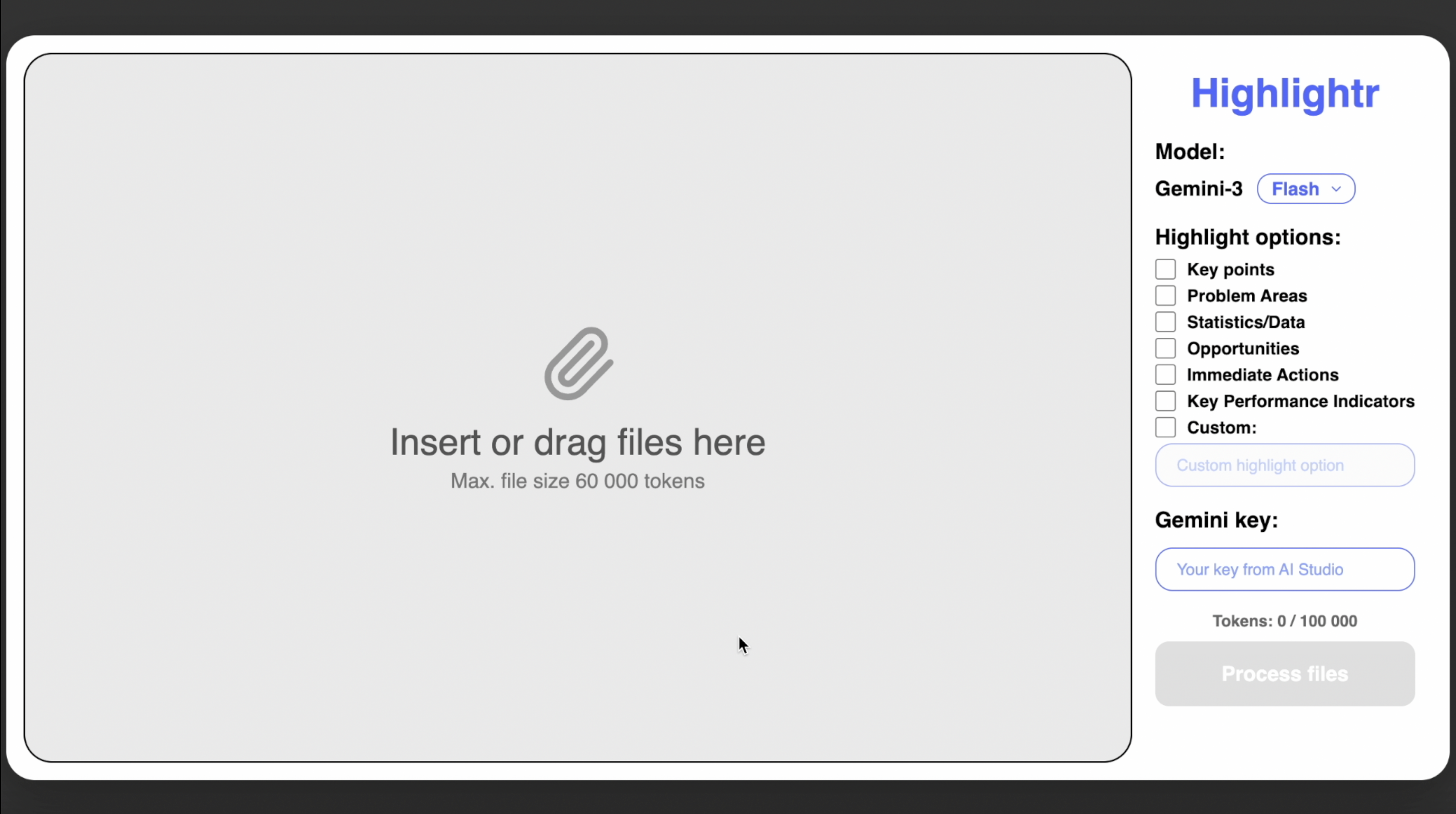
Main screen
Inspiration
In today’s world, we are drowning in information. A 50-page contract, a technical manual, or a quarterly report can feel like a wall of text - finding the useful bits is exhausting. I build Highlightr to solve that problem: a tool that turns raw documents into structured, easy-to-digest insights, letting you quickly see what matters most.
What it does
Highlightr is a smart document tool powered by Gemini-3. It reads your files and highlights key information automatically, making large documents manageable.
How i built it
Brain: Gemini 3 flash/pro(depending on the choice before generation) via the google-genai SDK. I used structured output (JSON Schema) to ensure accurate AI text highlighting without altering the original content. Engine: The Flask backend handles file uploads and token management. Document Processing: PyPDF2 for PDFs and python-docx for Word files, including highlight styling. Interface: A responsive web interface built with vanilla JavaScript, HTML, CSS and Lucide icons.
Challenges i ran into
The most challenging task was to ensure that the AI never paraphrased or summarized the text - it had to preserve the original text while simultaneously adding tags. Converting the AI's nested tags into a linear .docx format using colors required a custom recursive algorithm based on BeautifulSoup.
Accomplishments that i'm proud of
Visual fidelity: seamless transition from download to a fully formatted, color-coded document. Flexibility: customizable design elements adapt to any industry, from medical research to financial auditing.
What i learned
Gemini 3 has a huge context window, containing 65,000 tokens. Furthermore, Gemini 3 is incredibly accurate when executing detailed hints. I also gained hands-on experience with asynchronous file processing and OpenXML for Word documents.
What's next for Highlightr
Batch processing: process entire folders to compare KPIs across different documents. Deep analysis mode: for highly technical or legal texts. Audio version: convert audio to text and highlight key information.
Built With
- beautifulsoup4
- css3
- gemini-3-api
- google-genai-sdk
- javascript
- pypdf2
- python-(flask)
- python-docx

Log in or sign up for Devpost to join the conversation.