Inspiration
It's easy to get stuck in an internet doom loop, especially if you're struggling. Hide exists to help people control the content that they see online.
What it does
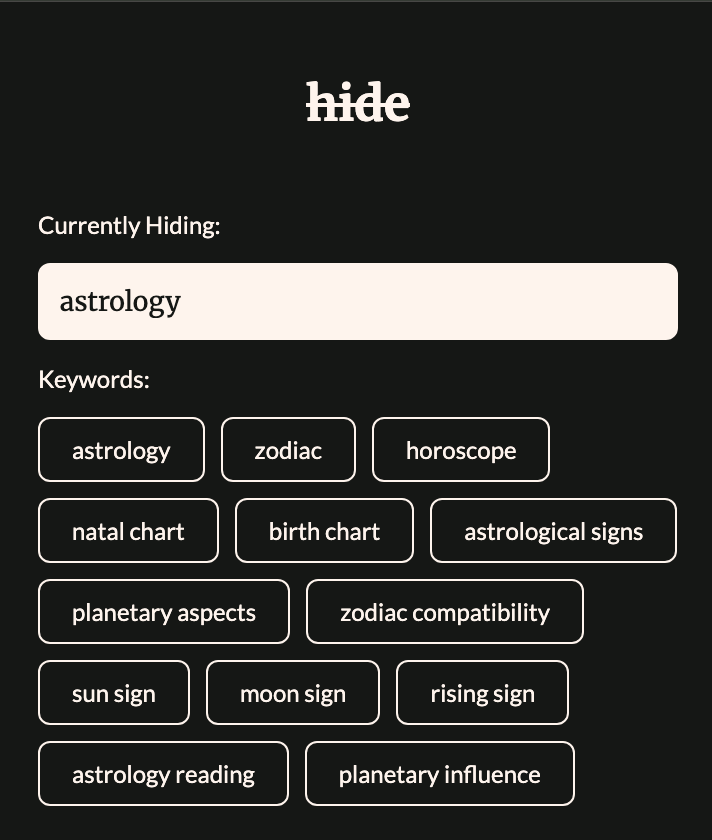
Hide allows you to define types of content you don't want to see online. It takes your description and uses the Prompt API to generate a list of keywords likely to appear in the title, headers, meta tags, or first paragraph of websites that discuss the topic.
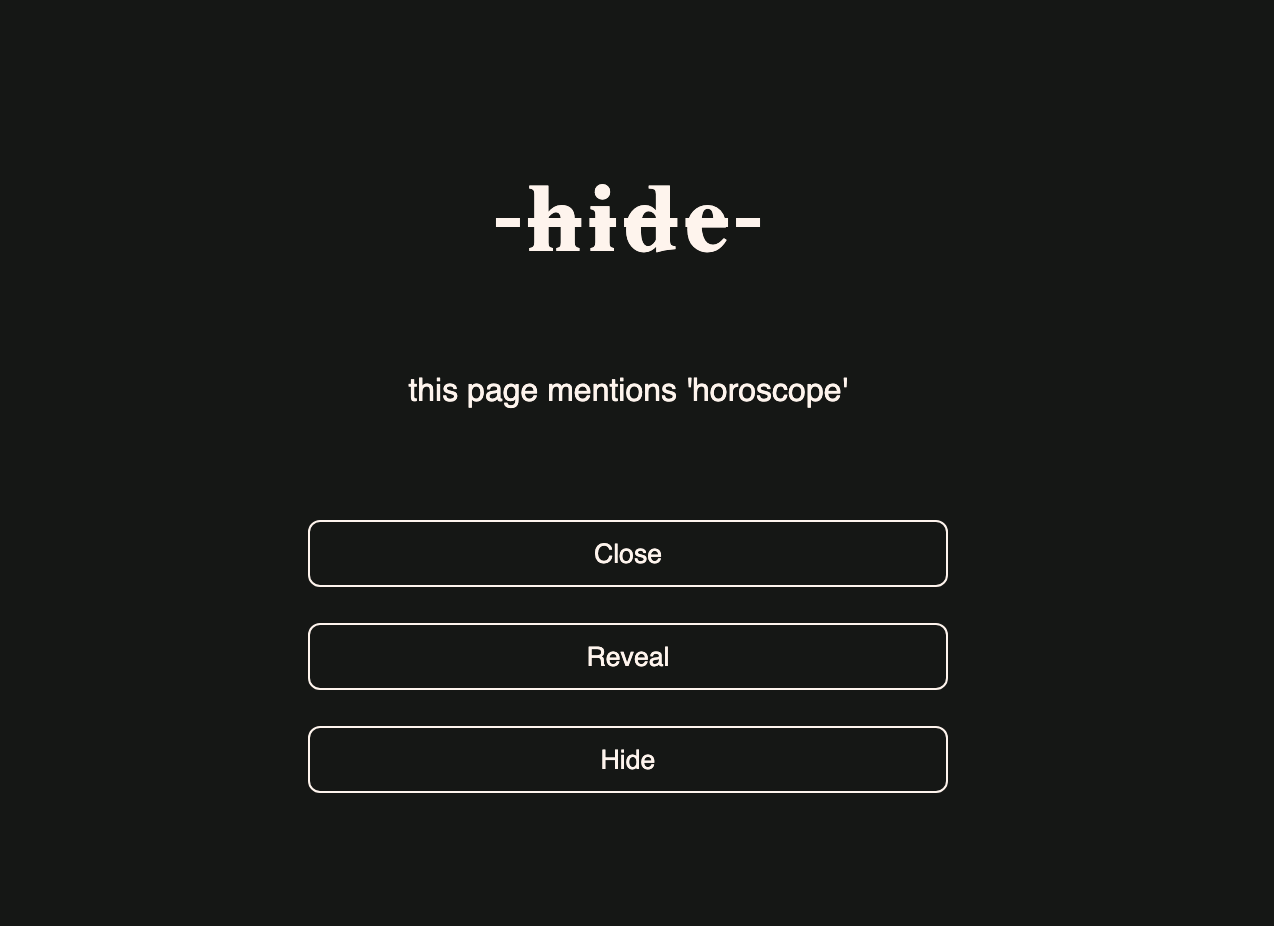
Whenever you open a new web page, it will quickly scan that content for your keywords. If it finds one, it will bring an overlay across the screen and ask you what you want to do next.
You can choose to
- close the tab completely
- remove the overlay and see the page
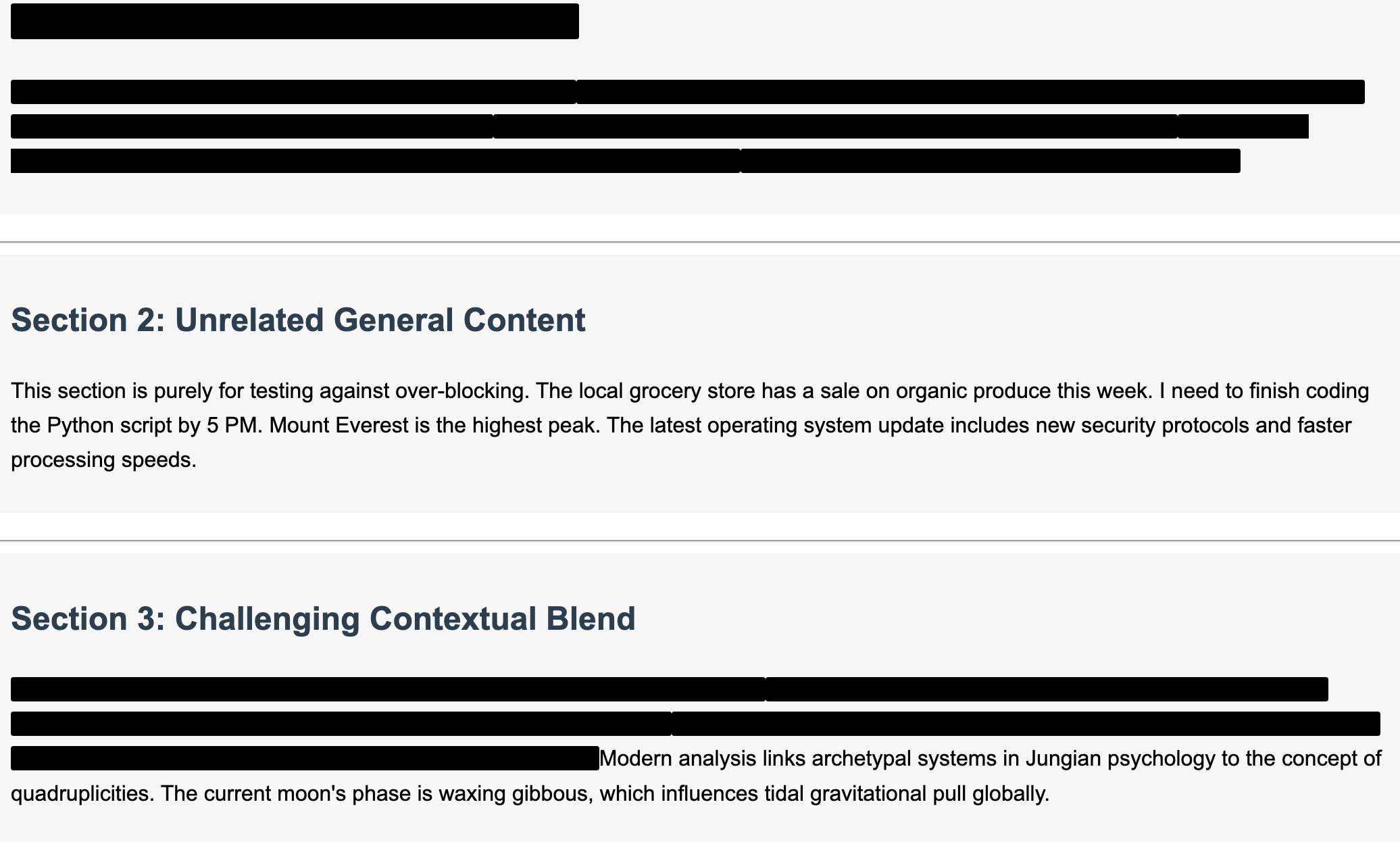
- use the Prompt API to censor the content sentence-by-sentence
How we built it
I started with a plain Chrome Extension that just blacked out text based on a hard-coded keyword. That worked fine, but it wasn't very specific.
Next, I tried using the Summarizer API to generate a summary of the page and only black out sentences containing the keywords if the summary also contained the keyword. This was also fine, but it was slow and still not very specific.
Then, I switched to the Prompt API for more flexibility. I went through several iterations and landed on chunking the text by node and crossing out entire sentences if the model thought they specifically discussed the topic in question.
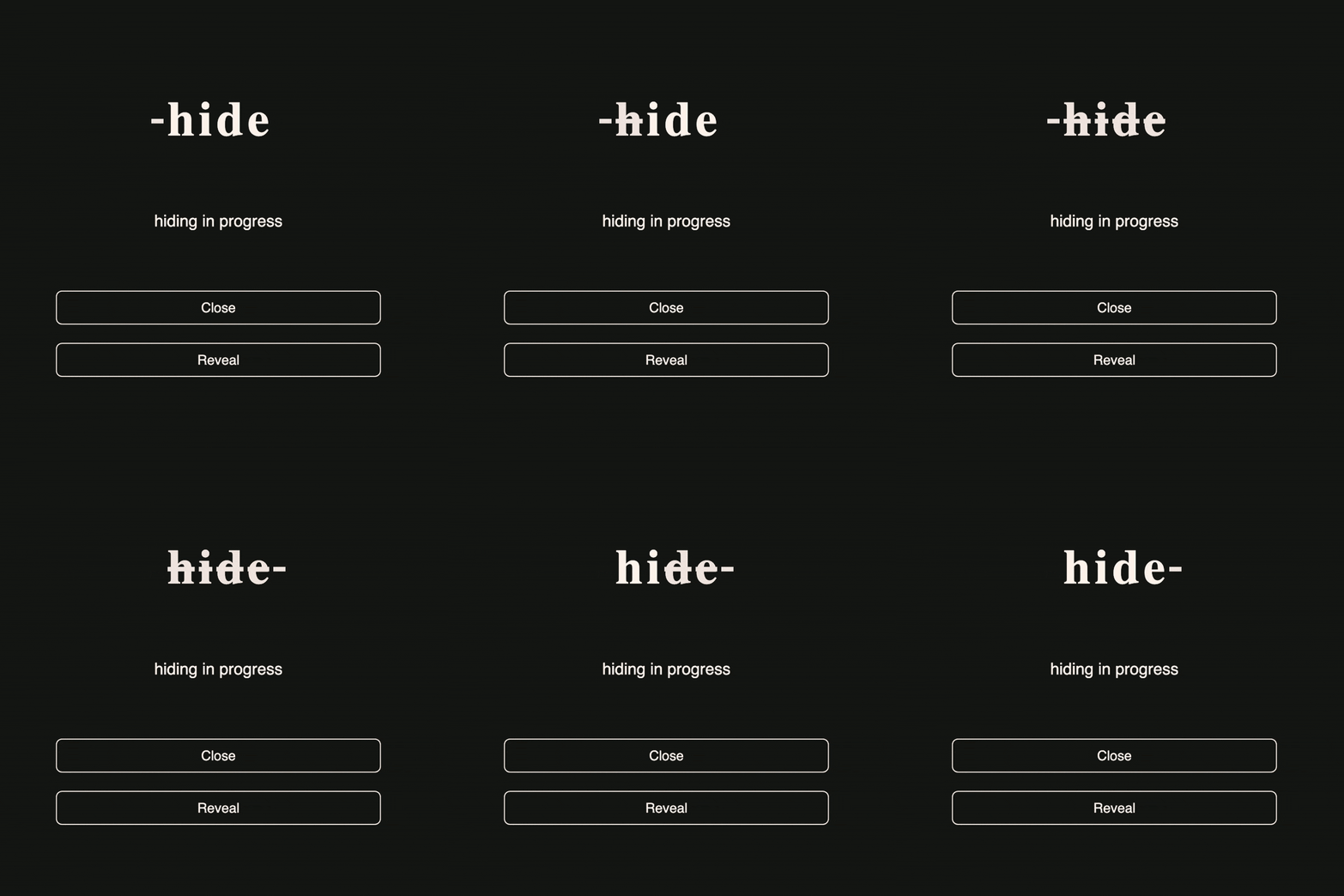
This was better, but also slow, so I added an overlay that would hide the web page while the model was thinking. I also added buttons so that the the user could choose to cancel the process and either reveal the page uncensored or close the tab.
Finally, I added keyword generation so that the extension could make rapid decisions about which websites to hide instead of waiting for the Prompt API.
Challenges we ran into
So many. I am a backend engineer with very limited experience of JavaScript, HTML, and CSS, and no experience making Chrome extensions. This was a learning experience in every possible direction.
The biggest challenge, other than working out how best to structure the extension code, was understanding how Gemini Nano thinks. It would get confused by the prompts I was sending and instead of focussing on the topic, it would start trying to censor sentences based on other factors.
For example, if the topic were 'horoscopes', it might read a sentence about 'guns' and think 'that's also a topic people might not want to read about, I'll cross that out too'.
I asked Gemini Flash for assistance and we reworked the prompts to better suit the way it works. It explained that Nano is resource constrained and will try to take shortcuts. So we updated the prompts to use a 'chain of thought' approach to help keep it on track.
It's still not perfect, especially with ambiguous words or closely related topics, so there's more experimentation for me to do there.
Accomplishments that we're proud of
This is the first Chrome extension I have ever built. It's unlocked a whole world of new possibilities for me. It will also be my first hackathon submission on Devpost.
It's reminded me of the joy of just diving in to something completely unknown, even when you're not sure you'll end up with anything to show for it at the end.
I'm proud of the iterative approach I took to the development. With each step, I learnt something new and used that to adapt the project to try and make the next incremental improvement.
Even though the finished product is rough around the edges, it does the thing I set out for it to do - so that's a big win.
What we learned
Everything, really.
- How to build a Chrome extension
- The difference between a content script and a background script, and how to send messages between them
- How to talk to Gemini Nano
- How to balance something slow and good (censoring the sentences with the Prompt API) with something quick and dirty (bringing up the overlay as soon as a pre-determined keyword is detected on a page)
- How to make things look reasonable (buttons, loading animations, fonts - all alien to me as someone who mostly thinks in Java and Postgres)
What's next for hide
The overlay functionality is great - it provides immediate friction and gives you a second to be sure that you really want to look at a page before you actually see it.
The censoring functionality needs work. It is very slow, and it's not that accurate.
I think there's more of a balance to be found around what we can 'pre-prepare' and what needs to go 'live' to the Prompt API for processing. The keyword generation was a first step towards that, but to make hide properly usable that needs more thought.

Log in or sign up for Devpost to join the conversation.