-
-
banner
What it does
BlueKeys makes an Android XR headset act as a real Bluetooth keyboard, touchpad, and media remote for any computer, TV, or phone. The headset registers itself as a Bluetooth HID device using Android's BluetoothHidDevice API. The host sees standard HID reports, so it needs no app, driver, or pairing code.
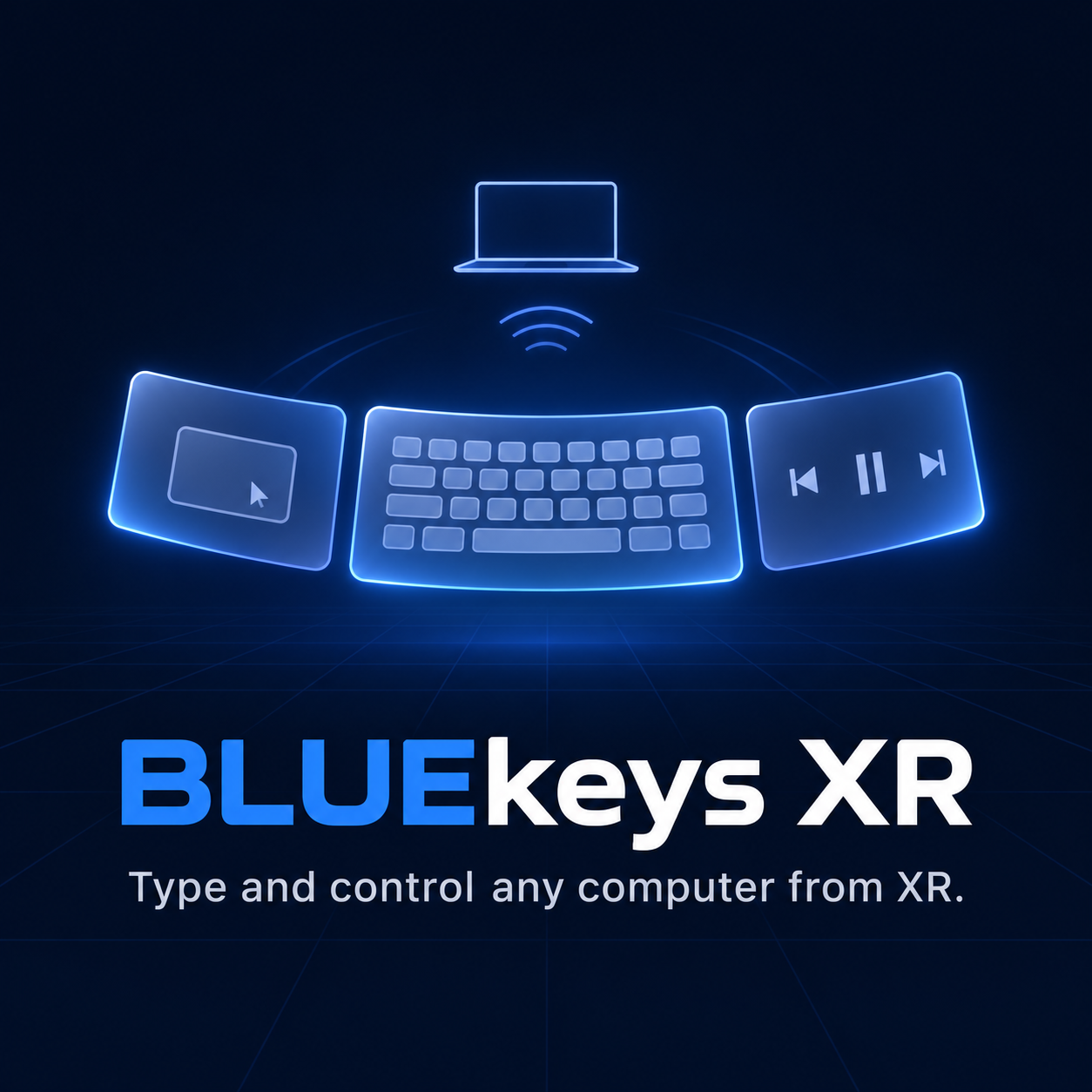
In Full Space, the app becomes a workspace. The keyboard stays in the main window, while the touchpad and media remote float as separate SpatialPanels. All three are open at once, and each can be moved and resized. On display glasses, a projected remote runs from the phone. It sends media, slide, and voice-typed text over the phone's existing HID link.
- Floating panels: the keyboard, touchpad, and media controls are separate panels you can see at the same time. You can move and resize each one. Side panels curve around you, and every panel comes back where you left it.
- Pinch to click: a pinch works as a click. Small hand shakes still count as a tap, and the cursor stays smooth.
- remote: a small remote on the glasses for slides, media, and voice typing. You control it by tapping and swiping the glasses touchpad.
- Knows your computer: pick Windows, macOS, or Linux, and shortcuts change to match (Ctrl becomes Cmd on a Mac).
How we built it
- One activity, two modes. We first planned a separate
XrMainActivity. We dropped it, because it would duplicate permissions, the Bluetooth connection state machine, and the restart flow. Instead,MainActivityhosts an XR-onlyComposeViewwith aSubspace. Home Space keeps the original 3-tab ViewPager. Full Space spreads the same fragments into panels. - Same fragments, new host.
MouseFragmentandMediaFragmentrun unchanged inside spatial panels. Every report still goes through one foregroundHidDeviceService, so the phone and XR builds share all HID code. - Curved panel row. A flat row put the side panels' outer edges much farther away than the keyboard. Now every panel sits on a circle centered on the user (radius = distance to the main window), turned by
arc / radiusto face the user. The gap between panels is measured along the arc, so panels never overlap. - Two layouts chosen at runtime.
XrLayoutSpec.choose()picksWideon headsets. It picksCompacton see-through glasses (detected withDisplayBlendMode.ADDITIVE) or when the recommended content box is narrower than the wide row. Side panels get fewer dp, never a scale, so 56dp touch targets stay 56dp. Only the main window is scaled. - Live typing through the system keyboard. The XR typing bar diffs each edit from its first changed character, then sends Backspaces plus the new text. Autocorrect replacing a whole word, or an edit mid-word, still lands correctly on the host. Characters with no HID key are filtered out.
- Stack: Kotlin 2.2.20, Compose for XR
1.0.0-beta02, SceneCore and XR Runtime1.0.0, andxr.projectedfor glasses. Unit tests cover the pure-Kotlin input math on the JVM. - Testing without hardware. We built a virtual Bluetooth HID host with Google's Bumble, inside the emulator's simulated radio (netsim). BlueKeys on the XR emulator pairs with it like a real laptop. A relay replays the received reports on the Mac (Quartz events) or on a real phone (
adb shell hidcreates a uhid device from our own report descriptor). So we test the full path, from pinch in XR to a key on a real screen, with no headset and no dongle.
Challenges we ran into
- Pinch is not a tap. Assumed: phone tap rules would work. Found: a hand ray shakes about 1° (around 15–20dp at panel distance), and closing the fingers nudges it further. Phone rules cancel a tap after tiny movement, so most pinches became micro-drags. Fix:
PinchTapSlop, a 20dp slop circle with a 350 ms tap window. That window is shorter than the 400 ms drag lock, so the two never overlap. The host cursor is frozen while inside the circle, so the click lands where you aimed. - Hand tracking is coarse. One linear speed can't be precise and still cross a 4K screen. Fix:
PointerAccel, a power-curve gain (exponent 1.35, clamped 0.6–4×) with a 0.6px jitter deadzone. It carries the sub-pixel remainder between events, so slow drags aren't lost to integer truncation. Output is clamped to the HID ±127 range. - Multi-finger gestures don't exist in XR. Two-finger scroll, two-finger right-click, and three-finger tap are impossible with one pinching hand. We replaced them with dedicated buttons and a scroll strip, plus an opt-in hover cursor driven by
ACTION_HOVER_MOVE. - The main window vanished. Compose XR disables the activity's main panel whenever a
Subspaceexists. Fix: place it explicitly withSpatialMainPanel. - The keyboard flickered while dragging. The system move policy rescaled the panel every frame with distance, while our
.scale()modifier set it back. Fix:MovePolicy.system(scaleWithDistance = false)on the main panel only. - Crash when leaving Full Space. Assumed:
AndroidFragmentworks inside aSpatialPanel. Found: SceneCore releases panel windows from aReferenceCleanercallback that can run after the FragmentManager is destroyed.AndroidFragment.onDisposethen throwsIllegalStateException, and restored fragments sometimes came back as blank panels. Fix:XrPanelFragmentHost. It adds fragments headless under stable tags and moves their view into the panel by followingviewLifecycleOwnerLiveData. A weak owner map makes late disposals no-ops, and every transaction is guarded. - Panels forgot where they were. SceneCore drops a panel's moves when it leaves composition. We save the final pose and size on
SpatialMoveEventType.EndandSpatialResizeEventType.End, and read them once per opening. Re-reading them while the panel is open would stack our pose on top of the system's drag offset. That's why they are plain fields, not Compose state. - Wrong layouts inside panels. Panels share
MainActivity's configuration, and the main window is landscape, so a tall media panel inflatedlayout-land. Fix: an inflater that overrides orientation per panel, based on the panel's own shape. - The wrong default start mode. We first launched straight into
FULL_SPACE_MANAGED. That forced the multi-panel space on users who just wanted one window. We switched to Home Space by default, with a one-tap Full Space button. - Lost keys on Android hosts. Through our virtual relay, Android hosts silently dropped keys. The cause was the host's Slow Keys (our taps are ~30 ms) and Sticky Keys (dropped Shift).
adb input keyeventbypasses both, so it hid the bug. The app can't detect host settings over HID, so we added an in-app explanation for it.
Accomplishments that we're proud of
- A real HID keyboard and mouse from inside XR, with zero software on the host.
- A true multi-panel workspace: all controls visible at once, with no tab switching.
- One activity and one HID service shared by phone, headset, and glasses, with no duplicated connection logic.
- The full input path tested end to end in an emulator, from pinch to keystroke on a real Mac or phone, with no XR hardware.
- XR input math in plain Kotlin with JVM unit tests (
PointerAccel,XrLayoutSpec,TouchpadGestureDetector).
What we learned
- In XR, input precision is measured in degrees, not pixels. Every phone threshold we copied over had to be rethought.
- Spatial panel lifecycles are not activity lifecycles. Cleanup can arrive after the activity is gone, so all teardown must be idempotent (safe to run twice) and guarded.
- Read the framework source early. The vanishing main window and the flickering drag were both explained by a few lines in Compose XR, not by the docs.
- Build the test harness first. A virtual HID host let us find real-world bugs, like the Slow Keys and Sticky Keys issue, without the device.
Built With
- android
- android-studio
- android-xr
- android-xr-projected
- bluetooth-hid
- jetpack-compose
- jetpack-compose-for-xr
- kotlin
- material-design-3
- scenecore


