-
-
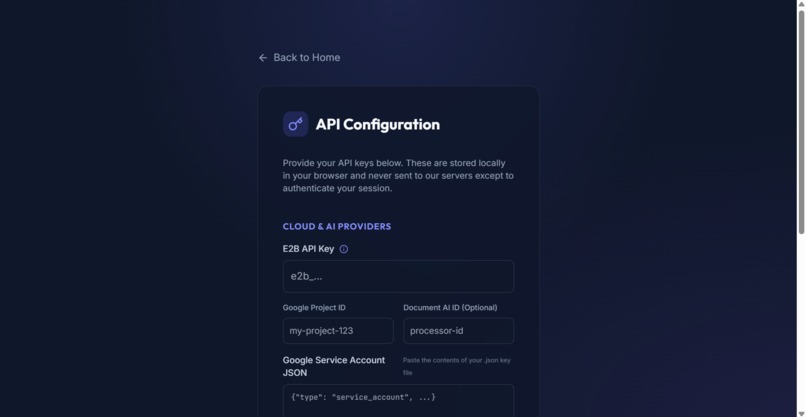
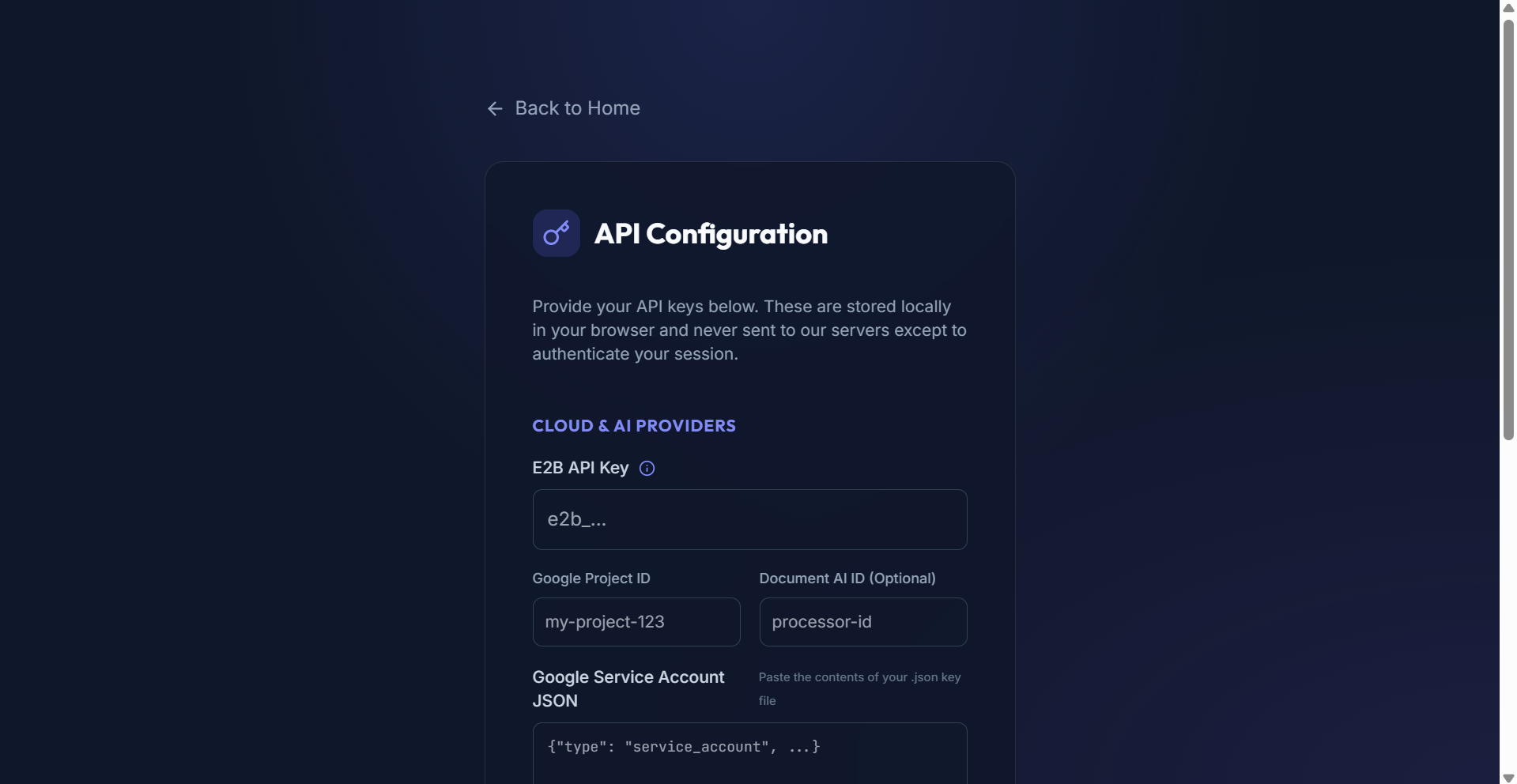
BYOK
-
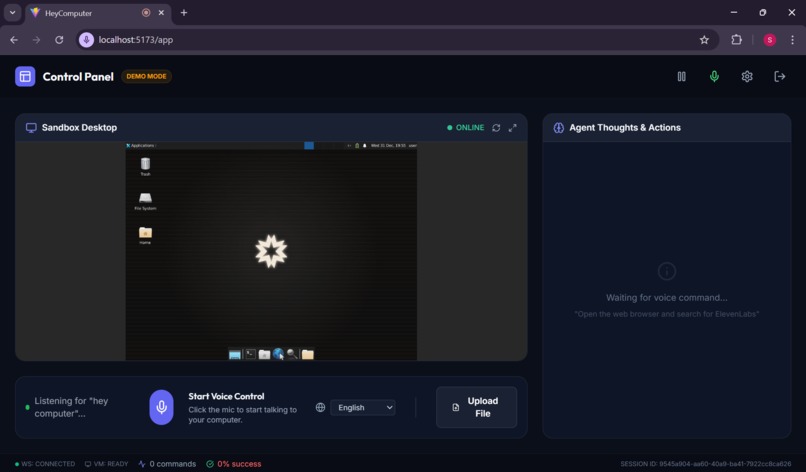
Sandbox
-
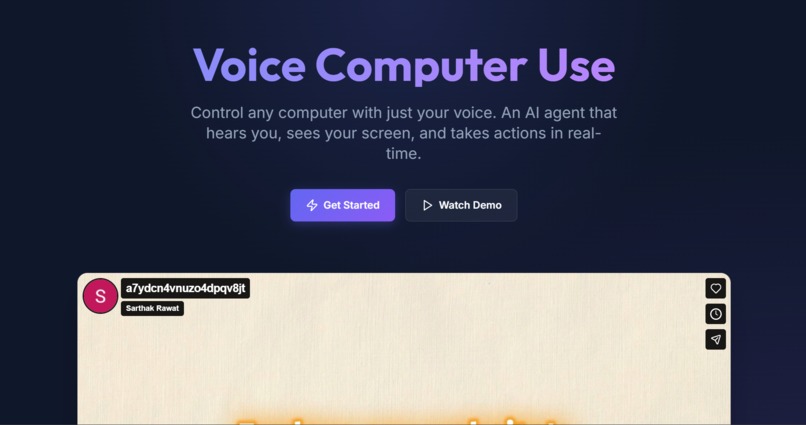
Home
Inspiration
The idea sparked from a simple frustration: "Why can't I just tell my computer what to do?"
While voice assistants like Alexa and Siri handle smart home tasks, they can't open VS Code, write Python scripts, or navigate complex web applications. We envisioned a world where anyone, regardless of technical skill or physical ability; could control a full desktop computer using natural speech.
Accessibility was a core motivator. For users with motor impairments, RSI, or those who simply want hands-free productivity, traditional mouse-and-keyboard interfaces create barriers. We wanted to break those barriers.
What it does
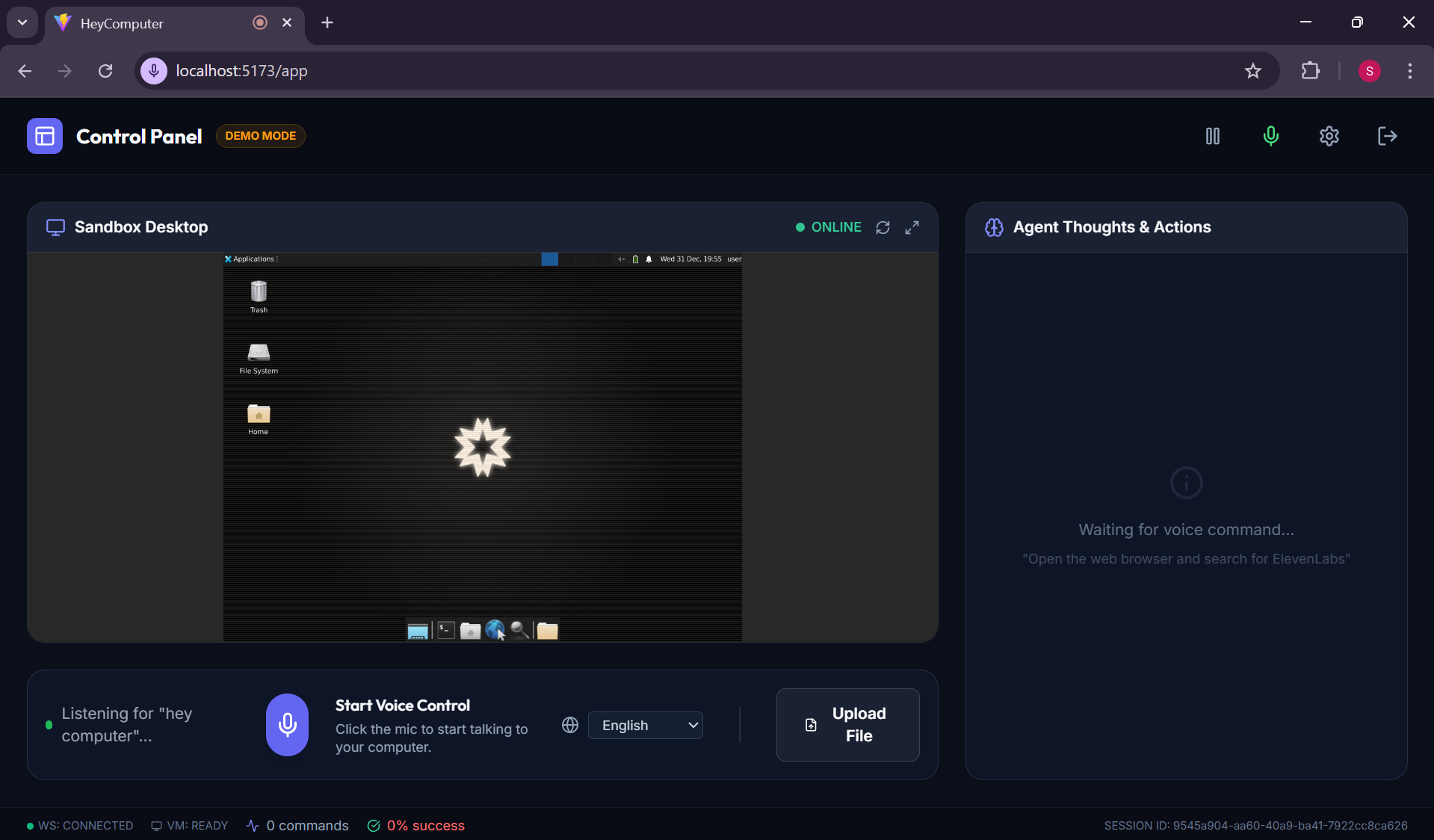
HeyComputer is a voice-controlled AI computer agent that lets you operate a full desktop environment using natural speech.
Speak → Watch → Done. Just say what you want, and watch the AI agent do it in real-time:
You Say and that's What Happens!
"Open VS Code and create a Python file" → Agent launches VS Code, creates file, opens editor "Search Google for React tutorials" → Opens browser, types query, navigates results "Delete the downloads folder" → Agent navigates file manager, removes folder "Read this PDF and summarize it" → Uses Document AI to extract and summarize content
It's capabilities include:
Desktop Control :- Click, scroll, drag, type anywhere on screen.Launch and switch between applications. Keyboard shortcuts and hotkeys Smart Coding :- Create and edit files in VS Code. Run commands in terminal. Explain code, suggest refactors, generate tests Web Browsing :- Navigate to websites, search the web. Fill forms, click buttons, extract page content Document Processing :- Extract text from PDFs, images, documents. Summarize and analyze document content Action History & Undo :- Track all actions with rollback capability. "Undo the last change" restores previous state Multi-Language Support :- Speak in 15 languages including English, Hindi, Spanish, Japanese, Chinese AI responds in your selected language Session Persistence :- Pause your sandbox and resume later. Save work state across sessions
How we built it

Frontend (React + TypeScript): Real-time VNC streaming via noVNC Wake word detection ("Hey Computer") using Web Speech API Multi-language voice control with ElevenLabs SDK
Backend (FastAPI + Python): WebSocket-based communication for real-time interactions 40+ tools for desktop control, file operations, and coding Session persistence for pause/resume workflows
AI Layer (Gemini 2.0 Flash): Vision-based UI understanding - the AI "sees" the screen Natural language reasoning for complex multi-step tasks Error detection with automatic retry logic
Challenges we ran into
Coordinate Precision Screen coordinates from the AI needed careful normalization. A 1920×1080 screenshot might report pixel (500, 300) , but the VNC canvas renders at different scales. We solved this with dynamic resolution detection and coordinate mapping.
Latency Management Voice → AI → Desktop → Response creates perceptible delay. We optimized by:
Streaming partial agent responses Running non-blocking async actions Implementing task interruption (user can pivot mid-task)
Session State Cloud VMs are ephemeral. Users needed to pause work and resume later. We implemented session persistence using E2B's beta_pause() API, saving sandbox state to JSON for seamless resumption.
Multi-Language Voice ElevenLabs' multilingual model required explicit language_code parameters. We exposed a language selector so users can switch between English, Hindi, Spanish, Japanese, and 11 other languages.
Accomplishments that we're proud of
True Voice-First Experience We built an application where voice isn't just an add-on - it's the primary interface. No blocking popups, no confirmation dialogs - just speak and watch. The entire UX flows through natural conversation.
40+ AI-Powered Tools From clicking buttons to generating unit tests, we implemented over 40 tools that the AI can chain together to accomplish complex multi-step tasks. A single voice command can trigger dozens of coordinated actions.
Smart Error Recovery When something goes wrong (error dialogs, failed clicks), the agent doesn't just fail - it detects the error visually using Gemini, attempts recovery, and retries. This makes it remarkably resilient in real-world usage.
Session Persistence Users can pause a sandbox mid-task, close the browser, and resume hours later with everything intact. This was technically challenging with E2B's ephemeral VMs but crucial for real productivity.
15-Language Support Beyond just English, users can speak in Hindi, Japanese, Spanish, Arabic, and 11 other languages. The AI understands and responds in the user's chosen language, making it truly accessible globally.
Real-Time Responsiveness Despite the complex pipeline (voice → AI → VM → response), we achieved near-real-time feedback through WebSocket streaming, async execution, and task interruption capabilities.
Accessibility-First Design We proved that a fully-featured desktop can be controlled entirely hands-free , opening new possibilities for users with motor impairments or anyone who wants to code while cooking dinner.
What we learned
AI + Vision is Powerful Gemini's ability to interpret UI elements from screenshots and generate precise coordinates was remarkable. The grounding model correctly identifies buttons, input fields, and text - enabling actions like: Click the blue Submit button in the bottom right
Voice UX Requires Different Thinking We initially built visual confirmation dialogs for destructive actions - then realized they broke the voice-first experience. Lesson: design for the primary interaction modality.
Error Recovery Matters Early versions failed silently when apps showed error dialogs. By adding automated error detection using Gemini vision, the agent now:
Detects error popups visually Attempts recovery (pressing Escape) Retries with adjusted approach
What's next for HeyComputer
Task Scheduling: Remind me to commit at 5pm Screenshot Timeline: Visual history of all actions Custom Voice Commands: User-defined shortcuts Multi-Session Support: Parallel sandbox environments
Built With
- e2b
- elevenlabs
- fastapi
- google-cloud-document
- google-cloud-vertex
- python
- react
- tailwindcss
- typescript

Log in or sign up for Devpost to join the conversation.