-
-
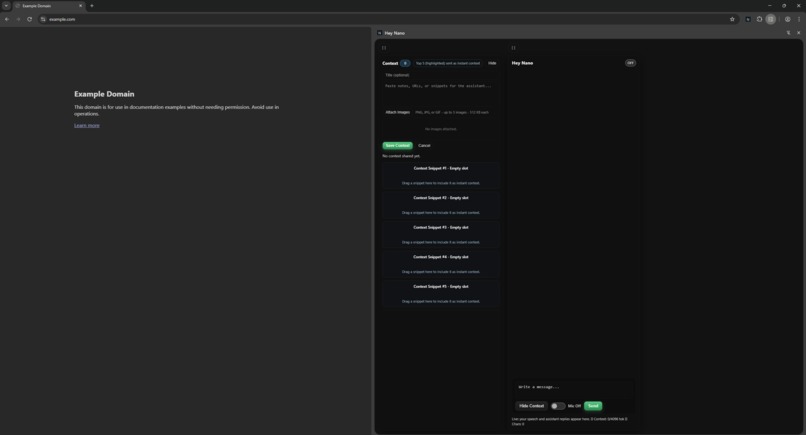
hey-nano-side-panel
-
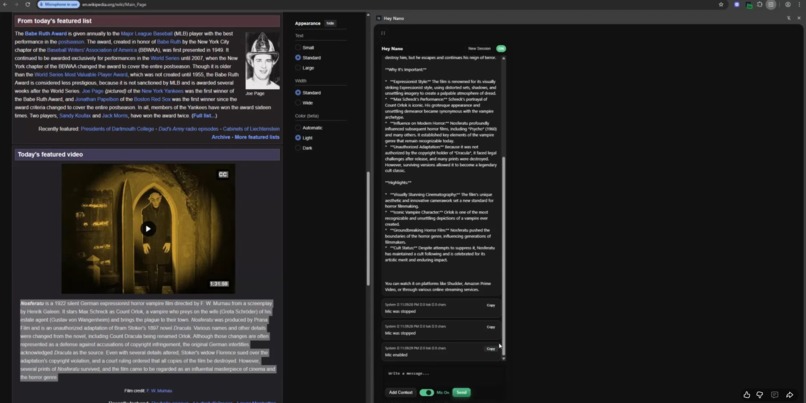
Voice Mode - Input Prompt
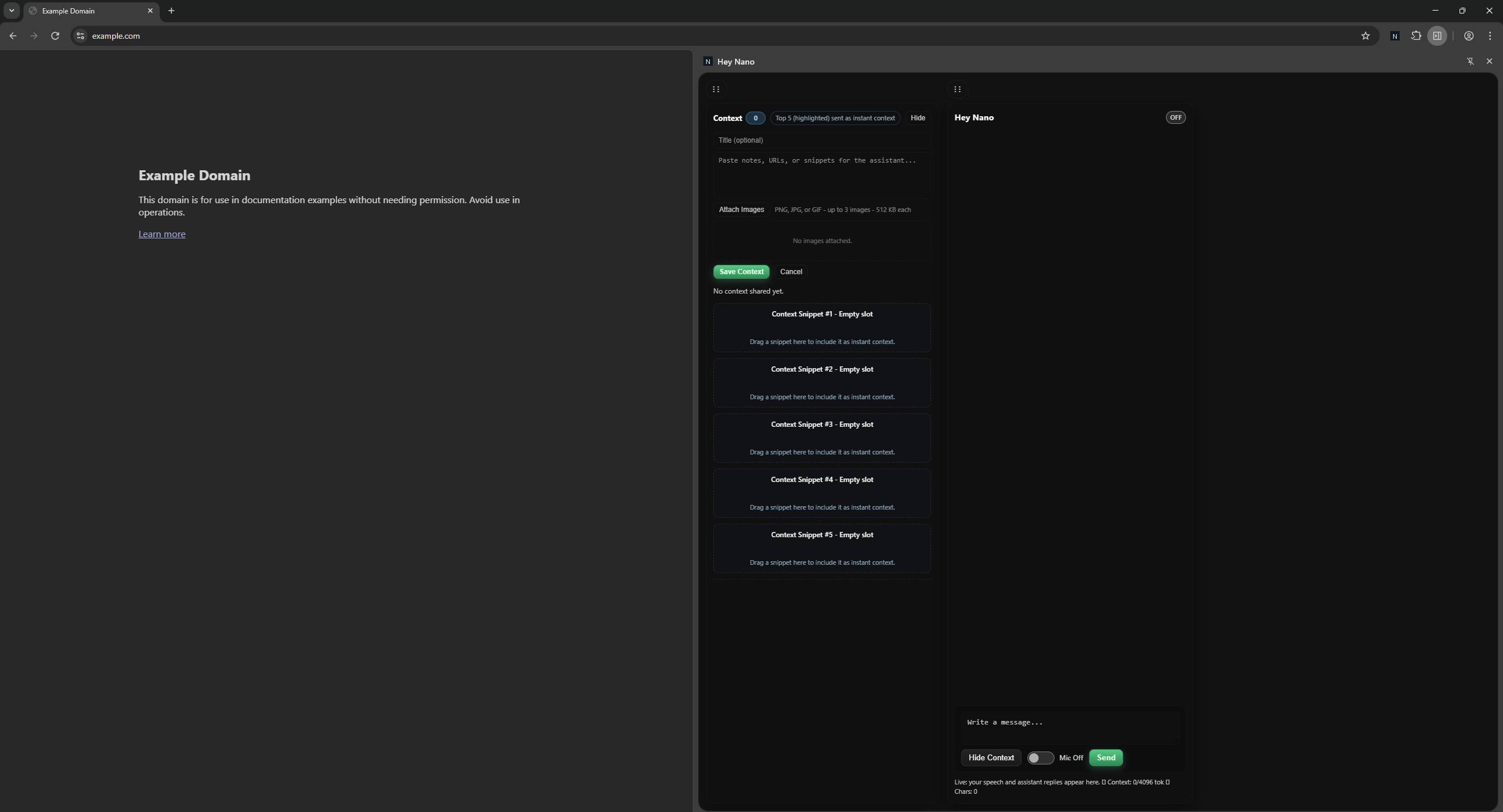
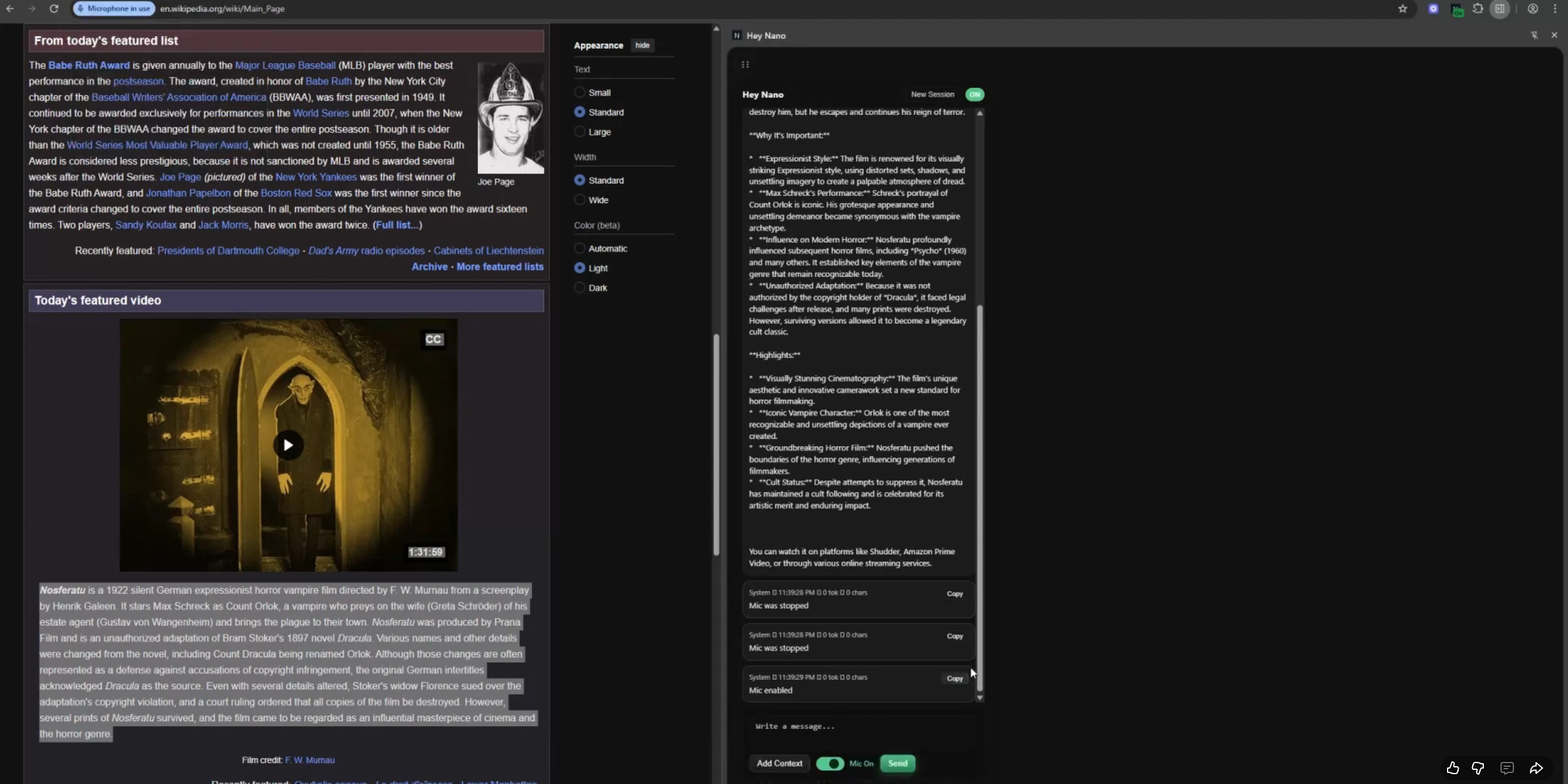
Hey Nano
Inspiration
- AI assistants often misread web context.
- The goal: let users show the AI what matters instead of relying on guesswork.
What it does
- Adds a draggable context pane to Chrome.
- Lets users highlight or capture webpage sections to feed curated context directly to the LLM.
How we built it
- Chrome extension built with HTML, CSS, and JS.
- Background scripts manage mic state and context syncing.
- Sidebar handles chat and visual context feedback.
Challenges we ran into
- Maintaining tab and context state across multiple windows.
- Balancing simplicity with DOM inspection tools.
- At this stage, images are not recognized well — a computer vision module would perform better for next iterations.
Accomplishments that we're proud of
- Clean, responsive UI that keeps the AI focused only on chosen content.
- Stable context handling and easy-to-use visual interface.
What we learned
- Voice control is secondary to context clarity.
- Users prefer precision over automation.
- Chrome’s side panel allows deeper integrations than expected.
What's next for Hey Nano
- Add fine-grained context sharing between tabs.
- Integrate computer vision for image-based context.
- Voice mode roadmap open to add more voice commands.
Built With
- api
- built-in
- ccs
- gemini
- html
- javascript
- nano
- prompt
- speech
- user-popup.js-(line-31)
- vainilla
- web

Log in or sign up for Devpost to join the conversation.