-
-
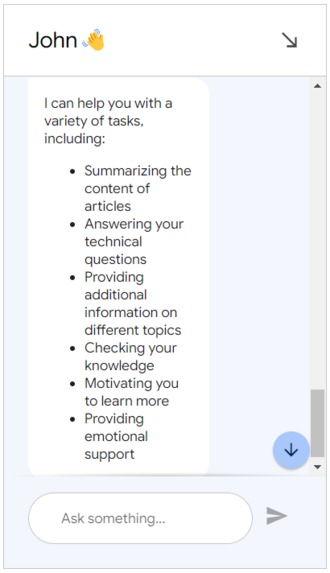
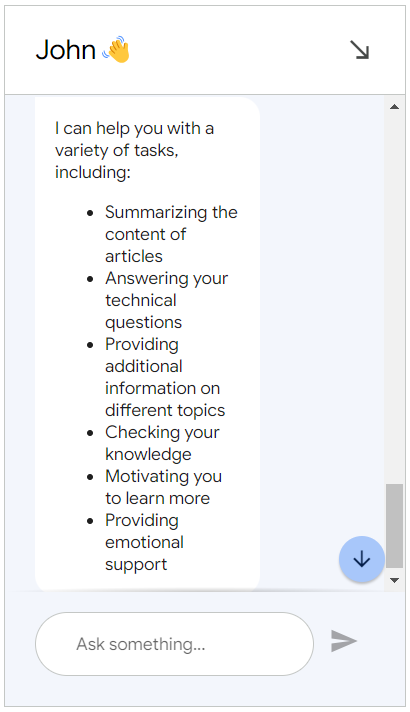
Hey buddy, What you can do for me?
-
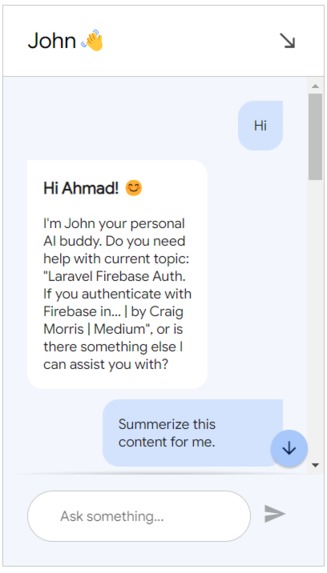
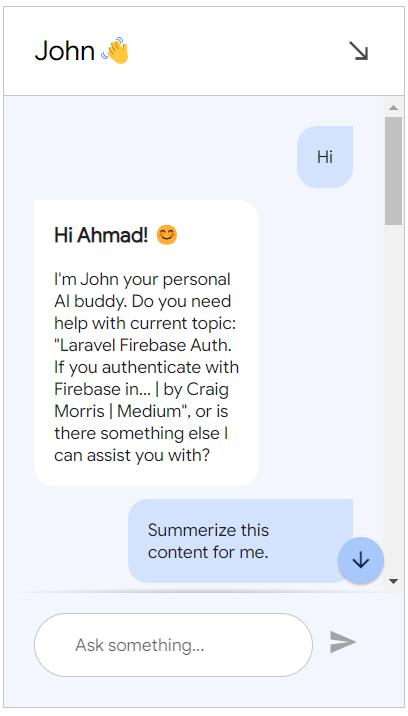
friendly conversion
Inspiration
As a self-taught programmer, I always felt alone when learning and wished for a supportive learning partner. This inspired us to create Hey Buddy, an AI-driven learning companion designed to assist self-taught learners, students, or anyone browsing educational content online. Our goal was to develop a tool that not only answers technical questions but also motivates users and adapts to their learning styles and preferences.
What it does
Hey Buddy Chrome extension provides interactive assistance while users browse educational content online. It answers technical questions, summarizes content, conducts knowledge checks, and offers motivational support. The AI adapts its responses based on the user's age and preferred persona, whether friendly or professional, making learning engaging and personalized.
How we built it
Technological Stack:
- Dialogflow: For building the conversational interface.
- Vertex AI: For creating and managing the AI agent.
- JavaScript and Chrome Extension: For integrating the chat interface with web pages.
Agent Training:
- Created detailed goals, instructions, and prompts to train the AI agent.
- Provided examples for the AI agent to learn how to react to different users' persona.
Frontend Development:
- Developed a Chrome extension to provide seamless integration of the chat interface with any webpage.
- Implemented custom scripts to inject and initialize the Dialogflow Messenger.
Challenges we ran into
- Ensuring seamless integration of the Dialogflow Messenger with various websites.
- Handling Content Security Policy (CSP) restrictions to load necessary scripts and styles.
- Training the AI to accurately understand and respond to diverse user queries based on dynamic web content.
Accomplishments that we're proud of
- Successfully creating an AI learning companion that adapts to different user needs and preferences.
- Making the chat easy to use and accessible to the user in the Chrome extension form.
- Implementing dynamic knowledge checks that engage users in interactive learning.
- Overcoming technical challenges related to Dialog Flow, building Chrome extension, and Vertex AI Agent.
What we learned
- The importance of detailed and clear instructions for training AI agents.
- The significance of user-centric design in creating an engaging and effective learning tool.
What's next for Hey Buddy - An interactive AI learning companion
- Adding more personalization features to better adapt to individual user preferences.
- Expanding the AI's capabilities to cover a broader range of educational topics and subjects.
- Adding video functionality so the Chrome extension can generate a transcript of videos in the websites and send them to AI, so AI can better respond to the user based on the contents of the video.
- Implementing voice interaction to make the learning experience even more interactive and accessible.
Installation 🛠️
- To get started with Hey Buddy, follow these simple steps:
1. Clone the Repository
git clone [email protected]:ahzia/hey-buddy.git
2. Navigate to the Project Directory
cd hey-buddy
3. Load the Extension in Your Browser
For Chrome
- Open Chrome and navigate to
chrome://extensions/. - Enable Developer mode by clicking the toggle switch in the top right corner.
- Click on Load unpacked and select the
hey-buddydirectory.
For Firefox
- Open Firefox and navigate to
about:debugging#/runtime/this-firefox. - Click on Load Temporary Add-on.
- Select the
manifest.jsonfile inside thehey-buddydirectory.
4. Start Using Hey Buddy
Once the extension is loaded, click on the Hey Buddy icon in your browser to open the settings and start customizing your learning experience.
Usage Instructions 📖
- Open the Settings: Click on the Hey Buddy icon in your browser.
- Customize Your Experience:
- Enter your name, chat name, and age.
- Choose the agent's personality: Friendly or Professional.
- Save Settings: Click the save button to apply your preferences.
- Start Learning: Hey Buddy will assist you as you browse educational content online, providing answers, summaries, and interactive questions.
Built With
- chrome
- dialogflow
- google-cloud
- javascript
- vertix-ai-agent


Log in or sign up for Devpost to join the conversation.