-
-
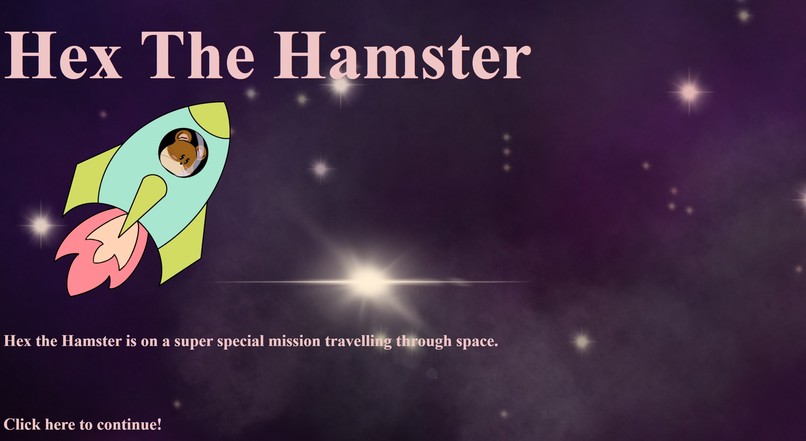
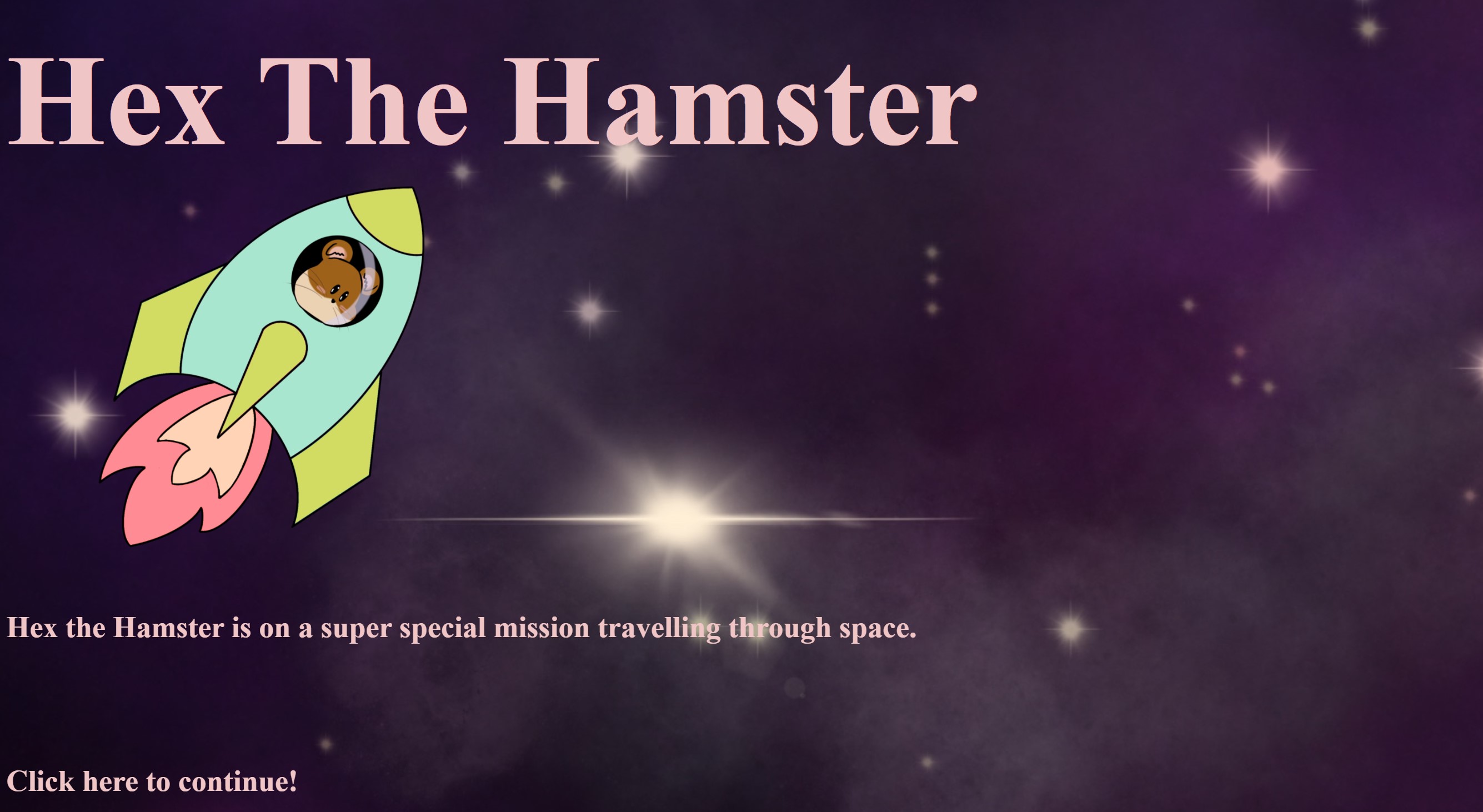
Title Page
-
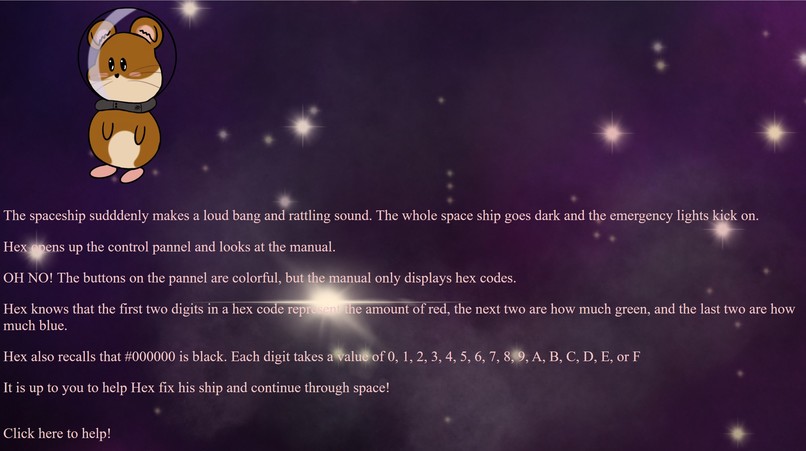
Info Page
-
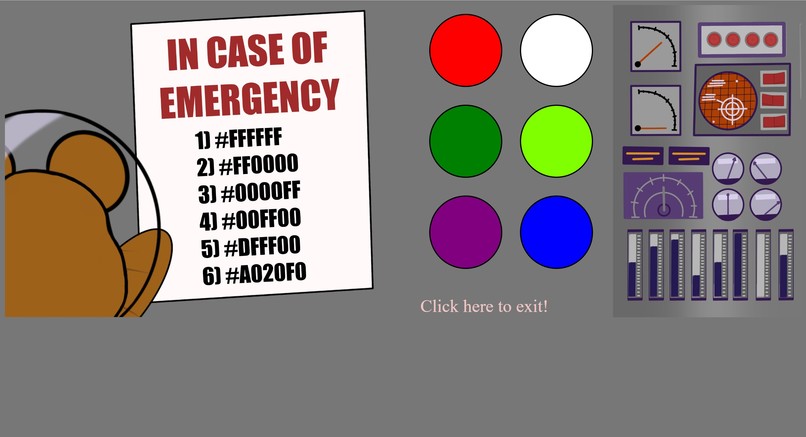
Game Page
-
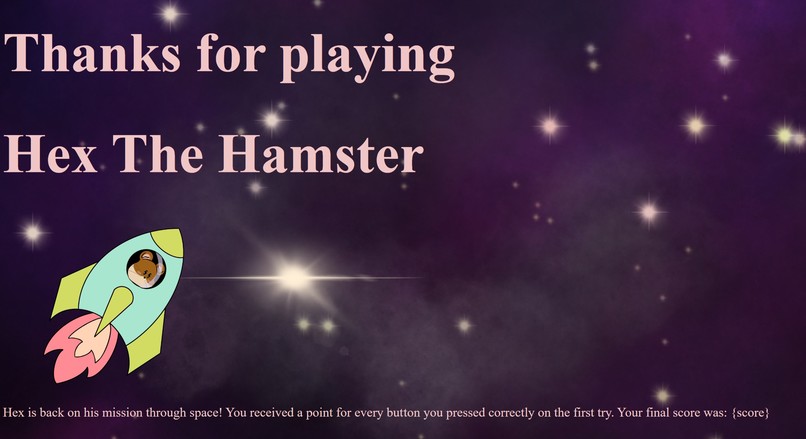
Exit Page


Inspiration
We were inspired by color and its use in web design. We constantly use hex codes when designing digitally or using tech. Hex is often used in computers instead of decimal. This is where our inspiration came from. Working in technology means we are surrounded by numbers, and converting these numbers into color is how we understand color in computing. Hexadecimal color codes are formatted such that the digit location dictates the amount of green, red, and blue used to create the color. Many do not know how to read hex codes, and we decided to create a fun and unique way to learn these codes. Hex the Hamster is a space travelling hamster who needs to utilize these codes to fix his spaceship.
What it does
The python program takes an input, and compares it to the expected value. If the color matches the code on the first try, the player earns a point. If the player selects the wrong color, no points are awarded and the player is asked the question again until they solve it. There are 6 questions total, increasing in difficulty. Once all 6 colors are correctly guessed, the game ends and the score is reported to the player.
The interface is an html website that utilizes css and graphics designed by our team. When the player first enters the website, they are introduced to Hex, a space travelling hamster. When the player clicks the button to continue, they are introduced to the story. Hex's ship has broken down and he needs to press buttons on the control panel to fix it. The manual only has 6 hex codes written, and the buttons are in various colors. The purpose is the press the correct button according to the displayed hex code. After they have finished the game, they are taken to an exit screen which shows Hex returning to his space adventure. This screen also reports the player's score.
How we built it
We began by writing code in python that takes an input and compares it to the expected input. If they match, the score increases by a point and they are prompted to answer the next question. If the input does not match, the player receives no points for the round and is repeatedly prompted to answer the question until the correct input is given. At the end of 6 rounds, the player's score is reported.
We used html to build the website. We created separate html files for each page. The images were made using a tablet and Procreate. These images were embedded into the html file. We used a css file to set up our background images. We utilized style tags in the html files to format the rest of the project.
Challenges we ran into
The main challenge we ran into was connecting our python code to our html. We wanted to create a python server that would interact with the html using Flask. However, we quickly ran out of time to implement the actual link between the two. We were able to install Flask and create a simple python program that wrote "hello world" to a webpage using templates. We were not able to implement our Hex the Hamster webpage using Flask.
We also ran into challenges formatting the buttons and the background. We wanted them to align the buttons with the control panel. We were able to resize and align the buttons by adjusting the padding and the margins. We eventually resized the image and had the buttons next to the original control panel image. This way they would align.
Accomplishments that we're proud of
We are proud of our python code because it executes exactly as we had envisioned. We are also proud of the design we were able to accomplish in such a short time span. Although the webpage does not actually interact with our python code, we still had success creating the elements we wanted in our game. We are also proud of how the graphics look and its consistency with the space theme.
What we learned
We learned how to work collaboratively by utilizing GitHub repositories. We had to learn how to edit files without overwriting other team member's work. We also learned what Flask is and how to initially set it up. While we weren't able to implement it for our project, we learned how to use Flask in a basic sense. We also learned how to link html files together so we could click through the website.
What's next for Hex the Hamster
Next, we would like to implement the python backend for our website. We have the code and the HTML working as we would like to, but it doesn't connect. Ideally, we would use flask and connect the html templates to the python code. Then we would like to host Hex the Hamster on a domain so it could be accessed from any device.
Built With
- css
- html
- javascript
- procreate
- python

Log in or sign up for Devpost to join the conversation.